Morning shows the day. And so does the right customer onboarding software in regulated industries where there’s no room for errors.
63% of customers say onboarding influences whether they subscribe, and 74% will switch if onboarding feels complicated.
That’s why the software choice matters. Because the wrong tool turns KYC and approvals into a back-and-forth game, creating gaps in audit records and making simple handoffs harder than they should be.
Below, we review 10 widely recommended customer onboarding software for sectors like healthcare, banking, and procurement, covering strengths, trade-offs, and what real users say.
P.S. This is not a ranking list.
The Widely Used Customer Onboarding Software In Regulated Industries
Before we review each customer onboarding software in detail, here’s a table overviewing what each tool is best at and their primary focus
|
Software
|
Platform Type
|
Best For
|
|
Rocketlane
|
Dedicated onboarding
|
SaaS and services teams managing structured implementations
|
|
Creatio
|
Process automation
|
Sales-driven organizations running onboarding inside CRM environments
|
|
ChurnZero
|
Dedicated onboarding
|
SaaS teams focused on retention and product adoption
|
|
GuideCX
|
Dedicated onboarding
|
Technology companies running repeatable onboarding programs
|
|
FlowForma
|
Process automation
|
Regulated industries managing risk, approvals, and governance-heavy onboarding
|
|
Appian
|
Process automation
|
Large enterprises with multi-layered onboarding requirements
|
|
Microsoft Power Automate
|
Process automation
|
Organizations deeply embedded in the Microsoft ecosystem
|
|
Kissflow
|
Process automation
|
Small to mid-sized businesses needing simple automation
|
|
Nintex
|
Process automation
|
Document-centric and policy-driven processes
|
|
Flowable
|
Process automation
|
Technical teams requiring high customization and open standards
|
Overview of the 10 popular customer onboarding software
Now, let’s understand how we prepared this compilation.
📌 How did we prepare our list?
Our list covers 10 tools, including FlowForma. Five are dedicated onboarding platforms focused on customer-facing implementation work. The other five are process automation platforms better suited to regulated onboarding, where approvals and document control drive complexity.
We assessed each using review patterns, validating their capabilities against the following onboarding-specific checklist:
- End-to-end onboarding lifecycle management
- Configurable intake forms and approval workflows
- Task tracking and progress visibility
- Reporting for teams, managers, and stakeholders
- Integration with Microsoft 365, CRM, ERP, and existing systems
- Compliance and audit readiness
- Scalability across teams, regions, and customer segments
- Pricing transparency
- Fit for complex, multi-stage onboarding processes
To give you a fair and unbiased take on what each platform can handle day to day, we combined vendor claims with real user feedback from review platforms.
10 Customer Onboarding Software For Businesses In Regulated Industries
Let's get into the detailed analysis of each customer onboarding software.
1. Creatio — For no-code customizable CRM-driven onboarding
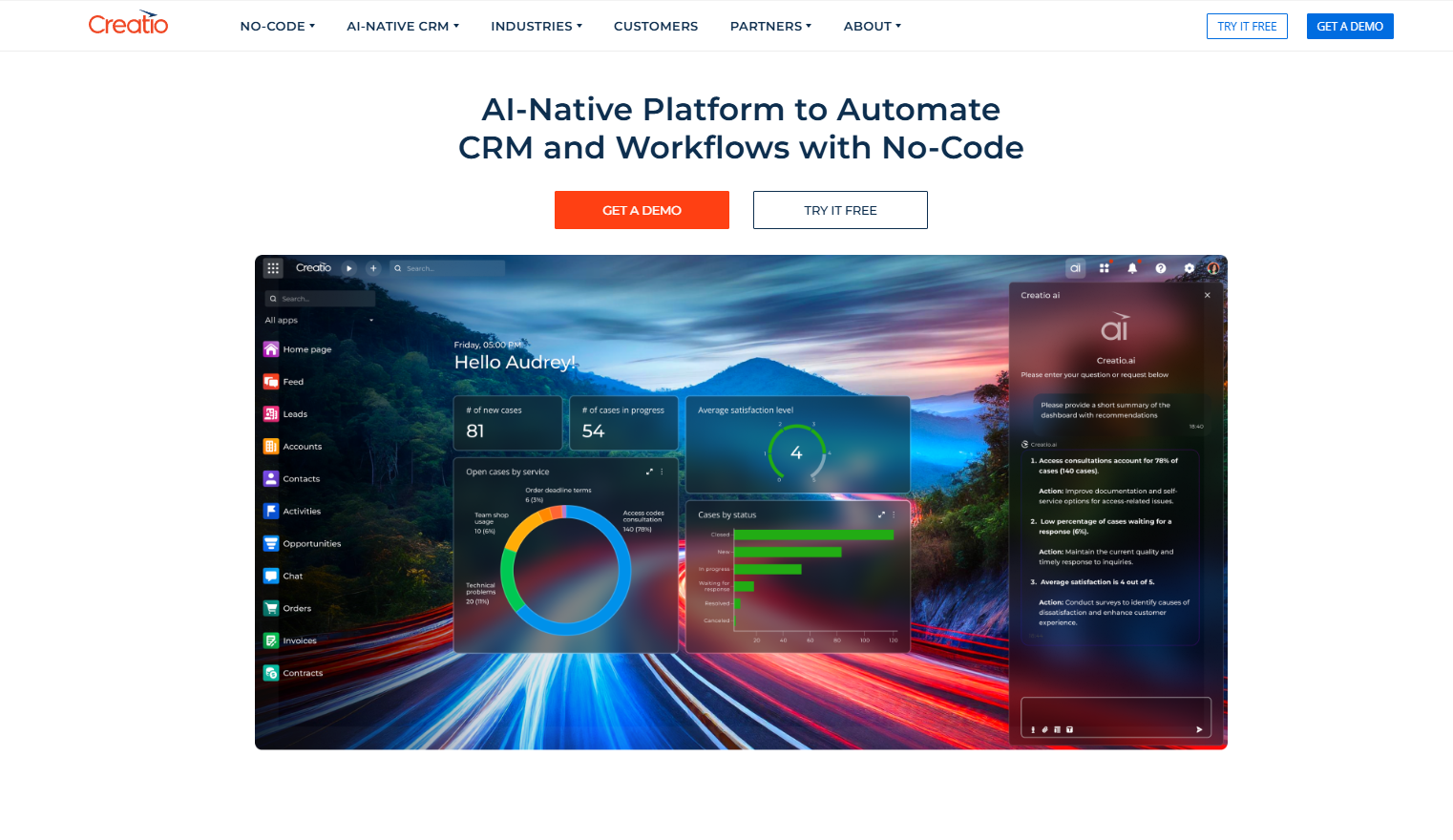
Creatio’s homepage
Managing customer onboarding can quickly become complex, especially when multiple teams and checks are involved. Creatio helps you automate onboarding workflows without coding.
You can design onboarding steps that match your internal reviews, connect them to your CRM and other systems, and adjust flows as your onboarding requirements evolve.
Key Features of Creatio
No-code onboarding workflow design
Creatio's visual process designer lets teams configure customer intake flows, document approvals, and task assignments without coding. While AI flags bottlenecks and suggests ways to keep onboarding on track.
AI-driven task and case management
The platform automatically prioritizes onboarding tasks, detects delays before they escalate, and keeps ownership clear across every step of the customer journey.
CRM-integrated communication tools
Built-in CRM and messaging capabilities let teams automate welcome sequences, follow-ups, and check-ins—keeping new customers informed and engaged throughout onboarding.
Configurable rules and smart automation
Teams can set rules for approvals, data validation, and escalation thresholds, while AI continuously monitors onboarding workflows and surfaces opportunities to reduce manual effort.
Creatio’s Pros and Cons
Pros include:
- Strong process automation improves operational efficiency across departments.
- User-friendly interface supports navigation for both business and technical users.
- Unified platform combines CRM, automation, and analytics in one environment.
- Deep low-code customization enables tailored applications without heavy coding.
Cons include:
- Marketplace and prebuilt components are smaller than larger ecosystem competitors.
- Some advanced capabilities require higher-tier licensing or additional setup.
- Steeper learning curve for teams without prior low-code experience.
2. FlowForma — For compliance-ready, AI-powered onboarding automation
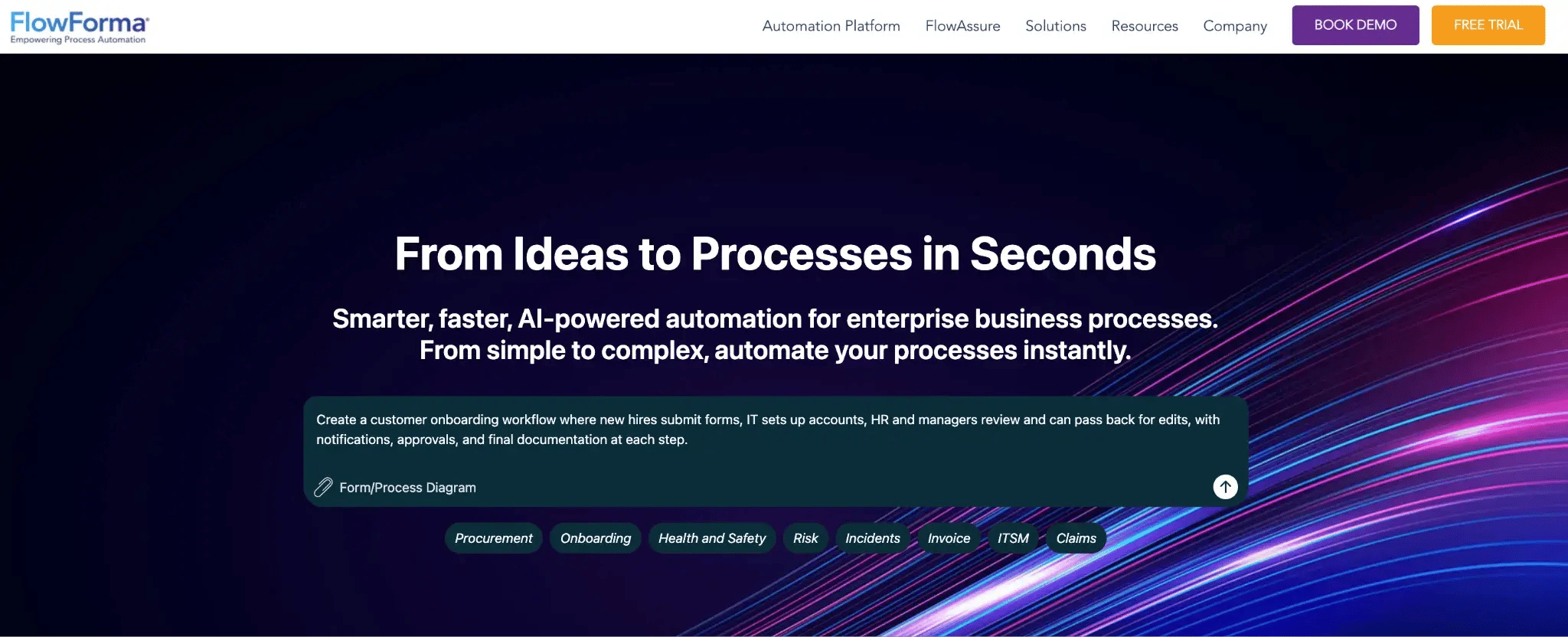
FlowForma's homepage
FlowForma manages structured customer onboarding from application to final approval without coding. You can automate form intake, document collection, KYC checks, internal reviews, and compliance sign-off in one workflow.
It routes requests based on customer or risk criteria, flags missing information, and automatically escalates high-risk cases. IT retains control over access and security, while native Microsoft 365 and SharePoint integration keeps onboarding inside your existing environment and reduces manual follow-ups.
Key features of FlowForma
AI-powered automation across the onboarding lifecycle
FlowForma helps you set up and improve onboarding processes without heavy manual work. AI Copilot can turn your onboarding notes or existing documents into a working workflow. The system checks submitted data, reads uploaded documents such as ID proofs, and automatically updates connected systems.
Built-in AI insights, including live dashboards and reports, show where applications are delayed.
No time for prompting or uploading documents to the Copilot? Just add the Discovery Agent to your meeting conversations, and it’ll create the required process while suggesting what you can automate next.
End-to-end onboarding workflows with structured routing
You can manage onboarding workflows from the moment a customer applies until they are fully activated. Applications move automatically to the right team based on customer type or risk level. Deadlines are tracked, and every step is visible, so nothing gets stuck without you knowing.
Adaptive onboarding forms with built-in validation
Create forms that adapt to the customer's input. Relevant fields appear only when needed, and validation rules stop incomplete or incorrect submissions. It reduces follow-ups and keeps data clean from the start.
Automated document generation from live onboarding data
When onboarding is approved, FlowForma generates documents such as agreements, compliance forms, and confirmation letters using the information already collected. You do not need to copy data into separate templates, which saves time and avoids mistakes.
Full audit trails and performance visibility
Every action in the onboarding process is recorded. You can see who approved what and how long each step took. Reports help you spot delays and improve how quickly customers go live.
Native Microsoft 365 integration with IT governance
FlowForma runs inside SharePoint in your Microsoft 365 environment. Your onboarding team can manage processes directly, while IT controls access, security, and compliance settings.
FlowForma’s Pros and Cons
For teams handling insurance claims, patient registrations, or compliance-heavy approvals, it helps bring consistency, visibility, and speed to intake, reviews, approvals, and documentation.
Pros include:
- Standardizes processes and reduces errors with required fields, documentation controls, and clear workflow steps.
- Quick and responsive support team
- Boosts productivity in regulated environments by automating approvals, routine tasks, and multi-team coordination.
- Improves transparency and collaboration across departments and shared operations.
Cons include:
- Getting started requires planning; workflows work best when processes are clearly mapped and structured.
- Navigation can take time to master for occasional or first-time users.
- New users may face a learning curve, especially without onboarding or training.
FlowForma’s Pricing
FlowForma uses process-based pricing, so you pay based on the number of onboarding workflows you run rather than per user.
Scaling automation becomes less of a headache since costs stay predictable. In fact, you can onboard more customers, involve more reviewers, and expand automation without unexpected pricing increases.
3. Kissflow — For simple onboarding workflows for SMB teams
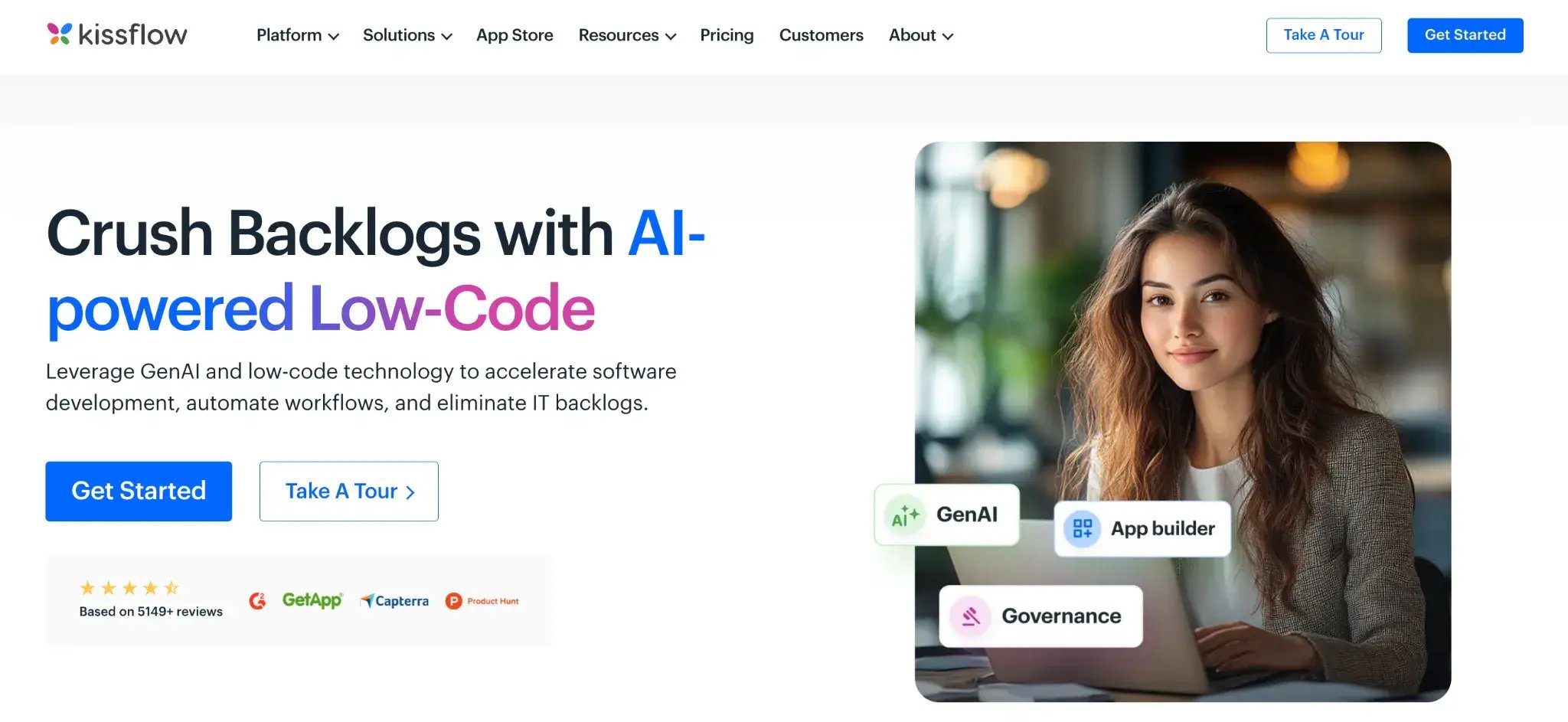
Kissflow homepage
Kissflow helps you manage customer onboarding in a structured way without relying on long email threads or scattered tools. You can bring application intake, internal reviews, and final approvals into a single system so that every onboarding request moves forward with clear ownership. Automation reduces manual chasing and keeps customers from waiting unnecessarily.
Key features of Kissflow
1. Visual builder for onboarding workflows
Design your onboarding flow using a drag-and-drop interface. Set up review stages, decision points, and approval paths based on customer type or risk level. The system highlights where requests are slowing down so you can address delays early.
2. Custom onboarding applications
Create onboarding solutions that combine forms, stored customer data, and workflow rules in one place. Submitted information is validated automatically, and repetitive actions can run in the background without manual effort.
3. Customer-facing submission portals
Allow customers to submit onboarding details and upload required documents through a secure portal. Each submission is tracked, assigned to the right team member, and visible throughout the review process.
Access controls and compliance oversight
Define who can view or approve onboarding requests. Activity is recorded, giving you a clear history of decisions while helping maintain internal and regulatory compliance.
Kissflow Pros and Cons
Pros include:
- Very easy for business users to automate processes quickly.
- Strong cross-department workflow collaboration and visibility.
- Fast digitalization with a simple, guided process setup.
- Flexible customization for adapting workflows to business needs.
Cons include:
- Reporting and mobile functionality lack advanced capabilities.
- Integration challenges with external enterprise systems.
- Access control setup can feel inconsistent and restrictive.
4. Microsoft Power Automate — For Microsoft-centric onboarding setups (IT-built)
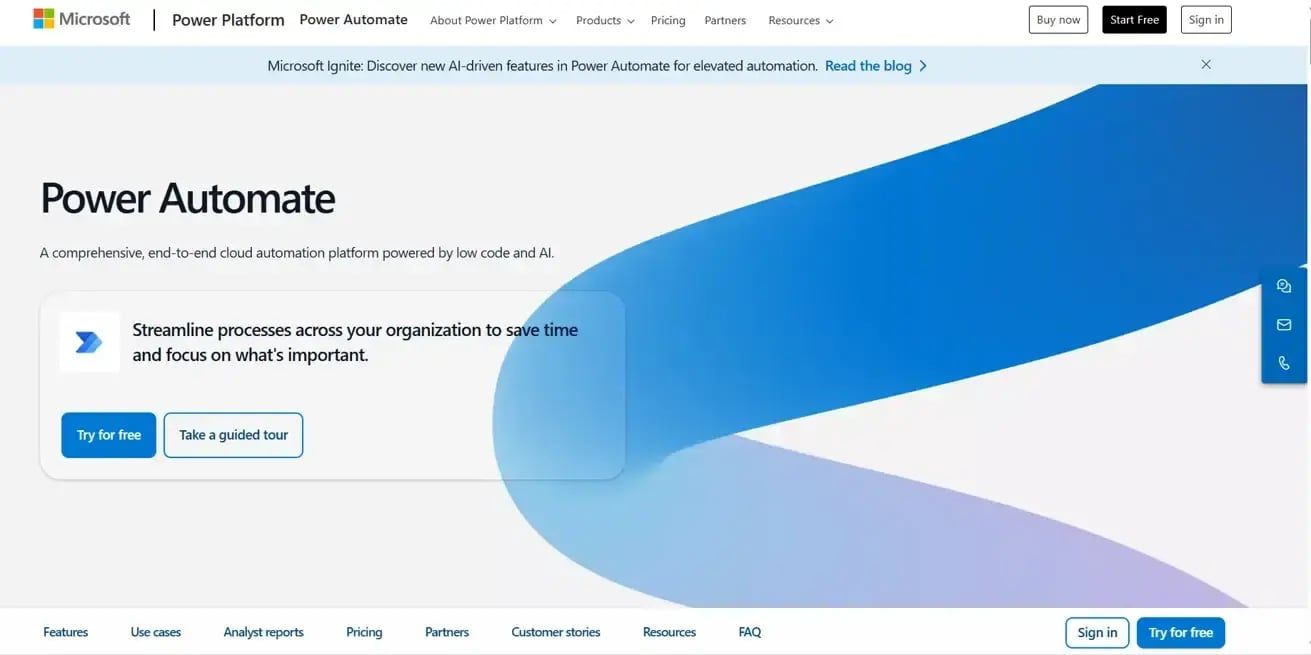
Microsoft Power Automate’s homepage
With Microsoft Power Automate, you can automate customer onboarding across the systems your team already uses. It connects Microsoft 365, CRM platforms, document repositories, and even legacy systems, so onboarding does not stall between tools.
If you already run on Microsoft, onboarding flows plug directly into your environment.
Key features of Microsoft Power Automate
1. AI-powered cloud and desktop flows
Build onboarding flows that route applications for review, notify compliance teams, and update CRM records automatically. AI Builder can read uploaded IDs or forms, extract key data, and push it into your systems without manual entry.
2. Robotic Process Automation (RPA)
Use bots to handle onboarding steps that depend on legacy or desktop-based systems. For example, a bot can log into an internal portal and enter approved customer data after sign-off.
3. Deep Microsoft ecosystem integration
Connect onboarding with SharePoint for document storage, Teams for approval notifications, and Dynamics 365 for customer record updates. Teams can review, approve, and track onboarding without leaving familiar tools.
4. Built-in AI Builder capabilities
Add intelligence to onboarding decisions by classifying applications, identifying incomplete submissions, or flagging high-risk cases based on predefined criteria. You can apply AI within your workflow without building custom machine learning models from scratch.
Microsoft Power Automate’s Pros and Cons
Pros include:
- Easy to use for building workflows across business users.
- Strong native integration with the Microsoft 365 ecosystem.
- Large connector library enables cross-application process automation.
- Saves time through seamless data and workflow synchronization.
Cons include:
- Error handling and debugging can be complex and time-consuming.
- Flow performance may slow with complex or high-volume processes.
- The licensing model is confusing and can become expensive at scale.
5. Nintex — For document-heavy compliance onboarding
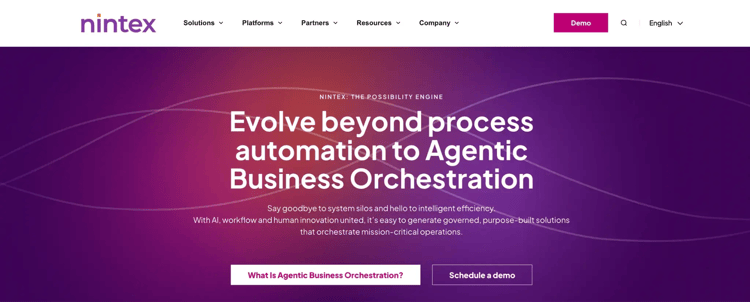
Nintex homepage
For onboarding processes that rely on formal documents, structured approvals, and signatures, Nintex is well-suited.
It is commonly used in compliance-driven environments where document control and traceability matter. More complex onboarding logic may require IT support, and some users find the interface less modern than that of newer platforms.
Key Features of Nintex
1. Advanced onboarding forms with conditional logic
Create dynamic onboarding forms that adapt to customer responses. For example, additional compliance fields can appear for high-risk customers or specific regions. T
2. Document generation from onboarding data
Automatically generate onboarding agreements, regulatory disclosures, or customer confirmation letters using the data submitted during the process. Documents follow approved templates, which helps maintain consistency and compliance.
3. Built-in eSignatures and controlled routing
Send onboarding documents for signature within the same platform. Contracts and declarations are routed to the correct internal approvers and then to the customer, with status tracking at each stage.
4. Process discovery and RPA support
Analyze how your current onboarding process runs and identify manual steps that can be automated. RPA bots can handle repetitive tasks in legacy systems, such as entering approved customer details into older back-office applications.
Nintex’s Pros and Cons
Pros include:
- Intuitive no-code interface for fast workflow and form creation.
- Strong automation with good cross-system integration support.
- Adapts well to both simple and complex processes.
- Quick setup without requiring heavy technical expertise.
Cons include:
- Pricing becomes expensive as workflows, environments, and users scale.
- Requires governance and technical oversight for complex process implementations.
- Advanced customization often requires developer involvement beyond that of business users.
6. Appian For complex enterprise onboarding
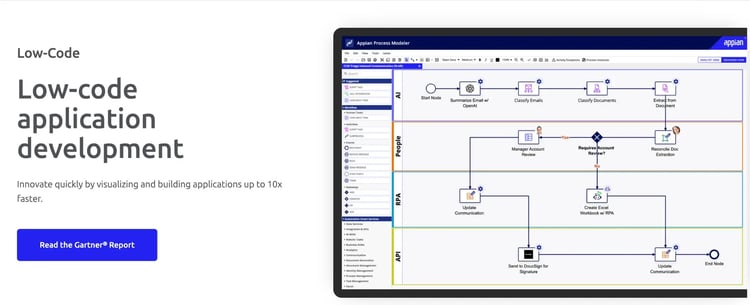
Appian’s low-code development platform
Appian is ideal for organizations that need to manage multi-step onboarding processes, ensure regulatory compliance, and maintain accurate customer data from first touch to full account activation.
While it excels at orchestrating sophisticated onboarding workflows, it requires trained developers and can be expensive to license, making Appian less suitable for simple or quick onboarding tasks.
Key Features of Appian
1. Unified customer data
Appian’s data fabric connects customer information from multiple systems, giving you a single, accurate view of each customer throughout the onboarding journey.
2. Structured onboarding workflows with BPMN
Use Business Process Model and Notation (BPMN) to design repeatable, compliant onboarding processes.
3. AI-powered document handling
Built-in AI can classify, validate, and extract information from customer documents, reducing manual effort and speeding up identity verification and account approvals.
4. Compliance and audit support
Track every interaction and decision in the onboarding process to meet regulatory requirements and provide full visibility for audits or internal reviews.
Appian’s Pros and Cons of Appian
Pros include:
- Low-code drag-and-drop interface accelerates rapid application development.
- Intelligent automation improves onboarding and compliance workflows.
- Strong plugin ecosystem supporting enterprise-grade integrations.
- Built-in AI enhances efficiency and reduces manual effort.
Cons include:
- Expensive licensing model, especially for growing user bases.
- Limited customization for highly complex use cases.
- Steep learning curve for advanced configurations and features.
7. Flowable – For standards-based process orchestration
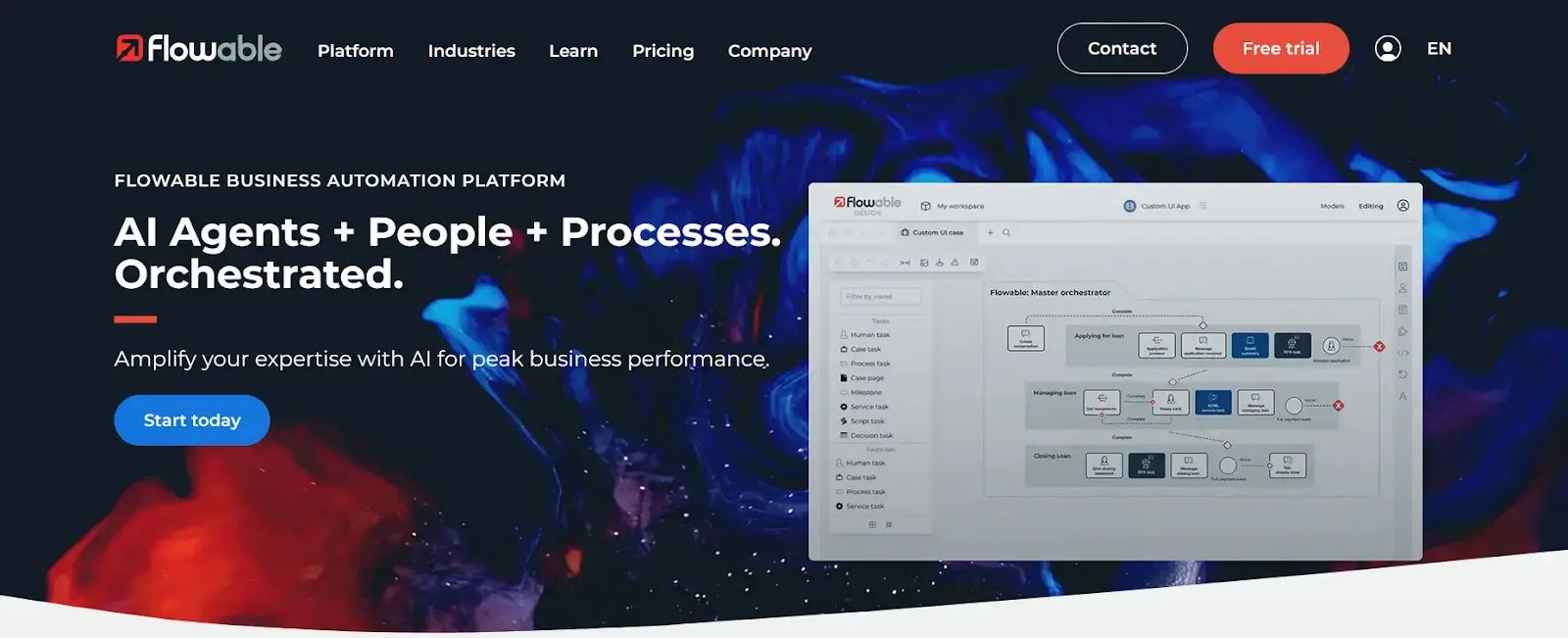
Flowable's homepage
Flowable is a business process automation platform built on open standards like BPMN, CMMN, and DMN. It works well when onboarding depends on strict process definitions and tailored business rules, including deep integrations with back-end systems.
Key features of Flowable
1. Standards-based process and case management
Design onboarding processes using industry standards (BPMN for workflows and CMMN for flexible case handling) so every onboarding stage—from application intake to final activation—follows a governable and traceable path.
2. Unified decision logic (DMN)
Centralize business rules that drive onboarding decisions—such as eligibility checks, risk scores, or conditional routing—so the logic remains consistent across all onboarding flows without duplication.
3. Deep integration with enterprise systems
Flowable accesses data across CRM, ERP, identity platforms, and document repositories without moving or duplicating it, giving onboarding processes a complete view of customer records and reducing manual reconciliation.
4. Auditability and compliance visibility
Every action, decision, and status change in the onboarding process is logged and time-stamped.
Flowable Pros and Cons
Pros include:
- Feature-rich workflow and process automation capabilities
- Connects easily with external systems to streamline end-to-end processes
- Suitable for organizations that need tailored BPM and case management solutions
- Improves productivity through automation
Cons include:
- Dual development models and limited learning resources slow onboarding
- Limited community and ecosystem support
- Some advanced enterprise capabilities are considered missing or hard to access, especially for large-scale, non-technical adoption.
8. Rocketlane For project-based onboarding with visibility into tasks and timelines .webp?width=1600&height=753&name=undefined-Mar-04-2026-12-13-54-7703-PM%20(1).webp)
Rocketlane's customer onboarding page
Designed specifically for customer onboarding and post-sales implementation, Rocketlane helps customer success and onboarding teams manage projects, tasks, documents, and communication in one shared workspace.
If your onboarding involves structured project plans, milestone tracking, and close coordination with customers, Rocketlane gives you visibility into every account without relying on scattered emails or spreadsheets.
Key features of Rocketlane
1. Onboarding project templates and milestone tracking
Create standardized onboarding templates with defined phases, tasks, and owners. When a new customer signs, you can launch a structured plan instantly and track progress against milestones to avoid delays.
2. Customer-facing collaboration workspace
Each customer gets a shared portal where they can see timelines, upload documents, complete assigned tasks, and communicate with your team.
3. Task management with clear ownership
Assign onboarding tasks to internal team members and customer stakeholders. Teams can monitor overdue items, workload distribution, and overall onboarding health across accounts.
4. Time tracking and onboarding performance insights
Track the time spent on onboarding activities and measure how long customers take to go live. Reporting dashboards help you identify bottlenecks, improve delivery timelines, and forecast onboarding capacity.
Rocketlane Pros and Cons
Pros include:
- Very easy to use with intuitive navigation and fast project setup
- Strong project organization with a vast scope of features and reusable templates
- Keeps delivery operations structured with real-time collaboration and less admin effort
- Makes day-to-day work straightforward for services teams
Cons include:
- Performance slows as data or workload grows
- Customization is limited in some areas.
- License restrictions can limit access for broader teams
9. GuideCX – For structured onboarding across internal teams and clients
GuideCX's homepage
If your onboarding involves defined phases, task dependencies, and close collaboration with customers, GuideCX keeps everything organized in one system.
It is typically used by SaaS and service organizations that run repeatable onboarding programs and need a predictable time to go live.
Key features of GuideCX
1. Template-based onboarding plans
Create standardized onboarding templates with phases, tasks, and due dates. When a new customer signs up, you can launch a predefined plan and adjust it as needed to meet specific requirements.
2. Customer portal with real-time visibility
Customers can log in to view timelines, complete assigned tasks, and upload required documents.
3. Task dependencies and automated reminders
Set task dependencies so that the next step starts only when the previous one is complete. Automated reminders help prevent stalled onboarding and keep stakeholders accountable.
4. Portfolio-level reporting and forecasting
Monitor onboarding progress across all active customers. Dashboards show project health, overdue items, and average time to completion so teams can manage capacity and improve delivery performance.
GuideCX Pros and Cons
Pros include:
- Strong cross-functional task and project coordination
- Handles complex, multi-party implementations without manual tracking.
- Excellent implementation experience and responsive support
- Intuitive UI with structured templates for scaling onboarding
Cons include:
- Performance issues such as page load lags, UI bugs, etc., on larger projects
- Some workflows are less flexible than expected
- Requires a clearly defined onboarding process before setup
10. ChurnZero – For CS-led onboarding journeys with automation
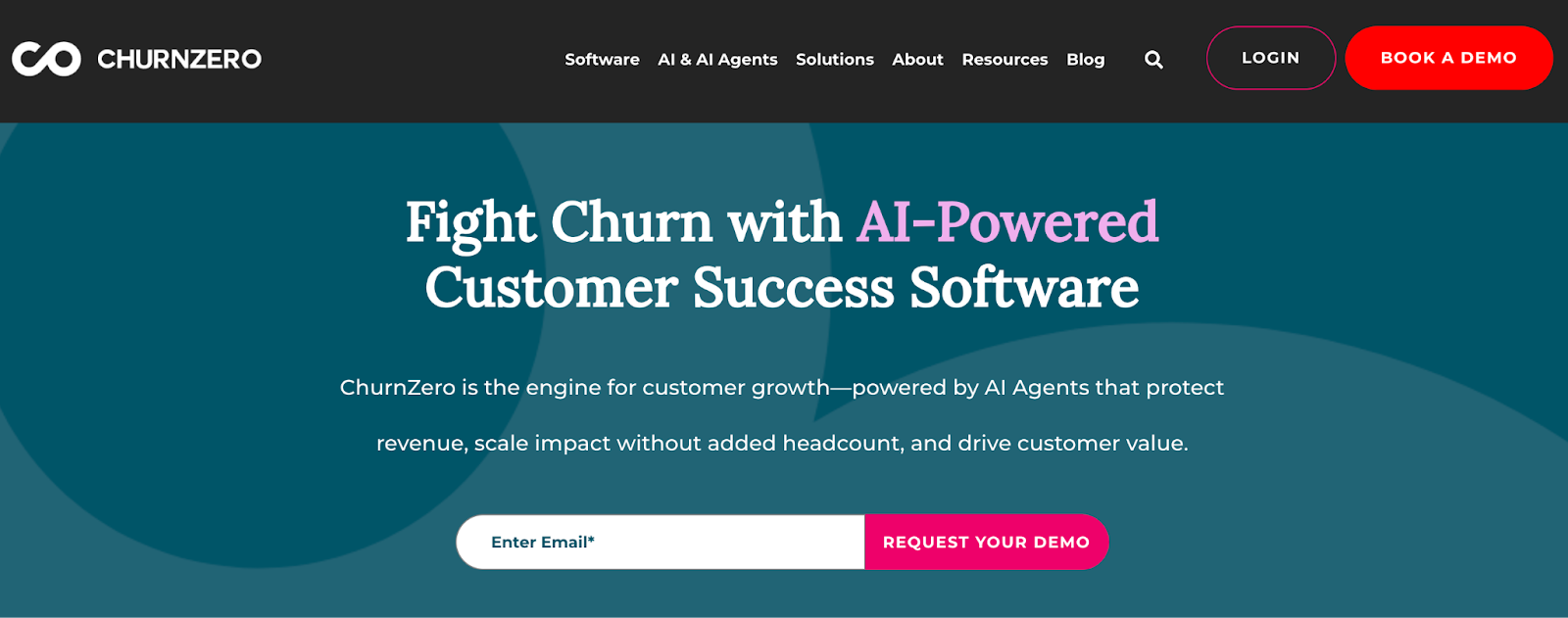
Churnzero's customer onboarding platform
ChurnZero focuses on customer onboarding as the first stage of long-term retention. It connects onboarding progress with real-time product usage data, so your team can see whether new customers are adopting key features or falling behind. If your goal is to reduce churn by driving early engagement, ChurnZero helps you act before issues escalate.
It is commonly used by SaaS companies that want onboarding, product analytics, and customer success outreach in one system.
Key features of ChurnZero
1. Real-time product usage tracking
Monitor how new customers use your product during onboarding. You can identify low adoption early and trigger follow-up actions when engagement drops below defined thresholds.
2. Automated onboarding journeys and playbooks
Create structured onboarding journeys that launch automatically when a customer signs. Tasks, emails, and in-app messages are triggered based on customer behavior and lifecycle stage.
3. In-app messaging and customer communication
Engage customers directly inside your product with walkthroughs, announcements, and reminders tied to onboarding milestones.
4. Health scoring and early risk alerts
Combine onboarding progress, usage patterns, and engagement signals into a customer health score. Your team can prioritize accounts that show signs of risk before renewal conversations begin.
ChurnZero Pros and Cons
Pros include:
- Easy to use with strong integrations
- Powerful workflow and automation capabilities
- Excellent customer support that is responsive and helps teams move faster
- Centralizes health scores and account insights for better success management.
- Drives operational efficiency for CS teams
Cons include:
- Requires training and guidance before teams become fully productive
- A complex churn score methodology can be hard to interpret
- Interface and navigation are not always intuitive
Key Features to Look for in Customer Onboarding Software (+ Self-Evaluation Checklist)
Enterprise onboarding needs a structure you can measure and defend. Look for capabilities that keep customers moving through each stage, prevent delays, integrate with existing systems, and leave a clear record of every decision.
1. Workflow automation
Workflow automation digitizes approvals, task routing, and reminders so teams deliver a consistent client experience at scale. The best tools let teams build logic-based onboarding workflows without code, reducing IT dependency and enabling rapid deployment.
Your tool should make data collection straightforward and document generation seamless, whether it's identity verification, KYC compliance, or terms and conditions. Without this, organizations risk data fragmentation and compliance gaps from the very first client interaction.
3. Integration capabilities
Onboarding software must connect to your CRM, ERP, e-signature, and ID verification platforms to eliminate duplicate data entry. When information flows automatically across systems, staff can focus on higher-value work rather than administrative coordination.
4. Compliance and audit trail
In regulated industries, onboarding software must embed compliance into the process itself. Look for built-in audit trails, permission controls, and support for regulations like GDPR, HIPAA, ISO, and DORA.
5. AI-driven experience
The best platforms let users build onboarding workflows using natural language or uploaded diagrams. Summarization agents provide intelligent recaps at any point, reducing status meetings and manual document digging.
6. Pricing transparency and scalability
Look for flat-rate pricing per active user or process with transparent upgrade paths. Compare total cost over time, not just the subscription price. Review how pricing scales across users, customer volumes, and process complexity. A pilot using real onboarding scenarios can validate both cost assumptions and operational fit.
📌Customer onboarding software (Self-evaluation checklist)
Use this when evaluating onboarding platforms:
- Can workflows be configured without coding or IT involvement?
- Does it generate documents and compliance packs automatically?
- Are all actions and decisions logged in a built-in audit trail?
- Does it integrate natively with Microsoft 365?
- Can AI assist with workflow creation and process optimization?
- Does it connect to your CRM, ERP, and e-signature platforms?
- Are access controls and role-based permissions available?
- Is pricing transparent with clear upgrade paths?
If a tool can't check every box, it will create gaps in your process.
The Best Customer Onboarding Software For Regulated Industries (Our Analysis)
Based on how each platform handles real compliance pressure, these tools stand out:
- FlowForma handles approval-driven onboarding with clear audit trails and Microsoft 365 control.
- Nintex fits document-heavy onboarding that requires structured routing and formal sign-offs.
- Appian supports complex, enterprise onboarding across multiple core systems.
- Microsoft Power Automate works for Microsoft-based teams automating compliance steps across systems.
- Flowable suits technical teams that need strict process control and deep customization.
Structure Client Onboarding for Regulated Industries Using FlowForma
When you’re operating within regulated industries like banking, healthcare, financial services, procurement, etc., you cannot balance onboarding that requires coordination across several stakeholders and approval layers.
FlowForma gives your team a structured, repeatable way to take clients from initial intake to full activation without losing visibility or control. Just describe your requirements using a natural prompt, upload a diagram to the AI Copilot, and set your rules and triggers; FlowForma handles the rest.
Because everything runs within your Microsoft 365 environment, data never leaves your governance boundaries. IT retains full control over permissions, while process owners can update workflows independently as regulations or business needs shift.
Quick FlowForma Feature Snapshot:
- Dynamic client intake forms with conditional logic and document collection
- Automated task routing and multi-stage approval workflows
- Deadline tracking, escalation alerts, and real-time onboarding dashboards
- Full audit trails and compliance retention are built into every process
- Native integration with SharePoint, Teams, and Outlook
- Mobile access for client-facing teams working across locations or in the field
Ready to see what structured onboarding looks like in practice? Book a FlowForma demo.