Integrations
Effortlessly connect FlowForma Process Automation with the tools your organization relies on to drive faster, smarter outcomes.
Keep work moving with seamless integrations
FlowForma Process Automation combines AI, forms, workflows, analytics, and document generation in one unified platform. But it doesn't stop there. The platform is built to connect with thousands of systems and applications, ensuring your data flows smoothly across your digital ecosystem.
Whether it's pulling information from existing tools or pushing updates back into them, FlowForma lets you automate processes without disruption.
How It Works
At any stage in your process, the FlowForma platform can send and receive data between your systems, keeping workflows connected and teams focused on what matters most, achieving outcomes efficiently and reliably.
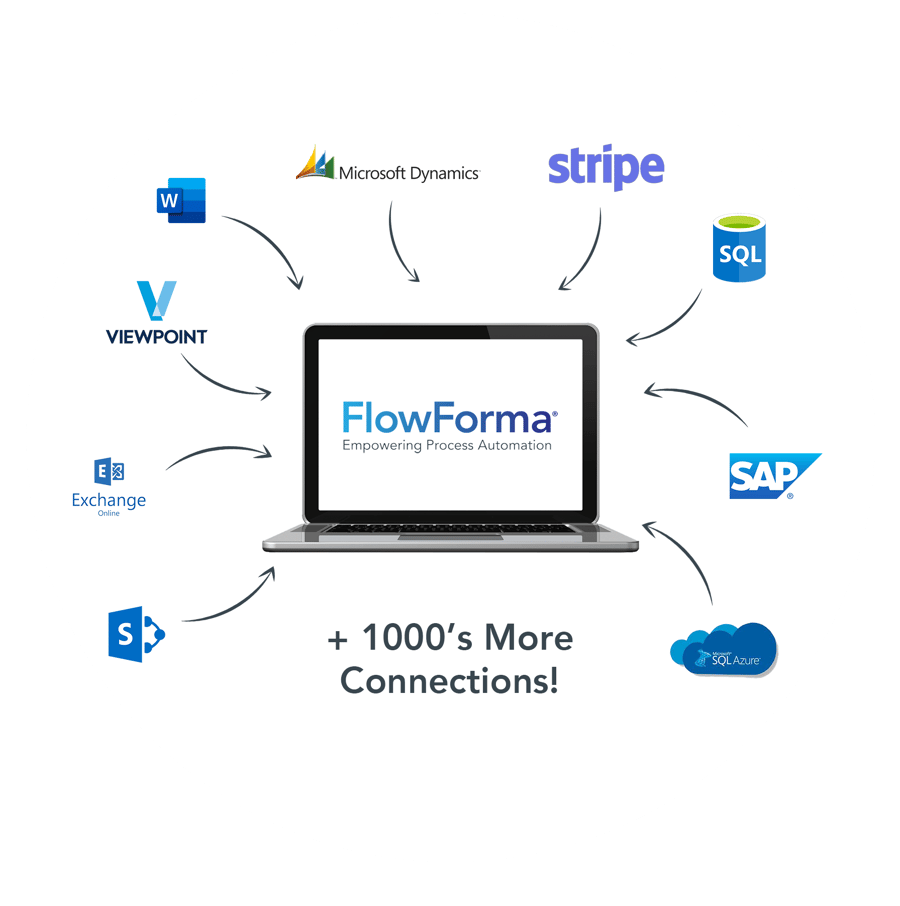
Why you'll love our integrations
- Connect Anything easily plug into thousands of apps
- Keep Data Moving send and receive info without friction
- Stay Accurate remove errors and keep data consistent
- Speed Things Up update third-party systems faster
- Save Time pre-filled forms reduce admin and pass-backs
- Work Smarter & Securely streamline processes with control
- Maximize ROI faster workflows, faster results, more value
- Work Inside Microsoft 365 connect without leaving your tenant
FlowForma integration options
FlowForma Process Automation is a cloud-native platform that operates on the Microsoft Azure service. A user can configure integrations using any of the methods below.
Microsoft 365
FlowForma is native to Microsoft 365. It runs inside your own tenant on the SharePoint Framework, with user access managed through Microsoft Entra ID, so there are no separate logins or user directories to maintain.
Processes read and write directly to SharePoint lists, libraries and groups, and work with the Microsoft 365 applications your teams already use: creating and saving documents in Word, running approvals and notifications in Teams, and scheduling meetings and sending email through Outlook.
Documents, approvals and workflow data stay inside your Microsoft 365 environment. The options below are how FlowForma reaches the systems outside it.
SQL Staging Database
The SQL Staging Database method is useful in many scenarios. For example, a SQL database can be used to store master data, the data can then be used across many processes or transferred to multiple other systems.
Questions on a FlowForma form can be easily mapped to input and output parameters in the stored procedure, allowing a bidirectional exchange of information. SQL database can also be used to store data for reporting/analytics.
On-premises SQL connectivity is available through the hybrid connector, and private endpoints are supported.
FlowForma No Code Web API
The FlowForma no-code Web API system allows users to communicate with any REST or SOAP-based API. This method covers over 1,000+ COTs applications and any application where you may have built (or can build) a bespoke Web API.
The No Code Web API system was designed as the most productive way to build integrations with Web API's with rapid configuration compared to a coded solution.
FlowForma Extensibility Framework
The FlowForma Extensibility Framework allows users to create product extensions. Product extensions are coded in JavaScript, utilizing the FlowForma Web API to interact with forms and FlowForma UI widgets to present a fully integrated end-user interface.
The framework allows for ultimate flexibility in terms of adding new functionality to the FlowForma Process Automation tool and the end user experience, providing the most efficient and effective solution to a given scenario.
Product extensions can be additional question types (UI/Data components) or business rules (conditional actions).
Power Automate and Logic Apps
FlowForma connects to Power Automate and Azure Logic Apps through Microsoft connectors, so FlowForma processes can be built into the automations your organization already runs rather than replacing them.
Use it to start a FlowForma process from an existing automation, or to pass data from a completed process on to the next step in your Microsoft estate.
Integrate FlowForma Process Automation with:
- Your existing business systems, either on-premise or in the cloud, to lookup and update information directly from your process flows.
- Your ERP, CRM or HR application to look up or update key information to improve data quality and save time.
- Microsoft 365 to create and save documents, schedule meetings, and send emails automatically.
- Any cloud application or service that provides a standard interface with no code.
Discover more features of FlowForma Process Automation
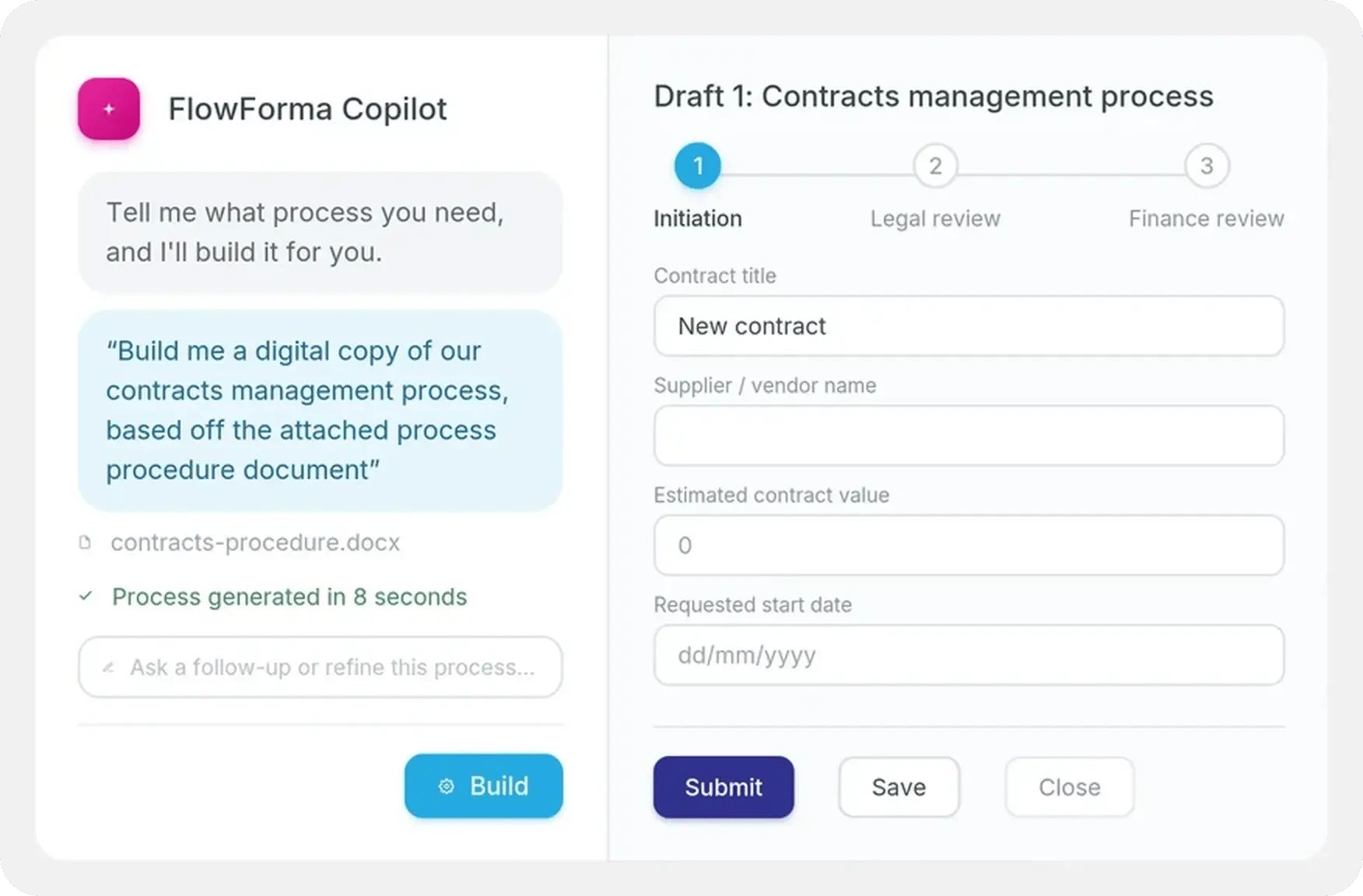
AI process automation
Upload your existing documents, diagrams, or process notes; AI turns them into a working form and workflow automatically, ready to refine and launch.
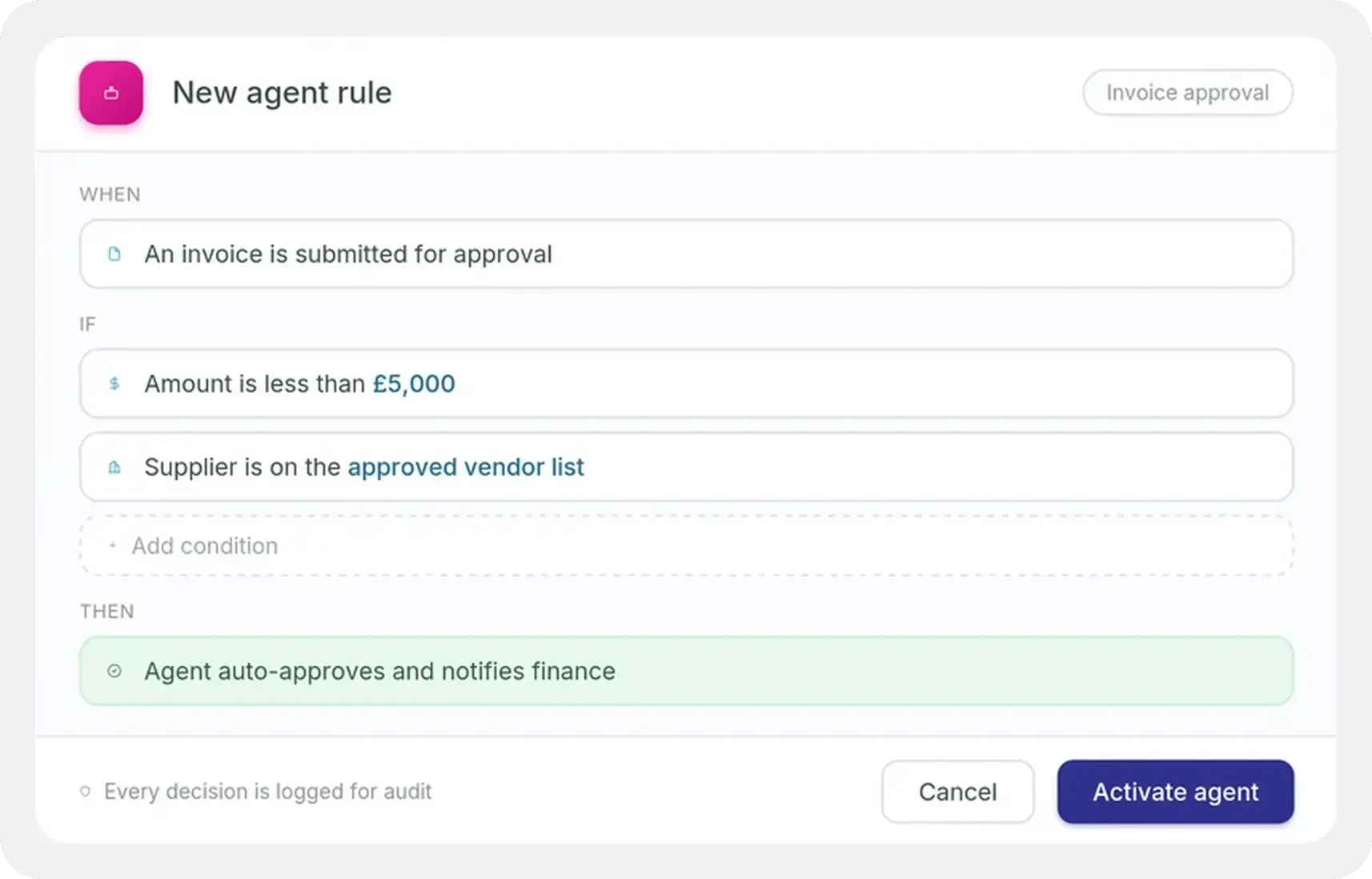
Workflow and AI agents
A proven workflow engine to route and approve at scale, with AI agents that can complete tasks, check data, flag issues, and act on your behalf.
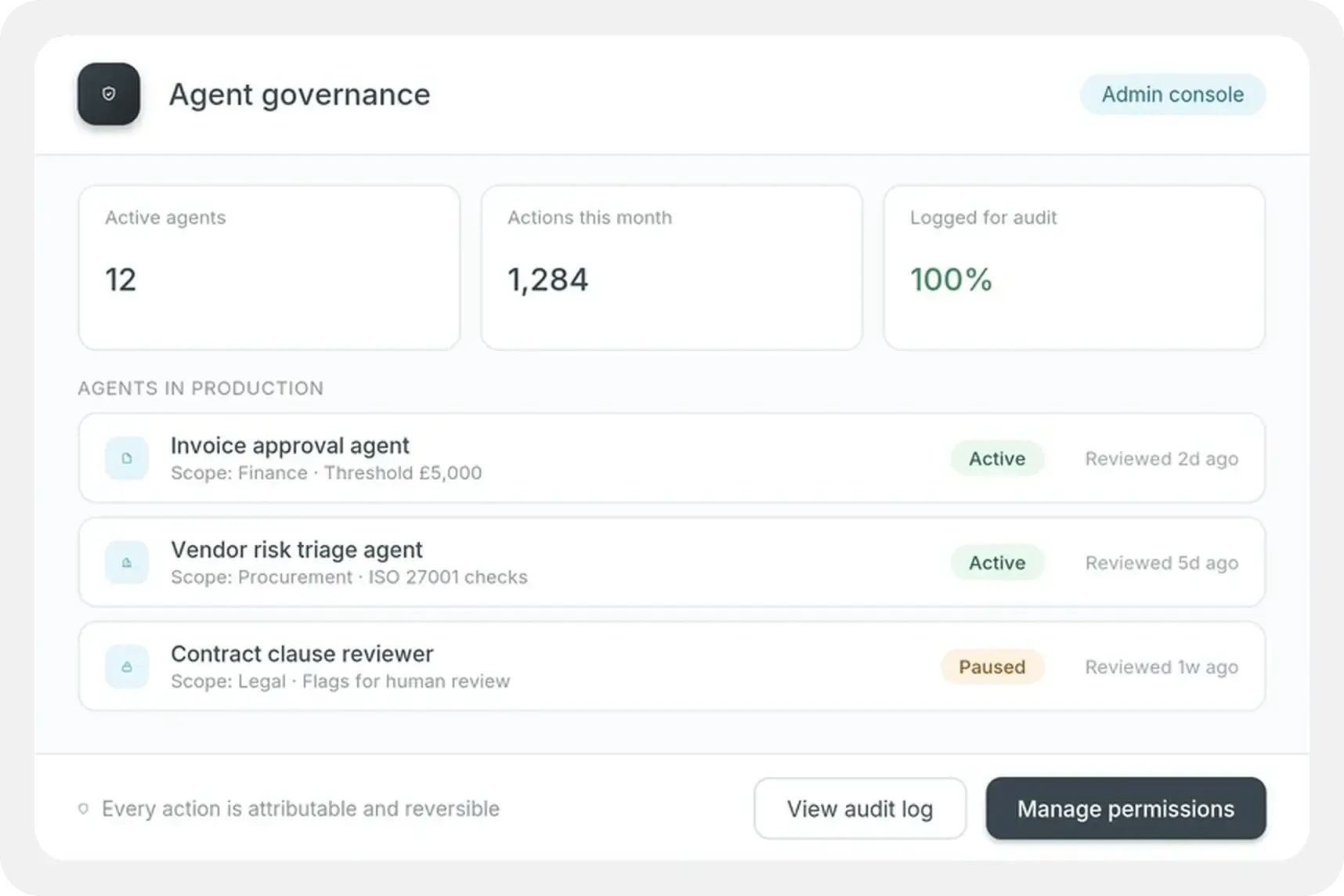
Governance
Full audit trails and controls over how processes run and how AI agents are allowed to act, so automation stays compliant, not just convenient.
Insights
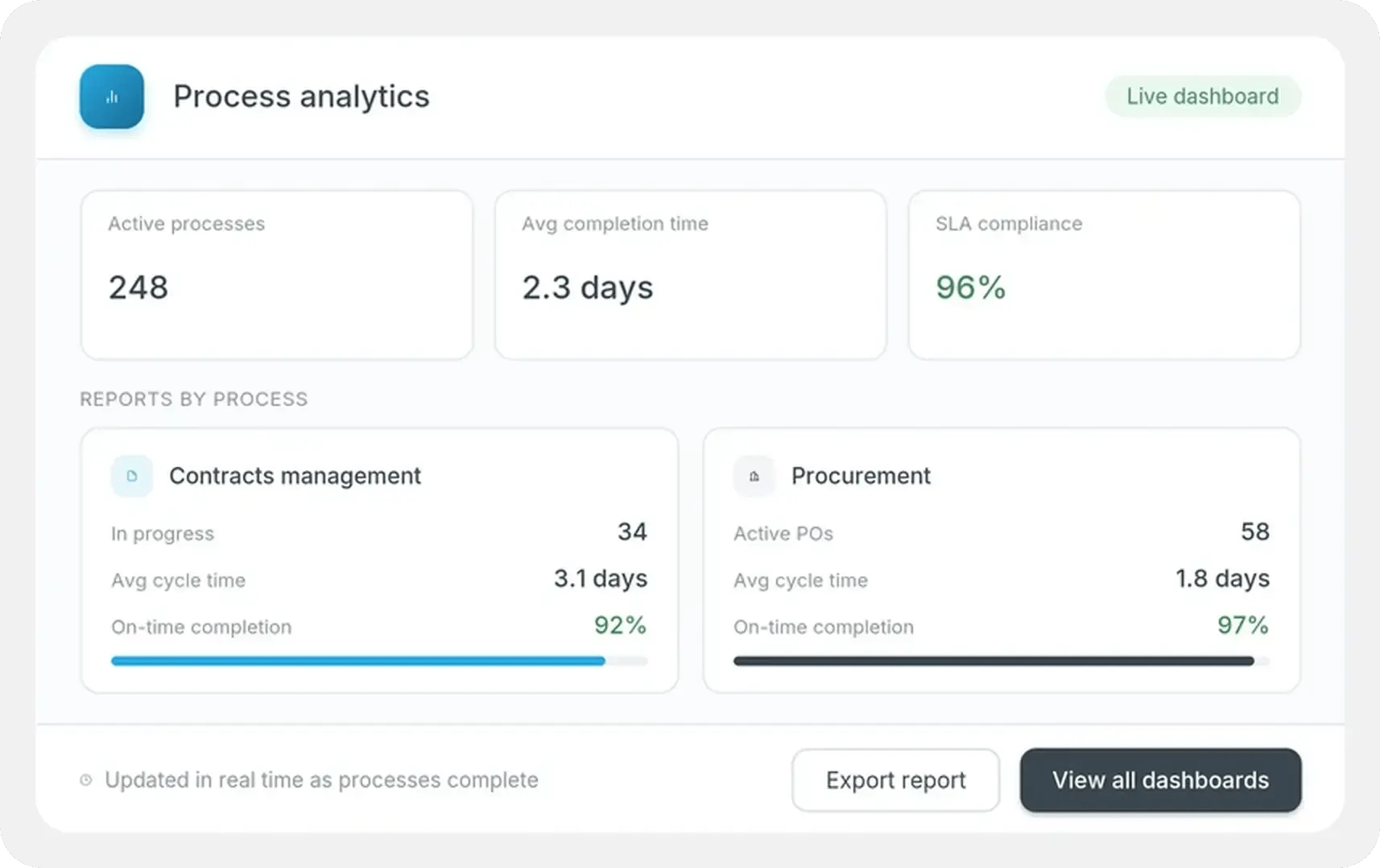
Real-time visibility into every process, with AI automatically highlighting bottlenecks, delays, and trends so teams can act faster.
Real-world customer feedback about our integration capability
One of the key advantages of FlowForma is its integration with various Microsoft functions. For instance, its connection to the Outlook address book using the ‘Persons or Group’ and ‘Get User Profile Property’ features has reduced typing errors by approximately 80% when staff input email addresses, especially when assigning steps to different approvers.
FlowForma’s hosting on SharePoint has allowed us to create a central hub accessible to users from all eight NHS Trusts, despite their separate IT networks. This centralisation has simplified access and management.
Verified reviewer
NHS shared service, North West London · G2 review, December 2025
Frequently Asked Questions
What systems can FlowForma integrate with?
FlowForma integrates natively with Microsoft 365, including SharePoint, Microsoft Teams and Outlook, and connects with thousands of cloud and on-premises applications. Whether you need to integrate ERP, CRM, HR, finance or industry-specific systems, FlowForma can exchange data using REST APIs, SOAP services, SQL databases and custom connectors.
Does FlowForma require coding to build integrations?
No. FlowForma includes a no-code Web API connector that enables business users and analysts to configure integrations without writing code. Data can be mapped visually between external systems and FlowForma forms, helping organisations automate processes faster while reducing reliance on developers.
Can FlowForma connect to legacy and on-premises systems?
Yes. FlowForma supports both cloud and on-premises applications. Organisations commonly integrate with legacy ERP, finance, HR and line-of-business systems using SQL databases, REST APIs, SOAP services or custom integration methods, allowing existing technology investments to remain in place.
Can FlowForma integrate with Microsoft 365?
Yes. FlowForma is built natively for Microsoft 365 and integrates seamlessly with SharePoint, Microsoft Teams, Outlook and Azure. Documents, approvals, notifications and workflow data remain within your Microsoft 365 environment while connecting securely to other business applications when required.
Can FlowForma integrate with ERP, CRM and HR systems?
Yes. FlowForma can retrieve and update information in ERP, CRM and HR platforms throughout a workflow. This allows organisations to automatically synchronise employee records, customer information, purchase requests, invoices, contracts and other business data without manual re-entry.
How does FlowForma keep data synchronised between systems?
FlowForma supports bi-directional data exchange, allowing workflows to both retrieve information from external systems and update those systems automatically. This reduces duplicate data entry, improves data accuracy and ensures teams are always working with the latest information.
Can FlowForma pre-populate forms with data from other systems?
Yes. FlowForma can automatically retrieve information from connected business systems to pre-populate forms. This reduces manual data entry, speeds up form completion and improves data accuracy by using existing records as the source of truth.
Can FlowForma trigger actions in external applications?
Yes. FlowForma workflows can trigger actions such as creating records, updating customer information, generating documents, sending emails or notifying external systems when workflow milestones are reached. This enables end-to-end process automation across your technology ecosystem.
Is FlowForma's integration framework secure?
Yes. FlowForma operates within your Microsoft 365 tenant, while integrations use secure authentication methods supported by the connected systems. Organisations retain full control over permissions, audit trails and governance while securely exchanging data with external applications.
Does FlowForma support REST and SOAP APIs?
Yes. FlowForma's no-code Web API connector supports both REST and SOAP APIs, enabling organisations to integrate with thousands of commercial and bespoke business applications without custom integration projects.
How does FlowForma manage user access and authentication?
FlowForma runs as a modern application within Microsoft 365, built on the SharePoint Framework (SPFx) for seamless interaction with SharePoint. User management is handled through Microsoft Entra ID (formerly Azure AD), so access stays consistent with your organization's existing Microsoft 365 accounts and identity policies, there are no separate logins or user directories to maintain.
Transform your business processes inside Microsoft 365
See FlowForma connect, automate and govern every process, right inside Microsoft 365.