Bizagi is a familiar name in business process management, particularly for organizations that value formal process modeling and BPMN-led design. Its approach has traditionally suited IT-led automation programs where processes are carefully designed, built, and governed by specialist teams.
However, automation is no longer confined to IT. As it extends into operations, compliance, HR, finance, and service teams, organizations are reassessing whether Bizagi still aligns with how they want to automate business processes in 2026.
In this guide, we compare the top Bizagi alternatives. We also explain why FlowForma is selected as the most practical Bizagi alternative for enterprise-wide, business-led process automation.
Why Are Organizations Looking for Bizagi Alternatives?
Bizagi is a low-code process automation platform known for its strengths in case management, end-to-end automation, and process modeling.
Most organizations move away from Bizagi not because it lacks advanced features, but because of how those features are delivered.
Here are a few reasons why organizations are moving away from Bizagi:
1. Lengthy deployment cycles
Bizagi's strength in process mapping and process modeling often comes with a steep learning curve and requires ongoing involvement of BPM specialists or professional developers to manage changes. For teams trying to quickly automate processes, this dependency can slow momentum.
2. Steep learning curve
Another challenge is accessibility. Modern business operations increasingly rely on citizen developers and process owners to build and adjust workflows quickly, with IT setting guardrails rather than acting as the delivery engine. Platforms that demand complex coding, deep BPMN knowledge, or extensive configuration create friction for non-technical teams.
3. Lack of cost transparency
Cost predictability and integration are also common concerns. As organizations scale digital workflows, licensing complexity, integration challenges with external systems, and unclear long-term costs push decision-makers to explore more transparent automation solutions.
Top Bizagi Competitors in 2026: Short Overview
If you are looking for a project management platform or work tracking software, Asana may suffice. If document generation is the core requirement, Nintex is often shortlisted. If you have strong technical teams and complex integration needs, Appian or Camunda could be a good fit.
However, if you need to quickly automate complex business processes, involve business users directly, retain IT oversight, and work within your MS 365 environment, FlowForma stands apart.
The table below outlines how leading Bizagi competitors compare based on automation approach, usability, and governance:
|
Tool
|
AI Suite
|
Best For
|
No-Code / Low-Code
|
|
Nintex
|
AI-assisted automation
|
Document-centric automation
|
Low-code
|
|
Pipefy
|
Basic AI
|
Operations workflows
|
No-code
|
|
FlowForma
|
Native AI-powered automation
|
Regulated, mid-sized organizations using MS 365
|
No-code platform, minimal IT dependency
|
|
Appian
|
Advanced AI & RPA
|
Enterprise IT-led automation
|
Low-code development platform
|
|
Camunda
|
None
|
Technical process orchestration
|
Code-heavy
|
|
Quickbase
|
Workflow AI
|
Citizen-built enterprise apps
|
Low-code
|
|
Flowable
|
None
|
Open-source BPM
|
Code-heavy
|
|
AgilePoint
|
AI assistance
|
Hybrid IT/business teams
|
Low-code
|
|
Bonita
|
Limited
|
Developer-led BPM
|
Code-heavy
|
|
Asana
|
Limited AI
|
Work tracking and projects
|
Partial
|
Comparison table for the top 10 Bizagi alternative tools
10 Best Bizagi Alternatives (Detailed Review)
Let us now analyze the key features of each tool, along with its pros and cons:
1. Nintex
Nintex homepage
Nintex is a business process automation platform known for document-centric workflows and integrations. It is often evaluated alongside Bizagi for organizations focused on approvals, forms, and document generation within enterprise apps.
Nintex’s Key Features
- Workflow automation and document generation
- AI-assisted automation
- Integration with SharePoint and external systems
- Prebuilt templates for common business needs
Nintex’s Pros
- Strong document automation capabilities
- Mature vendor ecosystem
- Suitable for low-code development
- Broad enterprise adoption
Nintex’s Cons
- Licensing complexity increases at scale
- Less intuitive for non-technical users
2. Pipefy
Pipefy homepage
Pipefy enables operations teams to automate repetitive tasks and build middle-office processes through a drag-and-drop interface.
Pipefy’s Key Features
- No-code workflow builder
- Process templates
- AI-assisted task automation
- Integrations with external systems
Pipefy’s Pros
- Fast deployment
- Designed for process owners
- Supports citizen developers
- Intuitive interface
Pipefy’s Cons
- Limited support for complex processes
- Weaker compliance controls
3. FlowForma
FlowForma home page
FlowForma is not a modeling-first BPM tool. It is built for execution. Business teams design, deploy, and refine workflows directly, while IT defines the guardrails around security, access, integration, and governance. It is native to MS 365 and SharePoint.
For teams that need BPMN-based structure, FlowForma Copilot also supports BPMN process diagrams, allowing users to reference and convert them into executable workflows rather than managing models separately.
This hybrid approach is particularly effective for organizations running complex workflows in regulated environments, where speed, control, and compliance must coexist.
FlowForma features
- Faster, no-code automation
- AI-powered workflow creation
- AI Copilot
- AI Agent Rule
- Discovery Agent
FlowForma’s Pros
- User-friendly, intuitive interface with drag-and-drop logic
- Handles complex scenarios and advanced case management
- Built-in compliance module to ensure adherence to regulations like DORA, ISO, GDPR, HIPAA, and NHS guidelines
- Transparent pricing with no hidden costs
- 10x faster automation than low-code or manual tools
FlowForma’s Cons
- Best suited for organizations standardized on Microsoft 365
4. Appian
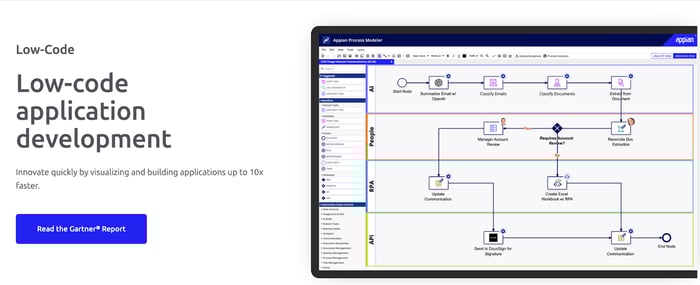
Appian’s low-code development platform
Appian is an advanced low-code automation platform built for large enterprises with strong technical teams.
It supports complex processes, integrations, and RPA, but typically requires significant developer involvement and long-term investment to deploy and maintain effectively.
Appian’s Key Features
- Low-code development platform
- AI, RPA, and process mining
- Advanced automation platform capabilities
- Enterprise-grade integrations
Appian’s Pros
- Handles complex business processes
- Strong technical capabilities
- Suitable for large-scale digital transformation
- Extensive customization
Appian’s Cons
- Requires significant technical expertise
- High total cost of ownership
5. Camunda
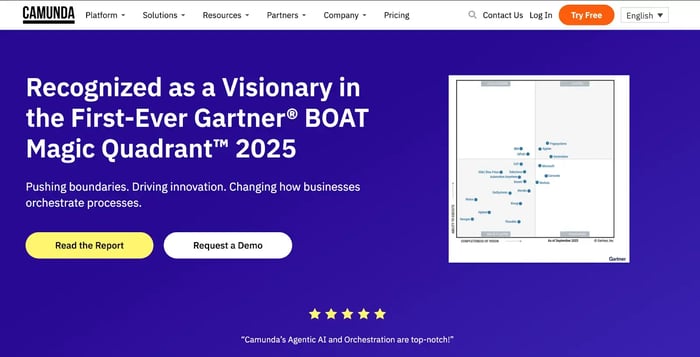
Camunda homepage
Camunda is a developer-centric process orchestration platform used primarily for technical workflows across distributed systems.
It supports complex, event-driven architectures but is not designed for organizations seeking business-led automation.
Camunda’s Key Features
- BPMN and DMN-based process modeling
- Event-driven workflow orchestration
- API-first architecture
- Strong support for microservices
Camunda’s Pros
- High flexibility for complex technical scenarios
- Strong control for engineering teams
- Open and extensible architecture
- Suitable for advanced system orchestration
Camunda’s Cons
- Requires deep technical expertise
- Not designed for business-led automation
6. Quickbase
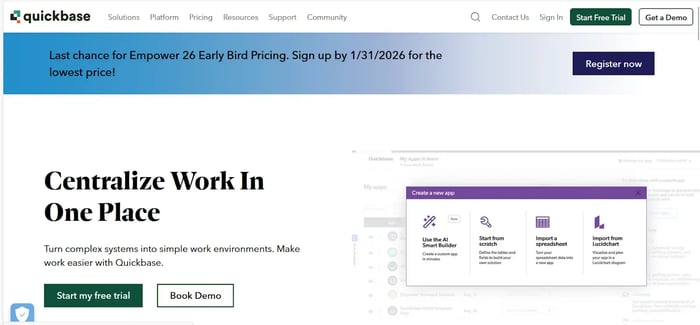
Quickbase homepage
Quickbase is a low-code development platform for building internal enterprise apps. It enables business teams to digitize workflows with IT oversight, but its app-first approach can make it harder to manage structured, end-to-end business processes at scale.
Quickbase’s Key Features
- Low-code application builder
- Workflow automation rules
- Data modeling and reporting
- Integration with external systems
Quickbase’s Pros
- Empowers citizen developers
- Flexible app creation
- Good visibility into business operations
- Useful for departmental automation
Quickbase’s Cons
- Complexity increases as workflows scale
- Less suited to structured process automation
7. Flowable
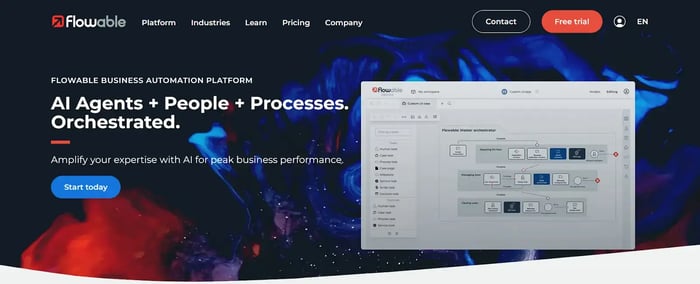
Flowable Homepage
Flowable is an open-source BPM and case management engine aimed at organizations that want full technical control.
It is typically embedded into custom applications and requires in-house BPM expertise, making it less suitable for rapid, business-led automation.
Flowable’s Key Features
- BPMN, CMMN, and DMN support
- Advanced case management
- Developer APIs
- Open-source deployment options
Flowable’s Pros
- No vendor lock-in
- Support for complex cases
- Highly configurable
- Suitable for bespoke enterprise apps
Flowable’s Cons
- Heavy reliance on technical teams
8. AgilePoint
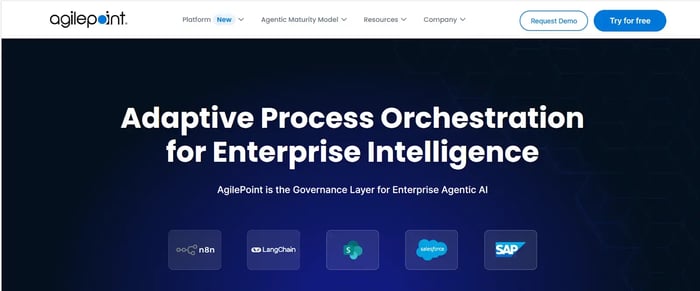
AgilePoint Homepage
AgilePoint is a low-code automation platform positioned for organizations balancing IT governance with business involvement.
While flexible, many implementations still rely on professional developers, which can slow iteration and limit accessibility for non-technical users.
AgilePoint’s Key Features
- Low-code workflow designer
- AI-assisted automation
- Integration with enterprise systems
- Hybrid cloud deployment
AgilePoint’s Pros
AgilePoint’s Cons
- Learning curve for non-technical users
- Ongoing technical dependency
9. Bonita
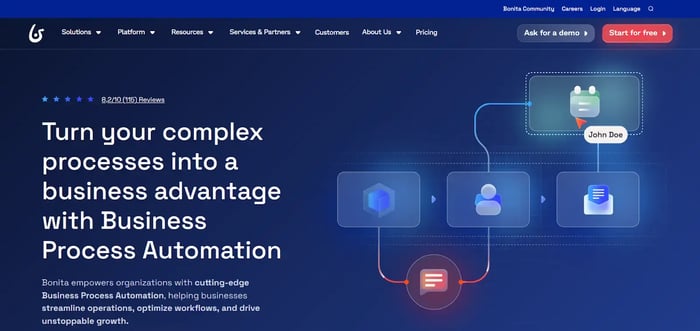
Bonita homepage
Bonita is a BPM platform built for developer-led automation initiatives. It offers process execution capabilities but assumes organizations are comfortable managing custom development, ongoing maintenance, and higher technical complexity.
Bonita’s Key Features
- BPM process modeling and execution
- Custom UI development
- API-based integrations
- Process engine and runtime
Bonita’s Pros
- High level of customization
- Strong BPM foundations
- Suitable for complex process logic
- Flexible technical architecture
Bonita’s Cons
- Limited support for business users
- Significant development effort required
10. Asana
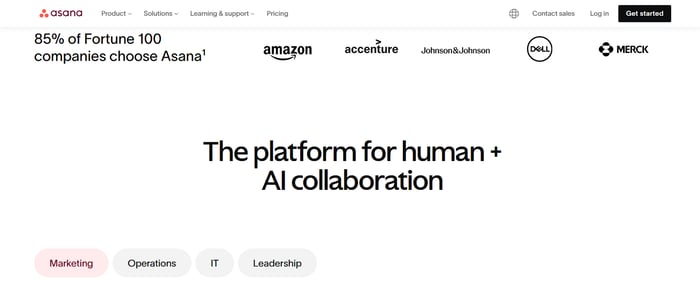
Asana Homepage
Asana is a project management tool focused on work tracking rather than true business process automation.
It is commonly used for task coordination and visibility across teams but lacks the depth needed for complex workflows, compliance, or end-to-end process management beyond projects.
Asana’s Key Features
- Task and project tracking
- Rule-based automation
- Work tracking dashboards
Asana’s Pros
- Easy to adopt
- Strong collaboration features
- Minimal setup
- Good for project management
Asana’s Cons
- Not suitable for complex workflows
- No built-in compliance or business process management
FlowForma Vs Bizagi: Key Differences
The comparison below outlines how FlowForma and Bizagi differ in terms of ownership, scalability, governance, and cost predictability, helping buyers assess long-term fit.
|
Capability
|
FlowForma
|
Bizagi
|
|
Primary automation model
|
True no-code, business-led process automation
|
Low-code BPM with modeling-first approach
|
|
Who builds workflows
|
Business users and process owners
|
Citizen developers with technical support
|
|
Speed to deploy
|
Days to weeks for live workflows
|
Often weeks to months due to modeling and configuration
|
|
AI capabilities
|
Full AI suite [Copilot, Agent Rule, Discovery, Summarization, Smart Assistants]
|
Limited AI, primarily rules and scripting
|
|
Microsoft 365 alignment
|
Native deployment inside Microsoft 365 and SharePoint
|
Integrates with Microsoft, but runs as a separate platform
|
|
Pricing model
|
Process-based pricing with unlimited workflows
|
License and usage-based pricing complexity
|
|
Compliance and audit trails
|
Built-in, automatic, ISO 27001 aligned
|
Supported, but often requires configuration
|
|
Best suited for
|
Regulated, Microsoft-first organizations seeking fast adoption
|
Organizations with BPM expertise and technical teams
|
FlowForma vs Bizagi: A Practical Comparison for Enterprise Business Process Automation
Streamline Business Process Management with FlowForma
Customer testimonials for FlowForma
Bizagi remains a capable BPM platform, particularly for modeling-led automation. However, its low-code structure, pricing complexity, and technical dependencies can slow delivery and limit adoption outside IT.
For organizations aiming to accelerate digital transformation, FlowForma delivers a comprehensive solution that scales across departments, supports complex processes, and keeps automation ownership close to the business.
Its no-code model, AI-powered automation, and transparent pricing make it a practical choice for modern enterprises. Book a FlowForma demo to see the tool in action.