.png?width=175&height=42&name=logo_20(1).png "FlowForma Process Automation")

The no-code automation market is crowded (projected to reach $24.8 billion by 2029), and every platform claims to make workflow building fast and IT-free. But not all tools perform equally, and the differences only show when you test them.
This guide cuts through the noise. We looked at ten platforms, evaluated them on what actually matters for no-code automation, and laid out an honest comparison so you can make the right call for your team.
10 No-Code Automation Tools (Overview)We didn't rank these tools based on brand recognition or market share. Our review drew on analyst insights and real user feedback from platforms like G2, focusing on one core question: how well does each platform deliver on the promise of no-code automation?
Each tool was evaluated on how well it supports:
We also looked at how each platform approaches automation depth. Some are purpose-built for no-code users from the ground up. Others are low-code or developer-first platforms that offer no-code capabilities as part of a broader feature set. |
Based on these parameters, we have curated the table below for a quick overview:
|
Tool |
G2 Ratings (as on 2026) |
No-Code Strength |
Best For |
|---|---|---|---|
|
Activepieces |
Drag-and-drop with advanced logic, open-source, and free tier |
Budget-conscious teams wanting flexible automation |
|
|
Cflow |
Templates and drag-and-drop for quick approvals |
SMBs moving off email and spreadsheet approvals |
|
|
Workato |
Business-friendly recipe builder for cross-system flows |
Large orgs with integration-heavy automation needs |
|
|
Pipefy |
Visual pipelines with conditional logic and SLA rules |
Ops teams managing structured, repeatable requests |
|
|
Make |
Drag-and-drop canvas across hundreds of app connectors |
Teams syncing data between everyday business apps |
|
|
UiPath |
Low-code bot builder for desktop and document tasks |
Enterprises automating legacy and high-volume processes |
|
|
FlowForma |
AI Copilot builds flows from prompts, diagrams, or voice |
First-time workflow builders wanting fast deployment |
|
|
Appian |
Guided design for complex, multi-system workflows |
Enterprises needing governance plus automation |
|
|
Kissflow |
Unified workspace for workflows, forms, and projects |
Mid-sized teams standardizing across departments |
|
|
ProcessMaker |
No-code forms and rules on a BPMN process engine |
Teams needing compliance-ready, auditable workflows |
Side-by-side overview of 10 popular no-code automation tools
Detailed Analysis of the 10 No-Code Automation Software Tools
Let’s explore each tool in depth:
1. Cflow
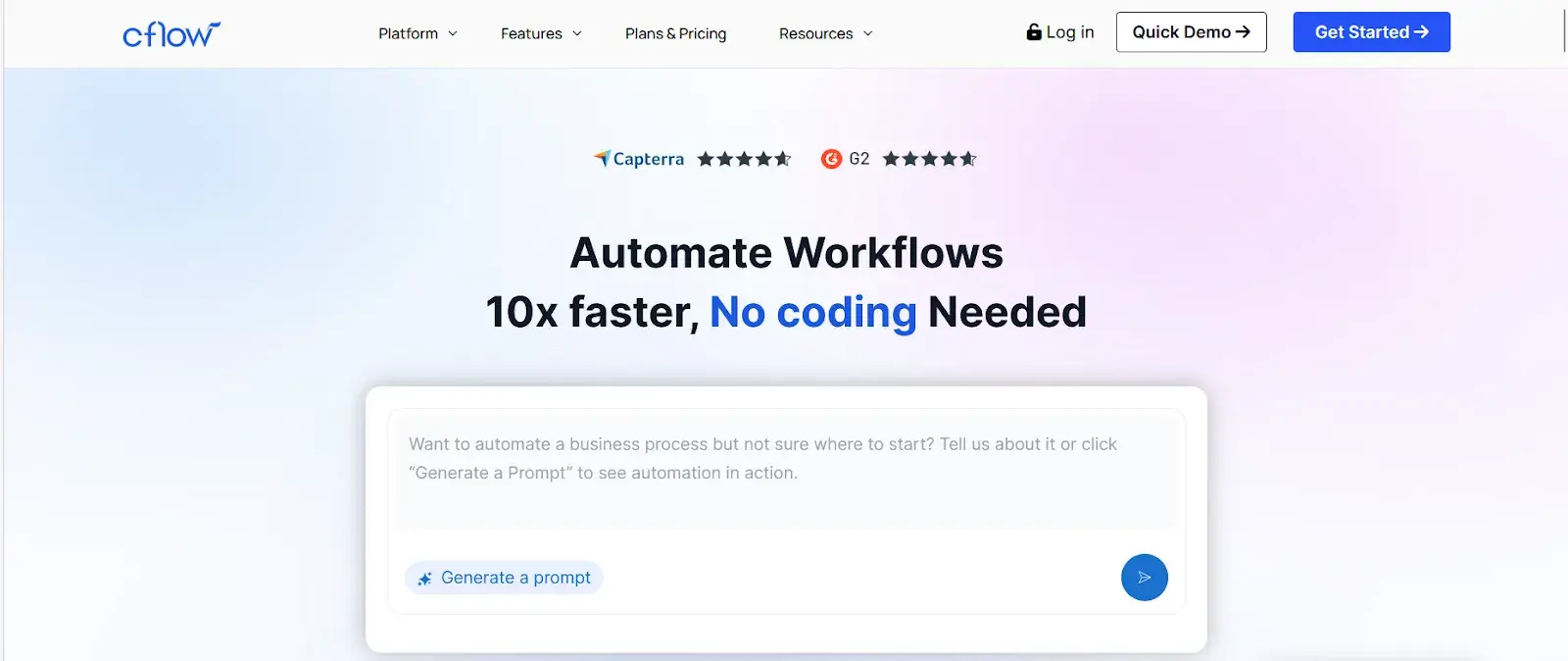
Cflow homepage
Cflow is a web-based workflow tool that helps small and mid-sized teams digitize approvals, intake forms, and routine requests quickly. You can set up processes for procurement, HR, and finance without needing technical support. It works well for teams making the shift from spreadsheets and email-based approvals to a more structured system.
Key Features of Cflow
Visual workflow and form builder
Build intake forms and approval flows with a drag-and-drop designer. No coding is needed, so your operations team can own the setup from day one.
Prebuilt process templates
Get started quickly with ready-made templates for common workflows like purchase approvals, onboarding requests, and leave management.
SLA tracking and notifications
Set turnaround time rules and automatic alerts so approvals do not stall. This helps your team meet response commitments consistently.
Role-based access and audit history
Control who can view, edit, or approve at each stage of a workflow. A simple audit trail keeps your processes accountable and reviewable.
CFlow User Ratings on G2
|
Category |
Cflow Rating |
|---|---|
|
Overall |
|
|
Meets Requirements |
9.4 |
|
Ease of Use |
9.6 |
|
Ease of Setup |
9.2 |
CFlow user ratings on G2
Pros and Cons of Cflow
Pros include:
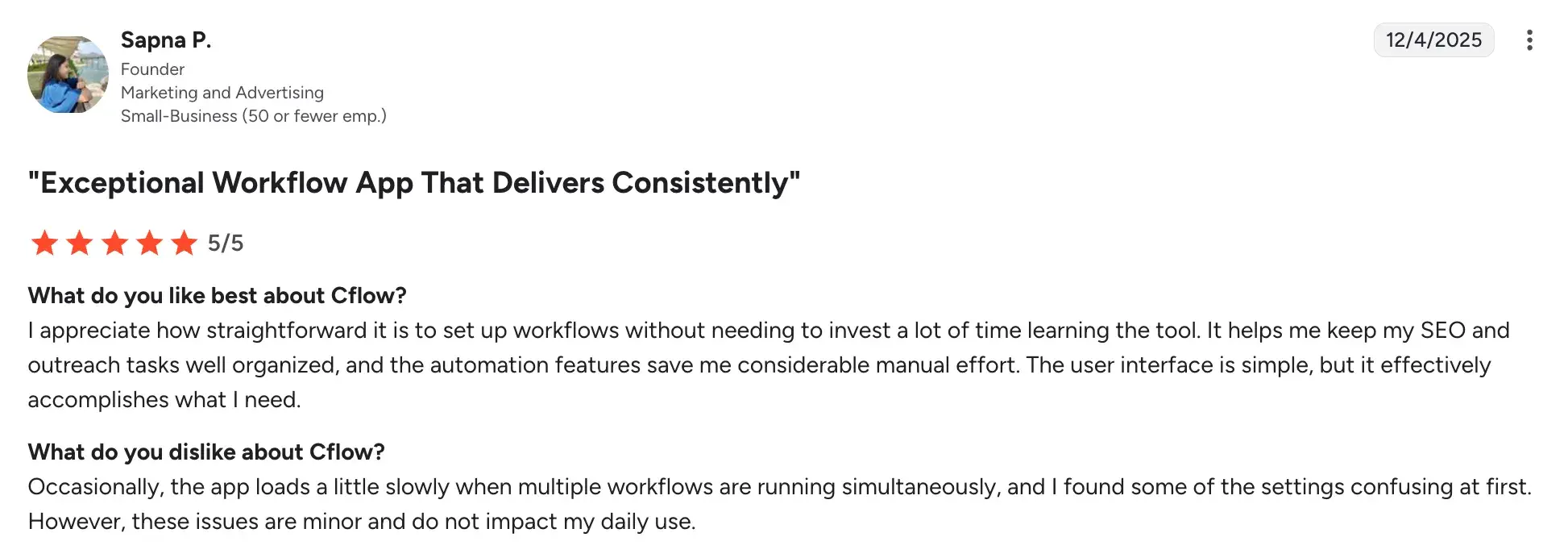
- Fast setup and easy management with no technical background required
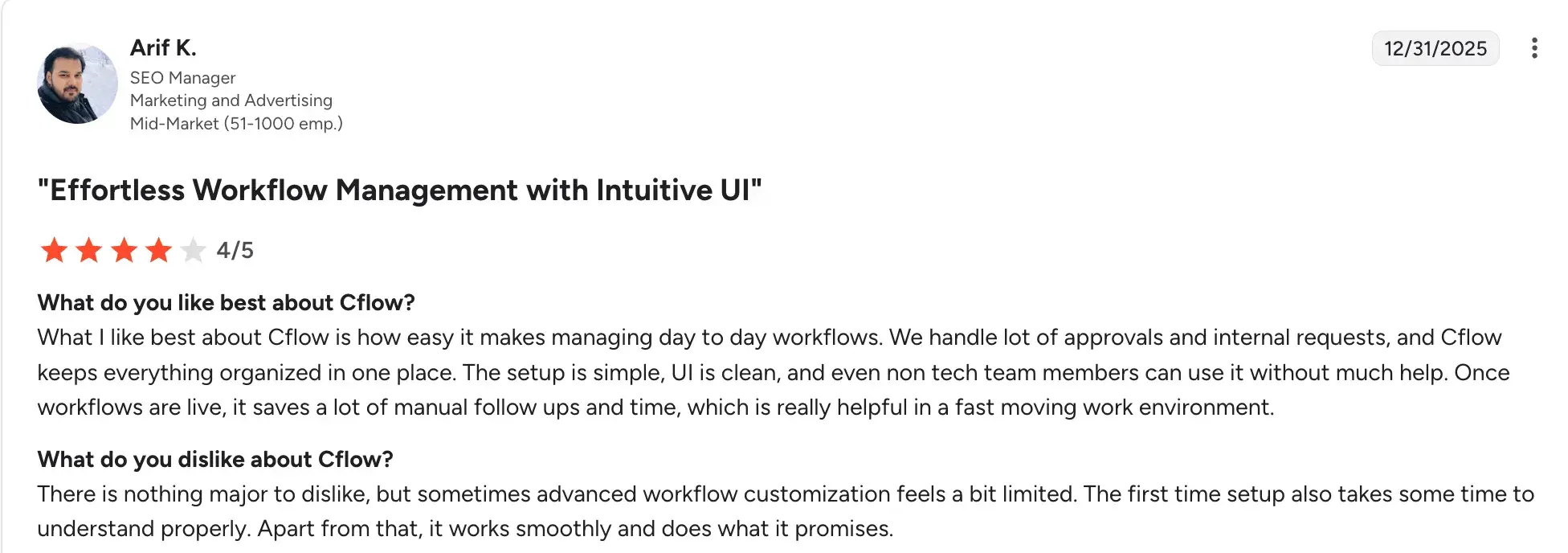
- Templates and quick approvals reduce time to launch standard processes
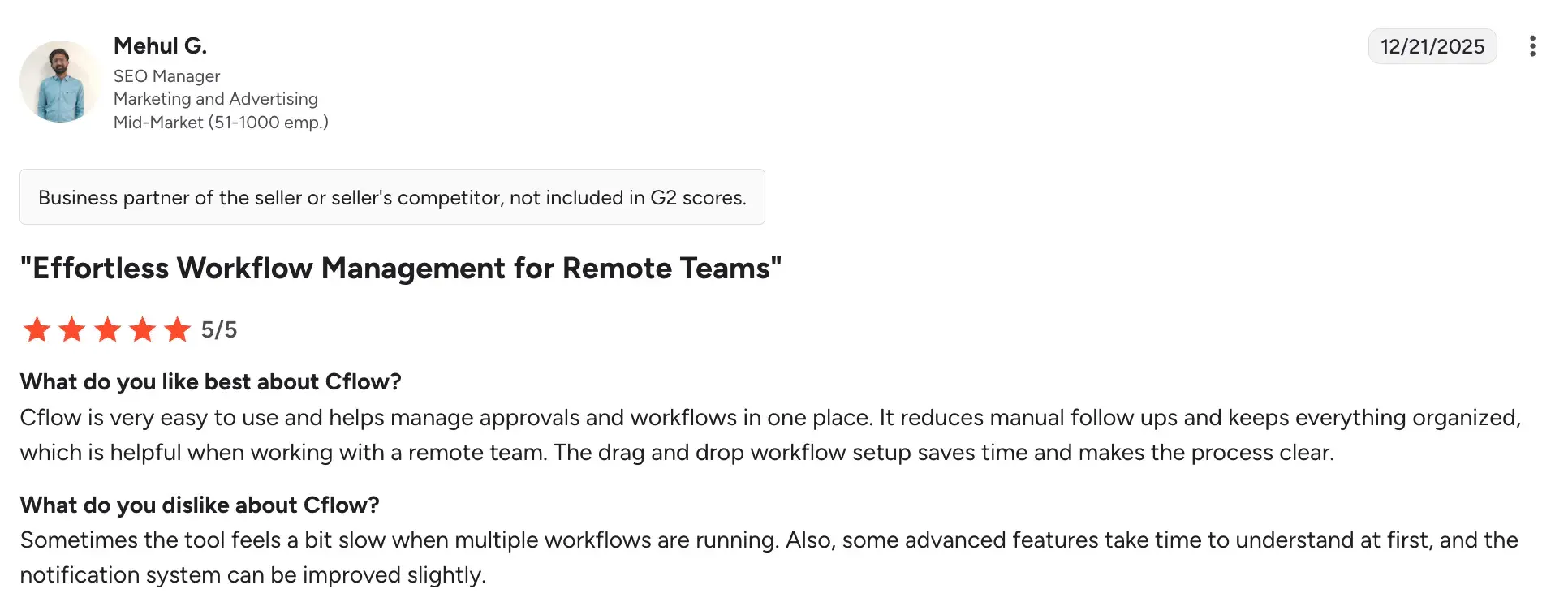
- Affordable for small and mid-sized teams
Cons include:
- Limited support for complex multi-step business logic
- Integration and feature depth require advance plans or manual workarounds
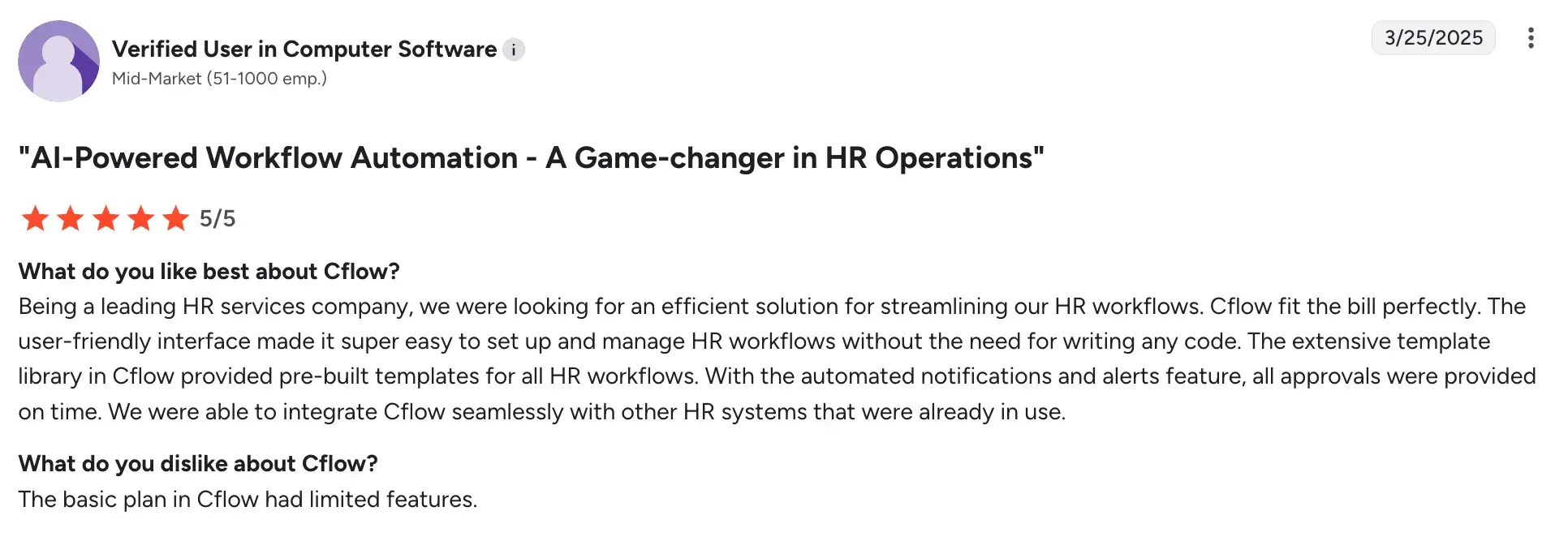
- Slower performance during complex workflows or large data processing
2. FlowForma
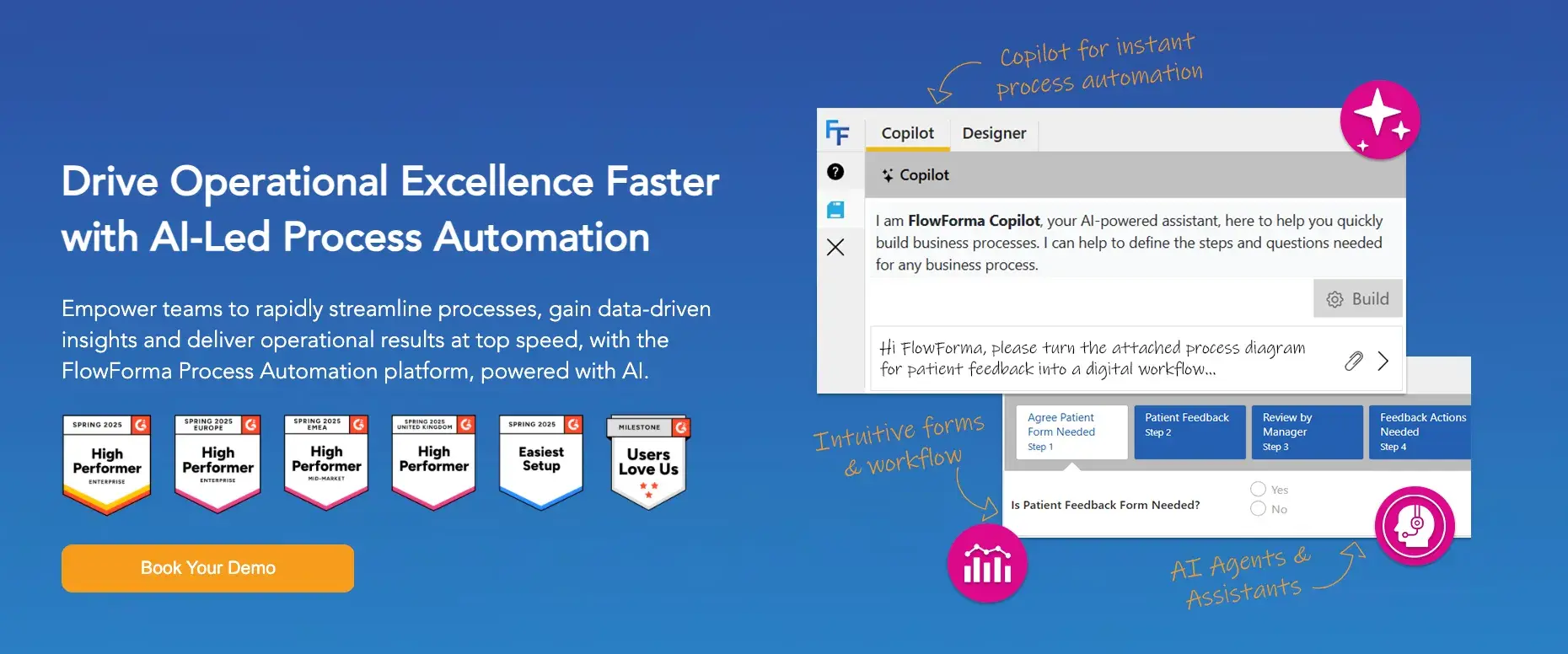
FlowForma’s homepage
With FlowForma, you can digitize your workflows without depending on IT. The no-code, AI-powered platform lets your business teams build, adjust, and launch workflows themselves, without writing a single line of code.
Our platform is designed to help teams move faster while keeping full control over how their processes work, turning manual steps into structured, automated workflows that fit the way your team already works.
Key Features of FlowForma
No-code workflow and form builder with AI Copilot
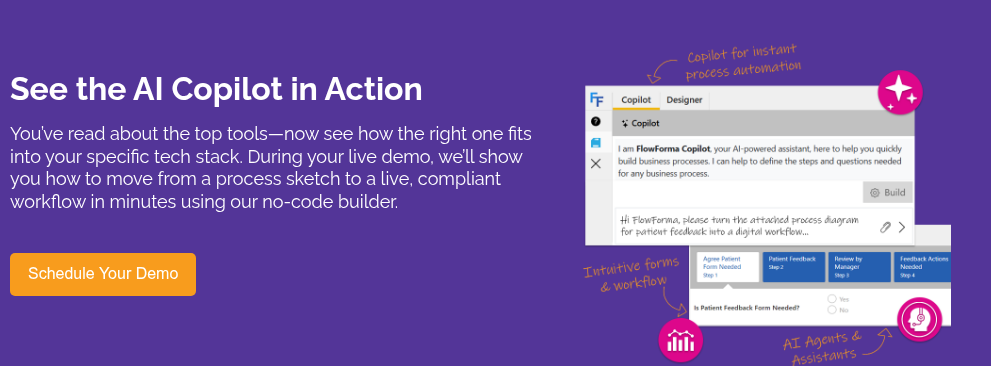
You can provide a text prompt, upload a form or flow diagram, or use voice input to get started, and FlowForma Copilot automatically structures your process using steps, questions, and rules. Your team can go from idea to deployed workflow in minutes, no developer needed.
Play around with simple, contextual prompts and build business processes from simple to complex in minutes. Or, upload a diagram or form, and the Copilot will take it from there.
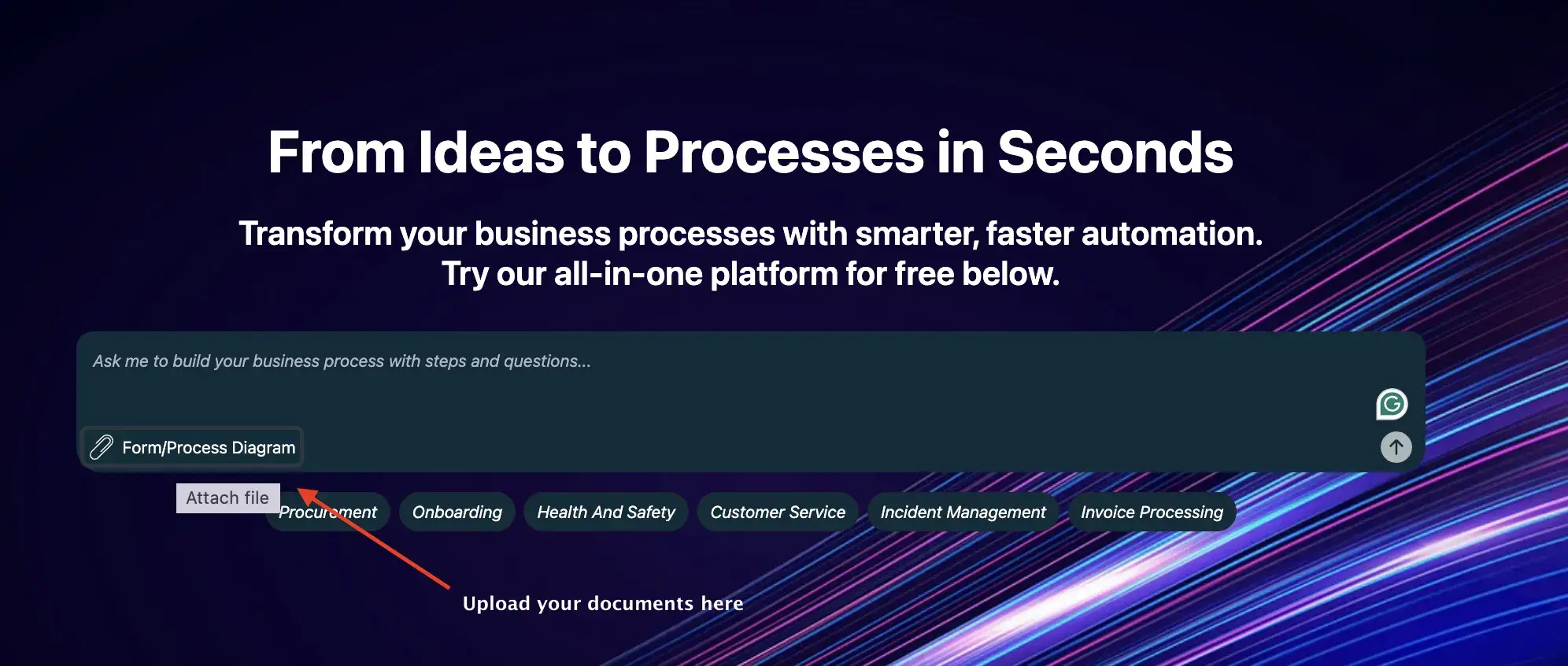
Try our FlowForma Playground
Agentic AI for process decisioning
Agentic AI drives intelligent automation by analyzing structured data, applying your business rules, and suggesting actionable next steps in real time. It provides your team with data-driven guidance at each decision point without slowing the process.
Automated document generation
FlowForma automates document creation at scale, replacing manual processes with professionally designed documents generated in a single click. Letters, summaries, and compliance documents can be produced automatically as part of your workflow.
Built-in compliance and audit trails
Every FlowForma workflow comes audit-ready, with e-signatures, version control, document snapshots, and a complete activity log. This makes it straightforward to stay compliant and respond quickly to internal or regulatory reviews.
FlowForma User Rating on G2:
|
Category |
FlowForma User Rating |
|---|---|
|
Overall |
|
|
Meets Requirements |
8.6 |
|
Ease of Use |
8.7 |
|
Ease of Setup |
8.3 |
FlowForma’s user ratings on G2
Pros and Cons of FlowForma
Pros include:
- Business teams can build and own workflows independently using the platform’s no-code abilities
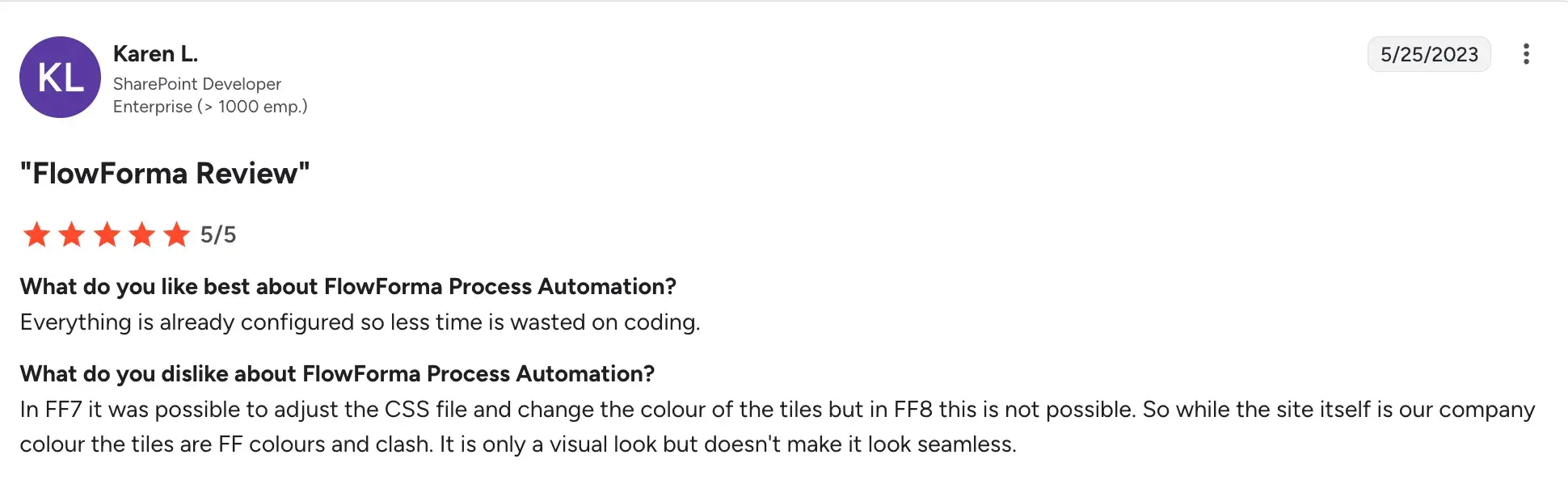
- Audit trails and e-signatures built in from the start
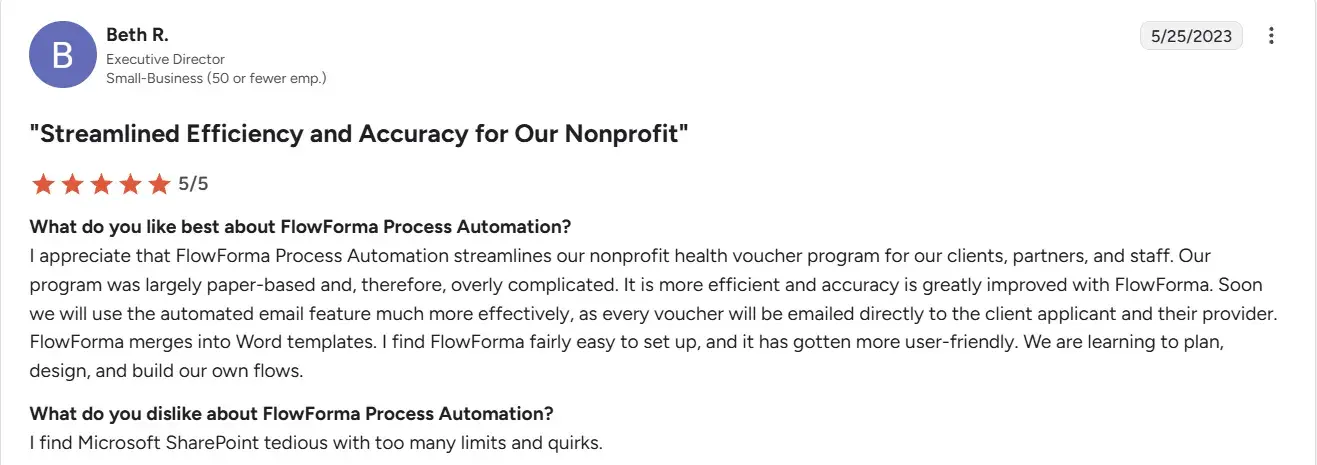
- Intuitive, no-code workflow automation streamlines processes, improving productivity
Cons include:
- Rule configuration can be confusing, especially for new users
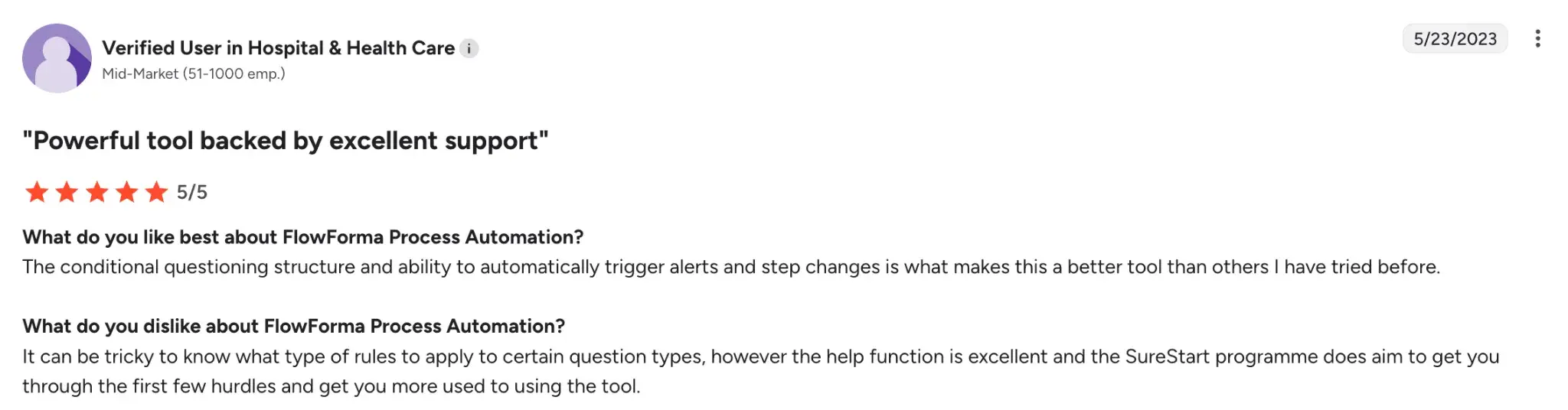
- AI features may need tuning for highly specific business rules
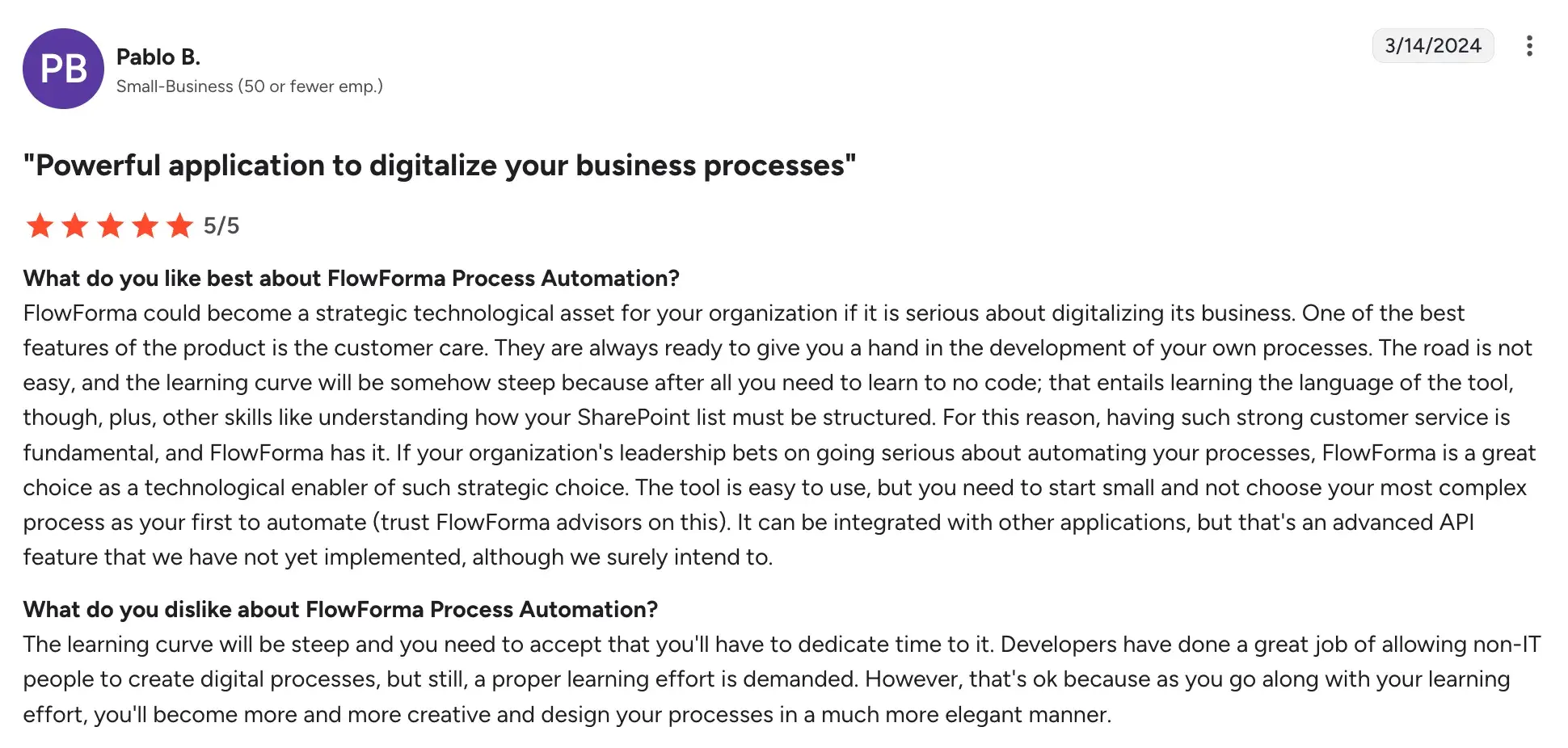
- Deeper customization may still require technical involvement
3. Pipefy
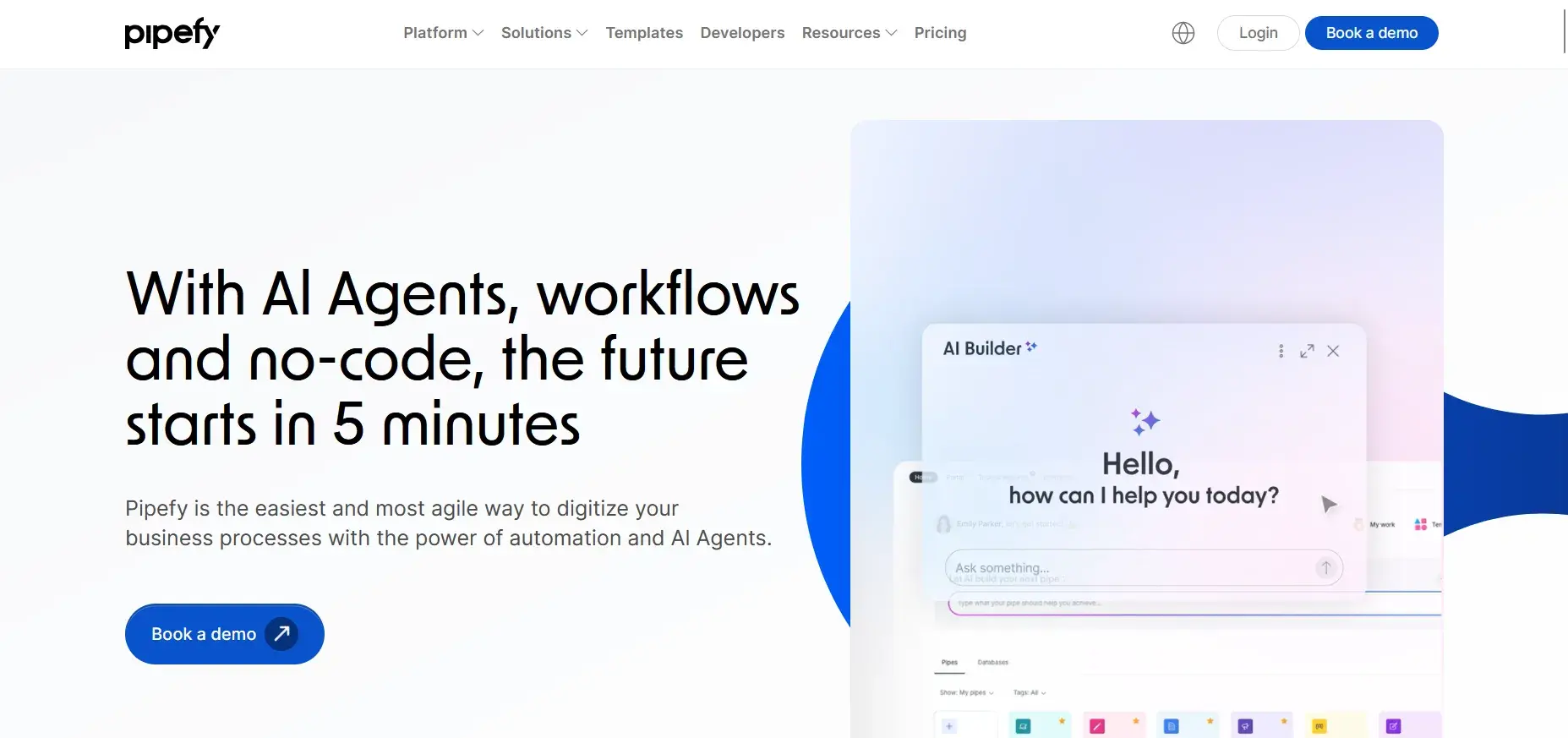
Pipefy homepage
Pipefy organizes work as structured pipelines, making it easy to track requests from intake to completion. You can build forms, set conditional rules, and monitor SLAs across your team without any coding. It suits operations and shared services teams that want consistent, repeatable processes without heavy configuration.
Key Features of Pipefy
Structured intake forms
Capture request data through embedded forms with custom fields and conditional logic. Responses flow directly into the right pipeline for action.
Pipeline visualization
See every request move through its stages on a clear Kanban-style board. Your team always knows what is pending, in progress, or waiting on a decision.
Automated assignments and SLA rules
Route requests to the right person automatically and set deadlines for each stage. Alerts fire before SLAs are breached, keeping your team on track.
Reporting and dashboards
Track volumes, turnaround times, and bottlenecks with built-in reports. Managers get a live view of team performance and process health.
Pipefy User Ratings on G2
|
Category |
Pipefy Rating |
|---|---|
|
Overall |
|
|
Meets Requirements |
8.7 |
|
Ease of Use |
9.2 |
|
Ease of Setup |
8.9 |
Pipefy’s user ratings on G2
Pros and Cons of Pipefy
Pros include:
- Highly customizable to fit any team process
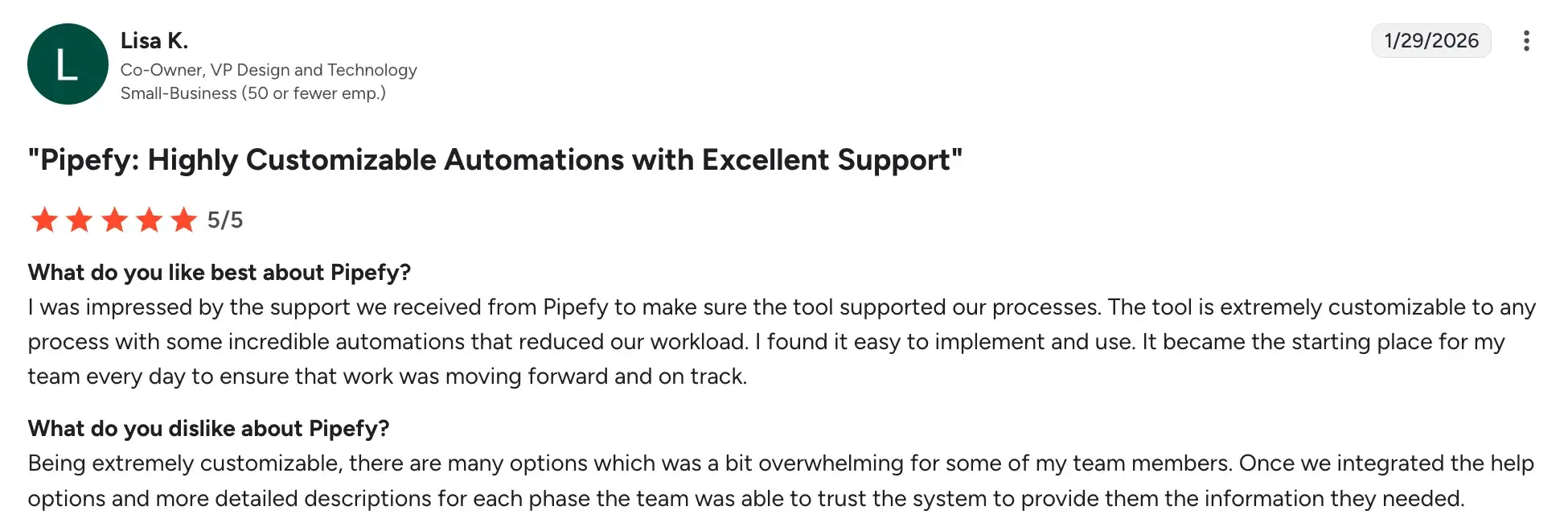
- AI features speed up automation setup
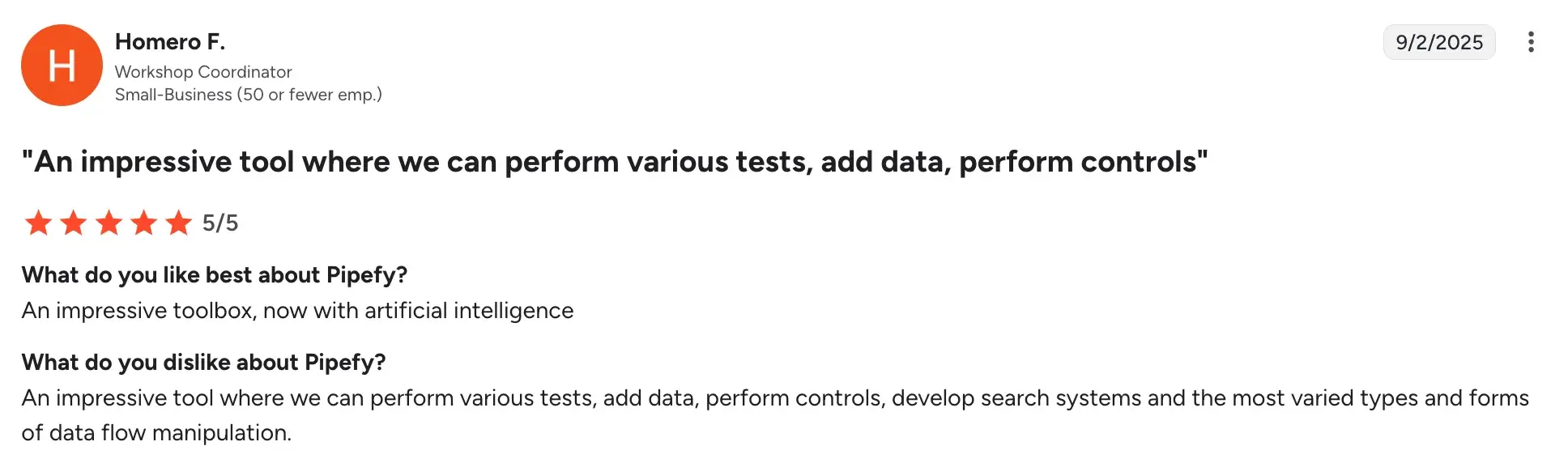
- Clean interface keeps daily operations organized
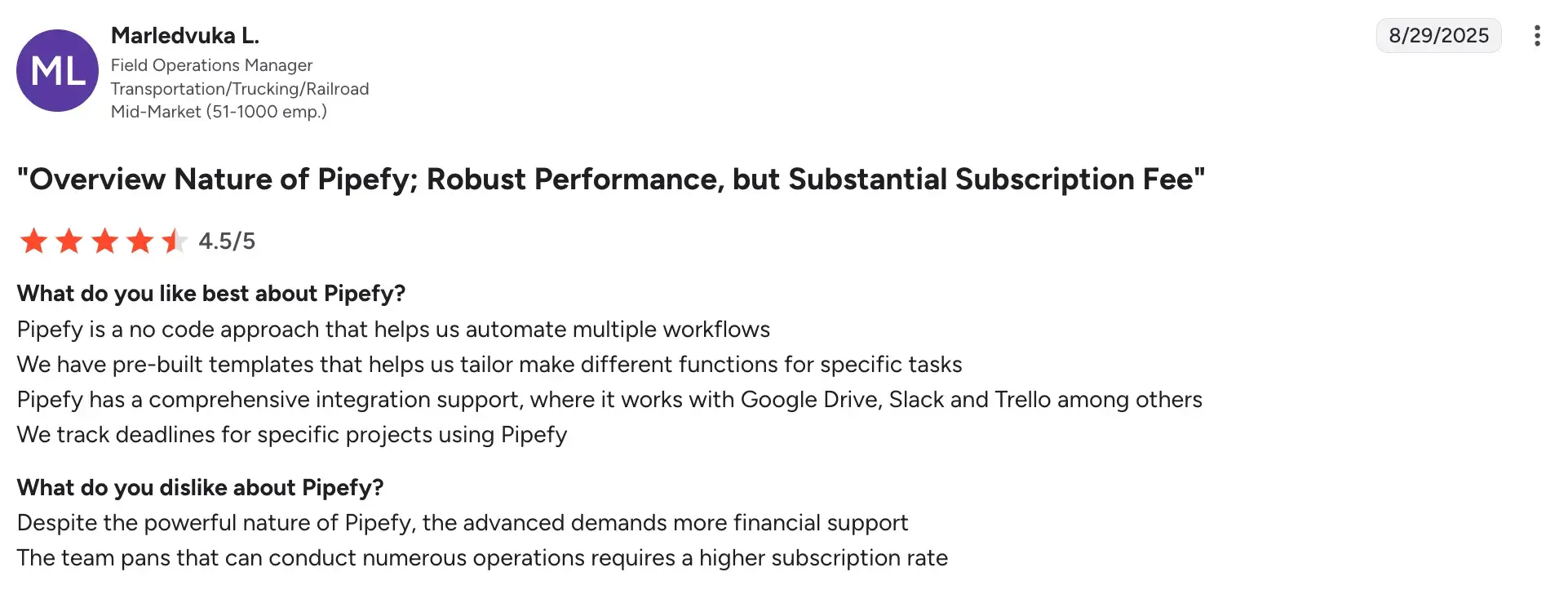
Cons include:
- Complex logic can hit customization limits
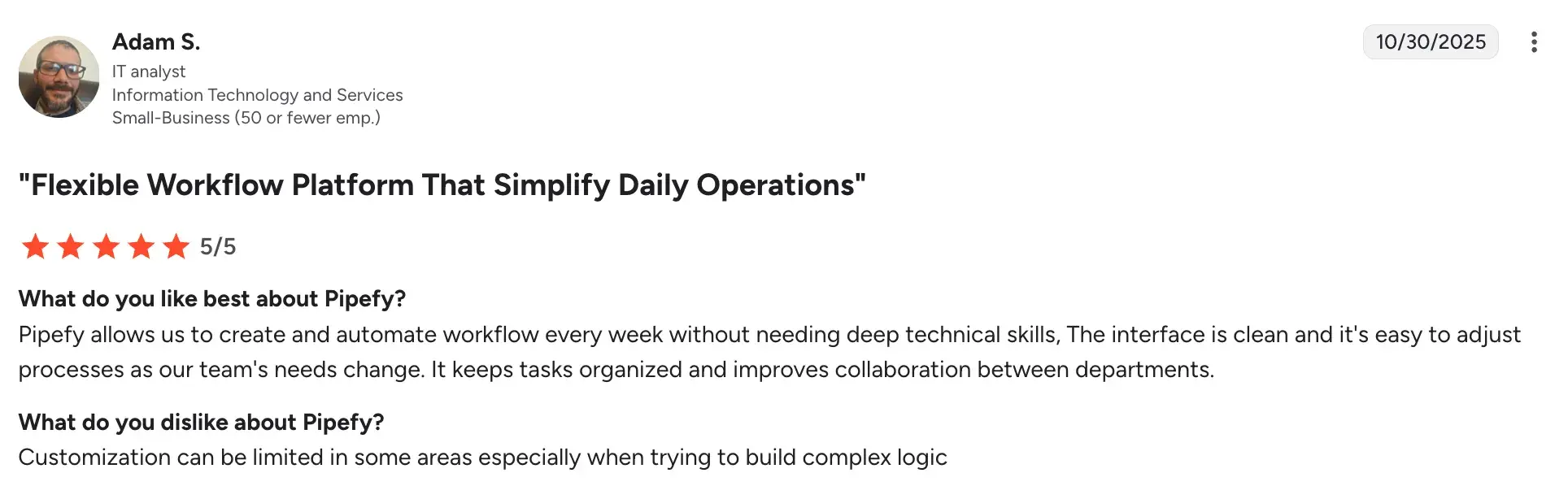
- Advanced governance features sit behind higher-priced tiers
- Too many options can overwhelm new users
- Better suited to operations workflows than complex BPM needs
4. Appian
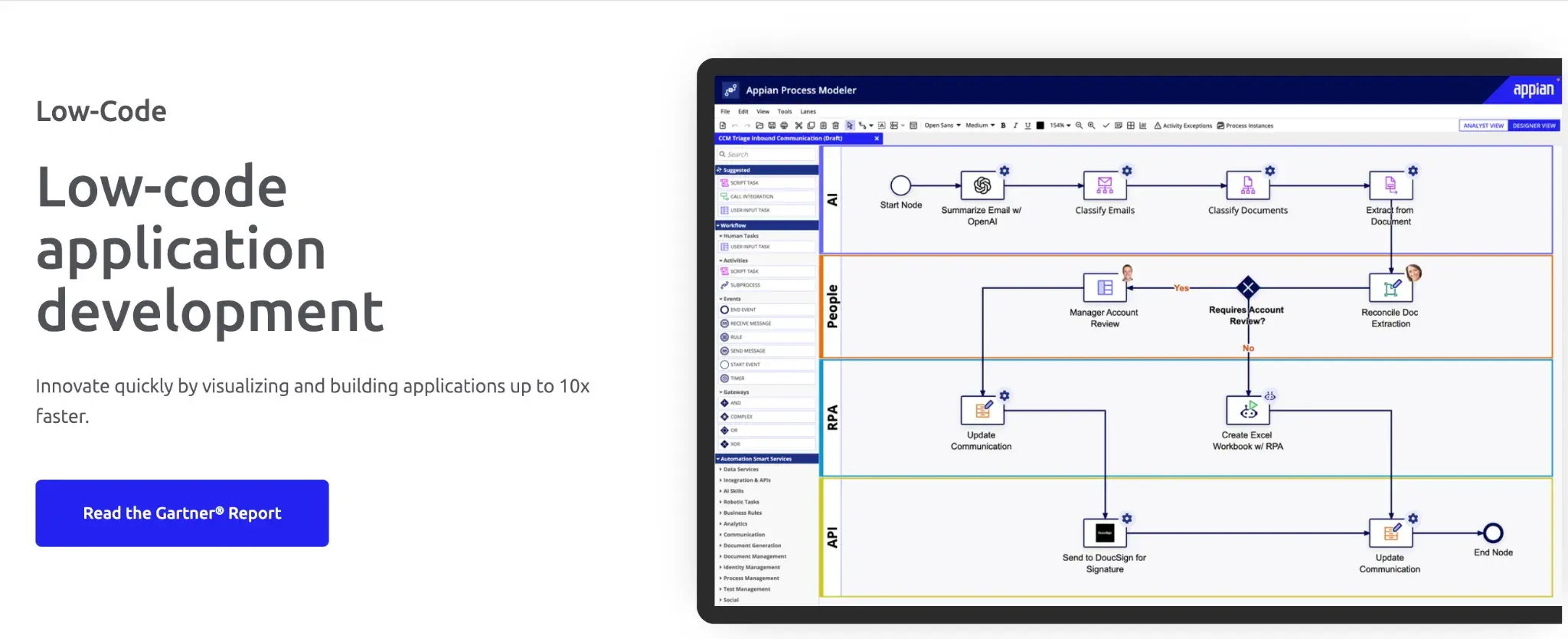
Appian’s low-code development platform
Appian markets itself as a low-code development platform that can also be used for no-code automation. You can use it to orchestrate end-to-end workflows, connect multiple business systems, and layer in AI-assisted decisioning, all through a guided design experience. It is a strong fit for organizations that need enterprise governance alongside process automation.
Key Features of Appian
Low-code process modeling with data fabric
Design complex workflows that pull data from multiple systems into a single unified view. Your team can work with information, documents, and decisions in one place without switching tools.
Integrated AI and RPA
Automate data extraction and use AI rules to support routing and decision-making. This reduces manual data handling across your business processes.
Case management for complex workflows
Handle multi-step, multi-stakeholder processes with structured case workflows that track every action, document, and decision end to end.
Enterprise security and audit controls
Meet compliance requirements with role-based access, full audit logging, and governance tools built directly into the platform.
Appian User Ratings on G2
|
Category |
Appian Rating |
|---|---|
|
Overall |
|
|
Meets Requirements |
8.5 |
|
Ease of Use |
8.7 |
|
Ease of Setup |
8.5 |
Appian’s user ratings on G2
Pros and Cons of Appian
Pros include:
- Data Fabric connects multiple systems without migration
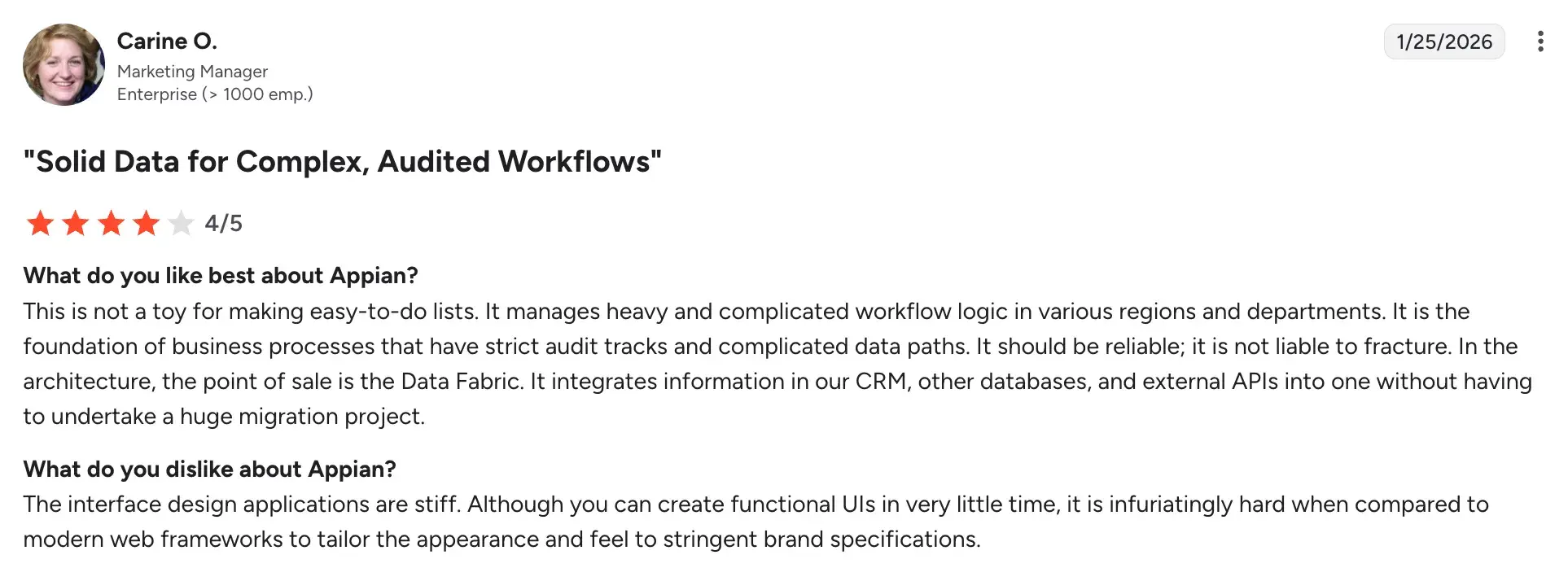
- AI and automation handle complex, audit-heavy workflows
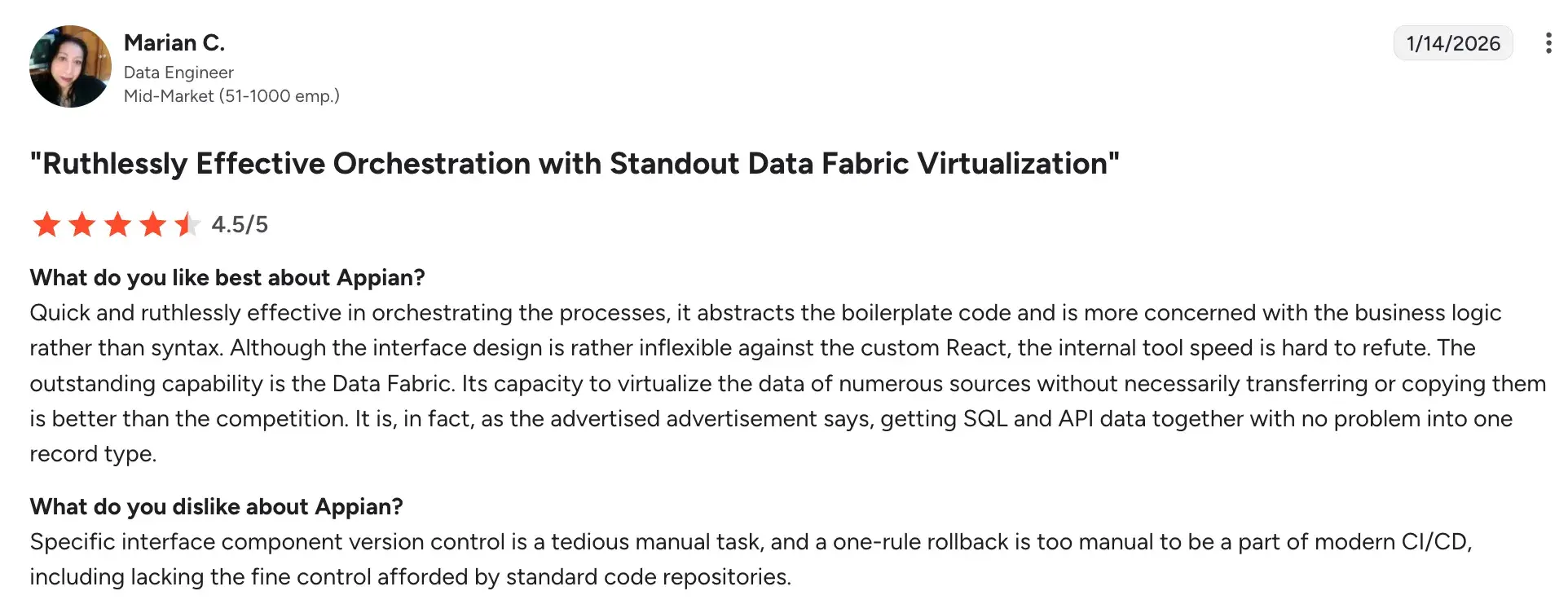
- Enterprise-grade security built into the platform
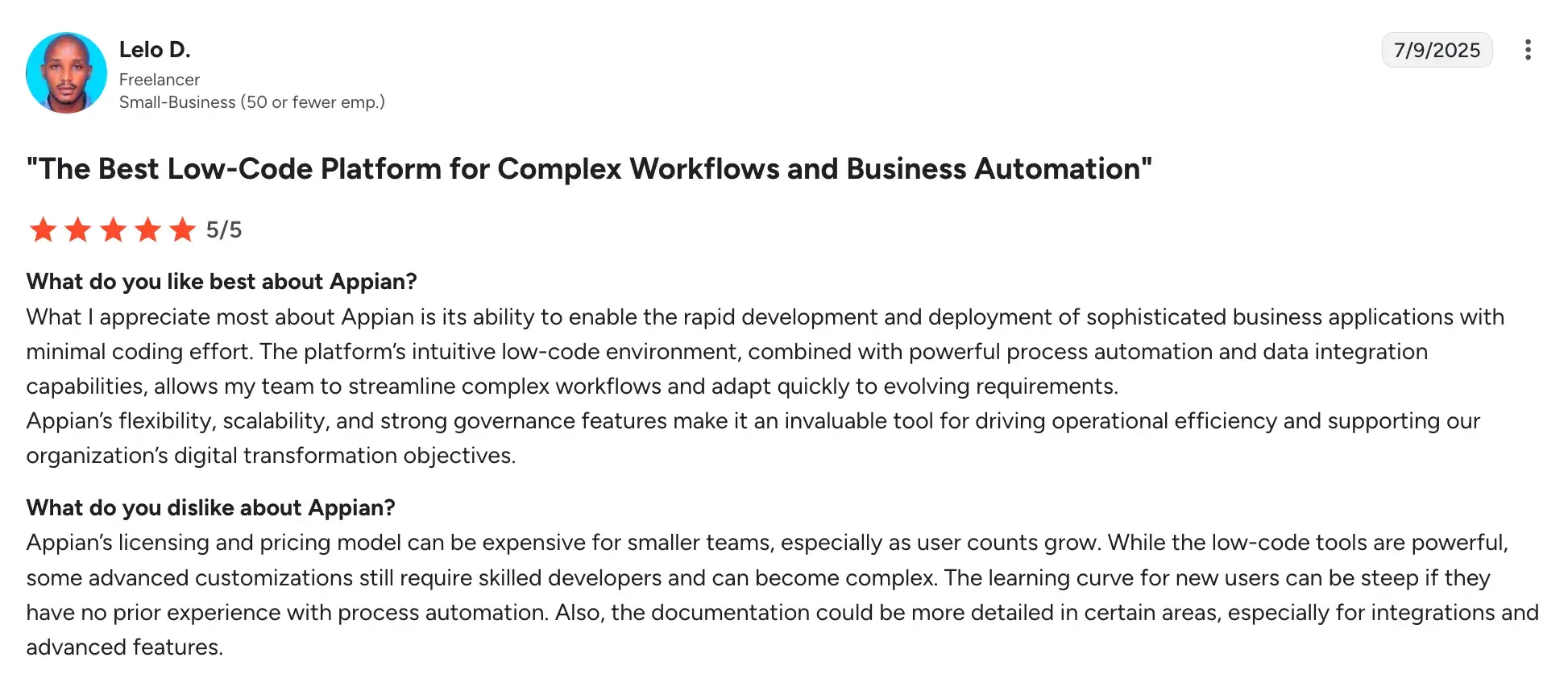
Cons include:
- Steeper learning curve compared to lighter no-code tools
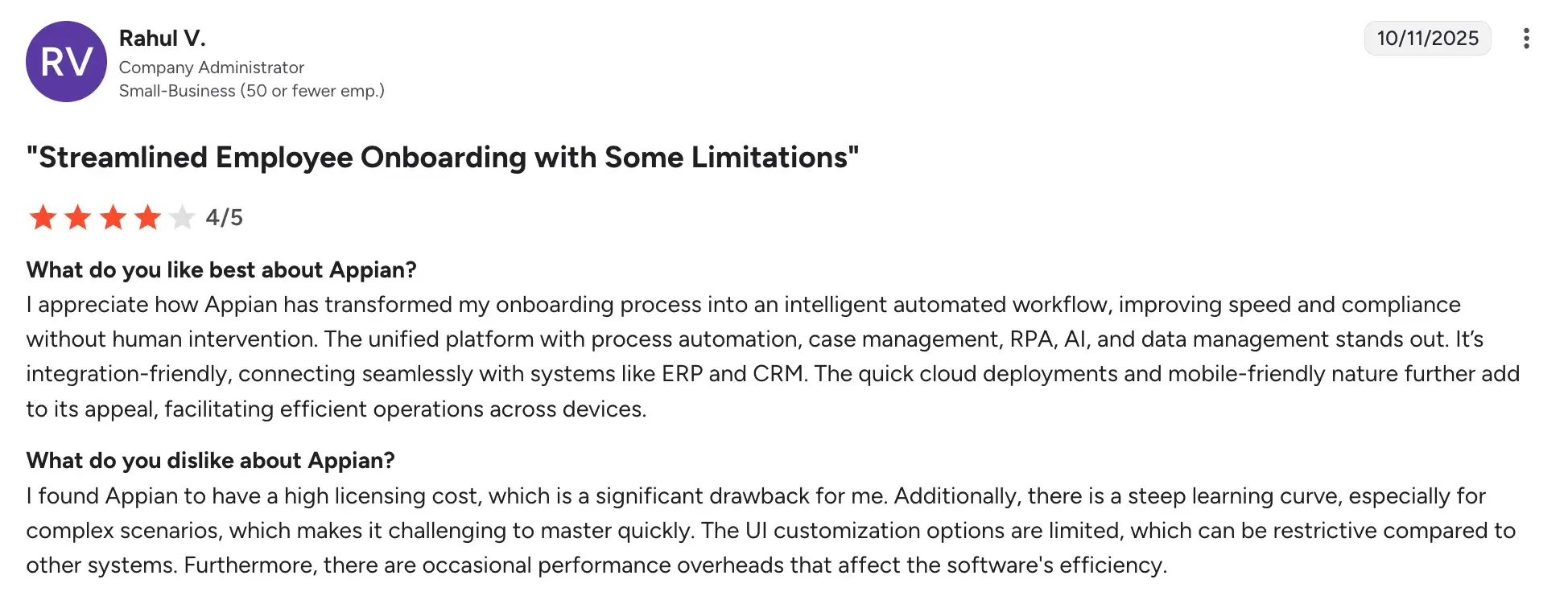
- Longer implementation timelines for enterprise deployments
- Higher cost may not suit smaller teams or budgets
5. Make
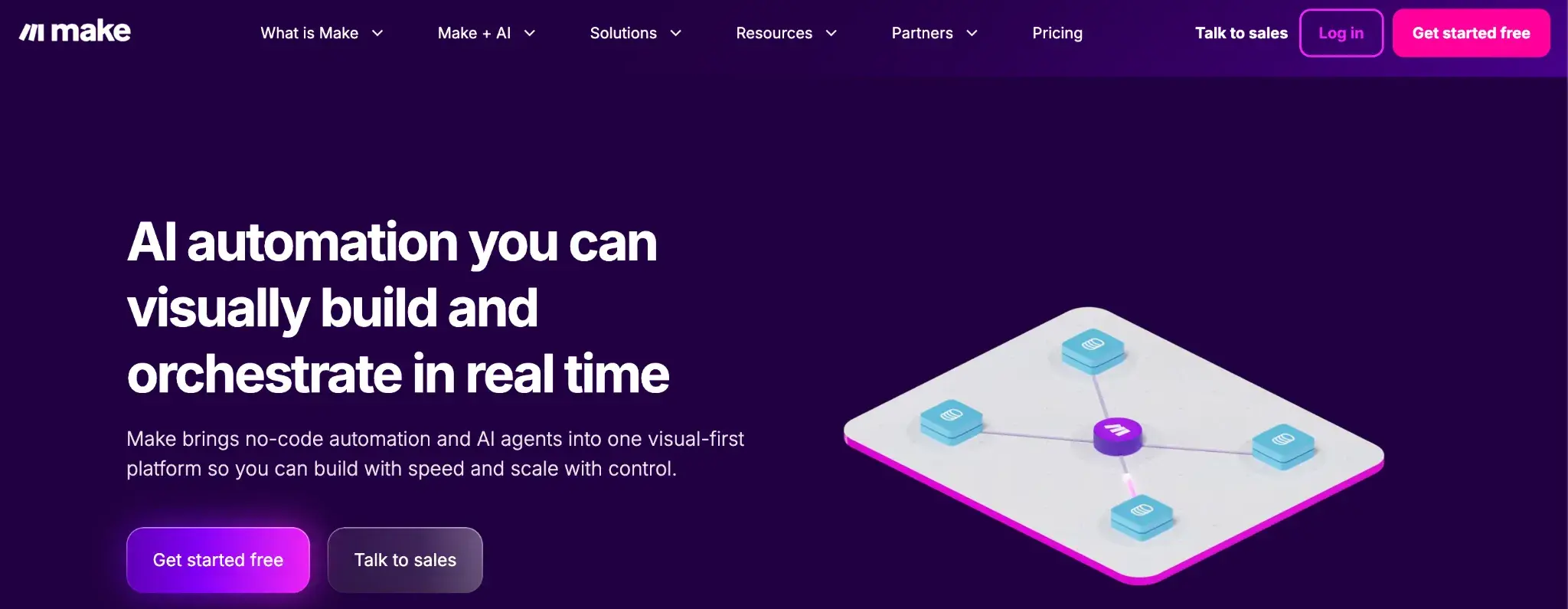
Make’s homepage
Make gives your team a visual canvas to automate repetitive tasks across the apps you already use. You can connect tools, map data, and build logic-driven automation flows without writing any code. It is well suited for teams that want to automate handoffs, sync data, and route notifications between their everyday business apps.
Key Features of Make
Visual scenario builder
Map out automation flows between your tools on a drag-and-drop canvas. You can see exactly how data moves and where logic branches at every step.
Wide connector library
Connect to hundreds of popular apps, including email platforms, cloud storage, CRMs, and project tools. This helps you automate data syncing and task routing without custom integrations.
Data mapping and conditional routing
Transform and route data based on conditions you define. Conditional logic ensures the right information reaches the right person or system at the right time.
Scheduling, webhooks, and execution logs
Trigger automations on a schedule or in response to real-time events. Logs help you monitor and troubleshoot flows quickly when something needs attention.
make’s User Ratings on G2
|
Category |
Make Rating |
|---|---|
|
Overall |
|
|
Meets Requirements |
9.1 |
|
Ease of Use |
8.5 |
|
Ease of Setup |
8.3 |
Make’s user ratings on G2
Pros and Cons of Make
Pros include:
- Flexible and intuitive visual builder with minimal learning curve
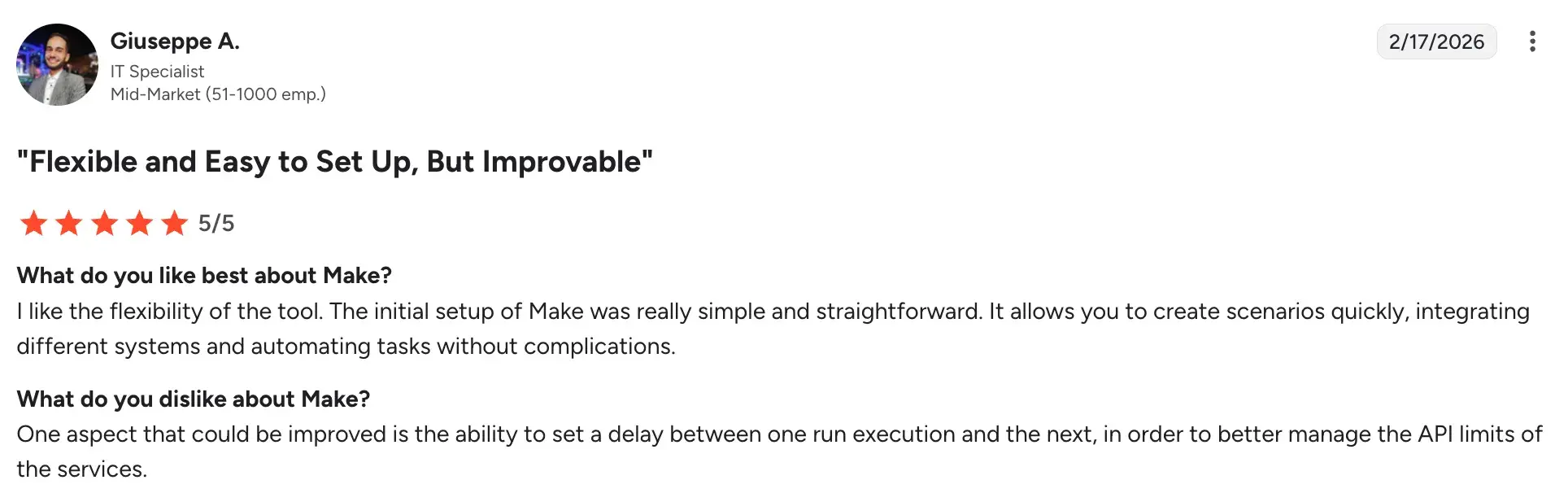
- Affordable entry point for small and lean teams
- Extensive integration options with a straightforward setup process
Cons include:
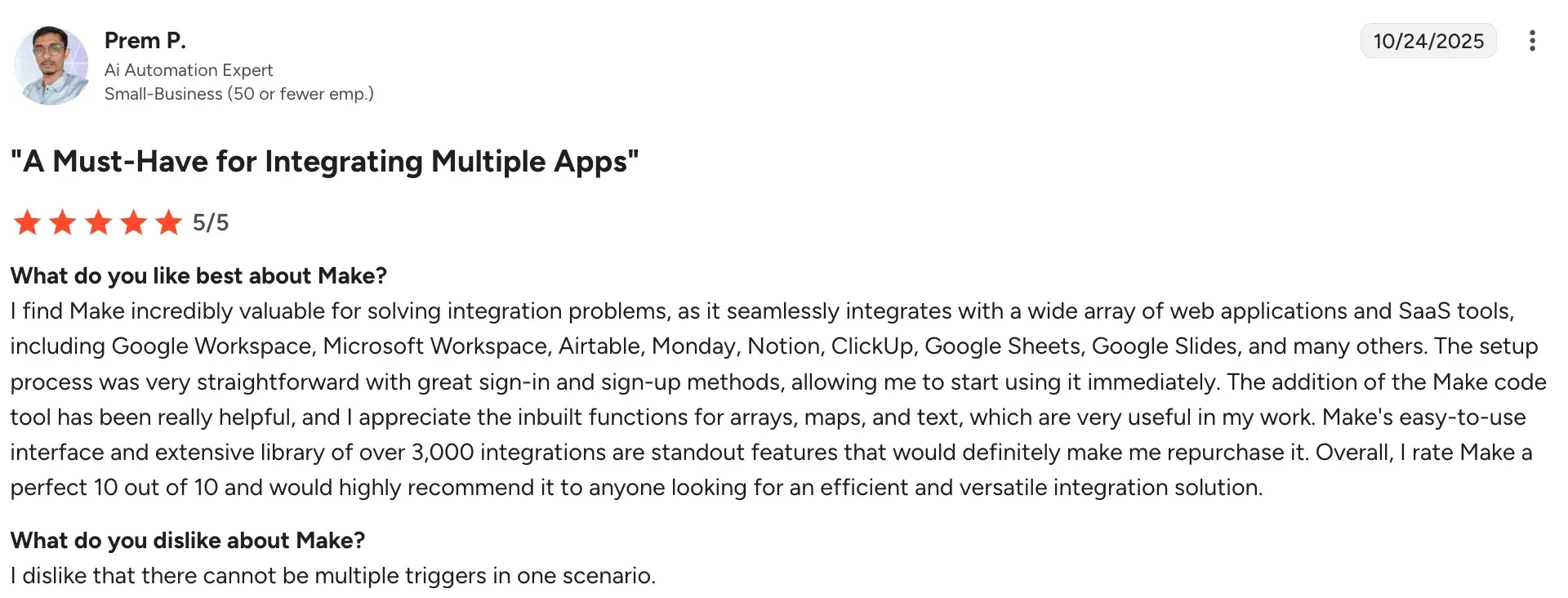
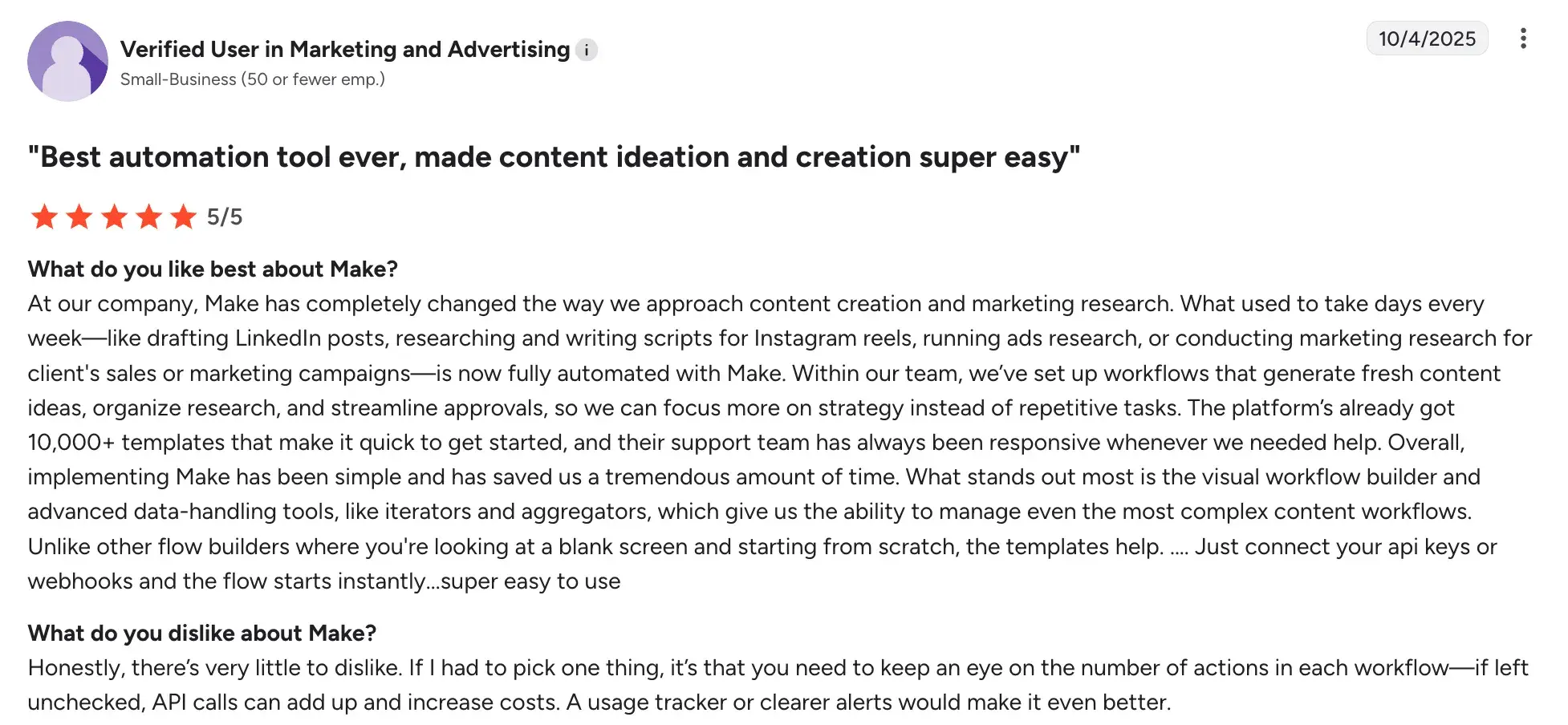
- Not designed for structured BPM or formal process management
- Workflow actions can increase costs
- Enterprise-scale governance is outside its core scope
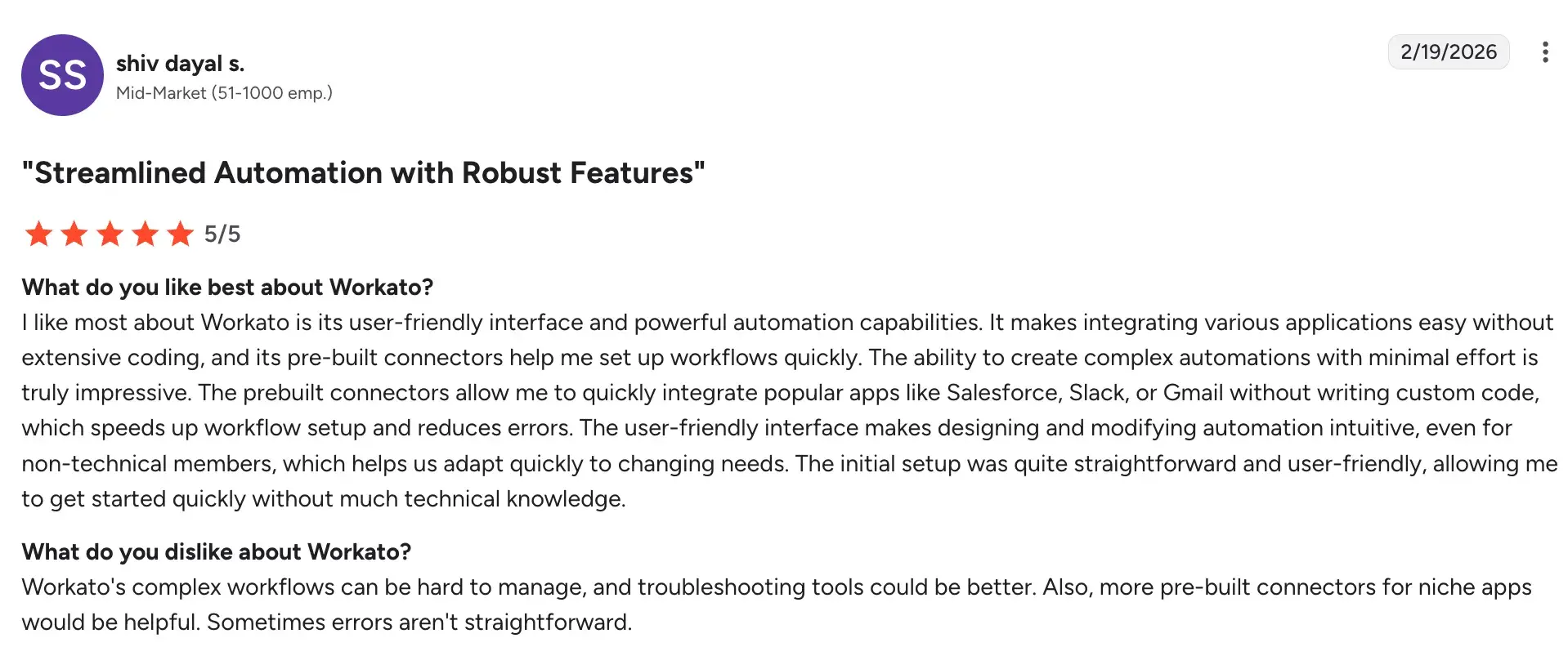
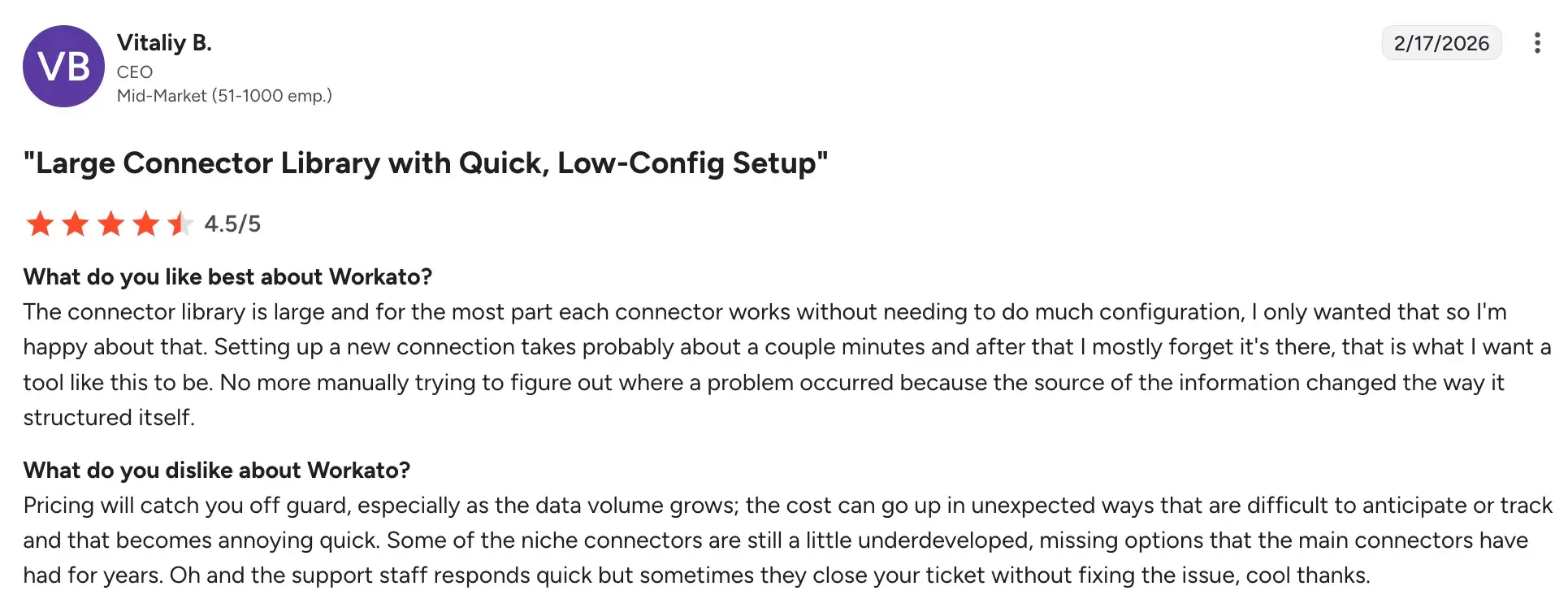
6. Workato
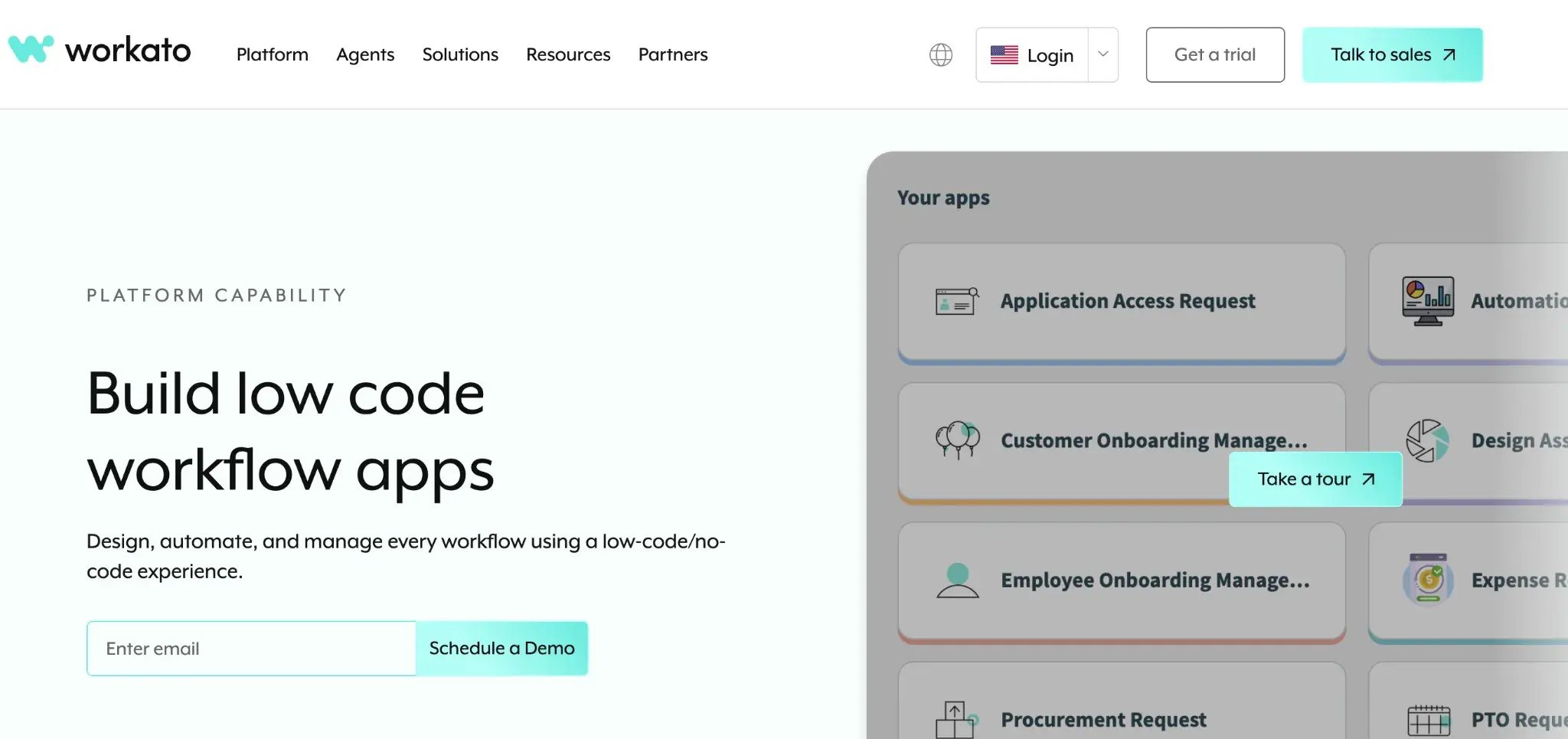
Workato’s homepage
Workato brings enterprise-grade integration and process automation together in one platform. You can connect your business systems, automate data flows, and build collaborative automations that span IT and business teams. It works well for mid-sized and large organizations where integration sits at the center of their automation strategy.
Key Features of Workato
Enterprise-grade connectors
Connect core business systems with deep, reliable integrations that handle high volumes of data. Your information flows accurately between platforms without manual intervention.
Event-driven triggers and data transformation
Automate data handoffs in real time when a record is created, updated, or flagged. Data is cleaned and formatted automatically as it moves between systems.
Role-based access and environment controls
Manage who can build, test, and deploy automations across your organization. Separate development and production environments reduce risk in live workflows.
Monitoring, alerting, and audit logs
Track automation performance in real time and get alerted to failures as they happen. Full audit logs support compliance and operational oversight needs.
Workato’s User Ratings on G2
|
Category |
Workato Rating |
|---|---|
|
Overall |
|
|
Meets Requirements |
9.0 |
|
Ease of Use |
9.0 |
|
Ease of Setup |
8.8 |
Workato’s user ratings on G2
Pros and Cons of Workato
Pros include:
- Deep and reliable integration with enterprise systems
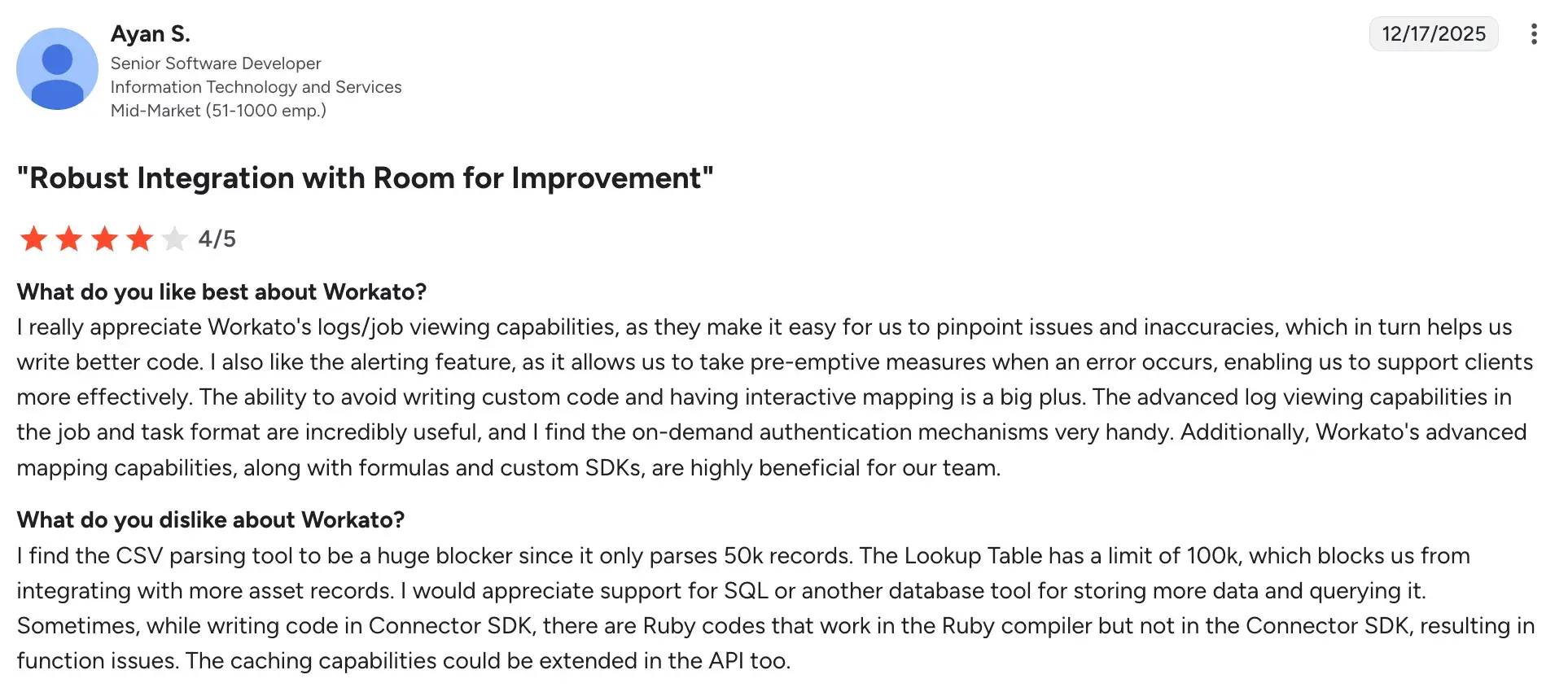
- Strong governance and security for regulated organizations
- Scales well to high-volume, high-complexity automation needs
Cons include:
- Licensing and scoping can be complex to plan upfront
- Requires an integration-first mindset from the beginning
- Business-side users face a steeper ramp-up than with lighter tools
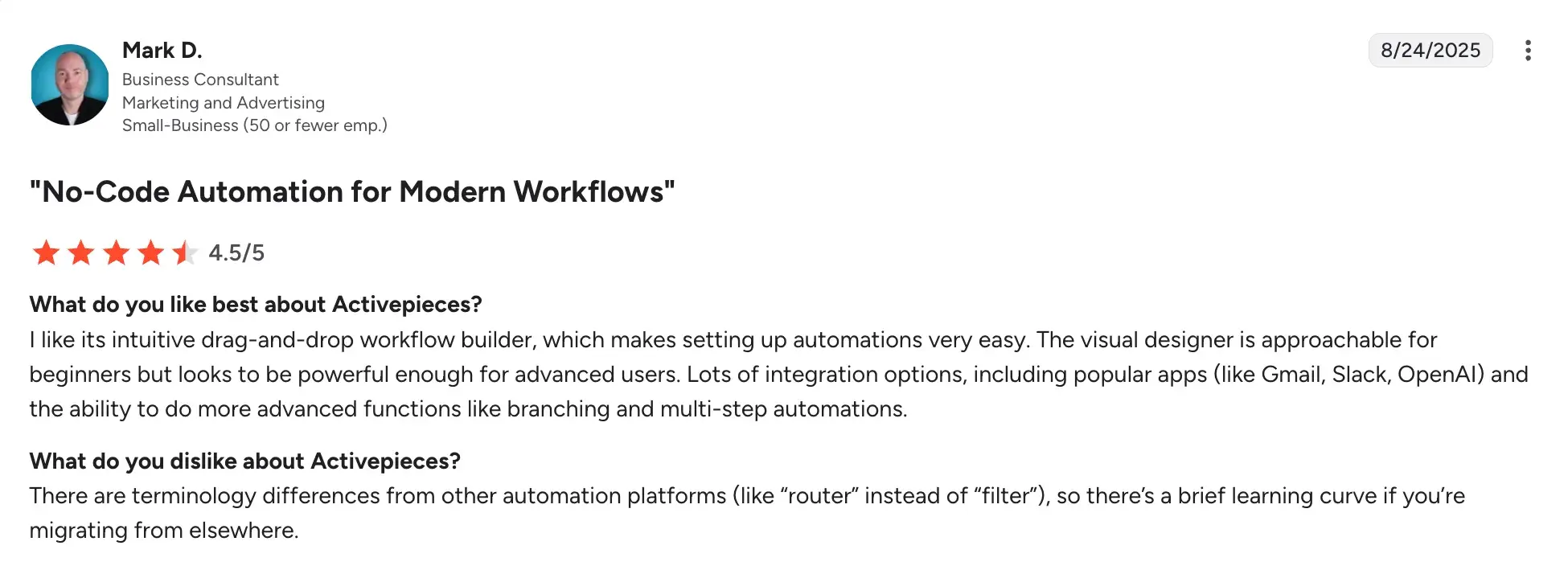
7. Activepieces
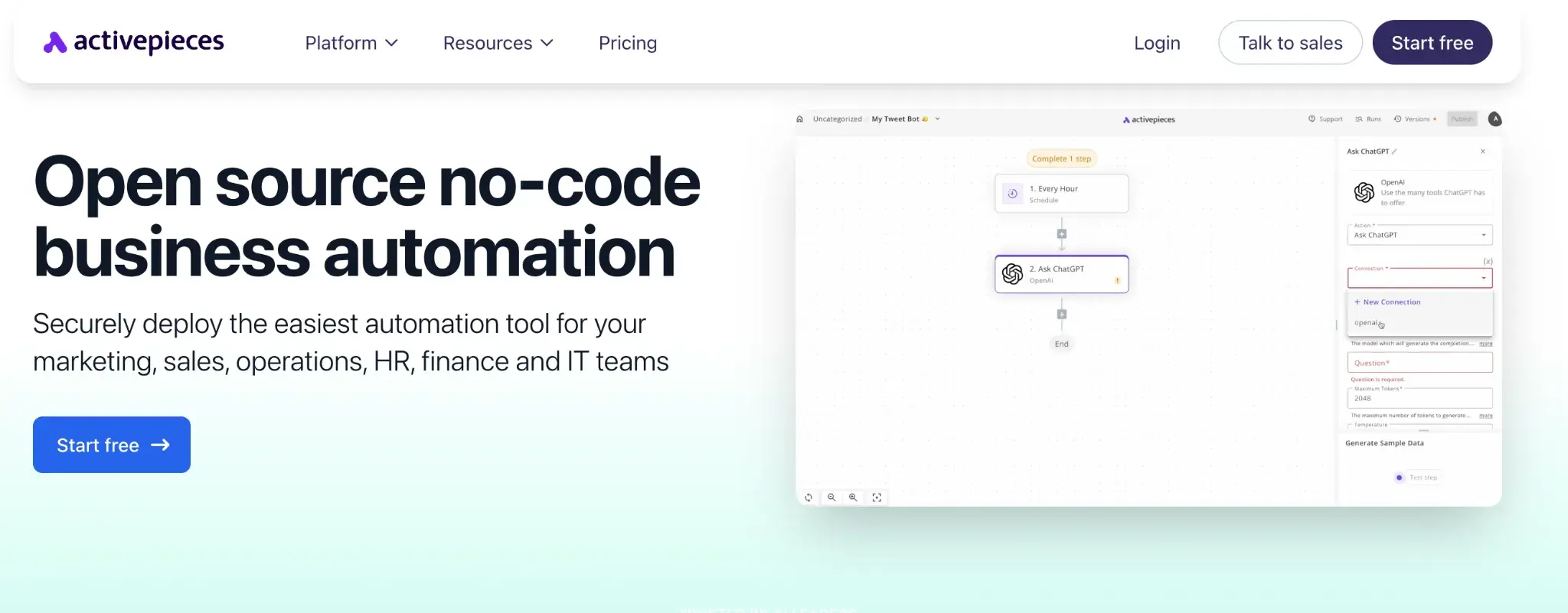
Activepieces homepage
Activepieces is an open-source automation tool you can host yourself or use as a cloud service. It targets teams looking for an affordable, customizable option where developers can extend the platform while non-technical users still build flows through a visual interface. The dual deployment model is a practical choice for teams with data residency needs or cost-sensitive projects.
Key Features of Activepieces
Visual flow builder
Build automations with triggers and actions through a clean, accessible interface. Non-technical users can create and manage simple flows without developer help.
Open-source and self-hostable
Deploy on your own infrastructure to meet data residency or cost requirements. Your team retains full control over the platform, its data, and its configuration.
Extensible with custom connectors
Developers can build connectors to proprietary or niche tools that the community has not yet covered. This makes it adaptable to less common tech stacks.
Webhooks and run history
Trigger automations from external events and review execution logs to track and troubleshoot flow performance over time.
Activepieces User Ratings on G2
|
Category |
Activepieces Rating |
|---|---|
|
Overall |
|
|
Meets Requirements |
8.6 |
|
Ease of Use |
9.0 |
|
Ease of Setup |
9.1 |
Activepieces user ratings on G2
Pros and Cons of Activepieces
Pros include:
- Generous free tier with no task limitations
- Intuitive drag-and-drop builder for complex workflows
- Active community keeps integrations growing fast
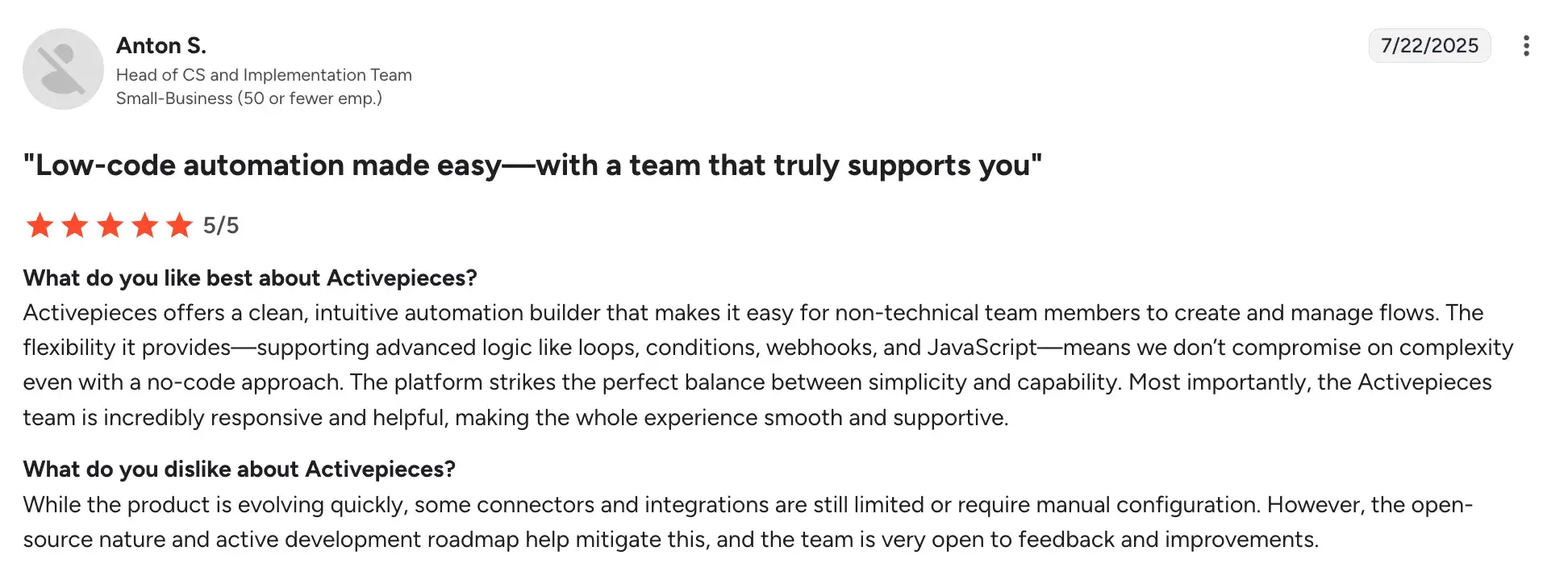
Cons include:
- Enterprise governance and access controls are limited
- Connector quality varies depending on community contribution
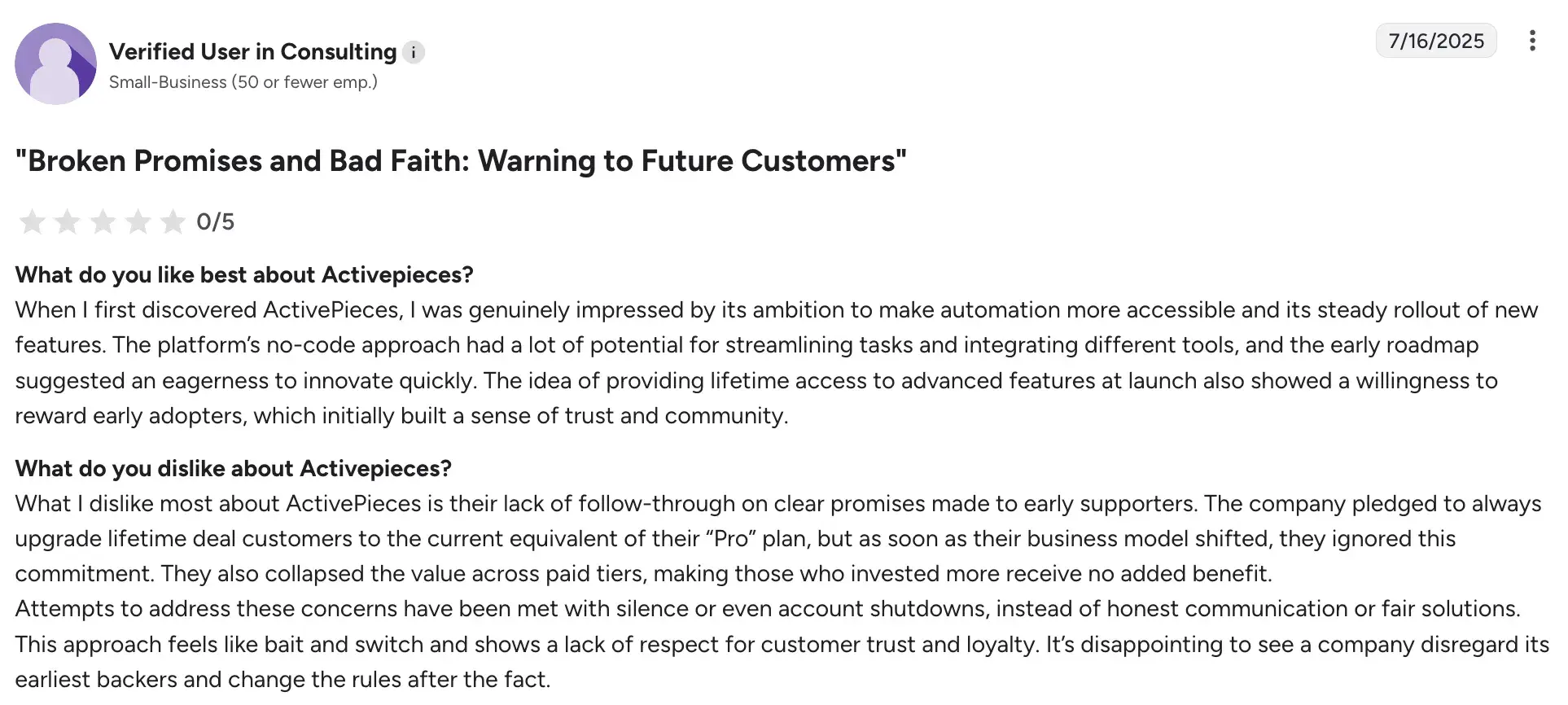
- Realizing its full potential requires developer involvement
8. Kissflow
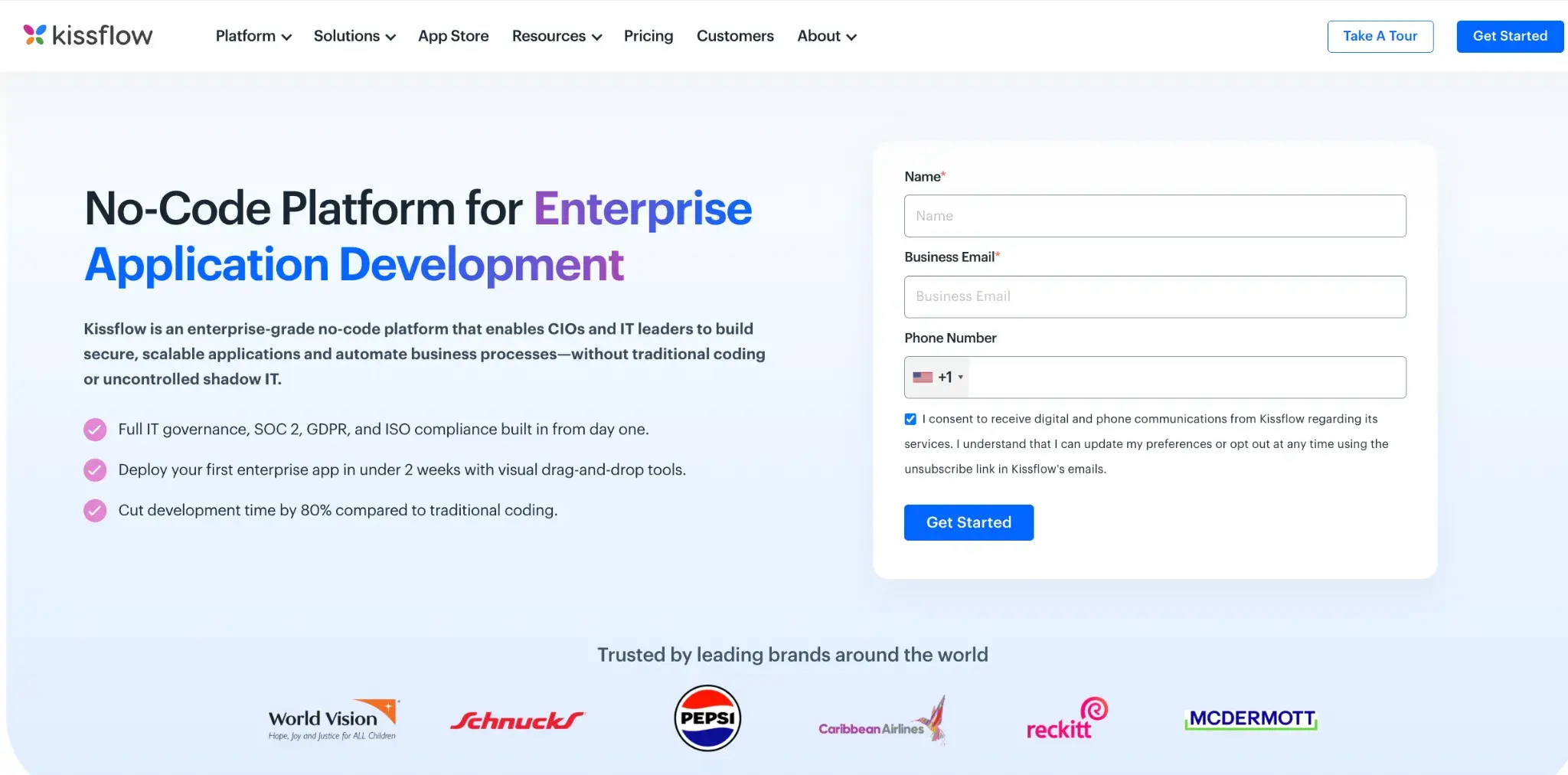
Kissflow homepage
Kissflow combines workflow automation, forms, and project tracking into a single no-code workspace. It is a practical choice for mid-sized and large organizations looking to standardize processes across departments while keeping things usable for everyday business teams. Your operations, HR, and finance teams can all manage their own workflows without IT support.
Key Features of Kissflow
No-code workflow and form builder
Design request forms and approval workflows without any technical skills. Your team can launch new processes quickly as business needs change, without waiting on a developer.
Projects and boards alongside processes
Manage structured approvals and ad hoc collaborative work in one platform. This makes Kissflow useful for teams that need both process discipline and flexible task tracking.
Role-based access and permissions
Control who can view, edit, or act at each stage of a workflow. This supports clean separation of responsibilities across departments and teams.
Public forms for request intake
Collect requests from internal teams or external stakeholders through shareable forms. Responses flow automatically into the appropriate workflow for review and action.
Kissflow User Ratings on G2
|
Category |
Kissflow Rating |
|---|---|
|
Overall |
|
|
Meets Requirements |
8.6 |
|
Ease of Use |
8.8 |
|
Ease of Setup |
8.3 |
Kissflow user ratings on G2
Pros and Cons of Kissflow
Pros include:
- Single no-code platform spans workflows, forms, and projects
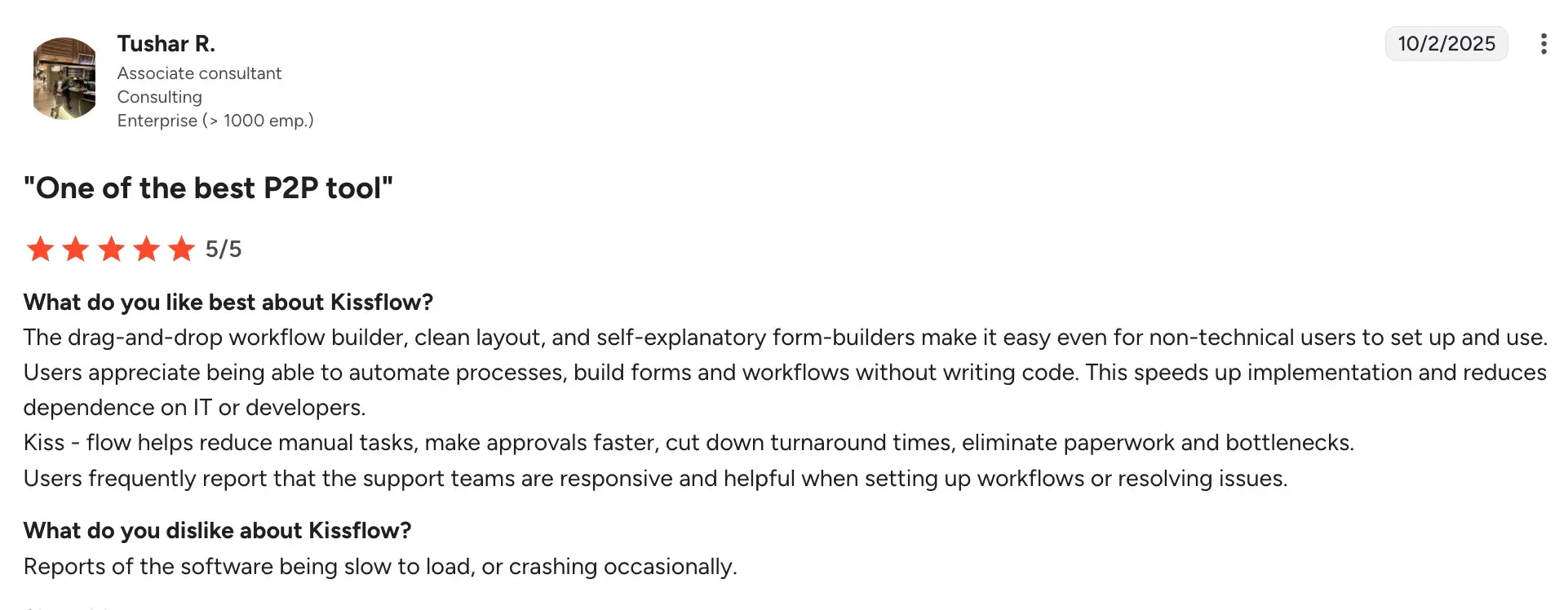
- Easy for non-technical teams to manage and own their processes
- Broad applicability across departments in one organization
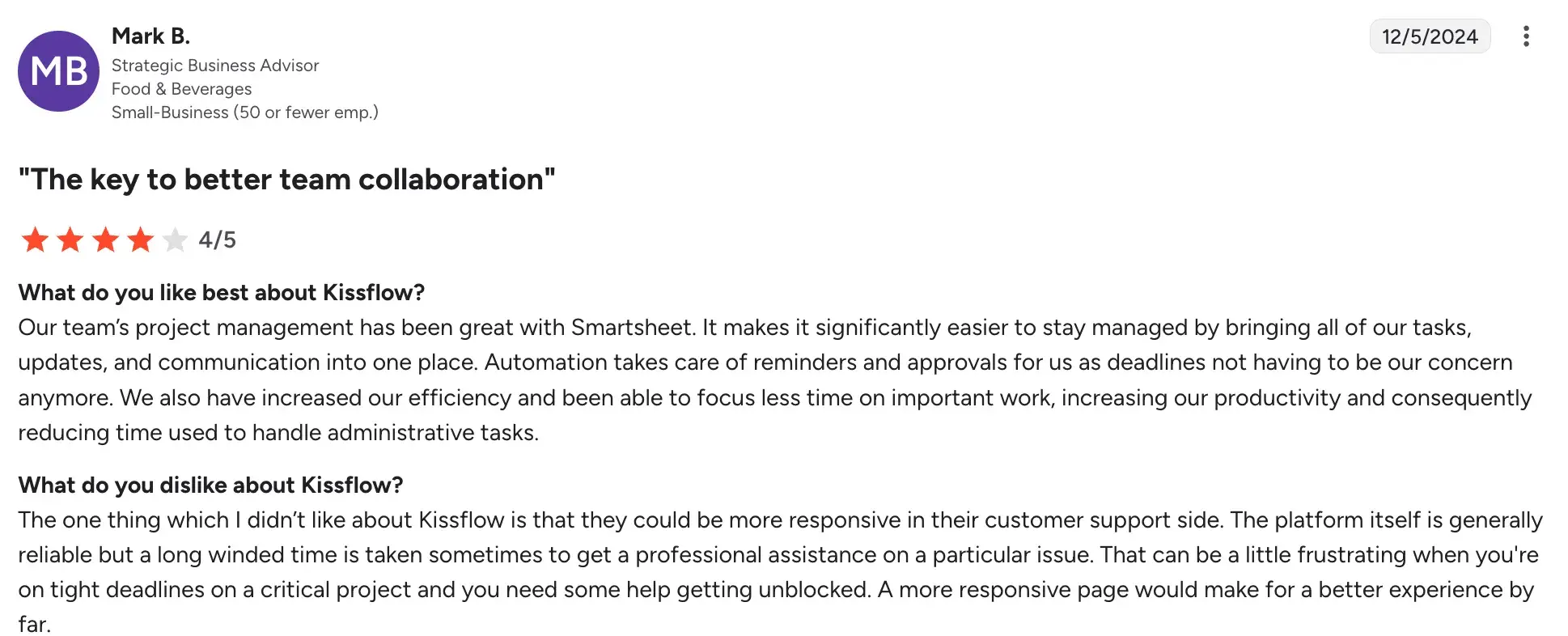
Cons include:
- Advanced BPM modeling is lighter than dedicated BPMN tools
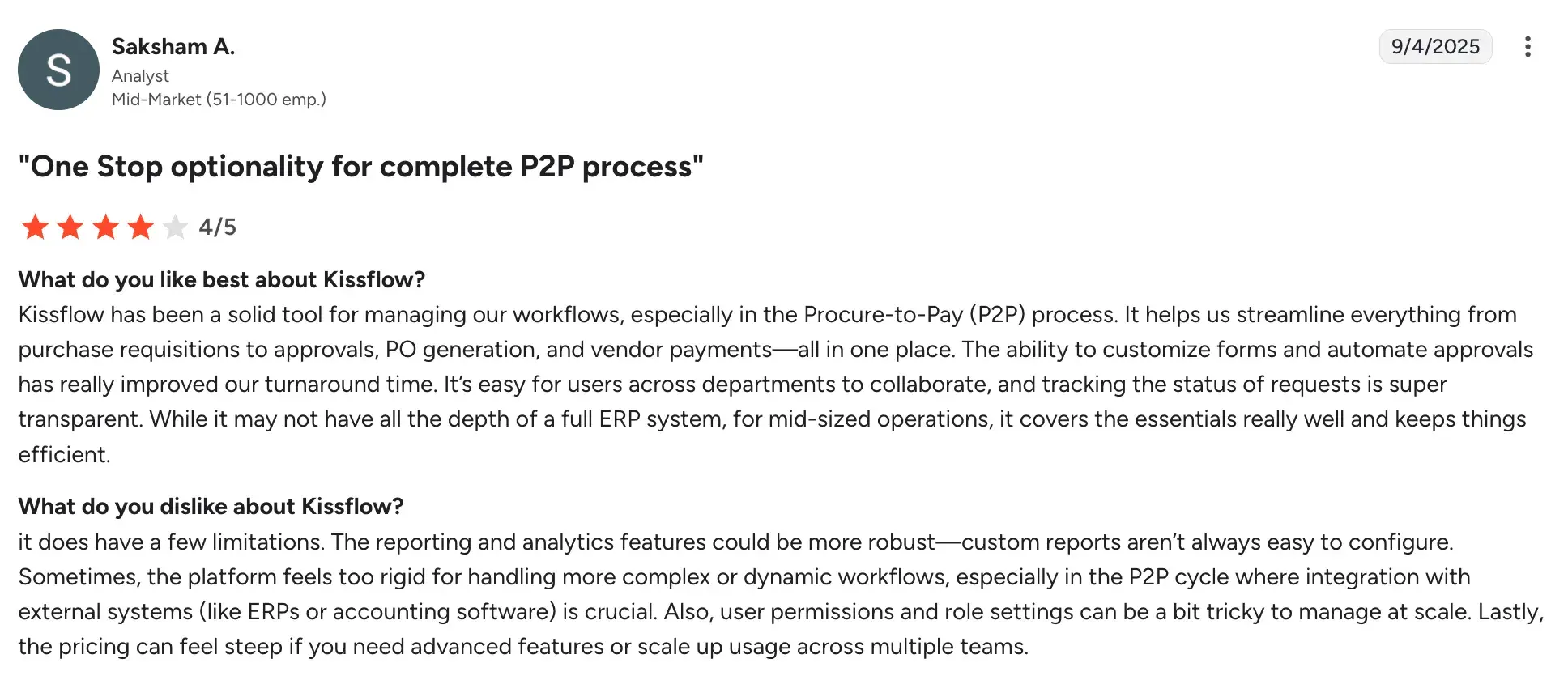
- Integration depth and features vary by pricing tier
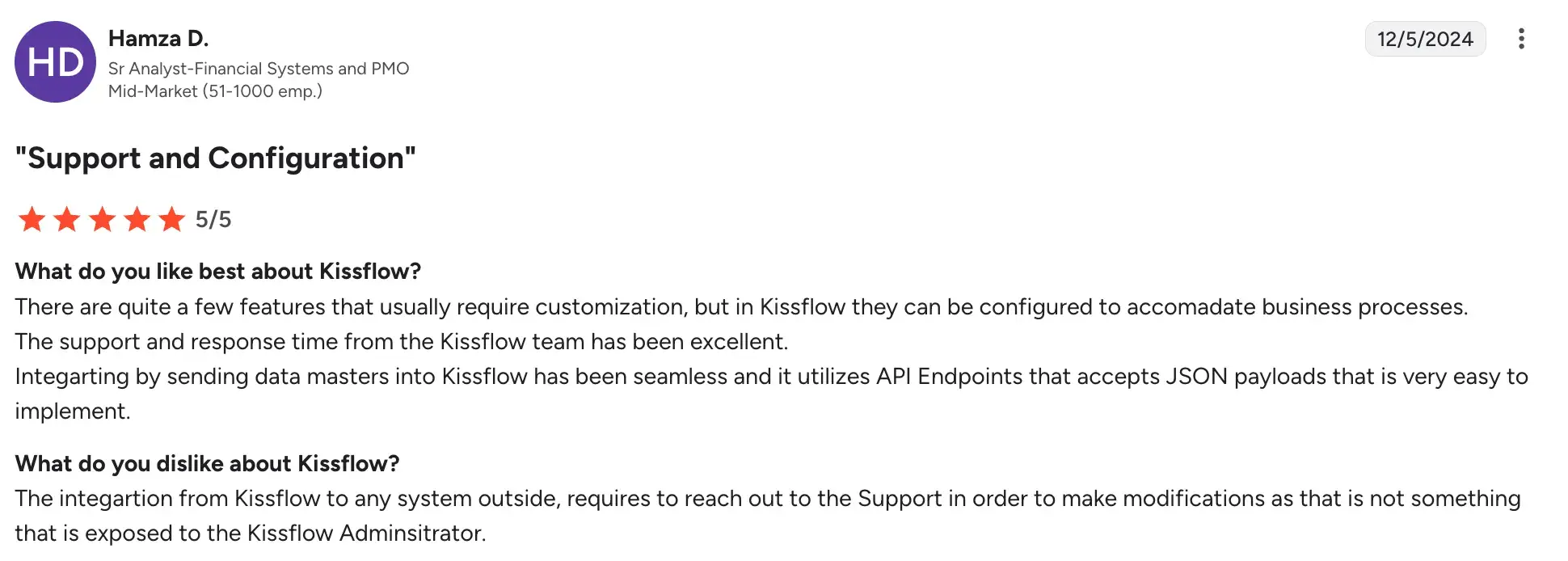
- May feel limiting for teams with complex governance requirements
9. UiPath

UiPath’s homepage
UiPath is built primarily for robotic process automation, and it is a strong fit for teams dealing with legacy systems, desktop applications, or high-volume repetitive tasks.
You can deploy software bots to handle data entry, document extraction, and batch processing at scale. It comes with mature orchestration, governance, and monitoring tools for enterprise-level deployments.
Key Features of UiPath
Attended and unattended RPA bots
Deploy bots that assist your team in real time or run fully automated in the background. This is especially useful for processing large volumes of structured and unstructured data.
Orchestrator for bot deployment and governance
Manage, monitor, and control your bots from a central console. You get full visibility into what each bot is doing and can respond quickly to failures or exceptions.
AI for document processing
Extract structured data from unstructured documents like PDFs, scanned forms, and emails. This reduces the manual effort involved in data entry and document handling across your operations.
Process and task mining
Analyze how your team actually works today to surface the best candidates for automation. This helps you prioritize where bots will have the most impact before you invest in building them.
UiPath’s User Ratings on G2
|
Category |
UiPath Agentic Automation Rating |
|---|---|
|
Overall |
|
|
Meets Requirements |
9.1 |
|
Ease of Use |
9.1 |
|
Ease of Setup |
8.6 |
UiPath’s user ratings on G2
Pros and Cons of UiPath
Pros include:
- Strong automation for legacy and desktop-based systems
- AI-powered document extraction removes manual data entry
- Mature orchestration for large-scale bot management
Cons include:
- Bot maintenance adds ongoing operational overhead
- Requires more technical knowledge than typical no-code tools
- Better suited to RPA use cases than general workflow design
10. ProcessMaker
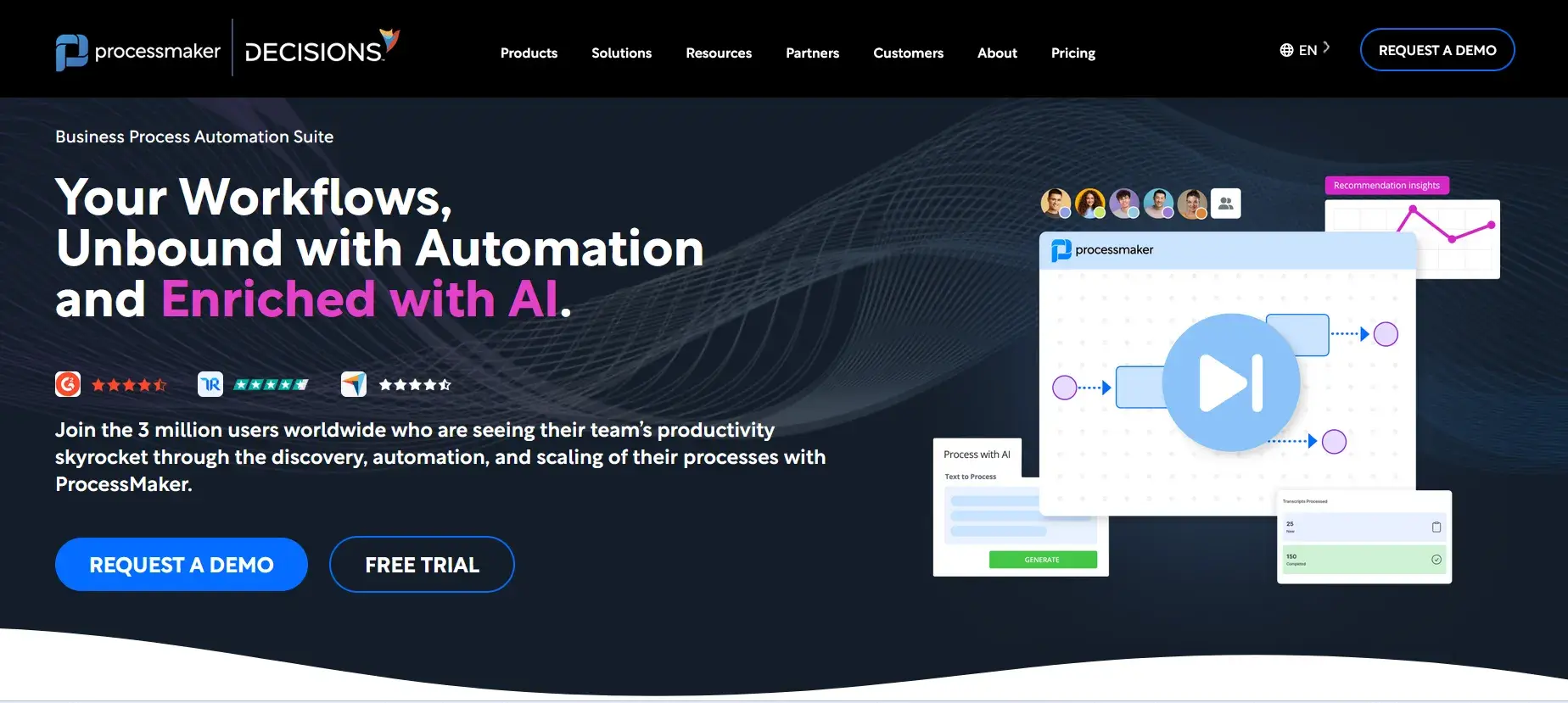
ProcessMaker’s Homepage
ProcessMaker is a BPM platform centered on BPMN modeling, forms, and structured workflow execution. It is a good fit for organizations that need formally defined, auditable processes with clear decision rules and role separation. The platform balances a business-friendly design experience with the technical depth needed for system integration and compliance.
Key Features of ProcessMaker
BPMN process modeling
Design workflows using industry-standard BPMN notation, giving your team a clear and auditable map of every step, role, and decision point in a process.
Decision rules and SLA handling
Define business rules for routing, escalation, and approval authority without writing code. SLA settings ensure tasks move through the workflow within your required timeframes.
Form builder and data capture
Build structured forms for intake, requests, and approvals. Data captured in forms feeds directly into your process steps, keeping information consistent throughout.
API and system integrations
Connect ProcessMaker to your existing business tools and databases via APIs. This keeps process data consistent across the systems your team relies on.
ProcessMaker User Ratings on G2
|
Category |
ProcessMaker Rating |
|---|---|
|
Overall |
|
|
Meets Requirements |
8.6 |
|
Ease of Use |
8.6 |
|
Ease of Setup |
7.8 |
ProcessMaker user ratings on G2
Pros and Cons of ProcessMaker
Pros:
- Flexible platform supporting diverse workflow automation scenarios.
- Reliable and supportive customer team offering high level of customer satisfaction.
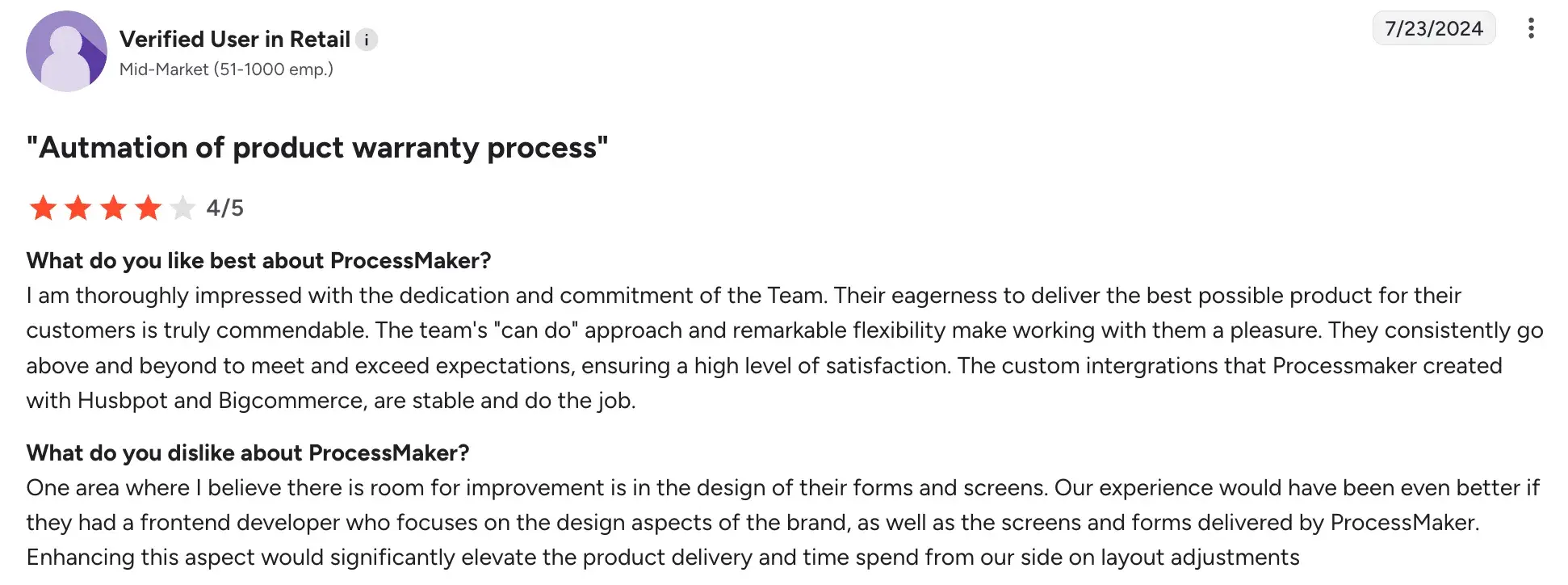
- Good customization for tailored business process automation.
- Accessible automation for users with minimal coding skills.
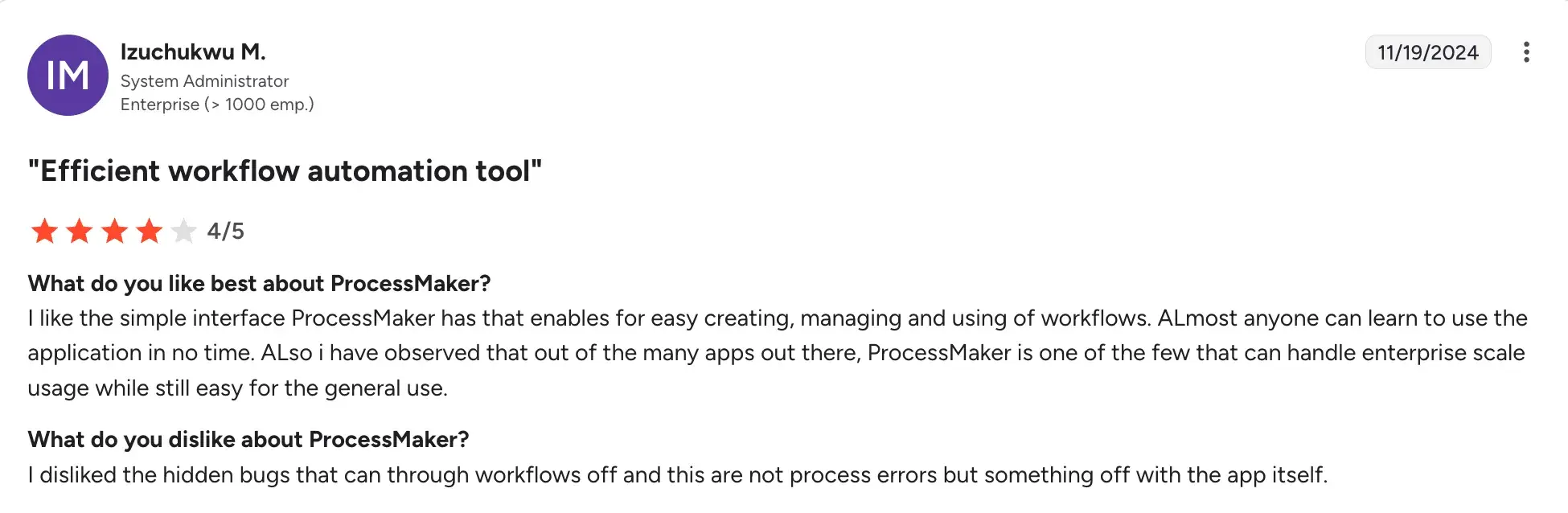
Cons
- Missing features in branding and integration capabilities.
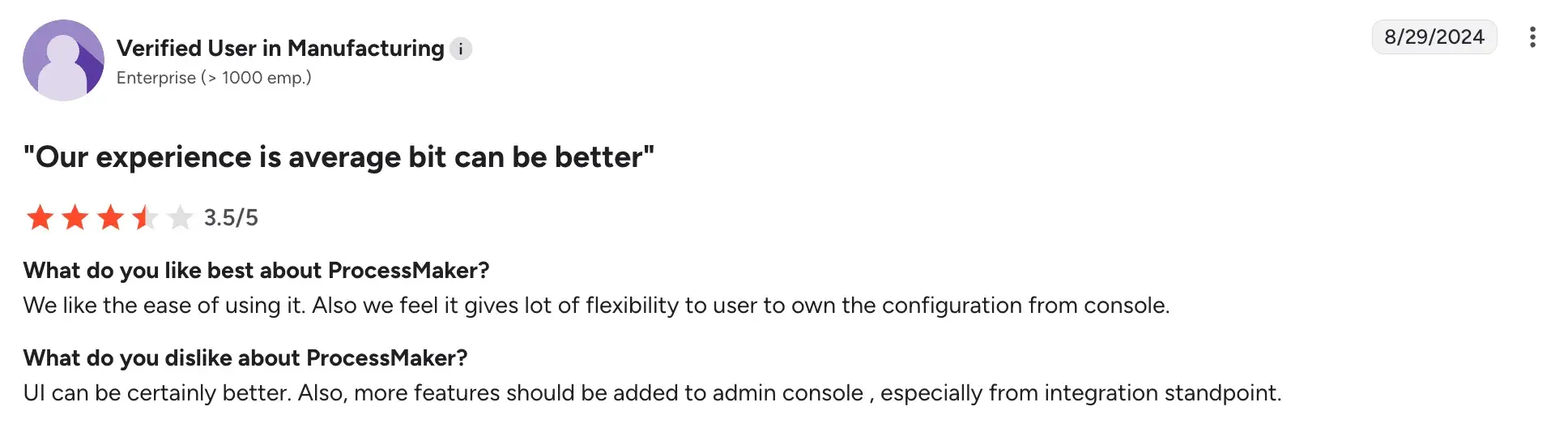
- Performance issues across browsers and complex implementations.
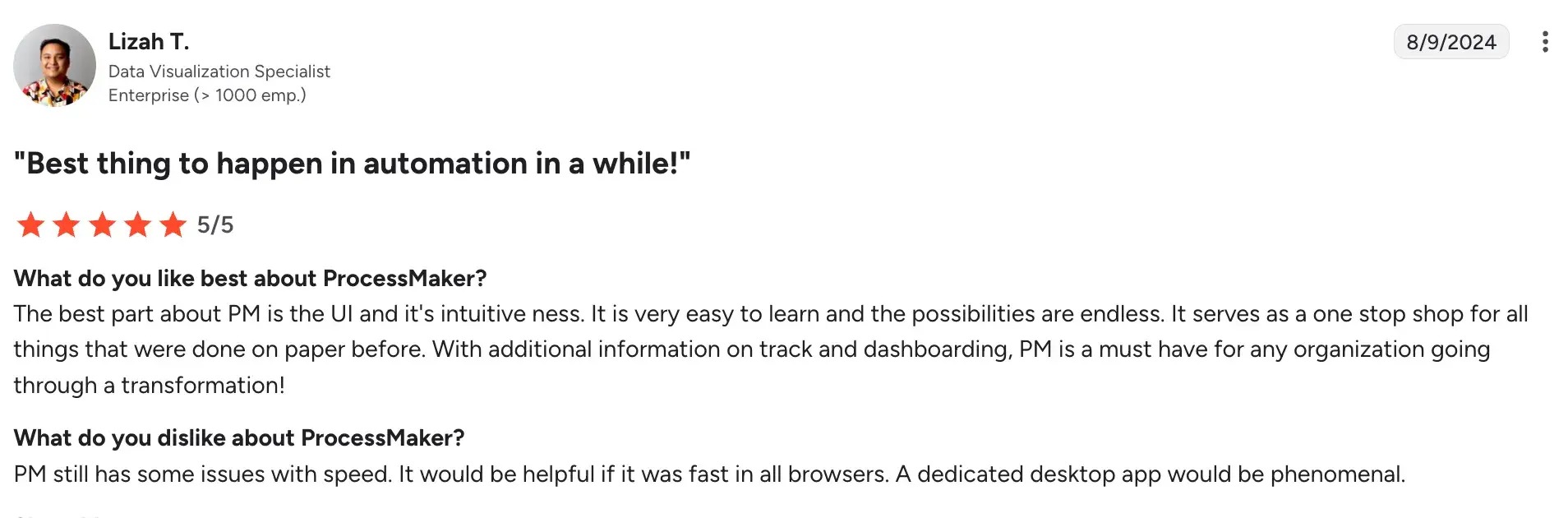
- Extensive training required for consistent platform access.
How To Find The Best No-Code Automation Tool For You
When evaluating no-code automation platforms, a few factors help determine which tool will actually deliver sustainable, reliable results for your team.
Ease of use
The platform should let your business users design and deploy workflows without routing every change through IT. Look for a visual builder, a drag-and-drop interface, and configuration that feels intuitive rather than technical.
AI and automation depth
Think beyond basic triggers. Tools that bring AI into workflow generation, decisioning, and summarization tend to scale better and reduce the manual effort your team carries over time.
Governance and compliance
Audit trails, role-based access, and in-tenant data storage are the basics for teams operating in regulated environments. At the same time, IT should retain enough oversight to ensure citizen developers are building within safe, controlled boundaries.
Integration capabilities
Check that the platform connects smoothly with the tools your team already relies on, whether that is Microsoft 365, an ERP, a CRM, or your document repositories, so data stays consistent across systems.
Pricing transparency
Per-user pricing can become expensive quickly as adoption grows across your organization. Platforms with process-based or usage-tiered pricing tend to scale more cost-effectively over time.
Scalability and support
Good onboarding, clear documentation, and a responsive customer success team make a real difference when you are rolling out automation at scale.
See What Intuitive and Flexible No-Code Process Automation Looks Like in Practice
FlowForma is built from the ground up as a no-code platform, which means your process owners and business managers can build, adjust, and run workflows themselves, without waiting on IT.
The people who know the processes best are the ones building and running them. That kind of ownership is rarely possible with traditional BPM tools.
Your team can prototype, test, and deploy workflows much faster than with legacy platforms and adjust forms and workflows on the fly as your business needs change. No delays, no development cycles, no coding.
And with FlowForma AI Copilot, getting started is even faster. Describe your process, upload a form, or sketch out a flow diagram, and the Copilot structures it into a deployable workflow in minutes.
Built-in audit trails, compliance controls, and flexible integrations mean you can move quickly without cutting corners on governance.
Book a demo to see it in action.