Supporting Construction Health and Safety With AI-Powered Process Automation 


FlowForma’s platform transforms how construction organizations manage safety reporting, risk assessments, and compliance documentation. By leveraging AI for process creation, intelligent decision-making, and workflow optimization, FlowForma enables safety teams to reduce manual effort, speed up incident resolution, and drive greater operational efficiency.


What sets FlowForma apart is its truly 100% no-code functionality, enabling teams to rapidly digitize processes across safety inspections, hazard reporting, and training management. Its seamless integration with existing systems and ability to draw data from multiple sources ensure a connected, streamlined experience across all operations.

Revolutionize Construction Safety With AI-Powered Automation


Hot Work Permits 

From on-site initiation to safety checks and manager sign-off, every step is completed in real time via mobile or desktop, ensuring nothing gets missed. Automated reminders, embedded risk assessments, and instant access to records keep your workforce protected and your projects compliant with regulatory standards.

Site Inspections 

Empowers teams to capture, record, and resolve issues instantly, whether they’re in the office or out on-site. Using mobile-friendly digital forms, inspectors can log findings, attach photos, assign actions, and trigger follow-up tasks in real time.

Safety Checklists 

Real-time data capture, photo uploads, and a central audit trail make it simple to track compliance, identify recurring issues, and prove regulatory adherence. With FlowForma, safety checks are faster, more consistent, and more actionable — helping protect your people, your projects, and your reputation.

Risk Assessment

From hazard identification to risk scoring and mitigation planning, actions are logged in real time and instantly shared with the right stakeholders. Automated approvals, mandatory fields, and embedded best-practice templates ensure assessments are thorough and compliant with industry regulations. 

Incident Reporting

Empowers workers to log and details incidents instantly from any device, capturing critical information such as descriptions, photos, witness statements, and location data on the spot. Automated workflows route reports to supervisors and safety officers immediately, triggering follow-up actions and investigations without delay.  

Accreditation

Centralizes the entire accreditation process, from onboarding verification to ongoing renewals. Workers and subcontractors can securely upload qualifications, licenses, and certifications from any device, while automated reminders flag upcoming expirations well before they cause project delays. 

Your Construction H&S Copilot

Automate any health and safety process with FlowForma Copilot.

Just type a text prompt or upload a process diagram, and let AI do the rest.

FlowForma-Process-Automation-Logo_CMYK-Tag-4

Why Construction Firms Choose FlowForma Process Automation

Speed - NHS

Centralised Data

Health and safety information in one place, providing a single source of truth.

All In One Icon

Seamless Integrations

Exchange data and documents across thousands of other systems

ISO Cert - NHS

Auditable

Get a 360 view of health and safety, and detailed status reports via embedded analytics and dashboards.

Oil & Gas Icon

AI-powered Automation

Work smarter, faster, and more efficiently with advanced AI assistants. 

Reporting Icon

Reporting

Analyze your business data with as much granularity as you need for effortless reporting and decision-making.

Risk Icon

Risk Management

Offset risk exposure with FlowForma, empowering decision-makers with a comprehensive view of risks.

Loved By Clients For Making Sites Safer

Sinead-Gaines-Hegarty

EHS Regional Manager,
PJ Hegarty & Sons
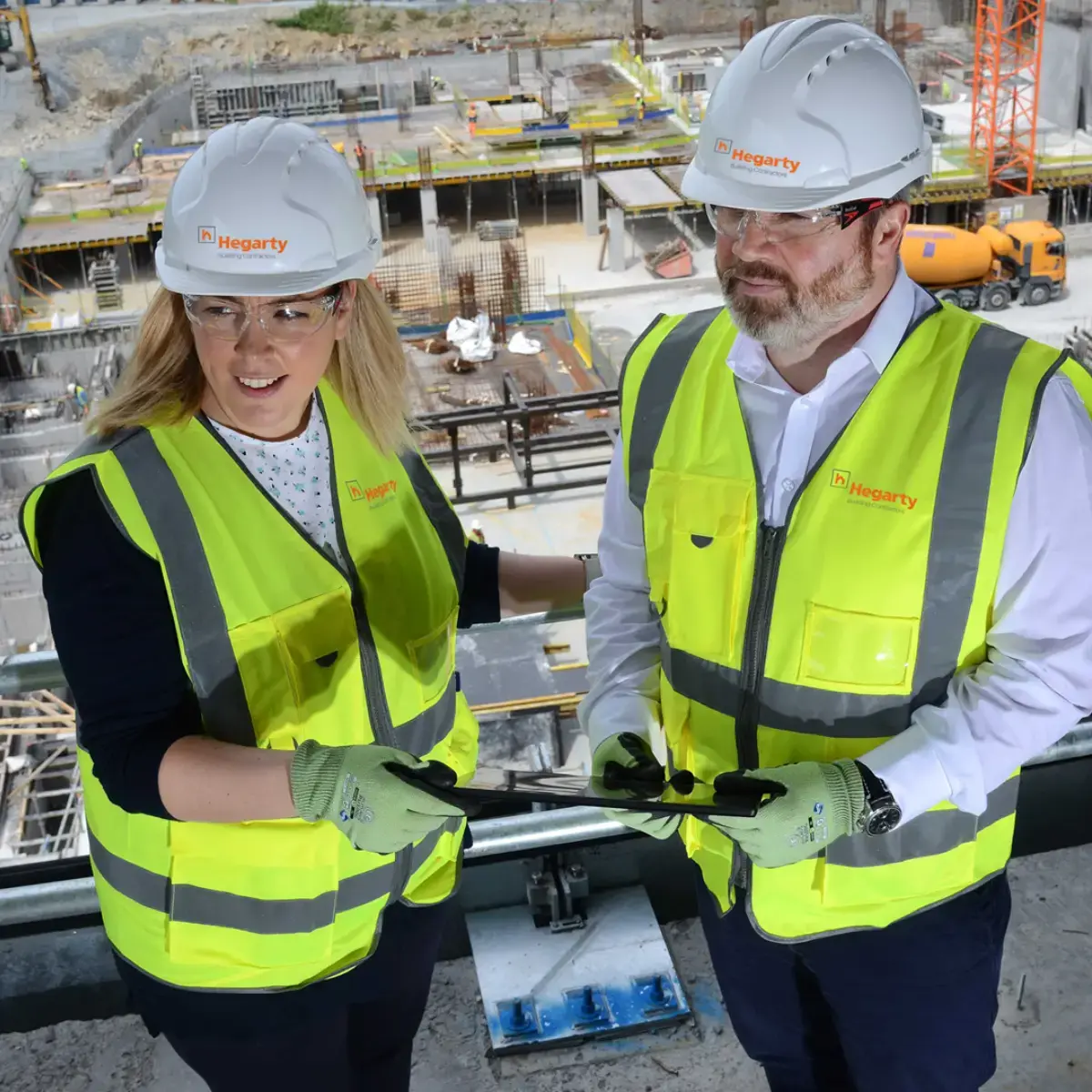
Incident Rates Cut & Data Improved


"Since deploying the FlowForma platform, there has been a significant increase in the quantity and quality of information gathered and shared in real-time over mobile devices. Our EHS observation data has increased by 40% and SBOs input increased by 45%."

Cameron Hyndman

National Digital Engineering Lead,
Downer New Zealand
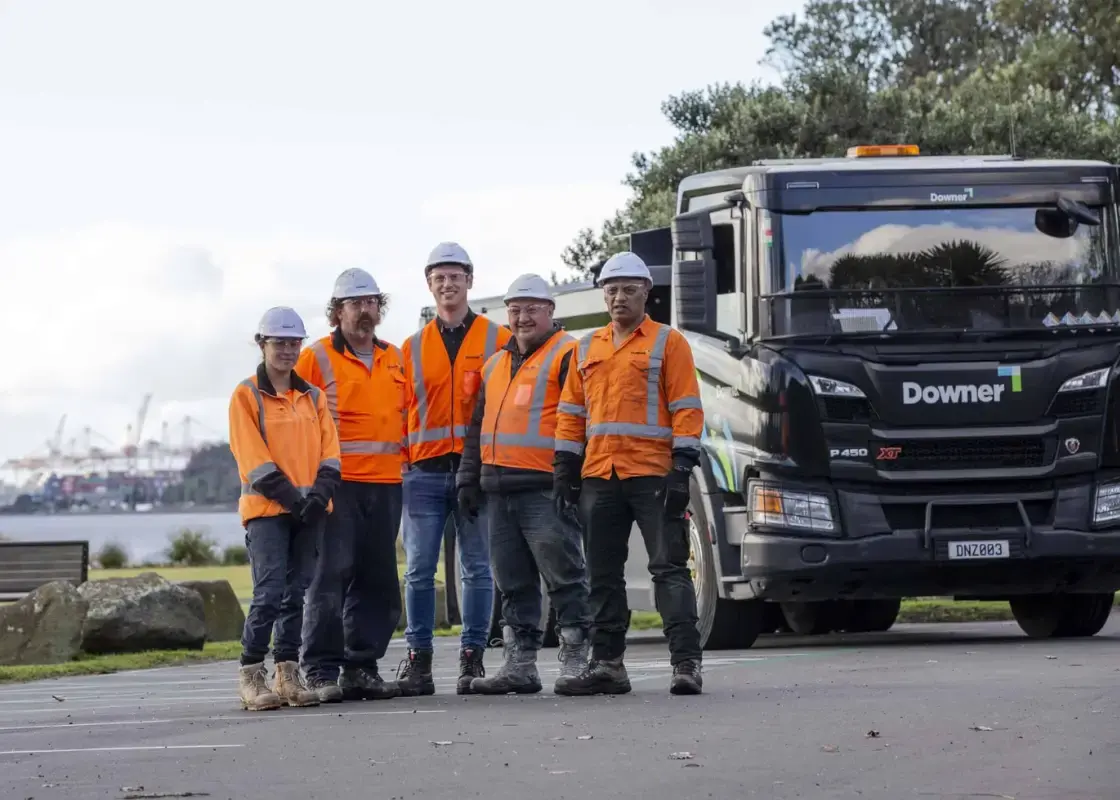
Deploy 4X Faster Than Power Apps


"The time spent on admin tasks has been reduced significantly. Our site staff, finance, and survey teams have been relieved from a lot of mundane, time-consuming work. Everyone is working smarter, we have saved over 3,000 hours of work."

Shaun Circle Testimonial

IT Director,
Coinford

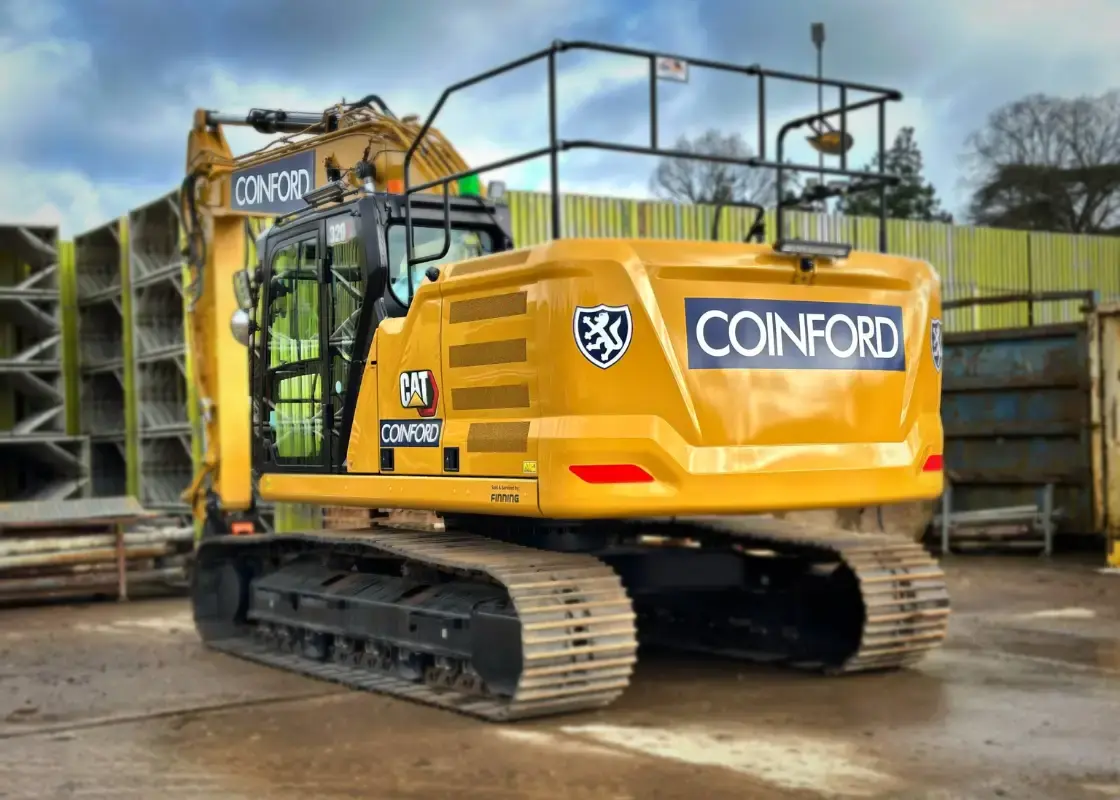
20% Daily Time Savings


"The major impact of using FlowForma Process Automation is not from an IT perspective; it is enabling all departments to be more efficient and have better visibility of what’s going on."


Health and Safety Process Automation : Useful Resources

Frequently Asked Questions

What platform is FlowForma built on and how does it run?

FlowForma is built natively on the Microsoft SharePoint and Microsoft 365 platform, meaning it runs directly within your organisation’s existing Microsoft environment. This allows you to design, manage, and automate workflows while leveraging familiar Office tools, seamless integration with SharePoint, Teams, Outlook, and enterprise‑grade Microsoft security features.

Where is our data stored and how is it secured (own tenancy)?

All data collected and managed through FlowForma stays within your own Microsoft 365/SharePoint tenancy under your organisation’s governance and compliance policies. This ensures you retain full control over your data, protected by Microsoft’s security infrastructure, access controls, encryption, and audit logs — with no data hosted outside your environment. 

What health and safety processes can FlowForma automate for construction sites?

FlowForma can automate any health and safety workflow but some of our most popular flows include, including hot work permits, site inspections, safety checklists, risk assessments, incident reporting, and accreditation tracking.

How does FlowForma help improve incident reporting on site?

Workers can instantly log incidents from any device, capturing details like descriptions, photos, witness statements, and location data, and automated workflows immediately route reports to supervisors and safety officers.

Can FlowForma be used on mobile devices while on site?

Yes. FlowForma supports mobile access, allowing site teams to complete inspections, submit reports, and take action on workflows directly from smartphones or tablets.

Does FlowForma support compliance with safety regulations?

Absolutely. FlowForma’s workflows include embedded regulatory controls, audit trails, and centralized documentation to help construction firms enforce compliance with safety standards and internal policies.

How does FlowForma’s AI enhance health and safety workflows?

FlowForma leverages AI to speed up process creation, automate decision logic, validate data, and optimize workflows so safety teams spend less time on admin and more on proactive risk management.

Can I attach photos and evidence in safety checklists and inspections?

Yes. Safety checklists and site inspection forms support real‑time data capture including photos, which help verify conditions and provide a central audit trail.

What happens if a risk assessment identifies a high‑risk hazard?

FlowForma includes validation and escalation rules that can automatically flag high‑risk items, notify stakeholders, and require additional approvals or mitigation actions.

Is it possible to manage worker credentials and certifications with FlowForma?

Yes. FlowForma centralizes accreditation processes, allowing workers and subcontractors to upload qualifications and licenses and receive automated reminders before documents expire.

Can FlowForma integrate with our existing systems and tools?

FlowForma can integrate with existing construction systems and data sources, ensuring safety data and workflows stay connected across platforms.

How does FlowForma support audit readiness and reporting?

FlowForma provides a single source of truth for H&S data, with dashboards and analytics that give visibility into compliance status, past inspections, risk trends, and safety performance.