Insurance renewals are deceptively complex. Deadlines, underwriting reviews, compliance checks, and contract updates often sit across emails, spreadsheets, and shared drives. That’s when approvals slip, documents go missing, and teams lose visibility over what’s due and what’s stuck.
Renewal management software brings structure through automated reminders, defined workflows, document generation, and audit-ready records. But only if you choose a platform that fits how your team actually works.
In this guide, we review 10 renewal tools, including FlowForma, comparing their G2 ratings and where each fits best.
Quick Overview of 10 Renewal Management Software Platforms
If you’re reviewing the best renewal management software, start here. The table below gives an overview of 10 popular renewal management software options, listed in order of their G2 user ratings (where available):
|
Platform
|
Best For
|
G2 Rating
|
|
Creatio
|
End-to-end renewal lifecycle management combining CRM data with workflow automation and policyholder engagement
|
4.7
|
|
Bizagi
|
Modernizing renewal workflows without replacing legacy policy systems
|
4.6
|
|
FlowForma
|
Structured, audit-ready renewal workflows inside Microsoft 365
|
4.5
|
|
Appian
|
Enterprise-scale renewal orchestration across multiple systems and teams
|
4.5
|
|
Microsoft Power Automate
|
Custom renewal flows built around your exact process in the Microsoft stack
|
4.4
|
|
Flowable
|
Complex, non-linear renewal workflows requiring open-standards modelling
|
4.3
|
|
Nintex
|
Microsoft 365-based renewal automation without a full platform overhaul
|
4.3
|
|
Conga Contracts
|
High-volume contract renewals where deadline tracking drives retention
|
4.3
|
|
ProcessMaker
|
Fast-to-deploy renewal automation for mid-size brokers and carriers
|
4.3
|
|
CobbleStone Software
|
Contract-heavy renewal programmes where audit trails and alerts are critical
|
Not listed on G2
|
Side-by-side overview of 10 renewal management software
📌 How we prepared our list
Our list covers 10 renewal management platforms, including our own tool, FlowForma. We evaluated each platform using patterns from G2 reviews and validated capabilities against a renewal management-focused framework, which included:
- End-to-end management of renewal workflows and approval cycles
- Automated deadline tracking and stakeholder notifications
- Configurable forms and document generation for renewal documentation
- Clear task ownership with visibility across the full renewal lifecycle
- Reporting for operations leaders and contract stakeholders
- Integration with Microsoft 365, CRMs and core business systems
- Support for compliance tracking and audit readiness
- Scalability across multiple contracts, teams and regions
- Transparency in pricing plans and structure
- The ability to handle complex, multi-party renewal requirements
To provide a balanced view of day-to-day usability, we combined vendor claims with real user feedback from review platforms.
|
Detailed Breakdown of the 10 Renewal Management Software Tools
Let’s now kick off the detailed review.
When renewal workflows need structure, speed and compliance built in from the start
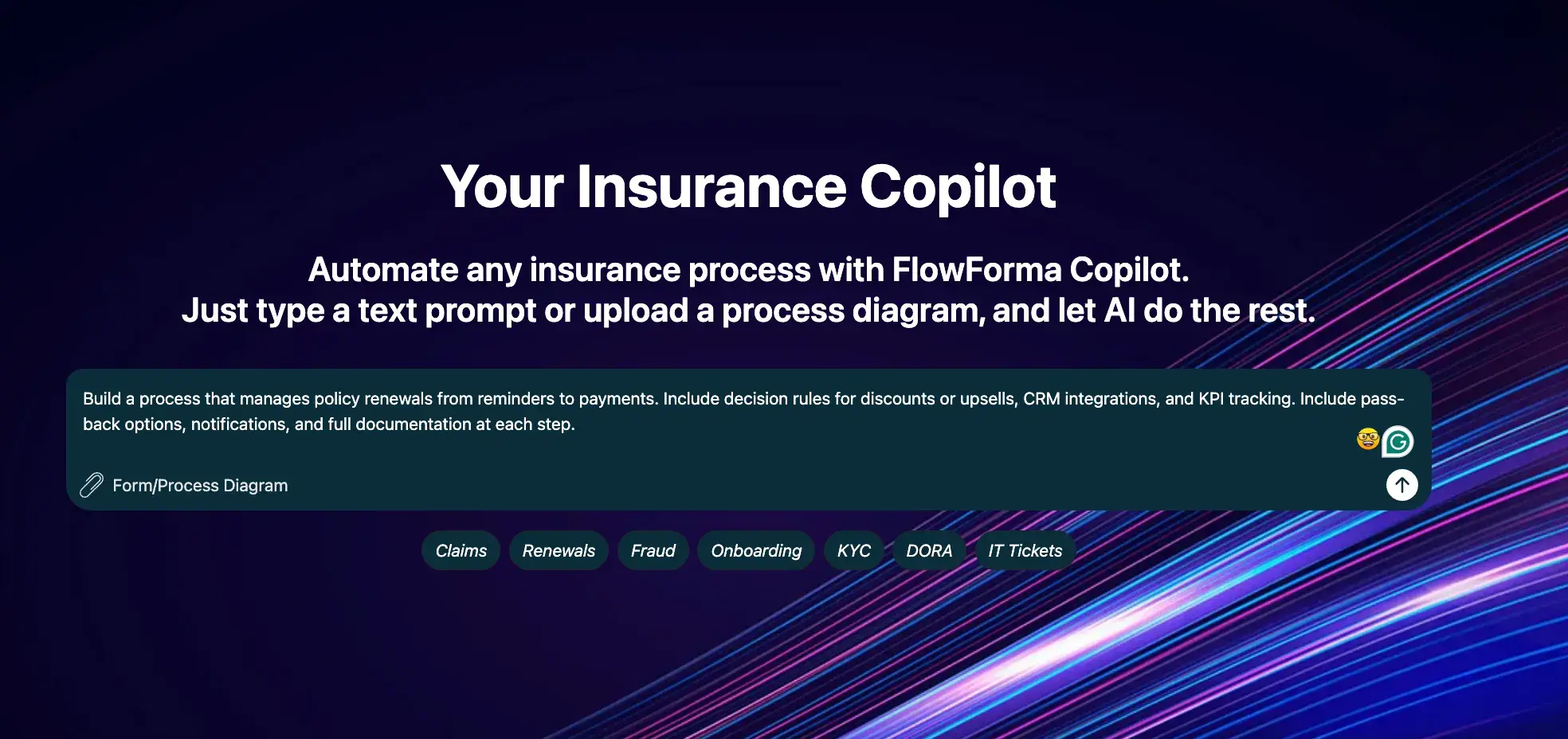
FlowForma playground for insurance
Managing contract renewals across underwriters, compliance teams and external counterparties is hard when your process depends on email threads, manual reminders and documents scattered across shared drives. FlowForma brings forms, workflows, document generation, analytics and AI into one place, built for your contract and operations teams, not your IT department.
Because it runs inside your Microsoft 365 environment, your renewal processes stay secure, auditable and connected to the tools your team already works in every day.
Key features of FlowForma
1. AI Copilot for workflow creation
Your contract managers can describe a renewal process in plain language. For instance, just ask it to “create a workflow with a 90-day pre-expiry reminder, review stage and approval sign-off", and our AI Copilot builds it, complete with notifications and compliance checks, without a line of code written. Here’s a demo explaining how the FlowForma Copilot can automate the insurance renewal process in minutes.
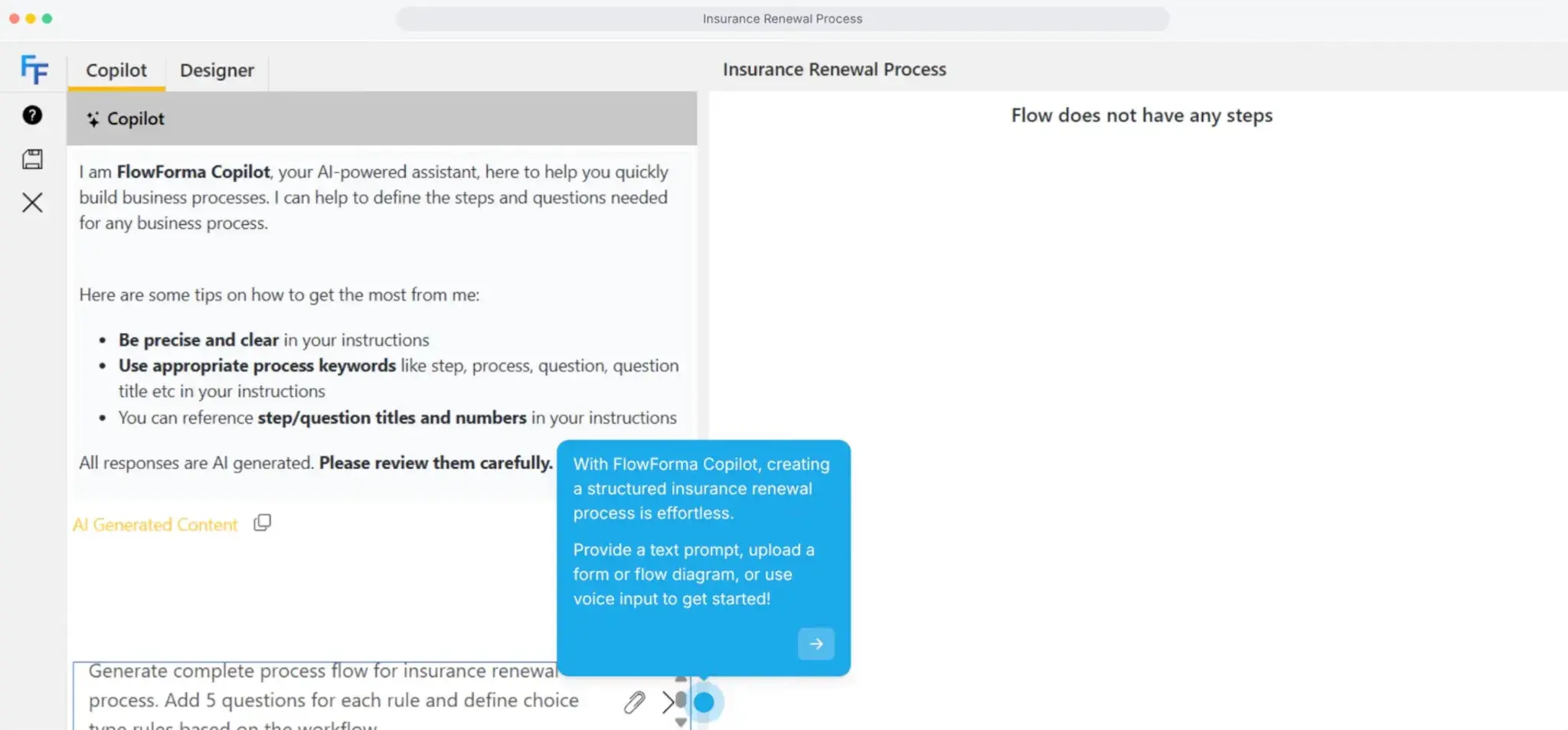
Automating insurance renewal process using FlowForma AI Copilot
2. Agentic AI for data and decisions
Our Agentic AI pulls renewal dates, terms and SLAs directly from contracts and feeds them into the workflow automatically, validating that compliance documents are in place and prompting approvers with the context they need to make the right call.
3. No-code configuration
Your contract managers, procurement teams and operations staff can build, adapt and update renewal workflows themselves—adding approval steps, adjusting timelines or introducing new review stages—without raising an IT ticket or waiting on a developer.
4. Automated document generation
Once a renewal is approved, FlowForma generates updated contracts, SLAs, and supporting documents from predefined templates, populated with client-specific data and ready for e-signature, so your team doesn't recreate documents manually at the end of every renewal cycle.
5. Audit trails and compliance checks
Every action in the renewal process is recorded automatically, and compliance checks—such as verifying that all regulatory documents are attached before an approval moves forward—can be embedded directly into your workflow to keep you audit-ready for DORA, GDPR and ISO requirements.
6. Microsoft 365 integration
Your renewal documents live in SharePoint, notifications go out through Teams, and deadline reminders sync to Outlook, so your team stays on top of every renewal without leaving the environment they already work in.
G2 User Ratings of FlowForma
|
Category
|
Rating
|
|
Overall
|
4.5 (G2)
|
|
Meets Requirements
|
8.6 / 10
|
|
Ease of Use
|
8.7 / 10
|
|
Ease of Setup
|
8.3 / 10
|
|
Ease of Admin
|
8.2 / 10
|
|
Quality of Support
|
9.2 / 10
|
|
Has Been a Good Partner in Doing Business
|
9.3 / 10
|
|
Product Direction (% positive)
|
9.2%
|
FlowForma’s user ratings on G2
FlowForma's Pros and Cons
Pros:
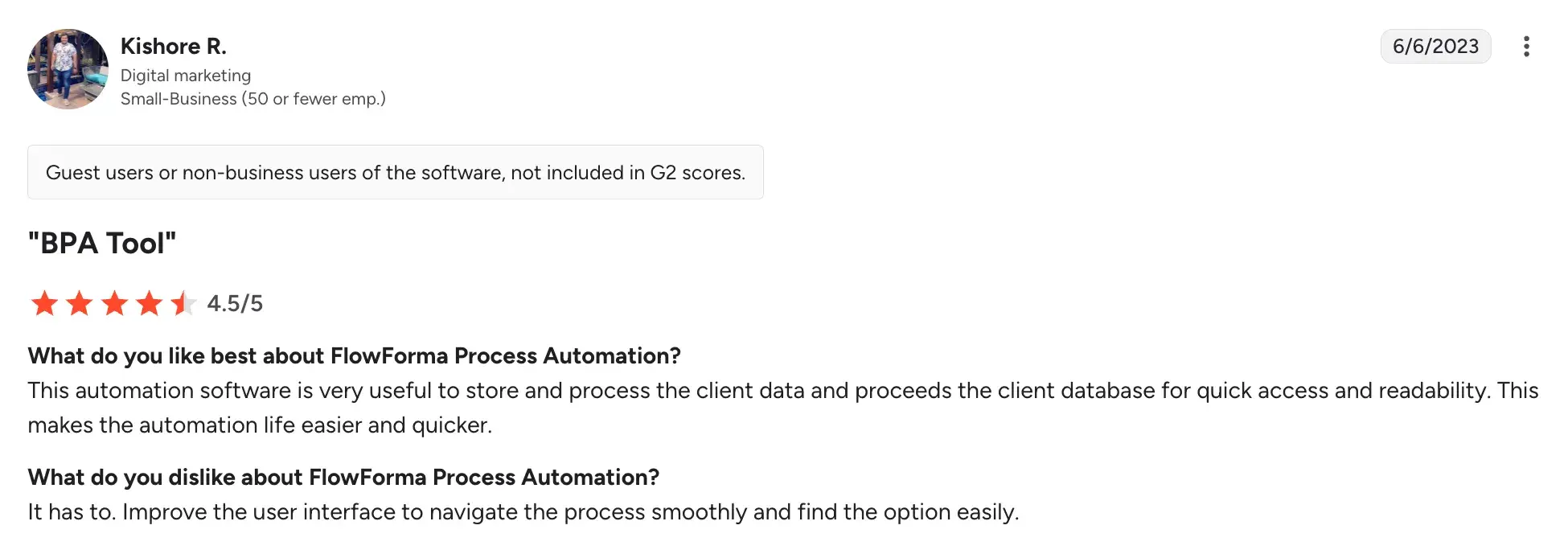
- Delivers smooth workflow automation that accelerates renewal approvals (underwriting review, compliance checks, etc.) and routine handoffs
Source
- Lets operations teams adjust renewal steps and timelines without heavy day-to-day IT dependency
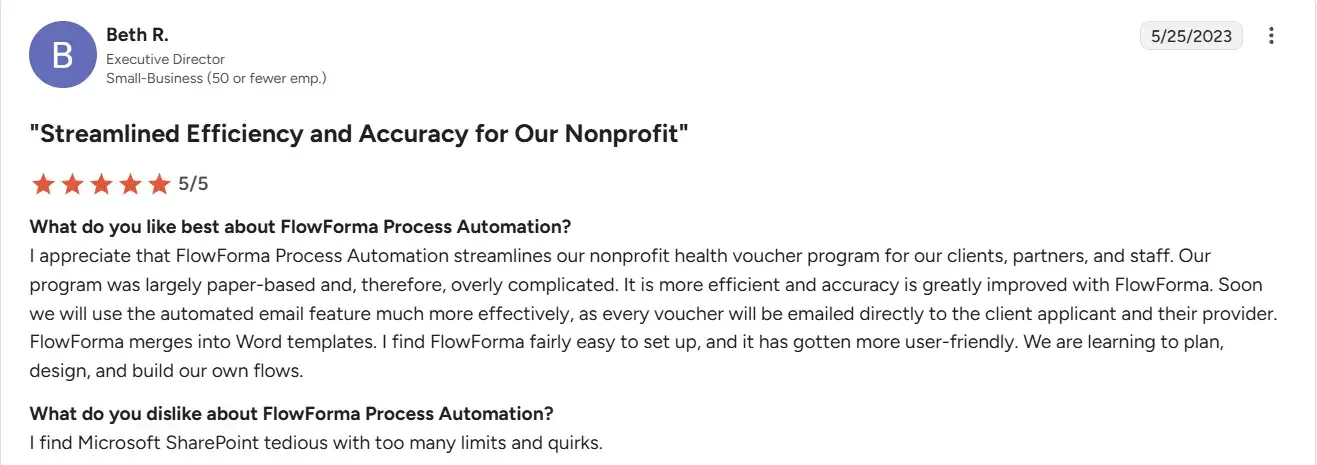
- Improves cross-team visibility when renewals move between underwriting, compliance, finance, and account teams
Source
- Reduces manual errors through standardized steps, required fields, and documentation controls
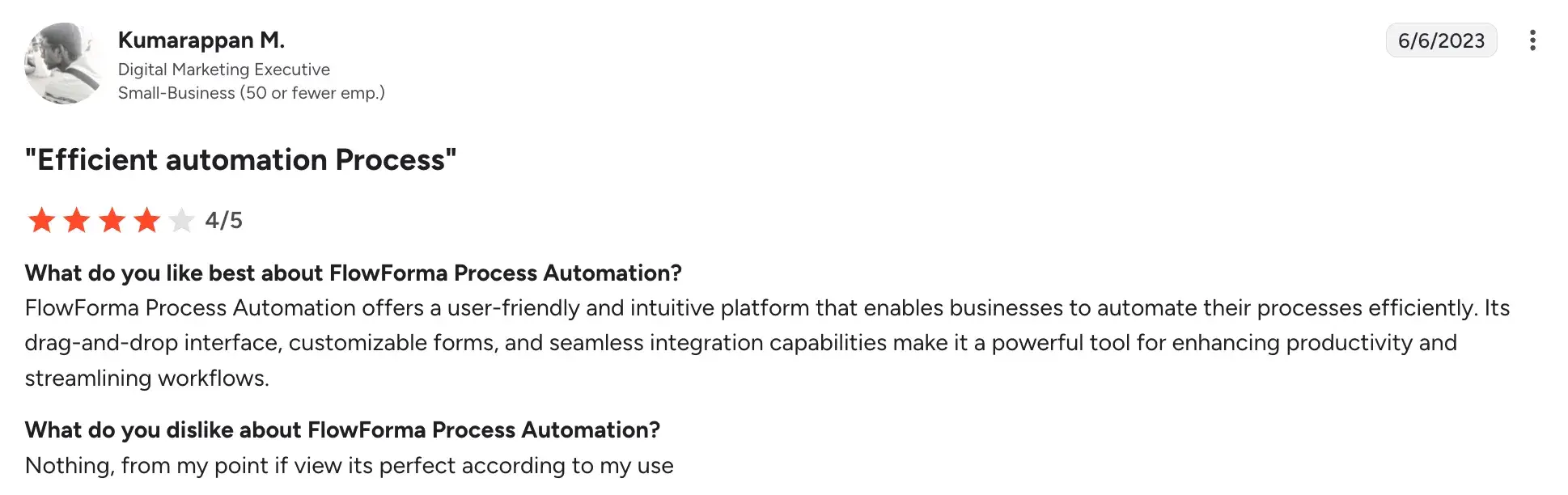
- Drives measurable productivity gains in high-volume, regulated environments
Source
Cons:
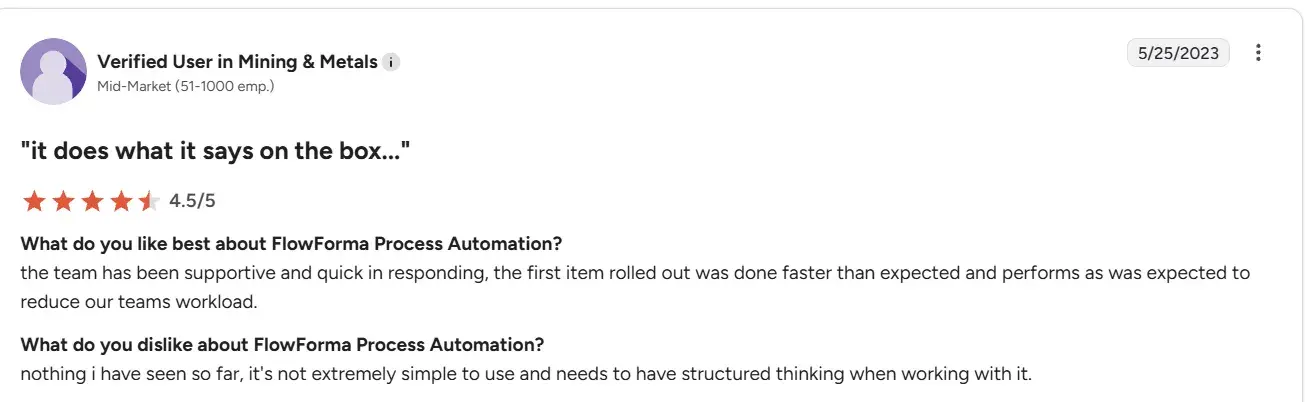
- Works best when the renewal process is clearly defined up front (stages, owners, conditions, SLAs)
Source
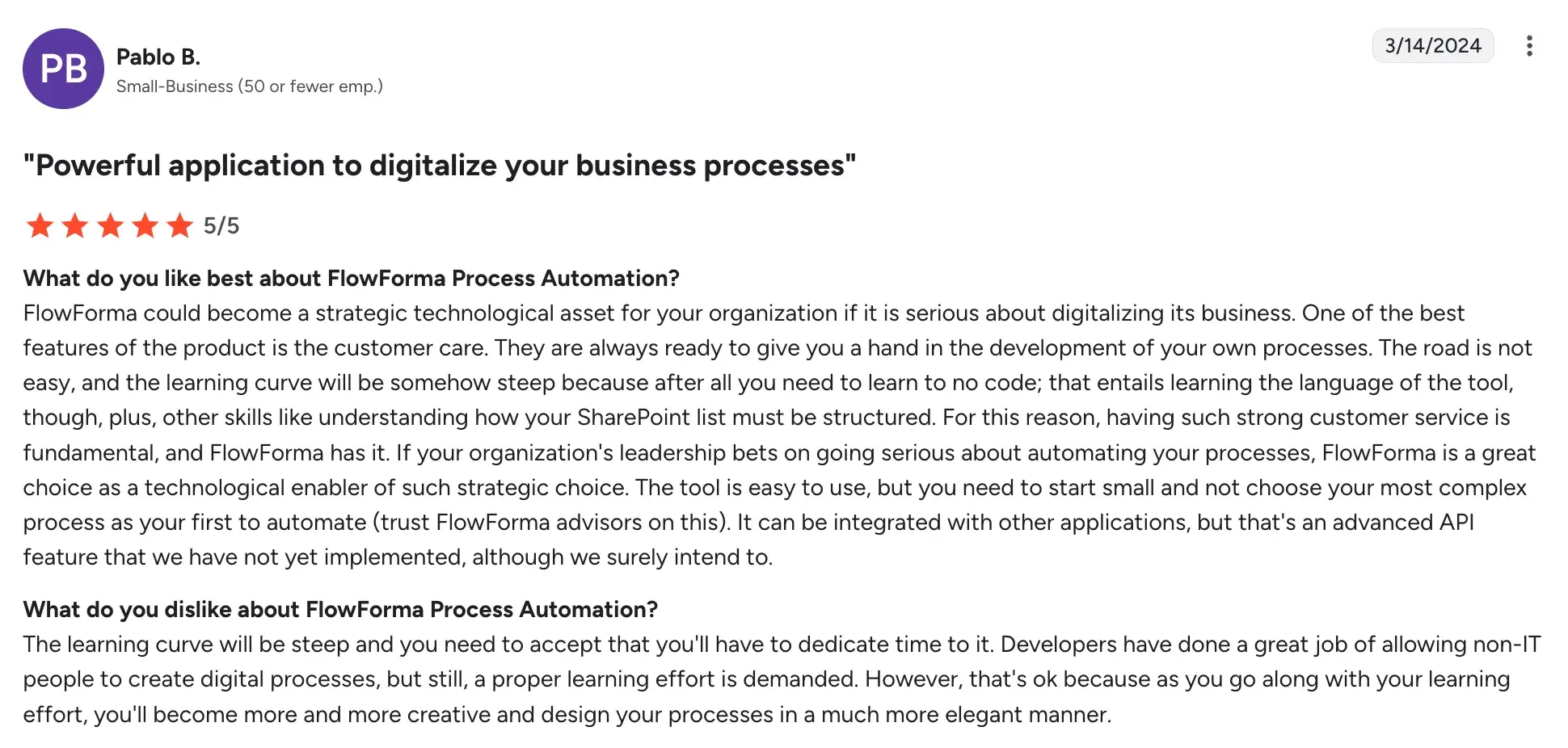
- The learning curve can feel steep, especially without structured onboarding and training.
Source
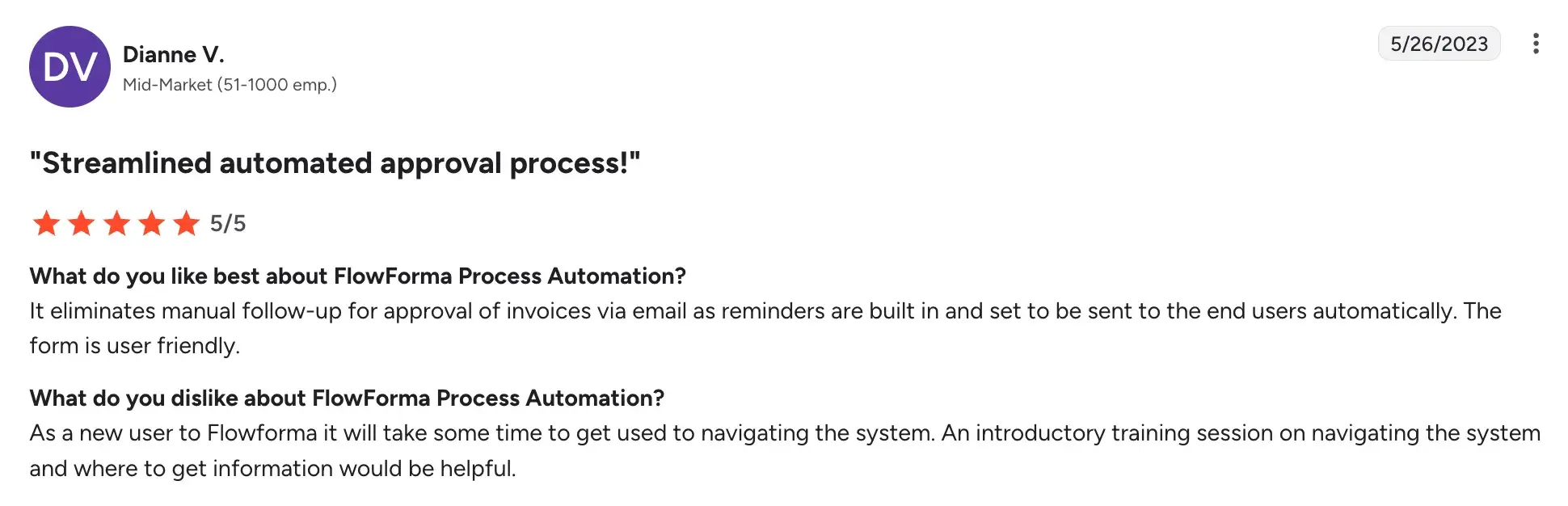
- Navigation takes time to get used to for new or occasional users.
Source
2. Flowable
When renewal workflows are too complex for off-the-shelf tools

Flowable's homepage
Insurance renewal processes rarely follow a straight line. Flowable is built for complex, non-linear workflows where underwriters, compliance officers and customer teams all need to play a role at the right moment. If your renewal process involves conditional steps, parallel approvals, or handoffs across multiple teams and systems, Flowable provides the structure to model and automate them.
Key features of Flowable
1. BPMN, CMMN and DMN process modelling
You can model renewal workflows using open standards that separate process logic from the underlying systems, making it easier to update rules and routing without touching your core applications.
2. Case management for non-linear renewals
When a renewal requires back-and-forth among underwriting, legal, and the customer, Flowable's case management layer keeps all activity tied to a single record, so nothing gets lost between departments.
3. Rules engine for conditional routing
Business rules around risk thresholds, coverage changes or compliance flags can be configured to automatically route renewals to the right reviewer without manual intervention.
4. REST API and microservices integration
Flowable connects to your existing policy administration systems, CRMs and external data sources via APIs, so renewal data flows between platforms without manual re-entry.
Flowable User Ratings on G2
|
Category
|
Rating
|
|
Overall
|
4.3 (G2)
|
|
Meets Requirements
|
8.3 / 10
|
|
Ease of Use
|
8.5 / 10
|
|
Ease of Setup
|
Not enough data
|
|
Ease of Admin
|
Not enough data
|
|
Quality of Support
|
8.6 / 10
|
|
Has Been a Good Partner in Doing Business
|
Not enough data
|
|
Product Direction (% positive)
|
10.0%
|
Flowable’s user ratings on G2
Pros and Cons of Flowable
Pros:
- Strong standards-based modelling makes complex renewal logic maintainable over time
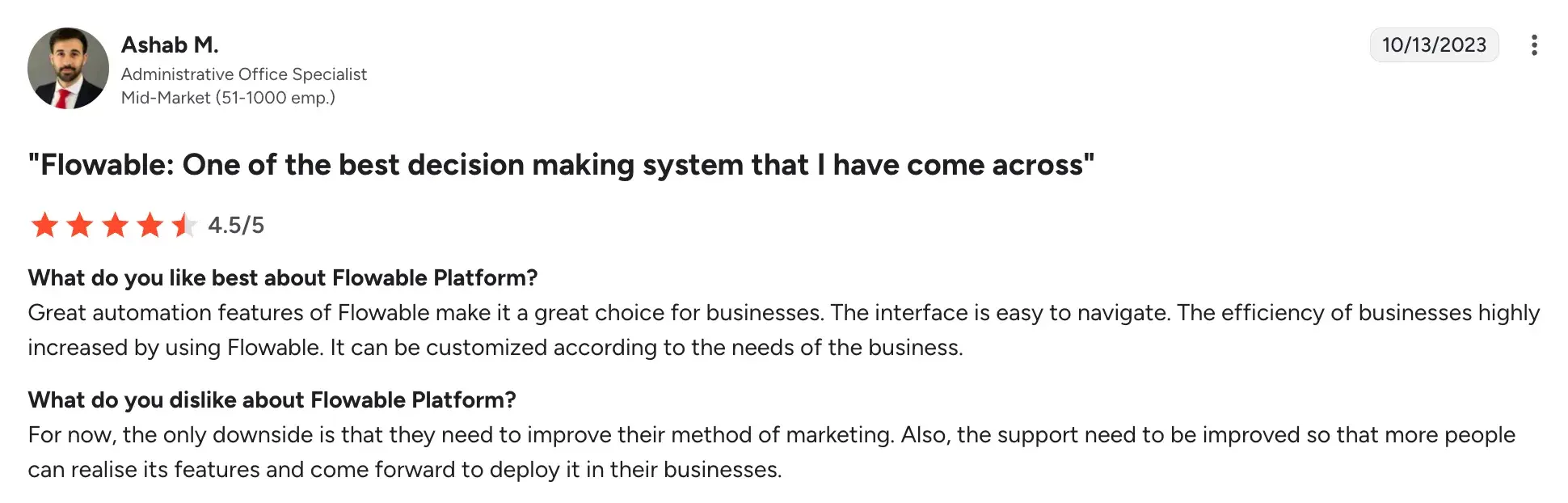
Source
- Flexible deployment options like cloud, on-premises or hybrid, suited to insurers with data governance requirements
- High configurability for organisations with non-standard or evolving renewal processes
- Open-source foundation reduces vendor lock-in with a user-friendly interface
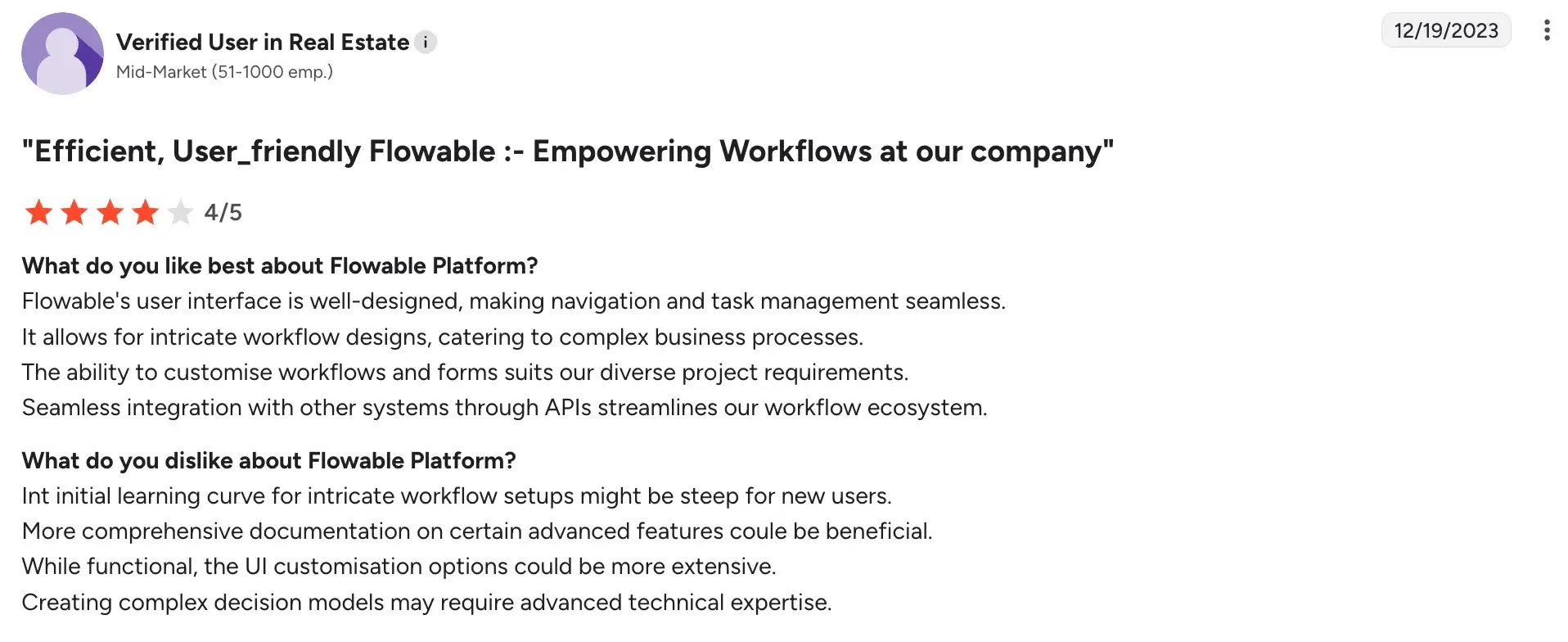
Source
Cons
- Requires developer and process modelling expertise to get the most out of it
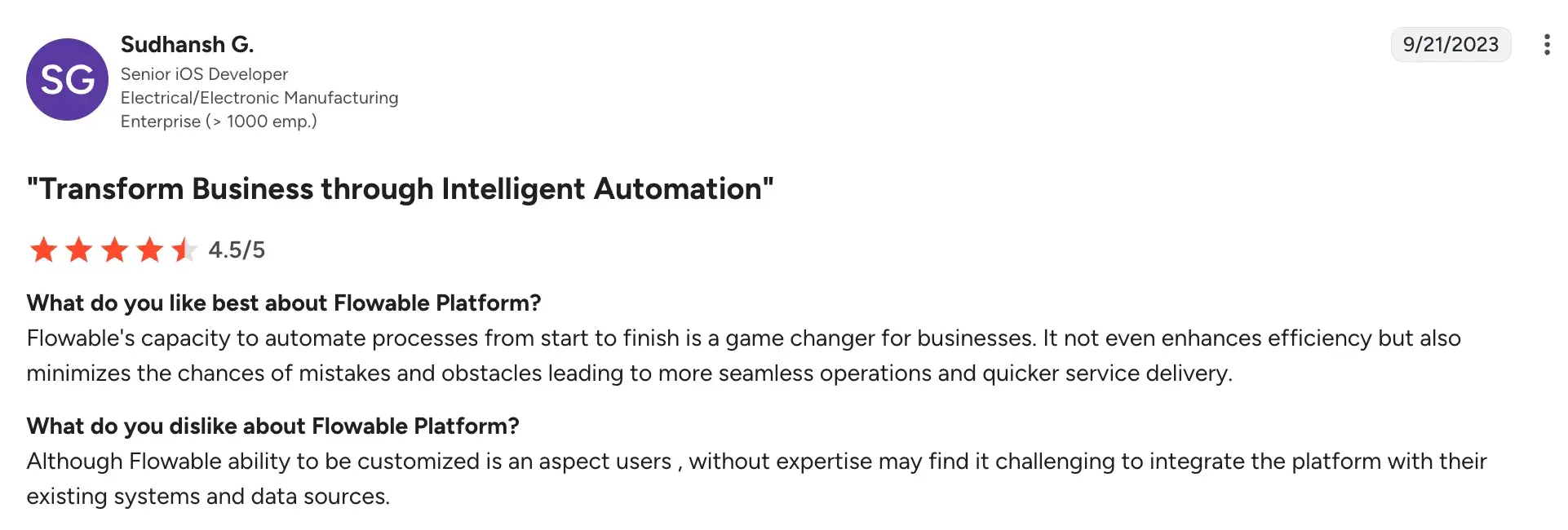
Source
- Not purpose-built for insurance, so renewal-specific templates and accelerators need to be built out
- Interface complexity can be a barrier for business users without technical support
3. Appian
For end-to-end renewal orchestration across large insurance operations
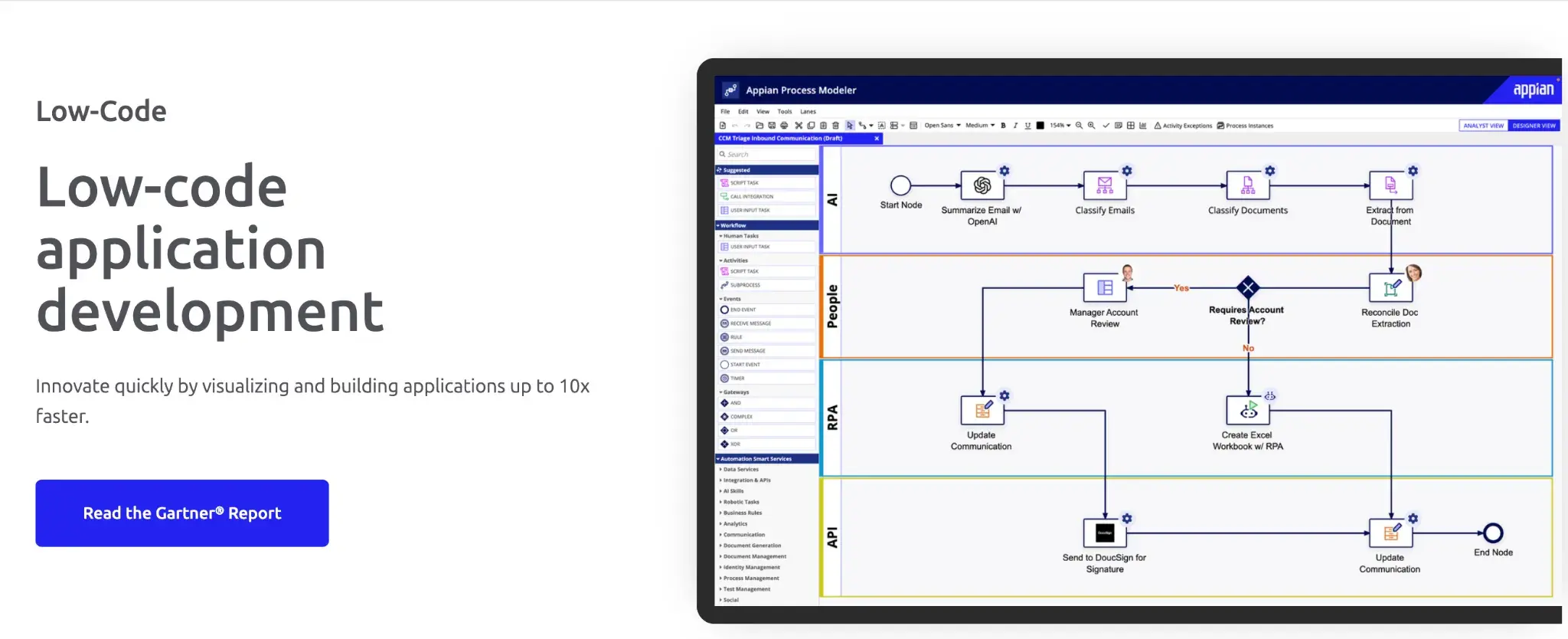
Appian’s low-code development platform
When your renewal process touches underwriters, compliance teams, agents and policyholders, often across multiple systems, Appian connects all of it into a single orchestrated workflow. It's built for large carriers and MGAs who need speed, audit-readiness and the ability to handle high volumes without sacrificing the human oversight that complex renewals still require.
Key features of Appian
1. Low-code process orchestration
Your operations and IT teams can build and adapt renewal workflows without lengthy development cycles, which means changes to renewal rules or approval steps don't require a queue with engineering.
2. AI-powered document processing
Renewal-related documents like policy schedules, risk assessments, and supporting evidence can be automatically extracted, classified and routed, reducing the manual work your underwriters spend on document handling.
3. Data Fabric for unified policy data
Appian connects to your existing policy administration systems, CRMs and external databases without requiring data migration, giving underwriters a complete view of a customer's renewal context in one place.
4. Automated renewal and approval routing
Renewals can be triaged and routed automatically based on risk level, policy type, or customer segment, with human review triggered only when genuinely needed.
Appian User Ratings on G2
|
Category
|
Rating
|
|
Overall
|
4.5 (G2)
|
|
Meets Requirements
|
8.5 / 10
|
|
Ease of Use
|
8.7 / 10
|
|
Ease of Setup
|
8.5 / 10
|
|
Ease of Admin
|
8.5 / 10
|
|
Quality of Support
|
8.5 / 10
|
|
Has Been a Good Partner in Doing Business
|
8.8 / 10
|
|
Product Direction (% positive)
|
9.0%
|
Appian’s user ratings on G2
Pros and Cons of Appian
Pros:
- Proven at scale for complex insurance processes, including reinsurance and claims
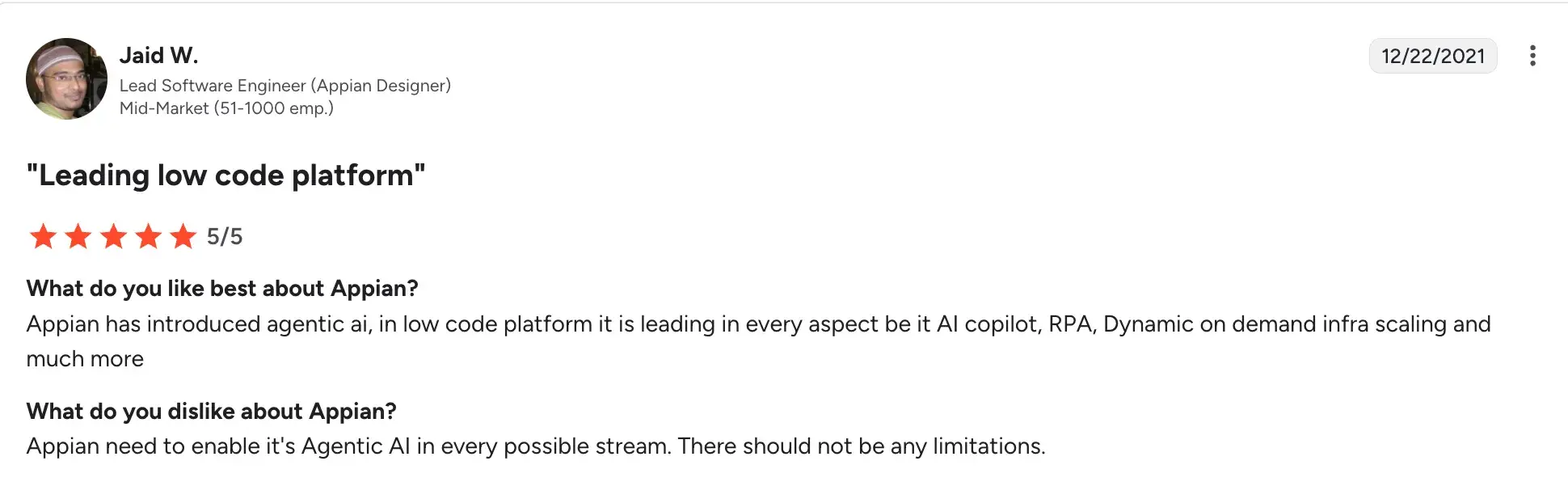
- Strong AI capabilities that reduce manual effort in document-heavy renewal workflows
Source
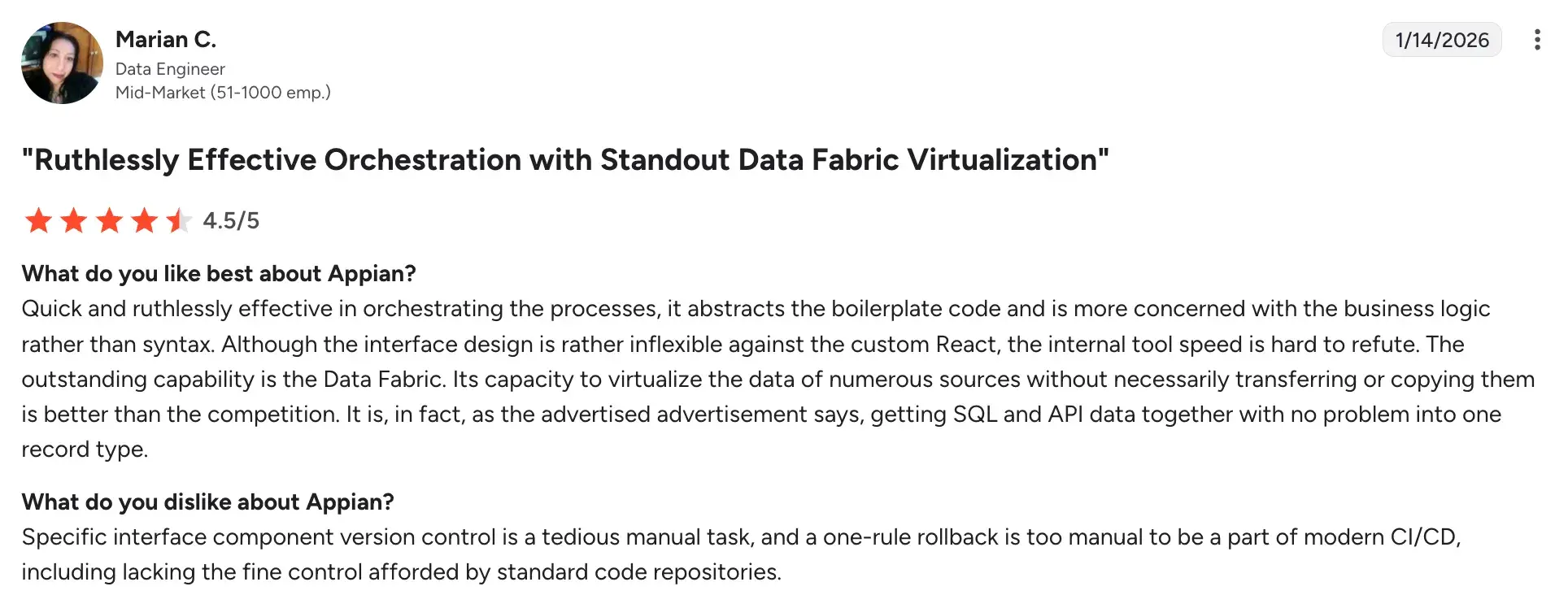
- Highly configurable without deep technical dependency once set up
Source
- Recognised leader in Gartner's enterprise low-code platform assessments
Cons:
- Implementation can be lengthy and resource-intensive for complex environments
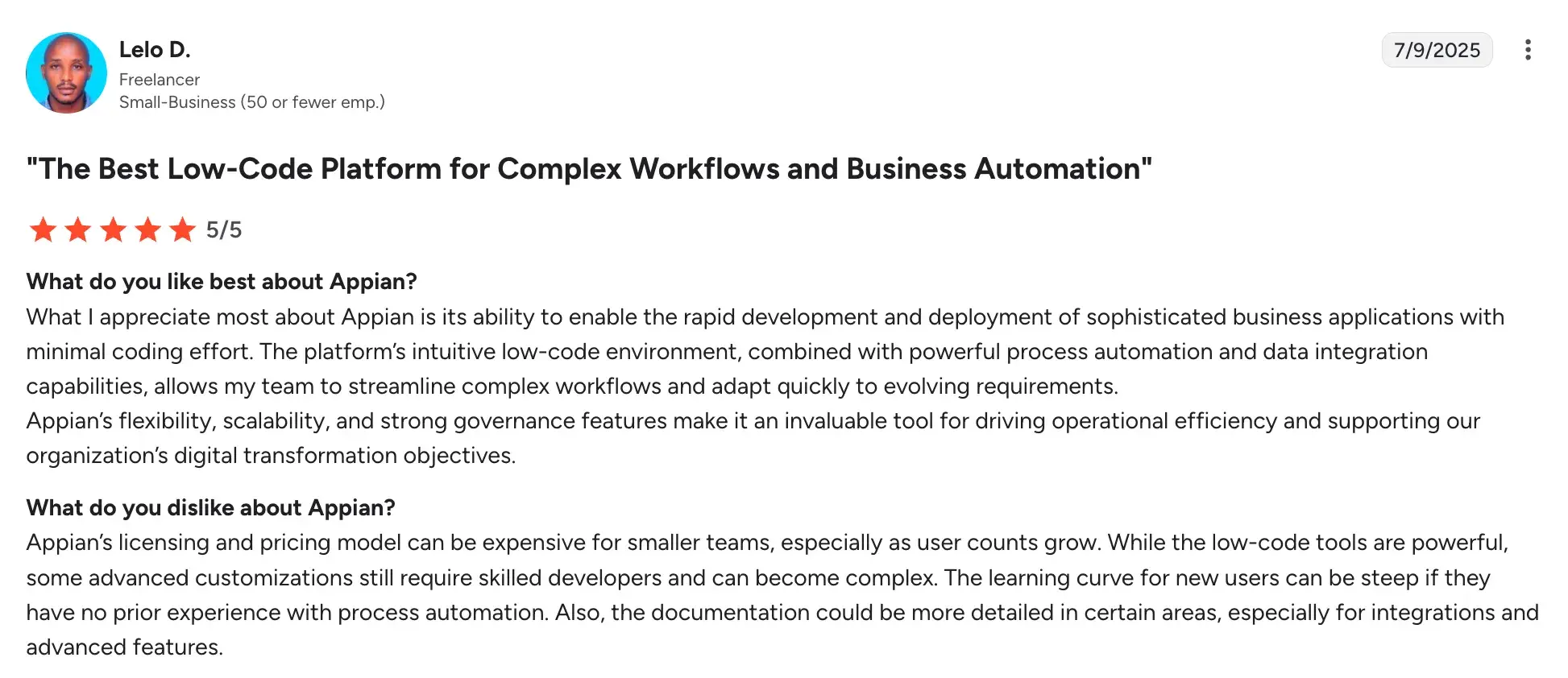
- Licensing costs are high, making it better suited to large enterprise deployments
Source
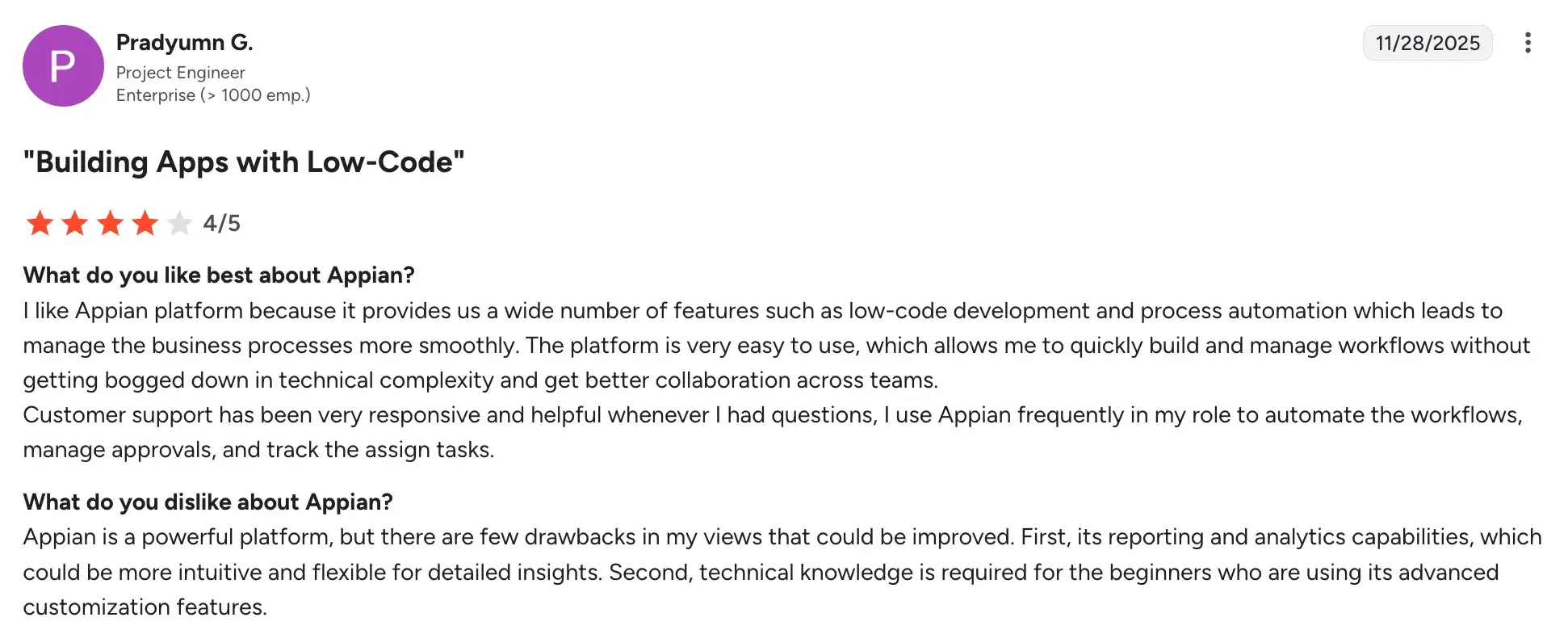
- Advanced customisation still requires Appian-certified development skills
Source
4. Nintex
When renewal workflows have outgrown spreadsheets but don't need a full insurance platform
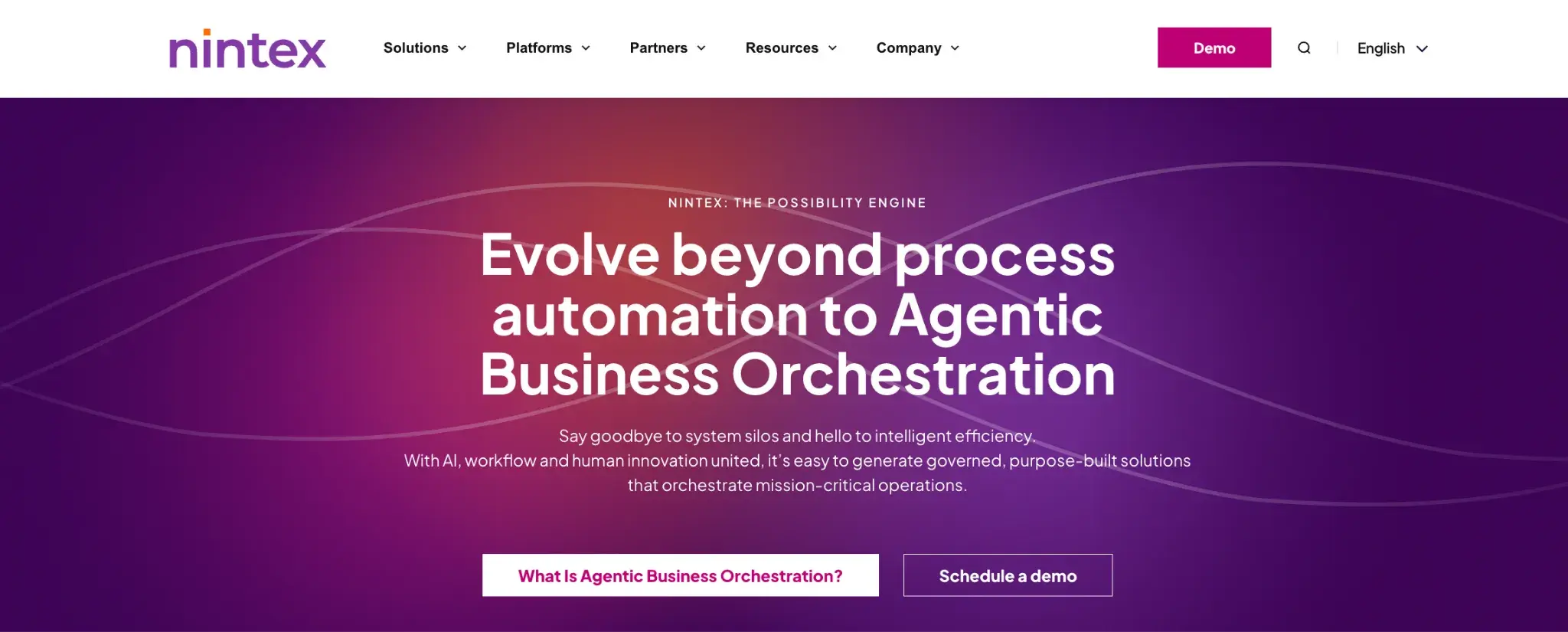
Nintex homepage
Alt-text: Screenshot of Nintex’s homepage
If your renewal process still relies on email chains, manual reminders and disconnected approvals, Nintex gives you a practical way to structure and automate it—without rebuilding everything from scratch. It works particularly well for insurers and brokers who already operate in a Microsoft 365 environment and want renewal workflows to slot into the tools their teams already use.
Key features of Nintex
1. No-code workflow builder
Your operations team can build renewal reminder sequences, approval routing and document sign-off steps using a drag-and-drop interface, without pulling in a developer every time the process needs to change.
2. Process mapping and documentation
You can map your renewal process end-to-end, publish it across teams, and update it centrally so that everyone, across offices or lines of business, follows the same steps.
3. Forms automation
Renewal data collection forms can be digitised and tied to automated follow-up actions, removing the manual handoffs that typically slow down the process between submission and decision.
4. Compliance and audit tracking
Obligations, controls and audit schedules can be linked directly to your process maps, giving you a structured way to demonstrate compliance readiness without maintaining a separate register.
Nintex User Ratings on G2
|
Category
|
Rating
|
|
Overall
|
4.3 (G2)
|
|
Meets Requirements
|
8.4 / 10
|
|
Ease of Use
|
8.4 / 10
|
|
Ease of Setup
|
8.0 / 10
|
|
Ease of Admin
|
8.0 / 10
|
|
Quality of Support
|
8.1 / 10
|
|
Has Been a Good Partner in Doing Business
|
8.4 / 10
|
|
Product Direction (% positive)
|
8.1%
|
Nintex’s user ratings on G2
Nintex’s Pros and Cons
Pros:
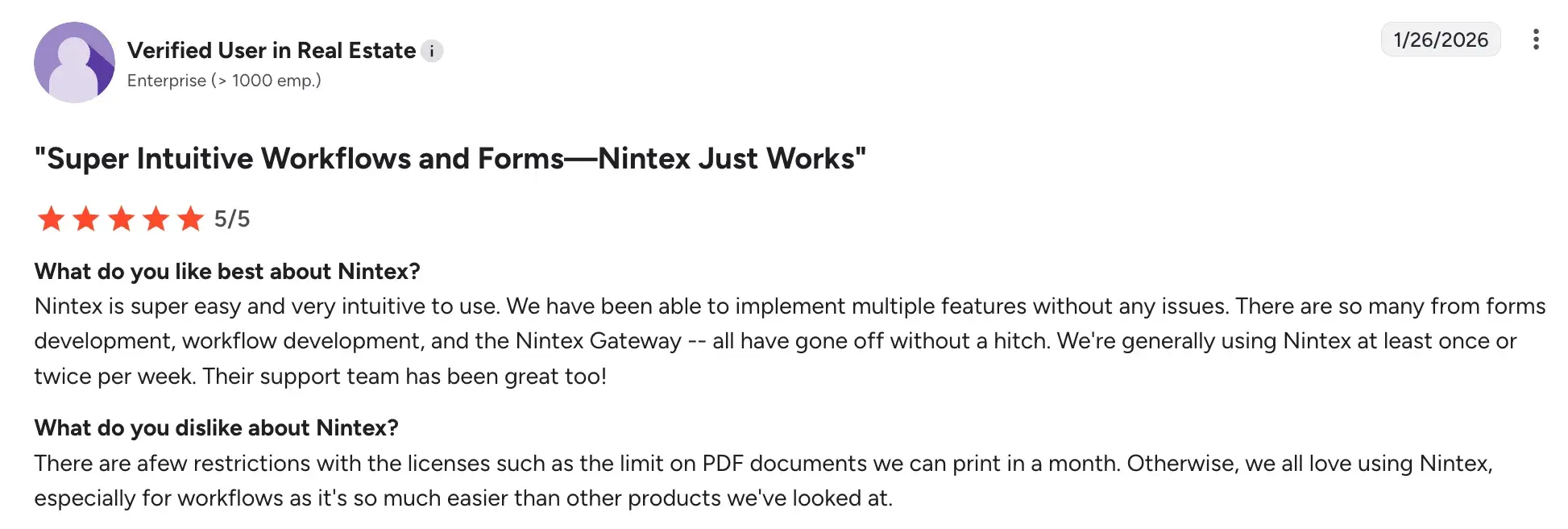
- Intuitive interface that business users can manage without ongoing IT involvement
Source
- Strong fit for Microsoft 365 environments with native SharePoint and Teams integration
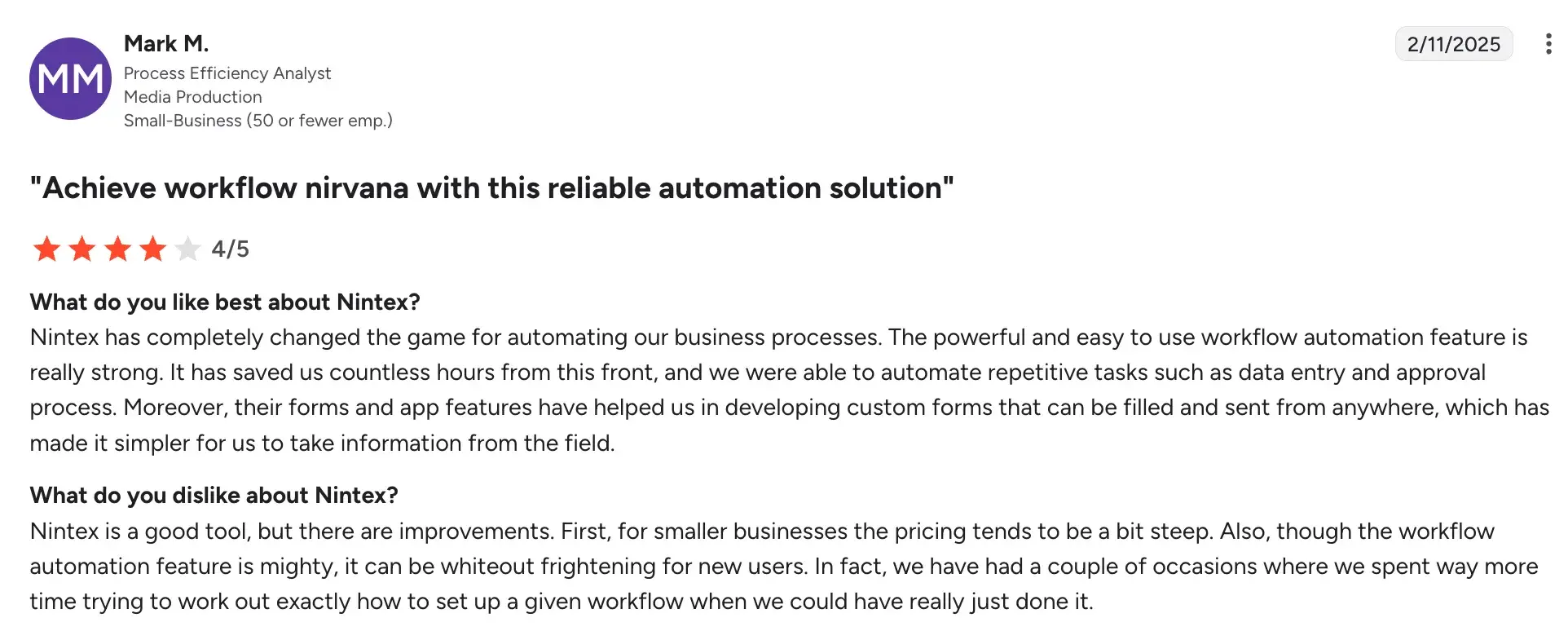
- Good for automating specific renewal workflows without overhauling existing systems
Source
- Process documentation capabilities support regulatory and audit requirements
Cons:
- Not purpose-built for insurance, so renewal-specific functionality needs to be configured
- Pricing scales up quickly as workflows, users, and environments grow
Source
- Complex renewal logic may require developer involvement beyond business-user capability
5. Microsoft Power Automate
When you need renewal workflows built around your exact process, not a generic template
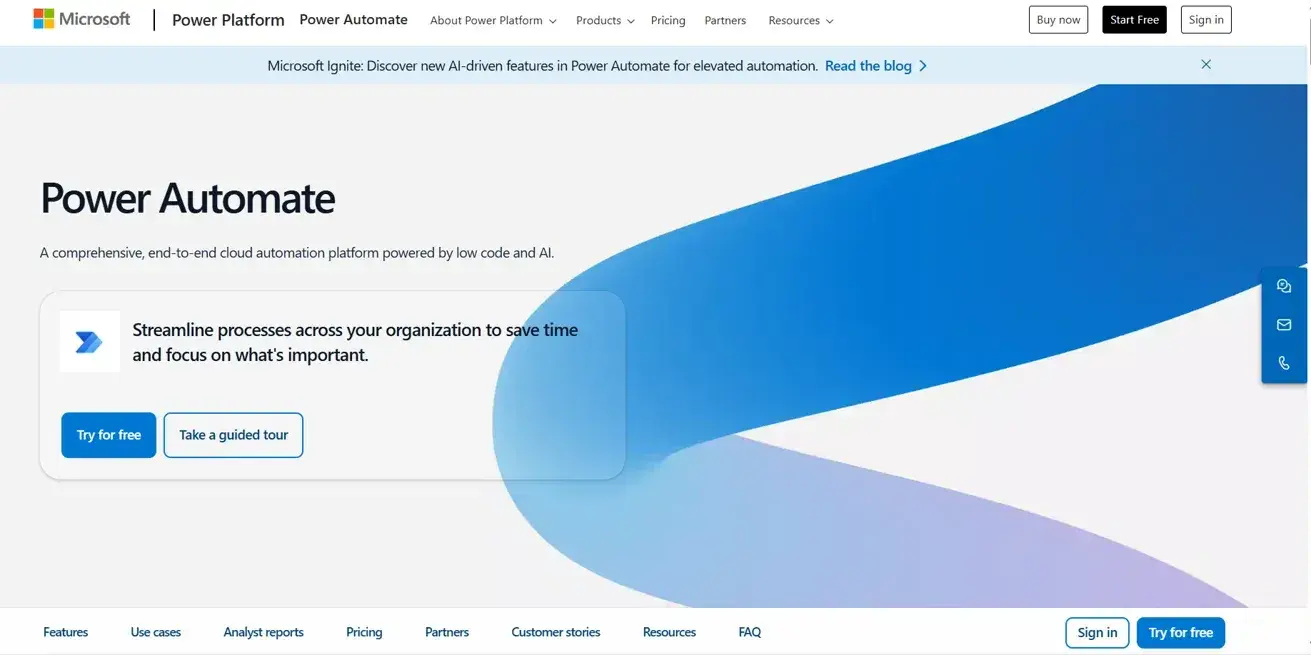
Microsoft Power Automate’s homepage
Power Automate is the right choice when your renewal process is specific enough that no off-the-shelf platform fits it, but you still want something your team can build, maintain and update without a software development team. For insurers already running on Microsoft 365 and Dynamics 365, it turns your existing environment into a tailored renewal management system.
Key features of Microsoft Power Automate
1. Custom renewal workflow automation
Your team can build automated flows for specific renewal scenarios such as policy expiry triggers, approval routing, escalation alerts, etc., designed around the exact way your process works rather than a prescribed template.
2. Renewal reminders and escalation triggers
Renewal reminders and escalation alerts run automatically in the background, prompting your team at the right moment without manual monitoring or calendar-based chasing.
3. Customer-facing renewal portals
Using Power Pages, you can build policyholder portals where customers can review upcoming renewals, update their information and confirm coverage without going through an agent, reducing administrative load on your team.
4. Power BI dashboards for renewal performance
Live dashboards can surface renewal pipeline data, conversion rates and upcoming expiry concentrations so your leadership team has visibility without waiting for manual reports.
Microsoft Power Automate’s User Ratings on G2
|
Category
|
Rating
|
|
Overall
|
4.4 (G2)
|
|
Meets Requirements
|
8.5 / 10
|
|
Ease of Use
|
8.3 / 10
|
|
Ease of Setup
|
8.6 / 10
|
|
Ease of Admin
|
8.5 / 10
|
|
Quality of Support
|
8.1 / 10
|
|
Has Been a Good Partner in Doing Business
|
8.7 / 10
|
|
Product Direction (% positive)
|
8.8%
|
G2 user ratings of Microsoft Power Automate
Microsoft Power Automate’s Pros and Cons
Pros:
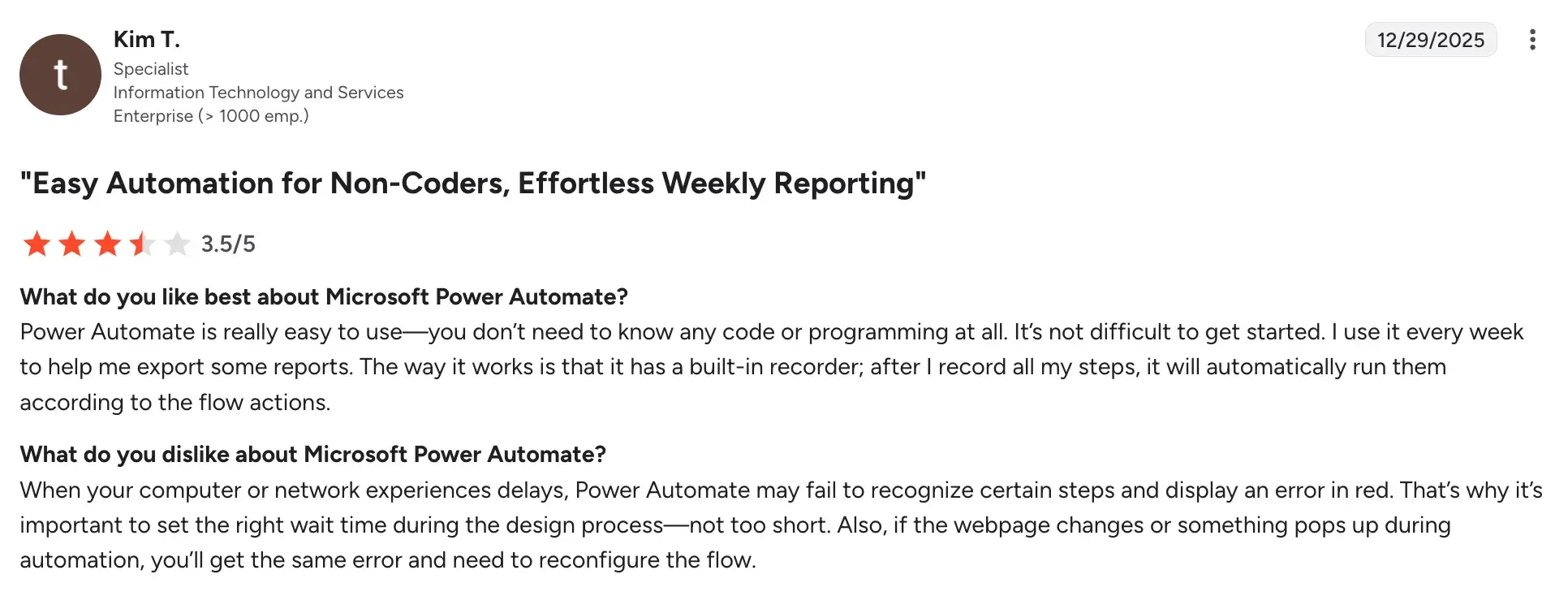
- Easy to use for building workflows across business users.
Source
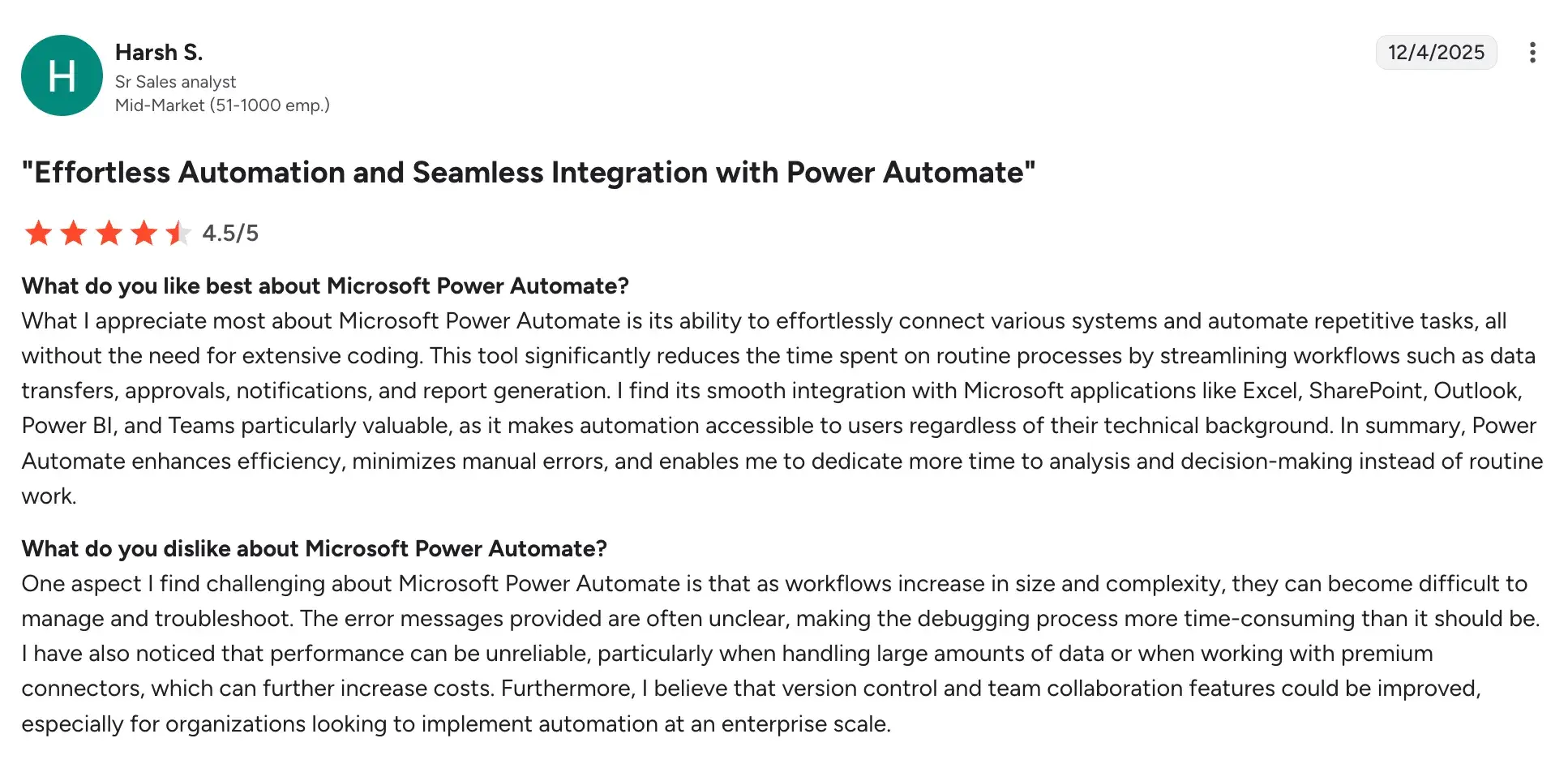
- Strong native integration with the Microsoft 365 ecosystem.
Source
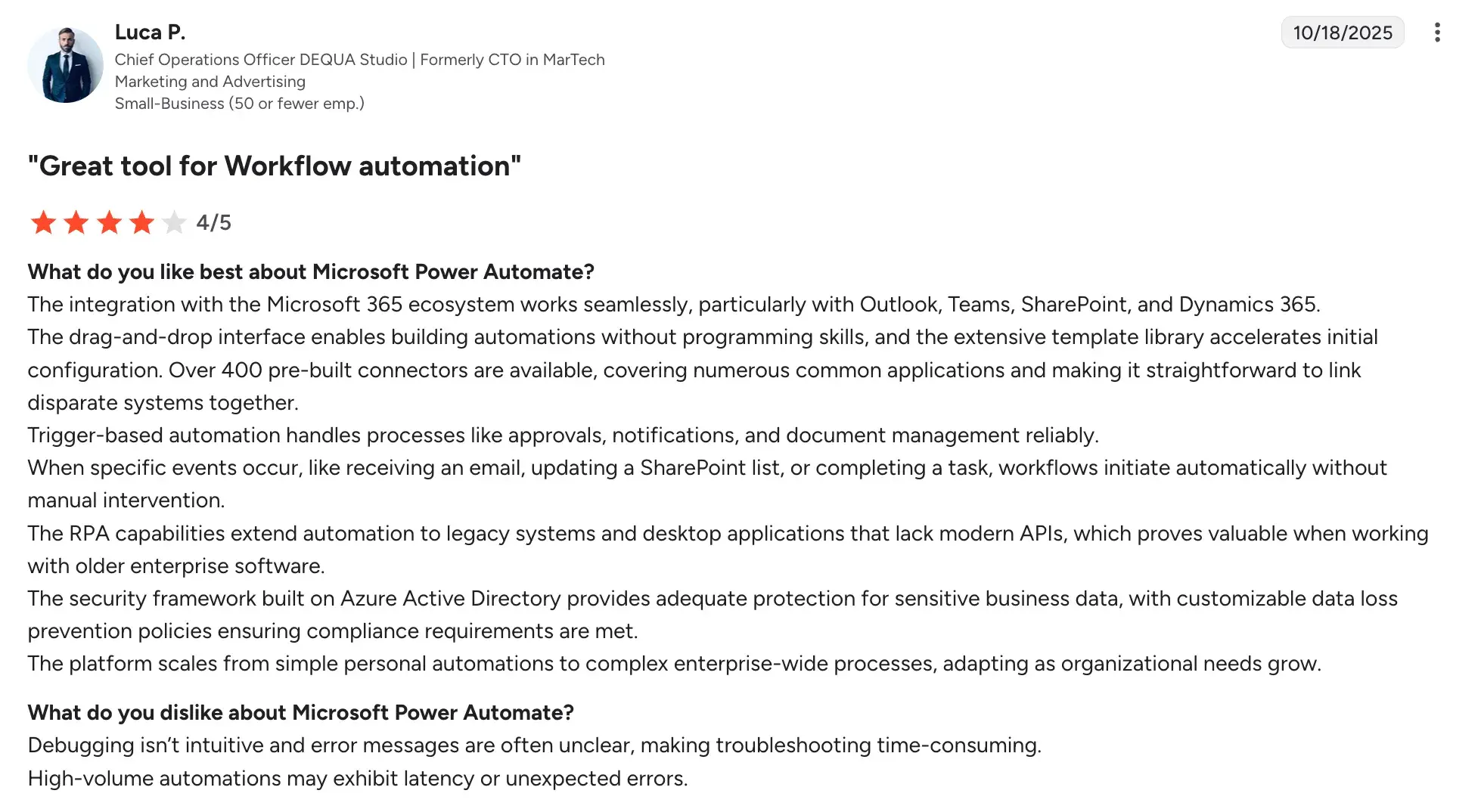
- Large connector library enables cross-application process automation.
Source
- Saves time through seamless data and workflow synchronization.
Cons:
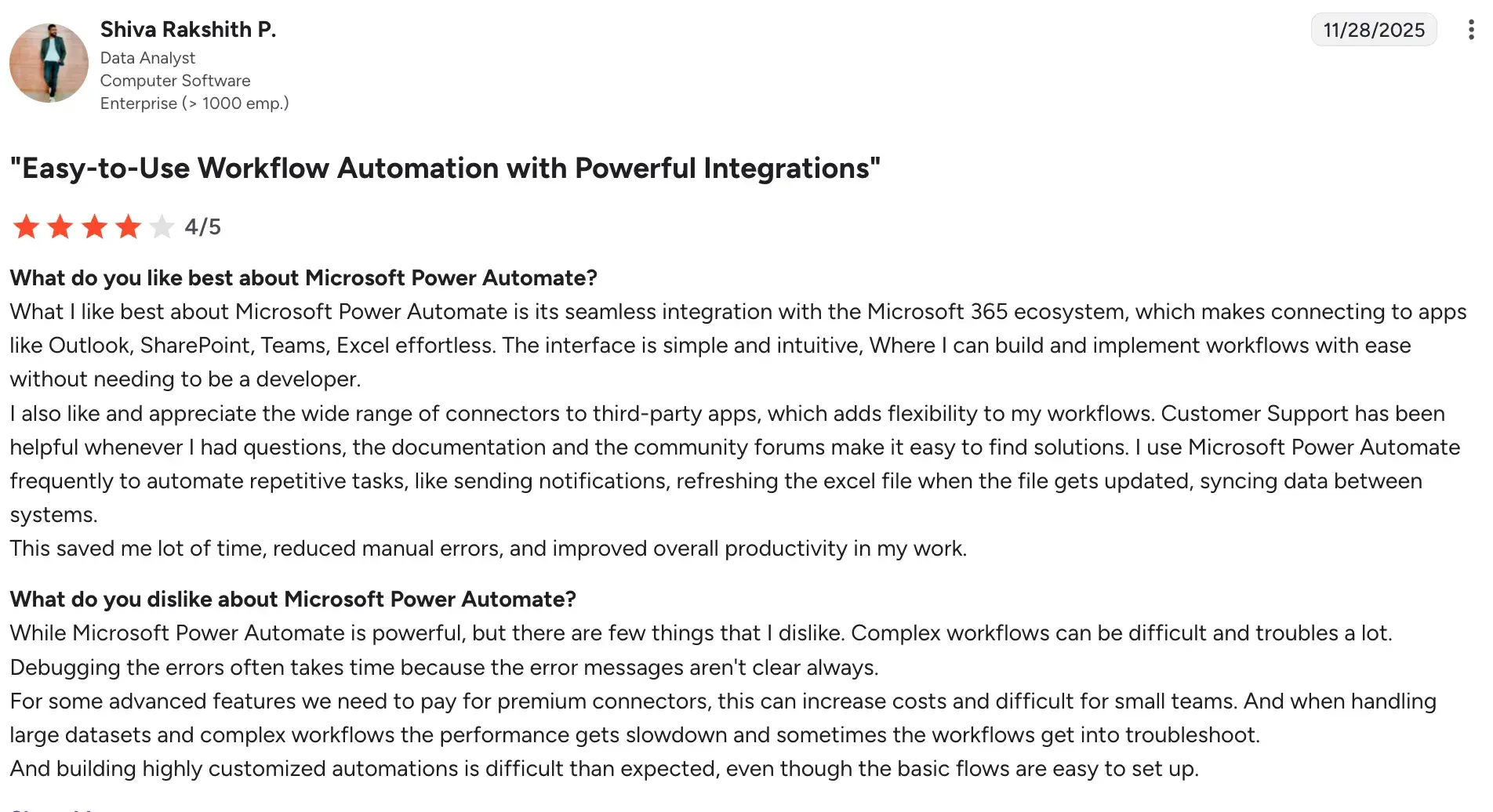
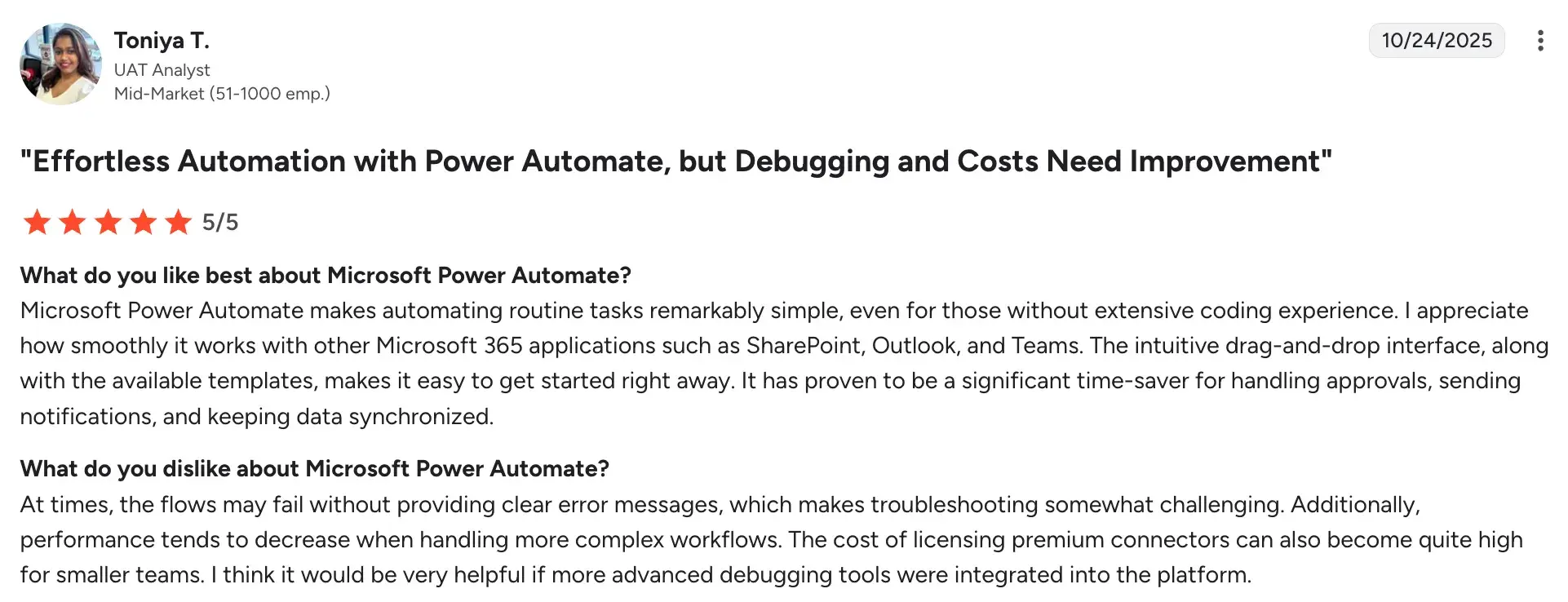
- Error handling and debugging can be complex and time-consuming.
Source
- Flow performance may slow with complex or high-volume processes.
Source
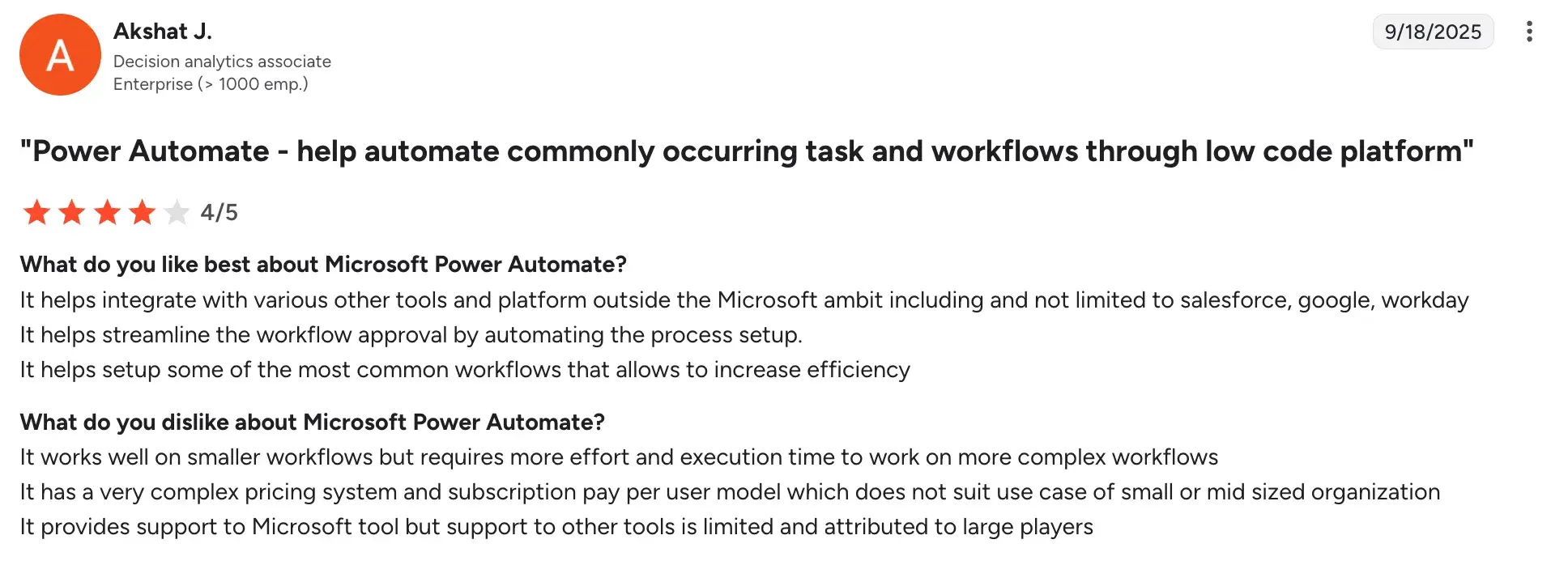
- The licensing model is confusing and can become expensive at scale.
Source
6. Conga Contracts
For insurers managing high-volume renewals where missed deadlines mean lost revenue
Conga Contracts homepage
When your renewal process involves large volumes of policy contracts, time-sensitive deadlines, and cross-team approvals, Conga is built to ensure nothing slips through. It's particularly strong for insurance organisations that need to track, negotiate, and execute contract renewals quickly, and where a missed renewal date directly impacts retention and revenue.
Key features of Conga Contracts
1. Automated renewal tracking and alerts
Conga monitors all upcoming renewal dates and sends automated notifications to your team and counterparties well in advance, so renewals are never caught at the last minute or missed entirely.
2. Pre-approved template library
Renewal documents can be generated in seconds using pre-configured templates with approved clause language, removing the manual drafting that slows down your legal and operations teams at peak renewal periods.
3. AI-powered contract intelligence
Conga's AI extracts and analyses key terms, obligations, and risk clauses across your renewal portfolio, flagging deviations from your standard language so your team can focus on what actually needs review.
4. Collaborative redlining and negotiation
Internal teams and external counterparties can work on renewal terms simultaneously within the platform, with all changes tracked and version-controlled so there's no confusion about what was agreed.
Conga Contract’s User Ratings on G2
|
Category
|
Conga CLM Rating
|
|
Overall
|
4.3 (G2)
|
|
Meets Requirements
|
8.4
|
|
Ease of Use
|
8.1
|
|
Ease of Setup
|
7.5
|
|
Ease of Admin
|
8.1
|
|
Quality of Support
|
8.5
|
|
Has Been a Good Partner in Doing Business
|
8.6
|
|
Product Direction (% positive)
|
8.6
|
Conga Contract’s user ratings on G2
Pros and Cons of Conga
Pros:
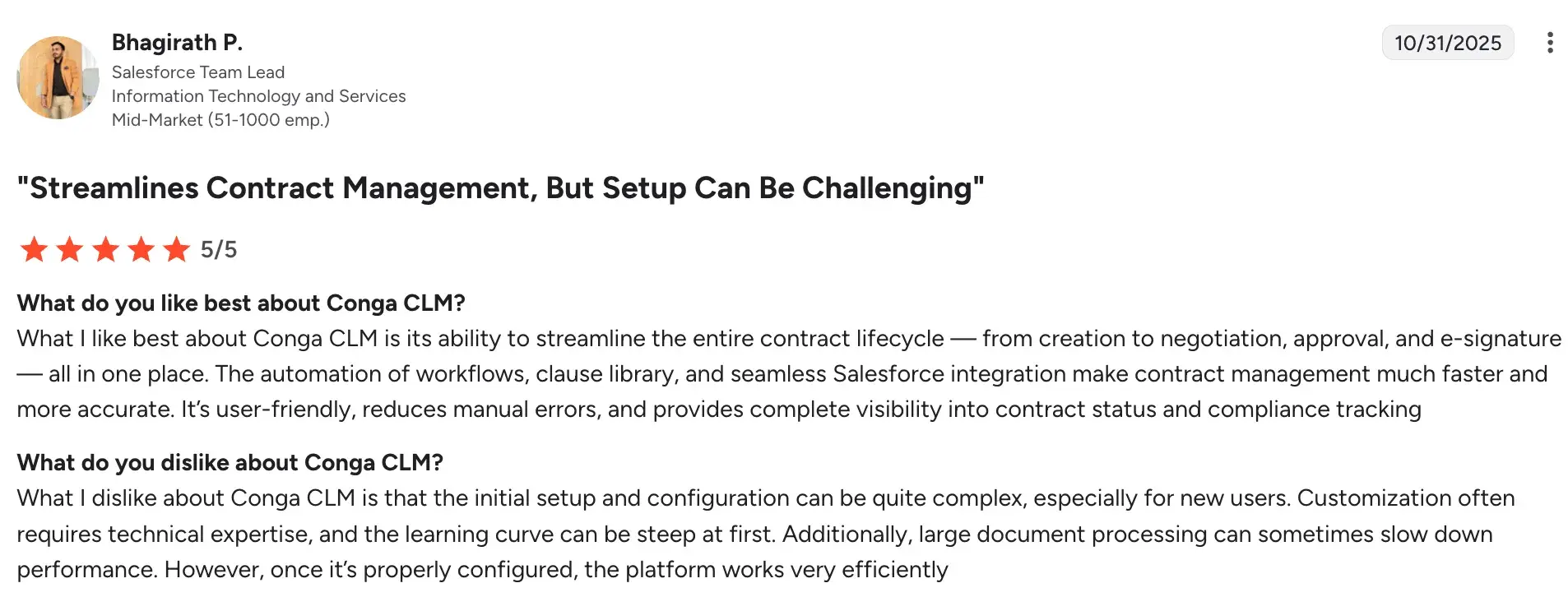
- Strong renewal-specific functionality including automated alerts, deadline tracking and template
generation
Source
- AI capabilities that genuinely reduce time spent on high-volume contract review
- Recognised as a G2 leader for enterprise contract lifecycle management
- Good integration depth with major CRM and ERP platforms
Cons
- Implementation can be complex for organisations with non-standard contract structures
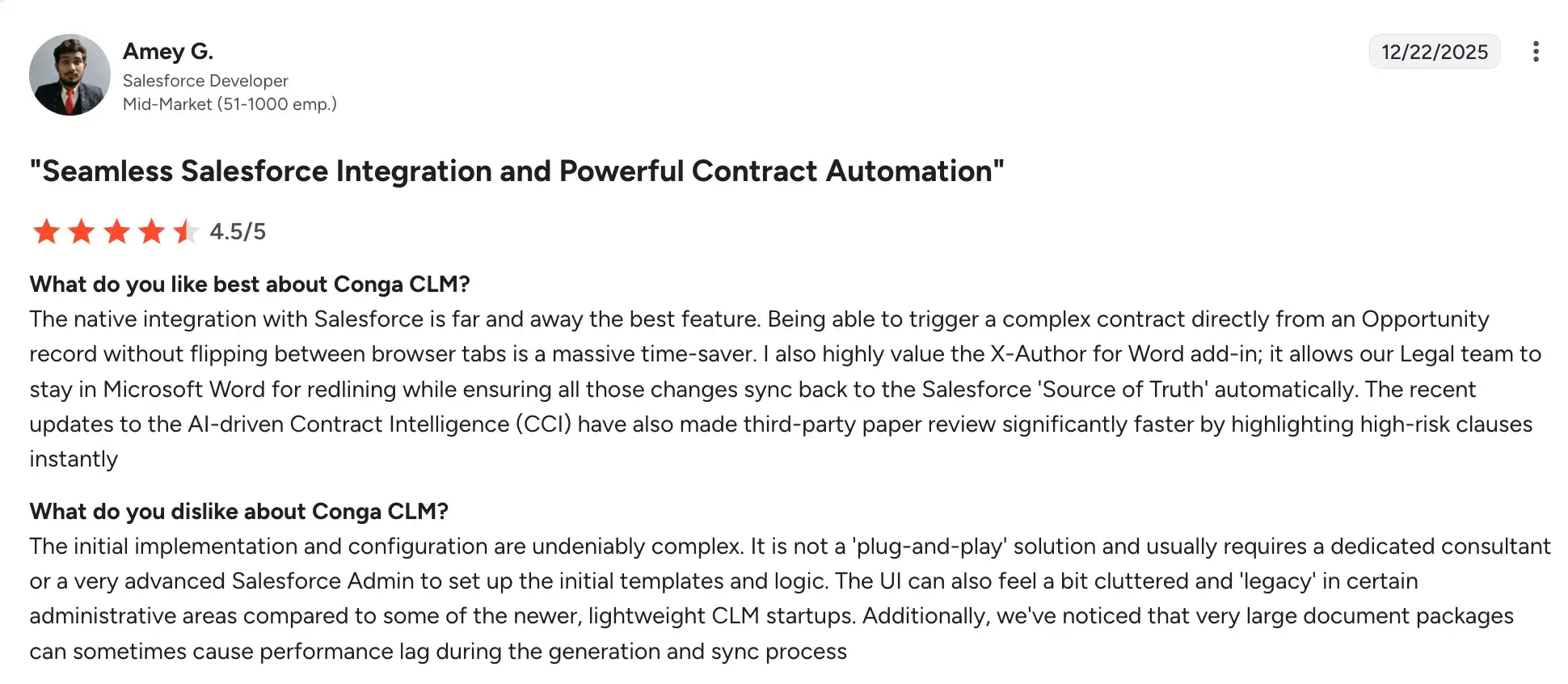
Source
- Better suited to larger teams; smaller brokers may find it more capable than they need
- Pricing is not always transparent upfront, with high licensing costs
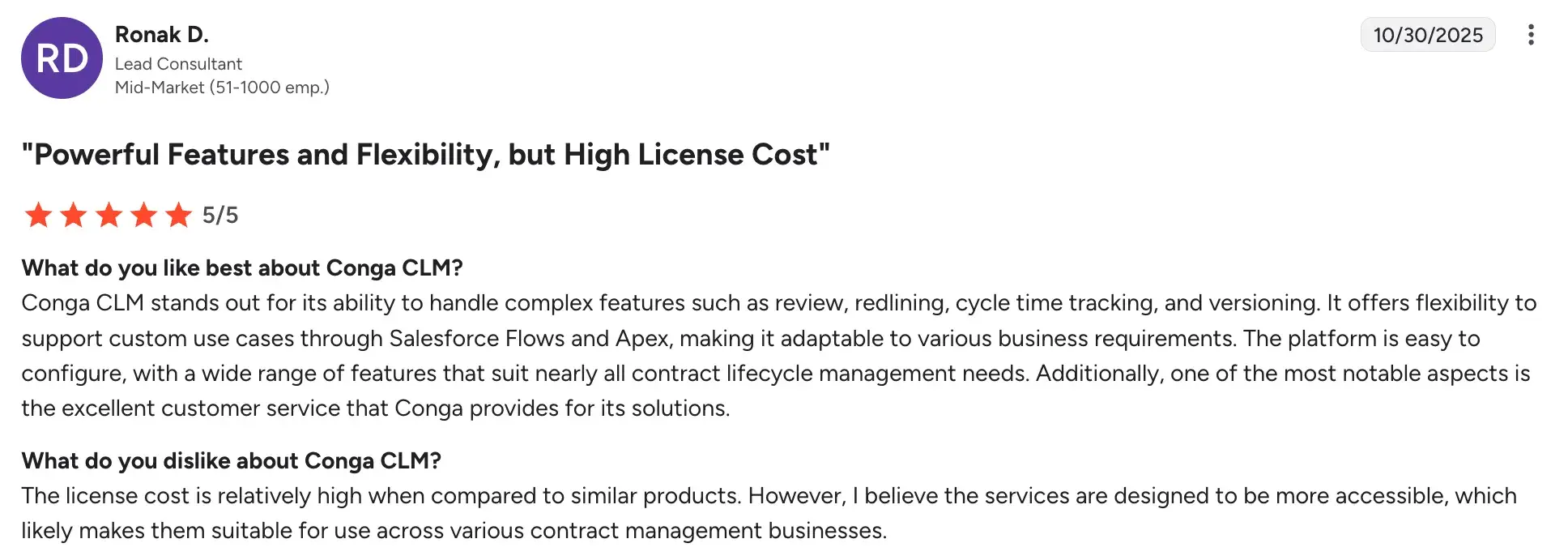
Source
7. Bizagi
For insurers who need renewal automation to work alongside legacy policy systems
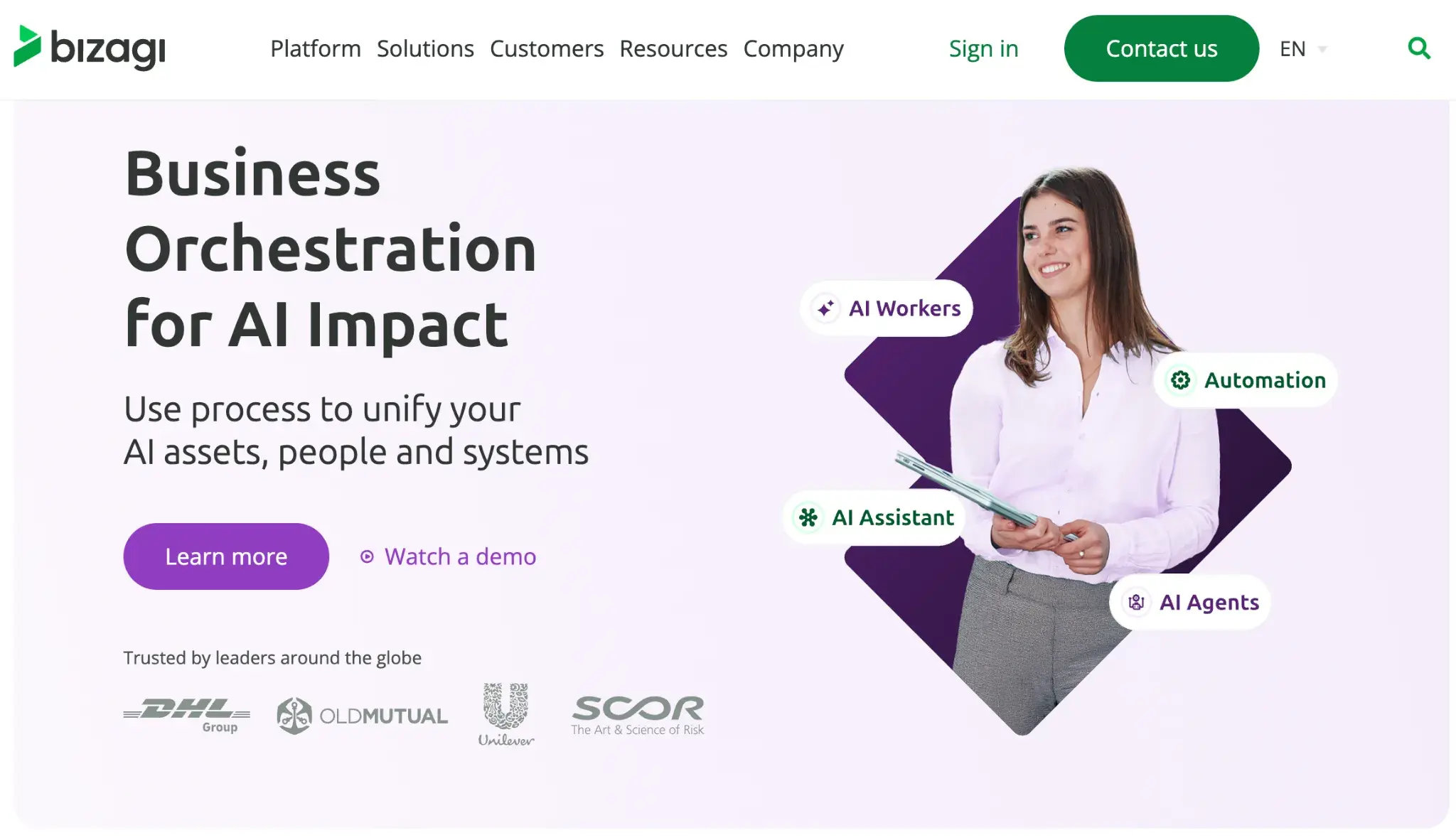
Bizagi’s homepage
If your renewal workflows are held back by ageing policy administration systems that are expensive to replace, Bizagi wraps around your existing infrastructure and automates the process layer without requiring a full system overhaul.
It's a practical choice for insurers and brokers who want to modernise how renewals are managed without committing to a rip-and-replace transformation.
Key features of Bizagi
1. Low-code process automation
Renewal workflows, from initial notification through underwriting review and approval to document generation, can be modelled and deployed visually, without the slow development cycles that typically accompany changes to legacy systems.
2. Legacy system integration via APIs and connectors
Bizagi sits above your existing policy administration, CRM, and document systems as an orchestration layer, pulling in the data your team needs at each stage of the renewal process without duplicating it elsewhere.
3. Business rules engine for renewal routing
Conditional logic based on policy type, risk profile, premium threshold, or customer segment can be built into your renewal workflows to automatically route renewals to the right person.
4. Full audit trail and compliance recording
Every step in the renewal process is automatically documented, making it easier to meet regulatory requirements and respond to auditor requests without manually pulling information together afterward.
Bizagi User Ratings on G2
|
Category
|
Bizagi Rating
|
|
Overall
|
4.6 (G2)
|
|
Meets Requirements
|
8.9
|
|
Ease of Use
|
9.0
|
|
Ease of Setup
|
8.8
|
|
Ease of Admin
|
8.7
|
|
Quality of Support
|
8.4
|
|
Has Been a Good Partner in Doing Business
|
8.6
|
|
Product Direction (% positive)
|
9.1
|
Bizagi’s user ratings on G2
Pros and Cons of Bizagi
Pros:
- User-friendly interface with intuitive design for faster process modeling.
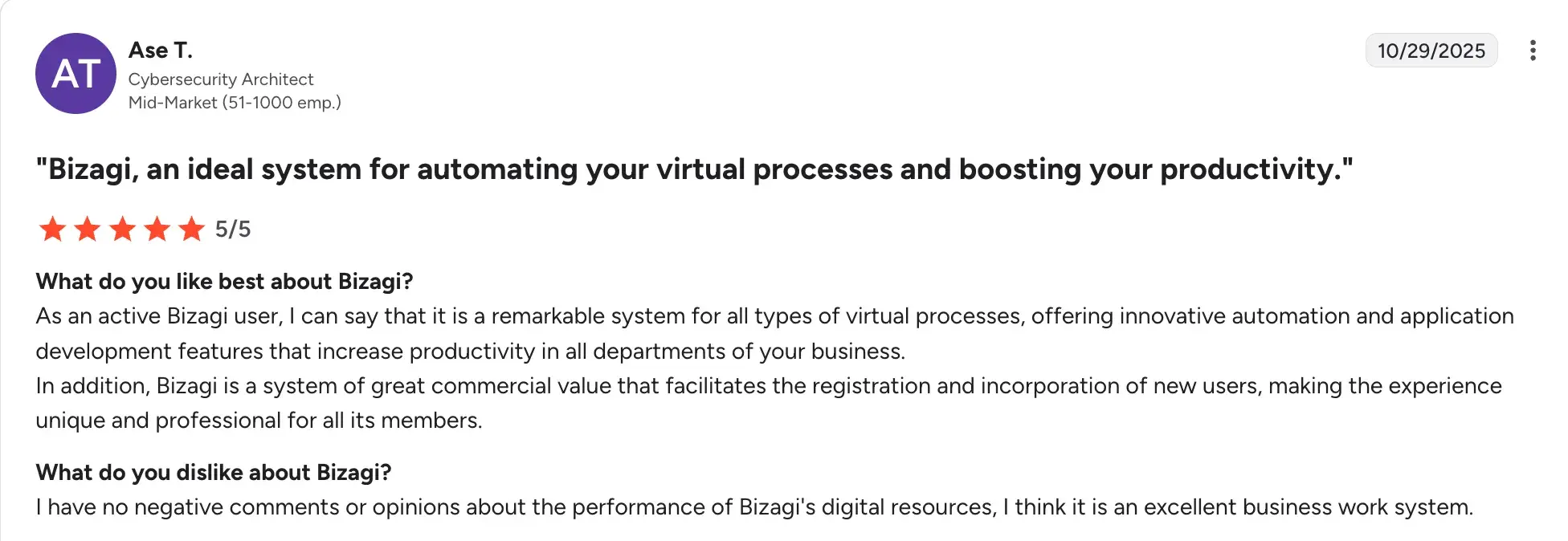
Source
- Strong at modernising renewal processes without replacing underlying systems
- Consumption-based pricing allows organisations to start small and scale
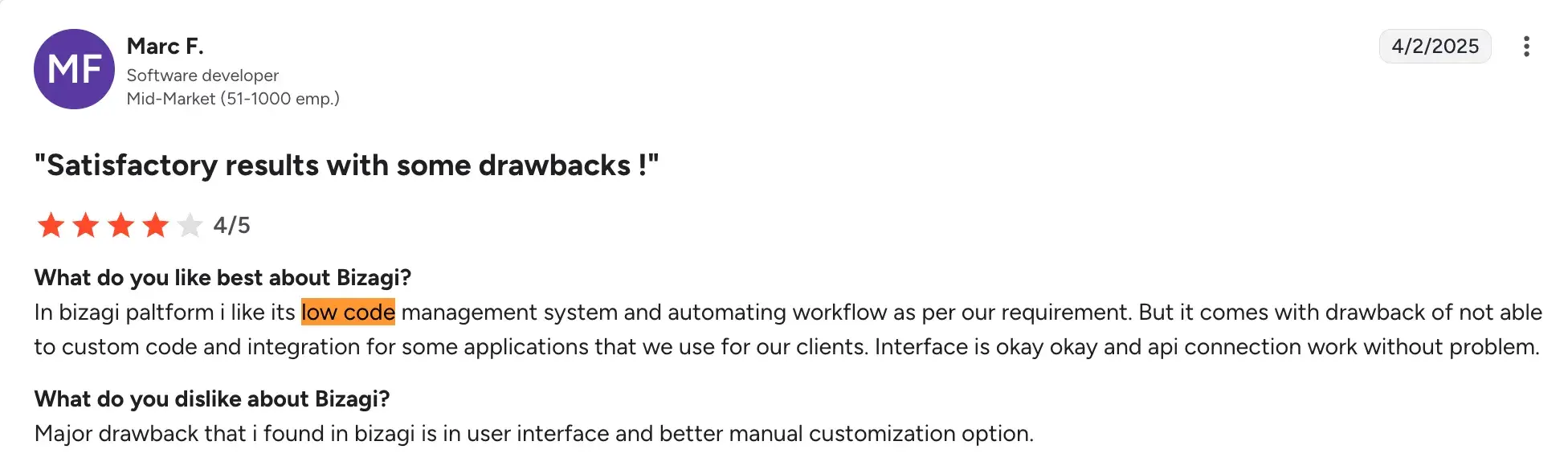
- Easy to design and deploy processes with visual, low-code tools.
Source
Cons:
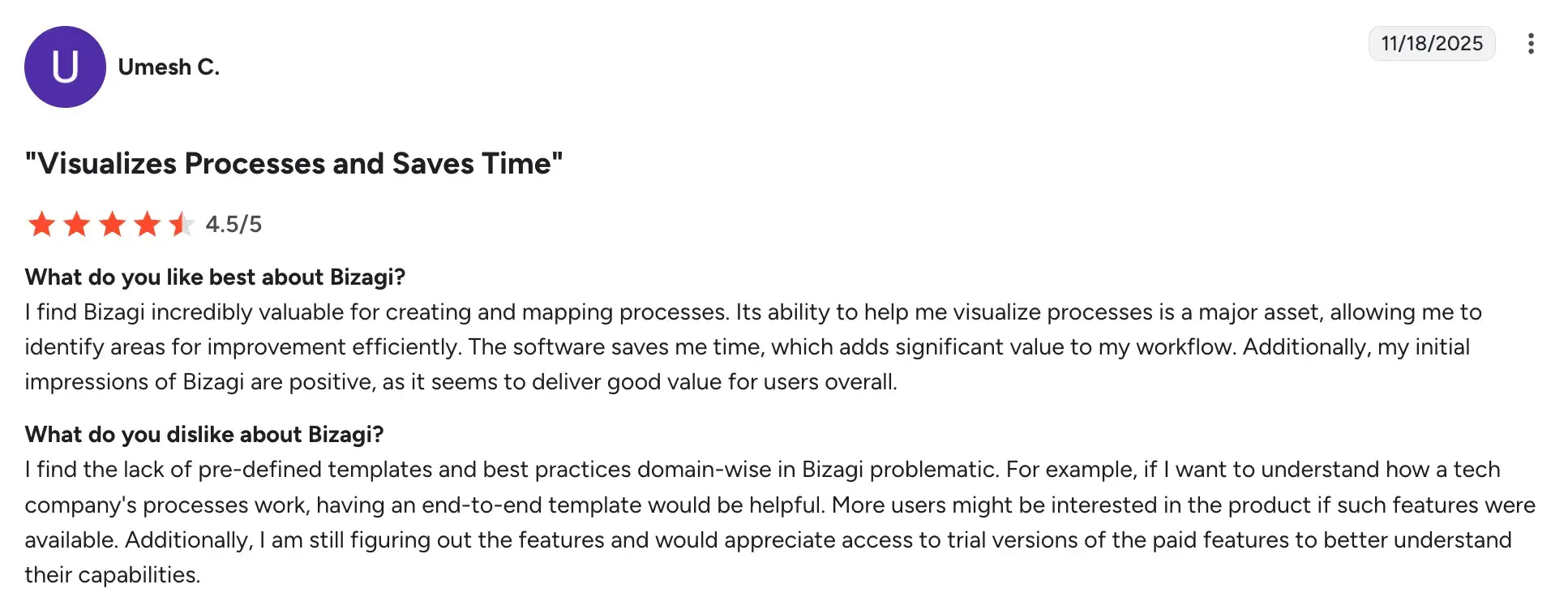
- Limited customization and fewer third-party integrations for advanced scenarios.
Source
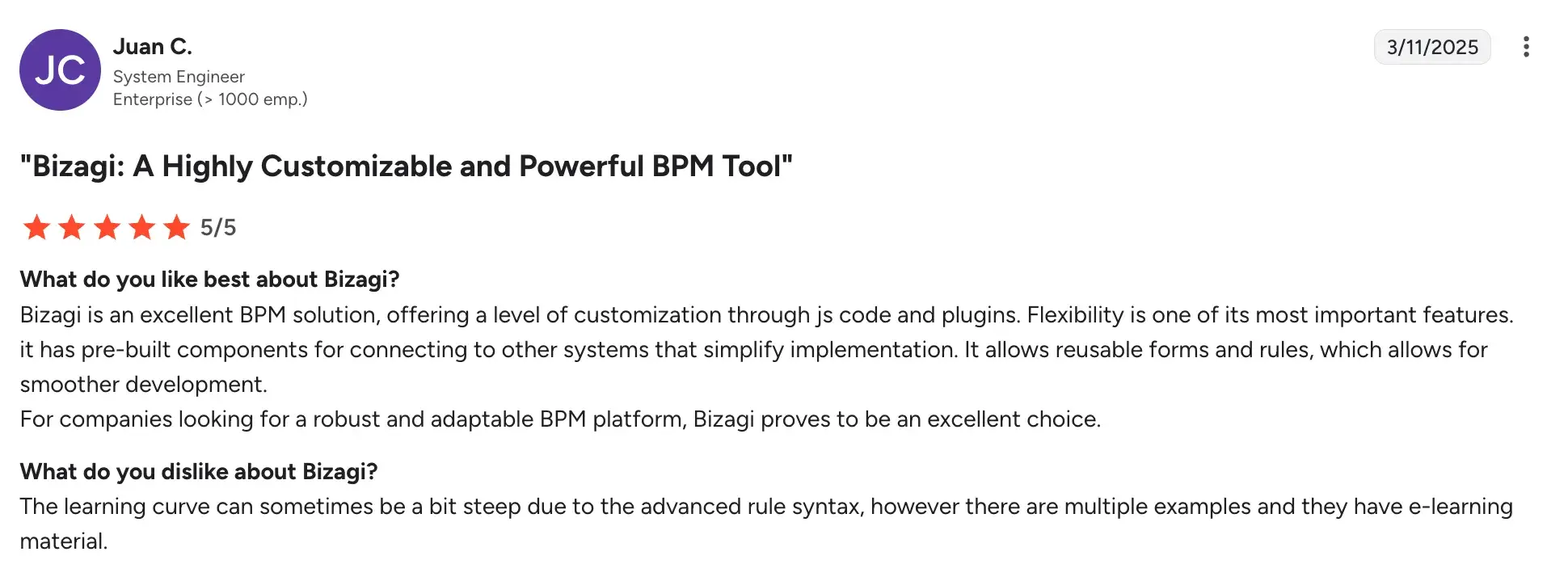
- Steep learning curve for mastering advanced features and configurations.
Source
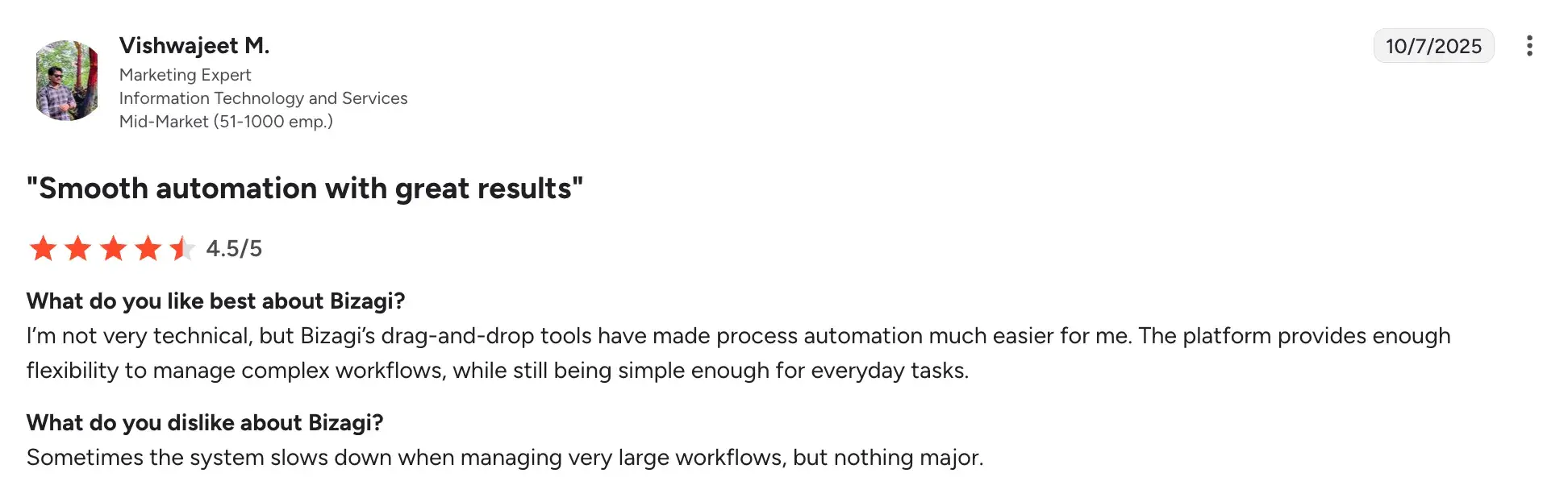
- Performance slows down when handling large datasets or complex implementations.
Source
8. ProcessMaker
For insurance teams who want renewal and policy workflows to be automated quickly
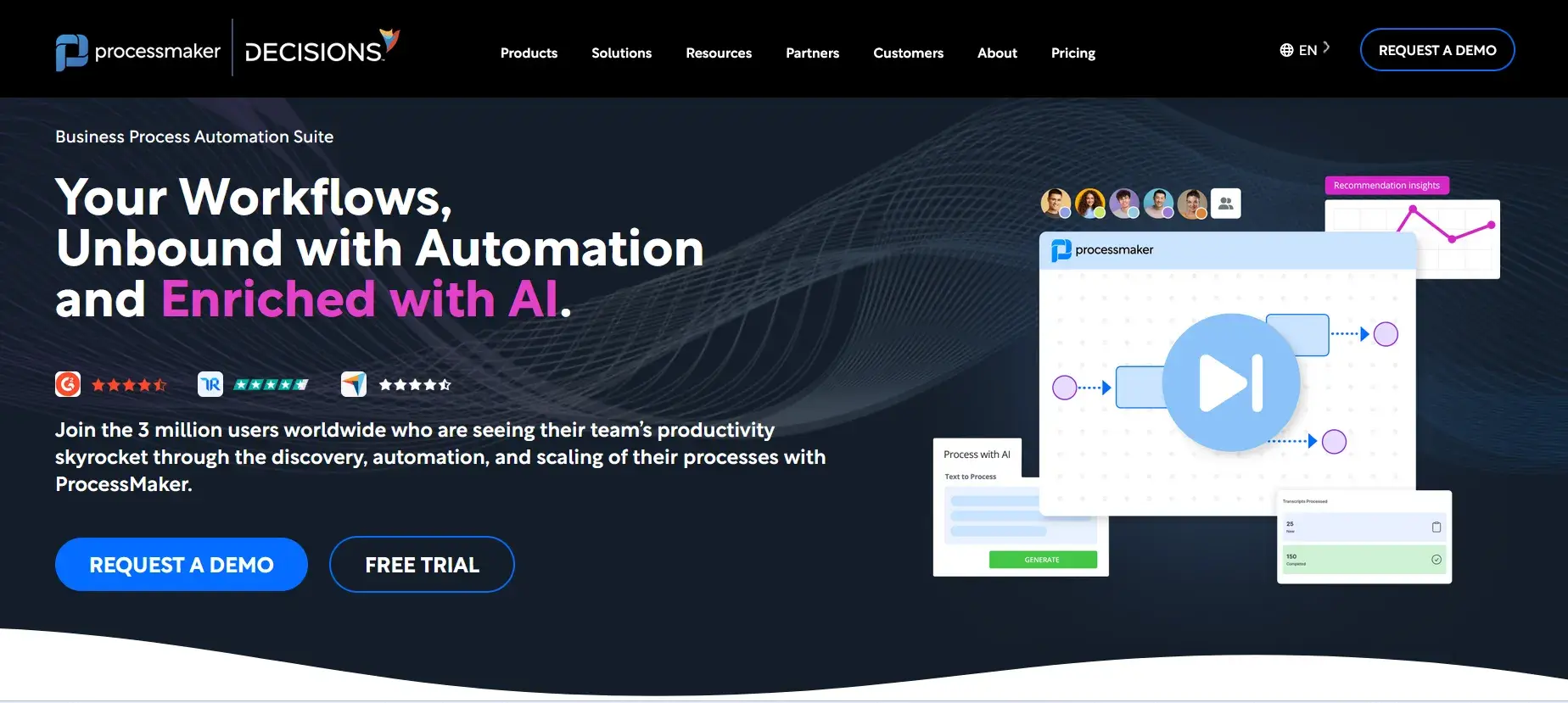
ProcessMaker’s Homepage
ProcessMaker is a practical choice for insurance organisations—particularly brokers and mid-size carriers who want to automate renewal workflows without the complexity or cost of an enterprise platform. Its pre-built insurance templates and AI capabilities mean you can get renewal automation in place faster than most alternatives, while still offering enough flexibility to fit your specific processes.
Key features of ProcessMaker
1. Pre-built insurance workflow templates
You can start with ready-made templates for policy renewals, document processing, and approval routing rather than build everything from scratch, which significantly reduces the time from implementation to live workflows.
2. AI-powered document handling
Renewal-related documents can be automatically captured, validated and routed using AI, reducing the manual effort your team spends on data entry and document classification at each renewal cycle.
3. Configurable forms and approval routing
Digital renewal forms can be built and tied to role-based approval workflows, so the right person receives the right task at the right stage without manual coordination.
4. Process Intelligence for workflow visibility
ProcessMaker's process mining capability maps how your renewal workflows are actually running, not just how they're designed to run, identifying where bottlenecks and delays are occurring so you can address them.
ProcessMaker User Ratings on G2
|
Category
|
ProcessMaker Rating
|
|
Overall
|
4.3 (G2)
|
|
Meets Requirements
|
8.6
|
|
Ease of Use
|
8.6
|
|
Ease of Setup
|
7.8
|
|
Ease of Admin
|
8.1
|
|
Quality of Support
|
8.2
|
|
Has Been a Good Partner in Doing Business
|
8.3
|
|
Product Direction (% positive)
|
8.2
|
ProcessMaker user ratings on G2
Pros and Cons of ProcessMaker
Pros:
- Faster implementation than most enterprise alternatives, with pre-built insurance templates
- Good fit for mid-size insurers and brokers without large IT teams
- Process Intelligence gives genuine operational visibility beyond standard workflow reporting
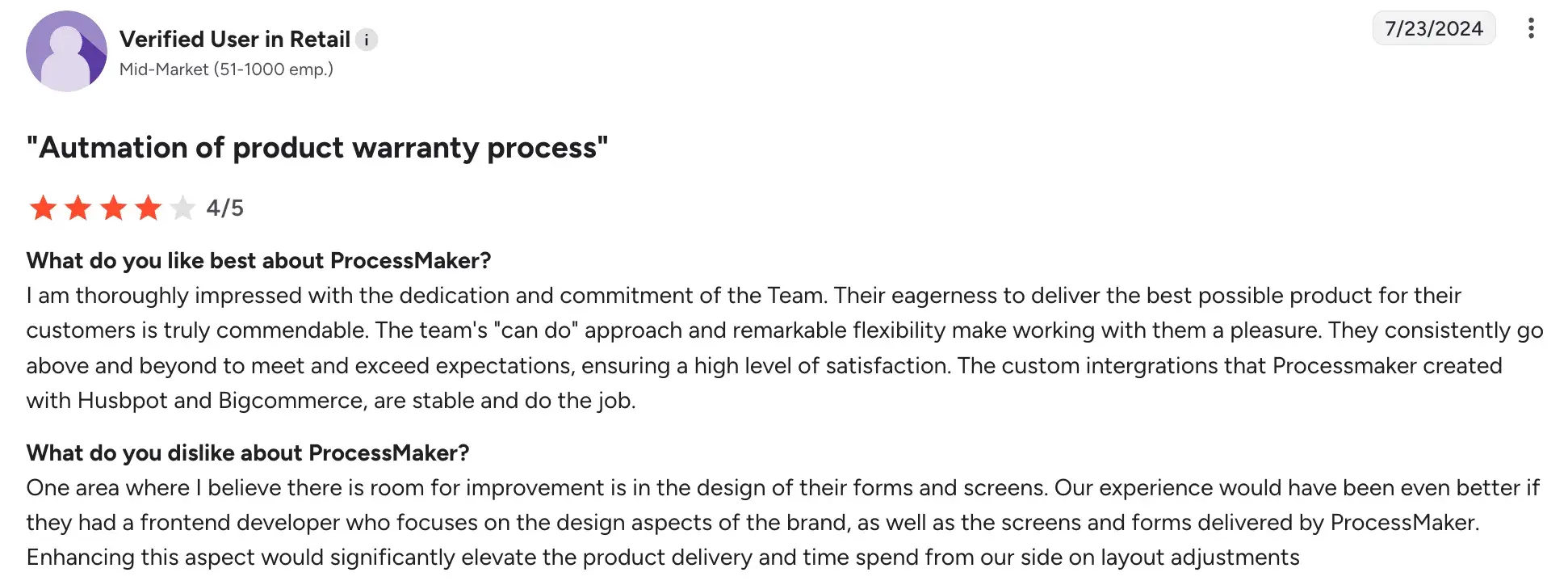
- Reliable and supportive customer team offering a high level of customer satisfaction.
Source
Cons:
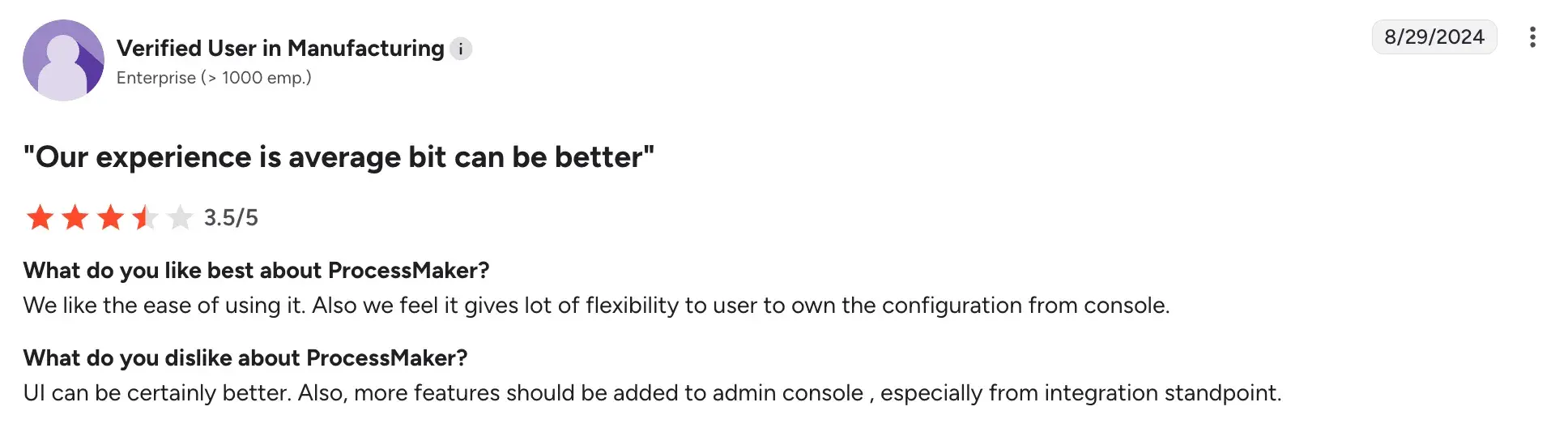
- Advanced analytics capabilities are more limited than larger enterprise platforms
Source
- Complex multi-line or multi-jurisdiction renewal programmes may need significant configuration
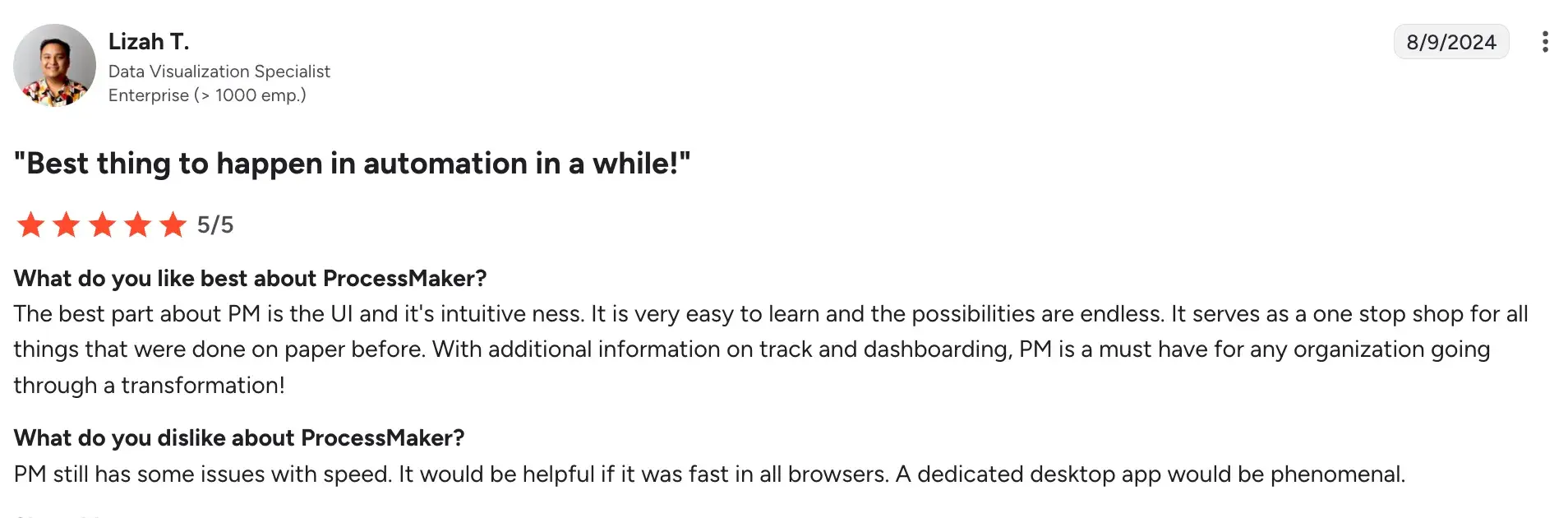
- Performance issues across browsers and complex implementations.
Source
- Extensive training is required for consistent platform access.
9. Contract Insight CLM Software by CobbleStone Systems
For contract-heavy renewal management, where missing a date costs you
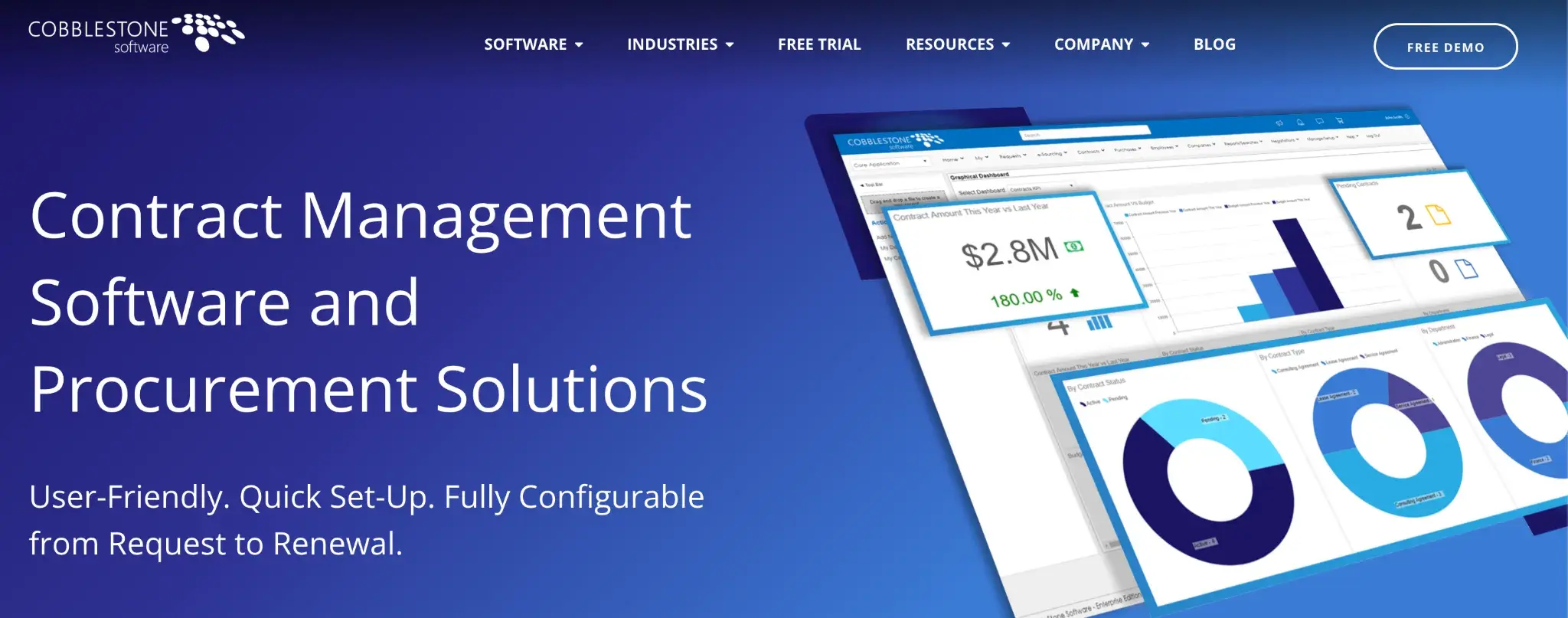
Contract Insight CLM Software’s homepage
CobbleStone is built for organisations managing large volumes of insurance-related contracts, where tracking renewal dates, automating reminders, and maintaining an airtight audit trail are priorities. If contract governance is at the centre of your renewal problem, CobbleStone is worth a close look.
Key features of CobbleStone Software
1. Automated renewal alerts and deadline tracking
The platform monitors every contract in your repository and sends configurable alerts to the relevant stakeholders well ahead of renewal dates, so your team has time to act rather than scramble.
2. VISDOM AI for contract analysis
CobbleStone's proprietary AI automatically extracts key terms, obligations and risk clauses from contracts and flags deviations from your standard language, reducing the manual review burden at renewal time.
3. Centralised contract repository with unlimited storage
All policy contracts, amendments and supporting documents live in one searchable system, which means your team can find what they need instantly rather than hunting across shared drives and email chains.
4. Configurable approval workflows
Renewal requests can be routed through custom approval chains based on contract type, value or risk level, with every decision recorded and time-stamped for compliance purposes.
CobbleStone’s User Ratings on G2
The platform is not listed on G2.
Pros and Cons of CobbleStone
Pros:
- Strong renewal-specific functionality with automated alerts that users consistently praise
- VISDOM AI is a genuinely useful tool for managing large contract volumes at renewal
- Highly configurable to fit the specific way your organisation manages contract renewals
- Responsive customer support team with a strong track record across implementation and ongoing use
Cons:
- Initial setup and configuration of custom templates can be time-consuming
- Interface has a learning curve, particularly for users new to CLM software
- Reporting tools may require configuration to extract the specific renewal insights you need
10. Creatio
When renewal automation needs to work alongside CRM and policy management in one place
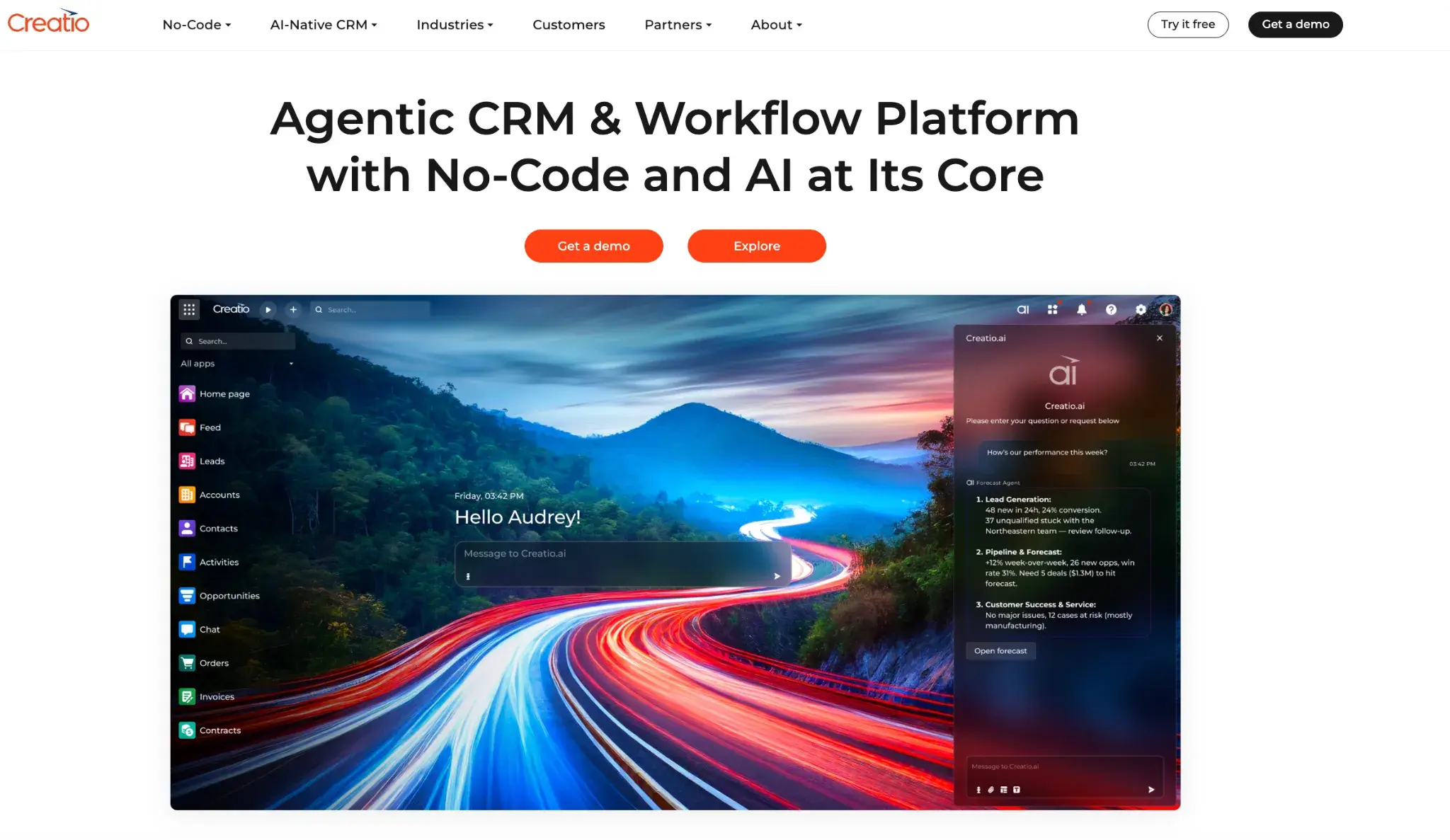
Creatio’s homepage
If your renewal workflows don't live in isolation from your customer relationships, underwriting data and policy administration, Creatio is built for that level of connection. It's a strong fit for mid-size to enterprise insurers who want renewal automation, CRM and policy lifecycle management to run on a single platform—without stitching together separate tools to make it work.
Key features of Creatio
1. No-code renewal workflow automation
Your operations team can build and adapt renewal workflows using visual, no-code tools without waiting on a developer each time the process needs updating.
2. AI-powered policy renewal monitoring
Creatio's AI monitors upcoming renewals, generates personalized offers, and automatically guides customers through the renewal process, so your team can focus on exceptions rather than managing every renewal manually.
3. 360-degree customer view for renewal decisions
At the point of renewal, your team has access to a complete picture of the customer in one place, which means renewal conversations are better-informed and faster to resolve.
4. Composable integration with your insurance tech stack
Creatio connects to your existing policy administration systems, billing platforms and third-party data sources through APIs and over 700 marketplace connectors, so renewal data flows cleanly across your environment without manual re-entry.
Creatio’s User Ratings on G2
|
Category
|
Rating
|
|
Overall
|
4.7 (G2)
|
|
Meets Requirements
|
8.7 / 10
|
|
Ease of Use
|
8.6 / 10
|
|
Ease of Setup
|
8.2 / 10
|
|
Ease of Admin
|
8.3 / 10
|
|
Quality of Support
|
9.1 / 10
|
|
Has Been a Good Partner in Doing Business
|
9.1 / 10
|
|
Product Direction (% positive)
|
9.0%
|
Creatio’s user ratings on G2
Pros and Cons of Creatio
Pros:
- Renewal workflows, customer data and policy history in one place
- Quick process and workflow creation without IT involvement
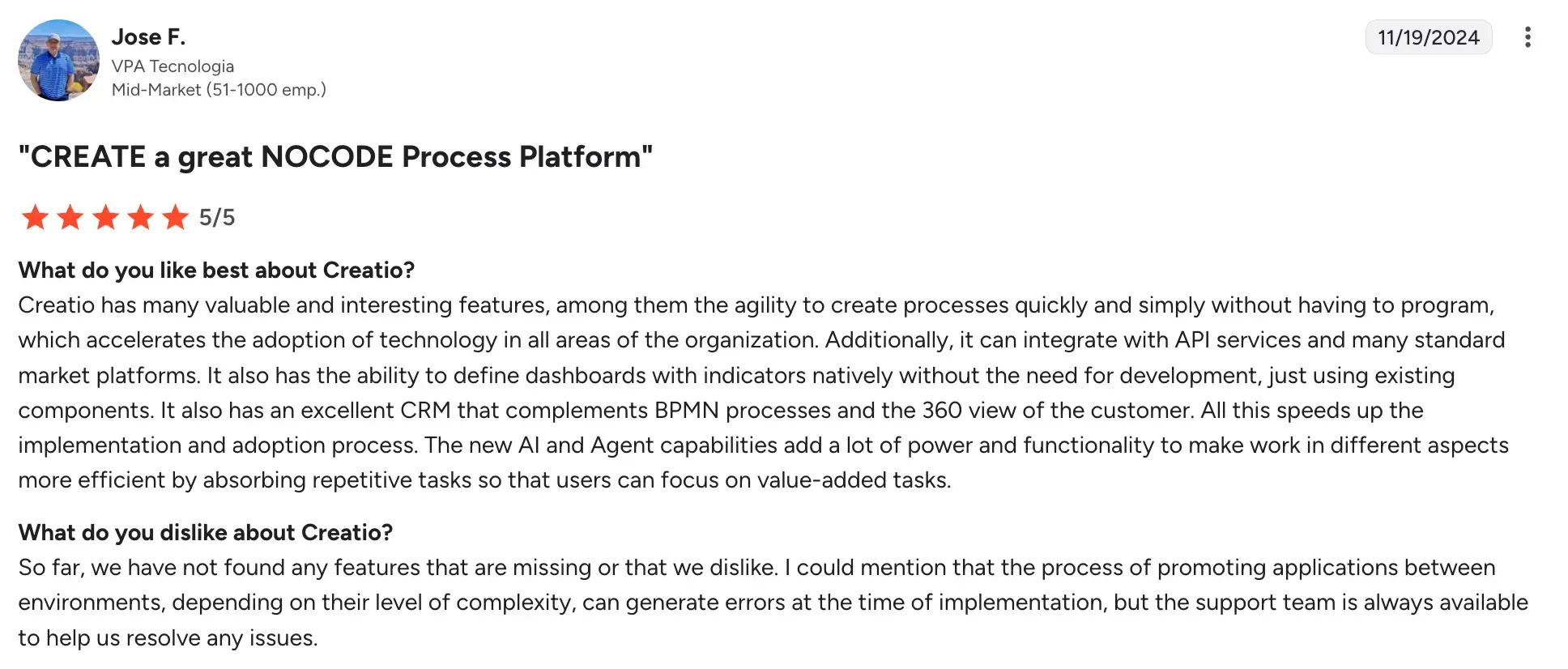
Source
- AI surfaces renewal context
- Easy to customize and write complex business processes
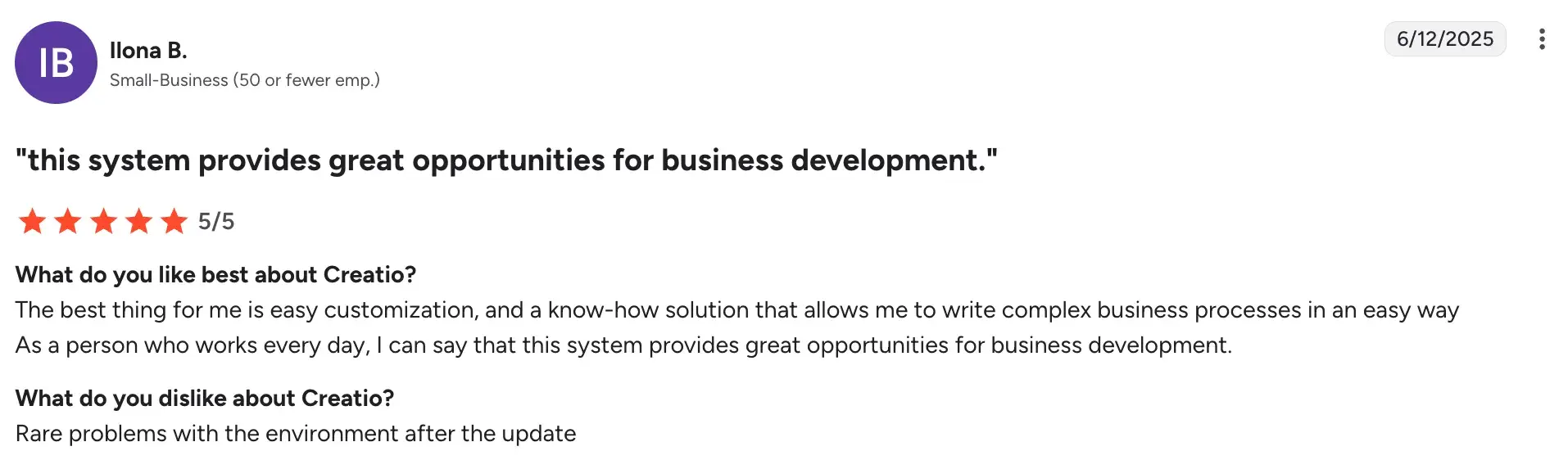
Source
- Pre-built connectors keep renewal data in sync across systems
Cons:
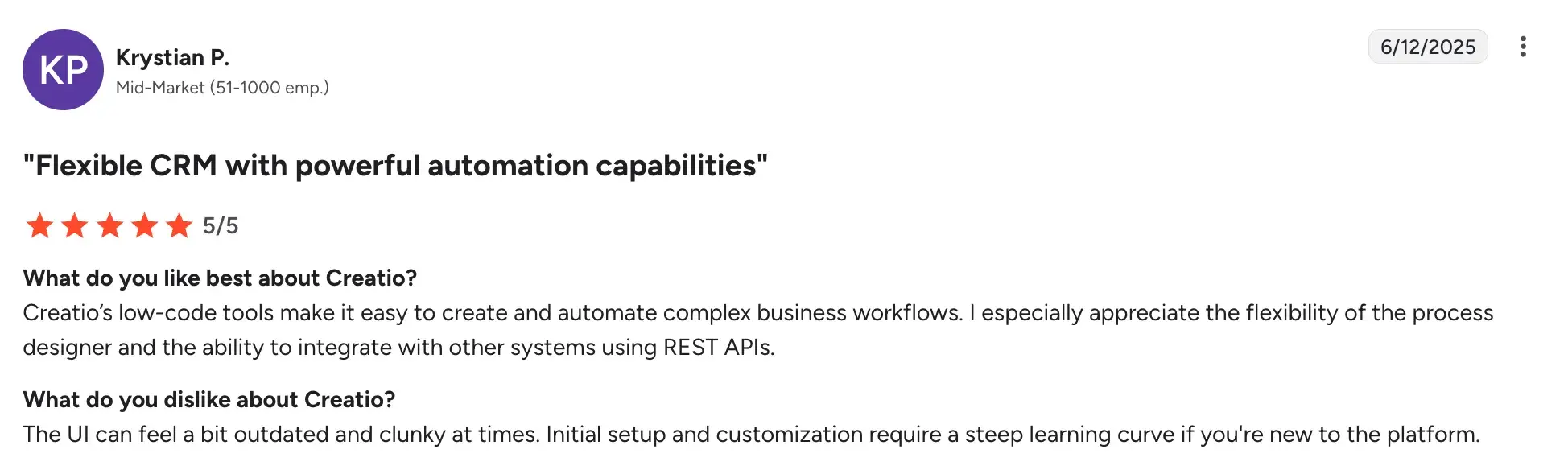
- Needs careful upfront configuration to deliver consistent results
- Broader than necessary for teams with simple renewal needs
- Clunky and outdated UI slows down high-volume renewal processing
Source
8 Key Features To Look For In Renewal Management Software
A good renewal management platform does more than send reminders. Here's what to look for when you're evaluating your options.
Automated workflows
Renewal reviews, approvals, and follow-ups should trigger automatically based on rules your team sets, so nothing moves forward late because someone forgot to follow up.
Your renewal platform should connect cleanly with Microsoft 365, your CRM, ERP and document storage, so your team isn't copying data between systems to keep records in sync.
Clear contract visibility
Key dates, terms, dependencies and performance metrics should be easy to find at a glance, not buried in a document your team has to hunt down every time a renewal comes up.
Usage analytics
Knowing how often a tool or service is actually being used gives you the information you need to decide whether to renew, renegotiate or walk away before the deadline forces your hand.
Centralized document repository
Contracts, amendments, and supporting documents should all live in one searchable place with version control, so your team always knows the current version and where to find it.
Security and compliance
Look for role-based access, full audit logs and support for frameworks like GDPR, DORA and ISO 27001 so your renewal process holds up under scrutiny.
Scalability and customization
As your contract volume grows or your process changes, the platform should adapt with you rather than become a bottleneck in itself.
Onboarding and ongoing support
Dedicated support, clear documentation and proper onboarding resources make the difference between a platform your team actually uses and one that gets abandoned after go-live.
Which Is The Best Insurance Renewal Management Software? (Final Verdict Based On Our Evaluation)
There isn't a single platform that fits every insurance organization. The right choice depends on whether you're managing high-volume contract renewals, modernizing a legacy-dependent process, or simply bringing more structure and visibility to how renewals are tracked and actioned.
Here's what we've concluded based on our evaluation:
- For complex, enterprise-wide renewal orchestration: Appian and Flowable suit large carriers and MGAs managing non-linear renewal workflows across multiple systems and teams.
- For renewal management tightly connected to CRM and policyholder engagement: Creatio is well-suited for insurers that want renewal tracking, customer data, and process automation in a single platform.
- For contract-heavy renewal programs where deadline tracking is critical: Conga Contracts and CobbleStone Software are strong fits when contract volume is high and missing a renewal date has a direct revenue impact.
- For insurers modernizing without replacing legacy systems: Bizagi wraps around existing policy administration infrastructure, automating the process layer without requiring a full system overhaul.
- For mid-size brokers and carriers who need faster deployment: ProcessMaker offers pre-built insurance templates and AI document handling that get renewal automation live faster than most enterprise alternatives.
- For organizations already running on Microsoft 365: Nintex and Power Automate slot renewal workflows into your existing environment without adding another system to manage.
- For structured, audit-ready renewal workflows without heavy IT involvement: FlowForma offers a practical path forward. Your team can digitize renewal forms, automate approvals, embed compliance checks, and maintain a complete audit trail, while continuing to work inside Microsoft 365.
Our final takeaway is that if you're planning a full-scale platform transformation, a dedicated insurance or CLM system may be the right call.
However, the best choice ultimately depends on how much change your organization is ready to take on and where your biggest renewal gaps sit today.
Streamline Your Insurance Renewal Management With FlowForma
Renewal management becomes easier when you have full visibility into every policy renewal, deadline, and compliance requirement.
For organizations using Microsoft 365, FlowForma removes the friction that typically comes with digitizing insurance renewal management workflows. Processes run where your teams already collaborate, renewal data stays within your existing security and retention framework, and audit trails are captured automatically as part of daily operations.
AI Copilot reduces the time needed to design and standardize insurance renewal workflows. Instead of relying on email follow-ups, shared spreadsheets and manual coordination, your team can move to structured, rule-based execution without long development cycles.
If your goal is to run compliant, approval-driven insurance renewal programs at scale while keeping process ownership with the business and governance with IT, FlowForma supports that operating model. Explore a live demo or start a 7-day free trial to see it in action.
.png?width=175&height=42&name=logo_20(1).png "FlowForma Process Automation")




.png)