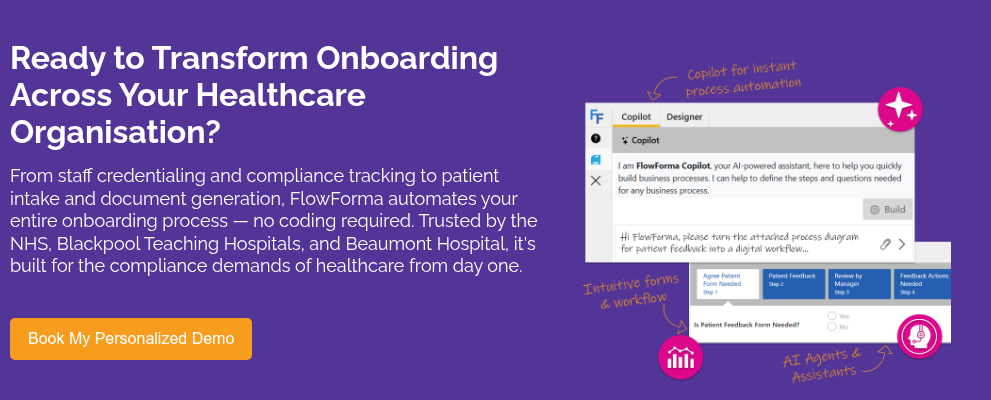
Healthcare onboarding often slows down because coordination across teams remains inconsistent. HR may complete hiring steps, yet clinical credentialing is still pending. IT access might be delayed while compliance documentation sits incomplete.
Patient onboarding faces similar issues, where intake forms and verification steps happen across disconnected systems.
Manual processes and email-based coordination make it difficult to track progress, identify bottlenecks, or maintain audit readiness. As regulatory expectations increase and staffing pressures continue, onboarding has shifted from an administrative task to an operational priority.
Healthcare onboarding software addresses these challenges by structuring workflows and capturing data consistently at every stage.
In this guide, we review 10 onboarding platforms used in healthcare environments. Each tool is analysed based on real-world usability, workflow depth, and compliance alignment. Our tool FlowForma is included and evaluated using the same criteria as every other platform.
Quick Overview: Healthcare Onboarding Software
Each platform in this list was evaluated based on how well it supports real onboarding workflows in healthcare environments rather than feature breadth alone. Factors we took into account included:
- Compliance readiness: Ability to maintain audit trails, data security, and regulatory alignment with NHS norms and HIPAA.
- Workflow depth: Support for multi-step onboarding involving HR, IT, and clinical teams
- Ease of use: Accessibility for non-technical staff managing onboarding processes
- Integration capability: Ability to connect with EHR, HR systems, and internal tools
- Document handling: Management of onboarding forms, contracts, and approvals
|
Here is a quick side-by-side comparison of the ten tools, including FlowForma:
|
Tool
|
Best For
|
NHS Vendor
|
Healthcare-Specific Strength
|
|
Ninox
|
Startups
|
No
|
Flexible database-driven onboarding for simple workflows
|
|
Creatio
|
CRM-led onboarding
|
Yes
|
Onboarding linked with patient engagement and lifecycle management
|
|
Kintone
|
Small teams
|
No
|
Lightweight onboarding apps with built-in collaboration
|
|
FlowForma
|
Mid–large providers
|
Yes
|
End-to-end onboarding workflows with audit trails and AI-assisted process building
|
|
Appian
|
Large-scale orchestration
|
Yes
|
Cross-system onboarding coordination with process orchestration
|
|
Kissflow
|
SMB healthcare teams
|
No
|
Rapid deployment of form-led onboarding with simple approvals
|
|
Nintex
|
Enterprise workflows
|
Yes
|
Document-intensive onboarding with built-in eSignature and process mapping
|
|
Microsoft Power Apps
|
Microsoft-first orgs
|
Yes
|
Custom onboarding applications deeply integrated with Microsoft systems
|
|
Formstack
|
Small–mid providers
|
No
|
HIPAA-compliant form automation for intake and onboarding
|
|
ProcessMaker
|
Mid-market orgs
|
No
|
Structured onboarding workflows with performance analytics
|
Let us take a closer look at each tool, its pros, cons, and key features in detail:
1. Kissflow
Best For: Small and mid-sized healthcare teams
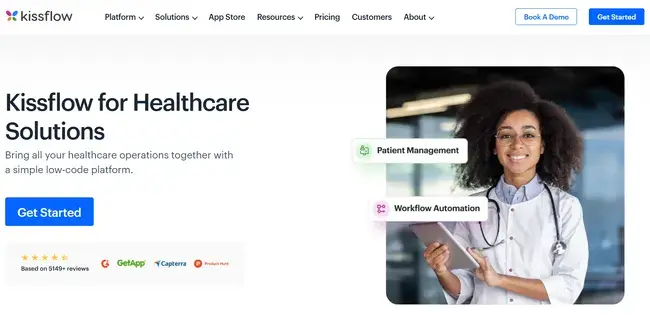
Kissflow healthcare page
For smaller healthcare providers that need to digitize onboarding without managing complex workflows, Kissflow is a good option. Clinics and smaller organizations often require structured intake forms and approval processes but do not need deep orchestration across departments.
Ease of use drives adoption, especially in teams without dedicated process specialists. However, limitations appear when onboarding involves multiple departments or requires detailed compliance tracking.
Kissflow’s Key Features
Form-driven onboarding workflows
Onboarding begins with structured forms that capture patient or employee data. Workflow steps are triggered based on form submissions, allowing teams to move from data collection to approvals without manual routing.
Case-based onboarding tracking
Each onboarding instance is treated as a case, providing visibility into progress, pending approvals, and completion status. Teams can track where delays occur without relying on external tracking systems or spreadsheets.
Pre-configured approval workflows
Approval chains can be set up quickly for HR or administrative reviews. Sequential or parallel approvals can be configured without writing logic, allowing onboarding tasks such as document verification or access approval to move forward without manual follow-ups.
Role-based access control for sensitive data
Access permissions are assigned based on user roles, limiting exposure of patient or employee data and ensuring adherence to HIPAA
Integration with business systems for data syncing
Onboarding data can be connected with HR systems or CRMs, allowing information to flow between platforms.
Kissflow’s Pros
- Quick to deploy for basic onboarding workflows
- Easy for non-technical staff to manage
- Flexible for handling multiple simple processes and cross-functional collaboration
- Clear case tracking for visibility
- Accessible pricing for smaller providers
Kissflow’s Cons
- Limited capability for complex, compliance-heavy workflows
- Reporting depth is restricted for performance tracking
2. FlowForma
Best For: Mid to large healthcare providers looking for a compliance-heavy platform
An approved NHS vendor, FlowForma is a no-code process automation platform that supports healthcare onboarding by structuring workflows across HR, compliance, IT, and clinical teams.
Onboarding often slows down when ownership is split across departments, but FlowForma centralises these steps into a governed workflow, where each stage is tracked and enforced.
FlowForma’s Key Features
No-code workflow builder across departments
Healthcare onboarding involves various components like credential verification, insurance review, IT provisioning, and compliance approvals.
Our no-code platform allows you to build proper workflows without development support. Conditional logic routes onboarding differently based on role type or patient scenario, reducing manual coordination between teams.
AI-assisted workflow generation and document processing
Through AI Copilot, you can generate and modify onboarding workflows using natural language, reducing reliance on technical resources.
Watch this demo to see how FlowForma automates an onboarding workflow using Copilot.
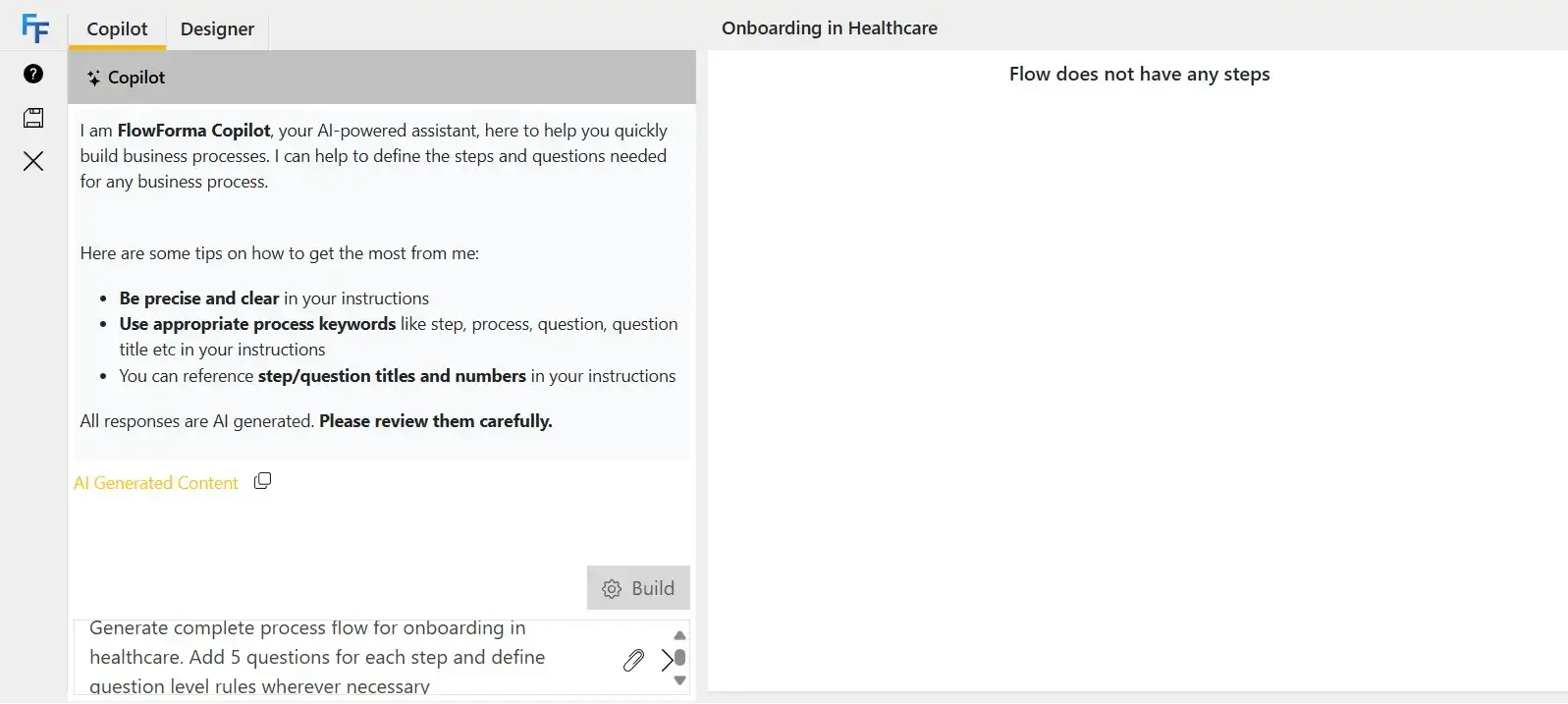
Automate onboarding workflows using FlowForma
AI agents process uploaded documents such as ID proofs or referral forms, extracting relevant data and reducing manual entry. Complex onboarding setups can be created faster without requiring technical configuration.
Microsoft 365-native data management
You can store onboarding data directly within your SharePoint environment and surface it through Teams or Outlook, aligning with existing healthcare IT environments.
Data duplication is reduced because information entered during onboarding is automatically available across systems used by HR, compliance, and administrative teams.
Automated document generation tied to workflow stages
Documents such as contracts and onboarding checklists are generated dynamically based on collected data. Generation occurs at predefined workflow stages, ensuring that required documentation is created and shared without delays or manual intervention.
Compliance-driven audit trails with full traceability
Every action within an onboarding workflow is logged with timestamps and user details. Audit logs provide a complete history of approvals and submissions, which supports adherence to regulatory norms such as HIPAA or NHS norms.
FlowForma’s Pros
- Strong usability for non-technical healthcare teams while retaining IT oversight
- Clear visibility across onboarding stages reduces delays
- Faster deployment compared to traditional BPM tools with responsive customer support
- Audit trails support regulatory compliance requirements
- Seamless Microsoft 365 integration improves adoption
FlowForma’s Cons
- Best suited for Microsoft-centric environments
- Requires clearly defined processes before implementation
3. Nintex
Best For: Enterprise healthcare workflows
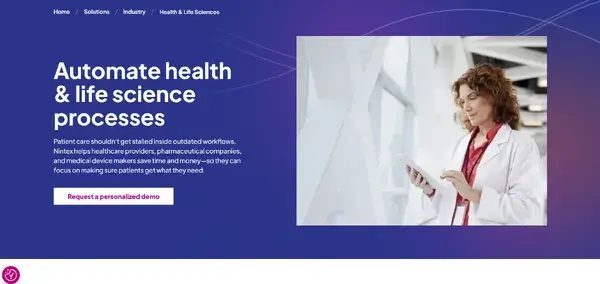
Health & Life Sciences Page from Nintex
Nintex is used in healthcare environments where onboarding involves multiple documents, approvals, and compliance checkpoints. Large organizations rely on it for structured onboarding processes that must be standardised and auditable across departments.
The platform is suited for document-heavy workflows but often requires technical involvement to configure and maintain.
Nintex’s Key Features
Multi-step workflow automation with conditional logic
Onboarding processes can be configured to include multiple stages such as credential verification, compliance approval, and IT provisioning. Conditional routing ensures that workflows adapt based on role requirements or onboarding type, reducing manual intervention.
Document generation and lifecycle management
Onboarding documents are generated using data collected during workflows. Document versions and storage are managed within the system, ensuring consistency and traceability across onboarding processes.
Integrated eSignature capability
You can sign documents requiring signatures, such as contracts or consent forms within the workflow.
Process mapping and visualisation tools
Workflow mapping tools allow teams to design onboarding processes visually before implementation.
Enterprise system integrations
Nintex connects with healthcare IT systems, enabling onboarding workflows to interact with HR platforms, document repositories, and internal databases.
Nintex’s Pros
- Strong document and form automation capabilities
- Reliable for compliance-heavy onboarding workflows
- Suitable for enterprise-scale operations
- Integrated eSignature reduces manual steps
- Detailed process mapping improves workflow design
Nintex’s Cons
- Higher learning curve for non-technical users
- Implementation requires time and resources
4. Microsoft Power Apps
Best For: Microsoft-centric organizations
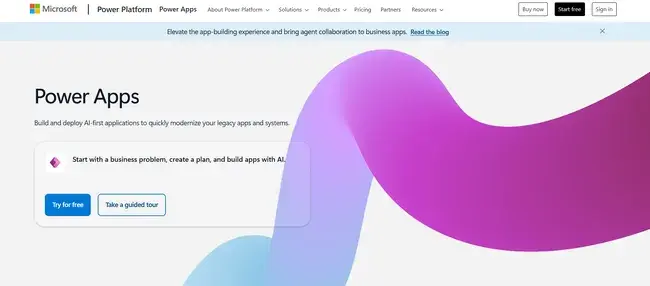
Microsoft Power Apps Homepage
For organizations already operating within the Microsoft system, Power Apps is a good option that enables them to build custom onboarding applications. However, building effective onboarding workflows often requires technical knowledge.
Organizations typically use it as part of a broader stack instead of a standalone onboarding solution.
Microsoft Power Apps’ Key Features
Custom onboarding app development
You can design applications specifically for patient intake or employee onboarding. Each app reflects internal processes rather than relying on pre-built templates, allowing teams to match workflows exactly to organizational requirements.
Workflow automation via Power Automate
Onboarding steps such as approvals and data updates are handled through Power Automate. Processes can span multiple systems, though configuration requires structured logic.
AI-assisted automation capabilities
AI features support data extraction, classification, and decision-making within onboarding workflows. Tasks such as processing forms or routing requests can be partially automated.
Template-based starting points
Pre-built templates provide a baseline for onboarding workflows, reducing initial setup time. Customisation is required to align templates with healthcare-specific needs.
Power Apps Pros
- Highly flexible for custom onboarding workflows
- Strong integration with Microsoft tools
- Scalable across departments with a large ecosystem support
- Suitable for technical teams
Power Apps’ Cons
- Requires technical expertise
- Workflow complexity increases quickly
5. Creatio
Best For: CRM-driven healthcare onboarding
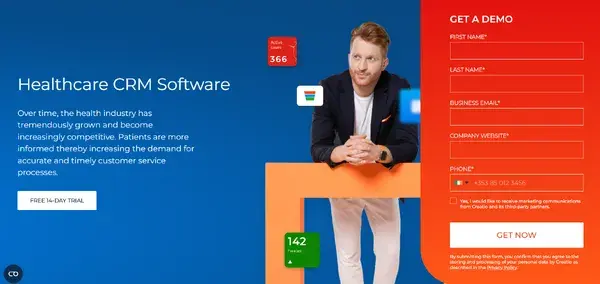
Creatio healthcare page
Creatio approaches onboarding as part of a broader lifecycle instead of as a standalone process.
In healthcare settings where patient experience and communication continuity matter, onboarding often overlaps with engagement, follow-ups, and service delivery. Creatio connects these layers by combining CRM with workflow automation.
Healthcare organizations use it when onboarding needs to extend beyond form completion and approvals into ongoing interaction tracking.
Creatio’s Key Features
BPM workflow automation for structured onboarding
Onboarding processes can be designed with multiple stages, including patient intake, verification, and follow-up actions. Each stage is governed by rules that ensure tasks move forward only when required conditions are met, reducing incomplete onboarding scenarios.
Integrated CRM for patient and staff lifecycle tracking
Onboarding data is stored within the CRM, allowing organizations to track interactions beyond the initial onboarding stage. Patient communication, appointment history, and follow-ups remain connected to onboarding records, improving continuity of care.
Omnichannel communication during onboarding
Communication with patients or staff can occur through multiple channels such as email or portals. Notifications and updates are triggered automatically, ensuring that onboarding steps are completed without manual follow-ups.
Self-service onboarding portals
Patients and employees can complete onboarding tasks independently through portals. Data entered by users feeds directly into workflows, reducing administrative workload and improving onboarding speed.
AI-driven insights into onboarding performance
Analytics identify delays, drop-offs, or inefficiencies in onboarding workflows. Organizations can refine processes based on real usage patterns rather than assumptions.
Creatio’s Pros
- Combines CRM and workflow automation in one platform
- Strong visibility into patient and staff interactions
- Supports communication-heavy onboarding scenarios
- Flexible for complex workflows and advanced customizations
- Advanced reporting capabilities
Creatio’s Cons
- Initial learning curve for new users
- The UI can feel outdated
6. Appian
Best For: Large-scale healthcare process orchestration
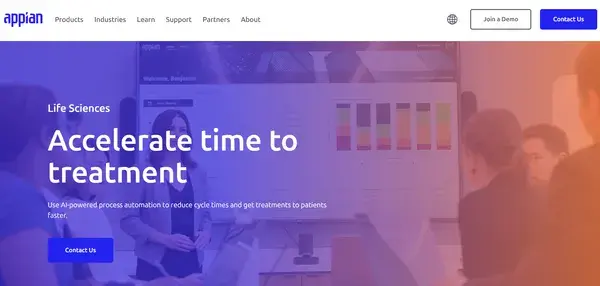
Appian's life sciences page
In healthcare environments where onboarding spans multiple systems and departments, Appian is a reliable option. Large hospitals and enterprise organizations use it to coordinate HR, credentialing, and clinical workflows while providing real-time visibility and compliance tracking.
Appian’s Key Features
Low-code platform for complex onboarding workflows
You can configure workflows involving multiple stakeholders (HR, compliance, IT, and clinical teams) with detailed logic. Conditional routing ensures that onboarding adapts based on role type, department, or compliance requirements.
Process orchestration across disconnected systems
Onboarding workflows can trigger actions across different systems without requiring users to switch between platforms. Data flows between systems automatically, reducing manual updates and inconsistencies.
Real-time dashboards for onboarding visibility
Dashboards provide insight into onboarding progress and bottlenecks. Managers can identify where processes slow down and take corrective action without relying on manual reporting.
AI-driven decision automation within workflows
Decisions such as approval routing or exception handling can be automated based on predefined rules and data inputs. Workflows become more adaptive, reducing manual intervention in routine decisions.
Enterprise-grade integration capabilities
Onboarding workflows can connect legacy systems and modern applications. Organizations can avoid rebuilding infrastructure while still modernising onboarding processes.
Appian’s Pros
- Handles highly complex, cross-system onboarding workflows
- Strong orchestration across departments and systems
- Scales well for large healthcare organizations and integrates with existing systems
- Data fabric for unified data access
Appian’s Cons
- Requires technical expertise for implementation and maintenance
- Cost and complexity may not suit mid-sized organizations
Best For: Small to mid-sized healthcare providers
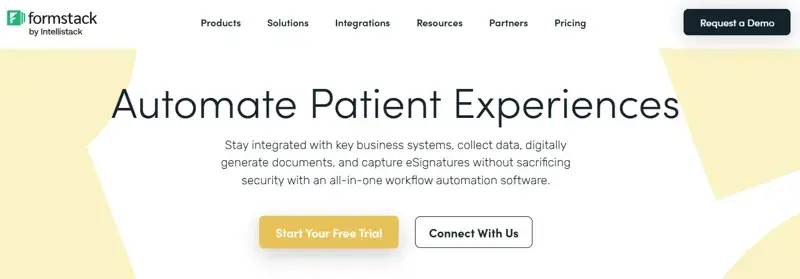
Formstack healthcare page
Many healthcare organizations begin their digital transition by replacing paper forms, and Formstack fits that stage of maturity.
The tool focuses on digitising onboarding through forms and lightweight workflow automation. It works well when onboarding complexity is limited to data collection and approvals.
As workflows become more layered or involve multiple departments, limitations in process depth become more apparent.
Formstack’s Key Features
Digital form creation for onboarding data capture
You can create patient intake forms and employee onboarding forms digitally. Data validation ensures required fields are completed, reducing incomplete submissions and follow-ups.
Workflow automation for approvals and routing
Submitted forms are automatically routed to relevant stakeholders for approval. Steps such as compliance checks or administrative reviews are triggered without manual coordination.
Document generation from submitted data
Onboarding documents are created using data collected through forms. Contracts, agreements, and consent forms can be generated consistently without manual editing.
HIPAA-compliant data handling and storage
Sensitive healthcare data is stored securely, with compliance measures in place to protect patient and employee information. Data handling aligns with healthcare regulatory requirements.
Formstack’s Pros
- Easy-to-use and ensures quick transition from paper-based onboarding
- Strong form-building capabilities
- Time-saving automation improves process completion and team efficiency
- Supports HIPAA compliance
Formstack’s Cons
- The interface may feel difficult to navigate
- Lacks advanced automation and orchestration features
8. ProcessMaker
Best For: Mid-market healthcare organizations
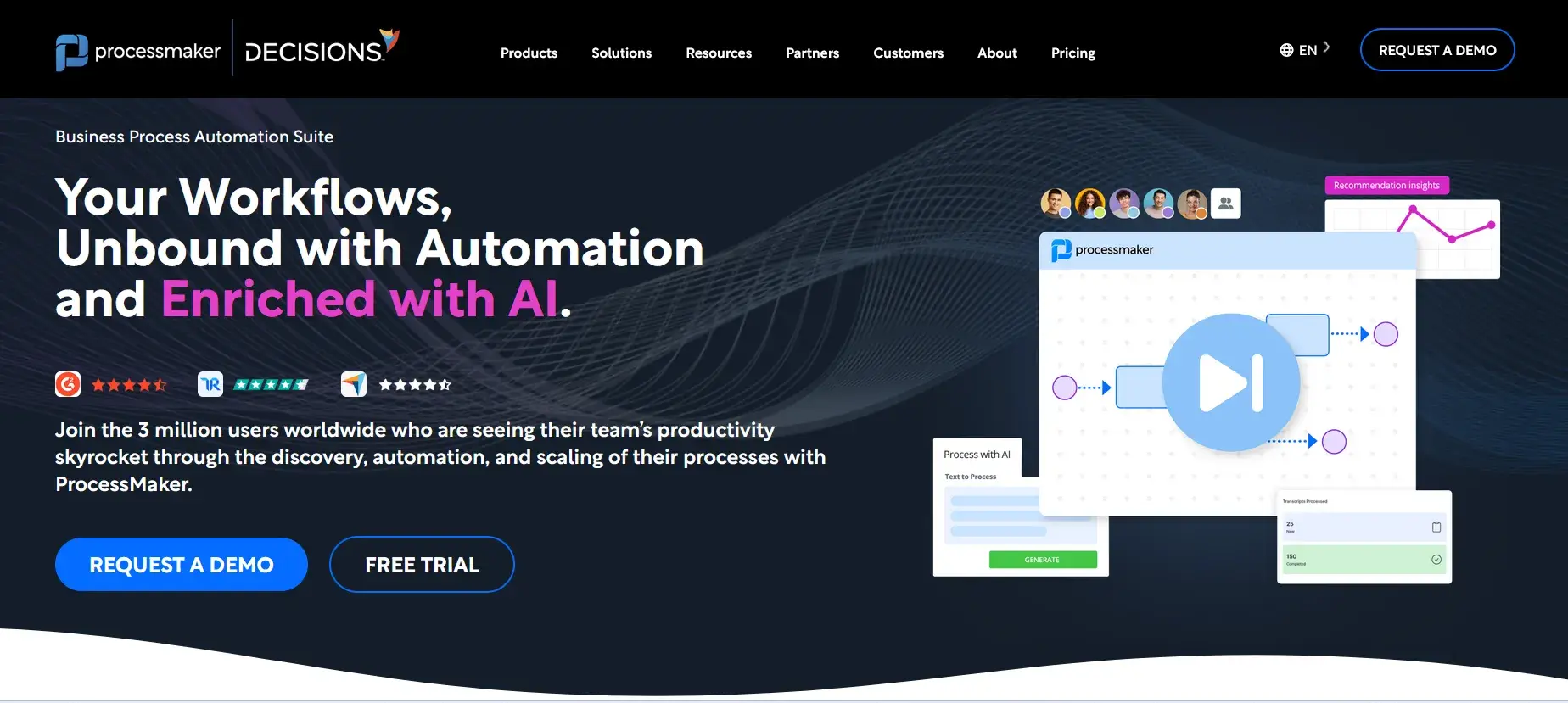
ProcessMaker’s Homepage
ProcessMaker offers structured onboarding without the complexity of enterprise orchestration tools. It supports multi-step processes involving approvals, document handling, and cross-team coordination.
Greater control compared to form-based tools allows teams to standardise onboarding workflows while keeping them manageable for non-technical users. The platform fits organizations looking for consistency and visibility without heavy implementation overhead.
ProcessMaker’s Key Features
Workflow automation engine for onboarding processes
Processes such as employee onboarding or patient intake can be configured with multiple steps and approval layers. Workflow rules ensure tasks move forward in the correct sequence.
Process analytics for performance tracking
Data collected during onboarding is used to generate insights into completion times, delays, and bottlenecks. Teams can improve efficiency based on measurable outcomes.
Secure document management within workflows
Onboarding documents are stored and managed within the system, ensuring consistency and accessibility. Version control reduces errors in document handling.
API-first integration with healthcare and business systems
ProcessMaker is built on an API-first architecture, which allows it to connect with external systems and services without heavy customisation. Integration becomes easier to manage, especially in environments with multiple tools already in place.
Mobile access for workflow management
Onboarding tasks can be accessed and completed remotely, which is useful for distributed healthcare teams or field staff.
ProcessMaker’s Pros
- Balanced approach between usability and functionality
- Customisable workflows for healthcare needs
- Custom integrations for healthcare systems
- Excellent customer support
- Useful analytics for process improvement
- Easier implementation than enterprise tools
ProcessMaker’s Cons
- Integration depth may vary depending on use case
- Platform experiences occasional bugs that may interrupt smooth performance
9. Kintone
Best For: Small healthcare teams
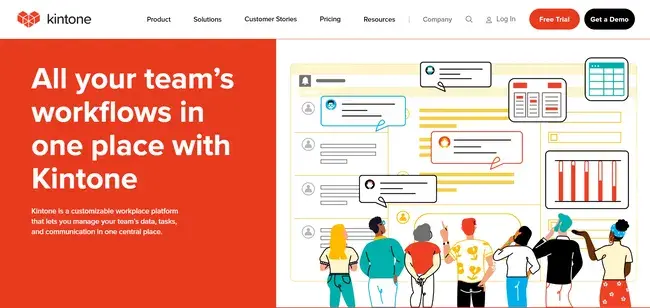
Kintone’s homepage
Smaller healthcare teams that need flexibility without complexity often use Kintone. Onboarding workflows can be built as custom applications, making it easier to manage processes without relying on external tools.
The platform works best when onboarding processes are straightforward and do not require extensive compliance tracking or multi-system coordination.
Kintone’s Key Features
Custom app builder for onboarding workflows
Applications can be created to manage onboarding tasks such as employee setup or patient intake. Each app reflects the specific workflow requirements of the organization.
Built-in collaboration within onboarding workflows
Comments, updates, and communication occur within the platform, reducing reliance on email. Teams stay aligned on onboarding progress.
Reporting and tracking of onboarding performance
Basic reporting provides visibility into workflow progress and completion status. Teams can identify delays without advanced analytics tools.
Structured data management for onboarding records
Data collected during onboarding is stored in a structured format, making it easier to retrieve and manage records.
Kintone’s Pros
- Easy to use for non-technical teams
- Flexible for simple onboarding workflows
- Good customer support
- Quick setup and deployment
- Supports collaboration within workflows
Kintone’s Cons
- Some users note the interface could be improved
- Not suitable for large-scale onboarding operations as it lacks integration options
10. Ninox
Best For: Startups and small healthcare teams
Ninox homepage
Ninox is designed for organizations that need flexibility in managing onboarding data and workflows without adopting complex automation platforms.
The platform is best suited for simple onboarding workflows where full automation and orchestration are not required.
Ninox’s Key Features
Custom database-driven onboarding applications
Onboarding workflows are built around structured databases, allowing organizations to manage patient or employee data alongside process steps.
Basic workflow automation for onboarding tasks
Tasks such as approvals, assignments, and updates can be automated. Processes remain simple but structured enough to reduce manual coordination.
Collaboration tools for onboarding coordination
Teams can share updates and manage onboarding tasks within the platform, improving coordination without relying on external communication tools.
Integration with external tools for data exchange
Connections with other systems allow onboarding data to be shared across platforms. Data consistency improves without manual duplication
Mobile accessibility for workflow management
Onboarding processes can be accessed and managed from mobile devices, supporting flexibility for teams working across locations.
Ninox’s Pros
- Flexible and intuitive for small healthcare teams
- Easy to customise workflows
- Quick to deploy and suitable for simple onboarding processes
- Useful for organizations that want control over internal tools
Ninox’s Cons
- Lacks depth for complex healthcare workflows
- Poor customer support
Healthcare onboarding requires consistency and strict compliance, especially when processes span multiple departments. Many organizations move to FlowForma when manual coordination and disconnected systems begin to slow down onboarding timelines and increase audit risk.
FlowForma brings structure to onboarding by centralising workflows and ensuring every step, from data capture to approvals, is tracked and completed in sequence.
Teams gain visibility into progress, making it easier to identify delays and maintain accountability. AI Copilot reduces the effort required to build and update workflows, allowing teams to adapt quickly as requirements change.
Support for Microsoft 365 environments simplifies adoption, while built-in audit trails help meet regulatory expectations without additional tools. As such, healthcare providers benefit from faster onboarding and improved coordination across teams.
Key features at a glance:
- No-code workflow automation for citizen developers to build workflows quickly
- AI Copilot for workflow creation and AI agents for smart, contextual automation
- Microsoft 365 integration
- Automated document generation and form management
- Compliance-ready audit trails to ensure adherence to NHS’ regulatory frameworks
Try our NHS playground or book a demo to see how our tool can support your healthcare onboarding processes.