
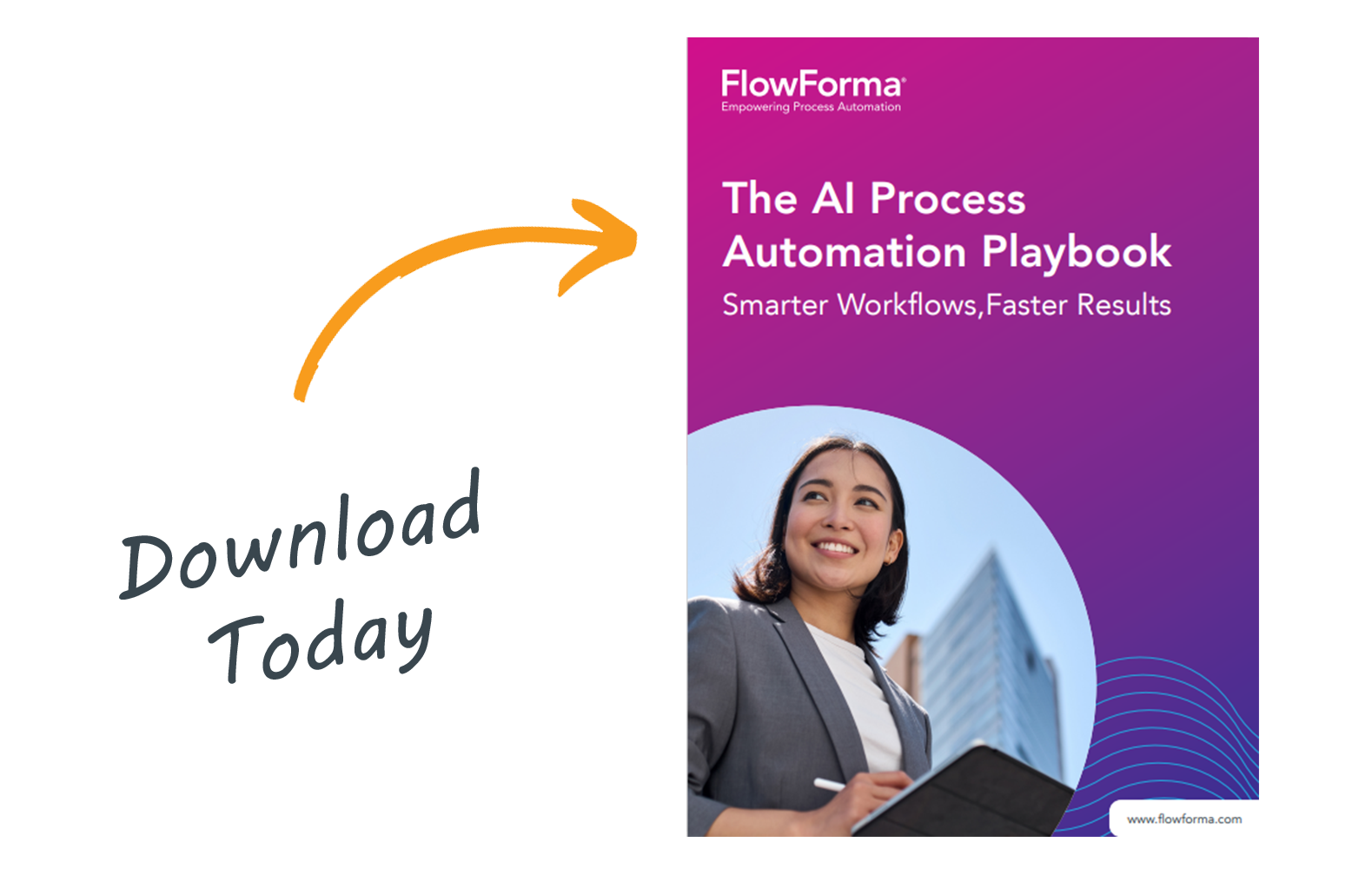
The AI Process Automation Playbook
Smarter workflows, faster results. A practical guide to how AI is transforming process automation, from building the business case to choosing the right platform.
- 122hours a year workers could save using AI for admin tasks
- 4AI features, from Copilot to AI agents
- 7criteria for choosing the right platform
Get the full playbook
- The business case for AI process automation
- A roadmap to spot your automation opportunities
- A platform selection checklist
What's inside the playbook
Seven chapters for teams just getting started or looking to scale automation across the business.
- 01Why nowThe pressure to do more with less, and the hidden cost of manual processes.
- 02The business case for AI process automationFive measurable benefits, from faster turnaround to stronger compliance.
- 03Meet FlowForma Process Automation, powered by AIForms, workflows, documents, reporting and AI in one platform.
- 04The FlowForma AI SuiteCopilot, AI agents, smart assistants and AI summarization.
- 05A roadmap to get startedSeven signs a process is ready for automation.
- 06Platform selection checklistSeven criteria to choose the right tool for your business.
- 07Conclusion: what's nextYour roadmap to success, wherever you start.
Why AI process automation, and why now
Rising costs, talent shortages and tighter budgets mean doing more with less, while customers expect instant service. Manual, paper-based and email-driven processes carry a hidden cost.
Delays that frustrate customers
Slow handoffs and manual steps can't keep pace with markets that change faster than ever.
Errors that damage trust
Rework and manual data entry introduce mistakes that customers and auditors notice.
Data that's lost or unusable
Information scattered across emails and paper can't inform decisions or reporting.
Compliance risks
Without standardized processes and audit trails, the business is left exposed.
hours a year: what workers could save by using AI for admin tasks.Source: Google AI Works report, 2025
The business case for AI process automation
When organizations embrace AI in process automation, the impact is immediate and measurable.
- 1
Faster turnaround, fewer errors
Approvals, onboarding and decisions happen in minutes, with built-in checks to reduce errors.
- 2
Automation that's accessible to everyone
Business users fix and improve processes themselves, without waiting on developers or IT projects.
- 3
Better data, better decisions
Clean, structured data at every step fuels sharper insights and real-time reporting.
- 4
Happier employees and customers
Removing repetitive tasks frees time for higher-value work and faster, smoother service.
- 5
Stronger compliance and audit trails
Standardized workflows and detailed audit trails help you meet regulatory demands with confidence.
Bottom line
AI process automation helps you deliver better service, reduce risk and unlock new value, while empowering your whole organization to contribute.
The FlowForma AI Suite
Four AI capabilities that make process automation faster, easier and more intelligent, inside one platform for forms, workflows, document generation and reporting.
FlowForma Copilot
Describe what you want to automate, upload a form or diagram, or type it out, and Copilot builds the process structure. Add steps, rules and logic in plain language.
- Puts automation in everyone's hands
- Cuts time from idea to live process
- Simplifies even the most complex workflows
AI Agent Rule
Automate intelligent actions like reading documents, extracting and validating data, and returning results to forms or systems. For invoices: "extract supplier name and total."
- Automate document processing
- Define custom AI instructions
- Configure where processed data goes
Smart Assistants
Guidance for the people who build processes and the people who use them.
- Guided setup and AI-generated to-do lists for builders
- Natural language commands to start workflows
- AI-assisted form filling, with no training needed
AI Summarization
A real-time process snapshot at any point in a workflow.
- Plain-language summaries of completed steps
- Key decisions, blockers and unusual activity highlighted
- Easy handovers, better auditing and visibility
7 signs a process is ready for AI automation
Whether you're new to automation or already automating, look for processes that:
- 01
Have been on the long finger
Workflows you've intended to automate but haven't tackled yet.
- 02
Are mapped but not automated
Process diagrams or documentation exist, but nothing is live.
- 03
Can be easily sketched
Simple, well-understood tasks you can outline in a flowchart.
- 04
Would benefit from AI
Where AI can automate decisions, extract data or guide users.
- 05
Include repetitive tasks
Time-consuming steps that rarely change.
- 06
Rely on unstructured inputs
Emails, documents, free text or images.
- 07
Create friction or delays
Bottlenecks that slow service delivery or frustrate users.
Found a few?
Get the playbook for the full roadmap.
How to choose the right process automation platform
Seven criteria to check, so the platform meets today's needs and scales with your business.
Ease of use
- Can non-technical users build and modify workflows?
- Does it offer drag-and-drop tools and AI-assisted process building?
AI integration
- Does it include natural language processing, AI-driven decisions or intelligent document processing?
- Can AI help build, improve or manage workflows?
Flexibility and scalability
- Can it handle simple tasks and scale to complex, multi-step processes?
- Does it integrate with your existing systems?
Reporting and analytics
- Are dashboards and reports easy to create, in real time?
- Are audit trails and compliance reporting built in?
Collaboration and governance
- Does it support role-based access and approvals across teams?
- Are governance features available to control usage?
Deployment and support
- Is it cloud or on-premises, matching your IT strategy?
- What vendor support, training and community resources exist?
Cost and licensing
- Is pricing transparent and aligned with your size and usage?
- Are there flexible licensing options?
Your roadmap, wherever you start
New to automation?
Start with processes that cause delays, involve repetitive tasks or rely on emails and documents. They're ideal for quick AI wins.
Some automation in place?
Use no-code AI tools to overcome complexity and let business users build and improve workflows.
Already automating?
Accelerate with AI features like FlowForma Copilot and AI agents to cut build time and boost process intelligence.
- 1
Spot opportunities
Look at active workflows and the backlog.
- 2
Choose the right platform
Assess ease of use, AI, scalability and support.
- 3
Start small, scale fast
Pilot key processes, then expand quickly.
- 4
Empower your people
Business users lead improvements; IT focuses on strategy.
- 5
Optimize continuously
Use real-time dashboards and AI insights to refine.
AI process automation: common questions
What is AI process automation?
It combines workflow automation with AI features such as copilots, AI agents and summarization. Thanks to no-code tools, any business function can improve its own processes, not just IT teams or developers.
What are the business benefits of AI process automation?
Faster turnaround with fewer errors, automation business users can build themselves, cleaner data for better decisions, happier employees and customers, and stronger compliance with full audit trails.
What is FlowForma Copilot?
An AI process builder. You describe what you want to automate, upload a form or diagram, or type it out, and Copilot builds the process structure. You then add steps, rules and logic in plain language and test the workflow in real time.
Which processes should you automate first with AI?
Start with processes that cause delays, involve repetitive tasks or rely on unstructured inputs such as emails and documents. Workflows already on the backlog, or already mapped but not live, are also good candidates.
How do you choose the right process automation platform?
Check seven areas: ease of use, AI integration, flexibility and scalability, reporting and analytics, collaboration and governance, deployment and support, and cost and licensing.
Ready to accelerate your automation journey?
Get the full playbook, with the business case, the AI Suite, the roadmap and the platform checklist.