If you run operations or IT in healthcare or financial services, you already know the problem: the work is difficult because it’s highly regulated.
Every request needs the right approvals, every decision needs a record, and every exception needs to be justified months later during an audit. When processes aren’t structured, teams spend more time chasing status and reconstructing what happened than actually moving work forward.
BPM platforms bring order to that environment. They standardize how tasks move, assign clear accountability, automatically capture timestamps and evidence, and give leaders real visibility into performance and compliance. It’s a shift organizations are actively investing in, which is why the BPM market is projected to grow to $46 billion by 2030.
In this guide, we review 10 business process management platforms, including our tool, FlowForma. We’ve compared them based on user sentiment, core capabilities, typical use cases, and suitability for regulated environments.
10 Business Process Management Software to Streamline Your Business Processes in 2026
If you’re shortlisting vendors, start here. The comparison below highlights the core strengths of each platform, the type of organization it best suits, and how users rate it in real deployments.
How We Evaluated These Tools
|
📌 How Did We Compile This List?
To build the list below, we reviewed widely used business process management (BPM) platforms, including our own solution, FlowForma.
We pulled inputs from review themes, product documentation, and user feedback where available, then compared each tool using the same checklist.
Evaluation criteria included:
- Core BPM capabilities
- Ease of use
- Scalability and configuration
- Integration depth with Microsoft 365, ERP, CRM, and core operational systems
- Governance and compliance readiness
- Pricing transparency
- Fit for regulated, multi-step workflows
By combining vendor-stated capabilities with real user experiences, the goal was to share a balanced view of what each tool can do and what it’s like to run day-to-day in regulated, process-heavy environments.
|
| Tool |
Best for |
M365 / SharePoint integration |
Standout |
| Nintex |
Large enterprises |
Strong integration |
Workflow automation and RPA |
| FlowForma |
Microsoft 365 organizations |
Native |
No-code process automation |
| Appian |
Enterprise digital transformation |
Integration |
Low-code application development |
| Kissflow |
Growing organizations |
Integration |
Departmental workflow apps |
| monday.com |
Teams seeking flexible work management |
Integration |
Visual workflows |
| Creatio |
Sales-driven organizations |
Integration |
CRM + process automation |
| ProcessMaker |
Mid-market organizations |
Integration |
Process management |
| Bonita |
Developer-led teams |
Integration |
Customizable open-source platform |
| Process Street |
Small teams |
Integration |
Checklist-based workflows |
| Cflow |
Budget-conscious SMEs |
Integration |
Simple workflow automation |
Table showing the top BPM software platforms
Now, let us analyze each tool in detail:
1. Nintex
Best for: Enterprises automating document-heavy, cross-system workflows.
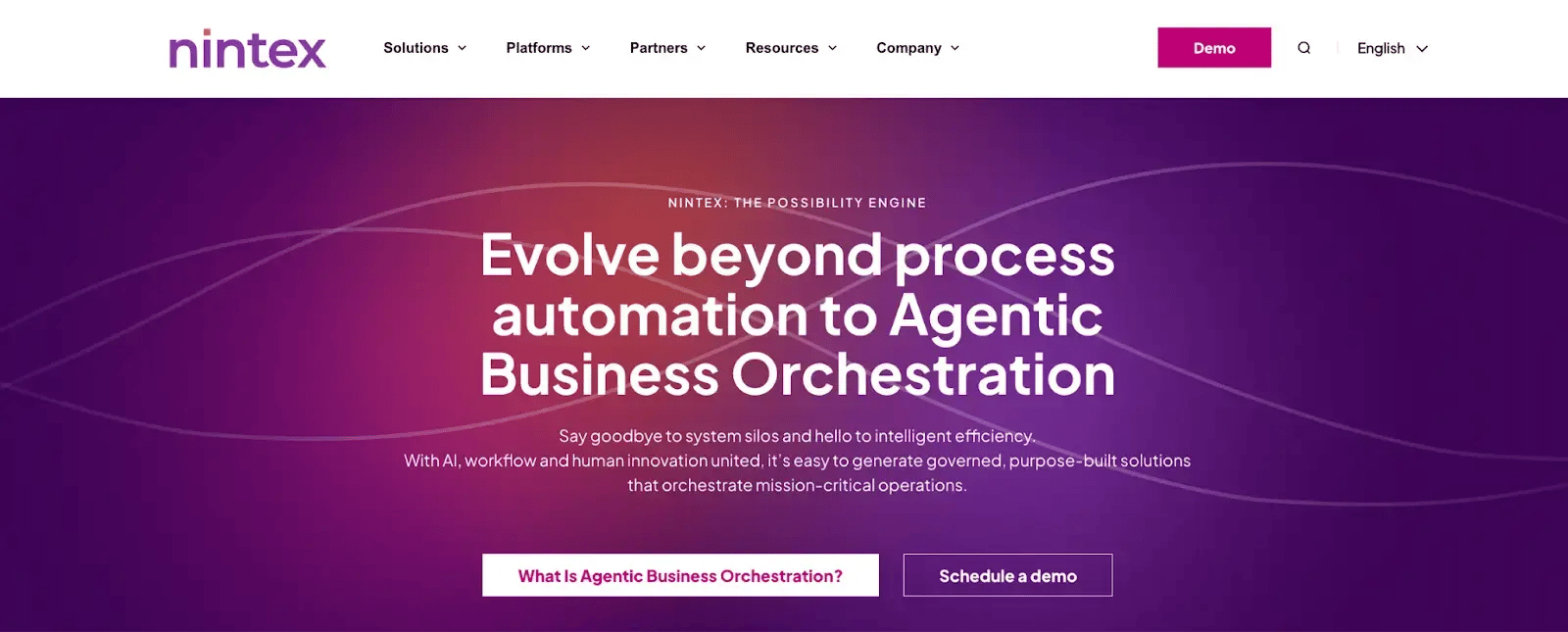
Nintex homepage
Document-heavy, cross-system workflows are where Nintex typically fits. Its combination of workflow automation and risk/process analytics makes it relevant for enterprise-scale automation programs rather than single-department rollouts.
The product set is broad, covering orchestration, document generation, and RPA, which helps when processes span legacy and modern systems.
Nintex’s Key Features
1. Workflow orchestration engine
You can run multi-stage processes that span departments and timelines without losing track of ownership with Nintex workflow. Escalation rules and reminders keep work moving when approvals stall, and status views make bottlenecks easy to spot.
2. Document generation and eSignature
Process data can automatically populate documents such as agreements or compliance forms, so teams don’t have to re-enter the same details. Signature routing is part of the workflow, reducing back-and-forth and shortening turnaround time.
3. RPA for legacy applications
When a system doesn’t offer APIs or clean integrations, RPA can handle the “last mile” by completing repetitive screen-based steps. It’s useful for tasks like copying fields between systems or updating records in older tools, with rules that reduce manual errors.
4. Enterprise integrations
Connectors and integration options help workflows trigger actions in tools your teams already rely on, especially Microsoft and Salesforce ecosystems. These integrations keep data in sync across systems and help workflows feel like part of daily operations.
Nintex’s Pros
- Highly configurable workflows
- Strong document and form automation capabilities
- Good fit for complex automation programs
Nintex’s Cons
- Pricing structure can be complex
- Implementation requires admin effort
2. FlowForma
Best for: Microsoft 365 organizations running compliance-driven processes.
.webp?width=1600&height=705&name=flowforma%20homepage%20(1).webp)
FlowForma homepage
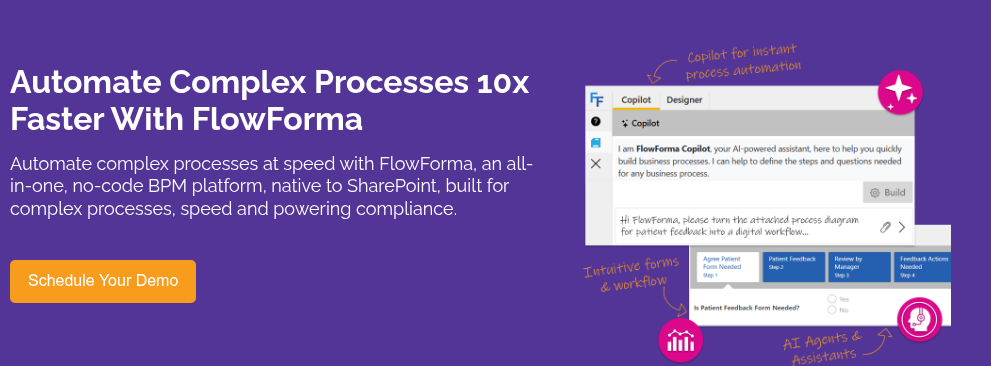
Built for regulated environments, FlowForma is an AI-powered, no-code platform that runs natively on Microsoft 365. It suits organizations that need audit-ready execution without building custom applications.
Workflow design, data, and governance stay aligned with existing Microsoft security and access models, which simplifies rollout for IT. The focus is on complex, approval-driven processes where compliance and operational speed matter.
FlowForma’s Key Features
1. AI Copilot for workflow creation
Our AI Copilot lets users describe the process they want using natural language prompts, then drafts the steps, fields, and routing logic. Your team starts with a structured first version rather than a blank canvas, which speeds up design and keeps processes consistent across departments.
2. No-code process automation
Complex approvals, conditional paths, parallel stages, and SLA-driven escalations can be configured without development work. Operations teams can build and refine workflows themselves, while IT maintains governance.
3. Microsoft 365–native data storage
Process data stays inside SharePoint, and tasks surface naturally in Teams and Outlook. Security and permissions continue to follow your existing Microsoft model, so there’s no separate data layer to manage.
4. End-to-end audit trails
With built-in compliance, every approval, edit, and supporting document is automatically time-stamped and audit-ready as work progresses. Continuous oversight ensures ongoing alignment with regulations such as HIPAA, GDPR, ISO, etc.
5. Process analytics
Live dashboards highlight where work slows down, how long approvals take, and which teams are overloaded. With this visibility, you can fix timelines and processes.
FlowForma’s Pros
- Workflow automation feels seamless, speeding up approvals and routine process steps
- Quick deployment times, with efficient cross-departmental collaboration
- End-to-end, no-code workflows with IT oversight
FlowForma’s Cons
- Initial process design requires planning
- Learning curve for advanced logic
- Organization needs to stay withing MS 365
3. Appian
Best for: Large organizations building process-driven operational systems.
.webp?width=1600&height=652&name=undefined-Feb-25-2026-12-31-43-6386-PM%20(1).webp)
Appian’s low-code development platform
For organizations modernizing core operations, Appian connects low-code development with advanced analytics in a single delivery model. It’s often selected when BPM is part of the development of complete operational applications.
Its strength lies in handling complex, case-based work with strong compliance and reporting requirements.
Appian’s Key Features
1. Low-code application platform
Process apps can be designed end-to-end, with forms, workflow logic, business rules, and data models packaged into a single deployment.
The approach reduces handoffs between teams and keeps changes aligned across the user interface, process flow, and underlying data.
2. Case management
Long-running, event-driven work, such as onboarding or service requests, can be tracked in one place. Each action, document, and decision becomes part of a living case record, giving teams full context as the situation evolves.
3. Unified data layer
Information from multiple systems is consolidated into a single process view without requiring migration to a new database. Users work with real-time data in context, improving decision-making and eliminating the need to switch between applications.
4. AI-driven decision rules
Work can be routed and prioritized using predictive models and configurable business rules.
Appian’s Pros
- Good AI capabilities to aid in process automation
- Integrates effortlessly with enterprise systems
Appian’s Cons
- High total cost of ownership
- Requires specialist implementation for complex use cases
4. Kissflow
Best for: Mid-market teams digitizing internal approvals quickly.
 Kissflow's homepage
Fast deployment and ease of use make Kissflow a common choice for mid-market teams looking to move away from manual coordination. Its intuitive workflow design and comprehensive integration support HR, finance, and procurement processes that require structure without heavy IT involvement.
The emphasis is on improving day-to-day operational flow and team productivity.
Kissflow’s Key features
1. Drag-and-drop workflow builder
Processes can be designed visually, with steps, approvals, and notifications arranged without writing code, making it easier for business teams to move from ad hoc requests to structured, trackable workflows.
2. Departmental process apps
Recurring work in HR, finance, procurement, or operations can be turned into dedicated process apps with their own forms, routing logic, and ownership. Each function gets a consistent way to run requests without relying on email threads or shared spreadsheets.
3. Role-based task visibility
Every user sees a personalized work queue tailored to their role in the process, reducing follow-ups and shortening turnaround time.
4. Procure-to-pay process coverage
Purchase requests, approvals, vendor onboarding, and payment steps can be managed in one continuous flow. Finance and operations teams get a complete record of the transaction lifecycle without stitching together multiple tools.
Kissflow’s Pros
- Easy to use with intuitive UI
- Pre-built templates and forms
- Good workflow visibility and cross-departmental collaboration
Kissflow’s Cons
- Feature depth can be restrictive
- Assigning user permissions and role-based access can feel clunky
5. Monday.com
Best for: Teams needing operational visibility and coordination.
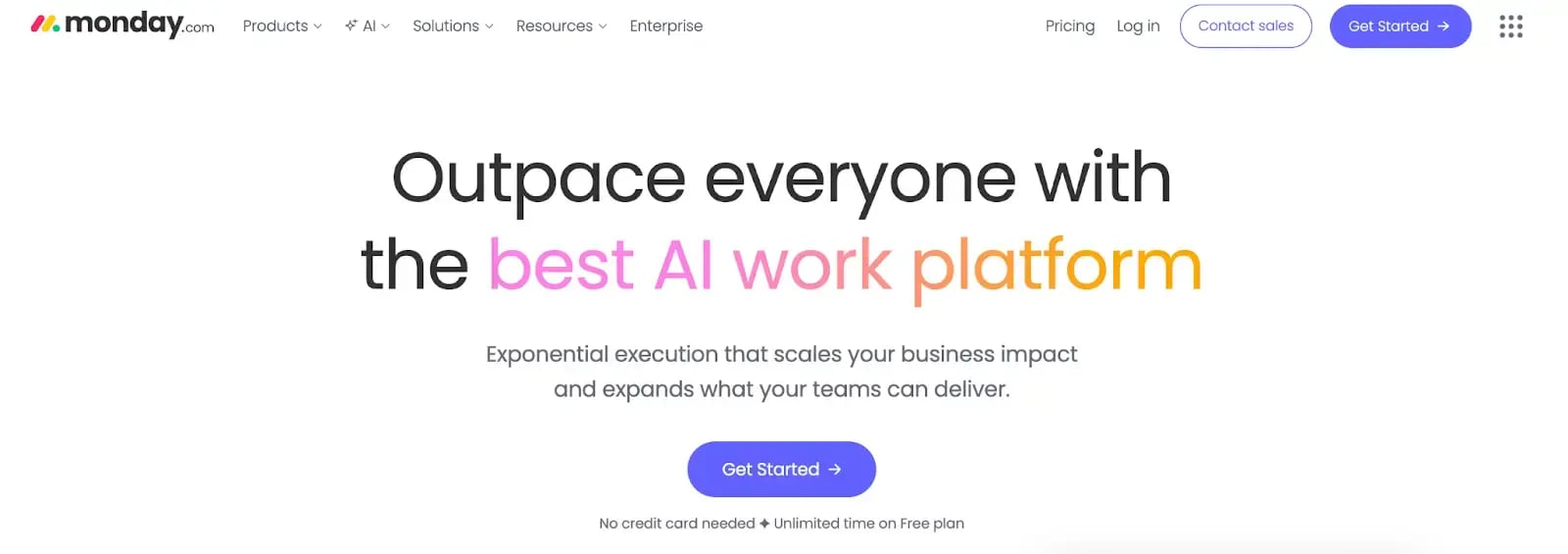 Monday.com’s homepage
Monday.com is a work management platform that can support lightweight BPM scenarios. It’s most effective where collaboration and status tracking matter more than strict governance.
Flexible workflow boards and real-time collaboration features help teams standardize repeatable work while keeping execution highly visual.
Monday.com’s Key Features
1. Visual workflow boards
Work gets organized into clear stages with owners, due dates, and status labels visible at a glance. Teams can follow progress without digging through separate tools or asking for updates.
2. Rule-based automations
Simple rules handle repetitive coordination work, like assigning tasks when a status changes or sending reminders when deadlines approach.
3. Collaboration inside work items
Updates, files, comments, and decisions stay attached to the task itself, so context doesn’t get lost. New stakeholders can quickly understand what’s happening without having to chase old threads.
4. Cross-project dashboards
Leadership can view progress across multiple boards in one place, including workload and timelines. This visibility supports faster prioritization and more realistic resourcing decisions.
5. Template library
Prebuilt templates provide a starting structure for common workflows, so teams don’t begin from zero. Standard formats also make it easier to roll out consistent processes across departments.
Monday.com’s Pros
- Highly intuitive interface with clear visibility into task status
- Fast adoption across teams with good collaboration capabilities
- Flexible for many use cases like form automation, document creation
Monday.com’s Cons
- Advanced automation brings about a higher cost
6. Creatio
Best for: Organizations aligning BPM with CRM-driven operations.
.webp?width=1600&height=740&name=creatio%20homepage%20(1).webp)
Creatio Homepage
Where revenue operations and process automation need to run together, Creatio becomes relevant.
Its unified platform connects CRM data with workflow execution, giving customer-facing teams a single operational view. The model suits organizations that want process control embedded directly into sales and service journeys.
Creatio’s Key Features
1. Unified process + CRM platform
Sales, service, and operational workflows can run on top of the same CRM records, so teams work from one shared source of truth. The setup helps when customer interactions and internal handoffs need to stay tightly connected.
2. No-code process modelling
Business users can design and adjust workflows through visual tools rather than waiting for development cycles. Teams can refine steps and approvals as requirements change, while keeping the underlying process structure consistent.
3. Customer-data-driven automation
Workflow actions can be triggered by customer context, such as lifecycle stage, deal status, or service activity. It then becomes easier to standardize follow-ups and routing without relying on manual checks.
4. Marketplace integrations
Connectors and add-ons expand what the platform can link to, which helps when processes touch other systems in the stack. Integrations reduce duplicate entry and keep updates flowing between tools.
Creatio’s Pros
- Strong CRM and BPM alignment
- Flexible no-code design
Creatio’s Cons
- Advanced changes need IT support
- Can be complex to configure
7. ProcessMaker
Best for: Organizations wanting BPM with low-code extensibility.
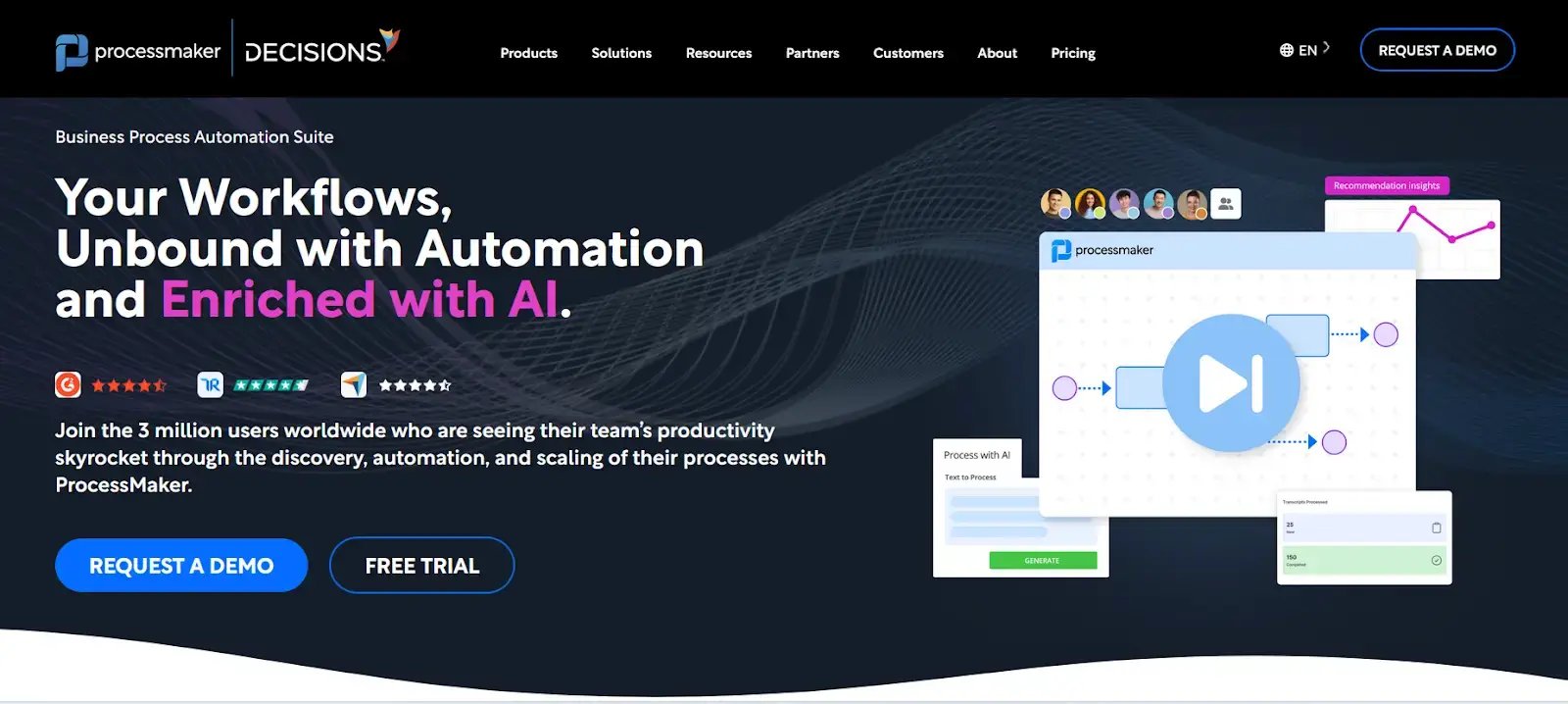
A glimpse at ProcessMaker's home page
ProcessMaker sits at the intersection of business-friendly workflow design and low-code extensibility.
It’s commonly used by organizations that want fast deployment for standard processes with the option to extend them technically later. Role-based access and structured routing make it practical for controlled operational scenarios. Note, ProcessMaker has now merged with Decisions.
ProcessMaker’s Key Features
1. Process modelling with test runs
Workflow logic can be tested in a sandbox before going live, so teams catch routing issues early. The ability to validate processes before deployment can be a practical time-saver.
2. Low-code extensibility
When out-of-the-box steps aren’t enough, developers can extend workflows with custom logic, scripts, or integrations. That keeps the core process manageable while still supporting more advanced requirements.
3. Role-based access control
Permissions can be set by role, so users only see and act on the tasks relevant to them. This is useful for regulated workflows where access and approvals must be tightly controlled.
4. Process analytics
Dashboards highlight cycle times and repeat bottlenecks across workflows. You can use this to improve the processes based on patterns.
ProcessMaker’s Pros
- Flexible workflow design with a simple interface
- Supports complex logic and enterprise usage
- Efficient customer support
ProcessMaker’s Cons
- UI bugs and crashes may hamper user experience
8. Bonita
Best for: Development teams building fully customized BPM solutions.
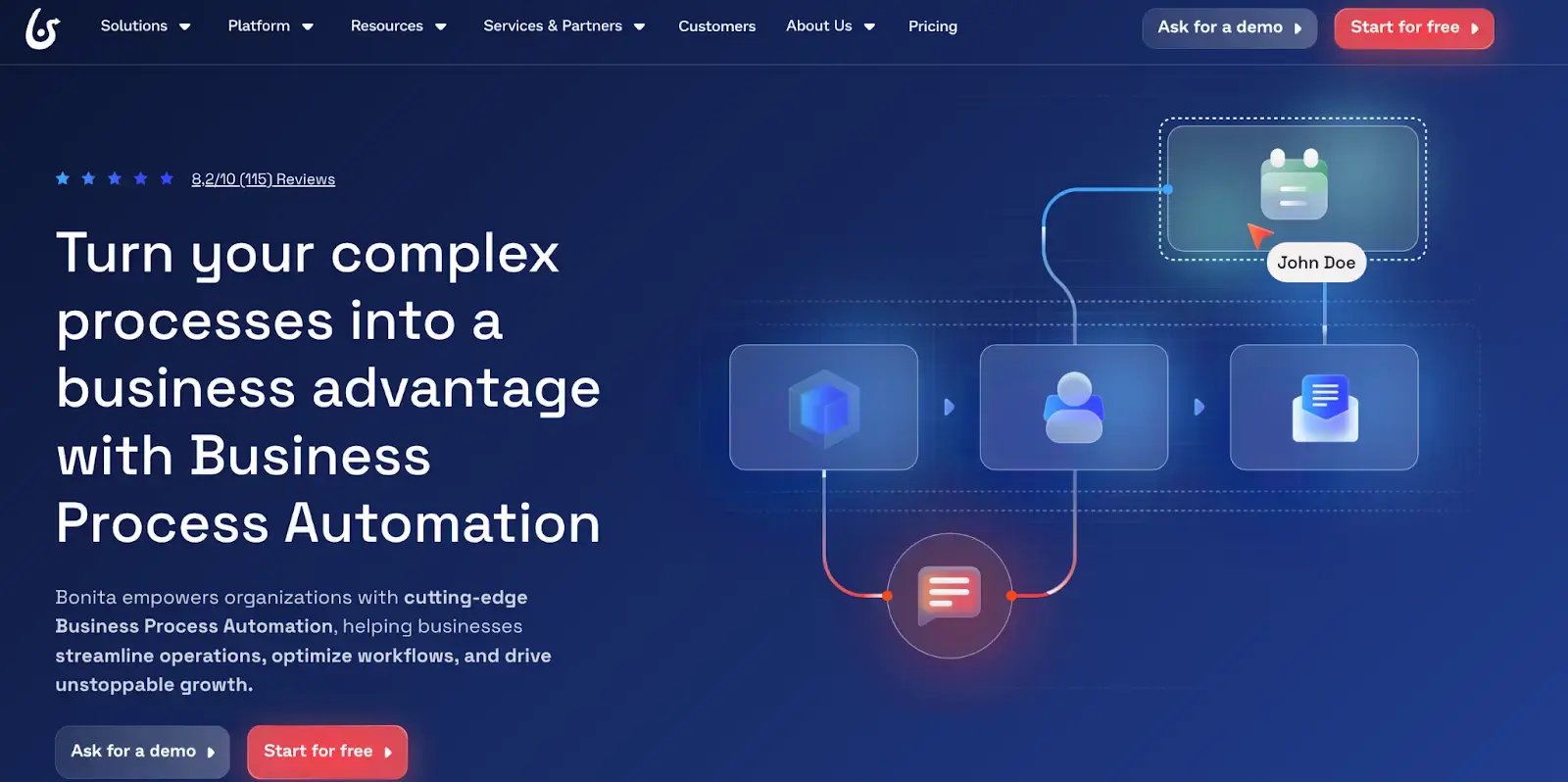
Bonita Homepage
An open-core architecture makes Bonita attractive for organizations that want full control over UI, data, and process logic. Development teams use it to build tailored process applications rather than deploy out-of-the-box automation.
Bonita’s Key Features
1. Custom process engine
Complex workflows can be modeled with detailed routing logic and cross-team, cross-system dependencies. The foundation works well when processes need to reflect real operational complexity rather than simple approval chains.
2. Separate UI layer
User experiences aren’t locked into a fixed interface. Development teams can build tailored screens and portals that align with how different roles work while keeping the underlying process logic consistent.
3. Integration framework
You can build connections across multiple enterprise systems and data sources, enabling processes to pull in data and trigger actions beyond the BPM tool.
4. Scalable deployment options
Bonita can be deployed across different environments, depending on security and infrastructure requirements, including cloud and on-premises setups. Its flexibility suits organizations with strict data residency or internal hosting policies.
5. Developer toolset
Advanced extensions can be created for custom connectors or unique workflow behavior. Teams can go beyond out-of-the-box features when the process demands more control or deeper integration.
Bonita’s Pros
- Highly customisable with a good feature set
- Handles large integrations
- Has ample connectors to enrich the automation process
Bonita’s Cons
- Requires developer expertise for complex projects
9. Process Street
Best for: Teams standardizing repeatable operational procedures.
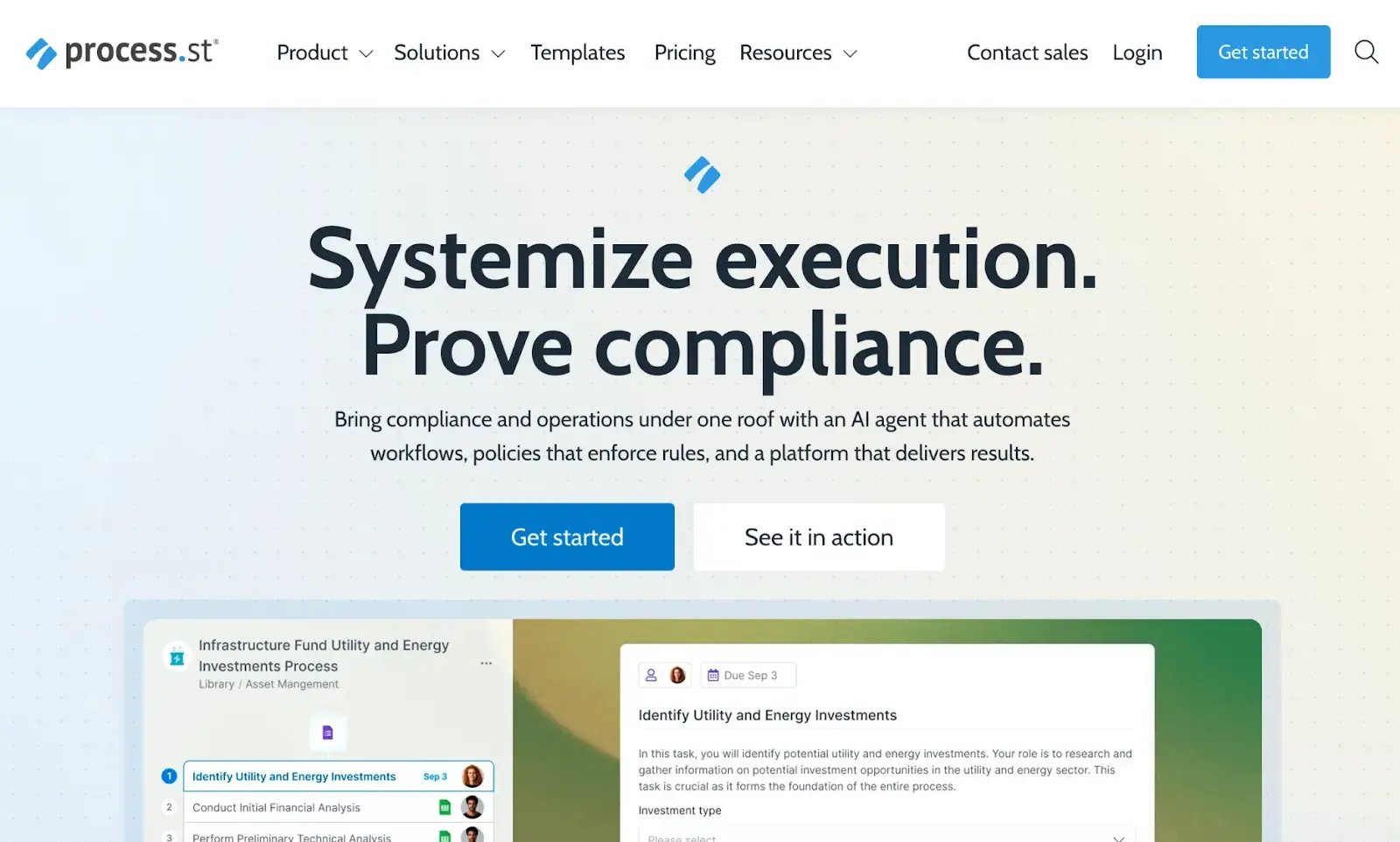
Process Street Homepage
For organizations standardizing repeatable operational work, Process Street focuses on structured execution through checklists and collaboration.
It’s especially useful for onboarding, compliance routines, and SOP-driven environments where consistency and documentation matter more than dynamic process logic.
Process Street’s Key Features
1. Structured checklist workflows
Workflows run as repeatable checklists, so teams follow the same steps every time. Required fields and task rules help prevent missed steps, which is useful for SOPs and compliance routines.
2. Collaborative execution
Multiple stakeholders can work on the same process without confusion about ownership. You can assign tasks to different roles, and progress stays visible as work moves from one person to the next.
3. Form-based data capture
Each run can collect structured inputs such as approvals, notes, attachments, and key fields. The data stays tied to the workflow instance, making it easier to review later and maintain consistency.
4. Automation for recurring tasks
Recurring processes can be scheduled, and tasks can be automatically assigned when a workflow starts or when a step is completed. Reminders and notifications reduce manual follow-ups and keep routines on track.
Process Street’s Pros
- Creates flexible, audit-ready workflows
- Users can assign roles, conditional logic and set approvals
- Fast implementation with good customer support
- Ideal for small teams
Process Street’s Cons
- Advanced features can be difficult to grasp for new users
- Initial learning curve
10. Cflow
Best for: Budget-conscious SMBs replacing manual approvals with simple workflows.

Cflow homepage
Cflow targets teams, replacing manual approvals with simple, cloud-based workflows. Its visual designer and preconfigured templates make initial rollout quick, which appeals to smaller organizations starting their BPM journey.
The emphasis is on affordability and ease of setup.
Cflow’s Key Features
1. Visual workflow designer
You can create approval flows through a drag-and-drop interface. Routing, conditions, and task assignments are configured in a straightforward way for common internal processes.
2. Prebuilt templates
Templates cover common use cases such as purchase approvals and HR requests, helping teams launch faster. Standard templates also make it easier to roll out consistent processes across departments.
3. Cloud-based execution
Everything runs in the cloud, so there’s no infrastructure to maintain or deploy internally. Updates and access management stay centralized, which suits smaller IT teams.
4. Basic reporting
Simple dashboards show what’s pending, what’s completed, and where approvals are slowing down. For many SMEs, that level of visibility is enough to spot bottlenecks without investing in advanced analytics.
Cflow’s Pros
- Quick setup and very easy to use
- Clean audit trails with visible paths
- Centralized workflow management and dashboards that improve organizational efficiency and process visibility
Cflow’s Cons
- Advanced configuration needs technical guidance
Benefits of Business Process Management Software
BPM software pays off when you need to work to move faster without losing control. Here are the benefits most teams see after processes are standardized and automated.
1. Faster, smoother execution
Automation reduces manual handoffs and cuts down on bottlenecks, especially in approval-heavy workflows. Many organizations report meaningful improvements in cycle time once routing and escalations are set up correctly.
2. Stronger compliance and lower audit stress
Built-in audit trails, permissions, and evidence capture make it easier to prove what happened, who approved what, and when. For regulated teams, that structure supports requirements tied to standards such as HIPAA and SOX.
3. Lower process costs
By replacing repetitive manual work, you reduce rework and cut the time spent chasing updates. Over time, your team will often see measurable savings as fewer hours go into coordination and correction.
4. Clearer cross-team collaboration
A shared workflow view reduces confusion around ownership and status. Stakeholders see what’s waiting, what’s blocked, and what needs action, which improves handoffs between departments.
5. Room to scale
As volume grows, BPM keeps processes consistent through templates, rules, logic, and governance controls, making it easier to expand workflows to new teams while maintaining the same standards.
Key Features of Modern Business Process Management Software
A BPM tool only earns its place if it helps you run work faster and with tighter control. When you’re comparing options, these are the capabilities that usually matter most.
1. Workflow automation
Look for tools that let you build workflows with drag-and-drop steps, conditional logic, and rule-based routing. Strong automation reduces manual handoffs, keeps approvals moving, and standardizes how work gets done across teams.
2. Real-time analytics and reporting
Dashboards should show process health in plain terms: cycle time, bottlenecks, backlog, and SLA risk. In healthcare, that often means visibility into patient-facing workflows and compliance tasks. In financial services, it’s more about turnaround times, audit readiness, adherence to regulatory frameworks, and exception tracking.
3. Integration capabilities
Most processes involve systems such as EHRs, CRMs, ERPs, or IT service tools. A solid BPM platform connects via prebuilt connectors or APIs, keeping data consistent and helping teams avoid re-entering the same information in multiple places.
4. Usability for business teams
If adoption depends on IT building everything, rollouts slow down. Prioritize tools with intuitive interfaces, no-code design, and clear admin controls so operations teams can own day-to-day process updates.
5. Scalability
As your process volume grows, the platform should handle more workflows, more users, and more complexity without becoming hard to manage. Pay attention to permissions, environment management, and how pricing changes as usage scales.
6. AI capabilities
AI is most useful when it speeds up real work: drafting workflows, suggesting logic, flagging anomalies, summarizing notes, or helping triage exceptions. Treat AI as a practical layer that reduces build and decision time, not as a replacement for process ownership and governance.
Why Choose FlowForma Business Process Management Software?
Business process automation becomes most valuable when it gives you control without slowing execution.
For teams working in Microsoft 365, FlowForma reduces much of the friction that often comes with BPM adoption. Workflows run where your users already collaborate, data stays within your existing security and retention model, and audit trails are captured automatically as part of daily operations.
The addition of AI Copilot reduces the time required to design and standardize processes, helping operational teams move from manual coordination to structured execution without lengthy development cycles.
If your priority is to run compliant, approval-driven workflows at scale while keeping ownership with the business and governance with IT, FlowForma is built for that operating model. Explore a live demo or a 7-day free trial to see how your own processes would run in a controlled environment.