Many organizations consider Appian for low-code workflow automation, but challenges often appear after adoption. The platform can require significant training for non-technical users, and its enterprise-level pricing may stretch budgets. Besides, its pre-built workflows can be difficult to tailor to specific business processes.
These challenges often slow digital transformation and create friction between business and IT teams.
In this guide, we analyze 10 alternatives to Appian, including our tool, FlowForma. We take into account what each platform is best for and the features that set it apart. We also highlight real user feedback, showing where tools succeed and where they fall short.
The goal is to provide actionable guidance so teams can select platforms that streamline automation and scale efficiently across mid-sized and enterprise organizations.
Here’s a quick side-by-side comparison of the 10 Appian alternatives:
|
Tool
|
Best For
|
Integrations
|
Key Features
|
|
Ninox
|
Teams building custom internal workflow apps combined with structured databases
|
Zapier, REST APIs, external business tools
|
Custom database builder, workflow automation inside records, form-based data collection, collaborative dashboards
|
|
Creatio
|
Organizations combining CRM processes with workflow automation
|
Outlook, Microsoft 365, Salesforce integrations, APIs
|
CRM + process automation, visual process designer, customer lifecycle workflows, workflow analytics
|
|
OutSystems
|
Enterprises building complex internal applications with embedded workflows
|
SAP, Salesforce, Oracle, REST APIs
|
Visual application development, scalable architecture, lifecycle management tools, performance monitoring
|
|
Pipefy
|
Operations teams managing structured workflows and request pipelines
|
Slack, Salesforce, Google Workspace, Zapier
|
Pipeline-style workflows, automation rules, customizable forms, process visibility dashboards
|
|
FlowForma
|
Mid-sized and enterprise teams that need governed workflows inside Microsoft environments
|
Microsoft 365, SharePoint, Teams, Power BI
|
No-code workflow builder, AI-assisted automation tools, built-in compliance and audit tracking, document generation
|
|
Kissflow
|
Departmental teams managing approvals and internal requests without heavy IT support
|
Google Workspace, Slack, Dropbox, REST APIs
|
Visual workflow designer, request management, workflow templates, activity tracking and dashboards
|
|
Nintex
|
Enterprises handling document-heavy approvals and compliance-driven processes
|
SharePoint, Microsoft 365, Salesforce, DocuSign
|
Workflow automation designer, document generation, digital forms, process mapping and monitoring
|
|
Microsoft Power Automate
|
Organizations already operating within the Microsoft ecosystem
|
Microsoft 365, SharePoint, Dynamics, hundreds of connectors
|
Workflow automation across Microsoft tools, RPA bots for legacy systems, triggers and conditional logic, monitoring dashboards
|
|
ProcessMaker
|
Compliance-focused organizations needing BPMN-based workflow automation
|
REST APIs, enterprise systems, document platforms
|
BPMN process modeling, form-driven workflows, monitoring dashboards, audit trails
|
|
Pega Platform
|
Large enterprises managing complex case workflows and decision automation
|
SAP, Salesforce, Oracle, enterprise APIs
|
Case management workflows, AI-driven decision engines, process orchestration across departments
|
How We Compiled This List
Our evaluation drew from vendor documentation, review themes, analyst insights, and reviews. Each platform, including FlowForma, was analyzed based on features and capabilities that directly impact workflow automation and enterprise adoption.
Key factors we analyzed included:
- Ease of use and adoption: How intuitive the platform is for business users, including no-code and low-code functionality.
- Integration capabilities: Compatibility with tools like Microsoft 365, SharePoint, Google Workspace, and other common enterprise applications.
- Feature depth: Ability to handle complex workflows and provide automation intelligence.
- Deployment speed: How quickly workflows can move from setup to live operation.
- Compliance and governance: Built-in audit trails, role-based access, and regulatory controls.
- User feedback: Insights from real-world adoption, highlighting strengths and limitations.
The resulting list is not a ranking but a curated comparison of platforms that deliver real-world value and operational impact.
|
1. Kissflow
Best for: Small to mid-sized teams looking for quick, visual workflow automation
Kissflow homepage
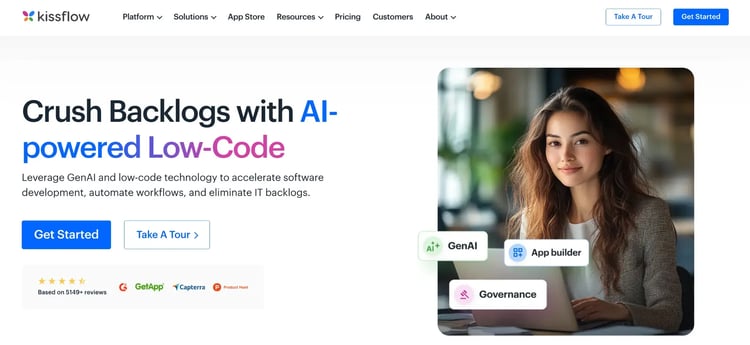
For teams looking to bring structure to internal requests and approval processes, Kissflow offers a practical solution.
Many organizations still manage requests through email threads or chat conversations, which makes tracking progress difficult once several reviewers are involved. Kissflow introduces defined workflows where requests move through configured approval paths and task stages.
Departments such as HR, finance, and procurement can design these processes using visual tools instead of relying on custom development
Kissflow’s Key Features
Visual process builder
A drag-and-drop workflow designer allows teams to map each stage of a process in a visual format. Approval steps, task assignments, and notifications can be arranged logically so requests move through the right review stages.
Conditional logic can also be applied, allowing the workflow to change direction depending on request type or approval criteria.
Templates for faster setup
Pre-built workflow templates help departments quickly automate common internal processes, such as purchase requests and employee leave submissions.
Each template includes standard workflow stages and form fields that can be adjusted to match internal policies. Instead of building a workflow from scratch, teams can modify an existing template to reflect their operational structure.
Collaboration and task visibility
Process participants can review requests and monitor approval progress within the workflow environment.
Activity logs record actions taken during each stage, giving managers a clear view of how requests move through the system. Communication stays connected to the request itself, which reduces confusion about status updates or approval decisions.
Integration capabilities
Connections with Google Workspace, Slack, and Dropbox allow workflows to exchange data with tools employees already use daily.
Form submissions can trigger actions in external applications, while notifications can appear directly within collaboration platforms. Integrations reduce manual data entry and help maintain consistency across systems.
Reporting and operational visibility
Built-in dashboards display active requests and processing timelines.
Managers can quickly identify requests that remain unresolved or workflows that take longer than expected. Access to that operational visibility helps departments refine processes and maintain accountability across teams.
Kissflow’s Pros
- Accessible interface that allows business teams to build workflows without technical expertise
- Workflow templates reduce setup time for common operational processes
- Built-in collaboration tools improve visibility across approvals and requests
- Integrations connect workflows with commonly used productivity platforms
Kissflow’s Cons
- Limited customization options
- Advanced reporting capabilities may not be sufficient for large-scale process analysis
2. Nintex
Best for: Enterprise IT teams managing document-heavy, approval-driven workflows that require formal process governance
Nintex homepage
For processes involving complex approvals or heavy documentation, Nintex is a solid choice.
Many teams adopt it when the primary goal is to digitize approvals and maintain visibility across internal processes. Workflows can move through predefined stages while keeping documentation attached to every step.
The focus on streamlined document handling and compliance management makes it a suitable tool for regulated industries and large-scale operations.
Nintex’s Key Features
Visual workflow automation
Nintex includes a graphical workflow designer that allows teams to map processes step by step. Process owners can define approval stages and routing logic using a visual interface instead of writing code.
Conditional paths can also be added so requests follow different approval routes depending on the requirement.
Document and form automation
Automates document generation and form processing, reducing manual errors. For instance, approval forms or compliance reports can be automatically populated with data from upstream systems.
Once generated, documents can move directly into approval workflows or be routed for digital signatures, which shortens turnaround time for administrative processes.
Process mapping and monitoring
With workflow maps, you can see all steps and ownership clearly. Additionally, monitoring dashboards show you which tasks are in progress or overdue, providing a real-time view of operational efficiency.
Integration capabilities
The tool connects seamlessly with SharePoint, Office 365, and Salesforce. Data flows smoothly between systems, eliminating manual transfers and ensuring a single source of truth for workflow information.
Nintex’s Pros
- Supports complex, multi-step workflows across departments through an intuitive interface
- Reduces manual work through document and form automation
- Integrates with enterprise systems for seamless data flow
- Good and responsive customer support
Nintex’s Cons
- Licensing and cost may be high for smaller teams
- Initial setup can require technical expertise for advanced workflows
3. Power Automate
Best for: Organizations deeply invested in the Microsoft ecosystem that want to automate internal processes without introducing another platform

Microsoft Power Automate’s homepage
Many organizations consider Power Automate when evaluating alternatives to Appian because it works directly with the tools employees already use. Instead of building entirely new applications, workflows can connect existing systems such as SharePoint, Teams, Outlook, or Excel.
Automation can start small. A single approval workflow or notification rule often becomes the entry point. Over time, teams begin to connect multiple processes, creating automated flows that support day-to-day operations without requiring extensive development.
Power Automate’s Key Features
Workflow automation across Microsoft apps
Power Automate allows workflows to connect activities that already happen inside Microsoft tools. For example, an approval request submitted through a SharePoint form can automatically trigger a notification in Teams.
Pre-built connectors and templates
Hundreds of built-in connectors allow Power Automate to exchange information with other systems. Microsoft applications connect easily, though integrations also extend to many external platforms.
Data can move between tools without exporting files or copying information manually. Process owners can build workflows that combine multiple systems while keeping the underlying automation relatively simple to maintain.
Robotic process automation (RPA)
Legacy systems often lack modern APIs, which makes automation difficult.
Power Automate addresses that gap through robotic process automation. Software bots can replicate actions that a person would normally perform on a desktop application. Data can be captured from older systems, entered into another platform, or processed as part of a larger workflow.
Conditional logic and triggers
Business processes rarely follow a single fixed path. Through the tool’s conditional rules, you can decide how a process moves forward, what the approval thresholds are, and so on. Power Automate allows workflows to respond to different situations using conditional rules.
For instance, some requests may require additional review, while others pass through automatically. Flexible logic allows organizations to mirror the policies that already govern internal processes.
Analytics and monitoring
Visibility becomes important once workflows start handling critical tasks. With Power Automate, you can review dashboards to see how flows are performing over time.
The insight gained can help you refine your automation strategy and identify areas where manual processes still slow things down.
MS Power Automate’s Pros
- Deep integration with Microsoft ecosystem tools, as well as third-party systems
- Automates repetitive tasks, freeing employees for more strategic work
- Supports both cloud and desktop processes with RPA
- Can handle both simple and complex enterprise processes
MS Power Automate’s Cons
- Some non-Microsoft integrations require additional setup
- Advanced flows may require specialized knowledge to configure correctly
4. Ninox
Best for: Teams that want to build custom workflow apps and internal databases without heavy development effort
Ninox homepage
For teams that want to shape their own internal tools, Ninox is a reliable platform that combines workflow automation with database creation. Its intuitive design makes it easy for users to build applications without technical expertise, offering solutions for sales handling, project management, CRM, and data tracking.
Ninox is a more budget-friendly alternative to Appian, especially for smaller businesses seeking a simple, effective way to automate workflows.
Ninox’s Key Features
Custom database creation
Ninox allows teams to design structured databases that support operational workflows. Fields and tables can be configured based on how information moves through the organization. Instead of adapting processes to fit a rigid tool, teams build data models that reflect their real operational needs.
Workflow automation within database records
Status changes or data updates can trigger automated actions. A project update might notify stakeholders or move a task into the next stage of review. Automation rules help transform database records into active workflow components.
Flexible form design
You can build forms through structured submissions that automatically populate records and feed them into the database. Required fields and validation rules can be set along with conditional logic that helps maintain accurate data.
Integration with external tools
Connections through Zapier and APIs allow workflows to exchange data with other platforms. Information captured in external platforms can populate workflows, while updates inside Ninox can trigger actions elsewhere.
Real-time collaboration and data visibility
Team members can view records, update statuses, identify bottlenecks, and monitor progress through shared dashboards. Changes appear immediately, keeping teams aligned on project progress and operational tasks.
Ninox’s Pros
- Flexible, intuitive platform for building custom workflow tools
- Combines database management with automation
- Adaptable structure allows teams to design processes around real operations
- Useful for organizations that want control over internal tools
Ninox’s Cons
- Requires thoughtful setup when building complex data structures
- Reviewers report poor customer support and high licensing costs
5. OutSystems
Best for: Organizations aiming to develop complex internal applications with automation at scale
OutSystems’ Homepage
If your operations demand more than simple workflow automation, OutSystems offers a platform closer to full application development.
It helps organizations build custom systems while embedding automated processes, so you’re not limited to approvals or forms alone. Enterprises often choose OutSystems when they need the flexibility to adapt their systems over time without rebuilding everything from scratch.
OutSystems’ Key Features
Visual application development
You can use drag-and-drop tools to create interfaces, workflows, and logic without writing extensive code. Even non-developers can prototype solutions while technical teams refine integrations and processes.
Scalable enterprise architecture
Applications can handle thousands of users and transactions. The scalability supports global operations and cross-department deployment without losing performance or reliability.
Integration with enterprise systems
APIs connect your apps to ERPs, CRMs, and databases. Data flows smoothly across platforms, ensuring automation doesn’t break when information moves between systems.
Built-in lifecycle management
With OutSystems, you can manage development, testing, deployment, and updates in a single environment. Your team can iterate efficiently while keeping control of application quality and versioning.
Performance monitoring tools
Dashboards provide insights into system health and workflow efficiency. Teams can spot bottlenecks or errors early and maintain operational continuity.
OutSystems’ Pros
- Excellent for long-term digital transformation projects requiring custom systems
- Strong enterprise-scale capabilities for large teams and global operations
- Active support community and customer support
OutSystems’ Cons
- Requires experienced developers for complex solutions
- May be overkill for teams only seeking basic workflow automation
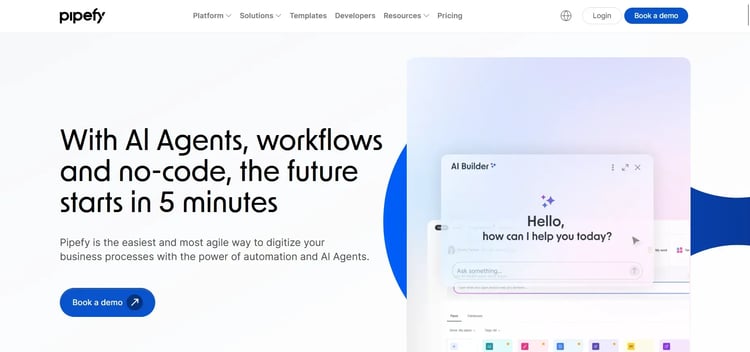
6. Pipefy
Best for: Operations teams looking for structured workflows with minimal technical setup
Pipefy’s homepage
If your team is juggling requests across emails and spreadsheets, Pipefy provides clarity by organizing tasks into a clear pipeline.
Requests move through defined stages, reducing confusion and improving accountability. With this platform, teams can design and launch workflows quickly, without relying on IT specialists.
Pipefy’s Key Features
Pipeline-based workflow design
Processes are structured as stages arranged in a visual pipeline. Each stage represents a task or approval checkpoint. Requests move through the pipeline as work progresses, giving teams a clear understanding of where each request currently sits in the process.
Customizable process forms
You can capture structured data with forms that include validation rules. With stakeholders having all the information needed to act, a lot of back-and-forth communication is reduced.
Automation rules
Rules allow workflows to trigger actions automatically. Status changes can notify stakeholders or update records. Routine follow-ups become automated rather than relying on manual reminders.
Process visibility dashboards
Managers can identify delays and bottlenecks in real time. Analytics provide actionable insights to optimize process efficiency.
Pipefy’s Pros
- Visual pipelines improve operational clarity
- User-friendly interface makes it easy for citizen developers to automate workflows with minimal technical overhead
- Solid integration with various third-party apps like Slack and Trello
Pipefy’s Cons
- Limited advanced customization for highly complex enterprise workflows
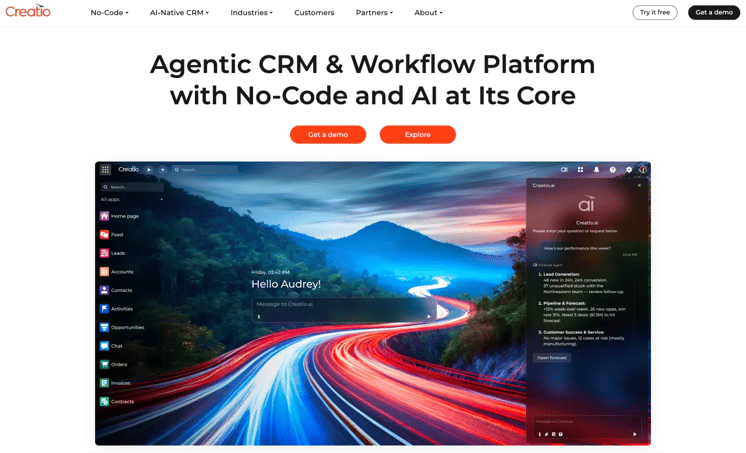
7. Creatio
Best for: Organizations seeking workflow automation integrated with customer relationship management
Creatio Homepage
Creatio unifies internal operations and CRM, which is why it is perfect for teams handling customer-facing processes, such as sales approvals and service workflows. The centralization reduces errors and enables customer data to guide workflow decisions in real time.
Creatio’s Key Features
Unified CRM and process automation
Customer records remain connected to internal processes such as approvals or service requests. Teams working in sales or customer success can trigger workflows directly from customer records.
Operational processes remain aligned with customer activity without requiring data transfers between separate systems.
Visual process designer
You can easily map workflows graphically with intuitive tools. Additionally, you can configure notifications, approvals, and routing logic without deep technical expertise.
Customer lifecycle management
Creatio allows you to automate onboarding and service interactions based on each customer’s journey, ensuring consistent and timely engagement.
Integration capabilities
External systems, such as marketing platforms or financial tools, can exchange data with workflows. Customer information remains synchronized across platforms while automated processes continue running behind the scenes.
Creatio’s Pros
- Combines CRM and workflow automation in one platform
- Ideal for customer-centric processes spanning multiple teams
- Simplifies workflow design with visual tools
- AI-powered workflow automation reduces repetitive tasks
Creatio’s Cons
- Full CRM functionality may be unnecessary for internal-only automation
- Deployment across departments can be time-intensive as the tool has a learning curve
8. FlowForma
Best for: Mid-sized to enterprise organizations in regulated sectors that require AI-powered automation
FlowForma homepage
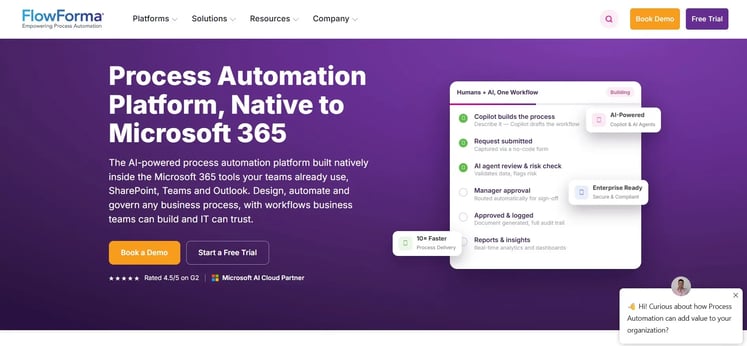
FlowForma is a no-code process automation platform that helps organizations digitize workflows efficiently while maintaining compliance.
With features such as built-in document generation, an AI suite, workflow automation, automated forms, and analytics, our tool helps you optimize processes within the Microsoft ecosystem.
In addition, our transparent, process-based pricing allows organizations to scale without worrying about hidden prices.
FlowForma’s Key Features
AI-powered workflow generation
Designing workflows often begins with translating a process from a document or conversation into a structured system. We simplify that step through our AI Copilot, which translates natural language descriptions into workflow structures, reducing design time.
Agentic AI then handles complex decisions while AI agents take care of routine tasks across workflows.
In addition, we have AI Summarization, which creates clear summaries of completed steps and highlights potential issues, and the Discovery Agent, which identifies areas where automation can improve efficiency.
Built-in compliance
We offer an in-built compliance module with audit trails that automatically log every action in the workflow, providing transparency for regulatory reviews. Role-based access controls and adherence to standards such as GDPR, HIPAA, and ISO 31000 help organizations maintain compliance without additional setup.
No-code workflow builder
With drag-and-drop functionality, you can build multi-stage processes, including approvals and document generation. Conditional logic and escalation paths can be configured to handle exceptions and unique process requirements, all without coding, while still retaining IT supervision.
Customizable templates
Pre-configured templates for industries such as healthcare, finance, insurance, and construction reduce setup time. Templates can be adjusted to reflect organizational standards and unique operational needs, helping teams implement workflows quickly.
Real-time analytics and reporting
Our dynamic dashboards provide visibility into workflow performance, bottlenecks, and compliance metrics. Data-driven insights help teams identify inefficiencies and make improvements across processes.
FlowForma’s Pros
- Accelerates workflow automation adoption in mid-sized and enterprise teams
- AI-driven, no-code automation reduces manual effort and speeds up complex processes
- Compliance and audit-ready features support regulated industries and cross-departmental
collaboration
- Seamless Microsoft 365 integration enhances adoption and efficiency
FlowForma’s Cons
- Works within the Microsoft ecosystem only
- Configuring workflows can take time for non-technical teams and new users
9. ProcessMaker
Best for: Organizations that need highly configurable workflow automation, with compliance baked in
ProcessMaker’s Homepage
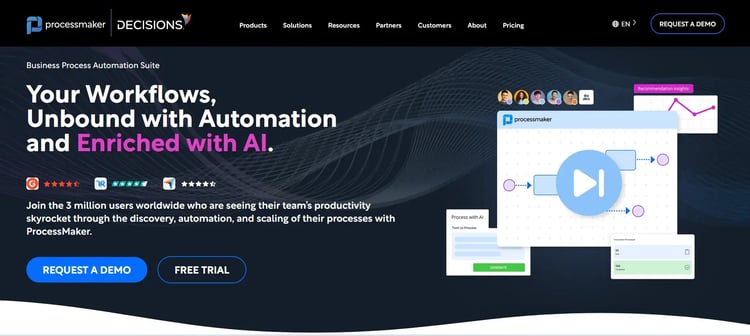
If you work in regulated industries like finance, healthcare, or government, ProcessMaker ensures workflows follow precise rules while remaining adaptable. Conditional routing and audit-ready reporting make it suitable for teams that cannot compromise on accuracy or compliance.
The platform works well for companies that need structured processes but do not require full enterprise application development environments.
Process modeling tools
Business processes can be mapped visually using BPMN modeling standards. Process owners gain a clear representation of how tasks move between departments. Visual models also help stakeholders understand workflow logic before automation begins.
Form-driven workflows
Forms collect structured information that automatically triggers workflows. Submitted data determines which approval stages or tasks follow next. With teams gaining consistent process inputs, errors during operational execution are reduced.
API-based integrations
ProcessMaker’s integration capabilities allow automation to extend beyond a single platform. External applications can exchange data with workflows via APIs, and operational systems can automatically trigger processes or receive updates when workflow stages change.
Workflow monitoring dashboards
Managers can track process performance through dashboards that display workflow activity. When delays or stalled approvals become visible quickly, process owners gain the insight needed to refine workflows.
Compliance visibility
Audit logs record workflow activity and approval actions so that compliance teams can review how decisions were made and verify whether the processes followed established policies.
ProcessMaker’s Pros
- Strong audit and compliance capabilities
- Highly configurable for industry-specific workflows
- Visual interface reduces dependency on developers
- Solid guidance from the customer support team
ProcessMaker’s Cons
- Users complain of performance and speed issues, especially across browsers
- Limited feature depth, especially from an integration standpoint
10. Pega
Best for: Large enterprises that need advanced process orchestration and decision automation
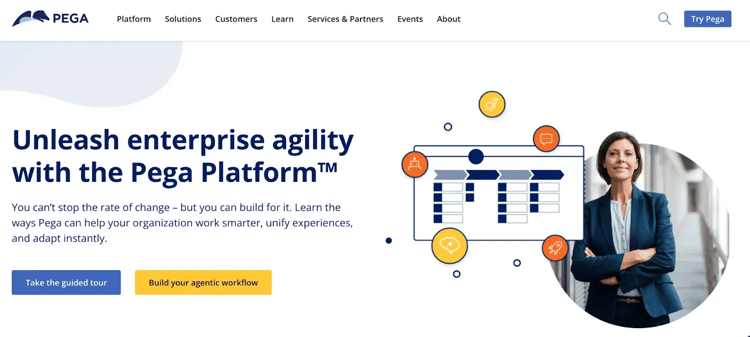
Pega platform’s homepage
Pega Platform focuses on large-scale business process management combined with intelligent decisioning.
It goes beyond standard workflows to include decision engines, case management, and predictive capabilities. As such, processes adapt dynamically as new information becomes available.
Large enterprises in finance and telecommunications frequently adopt the platform when operational processes depend on complex decision logic.
Pega’s Key Features
Case management automation
Operational processes can be managed as cases that evolve through several stages. Each case contains tasks and related data that change as new information arrives. Teams gain a structured environment for managing complex business activities.
Intelligent decision engines
With automation rules, you can analyze contextual information before determining the next step in a workflow. Decision logic allows processes to adapt depending on customer behavior or operational conditions.
Enterprise integration framework
Connections with enterprise systems allow processes to interact with customer data platforms and operational databases. Workflows can coordinate activities across several systems simultaneously.
Process orchestration
Large organizations often run processes across several departments. Pega’s orchestration capabilities allow workflows to coordinate work between teams while maintaining visibility into progress.
Pega’s Pros
- Low-code tool with a visual interface and quick deployment times
- Enterprise-grade platform capable of handling complex operations and high data volumes
- Strong case management capabilities for multi-department processes
Pega’s Cons
- Limited accessible learning resources and community support
Why Teams Are Looking for Appian Alternatives
Many organizations continue to evaluate Appian when planning large-scale workflow automation initiatives. Real-world implementation experiences, however, have pushed some teams to explore other options.
Here are a few reasons why teams look for alternatives:
Complex implementation requirements
Several reviewers mention that the initial setup can require significant technical involvement. Building advanced workflows often depends on developers who understand the platform’s architecture.
Teams that want faster process deployment sometimes look for tools that allow business users to design workflows more independently. Reviews frequently mention a learning curve when configuring complex automation projects.
Cost considerations for mid-sized organizations
Pricing structures can become challenging for teams that do not operate at enterprise scale. Some organizations report that licensing costs increase quickly as usage expands across departments.
Budget-conscious teams often explore alternatives that provide similar workflow automation capabilities while maintaining more predictable pricing.
User experience challenges
Operational teams often want platforms where modifying a process does not require extensive technical assistance. However, user feedback for Appian occasionally highlights difficulties in navigation or process configuration.
Non-technical users may struggle to manage workflows without developer support.
Need for faster workflow iteration
Organizations that run many operational processes often need the ability to adjust workflows quickly. Approval structures change, new compliance rules appear, or operational steps evolve over time. Some teams find that modifying existing workflows can take longer than expected, which encourages exploration of platforms that allow quicker process updates.
Organizations evaluating workflow platforms often want a solution that balances automation capabilities with usability.
FlowForma frequently appears in Appian replacement discussions because it focuses on operational processes that run across business teams while remaining accessible to non-technical users.
Key advantages include:
- Visual workflow design allows business teams to build and adjust processes without relying heavily on development resources.
- Native alignment with Microsoft 365 environments helps organizations automate workflows around existing SharePoint and collaboration systems.
- Built-in compliance tracking records approvals, changes, and workflow activity for audit readiness.
- AI-assisted workflow discovery highlights inefficiencies and identifies areas where automation can improve operations.
For teams that want faster process deployment without extensive development cycles, FlowForma offers a practical alternative to traditional BPM platforms. Book a demo to see the tool in action.