IT security questionnaires can be a significant operational burden. They’re long, repetitive, and never-ending—yet every deal and vendor relationship depends on them. Most teams still juggle spreadsheets, emails, and manual reviews to complete hundreds of these forms, wasting days that could be spent on real security work.
That’s where some of the best security questionnaire automation software comes in. By using AI and agentic automation, these tools cut response time from days to minutes, reduce human error, and give security and compliance teams a single source of truth for vendor assessments.
In this article, we’ll look at what security questionnaire automation software does, who uses it, the core features to look for, and the best platforms that simplify the entire process—from answering questionnaires to managing vendor risk.
What Is Security Questionnaire Automation Software?

What is a security questionnaire automation software?
Security questionnaire automation software uses AI to streamline how organizations complete, review, and manage security questionnaires for tasks like vendor risk assessment and compliance management. Key use cases include:
- Auto-generates security questionnaire responses
- Centralizes approved answers for reuse
- Manages third-party risk and compliance
- Ensures alignment with SOC 2, ISO 27001, GDPR
- Streamlines collaboration and progress tracking
By improving accuracy and speed, this software helps companies build customer trust, maintain transparency, and move deals through the pipeline more efficiently.
Who uses a security questionnaire automation software?
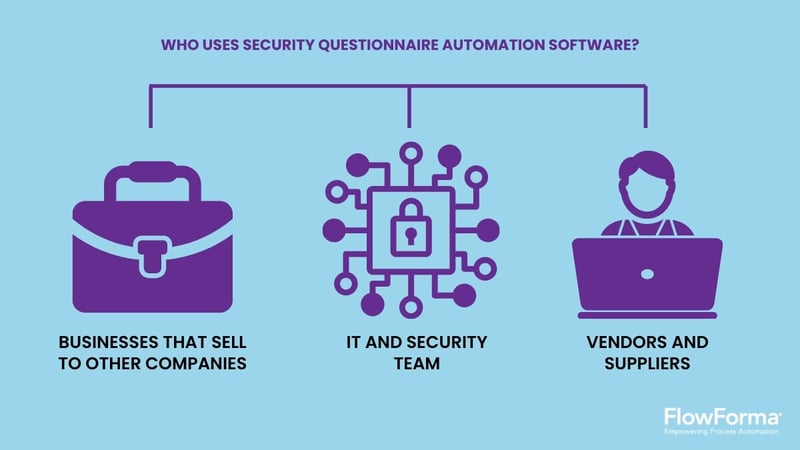
Users of security questionnaire automation software
The following groups benefit most from AI-powered solutions for automating security questionnaires:
- B2B providers: SaaS, IaaS, and PaaS companies as well as other enterprise solution vendors use automation to respond faster to security reviews and prove compliance.
- IT and security teams: Deliver consistent, verified responses and strengthen security posture through automation.
- Vendors and suppliers: Simplify security assessments, ensure compliance, and provide accurate, audit-ready answers.
Core Features To Look For In The Best Security Questionnaire Automation Tools
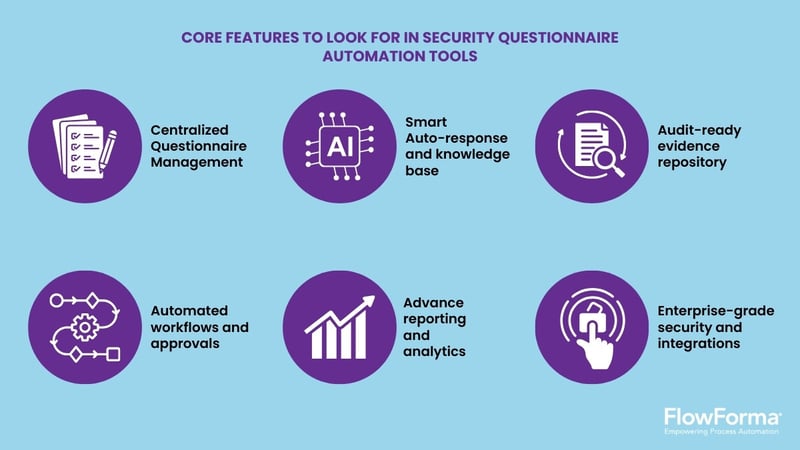
Core features of the best security questionnaire automation software
Below are six core features that define the best security questionnaire software, including what you must look for when evaluating one:
1. Centralized questionnaire management
A single, organized workspace to manage all security questionnaires in one place. This eliminates scattered files and makes it easier for security teams to collaborate on questionnaire responses while maintaining a full audit trail.
Look for: A centralized knowledge base, tagging by vendor or client, real-time tracking, and role-based access controls for both internal and external users.
2. Smart auto-response and knowledge base
An AI security questionnaire tool that uses artificial intelligence and natural language processing to auto-suggest or generate accurate responses from existing security documentation.
This reduces repetitive work when answering security questionnaires and helps maintain consistency across compliance frameworks such as SOC 2, ISO 27001, and GDPR.
Look for: automated response generation, confidence scoring, and human oversight for complex or nuanced questions.
3. Automated workflows and approvals
Automated workflows route tasks and reviews automatically, speeding up vendor and third-party risk management while boosting deal velocity.
Look for: AI-powered software to automate security questionnaires, reducing manual effort and ensuring faster, more accurate responses across teams.
4. Automated workflows and approvals
A secure repository for security documents, certifications, and data protection policies—all linked to questionnaire responses. Each answer is backed by verified evidence, ensuring faster, more reliable audits.
Look for: Automated expiry alerts, granular access controls, and clear audit logs to support ongoing compliance and strengthen overall security posture.
5. Advanced reporting and analytics
Dashboards and analytics provide visibility into security questionnaire automation and vendor risk management. Real-time insights reveal bottlenecks, track performance, and measure improvements in security and compliance readiness.
Look for: Exportable audit reports, trend visualization, and integration with BI or GRC tools.
6. Enterprise-grade security and integrations
The best security questionnaire automation software must safeguard every layer of your process. Your data security, security controls, and trust center commitments depend on it.
Look for: SOC 2 Type II certification, encryption in transit and at rest, role-based access controls, and smooth integration with your existing tech stack and vendor assessment tools.
The Top 13 Security Questionnaire Automation Tools In 2026
Here’s a brief overview of the top 13 security questionnaire automation tools, evaluated based on their AI and automation capabilities, compliance features, and pricing transparency.
|
Tool
|
Key strengths
|
Automation and AI features
|
Compliance coverage
|
Pricing transparency
|
|
FlowForma
|
Full lifecycle management (template → response → analysis)
|
✔ AI-assisted auto-fill, summary generation, configurable workflows
|
✔ SOC 2, ISO 27001, GDPR
|
✔ Transparent, process-based pricing
|
|
Conveyor
|
Strong document-sharing portal
|
✔ Contextual AI responses and moderate workflow automation
|
✔ SOC 2, GDPR
|
✖ Tiered enterprise pricing
|
|
Targhee Security
|
Streamlined vendor assessment tracking
|
✔ Basic AI recommendations and configurable workflows
|
✔ ISO 27001
|
✔ Clear pricing model
|
|
Hypercomply
|
Rapid, accurate questionnaire completion
|
✔ Advanced NLP engine with moderate automation
|
✔ SOC 2, ISO 27001
|
✖ Requires quote
|
|
SecurityPal
|
Managed AI-human response blend
|
✔ AI-assisted responses with human validation workflows
|
✔ SOC 2, GDPR
|
✖ Custom pricing
|
|
Vendict
|
Deep learning for policy mapping
|
✔ Strong generative AI and workflow management
|
✔ ISO 27001, SOC 2
|
✖ Requires demo
|
|
Loopio
|
Mature RFP and questionnaire automation
|
✔ Smart autofill with collaborative workflow tools
|
✔ SOC 2
|
✖ Custom enterprise tiers
|
|
1up.ai
|
Conversational AI for live responses
|
✔ Generative AI assistant and advanced workflow routing
|
✔ SOC 2
|
✔ Flexible plans
|
|
Whistic
|
Vendor trust catalogs
|
✔ Limited automation with prebuilt workflows
|
✔ SOC 2, GDPR
|
✖ Quote-only pricing
|
|
Vanta
|
Continuous monitoring and audit readiness
|
✔ AI evidence mapping with basic workflow automation
|
✔ SOC 2, ISO 27001
|
✖ Requires quote
|
|
OneTrust
|
Robust GRC and privacy modules
|
✔ AI-driven risk scoring with advanced automation
|
✔ Multiple global frameworks
|
✖ Premium pricing
|
|
Panorays
|
Third-party risk visualization
|
✔ AI-based vendor scoring and workflow orchestration
|
✔ ISO 27001
|
✔ Clear pricing
|
|
UpGuard
|
Vendor monitoring + automation
|
✔ AI-assisted responses with moderate automation
|
✔ SOC 2
|
✔ Transparent pricing tiers
|
The Best AI-Powered Security Questionnaire Automation Software
Let’s now dive into the detailed analysis of the tools:
1. FlowForma
FlowForma’s homepage
FlowForma is a no-code, all-in-one business process automation platform that leverages AI to build and scale security questionnaire workflows in minutes. It enables organizations across regulated industries to digitize and automate complex vendor risk assessments and compliance processes without coding expertise.
FlowAssure (AI-powered, end-to-end vendor risk management feature)
FlowAssure, the platform’s AI-powered vendor risk management solution, automates the full lifecycle of vendor security questionnaire processing, ingesting security questionnaires, analyzing supporting documents, and managing approvals with precision and speed.
Key Features of FlowForma
- AI agents review vendor inputs, score responses, and flag risks in real time
- Dedicated questionnaire agent, Quinn, turns complex questionnaires into clear insights
- Automatically creates, distributes, and compiles questionnaires and reports, cutting manual setup time
- Classifies risk, routes tasks, and suggests approvals or escalations automatically
- Detects errors and triggers follow-up workflows, minimizing manual oversight
- Invites multiple vendors, sends standardized questionnaires, and tracks completion automatically
- Routes high-risk findings to stakeholders, enforces remediation, and triggers follow-up actions
- AI-powered, one-click document generation and form submission
- Intelligent Compliance Agent analyzes cybersecurity questionnaires, reviews penetration test results, ISO certifications, and SOC 2 Type II reports—enabling teams to validate evidence, identify gaps, and approve vendor assessments with confidence.
- Seamless integration with Microsoft 365 and other enterprise tools
Pros of FlowForma
- End-to-end AI-driven vendor assessment automation
- Strong governance and audit transparency
- Early risk detection and prevention
- Transparent, cost-effective pricing
- Maintains full compliance visibility and traceability
Cons of FlowForma
- SharePoint dependency; best suited for Microsoft-365-native environments
What Users Say About FlowForma
Teams notice the impact from day one—manual, time-consuming tasks are replaced by intelligent automation that runs seamlessly in the background. With workflows now handling themselves, people can focus on higher-value work that drives real results.
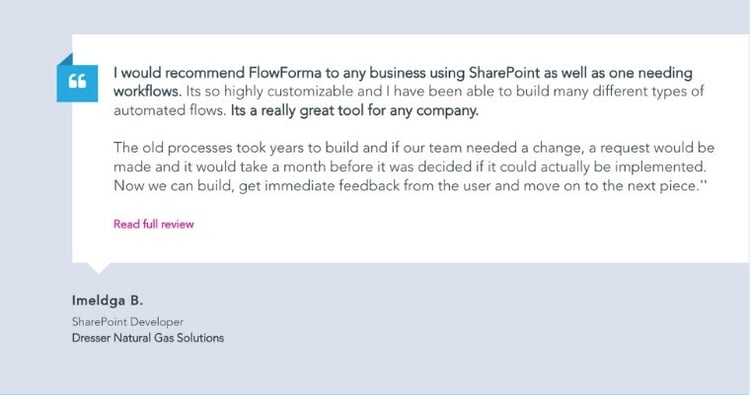
Customer testimonial for FlowForma
FlowForma Pricing
FlowForma offers tiered and process-based pricing plans—without any additional costs and hidden charges. Check out the full pricing breakdown here.
FlowAssure’s pricing depends on the number of managed vendors, required integrations, and followed compliance frameworks. Contact us for a personalized quotation.
2. Conveyor
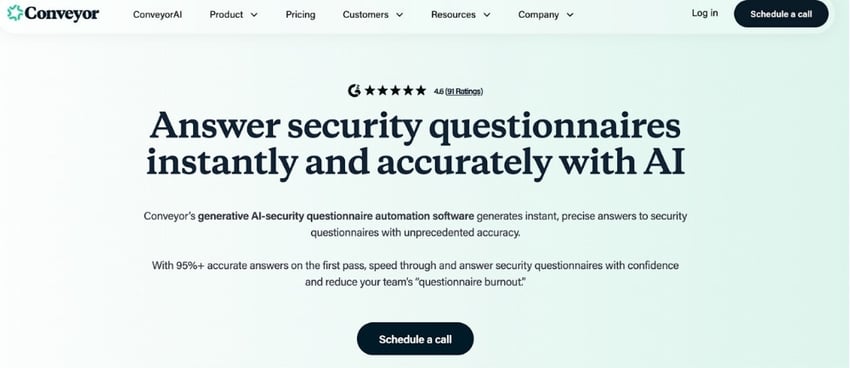
Conveyor’s homepage
Conveyor automates how companies respond to and manage security questionnaires using AI-driven knowledge reuse and workflow automation.
Key Features of Conveyor
-
AI-assisted questionnaire response generation
-
Centralized trust portal and document sharing
-
Smart knowledge base with continuous learning
-
Integrations with CRM and ticketing tools
Pros of Conveyor
Cons of Conveyor
3. Targhee Security
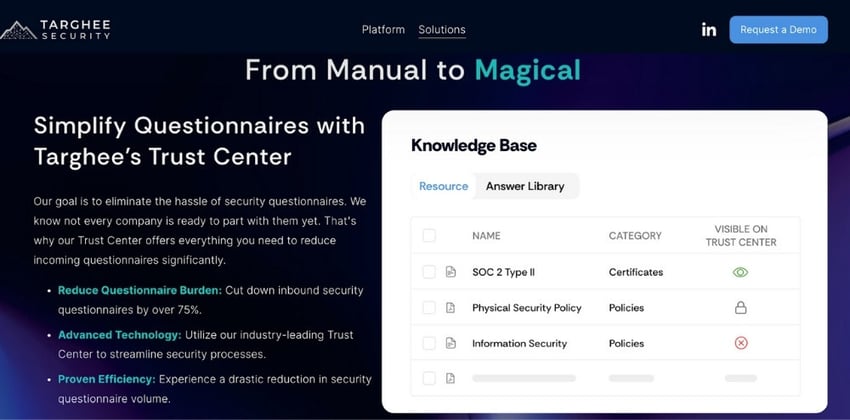
Targhee Security’s homepage
Targhee Security focuses on automating vendor security assessments with workflow and document intelligence features.
Key Features of Targhee Security
-
Workflow automation for vendor assessments
-
Real-time risk dashboards
-
Evidence collection automation
-
Prebuilt compliance frameworks
Pros of Targhee Security
-
Clear compliance mapping
-
Scalable reporting
-
Simple deployment
Cons of Targhee Security
4. Hypercomply
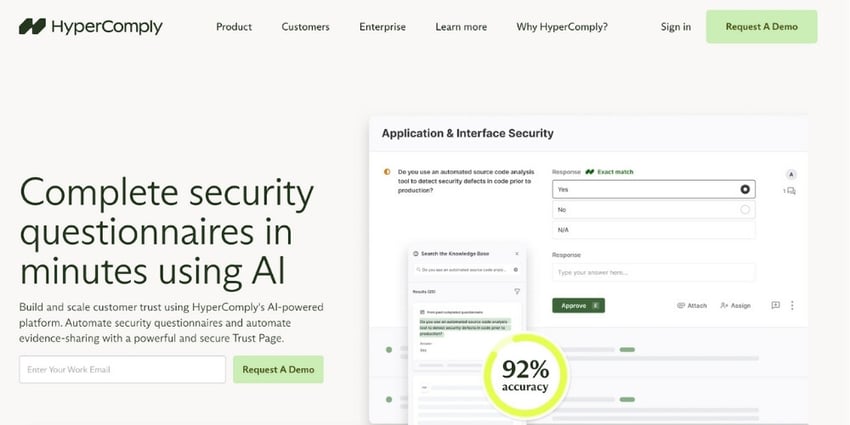
Hypercomply’s homepage
Hypercomply automates security reviews with context-aware AI agents that learn from past responses and approved documents.
Key Features of Hypercomply
-
AI-generated questionnaire responses
-
Knowledge base auto-updating
-
Context-aware document repository
-
Workflow automation for reviews
Pros of Hypercomply
Cons of Hypercomply
5. SecurityPal
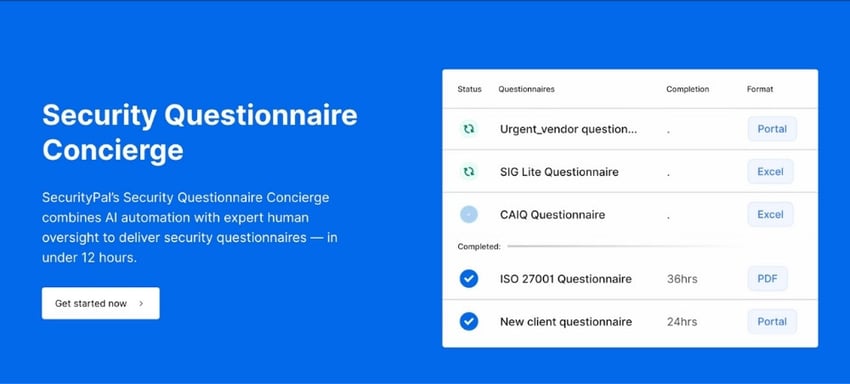
SecurityPal’s homepage
SecurityPal provides a managed and automated approach to handling customer security questionnaires.
Key Features of SecurityPal
-
Hybrid AI-human response workflow
-
Centralized knowledge repository
-
Integrations with sales tools
-
Security document management
Pros of SecurityPal
Cons of SecurityPal
-
Manual intervention at scale
-
Limited self-service control
-
Vendor-dependent knowledge updates
6. Vendict
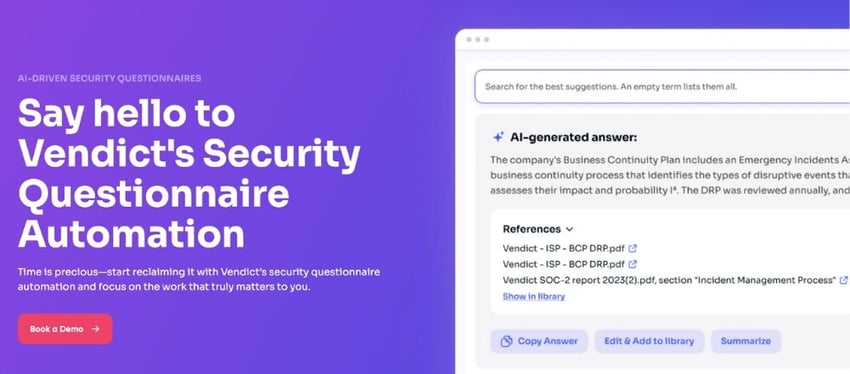
Vendict’s homepage
Vendict uses GenAI and NLP models to auto-complete questionnaires and analyze vendor risk. Its adaptive AI learns continuously from data inputs, improving accuracy and speed with each use.
Key Features of Vendict
Pros of Vendict
Cons of Vendict
7. Loopio
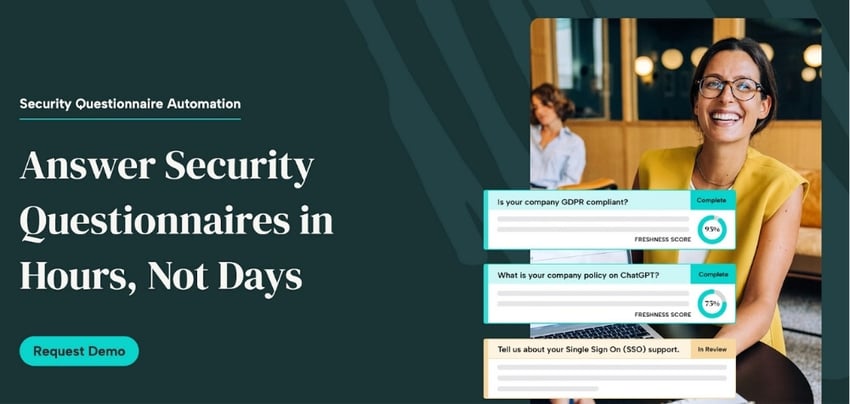
Loopio’s homepage
Loopio automates RFPs and security questionnaires through reusable content libraries and AI-assisted workflows.
Key Features of Loopio
-
Centralized content library
-
Smart autofill from past responses
-
Automated workflow routing
-
Collaboration dashboard
Pros of Loopio
- Scalable documentation management
- Reliable automation performance
- High user adoption rate
Cons of Loopio
8. 1up.ai
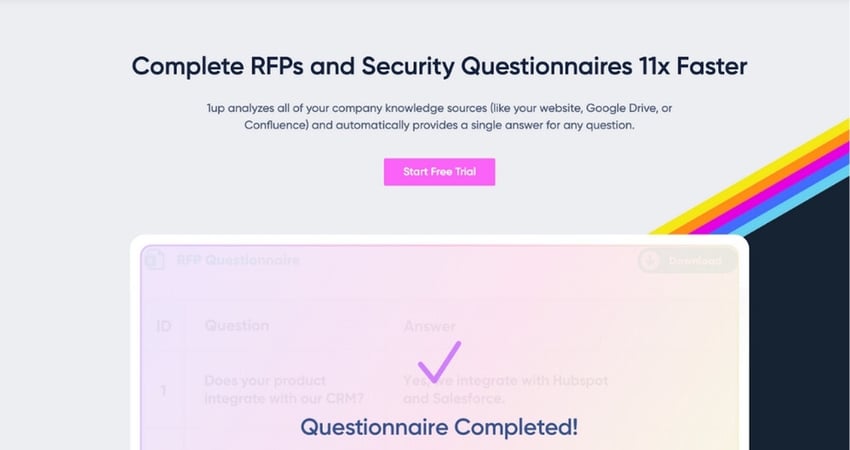
1up.ai’s homepage
1up.ai automates questionnaire and RFP workflows with contextual AI assistance and document intelligence. It focuses on conversational agent-style automation.
Key Features of 1up.ai
-
AI agent for real-time response generation
-
Unified repository of answers
-
Workflow and approval automation
-
Integration with sales tools
Pros of 1up.ai
Cons of 1up.ai
-
Limited compliance reporting
-
Smaller support community
-
Steep learning curve for setup
9. Whistic
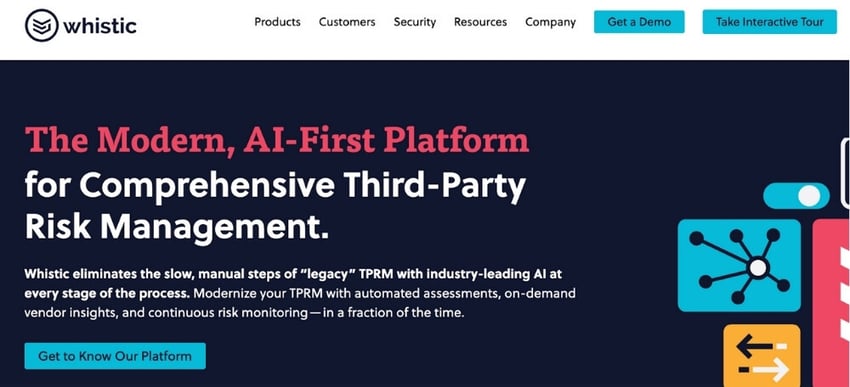
Whistic’s homepage
Whistic uses AI to automate third-party security assessments and manage both inbound and outbound security questionnaires. Its agentic approach provides visibility across vendor risk data and security documentation.
Key Features of Whistic
- Pre-built trust catalogs
- Automated questionnaire completion
- Vendor risk scoring
- Policy and evidence repository
Pros of Whistic
- Comprehensive vendor insights
- Strong transparency focus
- Integrates with procurement workflows
Cons of Whistic
- Slower initial setup
- High price for smaller teams
- Crowded interface at scale
10. Vanta
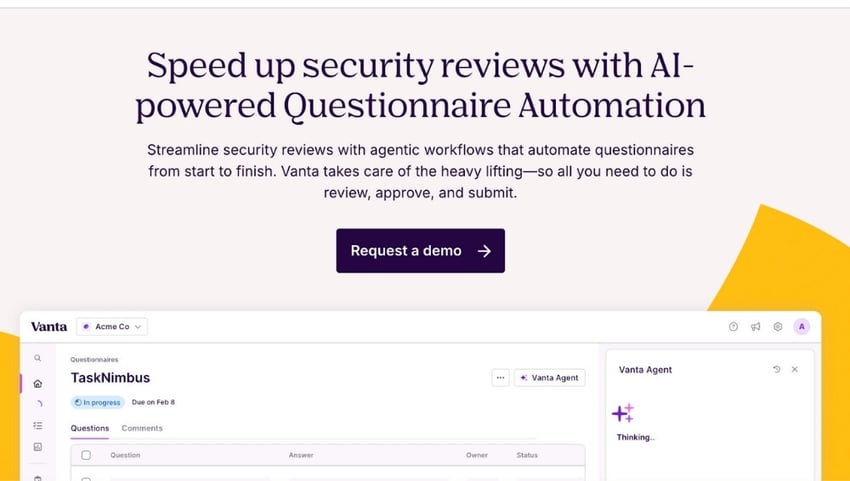
Vanta’s homepage
Vanta applies AI agents to maintain continuous compliance, automate evidence collection, and streamline questionnaire response workflows.
Key Features of Vanta
- Continuous compliance monitoring
- Auto-filled evidence collection
- Prebuilt frameworks (SOC 2, ISO, HIPAA)
- Questionnaire auto-response features
Pros of Vanta
- Reliable audit automation
- Scales easily for compliance teams
- Real-time alerts
Cons of Vanta
-
Questionnaire automation is secondary
-
Limited flexibility for unique workflows
-
High price for small teams
11. OneTrust
OneTrust’s homepage
OneTrust delivers enterprise-grade GRC and privacy automation with strong integrations for questionnaire management and vendor governance.
Key Features of OneTrust
-
Vendor risk and security questionnaires
-
Workflow and policy automation
-
AI risk scoring
-
Centralized compliance library
Pros of OneTrust
- Enterprise security focus
- Rich compliance modules
- Global data governance
Cons of OneTrust
-
Complex onboarding
-
Heavy configuration needs
-
Premium pricing
12. Panorays

Panoray’s homepage
Panorays specializes in third-party risk and security questionnaire automation, emphasizing external attack surface visibility.
Key Features of Panorays
- Automated vendor security evaluations
- AI-driven questionnaire response analysis
- Risk scoring engine
- Integrations with procurement tools
Pros of Panorays
-
Strong vendor visibility
-
Automated follow-ups
-
Good reporting options
Cons of Panorays
-
Interface feels dense
-
Moderate AI maturity
-
Limited customization
13. UpGuard
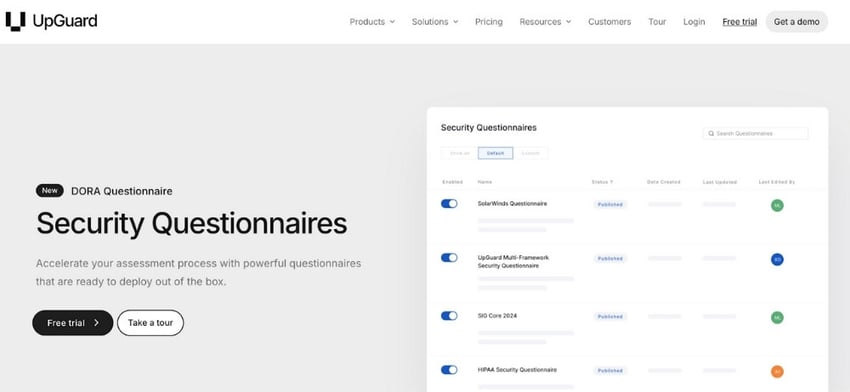
UpGuard’s homepage
UpGuard combines automated vendor risk monitoring with security questionnaire workflows and evidence management.
Key Features of UpGuard
Pros of UpGuard
-
Quick deployment
-
Strong analytics tools
-
Clear, intuitive UI
Cons of UpGuard
Why FlowAssure Is the Top Choice for AI-Powered Vendor Risk Automation
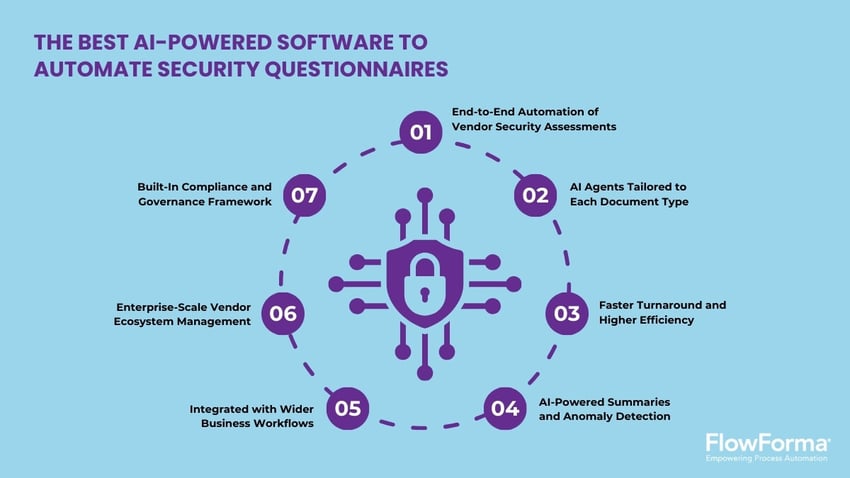
FlowForma: The best AI-powered software to automate security questionnaires
FlowAssure goes beyond questionnaire automation. It manages the entire vendor security assessment lifecycle. From inviting vendors and reviewing documents to approving or escalating risks, its specialized AI agents ensure accuracy, speed, and compliance across every stage.
Here’s how:
1. End-to-end automation of vendor security assessments
FlowAssure manages the full lifecycle of vendor risk assessments. Vendors upload security questionnaires, penetration test reports, ISO certifications, or SOC 2 Type II assessments; AI agents automatically review, classify, and score them. Workflows then route approvals or trigger escalations—reducing manual effort and dependency on spreadsheets or emails. Please use this video

Automated vendor risk lifecycle in FlowAssure
2. AI agents tailored to each document type
Dedicated AI agents specialize in different assessment formats: Quinn analyzes questionnaires, Penn reviews penetration test reports, Iris validates ISO certifications, and Sam assesses SOC 2 Type II documents.
Quinn, questionnaire agent
This specialization allows FlowAssure to interpret each format intelligently, extract key insights, and deliver more accurate risk analysis.
3. Faster turnaround and higher efficiency
FlowAssure automates vendor assessments and approvals, reducing review times from days to minutes. Security and compliance teams gain back valuable hours to focus on real risk mitigation instead of manual processing.
4. Stronger governance, consistency, and auditability
From reviews and scoring to comments and approvals, every action within FlowAssure is logged automatically. This creates a transparent, auditable trail that strengthens compliance oversight and ensures consistent evaluation across all vendors.
5. Error reduction through AI anomaly detection
FlowAssure’s AI agents automatically detect anomalies, flag inconsistencies, and highlight potential data errors within submitted documents. This minimizes operational risk, reduces human error, and enhances assessment reliability.
6. Designed to scale for complex enterprise vendor ecosystems
Built for enterprise environments, FlowAssure supports large, multi-business-unit ecosystems with diverse vendor portfolios. Its architecture ensures performance and consistency even when managing thousands of assessments simultaneously.
7. Integrated compliance and governance framework
FlowAssure embeds audit trails, role-based controls, and real-time governance into every process. This ensures compliance with frameworks like ISO, SOC 2, and GDPR—keeping every workflow secure, transparent, and audit-ready.
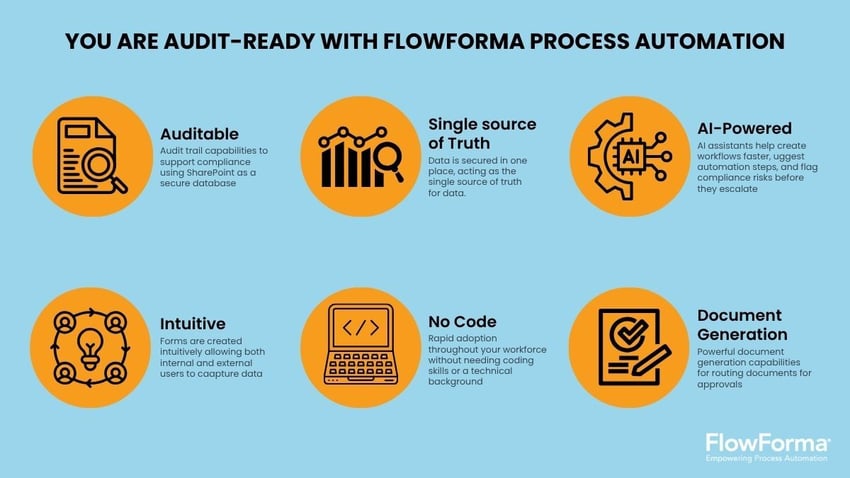
How FlowAssure ensures continuous compliance
Book a personalized demo today to learn how FlowForma’s AI-powered automation can simplify your security questionnaire process, improve compliance, and save your team hours every week.








![10 Best OneTrust Competitors For Compliance Management [2026]](https://www.flowforma.com/hubfs/Onetrust-competitors%20%281%29.webp)