While Blue Prism offers robust automation, the lack of integral features, integration issues, and higher licensing costs push many teams to look for simpler, easier-to-implement, and effective options.
Modern low-code or no-code platforms provide an easier path to automation, enabling business users to build workflows independently while keeping governance, controls, and oversight firmly with IT support.
This article explores:
- The top 10 Blue Prism alternatives to consider
- Core features, pros, cons, and pricing factors
- Why FlowForma emerges as the most complete and cost-efficient choice
But first, here’s a quick walkthrough of why businesses consider alternatives to Blue Prism in the first place.
Top 5 Reasons Businesses Look For Blue Prism Competitors
Organizations are increasingly looking for Blue Prism alternatives due to the following reasons:
1. High licensing costs
Blue Prism’s pricing is considered steep, making it difficult for teams to adopt or scale the platform affordably.
2. Complex setup and deployment
Users frequently report that setup is challenging and time-consuming, especially for those new to RPA.
3. Limited cloud flexibility
The platform cannot be fully deployed within an organization’s own cloud, as certain components must remain with Blue Prism.
4. Troubleshooting and debugging challenges
Intermittent deadlocks, limited task feedback, and slow reporting make diagnosing issues more difficult than expected.
5. Speed of deployment and implementation
Blue Prism deployments often require longer setup cycles due to complex configuration, training needs, and infrastructure demands. In contrast, alternatives like FlowForma offer a no-code environment that enables rapid, AI-assisted workflow automation through its AI Copilot.
Top 10 Best Blue Prism Alternatives in 2026 (Quick Overview)
When assessing the top Blue Prism competitors, each platform supports different levels of automation, from quick, no-code automated processes to enterprise-grade robotic process automation and governed business process management.
Tools like FlowForma, Nintex, Kissflow, and Microsoft Power Automate enable fast deployment for non-technical users to automate repetitive tasks, offering cost-effective rollout and seamless integration across systems.
Enterprise-focused platforms such as UiPath, Automation Anywhere, and Pega RPA deliver high-volume automation with strong control, security, and scalable RPA orchestration.
Meanwhile, Appian, Laserfiche, and Process Street address specialized processes, from document governance to recurring SOPs—giving organizations flexible automation solutions that improve productivity and support long-term digital transformation.
Overall, these providers offer comprehensive solutions for automating repetitive tasks, improving efficiency, and reducing operating costs. Here’s a brief overview of the listed top Blue Prism alternatives for automating daily workflows and creating enterprise-grade processes:
|
Platform
|
Best for
|
Key strengths
|
Pricing transparency
|
|
UiPath
|
High-volume RPA and legacy system automation
|
- Mature RPA suite
- AI/discovery tools
- Scalable orchestrator
|
Enterprise pricing via sales
|
|
FlowForma Process Automation
|
Governed workflows and Microsoft 365 and SharePoint Online-based process automation
|
- No-code workflow builds
- Governance and audit trails
- AI-assisted configuration
|
Transparent, process-based pricing; publicly communicated model; no hidden add-ons
|
|
Microsoft Power Automate
|
Microsoft 365 users automating simple workflows
|
- Broad connectors
- Native Microsoft integration
- Quick setup
|
Per-user/flow pricing published, RPA add-ons extra
|
|
Automation Anywhere
|
Document-heavy and back-office automation
|
- Strong document extraction
- Cloud architecture
- Central governance
|
Quote required
|
|
Pega RPA
|
Enterprise workflows requiring BPM + RPA orchestration
|
- Case management
- Rule-based automation
- AI decisioning
|
Quote required
|
|
Appian
|
Low-code enterprise applications with workflow automation
|
- Unified workflow/data model
- Low-code development
- Enterprise scalability
|
Quote required
|
|
Laserfiche
|
Document-centric and compliance-focused processes
|
- Governance controls
- Document lifecycle management
- Workflow automation
|
Subscription tiers are available, but enterprise quotes vary
|
|
Nintex
|
Departmental workflows combining forms, automation, and RPA
|
- Easy workflow designer
- Broad toolkit
- Mobile-ready forms
|
Tier-based quotes
|
|
Kissflow
|
Simple workflows and quick deployment
|
- Easy configuration
- Workflow + case + project tools
- Fast rollout
|
Published tiers
|
|
Process Street
|
Recurring checklists and SOP-driven activities
|
- Simple interface
- Strong for repeatable tasks
- Fast onboarding
|
Transparent per-user pricing published
|
Top 10 Blue Prism alternatives compared (2026)
The 10 Top Alternatives To Blue Prism (2026)
Let’s now delve into the detailed analysis of each platform. Let’s now delve into the detailed analysis of each platform.
1. UiPath
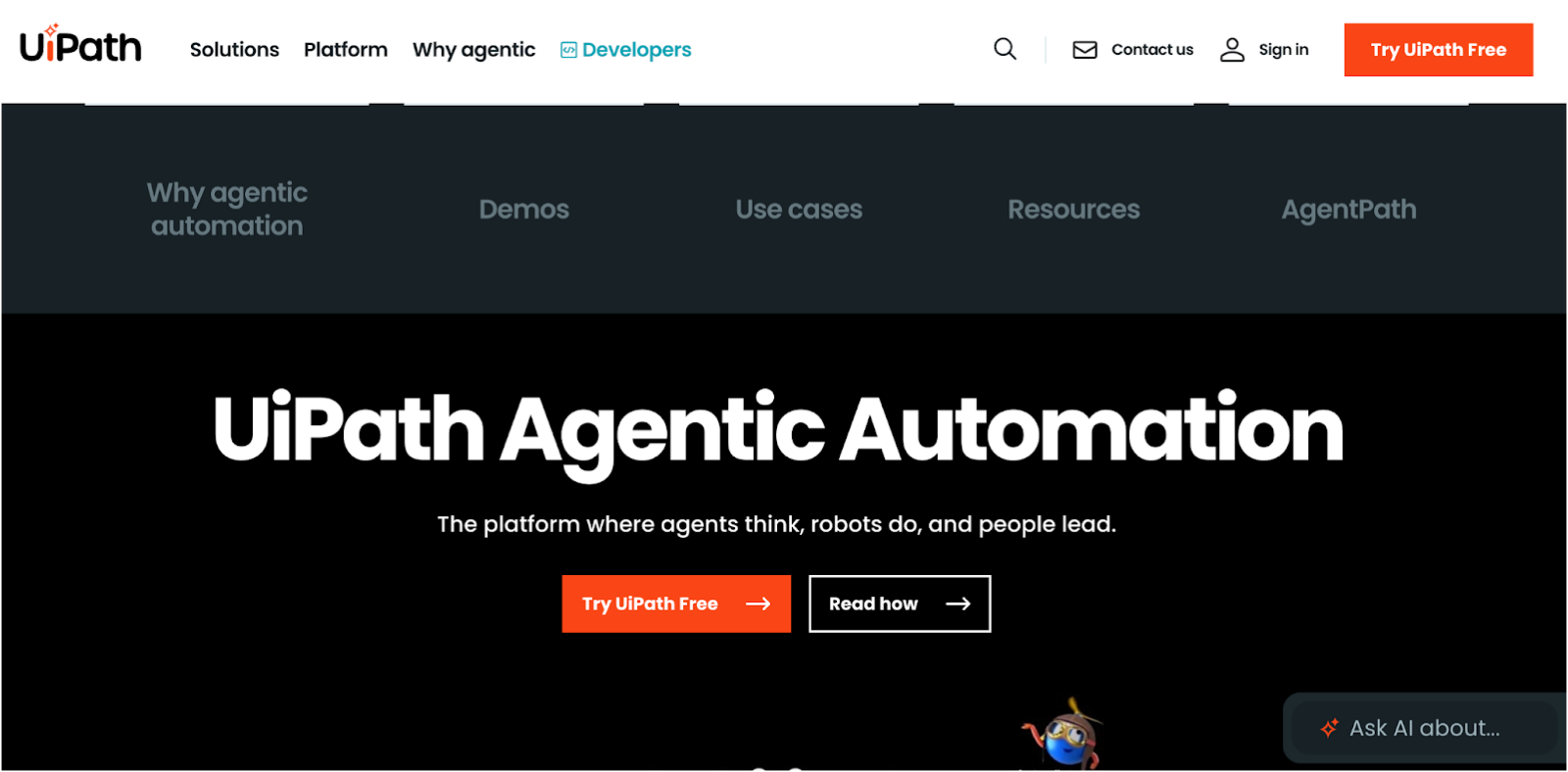 UiPath homepage
UiPath is an enterprise robotic process automation platform for organisations with high-volume repetitive tasks spread across legacy and modern systems. The UiPath platform is frequently adopted when companies need bot orchestration, AI-driven UI navigation, and process discovery to support large automation teams.
|
UiPath’s Key Features
|
UiPath’s Pros
|
UiPath’s Cons
|
- RPA bots for UI and API automation
- Process mining and task mining
- AI Computer Vision for interface interaction
- Orchestrator for bot lifecycle management
|
- Mature automation ecosystem
- Suitable for high-volume repetitive processes
- Strong AI and discovery tools
|
- Steep learning curve
- Higher enterprise licensing cost
- Requires specialist robotic process automation developers
|
2. FlowForma
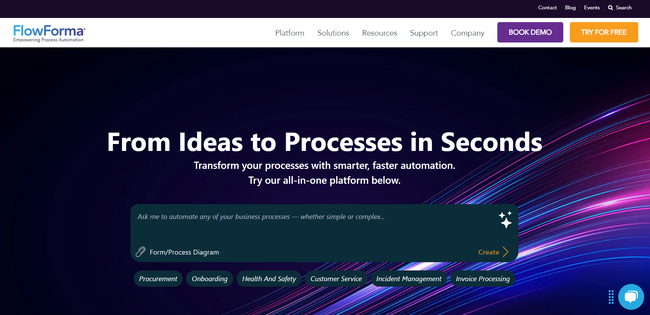 FlowForma homepage
FlowForma is an AI-powered process automation platform that helps teams automate complex workflows while IT sets the essential guardrails around security, governance, access, and system configuration. Such a hybrid operating model enables business users the freedom to design and optimize processes while ensuring compliance and centralized control remain intact.
The platform unifies smart forms, workflow design, analytics, document creation, and AI-driven automation into one cost-effective solution—enabling departments to automate tasks quickly and consistently.
Built for mid- to large enterprise environments in regulated industries such as procurement, healthcare, and financial services, FlowForma delivers secure, transparent automation with seamless integration for enhancing critical business operations
|
FlowForma’s Key Features
|
FlowForma’s Pros
|
FlowForma’s Cons
|
- No-code builder for automated processes with zero-to-minimal human intervention
- AI-powered automation suite (FlowForma Copilot, Discovery Agent, Summarization, Smart Assistants, and AI Agents) for quicker process creation
- Integrated document generation and intelligent forms
- In-built compliance controls aligned with DORA, ISO, GDPR, and HIPAA
- Seamless integration with Microsoft 365, SharePoint Online and other enterprise systems
- Mobile app designed for anywhere automation across business teams
- Intuitive and user-friendly interface for automating repetitive tasks
|
|
|
FlowForma Pricing
FlowForma offers a transparent, process-based pricing structure that lets organizations scale automation without hidden charges. This clarity makes planning and scaling much easier.
And unlike other platforms that promote free tiers but charge extra for core features, FlowForma keeps its pricing steady as your automation needs grow, making it a genuinely cost-effective option for long-term use.
Check more about the pricing plans here.
Success Story at Glimpse: How Aon Accelerated Digital Transformation with FlowForma
Aon, a global insurance leader, shifted from outdated, manual processes to streamlined, automated workflows that delivered major time and cost savings.
Before adopting FlowForma, different teams relied on Excel files and paper-based tracking—an approach that no longer aligned with the company’s IT-driven digital transformation goals.
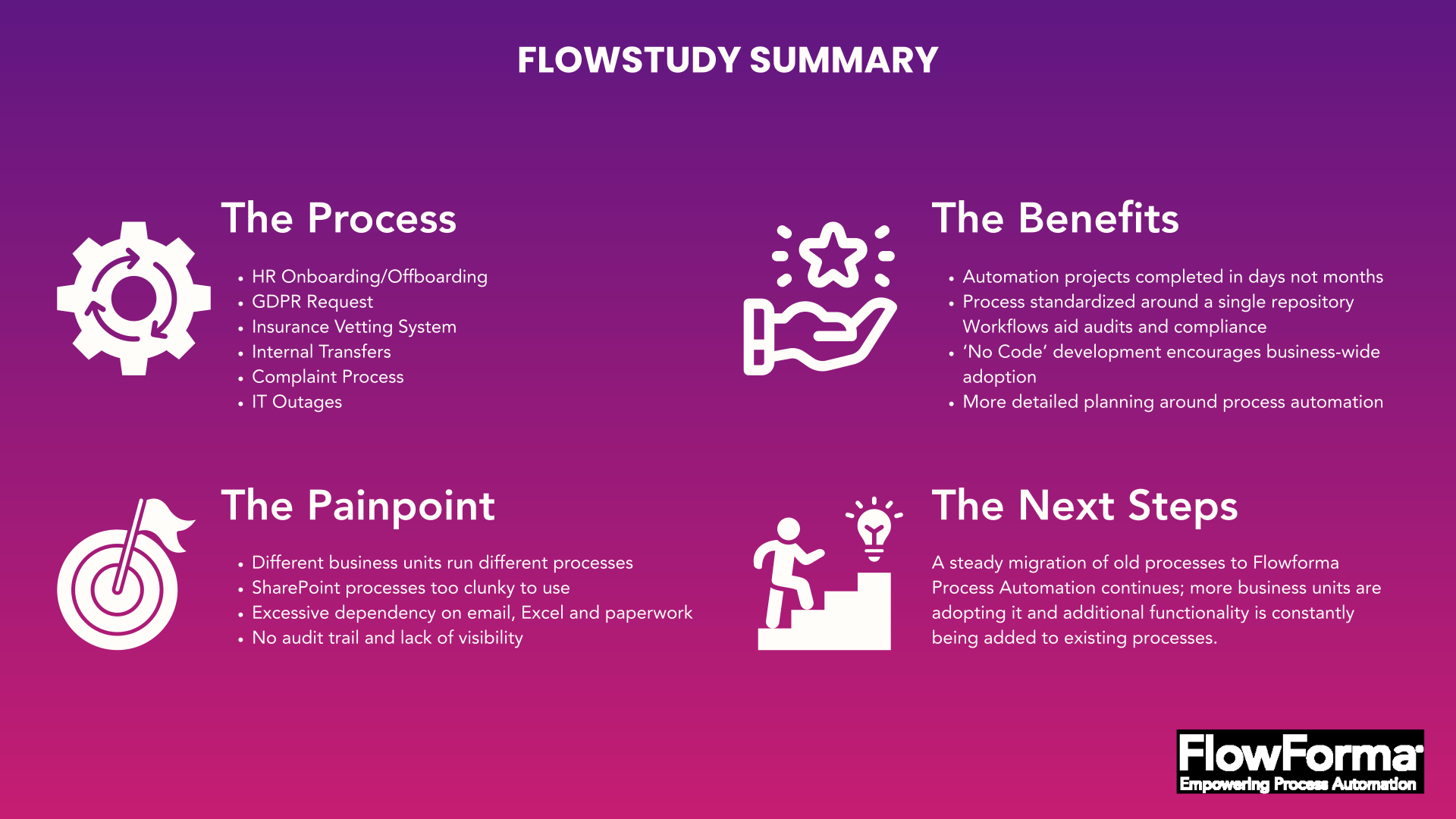 FlowStudy summary of Aon
Aon needed a single source of truth: one platform where data, approvals, and documentation could be transparent, auditable, and fully aligned with compliance standards. Since the organization was already working in SharePoint, it looked for a more advanced way to automate processes within Microsoft 365.
 Customer testimonial for FlowForma by Aon Insurance Company
With FlowForma in place, Aon accelerated approvals, improved process consistency, and strengthened governance across departments, reducing manual effort and supporting its ongoing digital transformation.
3. Microsoft Power Automate
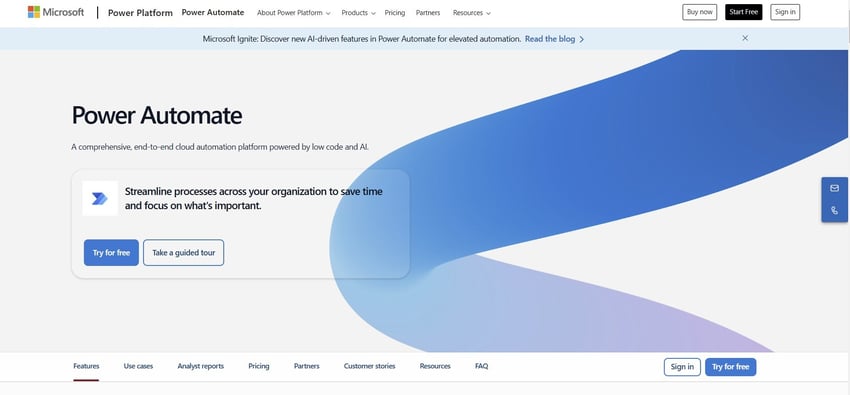 Power Automate homepage
Power Automate supports low-code workflows and desktop RPA for organizations built on Microsoft 365. Teams often adopt it for simple approvals, notifications, and data routing, but encounter complexity when scaling into multi-step or compliance-driven operations that require audit trails.
|
Microsoft Power Automate’s Key Features
|
Microsoft Power Automate’s Pros
|
Microsoft Power Automate’s Cons
|
- Cloud flows for system-triggered automation
- Large library of connectors
- AI Builder for classification/extraction
- Tight integration with SharePoint, Teams, and Dynamics
|
- Easy entry point for Microsoft 365 users
- Suitable for simple automated tasks
- Wide connector ecosystem
|
- No native audit trail for compliance-heavy processes
- Complex flows require developer expertise
- Reliability challenges at scale
|
4. Automation Anywhere
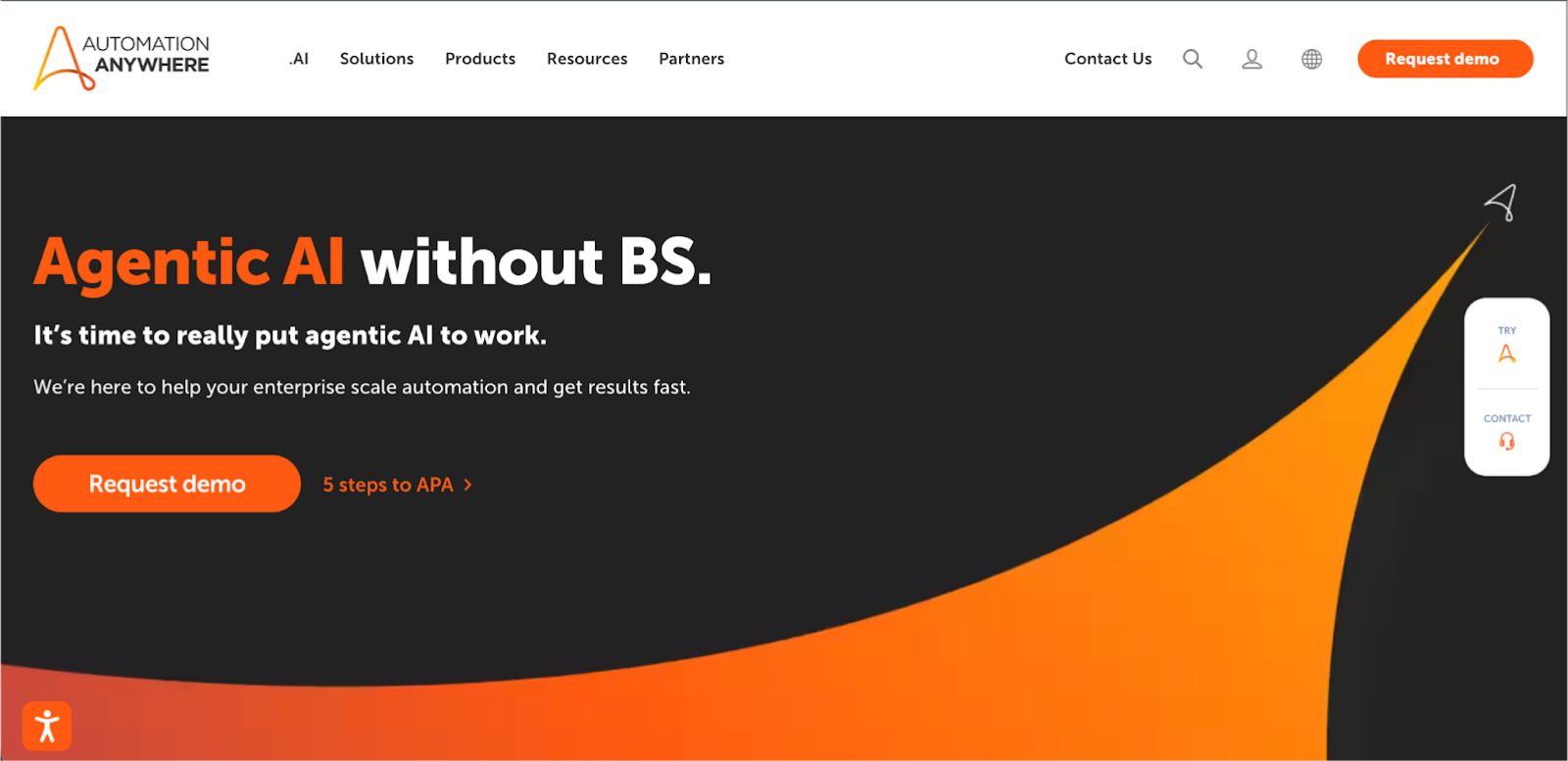 Automation Anywhere homepage
Automation Anywhere is a cloud-native robotic process automation platform suited for enterprises with document-heavy or transaction-heavy workloads. It is frequently used in finance, shared services, and BPO environments where structured extraction and repetitive processes dominate. Its discovery and analytics tools help quantify automation opportunities before deployment.
|
Automation Anywhere’s Key Features
|
Automation Anywhere’s Pros
|
Automation Anywhere’s Cons
|
- RPA bots for back-office and front-office automation
- IQ Bot for intelligent document processing
- Cloud-native orchestration
- Automation discovery tooling
|
- Excellent document-processing AI
- Scalable for high-volume repetitive work
- Central governance and monitoring
|
- Costs rise at enterprise scale
- Requires specialised RPA skills
- Limited end-to-end BPM capabilities
|
5. Pega Robotic Process Automation
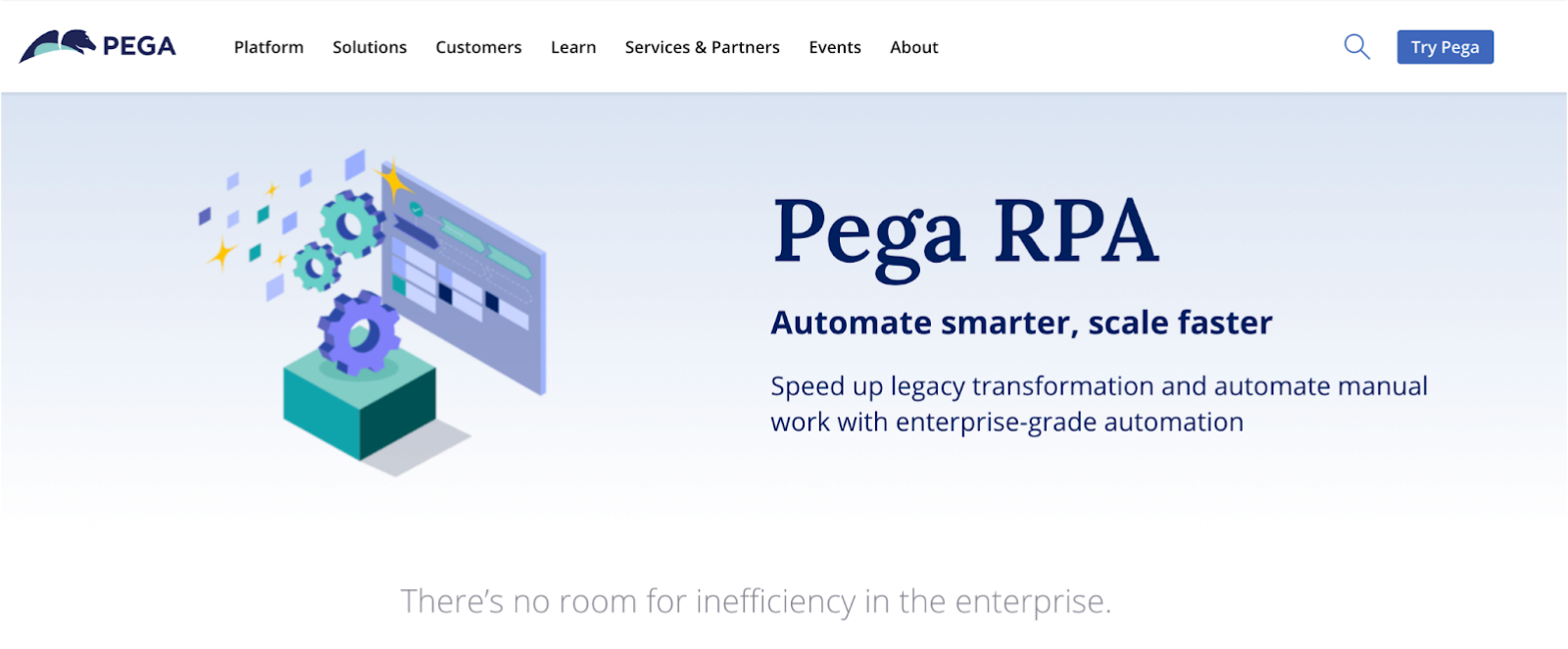 Pega homepage
Pega RPA is part of Pega’s broader automation stack that unifies RPA, BPM, and case management for organisations with highly governed, rules-based workflows. It is often adopted by banks, insurers, and government teams where processes span multiple human and automated steps requiring consistent policy enforcement.
|
Pega RPA’s Key Features
|
Pega RPA’s Pros
|
Pega RPA’s Cons
|
- Combined RPA + BPM engine
- AI-driven decisioning
- Case and queue management
- Enterprise integration framework
|
- Strong for complex, multi-team workflows
- Unified orchestration between bots and humans
- Scales well in large organisations
|
- High cost and long implementation cycles
- Requires specialist Pega expertise
- Overkill for simple processes
|
6. Appian
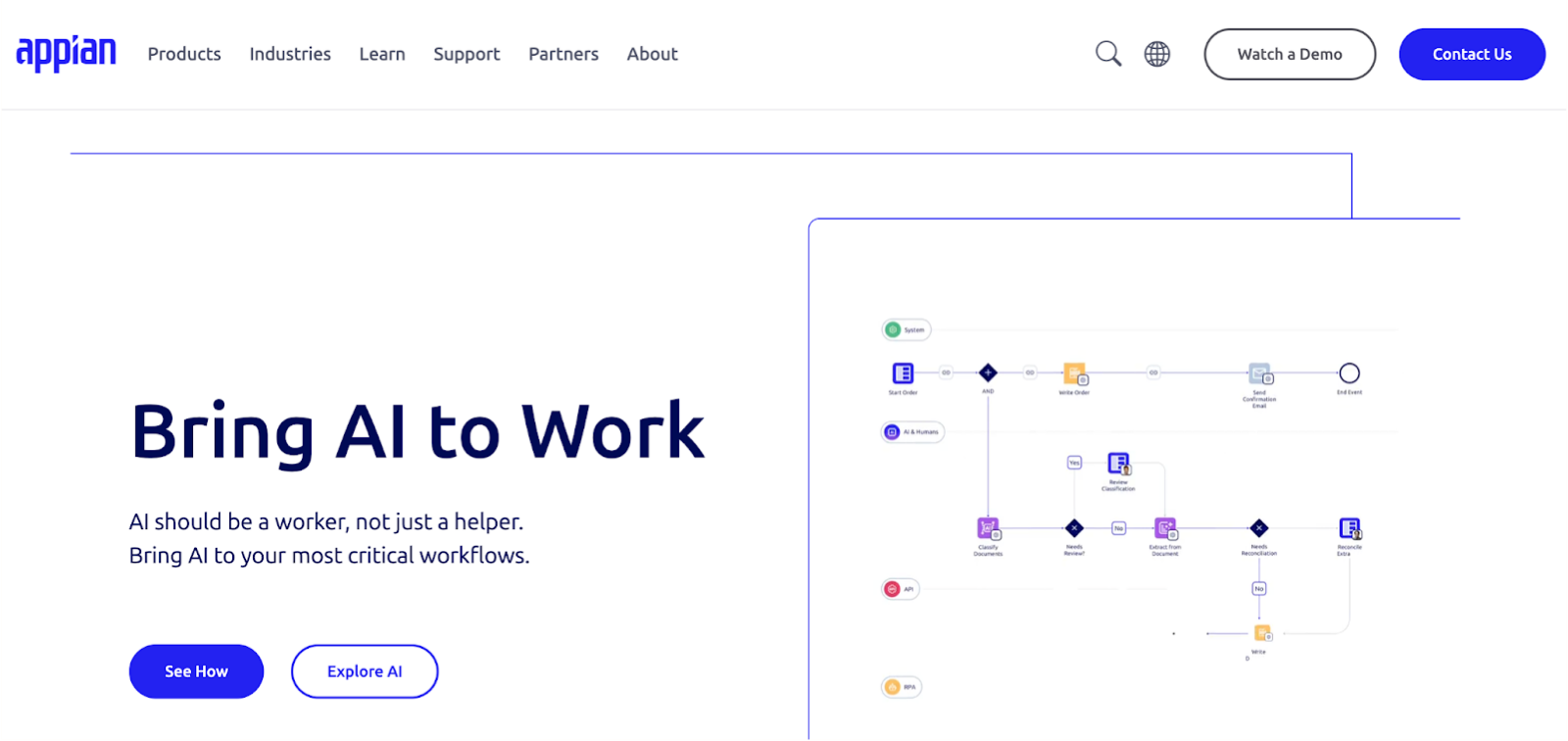 Appian homepage
Appian is a low-code automation platform used to build workflows, applications, and robotic process automation in a unified environment. Organisations choose it when they need a single platform for data, process modelling, and user interfaces across complex operations. It is common in regulated environments where governance is mandatory.
|
Appian’s Key Features
|
Appian’s Pros
|
Appian’s Cons
|
- Low-code workflow and app builder
- Process modelling and mining
- AI decision models
- Extensive enterprise integration options
|
- Strong end-to-end orchestration
- Useful for multi-department digital transformation
- Mature low-code ecosystem
|
- High licensing costs
- Requires Appian-skilled teams
- RPA depth is limited compared to a specialist tool
|
Suggested reading: Top Appian alternatives to consider
7. Laserfiche
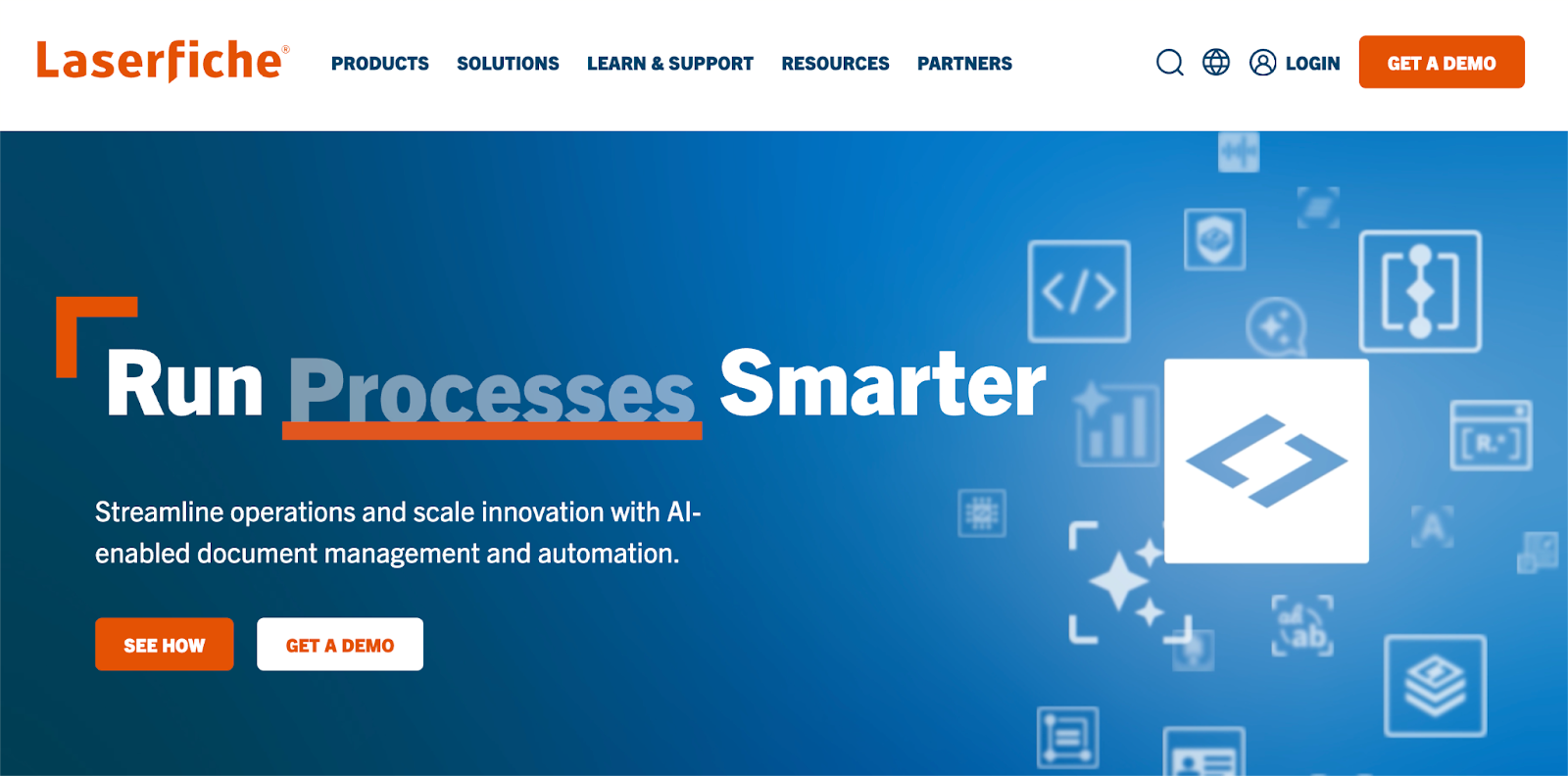 Laserfiche homepage
Laserfiche is an enterprise content management platform with embedded workflow automation, ideal for organisations managing high document volumes. It is widely used in government, education, and financial services, where records retention rules and document governance dominate everyday operations.
|
Laserfiche’s Key Features
|
Laserfiche’s Pros
|
Laserfiche’s Cons
|
- Document and records management
- Workflow automation
- Permission and compliance controls
- Search and metadata management
|
- Strong compliance and document governance
- Good fit for document-heavy processes
- Stable automation capabilities
|
- Limited AI automation
- Not suited for enterprise-wide process automation
|
8. Nintex
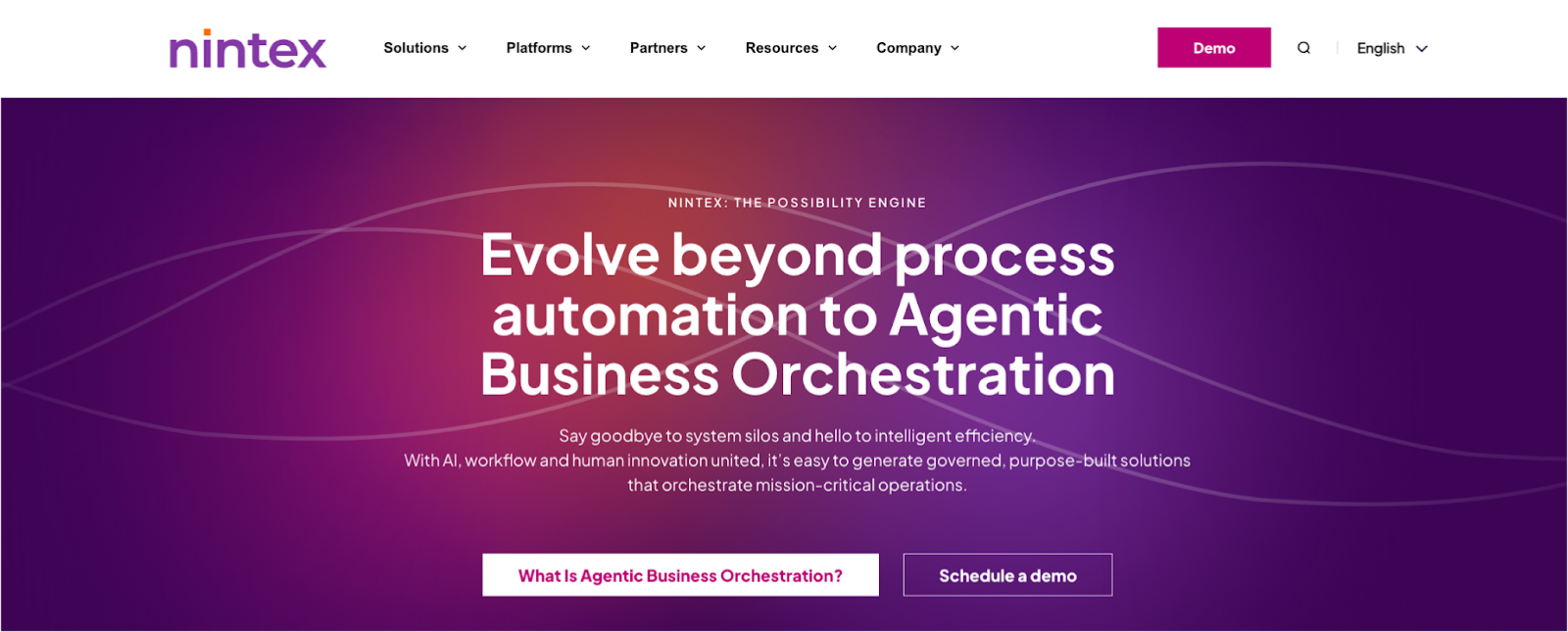 Nintex homepage
Nintex provides workflow automation, RPA, document generation, and mapping tools for organisations wanting mid-tier automation without needing full application development. It is often used in departments like HR, operations, and finance, seeking quick wins with limited technical support.
|
Nintex’s Key Features
|
Nintex’s Pros
|
Nintex’s Cons
|
- Workflow automation and forms
- Document generation
- Process mapping (Promapp)
- Mobile and offline capabilities
|
- Easy-to-use designer
- Broad feature set combining forms, workflow, and RPA
- Good fit for mid-size and enterprise teams
|
- Price scales as automation volume increases
- Limited advanced AI
- Not ideal for highly complex workflows
|
Suggested reading: Top Nintex alternatives compared
9. Kissflow
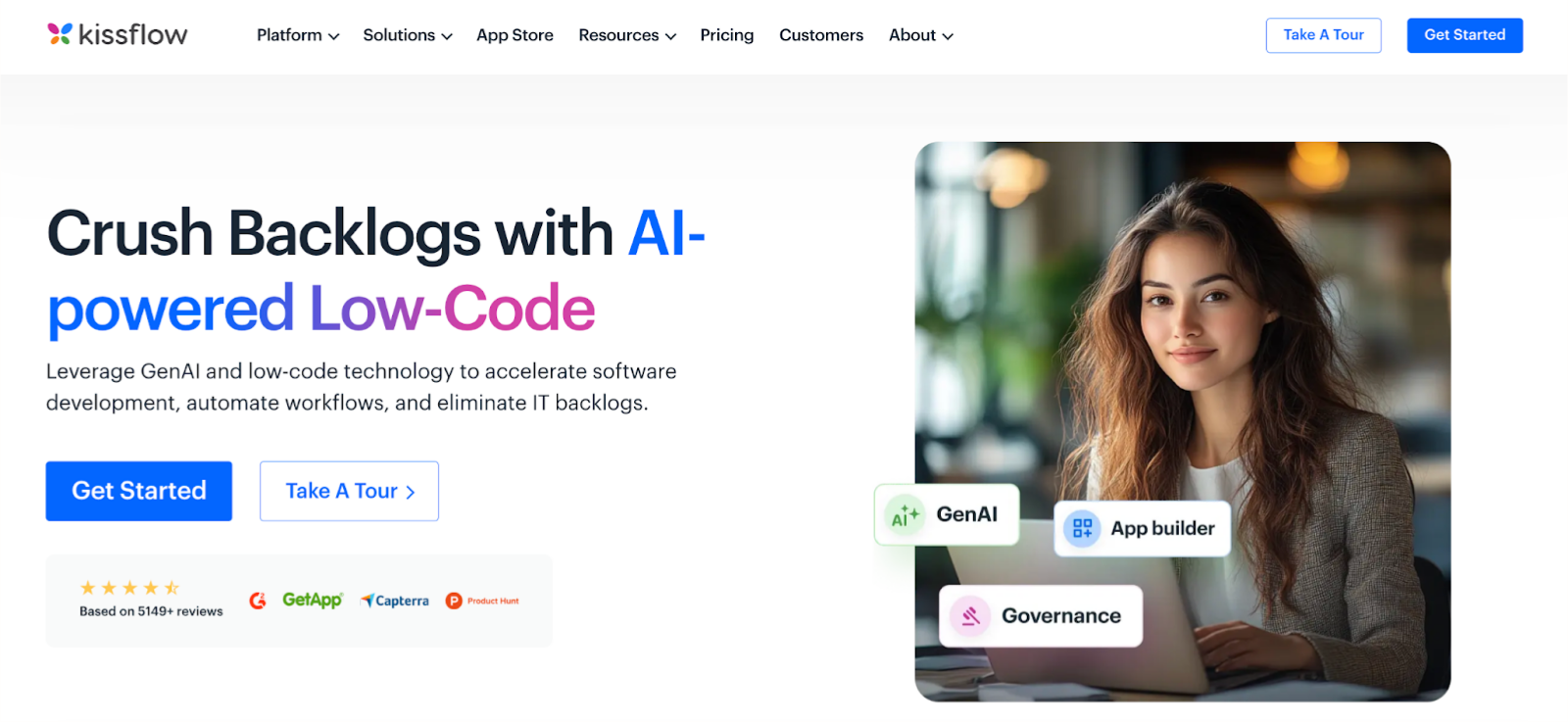 Kissflow homepage
Kissflow is a low-code workflow and case management platform built for teams needing fast and simple automation. It is used heavily in HR, procurement, and operations when organisations want to digitise forms, approvals, and task-based processes without extended IT involvement.
|
Kissflow’s Key Features
|
Kissflow’s Pros
|
Kissflow’s Cons
|
- Workflow and case management
- Low-code application builder
- Project/work management capabilities
- API and connector integrations
|
- Very easy for non-technical users
- Quick deployment
- Good for lightweight cross-team workflows
|
- Limited governance and audit controls
- Not suitable for complex processes
- No true RPA capabilities
|
Suggested reading: Best alternatives to Kissflow
10. Process Street
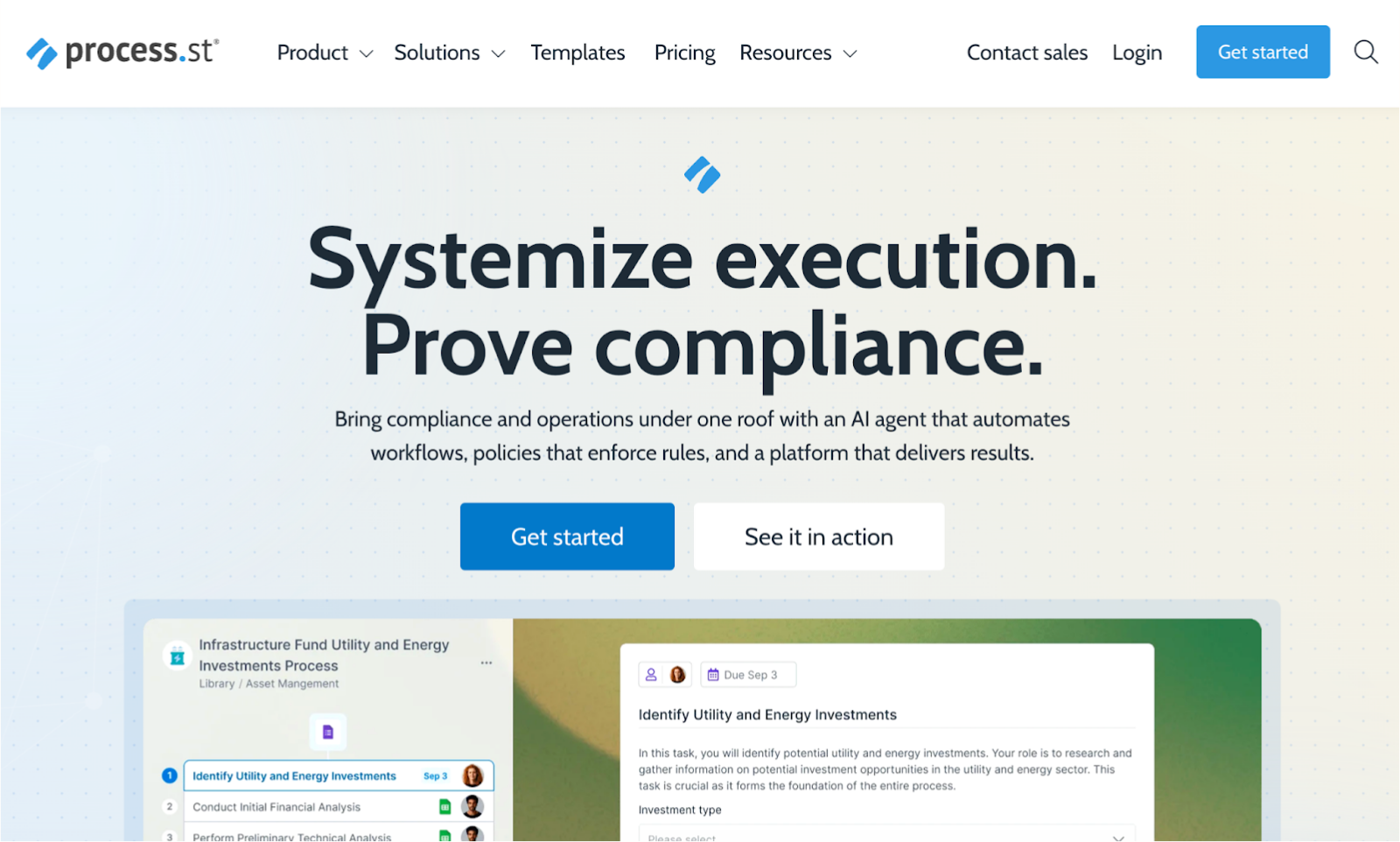 Process Street’s homepage
Process Street focuses on recurring, checklist-driven workflows like onboarding, audits, SOP execution, and routine operational tasks. It is adopted by teams that need strict process standardisation rather than dynamic workflow branching.
|
Process Street’s Key Features
|
Process Street’s Pros
|
Process Street’s Cons
|
- Recurring checklists
- Conditional logic
- API and Zapier integrations
- Basic workflow automations
|
- Very simple for new users
- Excellent for repeatable SOPs
- Fast setup
|
- Not suitable for complex enterprise workflows
- No RPA functionality
- Limited dynamic automation logic
|
Final Call: Which Platform Is The Alternative To Best Blue Prism?
When choosing the best Blue Prism alternative, consider what each platform delivers across automation, RPA, business process management, and governance:
If your priority is:
-
Microsoft 365 + governance-first automation → FlowForma
-
High-volume robotic process automation → UiPath
-
Simple Microsoft workflows → Power Automate
-
Document-heavy automated tasks → Automation Anywhere
-
Complex enterprise workflows → Pega RPA
-
Low-code enterprise apps → Appian
-
Document governance → Laserfiche
-
Departmental automation → Nintex
-
Fast, lightweight workflows → Kissflow
-
Repeatable SOPs → Process Street
FlowForma ultimately provides the strongest balance of governed no-code design, AI-driven workflow creation, seamless Microsoft 365 integration, and transparent pricing, making it the most practical and cost-effective alternative to Blue Prism.
|
Feature
|
FlowForma
|
Blue Prism
|
|
Workflow design
|
Fully no-code, natural-language builder
|
RPA-focused design requiring specialist skills
|
|
Ease of use
|
User-friendly interface for non-technical users
|
Steeper learning curve, developer-led
|
|
AI capabilities
|
Copilot, Agentic AI, Discovery Agent, Summarization, Smart Assistants
|
Limited native AI; relies on add-ons
|
|
Document and form automation
|
Built-in intelligent forms + document generation
|
Not native (requires integrations)
|
|
Microsoft 365 integration
|
Native, seamless integration
|
No native M365 alignment
|
|
Governance and compliance
|
In-built controls, audit trails, client-side data security
|
Strong bot governance, limited process governance
|
|
Pricing structure
|
Transparent, process-based
|
Enterprise RPA licensing
|
|
Deployment speed
|
Live within weeks
|
Longer deployment cycles
|
|
Scalability
|
Enterprise-ready across workflows and departments
|
Scales primarily for RPA use cases
|
Side-by-side comparison of FlowForma vs Blue Prism features
Here’s Why FlowForma Is The Best Blue Prism Alternative For Your Organization
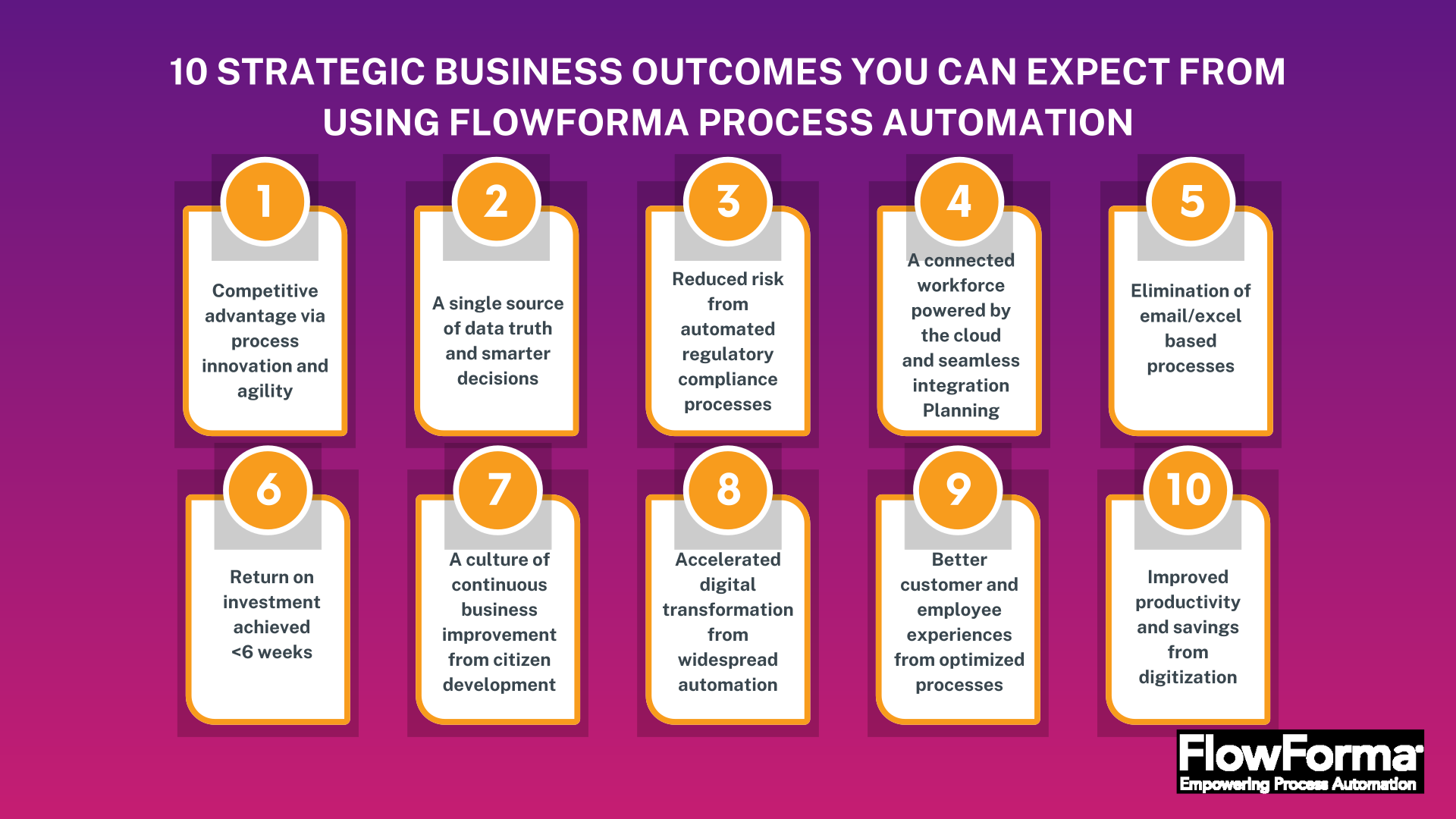 Business outcomes achieved through FlowForma
FlowForma delivers quick setup, flexible workflows, built-in AI, and deep Microsoft alignment—making it a practical, low-effort alternative to Blue Prism for end-to-end process automation. It unifies no-code design, AI-driven automation, and fast deployment together to streamline processes across industries.
Here’s how it stands out as the best Blue Prism alternative:
1. AI innovations for faster automation
FlowForma’s AI suite transforms how teams build and manage workflows, supporting teams throughout the workflow lifecycle. Here’s how:
FlowForma AI Playground in action
- Agentic AI handles context-based actions like reviewing invoices, validating information, and updating connected systems.
- The Discovery Agent reviews documents and discussions to highlight new opportunities to automate.
FlowForma’s Discovery Agent
- Smart Assistants guide both builders and end users with helpful prompts
- AI Summarization gives a quick view of progress, decisions, and open items
- AI-powered Insights and analytics show where processes slow down and where improvements can be made.
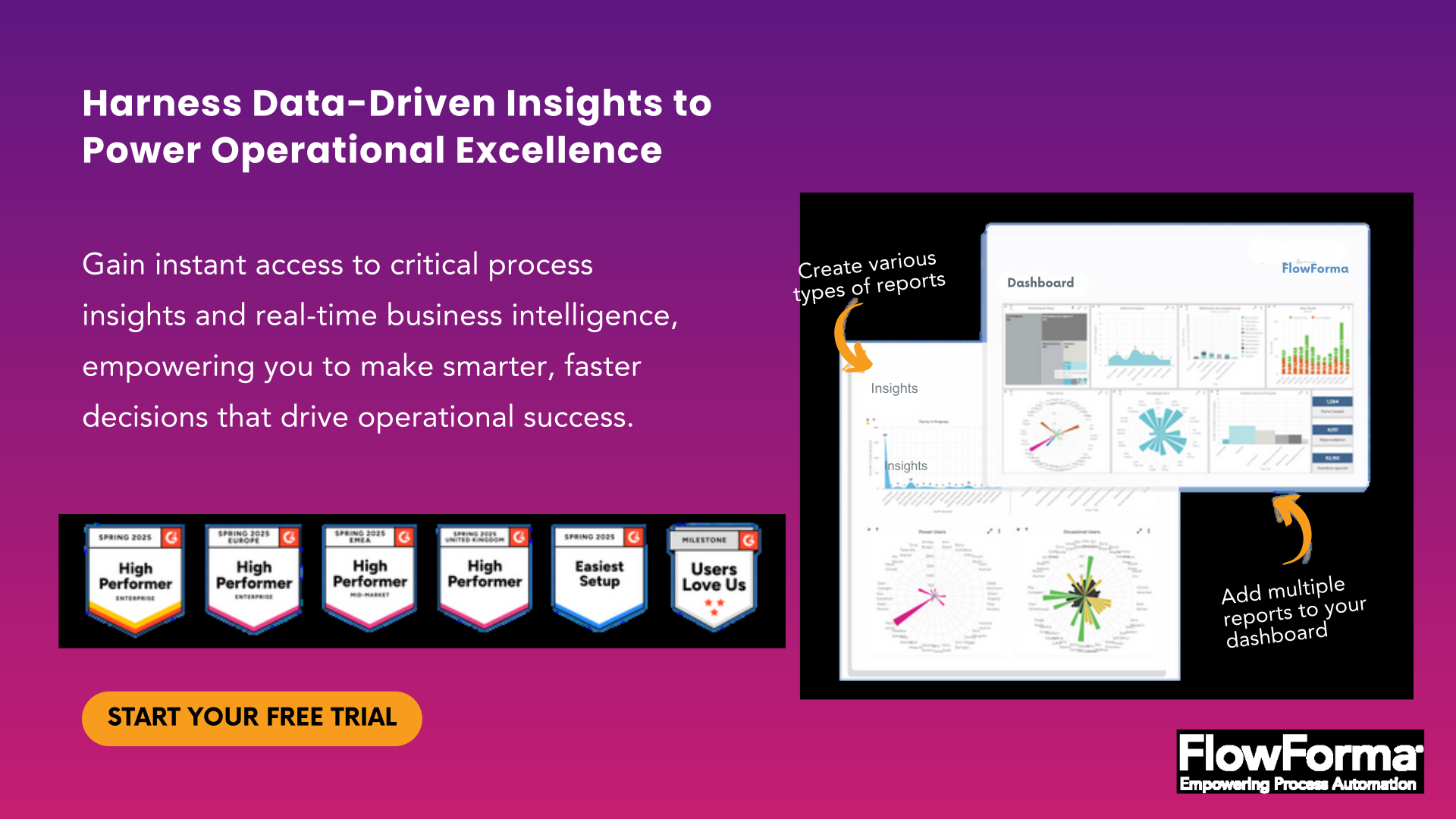 FlowForma’s AI-powered Insights and Analytics
2. Simple, no-code workflow creation
FlowForma allows teams to build and adjust workflows without needing technical skills. IT can still set the necessary policies for governance and compliance with standards like GDPR, HIPAA, and ISO.
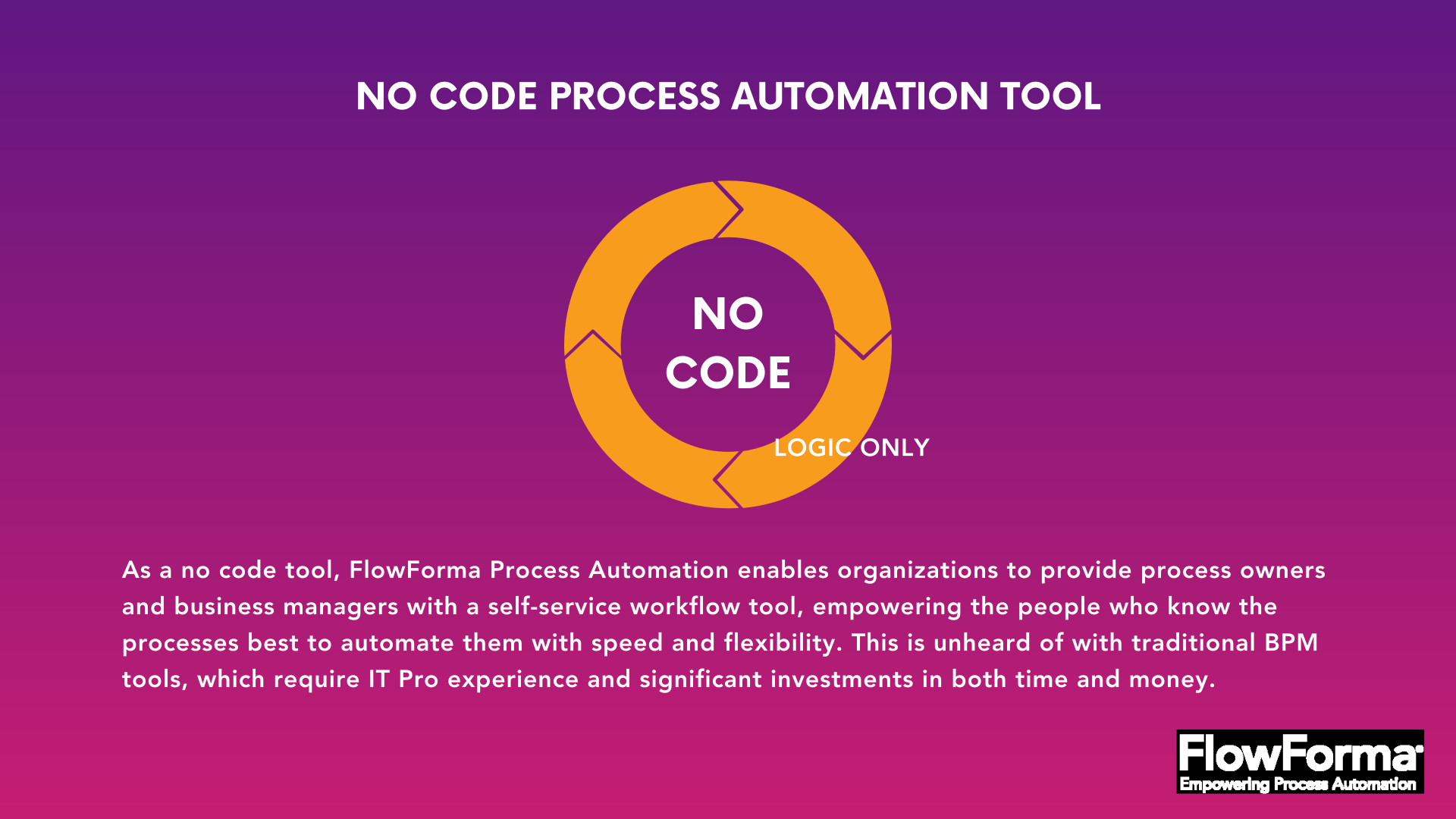 FlowForma is a no-code platform with an easy-to-use interface
3. AI-driven forms and document automation
Teams can create flexible digital forms that capture the right information at each stage. These forms link directly to templates to produce contracts, letters, reports, and approval documents automatically, removing repetitive manual work.
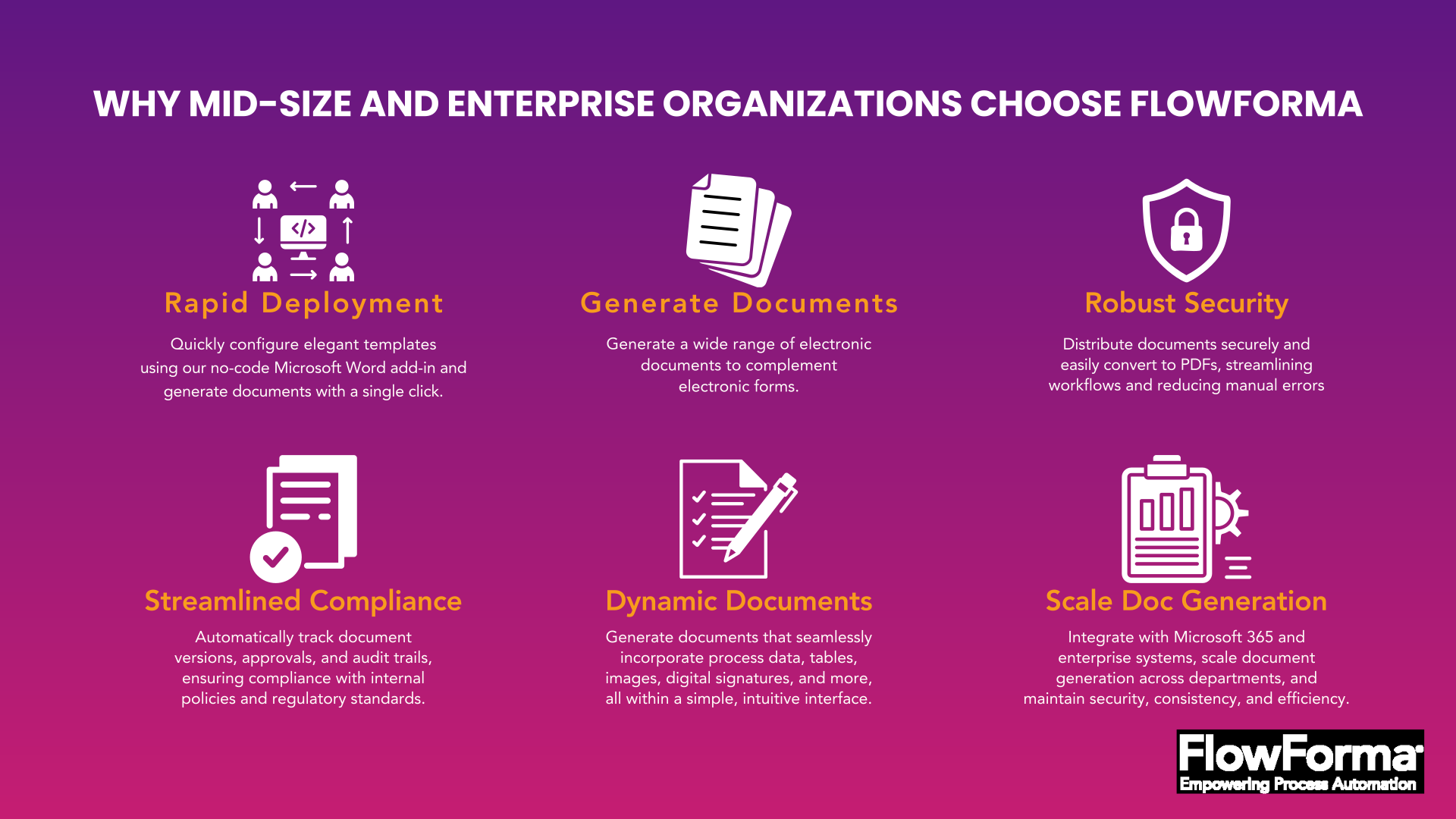 FlowForma automates document generation at scale
Ultimately, users get consistent, audit-ready documentation without manual effort or errors.
4. Integration across Microsoft 365 and beyond
FlowForma connects smoothly with Microsoft 365 tools—SharePoint, Teams, Outlook—as well as a wide range of external apps through APIs and connectors.
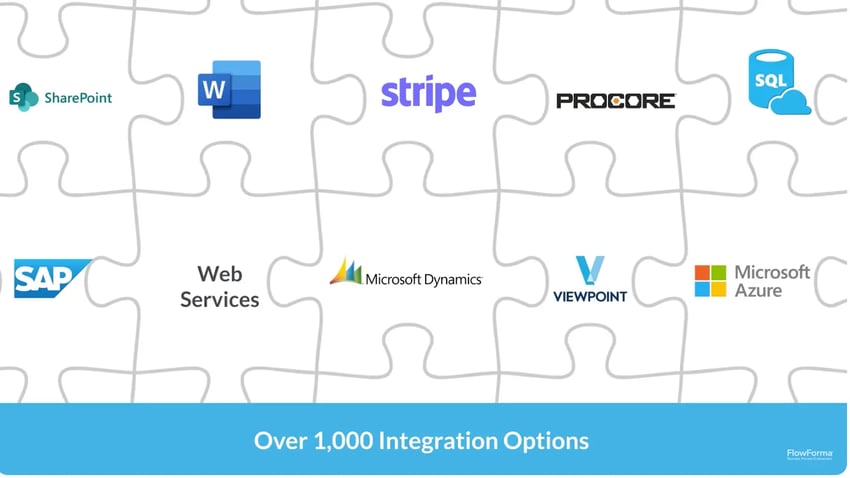 FlowForma integrations
This keeps information consistent across the business without extra middleware.
5. Compliance-focused data security
All workflow activity is logged with full traceability, and all data stays inside each customer’s SharePoint tenancy. The compliance module aligns with frameworks like GDPR, ISO 27001, and HIPAA to support regulated environments and provide robust security and control.
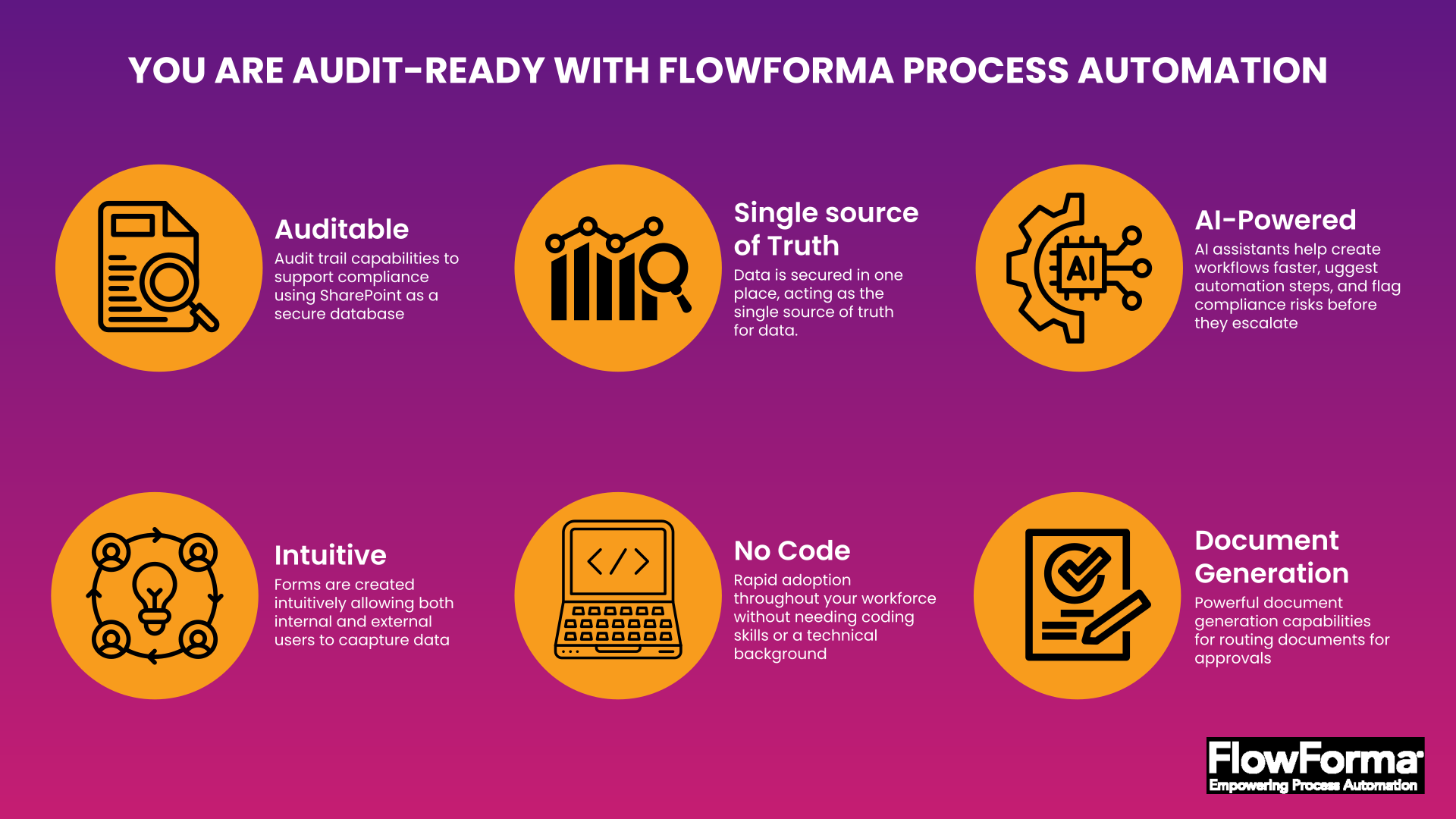 How FlowForma’s compliance module works
Accelerate Your Business Process Automation Journey with FlowForma
 Benefits yielded with FlowForma adoption
With its blend of no-code agility, fast deployment, AI automation, and native Microsoft alignment, FlowForma offers a more accessible and cost-efficient automation path than Blue Prism. For organizations focused on smarter, faster process transformation without unpredictable spend, it’s the ideal fit.
See FlowForma in action! Book a demo to discover how easily FlowForma can simplify your workflows.
FAQs
1. How do I choose between RPA tools and workflow automation platforms?
Select RPA for UI-driven tasks across legacy systems; choose workflow automation for approvals, documentation, and cross-department processes requiring governance and human decision points.
2. What hidden costs appear when migrating from Blue Prism?
Costs typically include developer training, bot maintenance, infrastructure setup, and ongoing change request, often avoided with no-code platforms requiring less specialized support.
3. Can organizations run Blue Prism and a replacement platform together?
Yes. Many teams phase in alternatives while keeping Blue Prism bots active, reducing migration risk and allowing workflows to transition gradually.
4. How does FlowForma reduce IT workload during workflow design?
Business users build workflows in no-code, while IT defines governance, integrations, and access controls, minimizing operational dependence on IT teams.
5. Why is FlowForma well-suited for regulated industries?
FlowForma stores all data in the organization’s Microsoft 365 tenancy and provides built-in audit trails, compliance controls, and restricted access to meet regulatory requirements.