Pipefy simplifies workflow automation for repetitive tasks, but many organizations struggle to scale beyond basic workflows as their needs grow complex.
Limited customization, lack of centralized dashboards, and higher costs for advanced features make it difficult to manage critical processes at scale.
As process automation becomes central to digital transformation, businesses are exploring alternatives to Pipefy. These are no-code tools with intuitive interfaces, seamless system integration, and flexibility to drive operational efficiency.
In this article, we explore:
- The top 10 Pipefy alternatives
- Key features of each tool
- The strengths and pricing comparisons between the 10 tools
- Why FlowForma stands out for scaling automation in Microsoft 365 environments
Overview of 10 Pipefy Alternatives (And How We Chose Them)
Our list covers 10 workflow and business process management platforms, including our own tool, FlowForma. We want to be transparent about that.
Each tool was evaluated based on what matters most in workflow automation and process management:
- No-code/low-code workflow automation – How accessible is the platform for non-technical users?
- Process flexibility – Can it handle both structured workflows and dynamic case management?
- Integration capabilities – How well does it connect with existing business systems?
- Industry-specific requirements – Does it support compliance, audit trails, and regulatory needs?
- Scalability and performance – Can it handle growing process volumes and complexity?
- Collaboration features – How well does it support cross-functional and external stakeholders?
- Mobile accessibility – Can field teams and remote workers use it effectively?
- Reporting and analytics – What visibility does it provide into process performance?
- Implementation effort – How quickly can teams get up and running?
- Pricing transparency – Is the cost structure clear and predictable?
|
Based on these criteria, the table below gives you a quick overview of the 10 Pipefy alternatives.
|
Tool
|
Best For
|
Workflow Approach
|
|
Creatio
|
Teams needing CRM + workflow automation in one platform
|
No-code with AI-powered recommendations
|
|
Bizagi
|
Organizations following formal BPMN methodology
|
BPMN-based low-code automation
|
|
Decisions
|
Compliance-heavy industries with frequently changing business rules
|
No-code with advanced rules engine
|
|
FlowForma
|
Microsoft 365 teams digitizing compliance-heavy processes
|
No-code, M365-native workflow builder
|
|
Appian
|
Regulated industries building complex, data-intensive applications
|
Low-code with embedded AI and process mining
|
|
Camunda
|
Technical teams orchestrating high-volume, distributed workflows
|
Developer-first, open-source BPMN/DMN engine
|
|
Axon Ivy
|
Enterprises needing governance-ready BPM at scale
|
Low-code with visual BPMN and case management
|
|
Teamwork.com
|
Agencies managing client-facing project workflows
|
Project management with workflow templates
|
|
Kissflow
|
Business teams building workflows without IT involvement
|
No-code drag-and-drop with pre-built templates
|
|
Nintex
|
Enterprises automating document-heavy, multi-system workflows
|
Low-code with RPA and document generation
|
10 leading Pipefy alternatives for workflow automation
The Top 10 Alternative Solutions To Pipefy
Let’s explore each platform in detail, starting with FlowForma.
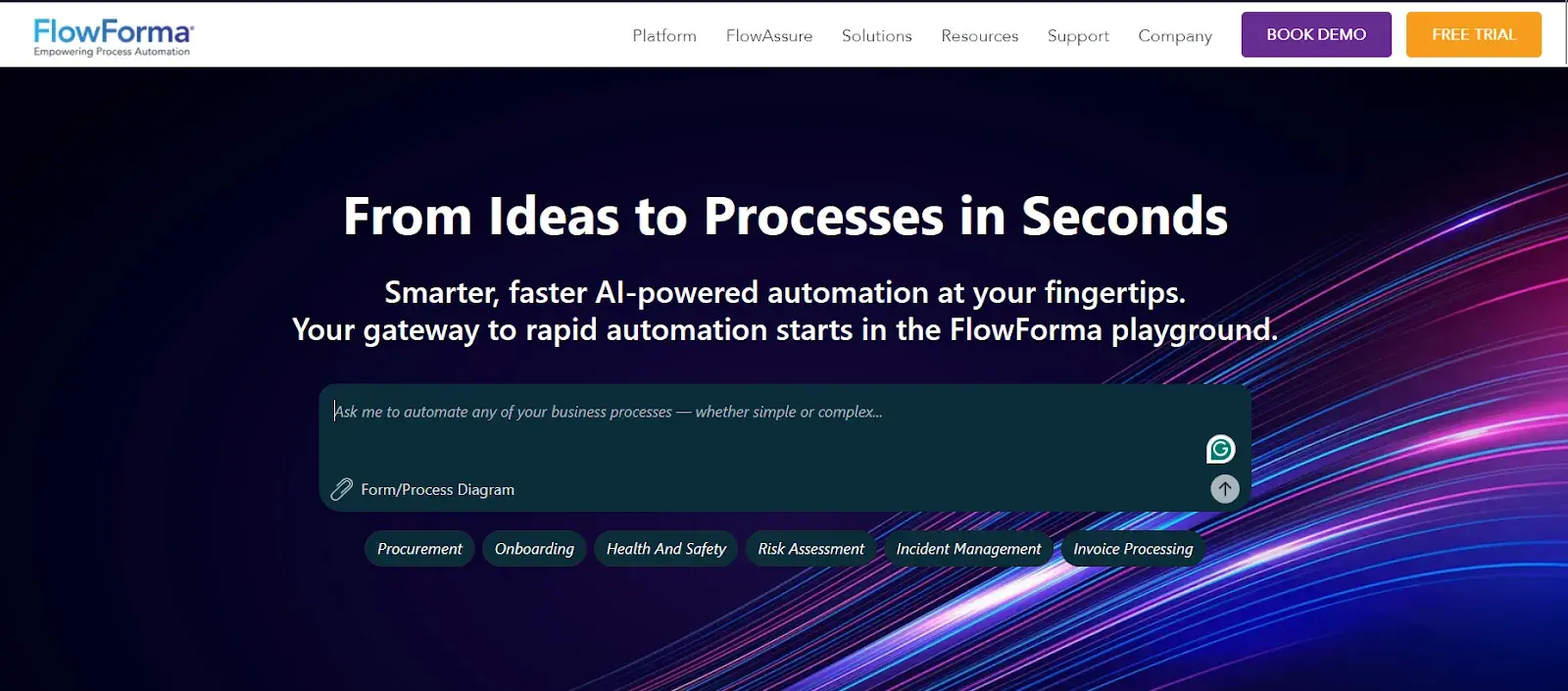
FlowForma homepage
If your team already uses SharePoint, Teams, or Office 365, FlowForma integrates with those environments to help you digitize paper-heavy processes such as approvals, inspections, and compliance workflows. It's a no-code BPM tool built specifically for the Microsoft 365 ecosystem, and it's especially popular in healthcare, construction, and public services.
Key features of FlowForma
Microsoft 365 native integration
FlowForma is built to sit within your existing Microsoft environment. Workflows connect directly with SharePoint, Teams, and other M365 apps, reducing friction for organizations already invested in that stack.
No-code process builder
You can build multi-step workflows with forms, approvals, and conditional logic using a visual interface. No developer involvement is needed for most process configurations.
Mobile-friendly forms
Field teams can complete forms and approvals from mobile devices, even in areas with limited connectivity.
Compliance and audit trails
Every action in a workflow is logged automatically, giving you a clear audit trail. This is particularly useful for regulated industries that need to demonstrate process compliance.
Pros of FlowForma
- Accelerates workflow automation adoption in mid-sized and enterprise teams
- Strong fit for compliance-heavy industries where audit trails matter
- The no-code builder is accessible and strong, especially to non-technical process owners
Cons of FlowForma
- Less suitable for teams not using Microsoft 365, as much of the value is tied to that ecosystem
- Noticeable learning curve for new users
- Advanced reporting and analytics capabilities are relatively limited
2. Kissflow
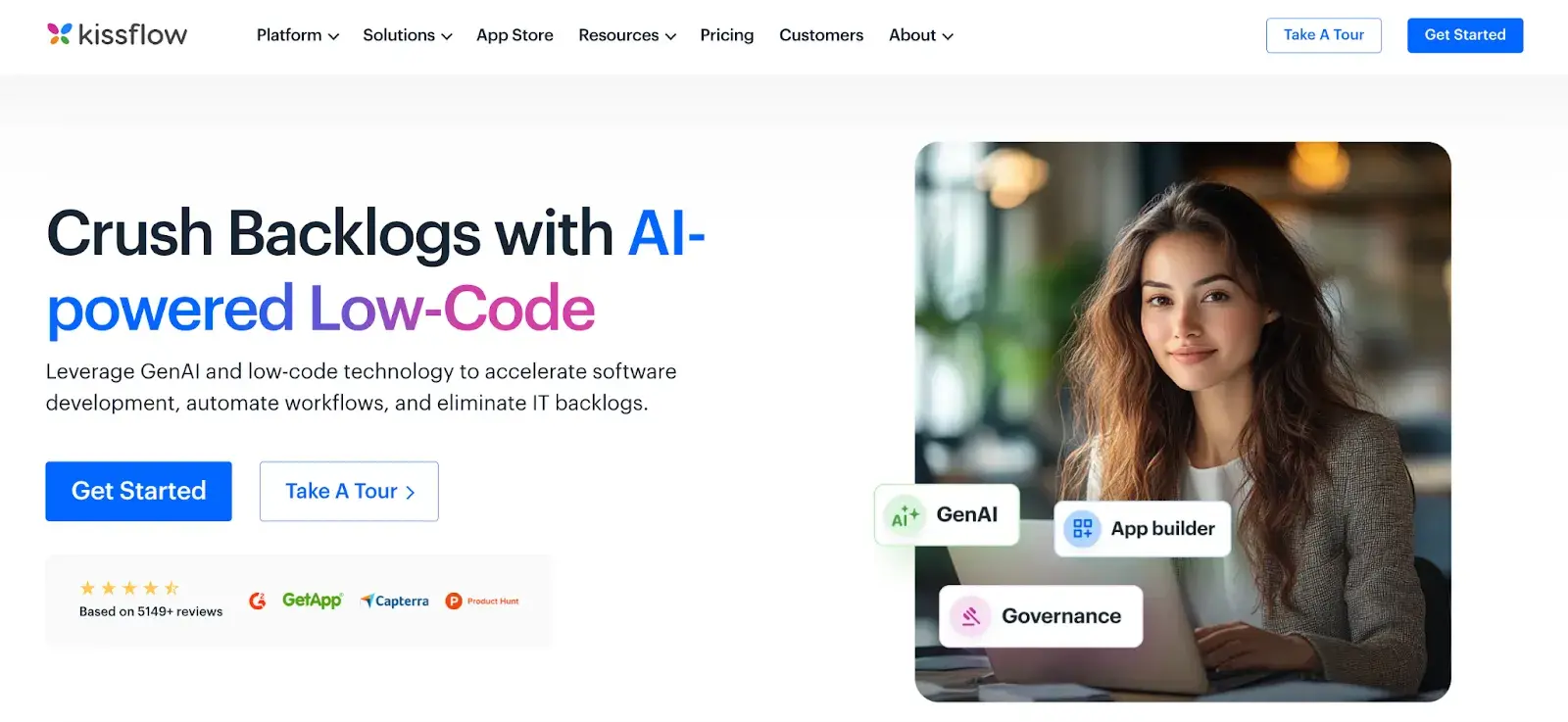
Kissflow homepage
For business teams that want to automate processes without involving IT, Kissflow offers a no-code workflow platform that keeps things approachable. You can build forms, workflows, and approval flows with a drag-and-drop interface that requires no technical background. Teams use it to manage everything from HR requests to procurement approvals in one place.
Key features of Kissflow
No-code workflow builder
You can design and deploy workflows using a visual drag-and-drop editor. There's no coding required, which means your ops or HR teams can build and update processes on their own.
Pre-built process templates
Kissflow comes with ready-to-use templates for common business processes like purchase orders, leave requests, and onboarding. These help you get started quickly without building from scratch.
Case management
Alongside structured workflows, Kissflow supports unstructured work through case management. You can handle exceptions, track context, and collaborate within the same platform.
Reports and analytics
Built-in dashboards give you visibility into process performance. You can track where requests are stalling, monitor team workloads, and pull reports without exporting data elsewhere.
Pros of Kissflow
- The no-code interface is genuinely easy to pick up, even for non-technical users
- Covers multiple work styles, including workflows, cases, and boards, under one roof
- Accessible interface that allows business teams to build workflows without technical expertise
Cons of Kissflow
- Advanced customization options are limited compared to more developer-friendly platforms
- Integration depth and features vary by pricing tier
- Reporting features may not be deep enough for teams that need granular process analytics
3. Nintex
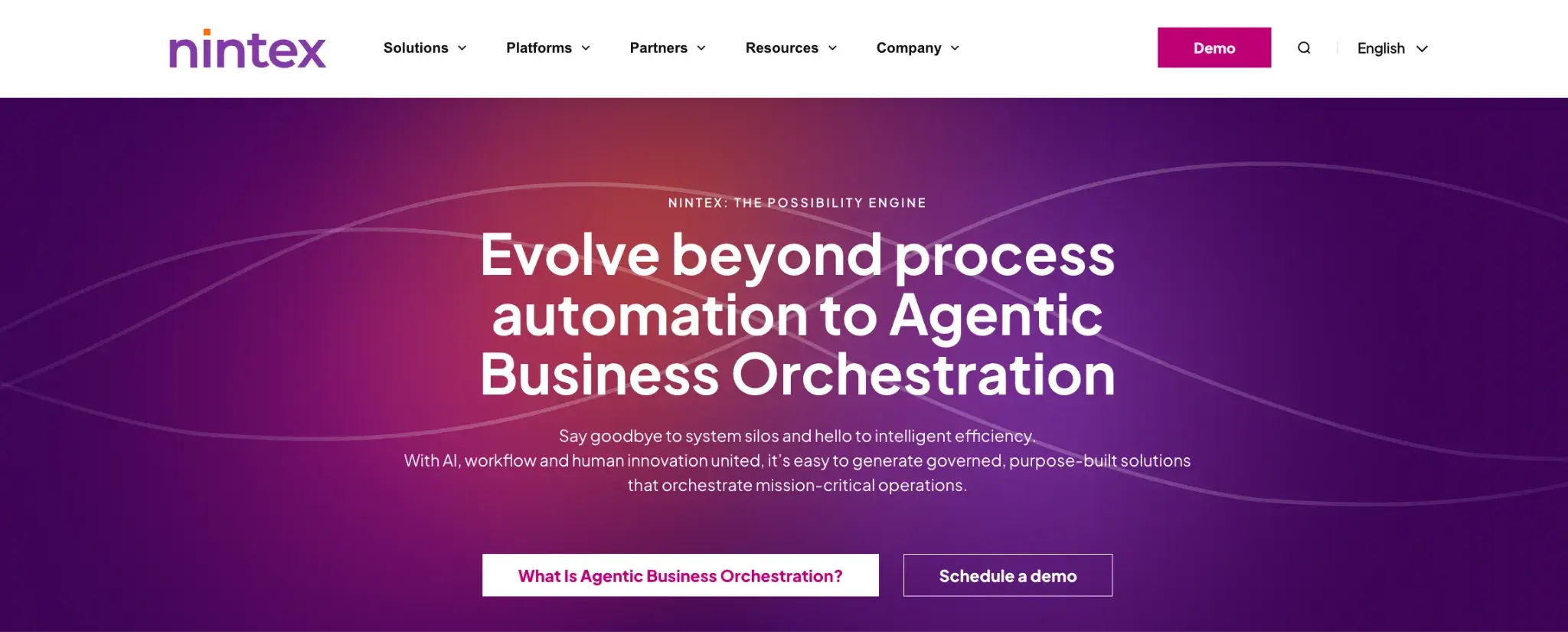
Nintex homepage
From simple approvals to complex, multi-system workflows, Nintex gives you a broad process automation suite in one place. You get tools for process mapping, workflow automation, document generation, and RPA, making it a strong fit for enterprises that need to automate across many departments and systems.
Key features of Nintex
Process mapping and documentation
Before you automate, Nintex helps you map and document your processes visually. This is useful for identifying inefficiencies and aligning stakeholders before building automation.
Workflow automation with low-code tools
You can build powerful workflows using a drag-and-drop designer. Nintex supports complex logic, branching, and integrations without requiring deep technical expertise.
Document generation
Nintex automates the creation of contracts, proposals, and reports by pulling data from your workflows directly into branded templates.
Robotic process automation (RPA)
For tasks that involve legacy systems or repetitive UI interactions, Nintex includes RPA capabilities. You can automate desktop and browser tasks without re-engineering the underlying systems.
Pros of Nintex
- Covers the full process automation lifecycle with an intuitive interface
- Strong document generation capabilities that go beyond what most workflow tools offer
- Prebuilt templates make it quicker to roll out common workflows without starting from scratch
Cons of Nintex
- Pricing can be complex and relatively high, especially for smaller teams
- The breadth of features can create a steeper learning curve during initial setup
- Initial setup can require technical expertise for advanced workflows
4. Appian
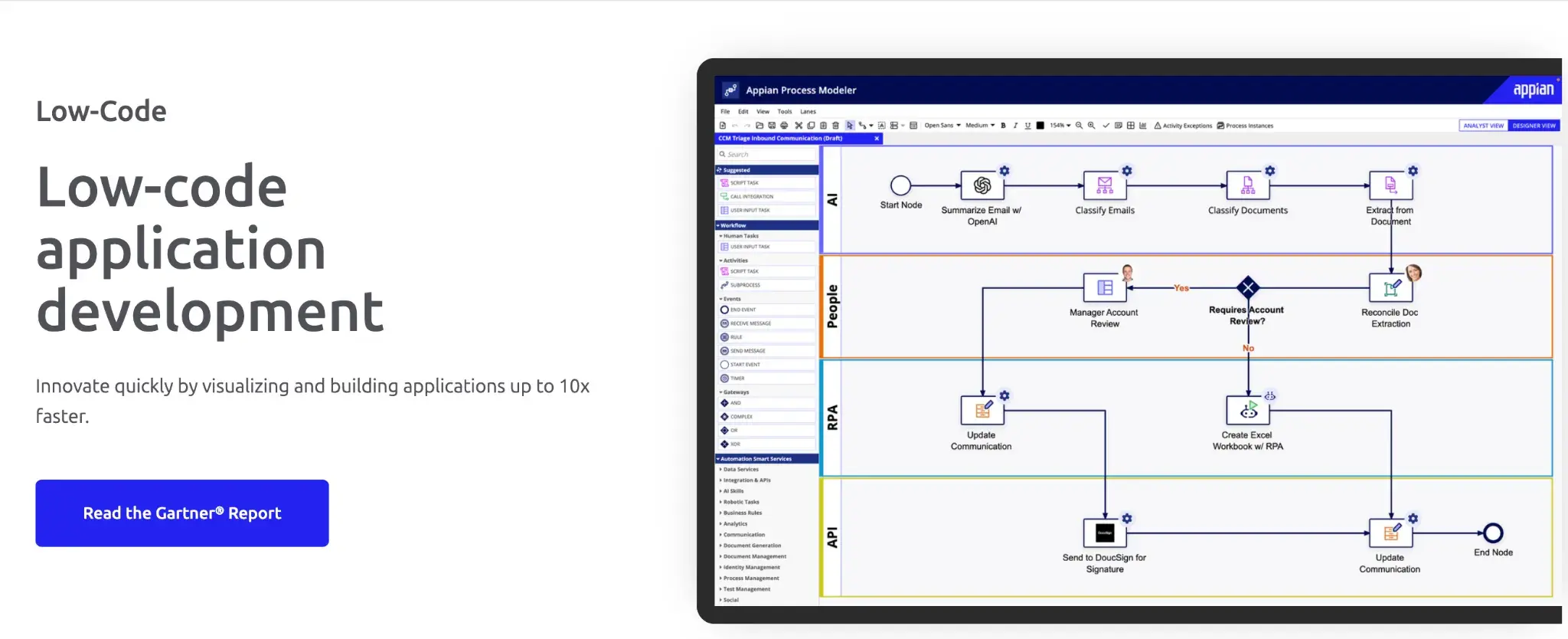
Appian’s low-code development platform
Appian markets itself as a low-code platform that also supports no-code automation. You can use it to build custom business applications, automate complex workflows, and integrate data from multiple systems, all from a unified environment. It's particularly well-regarded in highly regulated industries like financial services, government, and healthcare.
Key features of Appian
Low-code application development
Appian lets you build full business applications, not just workflows. Teams can create custom interfaces, data models, and process logic without writing extensive code.
AI and intelligent automation
Appian embeds AI capabilities into workflows, including document processing, decision support, and predictive insights. You can layer intelligence into your processes without building it from scratch.
Data fabric
Appian's data fabric lets you connect and unify data from across your enterprise systems without migrating it. You work with live data from existing sources rather than creating duplicates.
Process mining
You can analyze how your actual processes are running based on real data. This helps you identify bottlenecks and compare current performance against your intended process design.
Pros of Appian
- Excellent for building complex, data-intensive applications that go beyond standard workflow automation
- Strong compliance and governance features suited for regulated industries
- AI capabilities are more mature and integrated than many alternatives
Cons of Appian
- The platform has a steeper learning curve, particularly for teams new to low-code development
- Total cost of ownership can be high, especially at enterprise scale
- Customizations sometimes require developer support, which reduces its no-code appeal for some teams
5. Bizagi
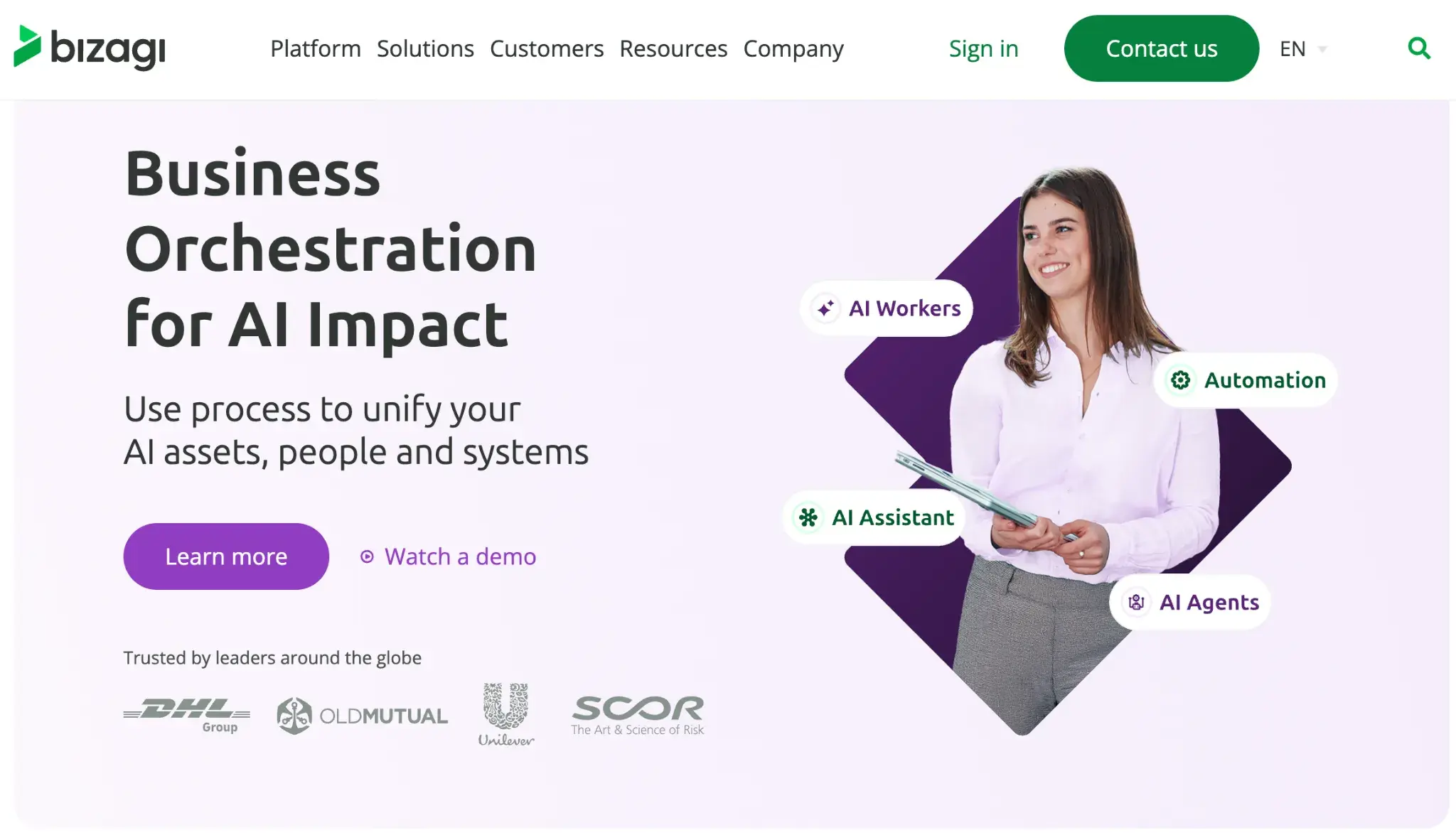
Bizagi’s homepage
Built on BPMN standards, Bizagi is a natural fit for organizations that want to model, automate, and monitor business processes with precision. You can design detailed process maps and turn them directly into working automated workflows, which makes it well-suited for enterprises that take a formal, methodology-driven approach to BPM.
Key features of Bizagi
BPMN-based process modeling
Bizagi uses the Business Process Model and Notation standard, so your process maps are both visually clear and technically precise.
Low-code automation
Once your process is modeled, you can automate it directly in Bizagi using a low-code environment. Forms, rules, and integrations can be configured without heavy developer involvement.
Integration with enterprise systems
Bizagi connects with systems like SAP, Salesforce, and ServiceNow through built-in connectors. You can orchestrate work across multiple platforms from within a single workflow.
Process execution and monitoring
You can track live workflow instances, monitor SLAs, and manage work queues in real time. Managers get visibility into exactly where each case stands within a process.
Pros of Bizagi
- BPMN-based modeling is ideal for teams that follow formal process management methodologies
- Strong integration capabilities with major enterprise systems
- Clear separation between the design and execution layers makes governance easier
Cons of Bizagi
- The BPMN approach has a learning curve for teams unfamiliar with formal process notation
- Limited customization and fewer third-party integrations for advanced scenarios.
- The user interface feels less modern compared to newer low-code platforms
6. Camunda
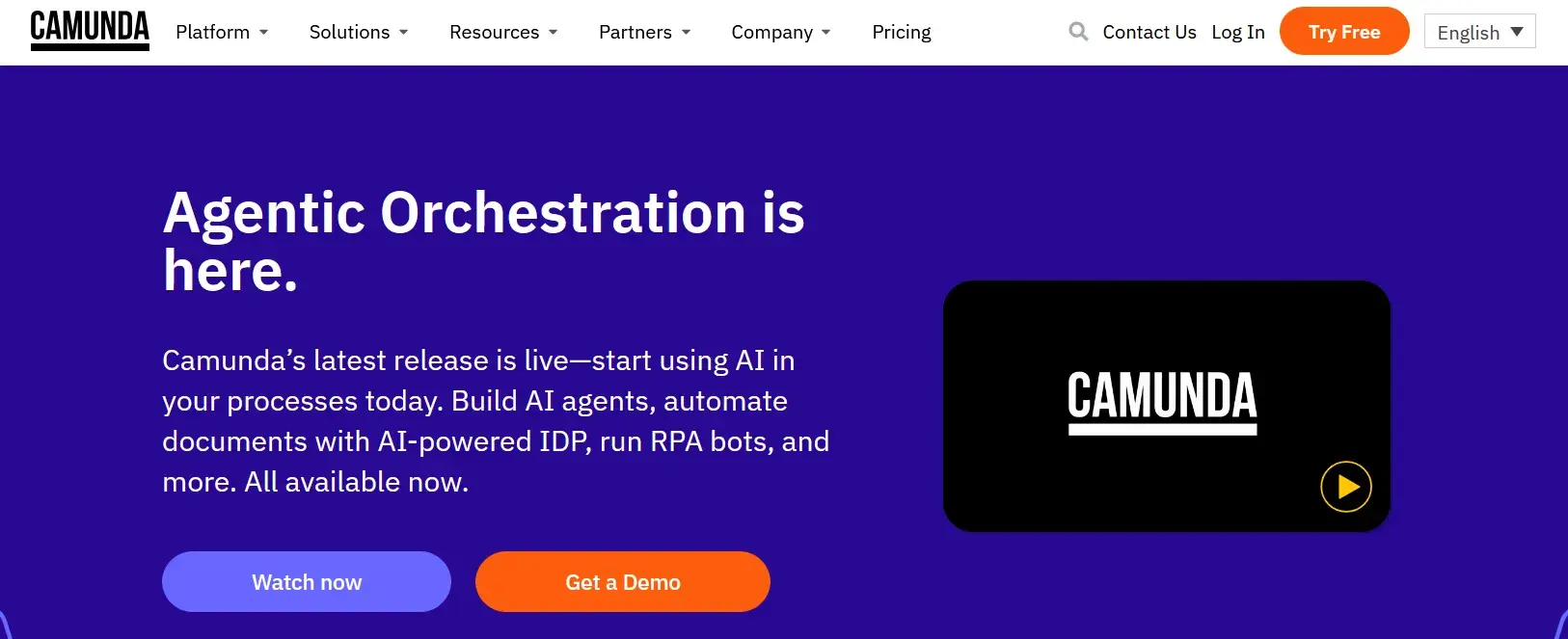
Camunda’s homepage
Technical teams dealing with complex, high-volume workflows across multiple systems will find a lot to like in Camunda. It's an open-source process orchestration platform that uses BPMN and DMN standards, and it's designed to be embedded into your existing applications and infrastructure rather than used as a standalone tool.
Key features of Camunda
BPMN and DMN-based orchestration
Camunda supports both BPMN for process flows and DMN for decision tables. You can model and automate sophisticated business rules alongside your workflows in a standards-compliant way.
Developer-first architecture
Camunda is designed to be embedded into applications and technical infrastructure. Developers can integrate it via REST APIs, Java libraries, or cloud-native deployments, giving you a high degree of flexibility.
Horizontal scalability
Camunda handles high-throughput, enterprise-scale process execution reliably. It's built to run millions of process instances concurrently, which matters for organizations with heavy automation demands.
Process monitoring and operations
A built-in operations dashboard lets technical teams monitor running instances, investigate failures, and manage incidents in real time. You get deep visibility into process execution at a technical level.
Pros of Camunda
- Open-source core gives you flexibility and avoids vendor lock-in
- Strong integrations with existing systems
- Excellent choice for complex, developer-built workflow orchestration across distributed systems
Cons of Camunda
- Requires significant technical expertise to implement and maintain, making it less accessible to non-technical teams
- Requires engineering ownership for build, maintenance, and changes
- The learning curve is steep, particularly for teams new to BPMN or process orchestration concepts
- Business users have limited ability to manage workflows independently without developer support
7. Creatio
Creatio Homepage
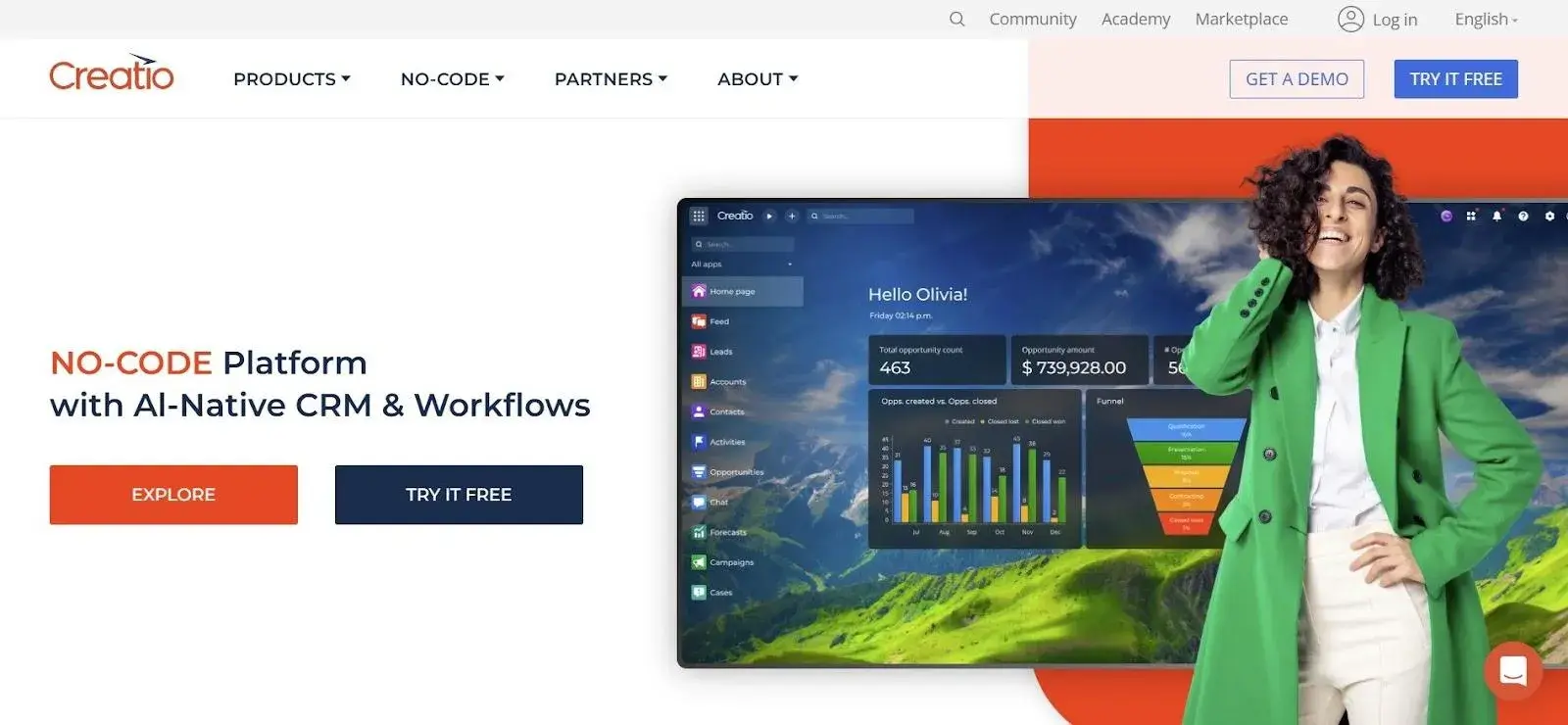
What sets Creatio apart is that it combines CRM and business process automation in a single no-code platform. You can manage customer-facing processes like sales, marketing, and service while also automating the internal workflows that support them, making it a good fit for teams that don't want to manage two separate tools.
Key features of Creatio
No-code studio
Creatio's visual process designer lets you build and modify workflows without writing code. Business users can configure process logic, forms, and rules independently, reducing dependency on IT for day-to-day changes.
CRM and process automation in one
Sales pipelines, customer service queues, and marketing workflows can all be automated within the same platform. Having CRM and BPM together means less context-switching and more consistent data across teams.
AI-powered recommendations
Creatio uses machine learning to surface next-best-action recommendations and automate repetitive decisions within workflows.
Freedom platform
Creatio's underlying Freedom platform gives technical teams the flexibility to extend the product with custom code when needed. You can stay no-code for most use cases while still building bespoke functionality where required.
Pros of Creatio
- The combination of CRM and BPM in one platform reduces tool sprawl for customer-facing teams
- The no-code builder is powerful enough for complex workflows without requiring developer input
- AI and automation features are well-integrated into everyday process flows
Cons of Creatio
- Teams looking for pure BPM without CRM may find the platform broader than they need
- Initial setup and configuration can be time-consuming, especially for complex implementations
- Some advanced features and customizations require a steeper learning investment
8. Axon Ivy
Axon Ivy’s homepage
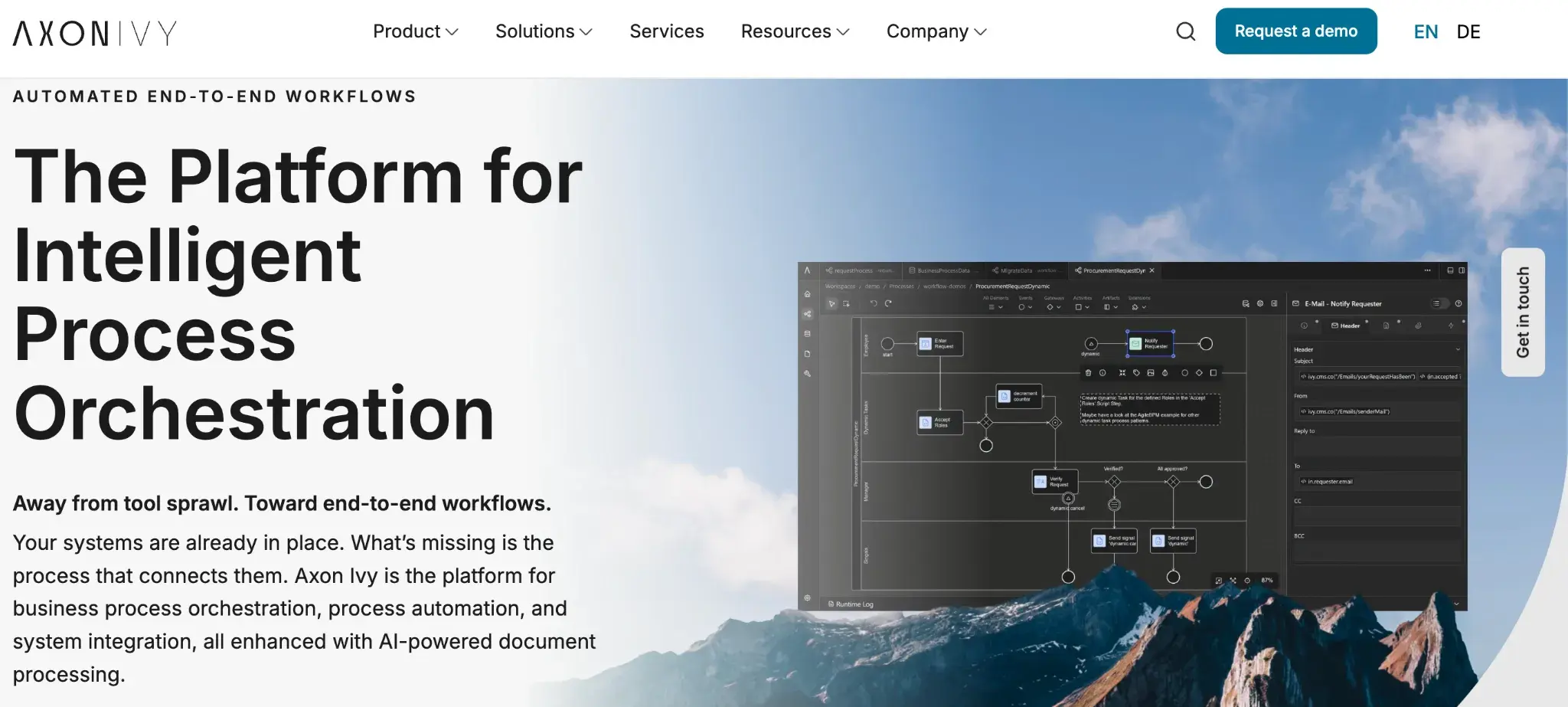
With a long track record in enterprise environments, particularly across Europe, Axon Ivy is a full-featured BPM suite that supports workflow automation, case management, and system integration in one platform. It's built for organizations that need robust, governance-ready automation at scale.
Key features of Axon Ivy
Visual process designer
You can model workflows using a drag-and-drop BPMN designer. The visual approach makes it easier to align process design across business and technical stakeholders before moving to development.
Case management
Axon Ivy supports both structured workflows and dynamic case management. You can handle routine approvals and complex, exception-heavy cases within the same environment.
Low-code application development
The platform lets developers and technical teams build custom applications and user interfaces on top of workflows. You can tailor the experience to specific roles and departments without starting from scratch.
Integration and API connectivity
Axon Ivy connects with enterprise systems through built-in connectors and REST APIs. You can orchestrate work across your existing application landscape without major re-architecture.
Pros of Axon Ivy
- Strong enterprise-grade governance and compliance features
- Supports both structured workflows and dynamic case management in one platform
- Flexible enough for complex, large-scale automation scenarios
Cons of Axon Ivy
- Smaller global community and ecosystem compared to more widely adopted platforms
- The interface and overall UX can feel less modern than newer entrants in the BPM space
- Getting the most out of the platform typically requires developer involvement
9. Teamwork.com
Teamwork’s homepage
Agencies and service businesses that deliver work for external clients will find Teamwork.com a practical Pipefy alternative for project-centric workflows. You can manage projects, track time, handle client communication, and automate recurring workflows, all without switching between tools.
Key features of Teamwork.com
Project and task management
You can organize work into projects, task lists, and subtasks with dependencies and deadlines. Managers get a clear view of what's in progress, what's blocked, and what's due across the team.
Time tracking and billing
Built-in time tracking lets you log hours directly against tasks and projects. You can then connect that data to invoicing, making it useful for client-billing workflows.
Client portals
Teamwork.com lets you create branded portals where clients can view project progress, leave feedback, and share files.
Workflow templates and automation
You can build repeatable project templates and set up basic automations for routine tasks such as task assignments and status updates. This reduces setup time when kicking off similar projects repeatedly.
Pros of Teamwork.com
- Purpose-built for client-facing work, making it a strong fit for agencies and professional services teams
- Time tracking and billing integration is more native than most general-purpose workflow tools
- Client portals are a practical feature for teams that need structured external collaboration
Cons of Teamwork.com
- Less suited for automating internal back-office processes compared to dedicated BPM tools
- Workflow automation features are not as advanced as platforms purpose-built for process automation
- Can feel like more tool than needed for teams with simpler, internal-only workflows
10. Decisions
Decisions’s homepage
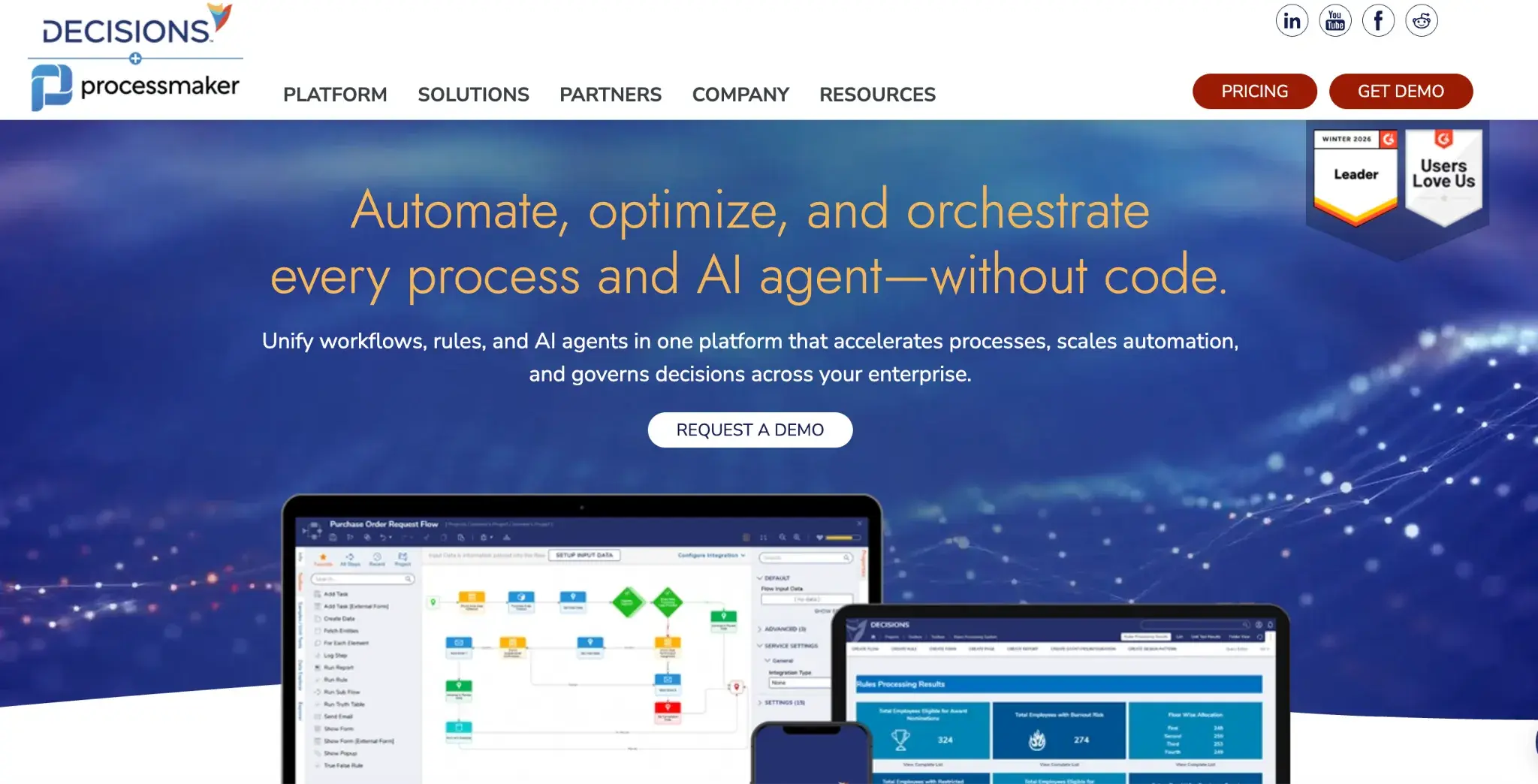
For teams in regulated industries where business rules change often and process accuracy is critical, Decisions offers a depth of rule configuration that few no-code platforms can match. Finance, insurance, and healthcare teams often turn to it specifically for its powerful rules engine and auditability features.
Key features of Decisions
No-code workflow and rules engine
Decisions separates workflow logic from business rules, letting you manage each independently. You can update decision logic and process flows without touching the underlying code, which is valuable when requirements change often.
Business rules management
The platform gives you granular control over decision tables, conditional logic, and rule versioning. Teams in compliance-heavy industries can manage rule changes with full audit trails and approval processes.
Forms and data collection
You can build custom forms that feed directly into automated workflows. Form behavior can adapt dynamically based on rules and prior inputs, keeping the experience relevant to each user.
Reporting and process analytics
Decisions includes built-in reporting tools to track workflow performance and rule execution. You can monitor outcomes and identify where processes need adjustment without relying on external BI tools.
Pros of Decisions
- No-code approach makes it accessible to business analysts and operations teams
- Purpose-built for compliance-heavy industries where auditability and rule governance are priorities
Cons of Decisions
- Steep initial learning curve given the depth of its configuration options
- Less well-known than larger BPM vendors
- Interface is functional but not as polished or intuitive as some modern alternatives
Final Roundup: Which Pipefy Alternative Is Right for You?
Every platform here solves a different workflow automation need. Here's a quick way to find the right fit for your team.
|
Tool
|
Best Fit
|
|
Creatio
|
Customer-facing workflows with integrated CRM and process automation
|
|
FlowForma
|
Compliance-heavy workflows for Microsoft 365 teams without IT dependency
|
|
Kissflow
|
Business teams building simple workflows with zero technical expertise
|
|
Nintex
|
Multi-department automation with document generation and RPA needs
|
|
Appian
|
Complex, regulated workflows requiring AI and data orchestration
|
|
Bizagi
|
Enterprise teams following formal BPMN process standards
|
|
Camunda
|
Developer-led, high-volume process orchestration across systems
|
|
Axon Ivy
|
Large-scale BPM with structured workflows and dynamic case management
|
|
Teamwork.com
|
Agency and client project workflows with time tracking and billing
|
|
Decisions
|
Rule-intensive processes in compliance-heavy industries
|
10 Pipefy alternatives and their best-fit use cases
Among these tools, FlowForma stands out for how quickly teams can move from paper-based or ad-hoc processes to structured, automated workflows. You can describe an approval flow, inspection checklist, or request process, and Copilot helps you build the logic without starting from scratch.
Your team already works within Microsoft 365, so there's no need to switch systems or manage separate logins. Every step is tracked automatically, giving you clear visibility and audit-ready records from the start, especially important for compliance-heavy industries like healthcare, construction, and public services.
If you want to reduce manual effort and bring more control to your business operations, you can book a demo or start a free trial.