In this article, I’ll cover everything you need to know about contract lifecycle management software.
Whether you need a platform for reviewing, approvals, storage and renewals, I’ll be providing advice on what platform features to look out for, the key stage of contracts and list of platform options to help with your decision-making. Let’s get started.
What Is Contract Lifecycle Management?
Contract lifecycle management is the practise of managing contracts in a single process that has a single source of truth of data for every stage of the contract.
From the start of the process when a contract is drafted to the completing of a contract, there needs to be one single copy so that the data is accessible, visible and auditable at any point in the process.
Managing contracts using traditional methods like paper email or offline documents can lead to issues such as confusing version dates, missing pages and a slow contract management process.
That’s why organizations use digital tools to manage contracts. With digital tools contracts can be managed in a centralized digital repository, with one version of the contract accessible to all parties in the contract lifecycle.
The 6 Stages of the Contract Lifecycle
Digital tools make it simple to manage contracts through to every stage of the lifecycle. These are the main types of contract stages in the lifecycle:
1. Contract Request and Initiation
This is the first stage of the contract process, and it begins with the issuing of a contract. If an email is missed at this stage, it can lead to delays in the later stages of the contract.
With digital platforms, organizations can capture data in real-time and route to the most relevant stakeholder and create an audit trail of every step.
2. Drafting and Collaboration
When drafting a contract with multiple people contributing, a digital method of collaboration is essential.
If the contract is drafted by paper or email there is a real risk of version history chaos. This is when the document becomes unmanageable with too many versions between the collaborators.
Planforms withautomated document generation functionality make this process much easier. With document generation, collaborators work on a single working version rather than a scatter of near-identical files.
3. Review and Approval
This step in the process is where the bottleneck can happen. If an approval is waiting for sign off but there is nobody to remind them, this can lead to delays in contracts.
But, in a digital contract management process, there can be automated reminders and full visibility and accountability from each stakeholder in the process.
4. Execution and Signature
Once the contract is agreed is then needs to be executed and signed by the relevant stakeholders. The same principles as approvals apply. Waiting to get a signature with no reminders in place can delay the process.
Electronic signatures with reminders to sign can make this part of the process seamless to all stakeholders. A digital record is kept on signature, making the execution fully auditable for compliance.
5. Storage and Obligation Management
Once a contract is signed there are further legal obligations that organizations need to adhere to
Contracts should be stored in a centralized digital repository to ensure they are easily accessible whenever the organization or external auditors need to review them.
6. Renewal, Expiry and Renegotiation
This is the stage that gets missed when organizations don’t have a digital system in place. Contracts with autorenewal can get missed if reminders are not sent.
A digital system will have renewals, expiry and renewal/expiry dates built into the system. This will notify all the relevant stakeholders so that appropriate action can be taken.
Contract Lifecycle Management Software Compared: 5 Platforms (inc FlowForma)
There is a wide variety of choice in contract lifecycle management platforms. I've done the hard work for you and listed five potential options, included what they are best for and their strengths. I hope this makes your vendor shortlist process shorter!
How We Evaluated These Tools
To curate this list, we evaluated how widely recommended contract lifecycle management software by comparing their capabilities with real user feedback.
We then looked beyond feature lists and assessed what matters in real procurement operations:
We looked at the following questions and criteria:
- Is your team looking for a point solution that addresses just contract lifecycle management or do you have widerbusiness process automation goals
- Are you looking to manage contracts within Microsoft tools like SharePoint
- How simple or complex is your contract lifecycle process
- What type of budget are you looking to spend
- Are you looking for a no-code platform or do you have a dedicated IT team on the project
The tools below include both point solutions and broader automation solutions that contract management teams adapt to their operations.
| Platform |
Best for |
Distinguishing strength |
| DocuSign CLM |
Teams already standardized on DocuSign for signature |
Full lifecycle built around a market-leading e-signature ecosystem |
| FlowForma Process Automation |
Microsoft 365-centric mid-market automating contracts alongside other processes |
AI-powered, no-code automation native to SharePoint Online, Teams and Outlook |
| Ironclad |
Legal-led contracting at scale |
Collaborative editing and workflow design aimed at legal teams |
| Icertis |
Large enterprises with complex compliance |
Deep obligation and compliance management for enterprise contracting |
| Conga CLM |
Salesforce-centric enterprises |
CLM tightly aligned with the revenue
and CRM lifecycle
|
Table showing the leading contract management platforms
1. DocuSign CLM
Best for: Teams already standardized on DocuSign for signature
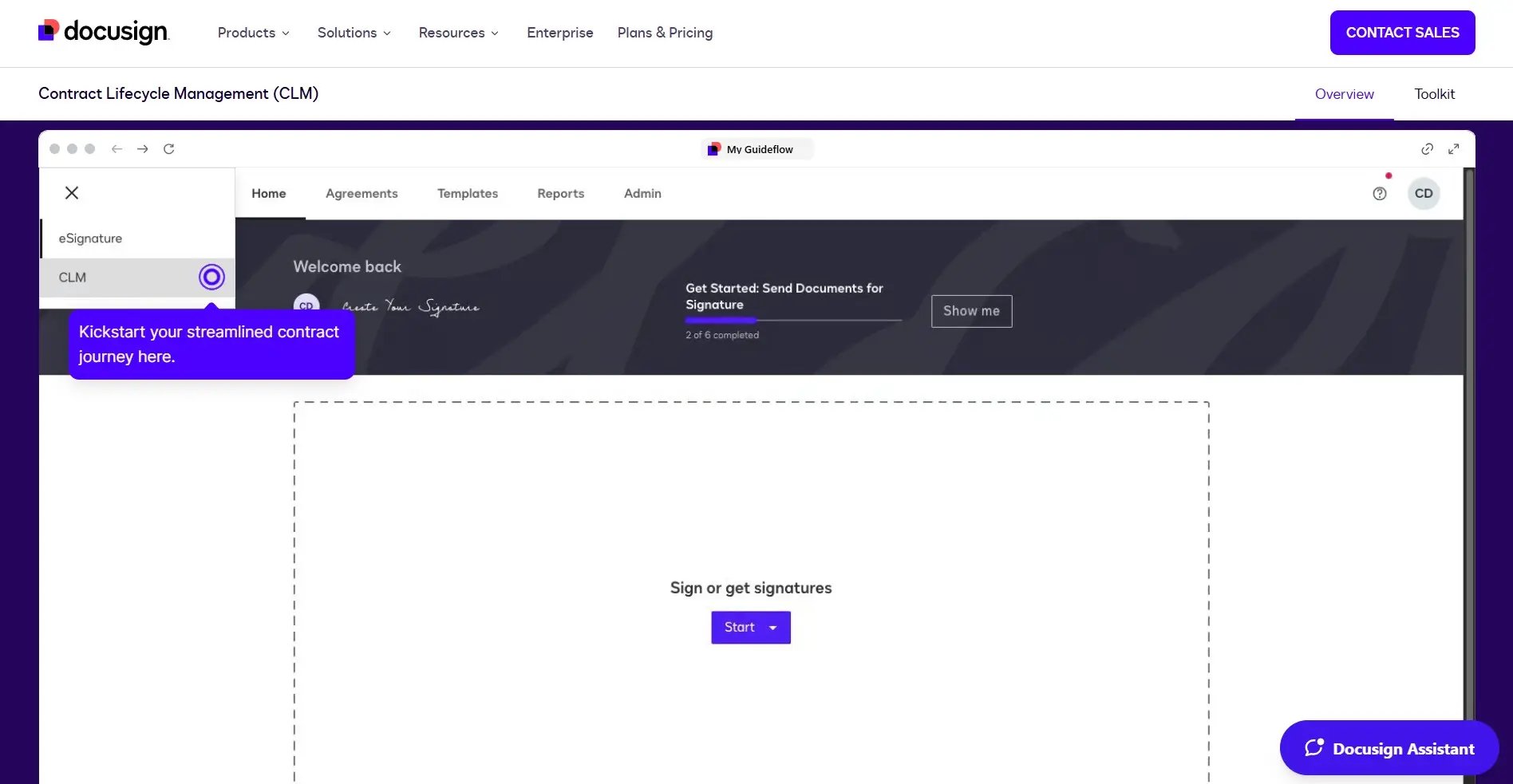
Screenshot showing the DocuSign CLM platform for contract management
If your team is already fully embedded with DocuSign, then DocuSign CLM would be a practical approach to your contract management. The DocuSign e-signature products is built into the platform to create a seamless contract management experience.
DocuSign CLM is best for organizations standardized on DocuSign that want to grow into full lifecycle management.
2. FlowForma
Best for: Microsoft 365-centric mid-market automating contracts alongside other processes
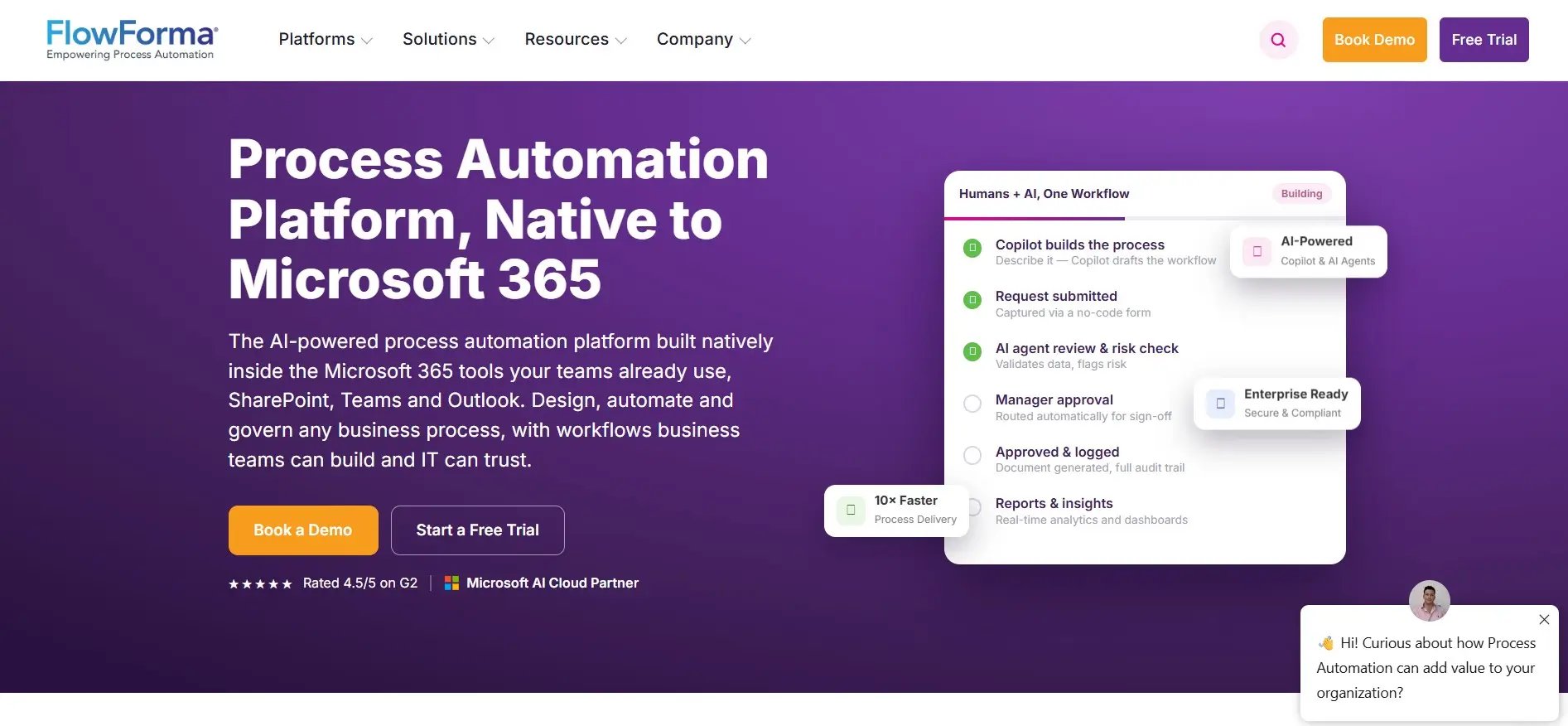
Screenshot of the FlowForma platform for contract management
FlowForma is a process automation platform that specializes in contracts management alongside other processes. It’s native to Microsoft 365, so contract workflows run inside SharePoint, Teams and Outlook alongside procurement, onboarding and every other process a team automates.
FlowForma is best for teams that are looking to automate contracts as well as other business processes within the Microsoft ecosystem.
3. Ironclad
Best for: Legal-led contracting at scale
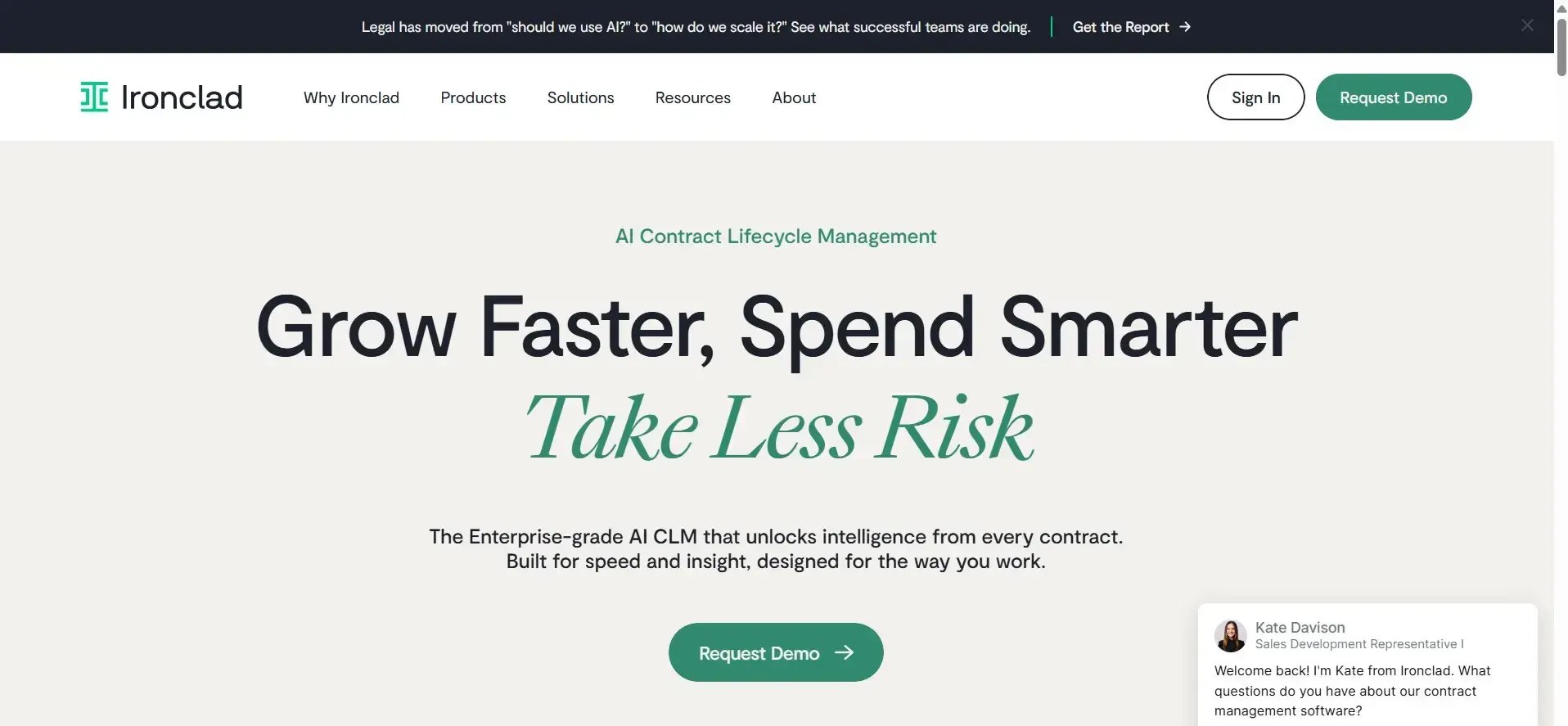
Screenshot of the Irconclad platform for contract management
Ironclad is built specifically for legal teams to manage contracts at scale. It is designed for high frequency contracts and has features such as workflow designer and a searchable repository to speed up the contract process. Ironclad is more of a point solution for contracts, so it excels for legal teams but won’t suit your needs if you’re looking to expand into other process automation initiatives.
4. Icertis
Best for: Large enterprises with complex contracts that need compliance
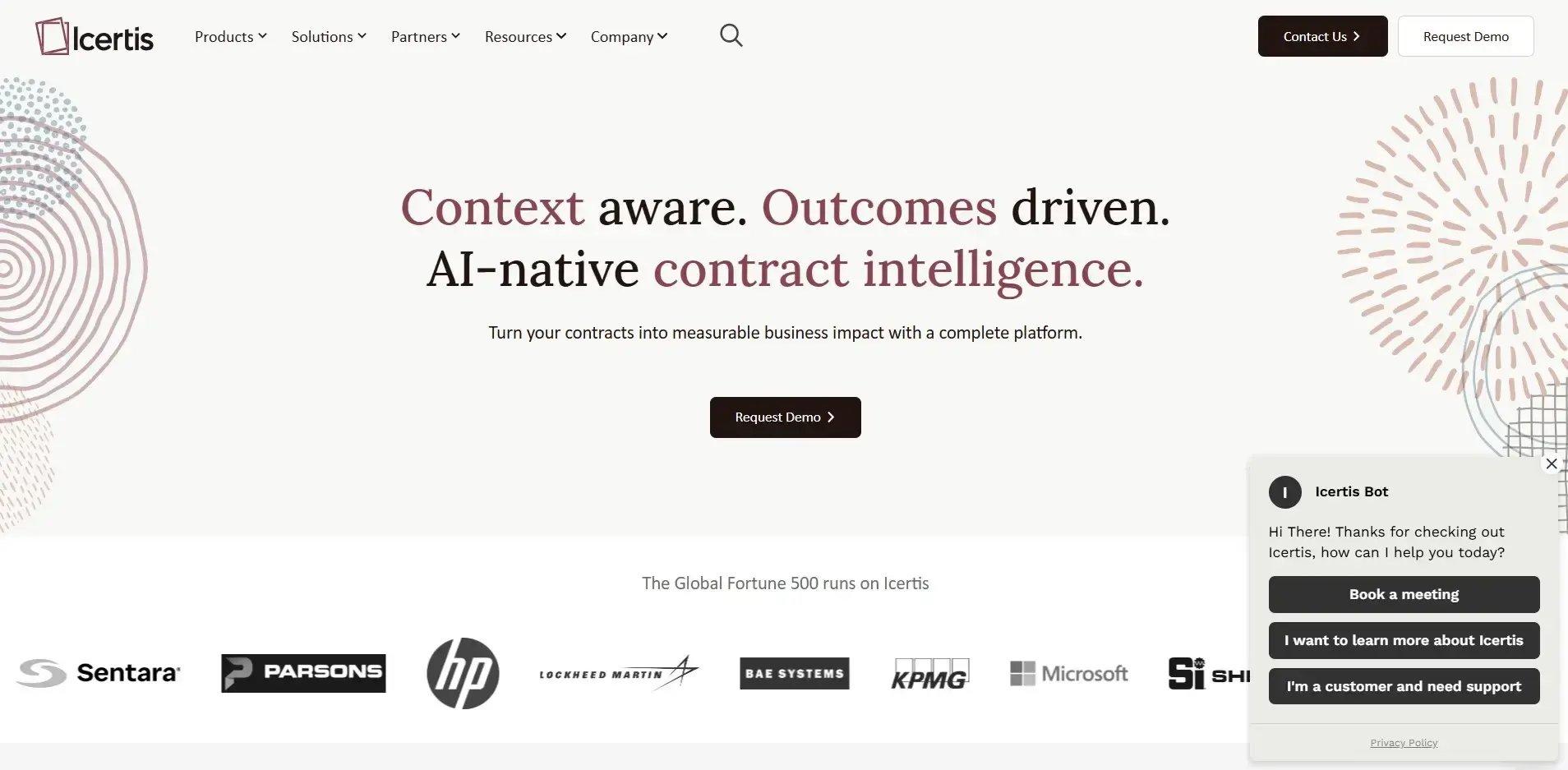
Screenshot of the Icertis platform for contract management
Icertis is a heavy-duty platform that is designed for large enterprises. Its strengths lie in its ability to manage compliance, and it is therefore chosen where contractual compliance is business-critical and heavily audited.
If you are a smaller or mid-market organization, this platform is overkill for your needs.
5. Conga CLM
Best for: Salesforce-centric enterprises looking to bring in contract management
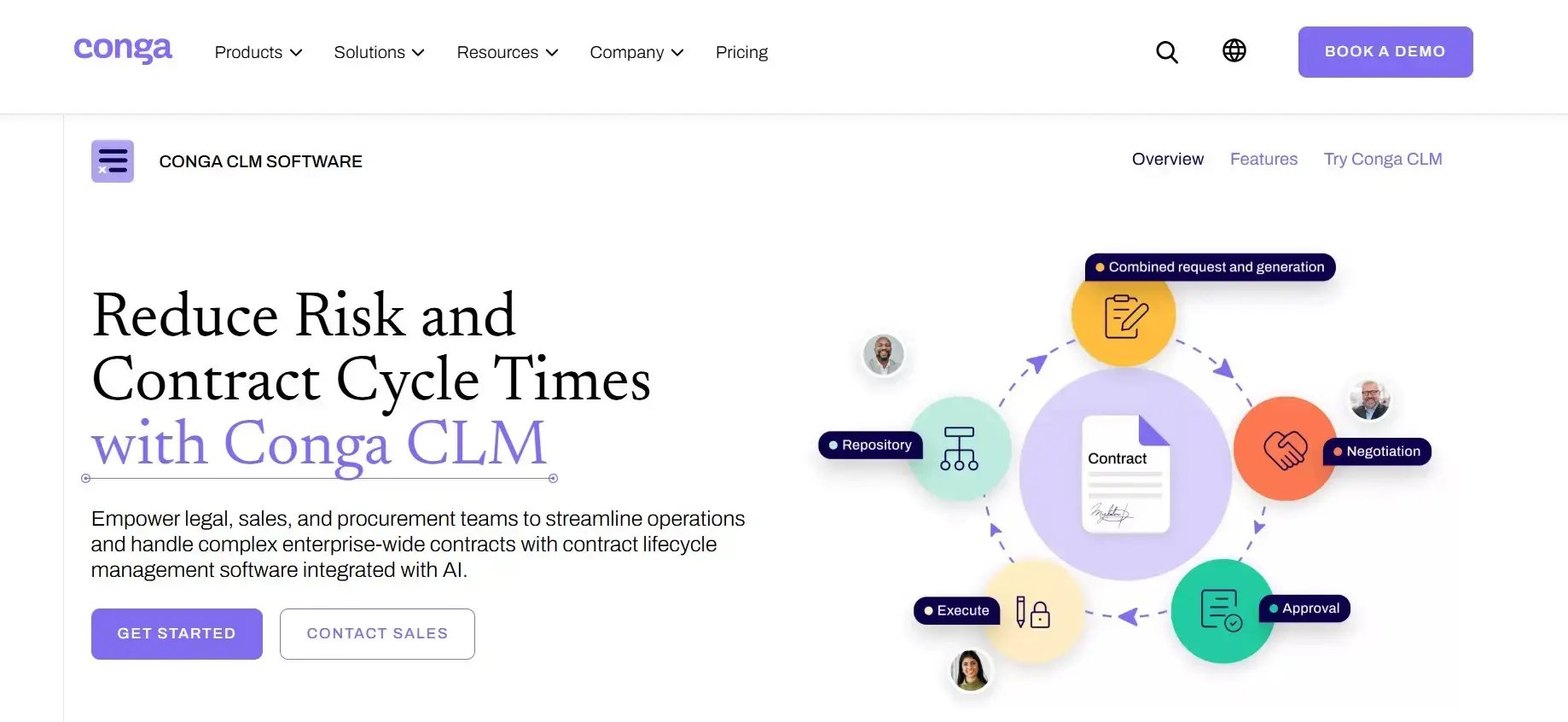
Screenshot of the Conga CLM platform
Conga CLM is an enterprise platform that is typically deployed alongside Salesforce. It’s therefore very much aligning contracts with the wider revenue and quote-to-cash functionality of Salesforce.
It has strong commercial alignment with Salesforce and is best for organizations that are using Salesforce as it’s CRM, as it’s a natural for extending that functionality.
What to Look for in CLM Software
From leading the technology strategy at FlowForma I’ve been part of both sides of the table, both as a software buyer and part of teams pitching our own platform to buyers.
This has provided me with an excellent insight into what to look out for in buying software. Here are my thoughts.
- Goals and KPIs: While this may sound foundational, it is critical to have a clear goal with SMART KPIs. For example, wanting to speed up contract processing by 10x and improving.
- Teams and users: Pick your team in advance. You’ll need to know who will be using the platform on a regular basis and have the IT resources to support the project.
- Ease of use: Are you looking for a no-code or low-code platform. If you want your legal teams to maintain the platform, add new contract functionality you’ll need a no-code platform. Or if you want IT to manage the platform fully, a low-code platform will suit your needs.
- Point solution or full process automation platform: If you just want software for managing contracts and nothing else, you’ll need a point solution, such as Ironclad. While a platform that manages wider automation initiatives is a full process automation, such as FlowForma.
- Cost: Having a budget in mind at the start of your vendor shortlisting project will help you narrow down your search.
- Enterprise vs mid-market vs small teams: The size of your team and organization will help guide the most appropriate software.
- M365 integration: If your organization is fully committed to the Microsoft ecosystem, look for software that is native to M365, SharePoint, Teams, and Outlook.
- Compliance: The software will need to have audit trails built-in so that data is standardized and it makes reporting on contract data for compliance simple.
- Functionality: Can the tool model your real approval chains and stages, or does it force your process into its template
- Integrations: Is the platform easy to integrate with your existing platforms.
My final words of advice here is to bring your team with you on your journey. The stakeholders need to be involved from day one and part of the discussion for both a technical and business point of view.
How FlowForma Automates Contract Workflows
FlowForma is designed to make contract management simple by providing you with the tools to manage contracts inside the tools your teams already use and are familiar with, Microsoft 365, including SharePoint, Teams and Outlook.
You don’t need to have a separate environment with siloed data, the FlowForma platform uses your existing data that is on your SharePoint tenancy.
As it’s a no-code platform, both legal teams and IT can use the platform, making it accessible and easier to deploy than low-code platforms.
FlowForma has all-in-one functionality which means that everything you need from forms to documents management, workflow automation, AI and insights is included.
This makes the process of managing contracts seamless from start to finish, from intake for requests, automated document generation for consistent drafting, and approval chains that route each contract to the right people with automatic escalation when a step stalls.
Every action by every stakeholder is captured and available in real-time dashboards and available for compliance review anytime.
With FlowForma's AI functionality creating a contract management workflow is fast and easy. You just need to describe your process requirements and Copilot will build out the workflow instantly.
The example below shows FlowForma Copilot building a government contract lifecycle management workflow. You can see the process built step by step, how to add in steps and rules across the workflow.
One example of a project that has transformed contract management for a FlowForma customer is with Utah Department of Health and Human Services (Utah DHHS).
Utah DHHS needed to migrate away from InfoPath forms and fix a contract approval process that took six months to complete.
The team at Utah DHHS rebuilt its workflow in FlowForma inside their existing Microsoft 365 environment and modernized and transformed the process immediately.
They brought contract turnaround down from roughly six months to a matter of days, gained full visibility over where each contract sat in the process, and reported zero audit issues afterward. It is a clear example of what happens when contracts run as a structured, auditable workflow rather than a chain of emails and offline documents.
Utah DHHS also expanded their automation initiatives into other areas of its operations including:
- Grants’ revenue
- Purchasing
- Travel
- Group gathering
- Risk assessments
- SOW process
- APR
- Legislative affairs reports
In this video clip you'll hear from Sarah Klenk SharePoint admin at Utah DHHS, on the benefits of automating its contract management process with FlowForma.
Transform Your Contracts Management with FlowForma
Contracts management doesn’t need to be an unwieldy process. With a digital process automation tool such as FlowForma, you’ll be equipped to accelerate contract completion time, drive operational performance, and ensure your process is audit ready for compliance.
Get in touch with us today by scheduling a demo with our team and we’d be delighted to speak with you.