Tired of manually handling repetitive tasks and complex business processes? Enterprise workflow automation cuts through the clutter, using technology to streamline workflows and reduce the need for manual intervention.
This guide explores what enterprise workflow automation is, how to choose the right software, and which is the best suited for your enterprise workflow management needs.
What is Enterprise Workflow Automation?
Enterprise workflow automation involves digitizing repetitive, rule-based tasks to streamline processes and improve organizational efficiency.
The use of workflow software across an organization reduces delays and inefficiencies while enhancing scalability. As such, businesses can focus on their growth, minimize errors, and improve productivity.
Key benefits of enterprise workflow automation
Here is how workflow automation transforms businesses:
- Increased efficiency: automates repetitive tasks, saving time and reducing human errors
- Improved collaboration: connects teams through seamless processes and shared data
- Cost savings: reduces administrative overhead and operational costs
- Scalability: ensures workflows adapt to business growth without compromising performance
- Better Compliance: Standardizes processes and ensures adherence to industry regulations. This reduces the risk of non-compliance penalties for the organization
Key processes that benefit from workflow automation
1. Employee onboarding
Employee onboarding is a critical step for new hires. Manual onboarding processes are quite tedious, involving extensive documentation, multiple approvals, and coordination across departments.
With workflow automation:
- Forms can be automatically generated and sent to new employees
- Required documents (e.g., tax forms, ID verification) can be uploaded through a digital form and stored securely in your own SharePoint repository
- Tasks such as IT account setup, equipment requests, and team introductions are assigned and tracked in real-time
By automating onboarding, businesses ensure a seamless experience for new hires and reduce administrative workload for HR teams.
2. Invoice processing
Manual invoice processing is prone to errors and inefficiencies, often resulting in delayed payments and strained vendor relationships.
Workflow automation transforms this process by:
- Routing invoices for approval to relevant stakeholders
- Generating payment reminders and reconciling financial records in real-time
Automation ensures faster processing times, error-free transactions, and better financial compliance.
3. Project approvals
Getting approvals for project milestones, budgets, or changes often creates bottlenecks in organizations, as traditional methods rely on endless email exchanges and follow-ups.
Enterprise workflow automation addresses these challenges by:
- Sending approval requests directly to decision-makers, complete with all necessary context such as documents, budgets, and timelines
- Scheduling automated reminders to ensure timely responses, reducing unnecessary delays
- Using centralized dashboards to provide real-time visibility into the status of pending approvals
By streamlining the approval process, workflow automation accelerates project lifecycles, promotes timely execution, and enhances overall accountability.
4. Compliance tracking
Compliance is non-negotiable, especially in regulated industries like healthcare, finance, and manufacturing. Manually tracking compliance activities can lead to overlooked deadlines and penalties.
Workflow automation enhances compliance tracking by:
- Setting up automated reminders for compliance deadlines and audits
- Maintaining a centralized repository of compliance-related documents
- Providing real-time updates and alerts for non-compliance risks
By automating compliance workflows, organizations can ensure adherence to regulations, mitigate risks and maintain operational integrity.
5. Contract management
Contract management automation is a trending use case we see at FlowForma. Organizations managing the contract management process using emails or spreadsheets quickly find themselves overwhelmed by managing communications and documentation.
Workflow automation can transform the contract management process by:
- Faster contract processing by streamling contract workflows
- Compliance is simplified with a digital audit trail available for any regulations
- Hosting contracts in a central digital repository ensures version control
6. Health and safety
During our recent webinar, Automating EHS at Scale, Sinead Gaines, EHS Manager at PJ Hegarty described how automating it's Safety Behavior Observations (SBO) process transformed it's health and safety performance with a 45% increase in tracking safety behavior.
This underpins the wider industry importance of health and safety workflow automation. Organizations still relying on legacy systems or outdated health and safety tracking can find themselves overwhelmed by the task at hand and risk non-compliance.
Automating health and safety can be transformative for enterprises leading to:
- Granular health and safety audit trails for every process
- Improved data leading to better health and safety
- Non compliance and fine avoidance for health and safety breaches
Governance, Security & M365 Integration: What Enterprise IT Needs
Governance and security are the two things on every CIO's mind as they explore workflow automation platforms. Both are critical criteria for vendor evaluation and I'm sure that every CIO has them on their scoring matrix.
When thinking about governance, the most important questions to ask are:
- Can IT manage and have oversight over workflows?
- Are processes aligned with our compliance goals?
- Can we empower business users to automate but our IT team maintains governance?
Creating that balance between empowering business users to build workflows while IT maintain governance is a fine art. But, when executed correctly can drive citizen development strategies and maximize the outcomes of workflow automation.
Security is another key criteria for vendor evaluation. With the advent of AI, cybersecurity risk is at an all time high.
Some considerations for IT leaders include:
- Where will data be hosted
- Does the vendor has ISO certification
- Has their been any data leaks / issues with the vendor
The question around M365 Integration i is only relevant for organizations wanting to stay within the Microsoft ecosystem.
For those choosing a vendor that has a native M365 Integration there are advantages covering both the points I mentioned earlier on governance and compliance.
For governance, operations teams can build out processes in sandboxes for IT teams to approve. This helps to streamline the process development process and provide guardrails for both teams.
Choosing a vendor that offers native Microsoft 365 integration can deliver significant security benefits for enterprises. By keeping data within an organization's own Microsoft 365 tenant and leveraging Microsoft's robust security framework, organizations can maintain greater control over their data while reducing the risks often associated with standalone cloud applications.
How to Choose the Right Enterprise Workflow Automation Software
Choosing the right enterprise workflow automation solution is pivotal for transforming business operations and achieving long-term success. The selection process involves understanding your organization’s needs, evaluating essential features, and considering factors like scalability, cost, and user adoption.
Here's a comprehensive guide to help you make an informed decision:
1. Understand your business needs
The first step is to evaluate your current processes and identify areas where automation can add value. Analyze pain points such as inefficiencies, frequent errors, or delays caused by manual workflows. Determine the level of complexity in your processes to assess whether a no-code or low-code platform is suitable.
For organizations without extensive technical expertise, low-code and no-code solutions are an excellent choice. Low-code solutions are designed for more technical users and may require a team of IT and development resources. A no-code solution, on the other hand, does not have such requirements and empowers users to design and manage workflows with ease.
2. Assess scalability and flexibility
Your chosen software must grow with your organization. Consider whether the platform can handle increasing workloads and adapt to evolving business needs. Look for tools that allow you to easily adjust workflows, add new users, and integrate additional systems without significant technical intervention. Scalable solutions ensure your investment remains relevant as your organization expands.
3. Evaluate must-have features
Effective enterprise workflow automation software should include a robust set of features to address operational challenges and deliver maximum efficiency:
- Ease of use: Intuitive interfaces with drag-and-drop functionality make it easy for non-technical users to design and deploy workflows
- Integration capabilities: Ensure seamless compatibility with existing tools such as ERP, CRM, or HR software, eliminating silos and fostering cross-department collaboration
- AI capabilities: Advanced AI capabilities such as intelligent process recommendations, predictive analytics, and automated decision-making can optimize workflows and enhance efficiency. Features like FlowForma’s AI-powered Copilot provide contextual guidance, streamline configurations, and reduce errors during setup
- Real-time analytics and reporting: Comprehensive analytics dashboards help monitor workflow performance, identify bottlenecks, and optimize processes for better outcomes
- Mobile accessibility: Mobile-friendly platforms ensure that workflows can be managed remotely, supporting a flexible and dynamic work environment
4. Consider user adoption and support
Automation is only effective if users adopt the platform and leverage its features effectively.
Look for software with an intuitive design and minimal learning curve to encourage widespread adoption. For instance, No-code solutions are particularly effective in fostering user adoption. By eliminating the need for extensive technical knowledge, these platforms empower non-technical users to engage with and customize workflows effortlessly.
Additionally, ensure the vendor offers comprehensive support, including training resources, onboarding assistance, and responsive customer service.
5. Factor in costs and ROI
While initial costs are a significant consideration, focus on the long-term ROI. Automation software should streamline operations and reduce costs associated with inefficiencies, errors, and resource allocation. Compare pricing models, such as subscription-based plans, and determine whether the software offers a free trial or demo to test its capabilities.
How We Evaluated These Tools
To take a fair assessment of each platform, we analysed user reviews on platforms such as G2 and Capterra, spoke to prospects and customers who have used these tools, and tested the platforms oursleves where possible.
We have tried to make a fair assessment and provide a steer for organizations to selecy the platform that will best suit their needs.
Enterprise Workflow Automation Platforms: (Summary Table)
|
Software
|
Best For
|
Build Type
|
Key Features
|
Main Strength
|
Main Limitation
|
Cost Signal
|
|
Creatio
|
No-code workflow + CRM + app development in one solution
|
Low-code*
|
Low-code platform; 360-degree customer view; real-time analytics
|
Combines CRM and workflow automation seamlessly
|
Needs technical expertise for advanced customization; less user-friendly
|
Mid
|
|
FlowForma
|
Compliance-focused orgs working within Microsoft 365
|
No-code
|
No-code; AI Copilot; Microsoft 365 integration; pre-configured industry templates
|
Intuitive, low learning curve; strong for compliance-heavy industries
|
Requires Microsoft 365; advanced features may need extra setup
|
Mid
|
|
Decisions
|
Complex business rules, decision logic and compliance-driven workflows
|
No-code
|
Business rules engine; drag-and-drop designer; compliance tools / audit trails
|
Excellent business rules management; strong for compliance
|
Steep learning curve; expensive, dated UX and UI
|
High
|
|
Cflow
|
Simple, affordable automation without significant IT involvement
|
No-code
|
Pre-built templates; cloud-based; integrates with Slack and Google Workspace
|
Most cost-effective platform on the list; simple setup
|
Limited for complex / cross-functional workflows
|
Low (cheapest)
|
|
Kissflow
|
Business-user-friendly workflow automation
|
Low-code
|
Unified work platform; low-code tools; collaboration features
|
Affordable and accessible enterprises
|
Limited scalability for complex workflows; basic analytics
|
Mid
|
|
Nintex
|
Forms- and document-heavy process automation
|
Low-code
|
Process mapping; document automation; ERP integration
|
Robust process management; strong document/compliance focus
|
Migration issues when a SharePoint version reaches end of life (EOL)
|
High
|
|
Power Automate
|
Automating across Microsoft 365, Dynamics 365 and connected apps
|
Low-code
|
AI Builder; custom connectors; trigger-based automation
|
Seamless integration with Microsoft tools; scalable
|
Steep learning curve; needs Power Apps for full workflow automation
|
Mid
|
|
Appian
|
Rapidly building complex business apps and process-driven solutions
|
Low-code
|
Low-code app development; process mining; scalable architecture
|
Highly customizable; combines app development with automation
|
Complex setup and devs required
|
High
|
|
IBM Cloud Pak for Business Automation
|
IBM-centric enterprise environments
|
Low-code
|
Document management; workflow; RPA
|
End-to-end platform (no need to bolt on workflow/RPA); fits IBM ecosystem
|
Heavy deployment & specialist expertise; overkill for a single use case
|
High
|
|
ServiceNow
|
Enterprise-wide service management & cross-functional WF (IT, HR, customer service, security, operations)
|
Low-code
|
Flow Designer; automation rules; collaboration tools
|
Fast to innovate; market leader for ITSM (incident/change management)
|
Among the most expensive; needs expert developers, not citizen devs
|
High
|
Top 10 Enterprise Workflow Automation Software Providers (Detailed Review)
Here is a list of the top 10 tools that simplify existing processes and improve organizational productivity with automated workflows.
1. Creatio - Best for organizations seeking a no-code platform that combines workflow automation, CRM, and business application development in a single solution.
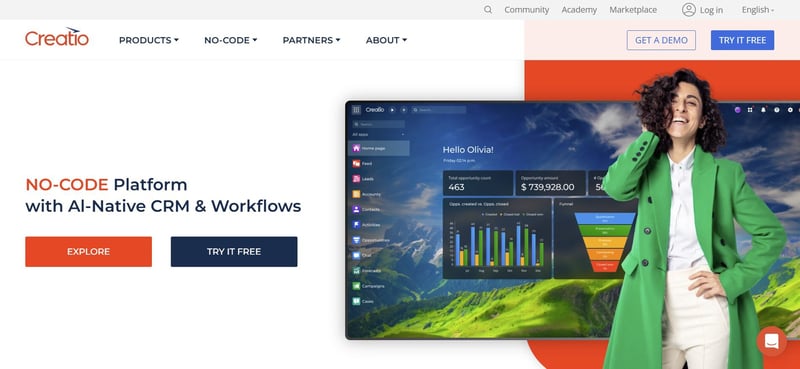 Creatio’s homepage
Creatio combines the features of enterprise workflow management software and CRM tools, making it an ideal choice for businesses seeking customer-centric solutions. It is highly customizable and designed for mid-sized to large enterprises.
Key Features
- Low-Code Platform: Facilitates the development of workflows with minimal coding
- 360-Degree Customer View: Integrates workflows with CRM for better customer management
- Real-Time Analytics: Offers actionable insights for decision-making
Pros
- Combines CRM and workflow automation seamlessly
- Customizable for various industries which makes the platform flexible
Cons
- Requires technical expertise for advanced customization
- Not as user friendly compared to other platforms that focus solely on workflow automation
2. FlowForma - Best for compliance-focused organizations seeking workflow automation within the Microsoft 365 ecosystem
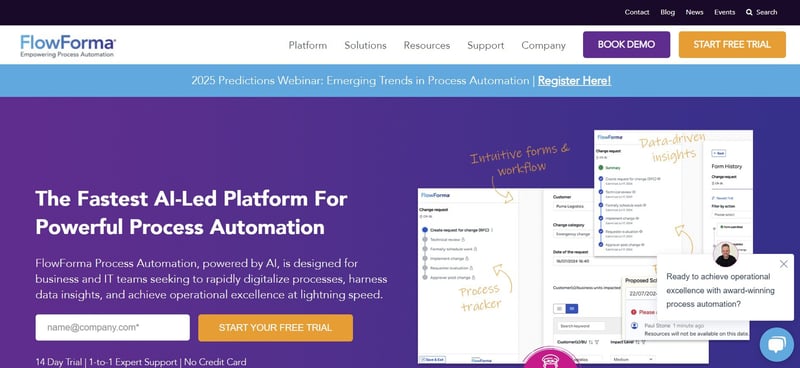
FlowForma home page
FlowForma is a no-code enterprise workflow automation platform designed to streamline business processes across various industries. Its AI-powered Copilot sets it apart, offering intelligent guidance for users to build processes in mere minutes.
Key Features
- No-Code Platform: Empowers business users to create workflows, governed by IT
- AI-Powered Copilot: Provides recommendations, automates decision-making, and improves workflow accuracy
- Microsoft 365 Integration: Ensures seamless collaboration within the Microsoft ecosystem
- Pre-Configured Templates: Tailored for industries like healthcare, finance, and manufacturing
Pros
- Intuitive interface with minimal learning curve
- Excellent for compliance-heavy industries
- Scalable for organizations of all sizes
Cons
- Requires Microsoft 365 for optimal performance
- Advanced features may require additional setup
3. Decisions - Best for organizations with complex business rules, decision logic, and compliance-driven workflows that need powerful no-code automation and governance.
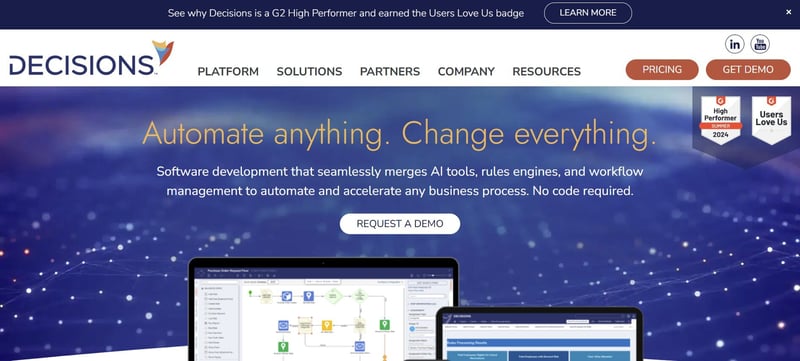
Decision’s homepage
Decisions focuses on rules-based workflows, making it ideal for industries like finance and healthcare where compliance is critical. It offers a no-code environment with robust decision-making capabilities.
Key Features
- Business Rules Engine: Automates complex decision-making workflows
- Drag-and-Drop Designer: Simplifies workflow creation
- Compliance Tools: Ensures regulatory adherence with audit trails
Pros
- Perfect for compliance-heavy industries
- Excellent business rules management
Cons
- Steeper learning curve for non-technical users
- Users have reported dated UX and UI
4. Cflow - Best for organizations seeking simple, affordable, no-code workflow automation without significant IT involvement
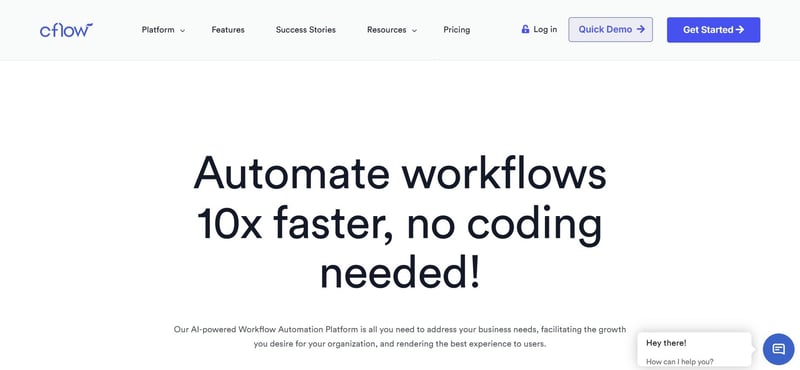
Cflow’s homepage
Cflow is a cloud-based enterprise workflow software, tailored for businesses across multiple sectors. It’s known for its affordability and ease of use.
Key Features
- Pre-Built Templates: Ready-to-use workflows for common business processes
- Cloud-Based: Requires no on-premise setup
- Integration Options: Works with popular tools like Slack and Google Workspace
Pros
- Out of all of the enterprise platforms listed, it's probably the most cost-effective
- Simple setup and configuration
Cons
- Limited advanced features for complex workflows
- It struggles when you need cross-function process automation across your business
5. Kissflow - Best for businesses looking for simple, business-user-friendly workflow automation.
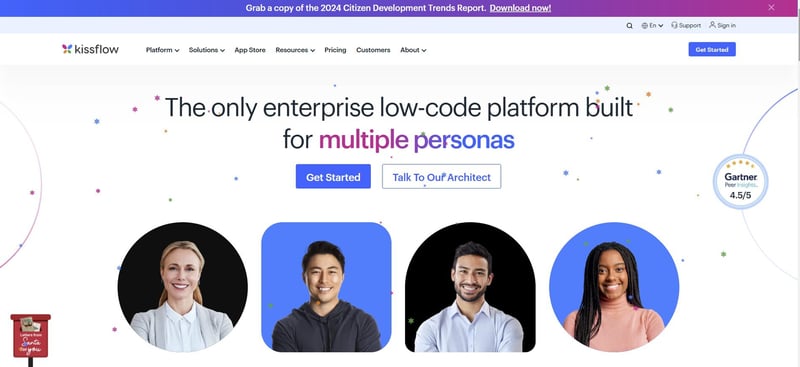 Kissflow’s homepage
Kissflow provides a unified platform for managing workflows, projects, and applications. Its user-friendly interface and robust feature set make it suitable for businesses of all sizes.
Key Features
- Unified Platform: Combines project management and workflow automation
- Low-Code Tools: Enables easy workflow creation
- Collaboration Features: Facilitates team communication within workflows
Pros
- Affordable and accessible for enterprises
- Streamlines multiple business processes
Cons
- Limited scalability for highly complex workflows
- Basic analytics compared to competitors
6. Nintex - Best for organizations seeking low-code process automation with strong forms and document workflows
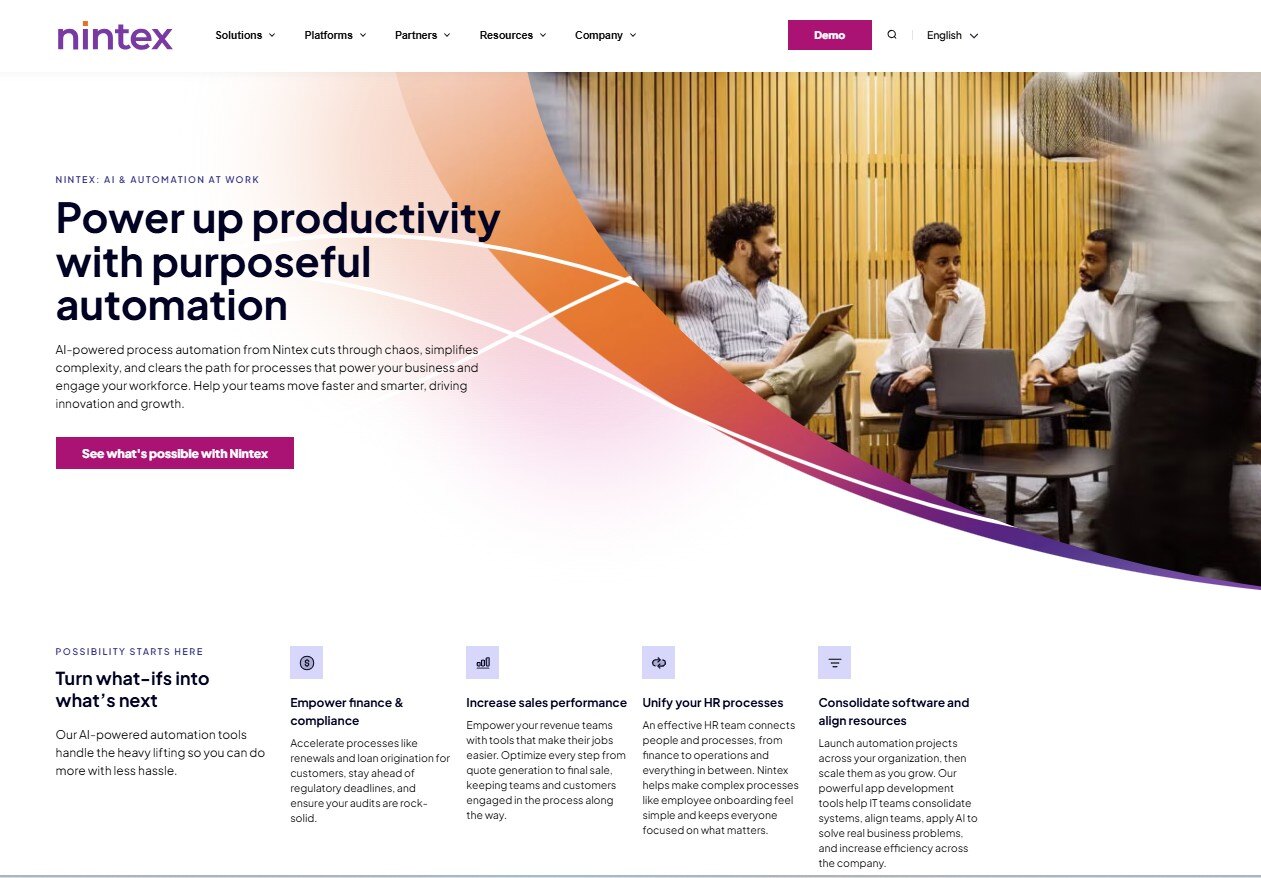
Nintex’s homepage
Nintex is a comprehensive process management and automation platform trusted by large enterprises. It excels in automating document-heavy workflows.
Key Features
- Process Mapping: Visualizes workflows for better understanding
- Document Automation: Generates and manages business-critical documents
- Integration with Leading Platforms: Works seamlessly with popular ERP modules
Pros
- Robust process management tools
- Strong focus on compliance and document management
Cons
- Feedback from the market suggests there are migration issues when a SharePoint version reaches end of life (EOL).
- Reliance on partner network for support can become costly
7. Power Automate - Best for organizations looking to automate business processes and approvals across Microsoft 365, Dynamics 365, and other connected applications
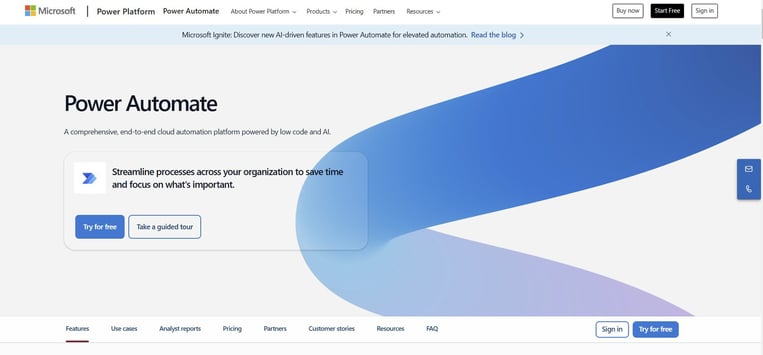
Power Automate’s homepage
Microsoft Power Automate is a versatile enterprise automation software that integrates deeply with the Microsoft ecosystem. It’s ideal for businesses already using Microsoft Office and Azure.
Key Features
- AI Builder: Enhances workflows with AI-driven automation
- Custom Connectors: Integrates with various third-party tools
- Trigger-Based Automation: Initiates workflows based on specific triggers
Pros
- Seamless integration with Microsoft tools
- Scalable for enterprises of all sizes
Cons
- Steep learning curve for new users
- Needs to be combined with Power Apps for full workflow automation
Also read: Top Power Automate Alternatives for Process Automation
8. Appian - Best for rapidly building complex business applications and process-driven solutions
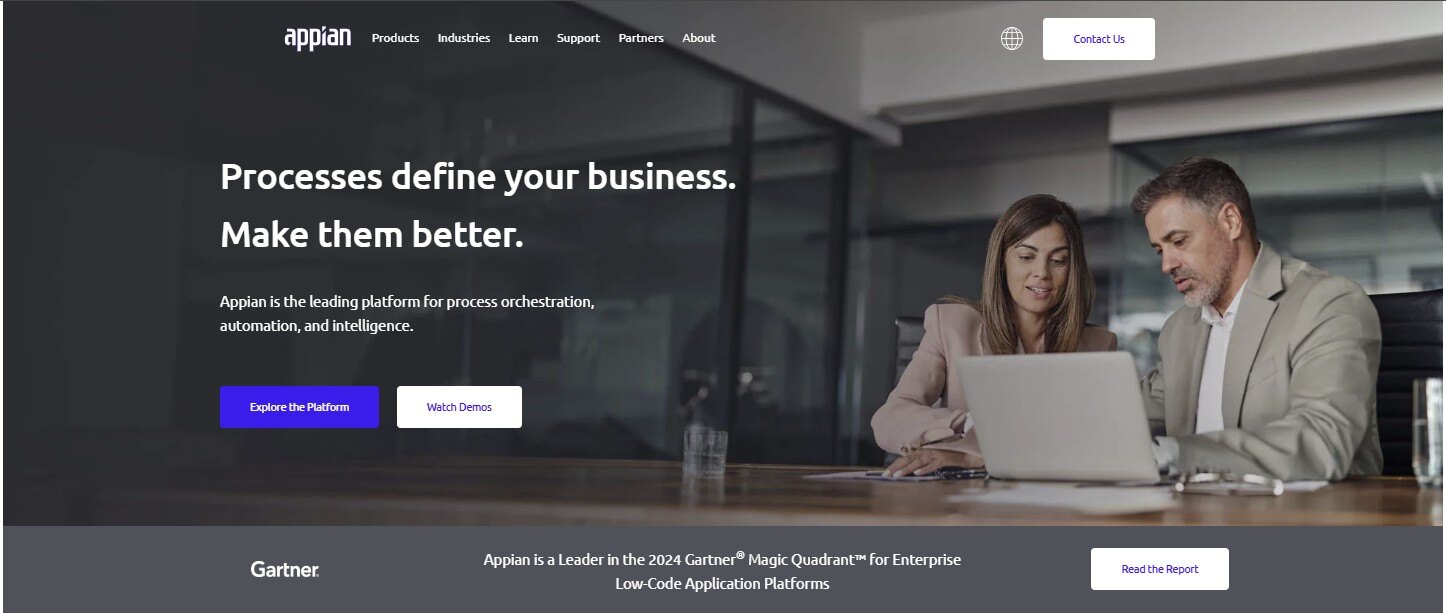 Appian’s homepage
Appian combines automation with application development, offering a low-code platform for enterprise workflow solutions. It’s ideal for businesses needing customized automation tools.
Key Features
- Low-Code App Development: Build custom apps alongside workflows
- Process Mining: Analyzes and optimizes business processes
- Scalable Architecture: Supports large-scale automation projects
Pros
- Highly customizable for unique business needs
- Combines app development with automation
Cons
- Onboarding can take awhile due to the complexity of set up
- Complex setup process
9. IBM Cloud Pak for Business Automation - best for IBM-centric environments
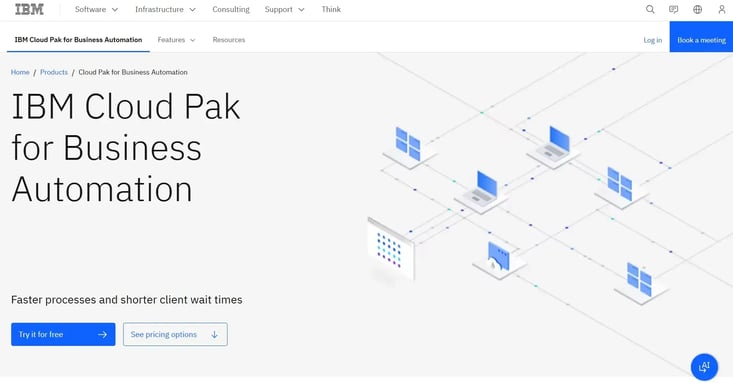 IBM Cloud Pak for Business Automation
IBM Cloud Pak for Business Automation is designed for large enterprises to automate workflows and covers everything from RPA, process mining to decision management.
Key Features
- Document management: An enterprise scale feature for managing large document sets
- Workflow: Steamlining business workflows to optimize company processes
- RPA: Fully automated process automation to steamline enterprise task management
Pros
- This is an end-to-end platform for enterprises so you don't need to bolt on workflow automation or RPA
- If you are embedded within the IBM ecosystem, this platform is an ideal fit and will be a seamless transition for you
Cons
- Initial deployment often requires substantial planning and specialized expertise
- If you only need one feature such as workflow automation, then this platform will be overkill for your needs
10. ServiceNow - Best for enterprise-wide service management and cross-functional workflow automation across IT, HR, customer service, security, and operations on a single SaaS platform
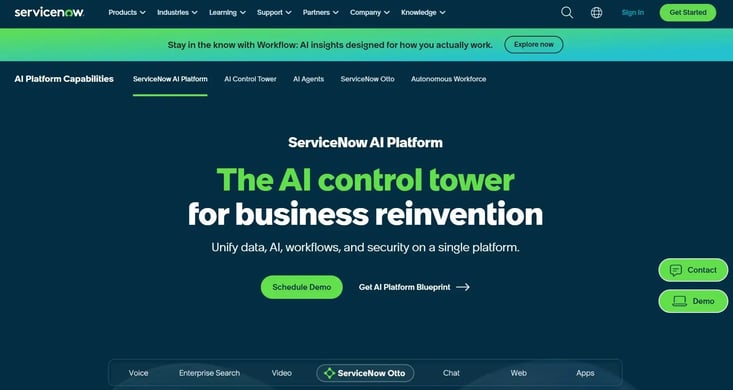 Screenshot of Servicenow
Servicenow is one of the most widely known enterprise platforms for workflow automation. With a advanced product roadmap, Servicenow, has set the scene for enterprise platforms with integrated features such as voice, AI, video chat and much more.
Key Features
- Flow Designer: Design and build enterprise workflows across the organization
- Automation Rules: Streamlines repetitive tasks like approvals
- Collaboration Tools: Enables team communication within the workflow
Pros
- One of the fatest platforms to innovate, with new features and functionality launched every year
- Leads the pack for ITSM capabilities such as incident management and change management
Cons
- ServiceNow is often one of the more expensive workflow platforms, but if it fits your enterprise requirements and you can afford it, it will excel for your organization
- Complex enterprise processes often require experienced ServiceNow developers and architects. So if you are looking to drive workflow automation via citizen developers, ServiceNow is not for you
Enterprise Teams Using FlowForma
To finish off the enterprise team in this article, I want to share two recent success stories with you, Aon and the NHS. Both are enterprise-sized and widely recognized organizations in Insurance and Healthcare respectively.
Aon's Workflow Automation Journey
Aon, one of the world's largest insurance brokers, uses FlowForma Process Automation to replace legacy, manual processes with automated digital ones, primarily to meet regulatory and compliance requirements and to advance the IT department's digital transformation strategy.
The work was led by Robbie Molloy, Product Manager responsible for SharePoint services, across Aon's Irish operation.
Before FlowForma, different business units each ran their own processes on a patchwork of Excel spreadsheets, email and paperwork, with no standard approach, no audit trail and poor visibility.
SharePoint alone was described as "too clunky" for building workflows. Aon wanted a single, central, auditable data repository, which matters intensely in insurance where compliance is "front and center."
FlowForma was adopted because it slotted into Aon's existing systems with no new infrastructure to buy, and because its no-code Design Manager made workflows quick to build and good-looking.
Molloy has built nearly 30 processes to date, including HR onboarding/offboarding (so auditors can confirm leavers lose system access), GDPR request tracking, an Insurance Vetting System for onsite contractors, insurer amendments, internal transfers, a complaints process and IT outage logging.
The vetting system in particular was called a "game-changer" for reducing contractor liability exposure, turning a process that took days into one that takes moments. Notably, a colleague from a non-IT background built one of the more advanced processes from scratch.
Stats and proof points you can use for Aon:
- Around 700 employees across five Irish sites
- Nearly 30 processes built to date
- First process built solo in less than a day
- Workflows now built in less than a day vs. a previous six-month project timeline
- Contractor insurance vetting cut from days to moments
Quote: "We can now build a fully functional flow in less than a day, which is much preferable to a six month project. Customization within FlowForma Process Automation is far better than anything we have had previously." - Robbie Molloy, Product Manager, Aon
NHS Workflow Automation Journey
Blackpool Teaching Hospitals (BTH) NHS Foundation Trust, which provides acute and community health services across Lancashire and South Cumbria, uses FlowForma Process Automation to digitize administrative processes across a highly distributed set of departments.
The Trust chose it as an approved vendor for workflow automation on the NHS's shared-tenancy N365 platform, deploying it alongside existing RPA software rather than as a replacement.
The problem was that many departments ran bespoke processes dependent on paper, email and phone calls, causing frequent delays, especially when new staff couldn't remember how to complete tasks, which increased resolution times and staff frustration.
FlowForma's no-code approach let process owners build and own their own forms, with IT retaining governance, which leadership saw as critical to scaling automation and to an "internet-first" cyber security posture using the national tenant.
Processes range from simple forms deployed in hours (Accommodation Requests, a Raising Concerns form) to complex multi-department flows like the ESR (Electronic Staff Record) Assignment Change form that routes through five departments.
HR is a heavy user (New Starter form, Requests for Agency Spend with escalation to senior management), and the platform also supports compliance work including Clinical Safety Checks and an audit tool introduced after a Care Quality Commission visit.
Stats and proof points you can use for NHS/BTH:
- 70+ processes automated, with more planned
- 8,000 NHS employees involved in administration at the Trust
- Time saved within the first 18 months: 403 hours (Permit to Dig), 150 hours (Survey Request), 600 hours (PO Request Form)
- Simple forms deployed in a matter of hours; one complex flow spans five departments
Quote: "A process automation solution that can be procured easily for NHS Trusts like ours is key to assisting wider transformation across the entire NHS ecosystem. We hope we can act as a successful business case for others to follow." - Mark Greenwood, Senior Developer, Blackpool Teaching Hospitals NHS Foundation Trust
Take the Next Step in Enterprise Workflow Automation with FlowForma
Enterprise workflow automation has become a vital component for organizations aiming to enhance productivity, streamline processes, and stay competitive. While there are a number of BPM tools, FlowForma stands out as a no-code, AI-powered solution that simplifies even the most complex workflows.
With features like AI-powered Copilot, pre-configured industry templates, and seamless integration with Microsoft 365, FlowForma helps businesses automate processes without the need for extensive technical expertise.
Whether you’re looking to accelerate approvals, enhance compliance tracking, or improve collaboration across departments, FlowForma delivers a scalable, intuitive platform tailored to your needs.
Why wait to experience the benefits of enterprise workflow automation? Explore FlowForma with a free trial or schedule a demo today to see how it can transform your operations.