Shortlisting Creatio alternatives gets complicated fast. The platform does a lot: CRM, process automation, and no-code development in one place. So when you start comparing alternatives, you are rarely comparing like for like. A tool that handles workflows well may not touch your CRM needs, and one that covers both may add more complexity than you were trying to escape.
In this guide, we review 10 popular Creatio alternatives, evaluate their key features, ratings, and pros and cons based on real-world user feedback, and identify which one and actually fit your organization's size, stack, and process requirements.
|
We didn't rank these tools based on brand recognition or market share. Our review drew on analyst insights and real user feedback from platforms, focusing on one core question: how well does each platform deliver workflow automation without the complexity of a combined CRM and process suite?
Each tool was evaluated on how well it supports:
- Building and launching workflows without relying on developers or extensive configuration
- Form and intake design accessible to non-technical business users
- Conditional logic, routing, and multi-step approval automation
- Document generation and audit trail management
- Access controls and compliance readiness
- Integration with the everyday tools your team already uses
We also looked at how each platform approaches automation depth. Some are purpose-built for process automation from the ground up. Others are broader platforms that include workflow capabilities as part of a wider feature set.
|
Based on these parameters, we have curated the table below for a quick overview:
|
Tool
|
No-Code Strength
|
Best For
|
|
WorkflowGen
|
Sequential AI agent orchestration across controlled processes
|
Orgs needing transparent, multi-handoff automation
|
|
Make
|
Drag-and-drop canvas across hundreds of app connectors
|
Teams syncing data between everyday business apps
|
|
Pipefy
|
Visual pipelines with conditional logic and SLA rules
|
Ops teams managing structured, repeatable requests
|
|
FlowForma
|
AI Copilot builds flows from prompts, diagrams, or voice
|
Enterprise organizations embedded in MS 365, SharePoint
|
|
Appian
|
Guided design for complex, multi-system workflows
|
Enterprises needing governance plus automation
|
|
Pega
|
Low-code builder with dynamic case management and built-in AI
|
Large enterprises managing high-volume complex workflows
|
|
Kissflow
|
Unified workspace for workflows, forms, and projects
|
Mid-sized teams standardizing across departments
|
|
Microsoft Power Apps
|
Low-code app builder within the Microsoft 365 ecosystem
|
Microsoft-centric teams building custom business apps
|
|
ProcessMaker
|
No-code forms and rules on a BPMN process engine
|
Teams needing compliance-ready, auditable workflows
|
|
Nintex
|
Pre-approved compliance templates with real-time analytics
|
Microsoft-centric teams automating at scale
|
Side-by-side overview of 10 popular Creatio alternatives
Detailed Analysis of the 10 Alternatives To Creatio
Let’s explore each tool in depth:
1. Make
Best for: SMBs automating app integrations and data workflows
Make’s homepage
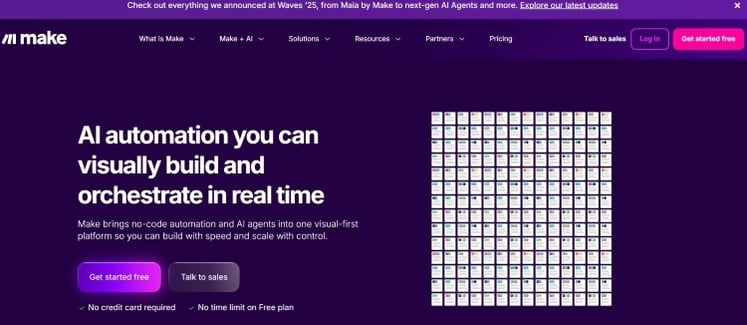
Make.com is a no-code automation platform that lets you connect apps and services through a visual, drag-and-drop interface. It's well-suited for tasks like data syncing, notification management, and lightweight process automation. Teams with limited budgets will find its free and low-cost plans especially accessible.
Key features of Make
Visual scenario builder
Make's real-time workflow builder, called Scenarios, lets you design and preview automations as you build them. You get a clear picture of how data moves between your connected apps.
Make Grid
The Make Grid gives you a bird's-eye view of all your active automations in one unified space. It helps you monitor and manage your entire automation landscape without switching between screens.
Pre-built integrations
Make connects with 2,000-plus apps, including a wide range of AI and automation tools, so you can automate across your existing tech stack without custom development.
Drag-and-drop app connector
Linking two apps together takes just a few clicks. You don't need technical expertise to get a basic automation running.
Pros of Make
- Intuitive interface with a short learning curve
- Clear, transparent pricing structure
- Extensive integration options with a straightforward setup process
Cons of Make
- Better suited for technical or professional users
- Adding custom apps via API can get complex and increase cost
Best for: Mid-sized to enterprise organizations in regulated sectors that require AI-powered automation
FlowForma homepage
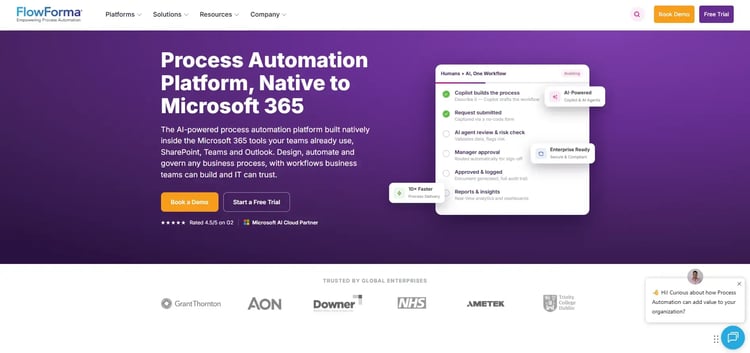
FlowForma is a cloud-based, AI-powered workflow automation platform built for end-to-end process management. You can build, optimize, and manage workflows independently without relying on IT or writing a single line of code. Its intuitive drag-and-drop interface gets your team up and running in weeks.
Key features of FlowForma
AI-powered workflow creation
FlowForma's Copilot, Agent, and Summarization tools let you build and modify workflows using natural language prompts, diagrams, or forms. There's no need to manually map out every step or logic path.
Drag-and-drop workflow builder
Design workflows ranging from simple approvals to multi-stage compliance processes using a visual designer. You can configure delegation rules, escalations, and audit snapshots through point-and-click settings.
Governance and compliance
FlowForma includes built-in audit trails, role-based access controls, and a dedicated compliance module. It supports alignment with DORA, GDPR, and ISO 27701 standards across your automated workflows.
Automated document generation
Create contracts, reports, and proposals directly within your workflows using a no-code Word add-in template builder. Documents are auto-populated with form data and can be converted to PDF and distributed securely.
Pros of FlowForma
- AI-driven automation reduces manual effort and speeds up complex processes
- Accelerates workflow automation adoption across mid-sized and enterprise teams
- Seamless Microsoft 365 integration enhances adoption and efficiency
Cons of FlowForma
- Best suited for SharePoint Online and Office 365 users
- Rule configuration can be confusing, especially for new users
3. Appian
Best for: Enterprise teams that need rapid low-code application development with integrated AI and process automation
Appian’s low-code development platform
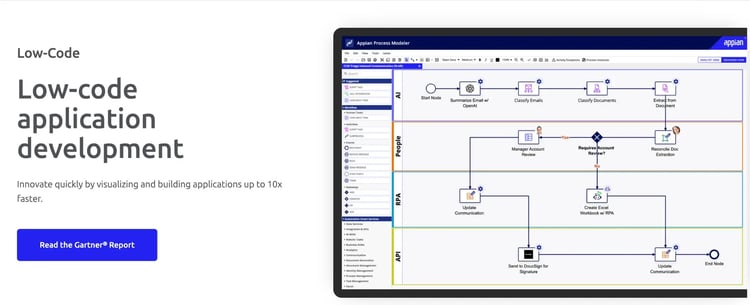
Appian markets itself as a low-code application development platform that also supports no-code automation. You can build and deploy custom business apps, automate workflows, and integrate AI capabilities all in one environment. It's a strong fit for teams that need speed without sacrificing governance.
Key features of Appian
End-to-end process automation
Appian brings together RPA, AI, intelligent document processing, and API integrations under one roof. You can automate complex, multi-step workflows without stitching together separate tools.
Generative AI for custom models
Appian's Gen AI capabilities let you build and deploy custom AI models tailored to your specific business processes. These can be embedded directly into your workflows.
Native CI/CD and governance
Built-in continuous integration and deployment tools help development teams ship low-code applications at scale. Governance controls keep your processes consistent and auditable.
Enterprise security and audit controls
Meet compliance requirements with role-based access, full audit logging, and governance tools built directly into the platform.
Pros of Appian
- Plug-and-play framework speeds up app development
- Smooth web and mobile experience out of the box
- AI and automation handle complex, audit-heavy workflows
Cons of Appian
- AI customization options are somewhat limited
- Pricing details are not publicly available
4. Kissflow
Best for: Citizen developers managing structured and flexible workflows
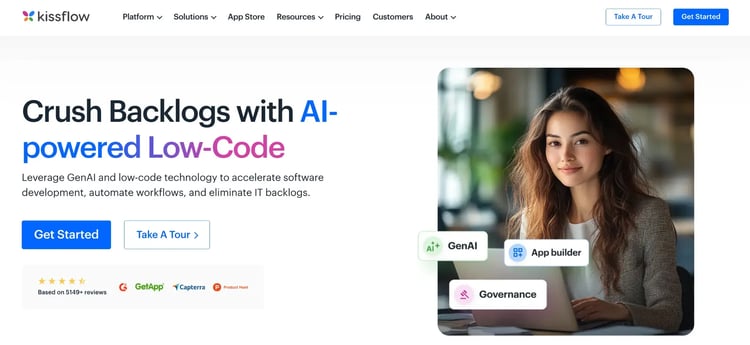
Kissflow homepage
Kissflow offers both low-code and no-code development, so your team can choose the right approach depending on the complexity of the process. Simple workflows can be built with drag-and-drop tools, while more complex cases can lean on low-code capabilities.
It's designed to help citizen developers work independently without creating a backlog for IT.
Key features of Kissflow
Dual development approach
Kissflow supports both no-code drag-and-drop interfaces and low-code tools in the same platform. You can match the development approach to the complexity of each workflow.
Complex case management
Beyond simple approvals, Kissflow handles multi-step, conditional workflows and case management scenarios. Your team can manage both structured and unstructured processes in one place.
AI-powered app development
Kissflow uses AI to speed up low-code application development. This helps reduce the time and effort needed to go from process design to deployment.
Built-in collaboration
Teams can work together on process design, updates, and reviews directly within the platform. There's no need to coordinate outside the tool.
Pros of Kissflow
- Friendly for citizen developers with minimal training
- Processes and datasets managed in a single environment
- Controlled, visual change management
Cons of Kissflow
- External integrations may require support assistance
- Access control setup can feel inconsistent and restrictive
5. Microsoft Power Apps
Best for: Microsoft 365 teams building custom business apps
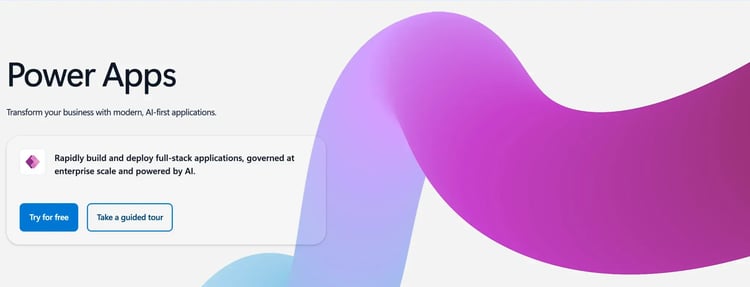
Microsoft Power Automate & Power Apps homepage
Part of Microsoft's Power Platform, Power Apps lets you build custom business applications with minimal coding. If your team is already working within the Microsoft 365 ecosystem, it connects seamlessly with the tools you're already using. Its drag-and-drop interface makes it accessible to both professional developers and business users.
Key features of Microsoft Power Apps
Low-code app development
Power Apps lets you build custom applications through a drag-and-drop interface, with the option to add code for more complex requirements. You don't need a full development team to get an app off the ground.
Microsoft 365 integration
Power Apps connects natively with the broader Microsoft ecosystem, including SharePoint, Teams, Dataverse, and Azure. If your organization already runs on Microsoft, this integration reduces setup effort significantly.
AI Builder
The built-in AI Builder lets you add intelligence to your apps, from form processing to prediction models, without writing AI code. It comes with a mobile-first design approach as well.
Enterprise compliance and governance
Power Apps includes enterprise-grade compliance controls and governance features. These help organizations maintain security and auditability across the apps they build and deploy.
Pros of Microsoft Power Apps
- Deeply integrated with the Microsoft 365 environment
- Intuitive drag-and-drop interface
- Strong enterprise governance controls
Cons of Microsoft Power Apps
- Debugging tools are limited and can slow development
- Licensing structure can be complex to navigate
6. ProcessMaker
Best for: Organizations seeking flexible, low-code business process automation with intelligent document processing and AI-assisted design
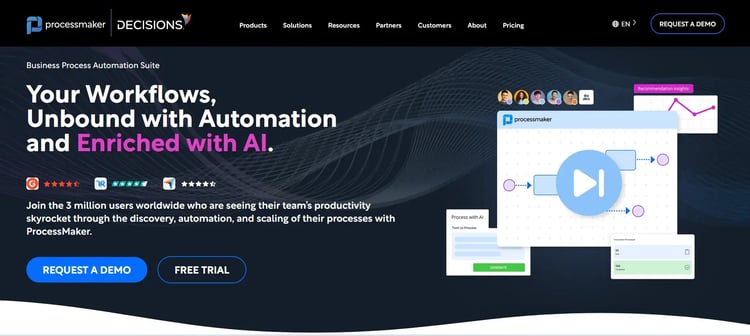
ProcessMaker’s Homepage
ProcessMaker is a low-code platform focused on automating mission-critical business processes quickly and reliably. You can design, optimize, and run workflows in a unified environment without needing deep technical expertise for the basics. Its conditional, logic-based workflow engine enables it to handle more intricate process requirements.
Key features of ProcessMaker
Drag-and-drop forms and approval flows
You can build forms and configure approval workflows visually, without writing code. This makes it straightforward to automate common processes like purchase approvals or employee onboarding.
AI-driven document creation
ProcessMaker uses AI to generate documents as part of your workflow. This reduces manual document handling and keeps your process running smoothly.
Multiple AI agent applications
The platform supports a range of AI agent use cases that can be embedded across different workflow stages. These agents can handle tasks like data extraction, classification, and decision support.
Conditional, logic-based workflow design
You can build workflows that branch, escalate, or change behavior based on specific conditions. This makes ProcessMaker suitable for processes that aren't strictly linear.
Pros of ProcessMaker
- Responsive and quality customer support
- Straightforward system integration
- Handles complex conditional workflows well with AI
Cons of ProcessMaker
- Initial setup can be time-consuming
- Limited features in branding and integration capabilities
7. WorkflowGen
Best for: Organizations needing controlled, auditable process automation
WorkflowGen’s homepage
WorkflowGen is a no-code process automation platform that combines business process management with AI capabilities. It's built for organizations that need controlled, transparent automation across complex internal processes. Sequential AI agent orchestration makes it a good fit for workflows that require multiple handoffs and structured coordination.
Key features of WorkflowGen
Controlled process automation
WorkflowGen gives you full visibility and control over how your automated processes run. Audit trails and process transparency are built into the core of the platform.
AI-augmented processes
You can layer AI capabilities on top of your existing workflows to improve accuracy and reduce manual intervention. The platform is designed to keep AI actions compliant and traceable.
Harmonious AI agent orchestration
WorkflowGen supports sequential orchestration of multiple AI agents within a single workflow. Each agent operates in a defined order, reducing the risk of conflicts or unpredictable outputs.
Tailored workflow configuration
Workflows can be customized to match the specific needs of each process. You're not locked into a rigid template structure.
Pros of WorkflowGen
- Easy to develop and deploy workflows with solid collaboration
- Consistent and reliable customer support
- Strong process transparency and audit capabilities
Cons of WorkflowGen
- Drag-and-drop interface can feel slow at times
- Frequent version releases may require ongoing adjustments
8. Nintex
Best for: Microsoft-centric organizations seeking low-code workflow automation and document generation across SharePoint and Office 365
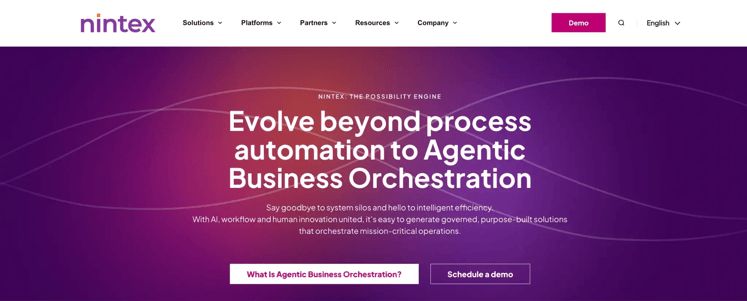
Nintex homepage
Nintex is an AI-powered, low-code platform designed for organizations that want to automate complex processes quickly and maintain full visibility over how those processes run. You can launch purpose-built applications with agentic workflow support and pre-approved compliance templates. It's a practical choice for teams that need automation at scale without starting from scratch.
Key features of Nintex
AI-powered workflow automation
Nintex uses AI to help you build smarter workflows that can adapt and respond based on context. This reduces the need for manual intervention across repetitive or rule-based tasks.
Drag-and-drop interface with real-time analytics
You can design workflows visually and monitor their performance with real-time analytics built into the same interface. This makes it easier to spot bottlenecks and optimize processes continuously.
Pre-approved compliance templates
Nintex offers templates designed to meet compliance requirements out of the box. Your team can deploy standardized, auditable processes without building from the ground up.
Full process visibility and control
The platform gives you end-to-end visibility into how each workflow is performing. You can track progress, identify issues, and make adjustments without losing oversight.
Pros of Nintex
- Industry-specific templates speed up deployment for common processes
- Integrates with your existing systems
- Process intelligence enables data-driven improvement
Cons of Nintex
- Complex customizations require technical expertise
- Steeper learning curve and higher licensing costs for advanced configurations
9. Pipefy
Best for: SMBs managing approvals and structured task workflows
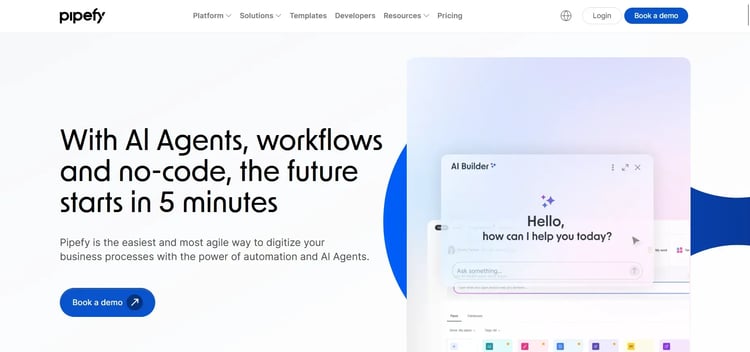
Pipefy’s homepage
Pipefy is an AI-powered, no-code platform that helps you standardize and connect workflows across teams and departments. Its context-aware AI-guided flows adapt to your process needs, making it easier to deliver consistent outcomes. Teams looking for quick automation wins without heavy IT involvement will find it approachable.
Key features of Pipefy
No-code workflow builder
Pipefy's visual builder lets you map out and automate workflows without writing code. You can set up a new process in hours rather than weeks.
Autonomous AI agents
Pipefy's AI agents can take over repetitive workflow tasks and make context-aware decisions without human input. This keeps your processes moving even when your team is focused elsewhere.
Context-aware AI-guided flows
The platform uses AI to guide workflows based on the context of each request or case. This makes your automations more responsive and less dependent on rigid, pre-set rules.
Visual low-code for scalable workflows
For more advanced requirements, Pipefy offers low-code tools that scale alongside your operations. You get the flexibility to add complexity as your needs grow.
Pros of Pipefy
- User-friendly interface with straightforward maintenance
- Strong customization and integration options
- Suitable for operational teams, as it supports real-time communication and collaboration
Cons of Pipefy
- No general dashboard for cross-workflow overview
- Advanced features are gated behind a higher pricing tier
10. Pega
Best for: Large enterprises that require AI-driven decisioning, complex case management, and end-to-end process automation at scale
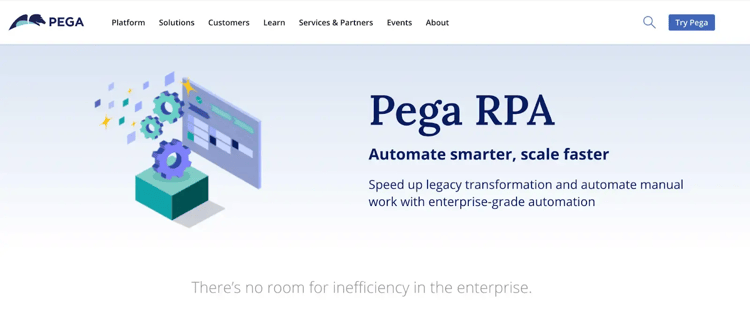
Pega platform’s homepage
Pega is an enterprise-grade, low-code process automation platform built for organizations managing high-volume, complex workflows. You can create applications, automate business processes, and manage dynamic cases all from a single environment. Its built-in AI and CRM and ERP integrations make it a strong option for larger teams with sophisticated process needs.
Key features of Pega
Intuitive low-code interface
Pega's visual builder lets developers and business users collaborate on building applications and automations. You can move quickly without sacrificing the ability to handle complex requirements.
Built-in AI for automation and recommendations
Pega uses AI to automate decisions, surface recommendations, and streamline workflows in real time. This reduces reliance on manual review at key stages of your process.
Dynamic case management
Pega's case management capabilities let you handle unstructured, evolving processes that don't follow a fixed path. Cases adapt as new information comes in, keeping your team in control.
CRM, ERP, and cloud integrations
Pega connects with major enterprise systems, including CRM, ERP, and cloud platforms. This means you can automate across your existing infrastructure without rebuilding it.
Pros of Pega
- RPA execution is easy to monitor and track
- Low-code tool with a visual interface and quick deployment times
- Strong enterprise integrations and case management capabilities for multi-department processes
Cons of Pega
- Licensing and implementation costs can be high for small and mid-sized businesses
- Steep learning curve for complex implementation requirements
What to Look for in Creatio Alternatives
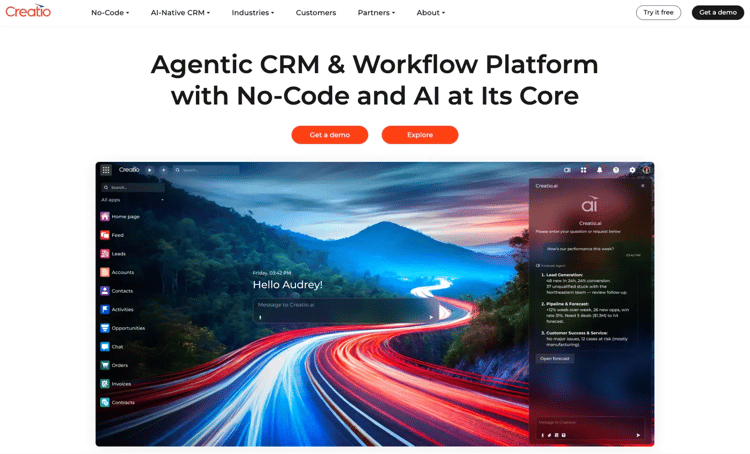
Creatio Homepage
Creatio is a unified CRM and process automation platform that combines no-code tooling with deep customization options. But when exploring alternatives, your focus should be on how well a platform supports the way your team actually works, without requiring heavy configuration before you see results.
Below are the key factors to consider when evaluating Creatio alternatives:
Ease of use for business users
Look for platforms that let non-technical teams build and manage workflows independently. A strong alternative reduces the gap between the people who design processes and the people who run them.
Simple and intuitive navigation
Choose tools with a clean, focused interface that your team can pick up quickly. A shorter learning curve means faster adoption and fewer requests for IT support.
Clear and predictable pricing
Prioritize platforms that are upfront about what's included at each tier. When pricing scales with modules or user counts, costs can climb quickly, so look for alternatives that keep budgeting straightforward.
Integration and system compatibility
Make sure the platform integrates with your existing tools via prebuilt connectors or open APIs, so workflow automation doesn't require rebuilding your tech stack around a new system.
Governance and scalability
As your processes grow in volume and complexity, you'll need visibility and control. Look for role-based access, audit trails, and performance monitoring that scale with your operations.
Creatio offers flexibility, but that flexibility often comes with complexity. Customization, configuration, and ongoing management can require significant technical involvement, which slows down how quickly business teams can adapt processes.
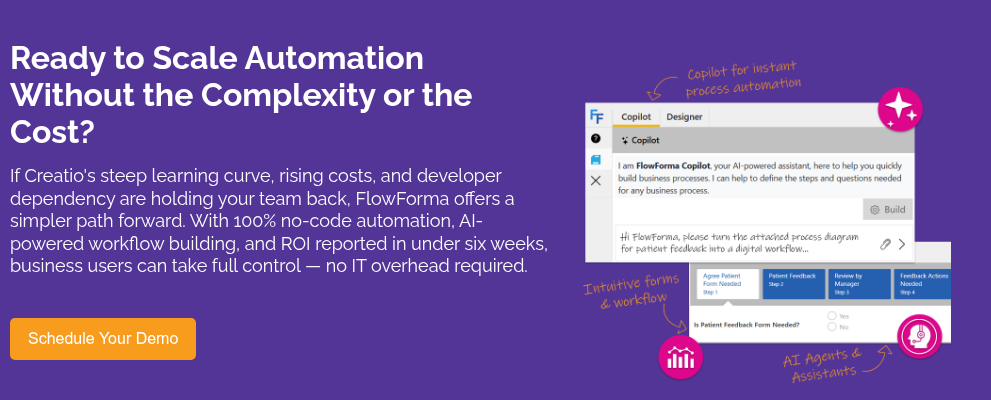
FlowForma takes a more business-first approach. Teams can build, update, and manage workflows themselves, without relying on IT for every change. This reduces delays and keeps process ownership closer to the people running them.
A few things make FlowForma particularly relevant for teams moving away from Creatio:
- No-code workflow design: Business users can create and manage workflows without development support.
- Microsoft 365 alignment: Works directly within SharePoint and Teams, so there’s no need to introduce a separate ecosystem.
- Built-in compliance and governance: Audit trails, approvals, and controls are embedded into every workflow by default.
- AI that supports real work: AI Copilot helps generate workflows, while Discovery Agent highlights where automation can add value.
For teams looking to simplify process automation without sacrificing control, FlowForma is a practical alternative. Book a demo to see how it works in your environment.