HR teams handle a constant flow of repetitive work. Employee onboarding, leave requests, approvals, document creation, and compliance tracking often rely on emails or disconnected systems. Delays build up. Visibility drops. Manual errors increase.
HR automation software addresses these gaps by structuring workflows, capturing data in a consistent format, and reducing manual intervention across the employee lifecycle.
In this guide, we compare 10 HR automation tools used by organizations, including our tool, FlowForma. Each platform is evaluated using vendor documentation and verified reviews. The focus stays on how well these tools support real HR workflows, such as onboarding, performance tracking, and employee record management.
Whether the priority is process standardization, employee experience, or compliance tracking, this list helps identify the right fit.
|
The tools in this guide were selected based on their ability to support structured HR workflows and not just isolated automation tasks. Evaluation focused on onboarding, approvals, employee data handling, compliance tracking, and reporting.
Reviews were analyzed to identify recurring feedback on usability, performance, and workflow management. Vendor documentation was used to validate feature depth and positioning. Each tool was assessed using the same framework to maintain consistency. The evaluation covered:
- Workflow automation depth across core HR processes, such as onboarding and approvals
- Ease of use for HR teams managing workflows without heavy IT involvement
- Ability to capture, manage, and report on employee data within workflows
- Integration capabilities with HR systems and collaboration platforms
- Visibility into workflows through dashboards and audit trails
- Scalability to support growing teams and increasingly complex HR processes
|
Here is a quick side-by-side comparison of the 10 tools:
|
Tool
|
Best For
|
Key HR Automation Strength
|
|
PeopleForce
|
Lifecycle management
|
Performance and engagement tracking
|
|
Comidor
|
Enterprise automation
|
Low-code HR process orchestration
|
|
Cflow
|
SMB teams
|
Approval workflows and reporting
|
|
FlowForma
|
Mid-sized to enterprise teams
|
HR workflow automation on MS 365
|
|
HiBob
|
Employee experience focus
|
HR lifecycle management
|
|
Personio
|
SMB HR teams
|
Core HR and talent workflows
|
|
Kissflow
|
Process-driven teams
|
Workflow automation for HR requests
|
|
Nintex
|
Document-heavy processes
|
Workflow and document automation
|
|
Frevvo
|
Form-based workflows
|
HR process standardization
|
|
GoCo
|
HR + payroll teams
|
End-to-end HR workflows
|
Let us now look at each tool in detail:
1. Cflow
Best for: Small to mid-sized HR teams managing approval-heavy workflows
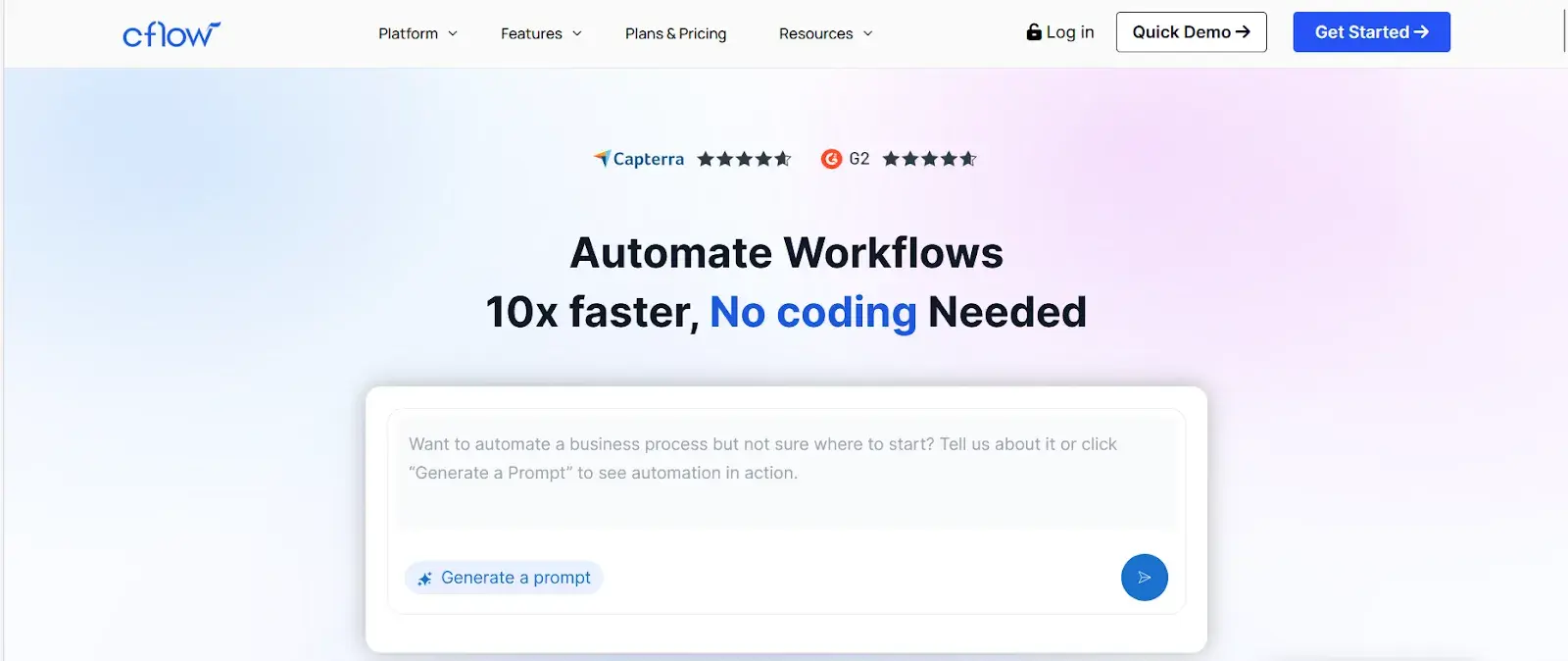 Cflow homepage
Designed as a workflow-first automation platform, Cflow focuses on simplifying approval-driven HR processes such as leave requests, reimbursements, and internal service requests.
The platform is built for teams that want structured workflows without complex setup. Strong emphasis on form-based inputs and rule-based routing makes it suitable for organizations looking to standardize recurring HR tasks while maintaining clear visibility across requests and approvals.
Cflow’s Key Features
Drag-and-drop workflow builder
HR teams can create workflows using a visual interface. Approval steps, routing logic, and conditions can be configured without coding. HR teams can quickly modify workflows when policies change. Process design remains accessible to HR users without requiring technical expertise.
Custom forms for HR workflows
Forms can be customized for different HR processes, such as leave requests or reimbursements. Data entered into forms flows directly into workflows. Validation rules help maintain accuracy. Structured input reduces manual corrections and improves data consistency.
Rules-based task routing
Requests are routed automatically to the appropriate approvers based on predefined conditions. Escalation rules can be added for delayed approvals. Routing reduces manual follow-ups and helps maintain process timelines.
Workflow reporting and dashboards
Dashboards provide insights into workflow performance, and HR teams can track pending requests, completion times, and bottlenecks. Reporting helps identify delays and improve process efficiency.
Notifications and alerts
Users receive alerts when actions are required. Notifications reduce delays caused by missed approvals. HR teams can maintain workflow momentum without manual reminders.
What do users like about Cflow?
Users frequently mention that Cflow makes it easy to set up approval-based workflows, such as leave requests and reimbursements, without technical expertise.
Many users emphasize the swift configuration of forms and routing rules, enabling HR teams to automate routine requests. Users also appreciate the reporting features for providing visibility into pending approvals and overall workflow progress.
What do users dislike about Cflow?
Some reviewers report performance slowdowns when handling larger or more complex workflows, which can impact HR processes at scale. Others note that setting up advanced workflows with multiple conditions can become difficult, especially when processes move beyond basic approval flows.
Best For: Mid-sized and enterprise HR teams that want to automate workflows while retaining IT governance
FlowForma’s Product Demo
An AI-powered, no-code process automation platform, FlowForma is designed for organizations that want to digitize HR workflows without relying heavily on IT teams.
Our tool combines forms, workflow automation, dynamic forms, compliance, reporting, and document generation in a single platform.
HR teams can handle onboarding, approvals, employee feedback, and performance processes while keeping track of everything and ensuring data is organized throughout the employee's time at the company.
FlowForma’s Key Features
No-code workflow automation
HR teams can design workflows for internal processes using a drag-and-drop visual interface. HR can directly implement changes as policies evolve. Workflow logic supports conditions, role-based approvals, and escalations.
Keeping process ownership with HR rather than IT reduces delays and helps teams respond faster to organizational changes. Watch this demo to see how you can create an employee onboarding workflow using our visual interface and AI Copilot:
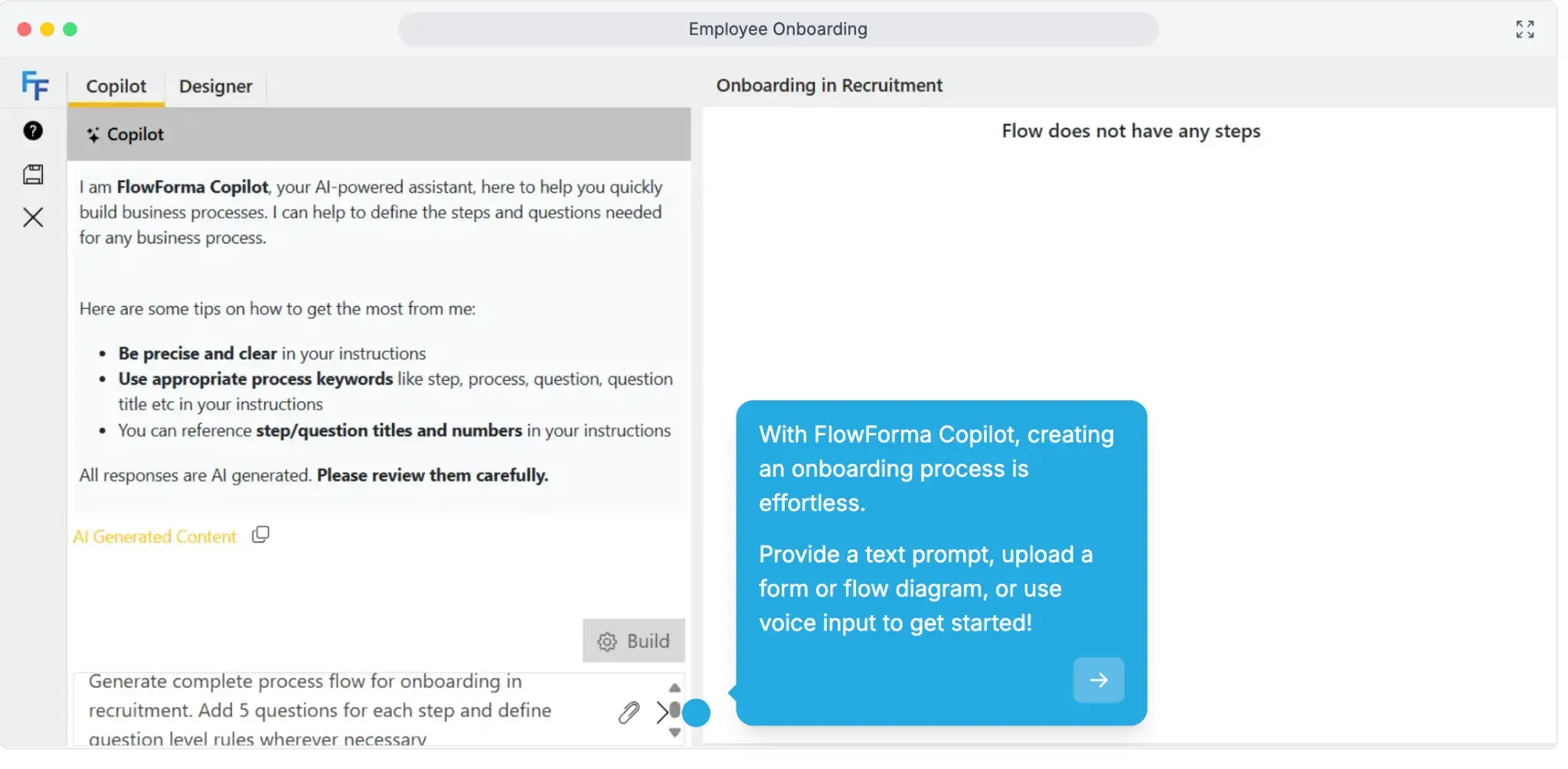
Create an employee onboarding demo using FlowForma’s AI Copilot
Form automation for structured HR data
Our dynamic forms capture employee data at different stages of HR workflows, and validation rules improve accuracy and reduce incomplete submissions.
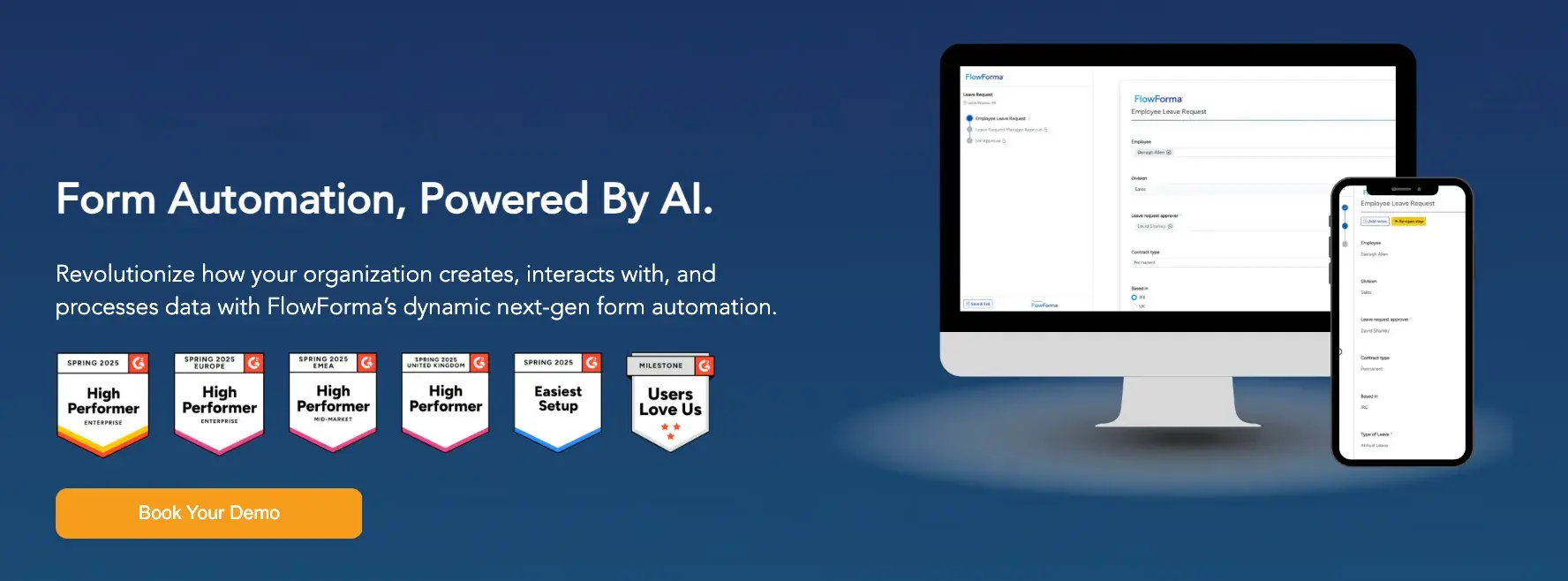
FlowForma AI-powered form automation
Information collected during onboarding or performance reviews flows directly into workflows, which reduces manual entry and duplication. Structured data also improves reporting and compliance tracking.
End-to-end process visibility
Each workflow step is tracked in real time. HR teams can monitor approvals, identify delays, and review historical actions. In-built compliance and audit trails support adherence to regulations such as GDPR.
Visibility across processes helps HR teams understand where workflows slow down and take corrective action.
Document generation within workflows
Documents such as contracts or letters are generated automatically using workflow data. We offer pre-built templates that standardize outputs across the organization.
The need for manual document creation is reduced, which saves time and improves consistency. HR teams can generate documents at any stage of a workflow without switching systems.
Analytics and reporting dashboards
Workflow data is presented through dashboards that show progress, bottlenecks, and completion rates. HR leaders can track process performance and identify inefficiencies. Reporting supports better decision-making by providing a clear view of how HR operations are functioning across teams.
What users like about FlowForma
Users highlight how easily HR teams can build and manage workflows without relying on IT, which helps speed up onboarding and approval processes. Many also value the visibility across workflows and native Microsoft integration, making it easier to track employee requests and monitor progress.
The support team also draws considerable praise owing to their quick response times and attention to detail. In addition, FlowForma follows a process-based pricing model, so teams can scale processes without worrying about hidden costs.
What users dislike about FlowForma
Some users mention that the initial setup can take time, especially for teams new to workflow automation. Others note that reporting requires additional configuration to generate deeper insights across multiple HR processes.
3. Kissflow
Best for: HR teams managing high volumes of internal requests and service workflows
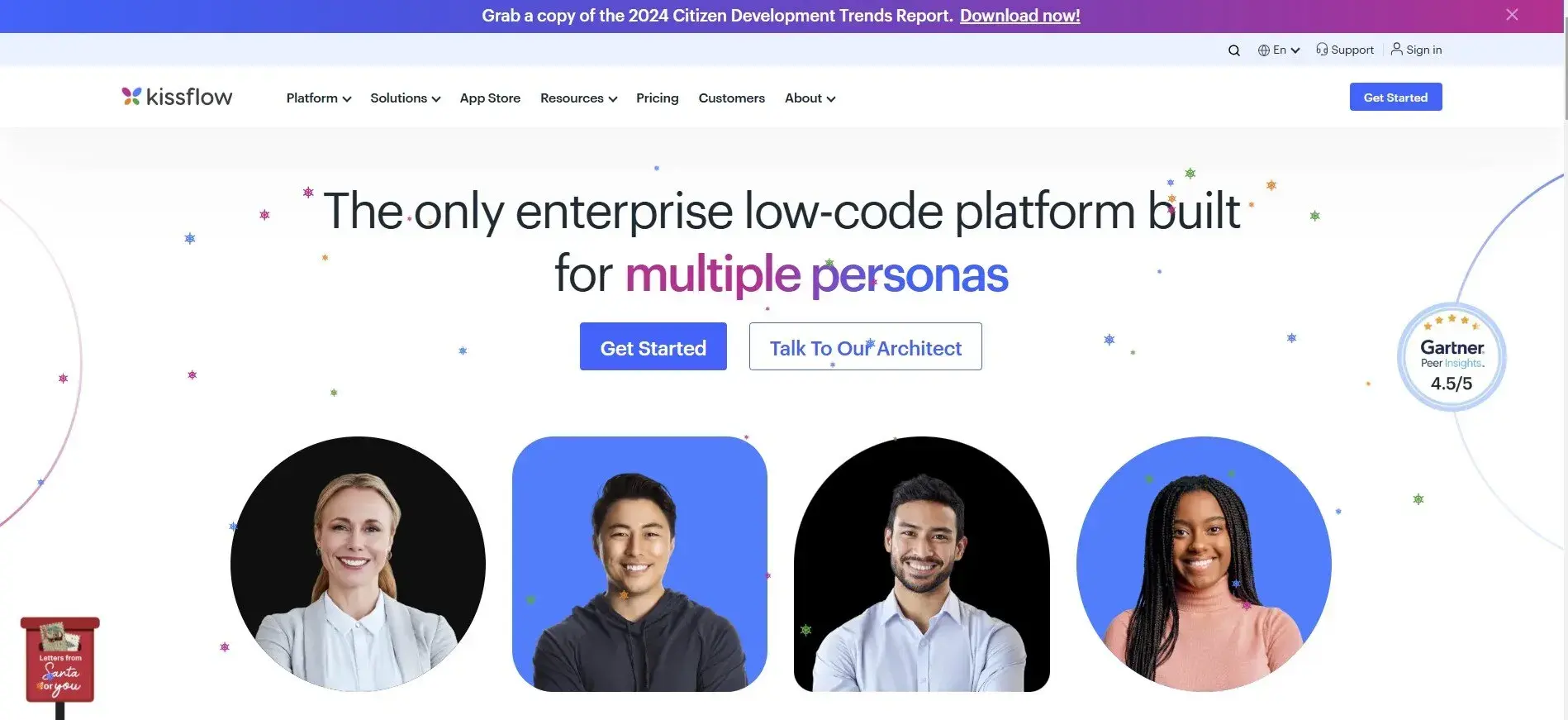
Kissflow's homepage
Built as a low-code platform for process and request management, Kissflow is widely used by HR teams to manage internal service workflows, including employee queries, approvals, and ticket-based requests.
The tool combines workflow automation with case management capabilities, making it suitable for teams that need to organize and track large volumes of HR requests while still allowing flexibility for custom process design.
Kissflow’s Key Features
Process automation for HR workflows
HR teams can automate multi-step workflows, such as onboarding and internal approvals. Conditional logic allows workflows to adapt based on inputs. Process execution becomes more consistent and less dependent on manual coordination.
Case management for HR requests
Employee queries and requests can be managed within a structured system. Cases are tracked from submission to resolution. Improved visibility reduces response times and missed requests.
Low-code application development
With Kissflow, you can build custom applications to support specific processes. Internal tools can be created without relying entirely on developers. Flexibility allows adaptation to unique HR requirements.
Integration with external systems
Kissflow connects with other business tools to exchange data. Integration reduces duplication and keeps HR data consistent across systems.
Citizen development support
Business users can create and manage workflows independently. Reduced dependence on IT accelerates process improvements and changes.
What do users like about Kissflow?
Users highlight how HR teams can build and manage workflows without needing deep technical expertise, which helps speed up the setup of internal requests and approval processes.
Many also find the interface easy to use for handling day-to-day HR operations. Users frequently cite the benefits of seamless integrations with existing systems and workflow customization when adapting processes to various HR use cases.
What do users dislike about Kissflow?
Some users report missing features such as limited mobile app functionality when managing more advanced or complex HR workflows, which can limit scalability.
4. HiBob
Best for: HR teams focused on employee experience and lifecycle management
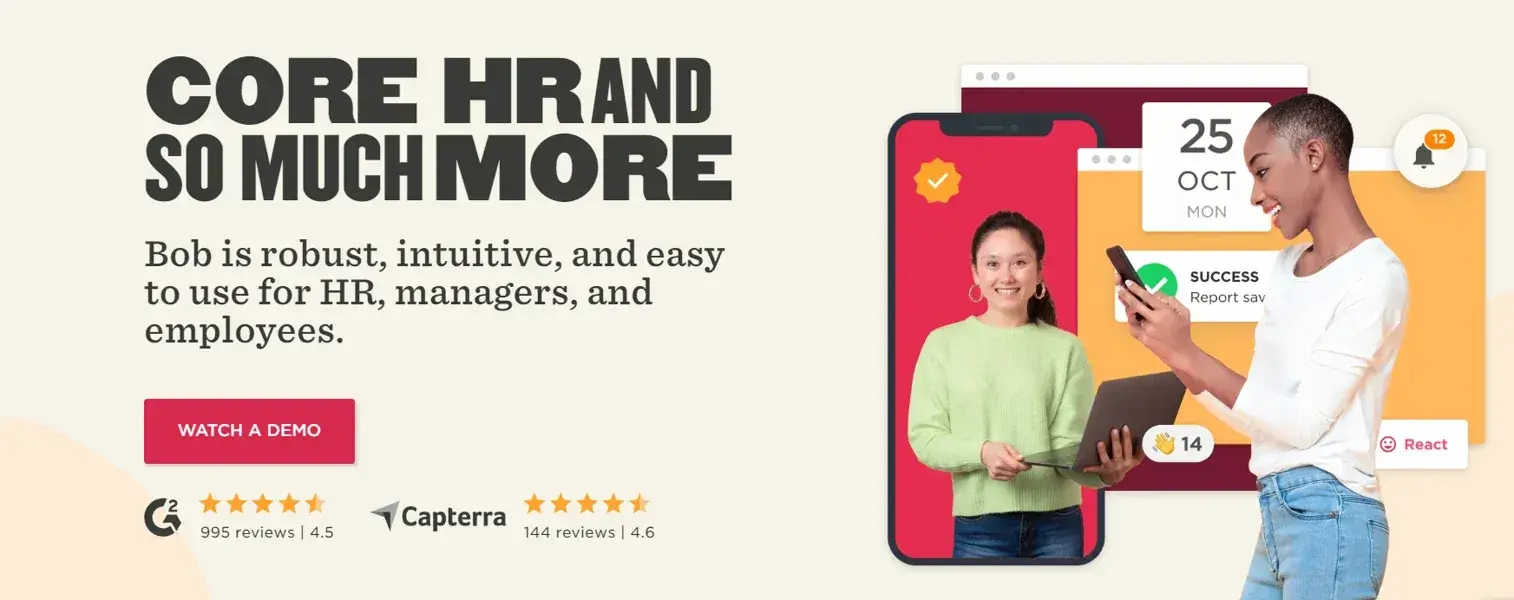
HiBob Homepage
Designed as a people management platform rather than a workflow automation tool, HiBob focuses on managing the full employee lifecycle from hiring to performance and engagement. HR teams use it to centralize employee data, run structured onboarding, and track performance over time.
A strong emphasis on usability and employee experience makes it suitable for organizations that prioritize engagement and culture alongside core HR operations.
HiBob’s Key Features
Centralized employee data management
Employee information is stored in a single system that is accessible across HR teams. Records can be updated in real time, which reduces duplication and inconsistencies. Centralization supports better visibility into employee history and simplifies compliance tracking for audits and reporting.
Onboarding workflow automation
Onboarding workflows guide new hires through required steps such as documentation and training, with HR teams assigning tasks, tracking completion, and monitoring progress. Structured onboarding improves consistency and reduces delays caused by manual coordination.
Performance and feedback tracking
Managers can run structured performance cycles within the platform, with feedback being collected and reviewed in one place.
Consistent tracking supports fair evaluations and helps HR teams monitor employee development over time.
Time-off and attendance management
Leave requests are managed within the platform using predefined workflows. Approvals are tracked and recorded, which reduces manual follow-ups. HR teams gain better visibility into workforce availability and leave trends.
People analytics and insights
Dashboards provide information about employee engagement and performance trends. HR leaders can use this data to identify risks and improve decision-making related to workforce planning.
What do users like about HiBob?
Users like how easy it is to manage employee data in one place, which helps HR teams maintain accurate records across the employee lifecycle. Many also appreciate the modern UI and structured onboarding workflows, which bring consistency across teams. The platform’s strong reporting capabilities and people analytics capabilities are often mentioned as key strengths.
What do users dislike about HiBob?
Some users report challenges when integrating HiBob with external tools, which can slow down data flow across systems. Others report limited flexibility when configuring workflows for more complex HR requirements.
The initial implementation may also feel a bit unclear.
5. Comidor
Best for: Enterprises managing complex, cross-functional HR workflows
Organizations that need to coordinate HR workflows across multiple departments use Comidor, a low-code platform with strong business process management capabilities.
HR teams rely on it for processes such as workforce planning, personnel management, and operational approvals.
Focusing on process orchestration and lifecycle management makes it suitable for environments where HR workflows involve multiple stakeholders and require tight control.
Comidor’s Key Features
Low-code workflow automation for HR processes
HR workflows can be designed using low-code tools that support conditional logic and automation rules. Processes such as approvals and employee record updates can be automated. The flexibility allows HR teams to adapt workflows as requirements change.
Business process management for HR operations
Comidor supports structured process management across multiple HR functions. Processes can be mapped, tracked, and optimized over time. Visibility into each step helps identify inefficiencies and improve execution.
AI and automation for data-driven decisions
The platform uses AI and automation features to analyze workflow data. HR teams can identify trends and improve decision-making. Automation reduces manual analysis and supports more informed planning.
Custom application development
HR teams can build applications tailored to specific processes such as workforce planning or resource management. Customization allows organizations to address unique requirements without relying entirely on external tools.
Workplace collaboration tools
Teams can collaborate within workflows by sharing updates and tracking progress. Communication within the platform reduces dependency on external tools and improves coordination.
What users like about Comidor
Users highlight Comidor’s strong analytics capabilities, which help track workflow performance and monitor process efficiency across HR operations. AI-driven insights support better planning by identifying patterns and predicting workload trends.
Integration with other business systems is also seen as a key advantage, allowing HR workflows to connect with tools such as payroll and employee data systems, thereby improving coordination and overall operational efficiency.
What users dislike about Comidor?
Some users also report limitations in customization for specific use cases, which can restrict flexibility in certain HR processes.
6. Nintex
Best for: Enterprises combining workflow automation with robotic process automation
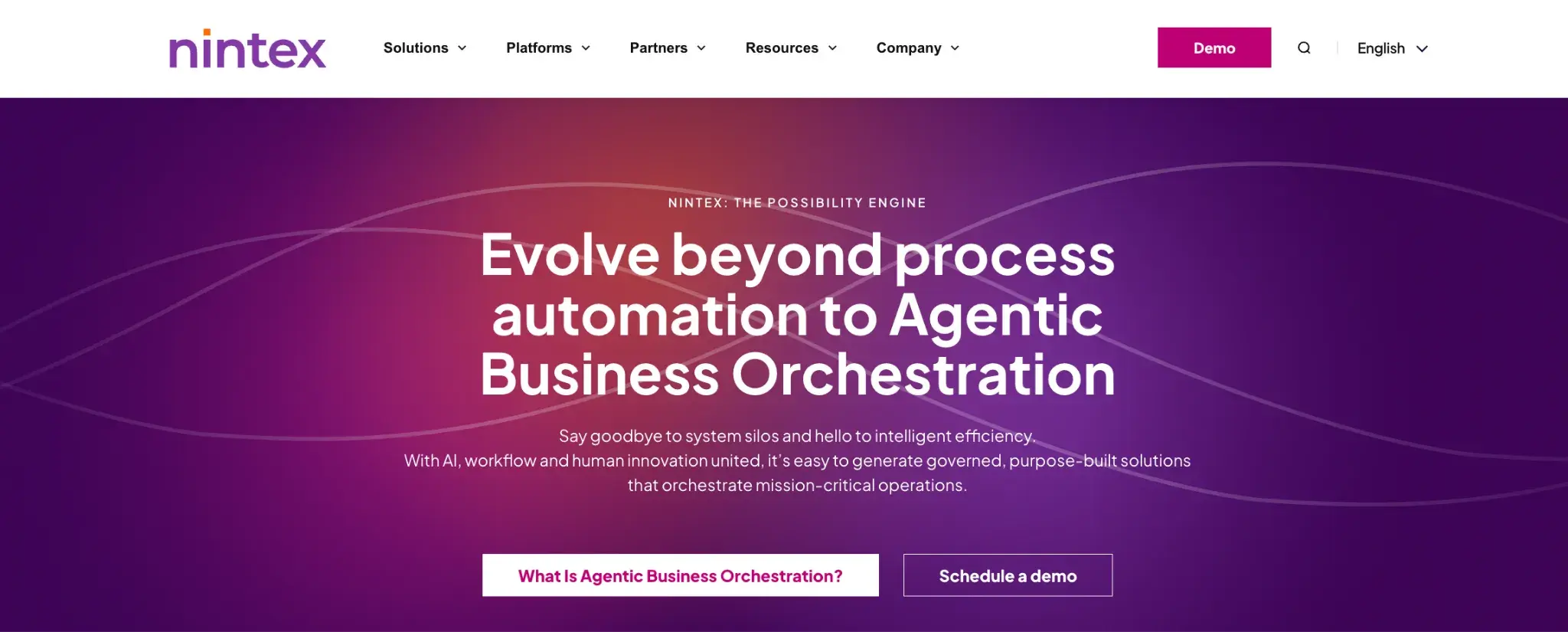
Nintex homepage
Nintex is a process automation platform that combines workflow automation, document generation, and robotic process automation.
HR teams use it to manage document-heavy processes such as onboarding, approvals, and compliance tracking. The platform is widely adopted by organizations that require structured workflows, strong documentation, and robust audit capabilities.
Nintex’s Key Features
Workflow automation for HR processes
HR teams can automate workflows such as onboarding and approvals using predefined templates or custom logic. Automation reduces manual coordination and improves consistency across processes.
Forms automation for data collection
Forms are used to capture employee data at different stages of workflows. Structured input improves data quality and reduces errors. Information flows directly into workflows for further processing.
Document generation and management
Documents such as contracts or agreements can be generated automatically using workflow data. Templates standardize outputs and reduce manual effort. In addition, document tracking supports compliance requirements.
Robotic process automation for repetitive tasks
Repetitive tasks such as data entry can be automated using RPA. With automation reducing manual workload and improving accuracy, HR teams can focus on higher-value tasks.
Analytics and process insights
Nintex supports the analysis of workflow data to provide performance insights. HR teams can identify delays, optimize processes based on generated reports, and drive continuous improvement.
What users like about Nintex
Users often point to its strength in handling document-heavy HR processes, such as onboarding paperwork and compliance workflows.
Automation helps reduce manual effort in repetitive tasks, thereby improving turnaround time. Integration with Microsoft tools is also widely appreciated, as it allows HR teams to manage workflows within familiar systems.
What users dislike about Nintex
Cost is a common concern, particularly for smaller organizations with limited budgets. Performance issues are reported when workflows become more complex, which can slow down execution. Some users also mention that the platform’s feature depth requires time and training before teams can use it effectively.
7. Frevvo
Best for: HR teams standardizing form-based workflows and compliance processes
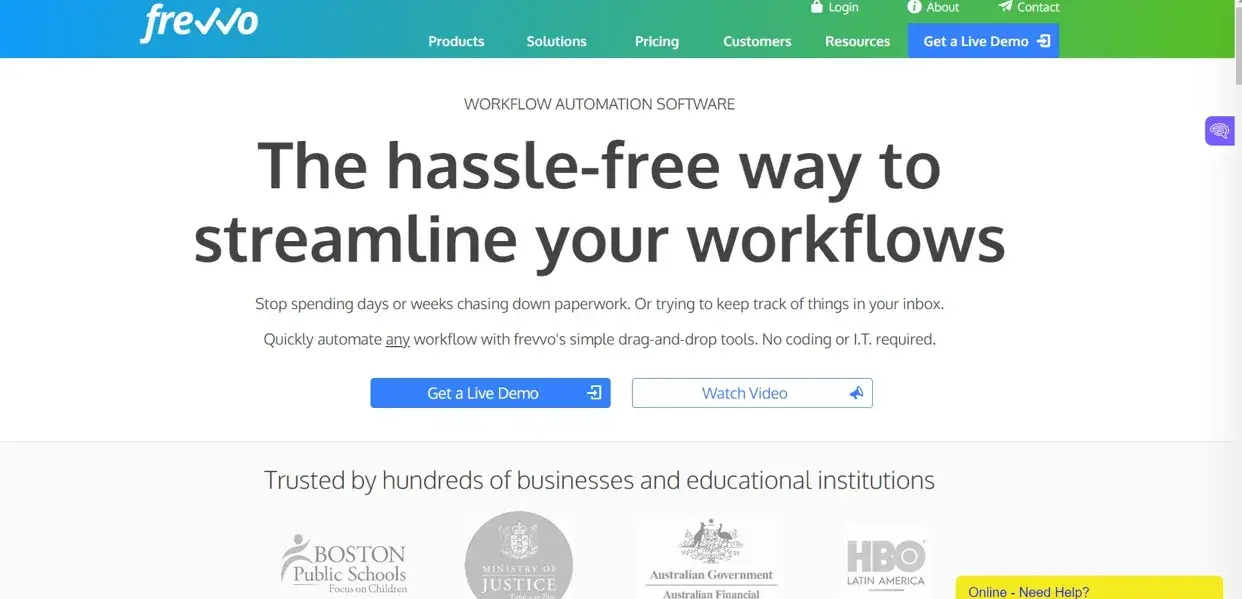
Designed around form-driven workflow automation, Frevvo is used by HR teams to digitize processes that rely heavily on structured data capture and approvals.
Common use cases include onboarding, leave requests, and expense claims. The focus on audit trails and compliance makes it suitable for organizations that need clear documentation of every step in HR workflows while maintaining consistency across recurring processes.
Frevvo’s Key Features
Form-based workflow automation
HR processes are built around forms that trigger workflows. Data collected through forms drives approvals and actions. Structured workflows improve consistency and reduce manual intervention.
Prebuilt HR workflow templates
Templates are available for common HR processes such as onboarding and leave requests. With templates, setup times are greatly reduced, and processes are standardized across teams.
Workflow routing and approvals
Requests are routed automatically based on predefined rules. Approvals are tracked within the system. Routing reduces delays and improves accountability.
Audit trails for compliance tracking
Each workflow action is recorded. HR teams can review process history for audits and compliance requirements. Traceability supports regulatory needs.
What do users like about Frevvo?
Limited availability of reviews on major platforms makes it harder to validate consistent user feedback. Based on available sources and vendor documentation, Frevvo appears strong in handling form-driven workflows, which helps standardize HR processes such as onboarding and approvals.
What do users dislike about Frevvo?
Limited presence on major review platforms means user feedback is not as extensive or consistent as other tools in this list. Based on available insights, platform complexity can slow down workflow setup, especially for teams new to automation.
8. Personio
Best for: Small to mid-sized HR teams managing core HR and talent workflows
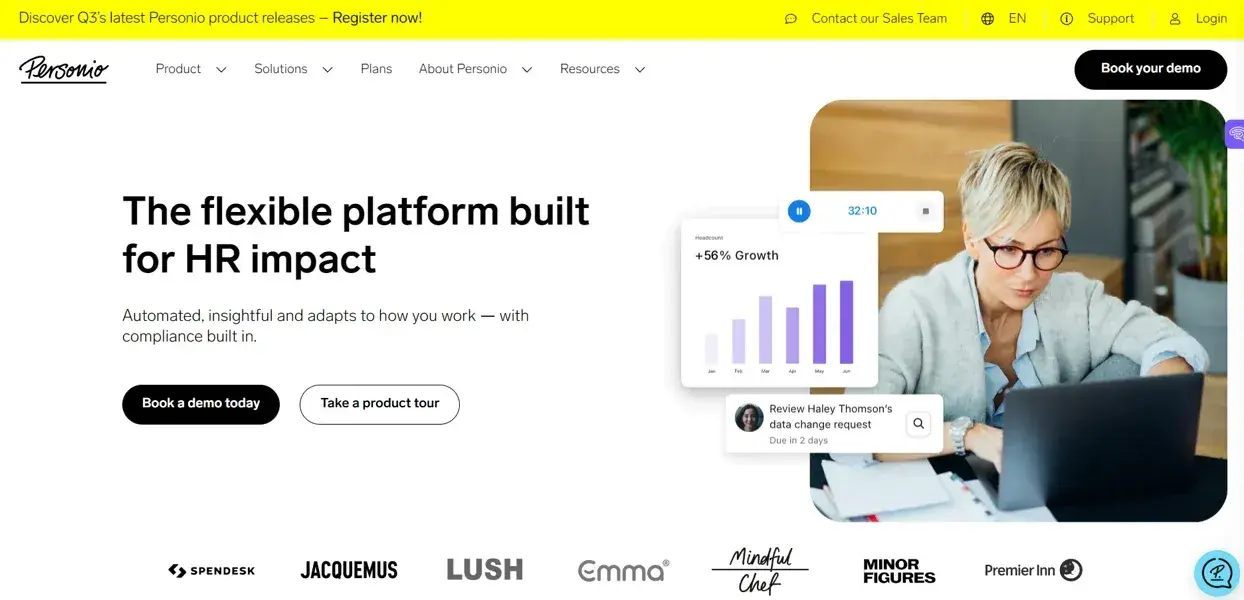
Personio homepage
Built as an all-in-one HR platform, Personio centralizes core HR operations, including recruitment, onboarding, performance management, and employee data management. HR teams use it to streamline day-to-day processes while maintaining visibility across the employee lifecycle.
The emphasis on usability makes it a practical choice for growing teams that want structured HR workflows without the complexity of enterprise systems.
Personio’s Key Features
Core HR management system
Employee data is stored and managed within a central system. HR teams can access records easily, which reduces duplication and improves data accuracy.
Recruitment and applicant tracking
Hiring workflows can be managed from application to onboarding. Candidate data is tracked within the system. Having a structured recruitment process greatly improves hiring efficiency.
Onboarding and offboarding workflows
Employee lifecycle processes are managed through workflows. Tasks are assigned and tracked to maintain consistency, and HR teams can monitor progress and completion.
Performance and development tracking
Performance reviews and development plans are managed within the platform. Structured tracking supports consistent evaluation processes.
Time tracking and absence management
Leave and attendance are tracked through automated workflows. HR teams can monitor trends and manage approvals efficiently.
What users like about Personio
Users often mention how easy the interface is to navigate, which helps HR teams manage day-to-day tasks without a steep learning curve. Many find it well-suited for small to mid-sized teams looking to centralize core HR processes such as hiring, onboarding, and employee data management. Coverage across key HR functions is frequently noted as a strength.
What users dislike about Personio
Initial setup requires planning, especially for organizations with more complex HR structures. Some users mention that advanced reporting is not intuitive and may require manual data exports. Limited workflow customization is also noted, particularly when trying to support more complex HR processes.
9. PeopleForce
Best for: HR teams focused on performance tracking and employee engagement
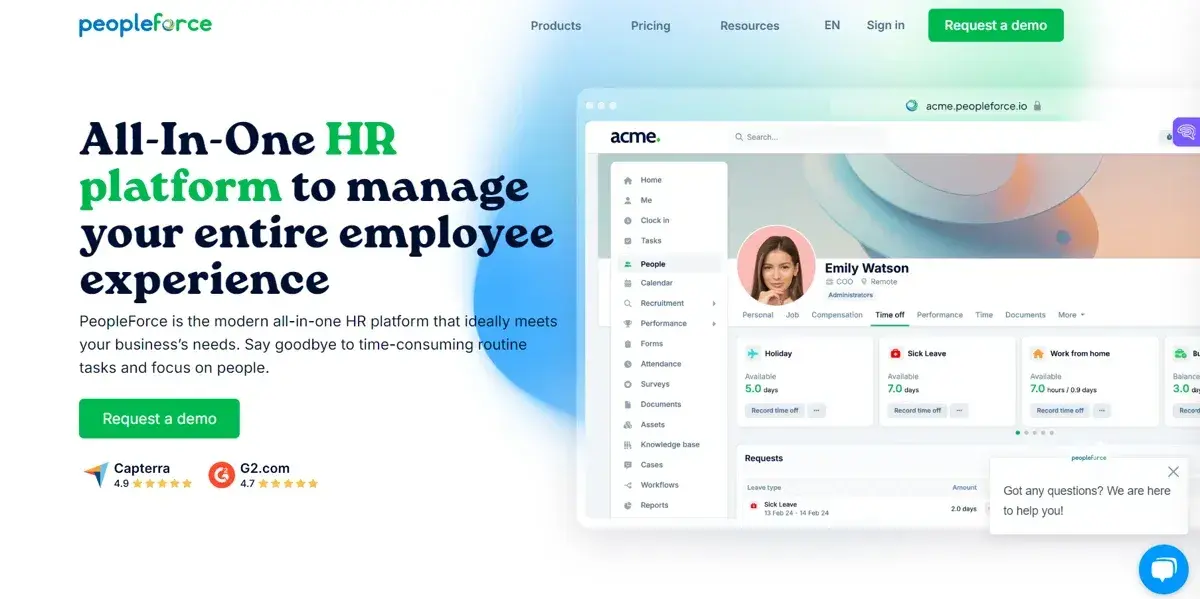
PeopleForce Homepage
Designed as an employee lifecycle management platform, PeopleForce focuses on tracking performance, engagement, and day-to-day workforce activity. HR teams use it to centralize employee data while monitoring progress across different stages of the lifecycle.
PeopleForce’s Key Features
Core HR management and employee records
Employee data is centralized within the platform, and HR teams can manage records and track changes. Centralization also improves visibility and reduces duplication.
Recruitment and applicant tracking system
Hiring workflows are managed within the system. Candidate tracking helps HR teams manage recruitment pipelines more efficiently.
Performance management tools
Employee performance is tracked using goals, feedback, and evaluation systems. Structured tracking improves visibility into employee progress.
Employee engagement and surveys
Surveys can be used to collect feedback from employees, and HR teams can monitor engagement levels and identify areas for improvement.
What do users like about PeopleForce?
Users often mention that the interface is intuitive, which helps HR teams manage workflows without much training. Performance tracking and engagement tools are seen as useful for monitoring employee progress and feedback. Centralizing multiple HR functions in one platform also helps reduce the need for switching between tools.
What users dislike about PeopleForce
Some users report missing features such as time-off calculation, which limits its use for certain HR processes.
10. GoCo
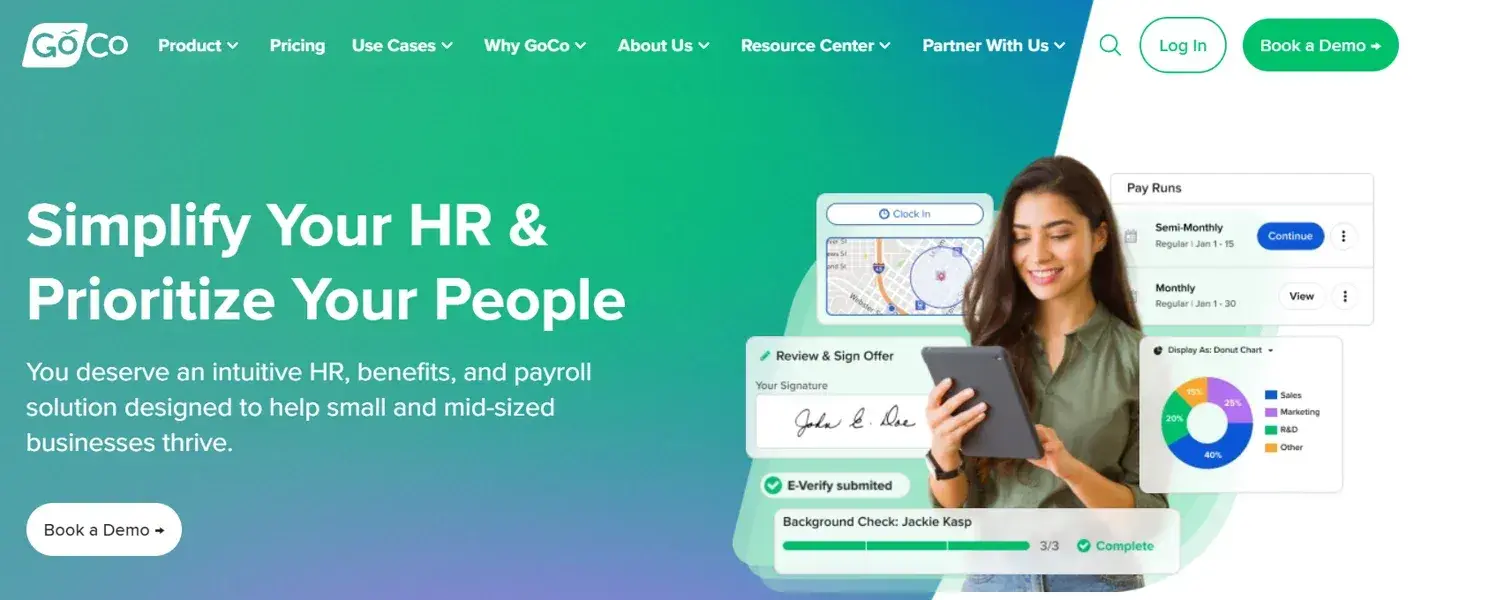
GoCo Homepage
GoCo is an HR and payroll platform designed to manage employee processes from hiring to ongoing operations. It supports HR teams in automating workflows related to onboarding, benefits, payroll, and compliance. The platform is commonly used by organizations that want to manage HR operations within a single system.
GoCo’s Key Features
End-to-end HR workflow automation
HR teams can automate workflows across the employee lifecycle. Structured workflows manage processes such as onboarding and approvals.
Payroll and benefits management
Payroll and benefits are handled within the platform. Integration with payroll systems reduces manual work and improves accuracy.
Compliance tracking and document management
HR teams can track compliance requirements and manage documentation, supporting audit readiness.
Integration with external applications
GoCo connects with other tools to streamline data flow. Integration reduces duplication and improves efficiency across systems.
What do users like about GoCo?
Users often mention that the platform is easy to navigate, which helps HR teams manage onboarding, benefits, and employee records without much training.
Managing HR and payroll in one system is seen as a strong advantage, reducing the need for multiple tools. Many also appreciate how onboarding workflows are structured, making it easier to track tasks and keep new hires on schedule.
What do users dislike about GoCo?
There are a few reviews of GoCo across platforms, but users often point out bugs in the time-tracking feature. Pricing clarity is another concern, with users noting that costs are not always transparent.
The tools mentioned in this guide each support HR automation in different ways. Some focus on employee lifecycle management, while others prioritize payroll or basic workflow automation. Selection often depends on how much control HR teams need over process design and execution.
Our tool, FlowForma, is included in this list as a strong option for organizations that want to automate HR workflows without relying heavily on IT. Key features include:
- No-code workflow builder for HR processes
- Form-based data capture with validation
- End-to-end workflow tracking and audit trails
- Automated document generation
- Integration with Microsoft 365 tools
- Real-time analytics and reporting dashboards
Book a demo to see how FlowForma can support your HR automation goals.