You already know manual IT processes don't scale. The question is which automation platform is actually worth your time.
There's no shortage of options, and most will promise the same things: faster workflows, less manual effort, better visibility. What they won't always tell you is how much technical skill it takes to get there, how long deployment actually takes, or whether the platform can handle the complexity of your IT environment.
We've reviewed 10 IT process automation tools based on real user feedback and analyst insights. For each one, you'll find a clear breakdown of key features, honest pros and cons, and the use cases each platform genuinely fits. So you can make a faster, more confident decision.
10 IT Process Automation Tools (Overview)
Picking the right IT process automation tool isn't straightforward. The market is crowded, and most platforms will look capable in a demo. So we went deeper.
Our evaluation draws on real user feedback and analyst insights, with one guiding question: how well does each platform actually support IT teams in automating their day-to-day work?
For each tool, we looked at:
- How much technical skill is needed to build and manage workflows
- Support for IT-specific use cases like incident management, service requests, and change approvals
- Depth of integration with systems your IT team already relies on
- Audit trails, access controls, and compliance readiness
- Document generation and process reporting capabilities
- How AI is used, and whether it genuinely speeds up automation or just adds noise
One thing worth noting: not every tool here was built specifically for IT automation. Some are broad workflow platforms that handle IT use cases well. Others are purpose-built for IT operations. We've tried to make that distinction clear so you can match the tool to your actual situation.
|
Here's how they stack up at a glance:
|
Tool
|
Automation Strength
|
Best For
|
|
Creatio
|
Full process automation with native CRM capabilities
|
IT leaders who need automation and CRM under one roof
|
|
Notion
|
Lightweight automation with wide app connectivity
|
Smaller teams centralizing IT tasks and documentation
|
|
Zluri
|
SaaS spend visibility and vendor lifecycle automation
|
IT teams focused on software procurement and access management
|
|
Atera
|
Monitoring, ticketing, and patch management in one platform
|
MSPs and lean IT teams managing devices and services remotely
|
|
FlowForma
|
AI Copilot generates IT workflows from prompts in minutes
|
Microsoft 365 teams wanting no-code, fast deployment
|
|
Appian
|
Low-code automation with RPA, AI, and compliance controls
|
Enterprises with complex, regulated IT workflows
|
|
ServiceNow
|
Enterprise ITSM with deep workflow and config automation
|
Large IT organizations running complex service operations
|
|
Kissflow
|
Clean no-code builder for approvals, requests, and routing
|
Mid-sized IT teams moving off manual processes
|
|
Nintex
|
Visual workflow builder with strong Microsoft 365 depth
|
Organizations running IT automation within the Microsoft stack
|
|
Puppet
|
Code-driven infrastructure and configuration automation
|
Enterprises maintaining large, distributed server environments
|
Detailed Analysis of the 10 IT Process Automation Software Tools
Let’s explore each tool in depth, starting with FlowForma.
1. Kissflow
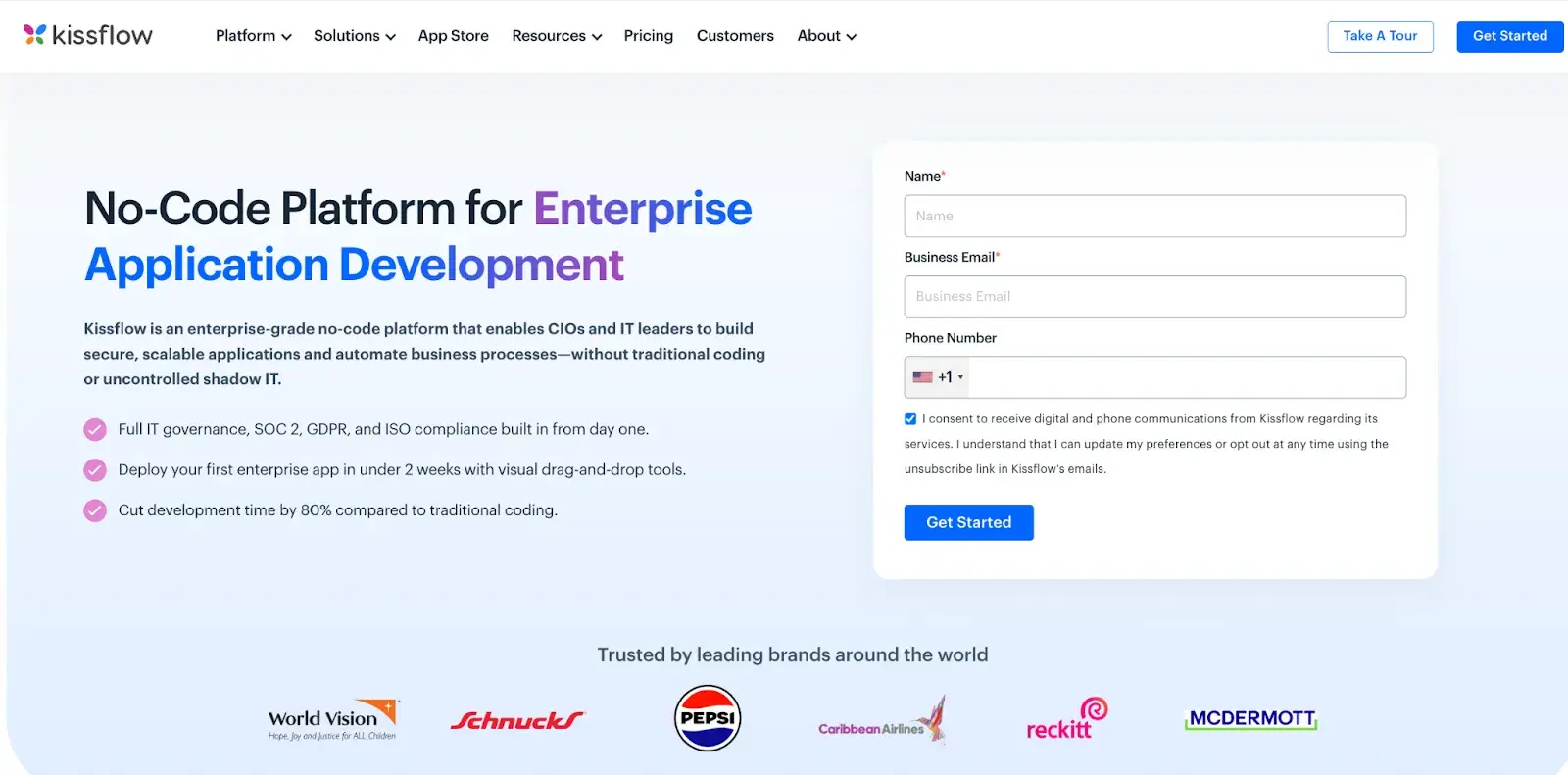
Kissflow homepage
For IT and operations teams that want workflows up and running without a lengthy setup process, Kissflow is worth a close look. It offers a clean no-code interface for automating approvals, task routing, and process tracking, with real-time visibility into how your workflows are actually performing.
Key features of Kissflow
Workflow automation
Build and customize IT workflows for service requests, approval chains, and task routing without needing technical expertise. The interface keeps process creation accessible for both IT professionals and business users.
Real-time process insights
Track how your IT processes are performing as they run. Your team can spot bottlenecks and make adjustments based on live data rather than waiting for end-of-cycle reports.
App integrations
Kissflow connects with commonly used business tools, so your IT workflows stay linked to the rest of your stack. Data moves across systems without manual handoffs between platforms.
Projects and boards alongside processes
Manage structured approval workflows and ad hoc collaborative tasks from one place. Teams that need both process discipline and flexible task tracking can handle both without switching tools.
Pros of Kissflow
- Simple no-code setup
- Works well for small and mid-sized teams
- Flexible workflow customization
Cons of Kissflow
- Not built for highly complex IT workflows
- Integration depth and features vary by pricing tier
2. FlowForma
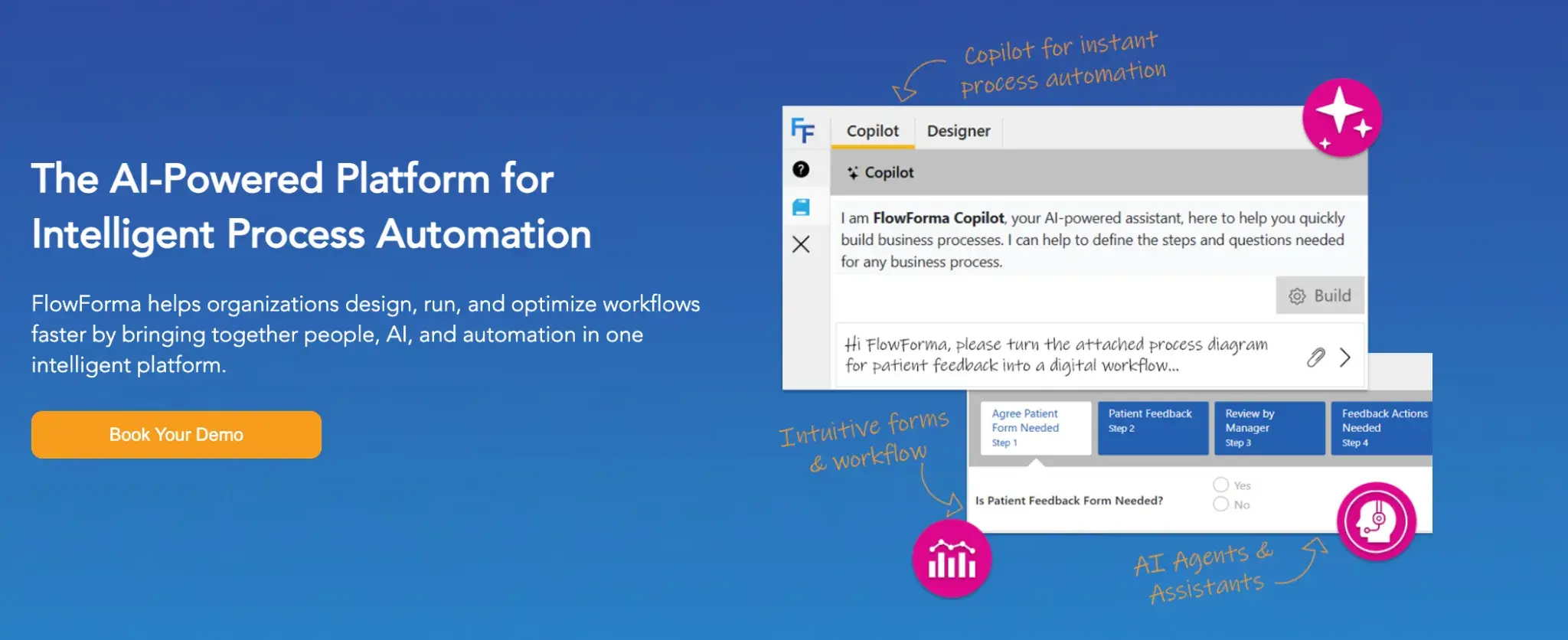
FlowForma’s homepage
If your team runs on Microsoft 365, FlowForma fits right into your existing workflow. It lets you build, run, and manage IT workflows through a no-code visual interface, with an AI Copilot that takes you from a plain-language prompt to a live process in minutes. You get structured automation without needing a developer in the loop.
Key features of FlowForma
No-code workflow builder
Build and deploy IT workflows through a visual drag-and-drop interface. Your IT team and business users can create processes independently, without waiting on developer resources.
Microsoft 365 integration
FlowForma connects natively with Microsoft 365 and SharePoint. If your organization already runs on Microsoft, getting started feels natural and adoption across teams tends to happen quickly.
AI Copilot
Describe your process in plain language and the AI Copilot generates it for you. You can also upload an existing form or diagram and let the Copilot build the workflow from there. Process agents are available around the clock to support ongoing automation tasks.
The AI Copilot lets you generate process workflows in minutes using plain-language inputs. It also provides 24/7 process agents to support ongoing automation tasks. Play around with simple, contextual prompts and build business processes from simple to complex in minutes. Or, upload a diagram or form, and the Copilot will take it from there.
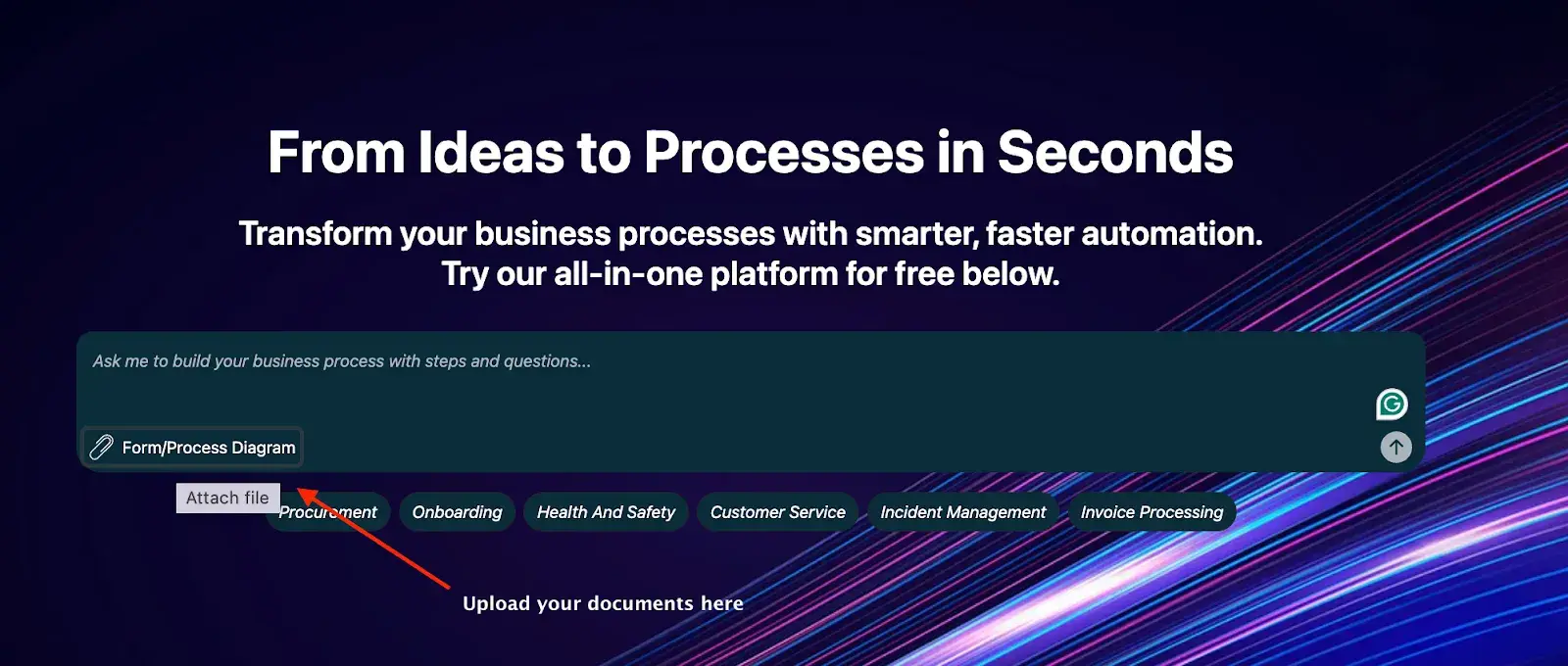
Try our FlowForma Playground
Document generation
FlowForma automates document creation at scale, replacing manual processes with professionally designed documents generated in a single click. Letters, summaries, and compliance documents can be produced automatically as part of your workflow.
Pros of FlowForma
- No coding required at any stage
- AI builds workflows in seconds
- Handles simple and complex IT processes
- Approval workflows are easy to configure and adjust
Cons of FlowForma
- Best suited for Microsoft 365 environments
- Rule configuration can be confusing, especially for new users
3. Creatio
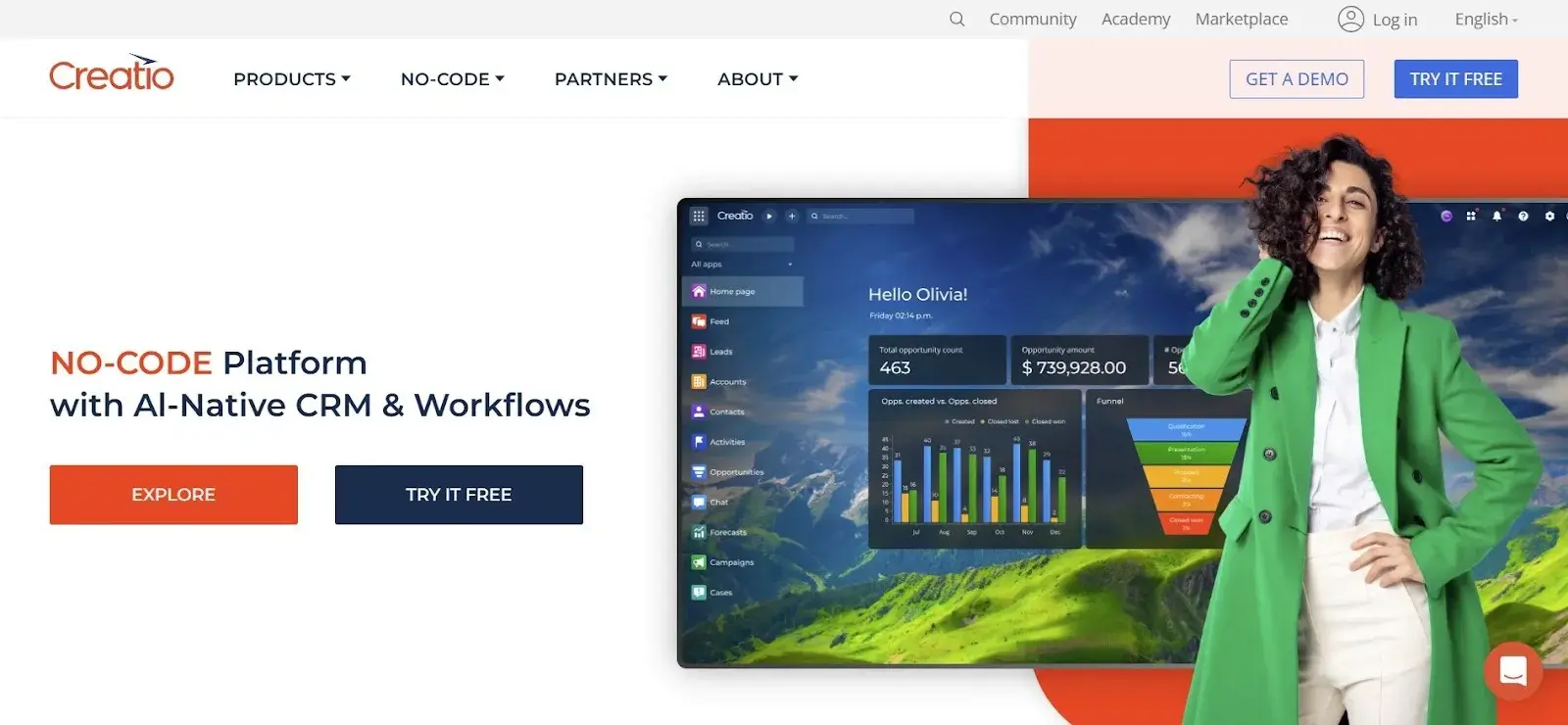
Creatio’s homepage
Alt-text: Screenshot of Creatio’s homepage
Creatio is purpose-built for organizations that want process automation and CRM in a single platform. Your IT and operations teams can manage workflows, customer data, and compliance requirements without switching between tools, all through a no-code interface that keeps adoption low-friction.
Key features of Creatio
End-to-end workflow automation
Automate the full lifecycle of IT and business processes from request intake through to resolution. Every step can be mapped and tracked within the platform, giving your team clear visibility at each stage.
Real-time analytics
Built-in reporting gives you live visibility into process performance. Your team can identify bottlenecks and monitor SLA adherence without manually pulling data from separate reporting tools.
No-code interface
Non-technical users can build and adjust workflows on their own. The accessible interface encourages adoption across IT and business teams without requiring specialized training or developer involvement.
CRM and process data in one place
Creatio keeps your customer data and operational workflows in the same environment. Your IT and operations teams can reference CRM context directly within process steps, reducing the need to cross-reference separate systems.
Pros of Creatio
- Combines CRM and process automation in one place
- No-code interface encourages wide team adoption
- Strong compliance and audit features
Cons of Creatio
- Out-of-the-box features usually require extensive training and are limited for complex risk classes
- CRM focus may not suit pure IT automation needs
4. ServiceNow
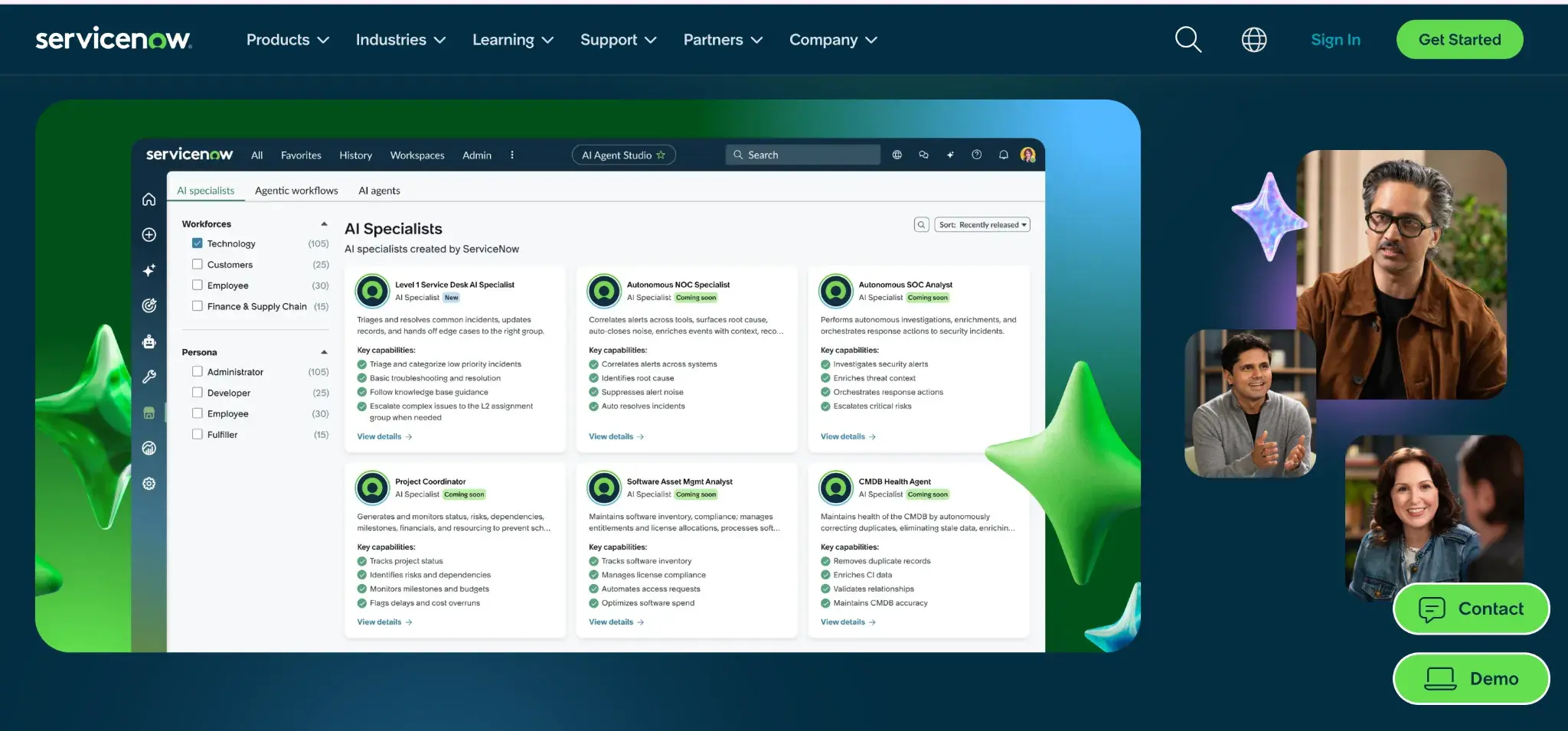
ServiceNow Homepage
Few platforms match ServiceNow's depth when it comes to enterprise IT service management. Large organizations use it to handle incident management, change requests, and cross-system process orchestration at scale, with a broad ecosystem of integrations to support complex IT environments.
Key features of ServiceNow
IT service management automation
Automate incident logging, routing, escalation, and resolution workflows end to end. Your IT support teams spend less time on manual coordination and more time resolving issues.
Workflow and approval automation
Streamline how tasks and approvals move between teams and systems. Reduces delays in change management and service delivery by keeping processes moving without manual follow-up.
Configuration management
Track and automate system configurations across multiple platforms from a central location. Useful for maintaining consistency and reducing configuration drift across large, distributed IT environments.
Reporting and performance dashboards
ServiceNow surfaces real-time data on ticket volumes, resolution times, and SLA performance. Your IT leadership team gets visibility into operational health without having to pull reports manually.
Pros of ServiceNow
- Comprehensive suite for enterprise IT teams
- Handles complex, multi-system workflows well
- Strong ecosystem of integrations and plugins
Cons of ServiceNow
- Steep learning curve for new users
- Expensive for smaller organizations
5. Notion
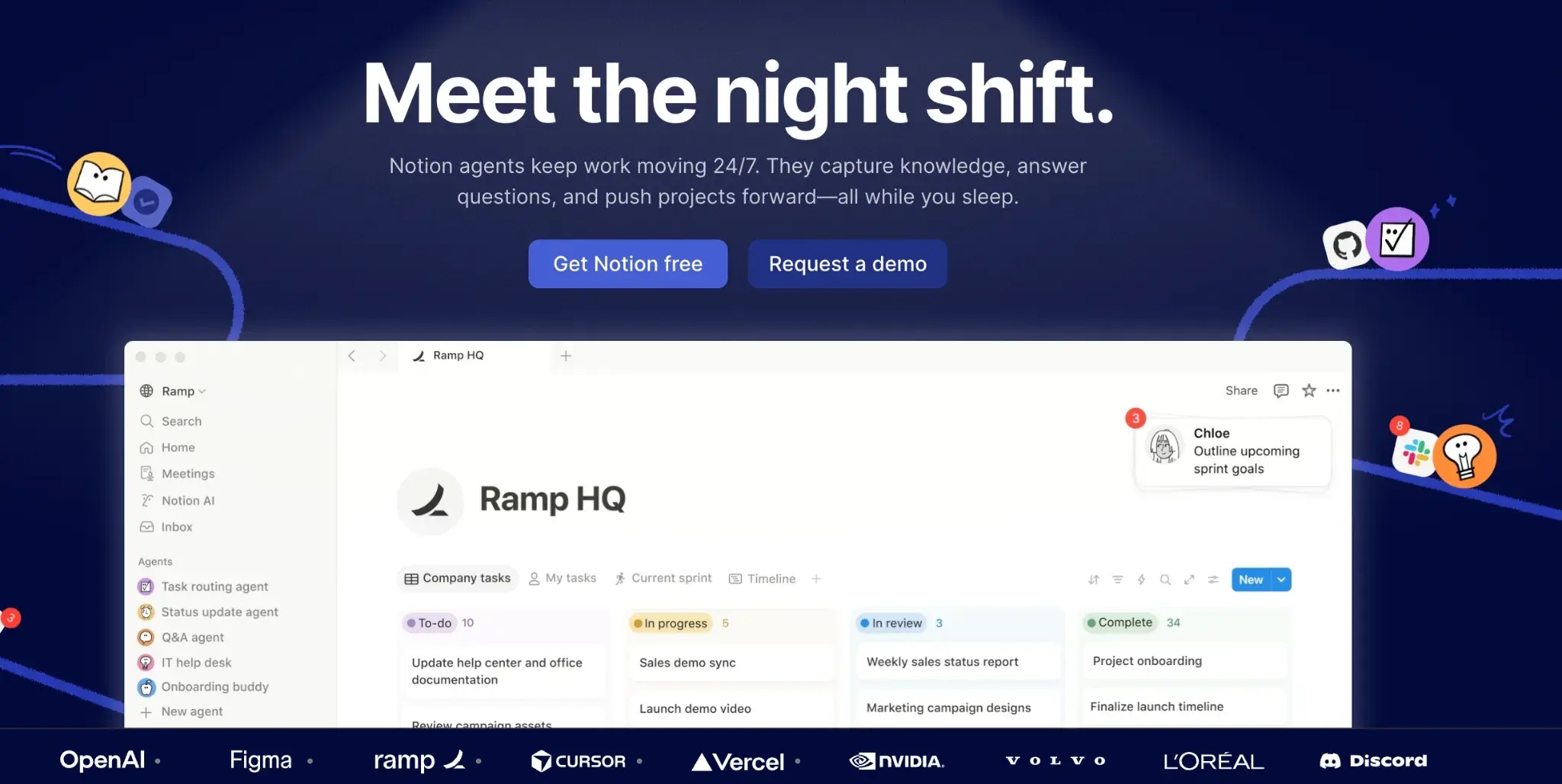
Notion’s Homepage
Notion goes well beyond note-taking. It brings together workflow automation, task management, and cross-app integrations in a single workspace, making it a useful option for IT teams that want to centralize lightweight process management and documentation without managing multiple platforms.
Key features of Notion
Cross-platform integrations
Connects with tools like Slack, Microsoft Teams, and Google Workspace. Keeps your IT workflows linked to the apps your team already uses daily.
Workflow automation
Automates task assignments, notifications, and approval workflows without requiring code. Helpful for managing recurring IT operations and team coordination.
Centralized task management
Brings together project tracking, process documentation, and team communication in a single workspace. Reduces context switching for IT teams.
Database and documentation management
Notion lets you build structured databases alongside your workflows for tracking IT assets, requests, and process documentation in one place.
Pros of Notion
- Integrates with 100-plus business applications
- Clean, intuitive interface with simple setup
- Works well for small to mid-sized teams with explainable AI and easy automation
Cons of Notion
- Advanced automation features are limited
- Not suited for complex, enterprise-level IT workflows
6. Zluri
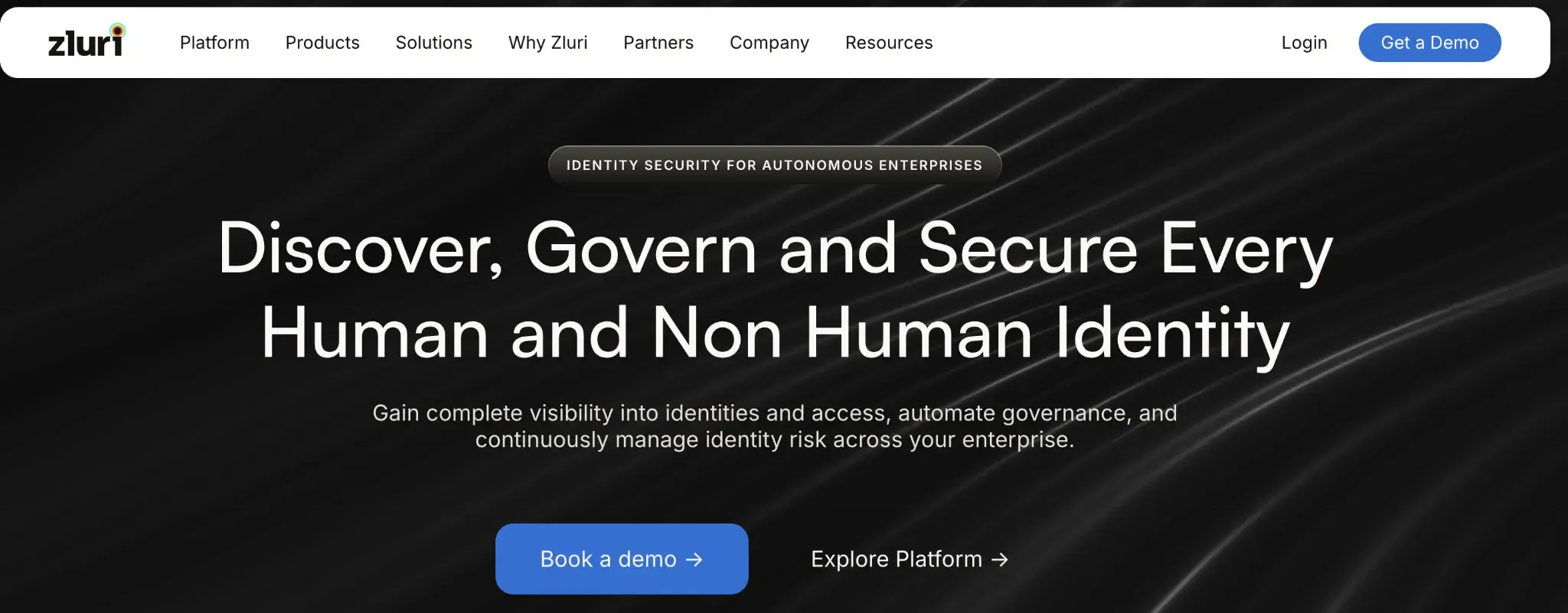
Zluri’s homepage
When your biggest IT headache is keeping track of what software your organization actually uses and what it costs, Zluri is built for that problem. Your team gets real-time visibility into SaaS usage, along with automation for vendor renewals and procurement workflows.
Key features of Zluri
SaaS usage monitoring
Track software usage across your organization in real time. Your team can identify underutilized licenses and act on that data to reduce wasteful spend before renewal cycles roll around.
Vendor and renewal automation
Automate the tracking and management of SaaS renewals and vendor negotiations. Reduces the risk of missed renewals or unplanned cost increases that come from managing renewals manually.
AI-driven process optimization
Zluri surfaces analytics on your IT workflows and application usage patterns. Your team gets actionable insights that support more informed decisions around software procurement and license management.
Access and lifecycle management
Automates user onboarding and offboarding workflows tied to SaaS applications. Ensures the right people have access to the right tools at the right time.
Pros of Zluri
- Excellent visibility into SaaS usage and costs
- Data-driven insights support smarter IT decisions
- Affordable for smaller IT teams with responsive support
Cons of Zluri
- Time-consuming initial setup and management
- Less suited for broader IT process automation needs
7. Atera
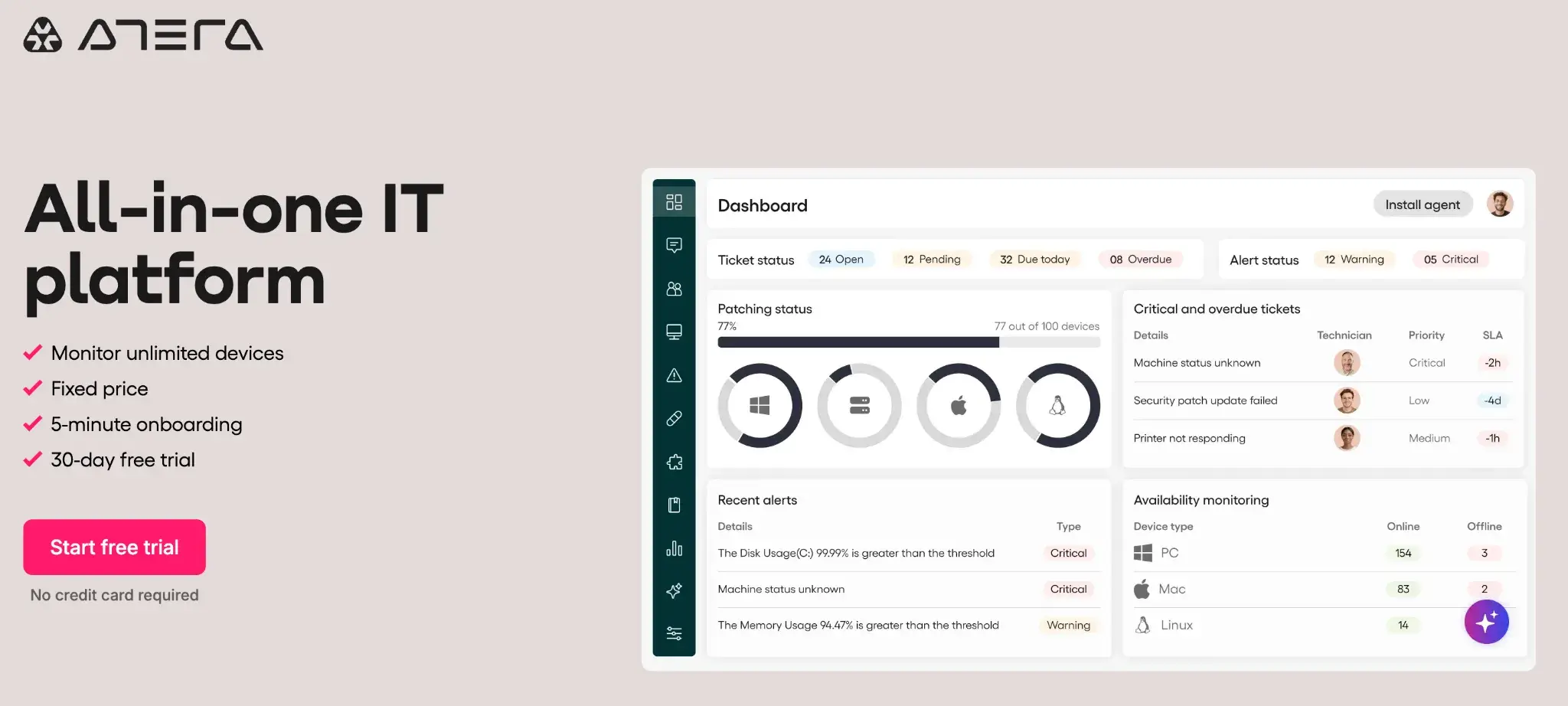
Atera’s homepage
Designed with managed service providers in mind, Atera combines remote monitoring, automated ticketing, and IT service management in one place. Smaller IT teams use it to handle more work without adding headcount, with a setup process that doesn't demand weeks of configuration.
Key features of Atera
Remote monitoring and diagnostics
Automate system health checks and performance monitoring across your managed devices. Your team gets alerts when issues arise, often before they escalate into larger problems.
Automated ticketing and resolution workflows
Streamline how IT issues are logged, assigned, and resolved. Reduces the manual back-and-forth that support teams deal with when handling routine requests across multiple clients or departments.
Third-party integrations
Atera supports connections with a range of external tools and platforms. Your MSP can build a connected IT stack and avoid duplicating work across systems that don't communicate.
Patch management automation
Automates the scheduling and deployment of software patches across managed devices. Keeps your IT environment secure and up to date without manual intervention.
Pros of Atera
- Affordable for small IT teams and MSPs
- Quick to set up and deploy
- Automates monitoring and resolution efficiently
Cons of Atera
- Feature set is limited for large enterprises
- Not designed for complex IT operations at scale
8. Perforce Puppet
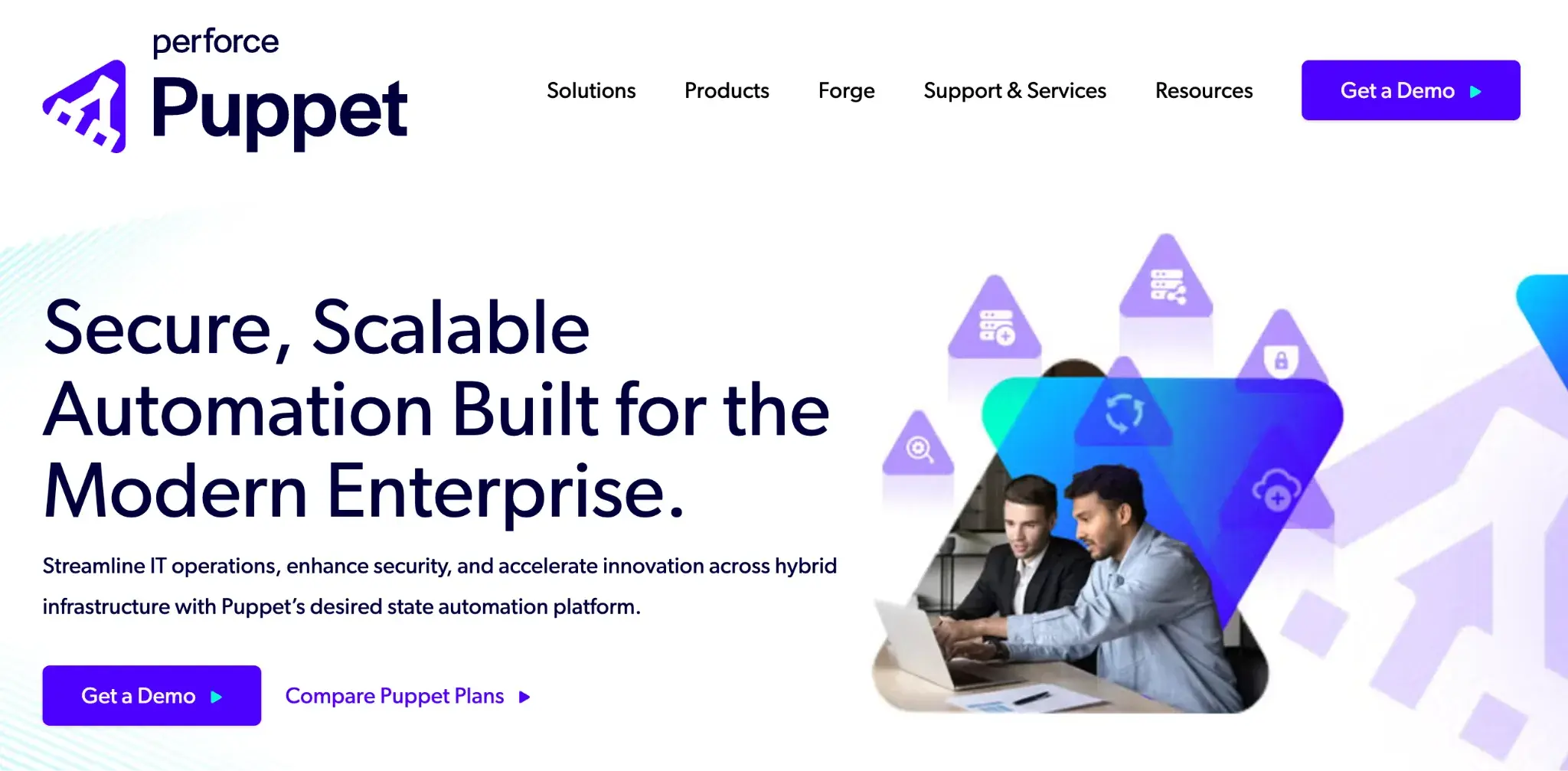
Perforce Puppet’s homepage
For IT teams managing infrastructure at scale, Puppet takes a code-driven approach to automation. It handles server configuration, software deployment, and compliance enforcement across large, distributed environments, helping teams maintain consistency without manual intervention.
Key features of Puppet
Infrastructure as code
Lets you define and automate your infrastructure setup through reusable configuration scripts. Keeps environments consistent across servers and deployments.
Compliance automation
Enforces security policies and compliance rules across your IT systems automatically. Reduces the manual effort of auditing configurations.
Enterprise-scale automation
Designed to manage automation across hundreds or thousands of servers. Scales alongside growing infrastructure needs without adding operational overhead.
Continuous delivery support
Puppet integrates with your software delivery pipeline to automate testing, deployment, and environment provisioning. Helps IT teams ship changes faster with fewer manual steps.
Pros of Puppet
- Excellent for large, distributed IT infrastructure
- Strong security and compliance enforcement
- Scales well for enterprise environments
Cons of Puppet
- Steep learning curve for infrastructure-as-code newcomers
- Not a practical fit for smaller organizations
9. Appian
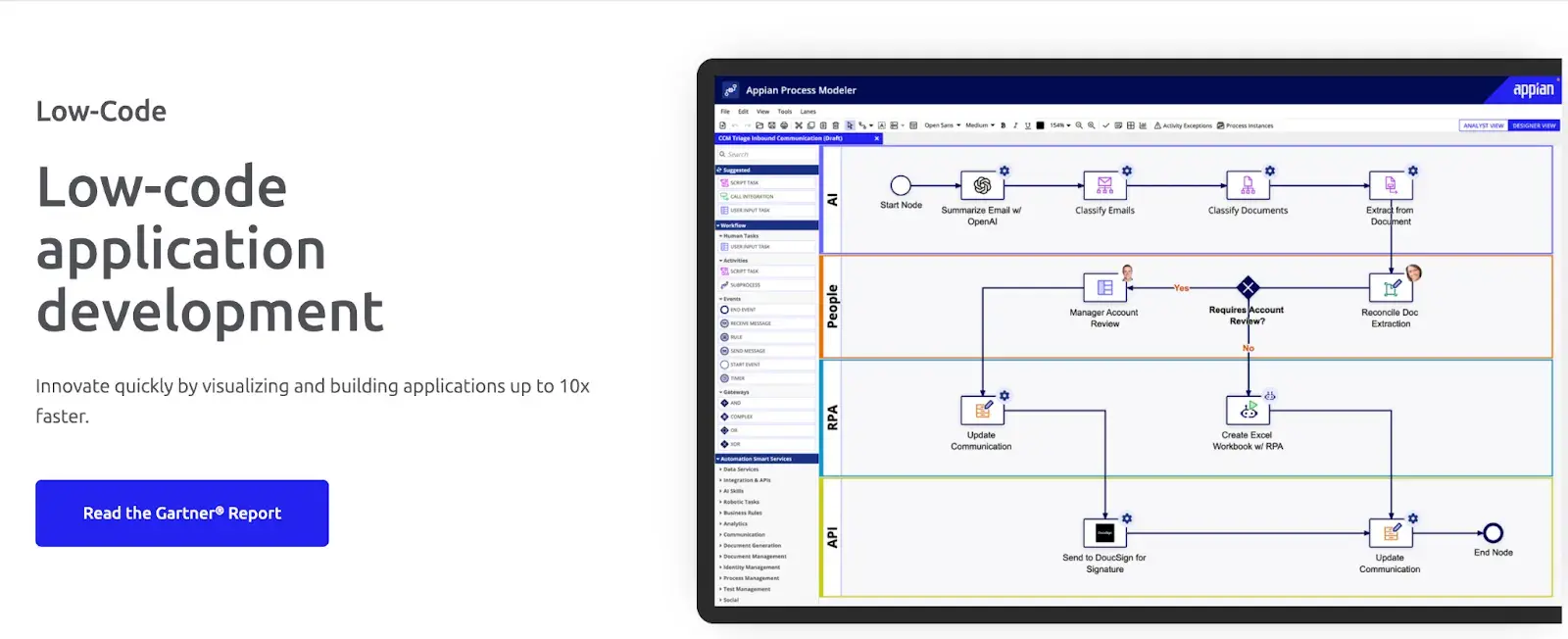
Appian’s low-code development platform
Appian is a low-code development platform that also supports no-code automation. It brings together business process management, robotic process automation, and AI in a single environment, making it a capable option for IT teams running complex, compliance-heavy workflows that require more than standard workflow tools can offer.
Key features of Appian
Low-code workflow development
Build and automate IT workflows with minimal coding. Non-technical stakeholders can participate in building processes, while developers have the flexibility to go deeper when the workflow demands it.
RPA integration
Connect robotic process automation directly into your workflow environment. Useful for handling repetitive, rule-based IT tasks that would otherwise require manual effort or separate tooling.
AI and machine learning
Appian applies AI to optimize process performance and surface decision-making insights. Your IT team can move faster on complex, data-heavy workflows without having to analyze every data point manually.
Compliance and security
Enterprise-grade security controls and audit capabilities are built into the platform. Particularly relevant for regulated industries, including healthcare, finance, and government, where compliance documentation is non-negotiable.
Pros of Appian
- Strong fit for complex, multi-step IT processes
- AI and RPA work well together in one platform
- Enterprise-grade security and compliance built in
Cons of Appian
- Steeper learning curve for non-technical users
- Higher price point may not suit smaller teams
10. Nintex
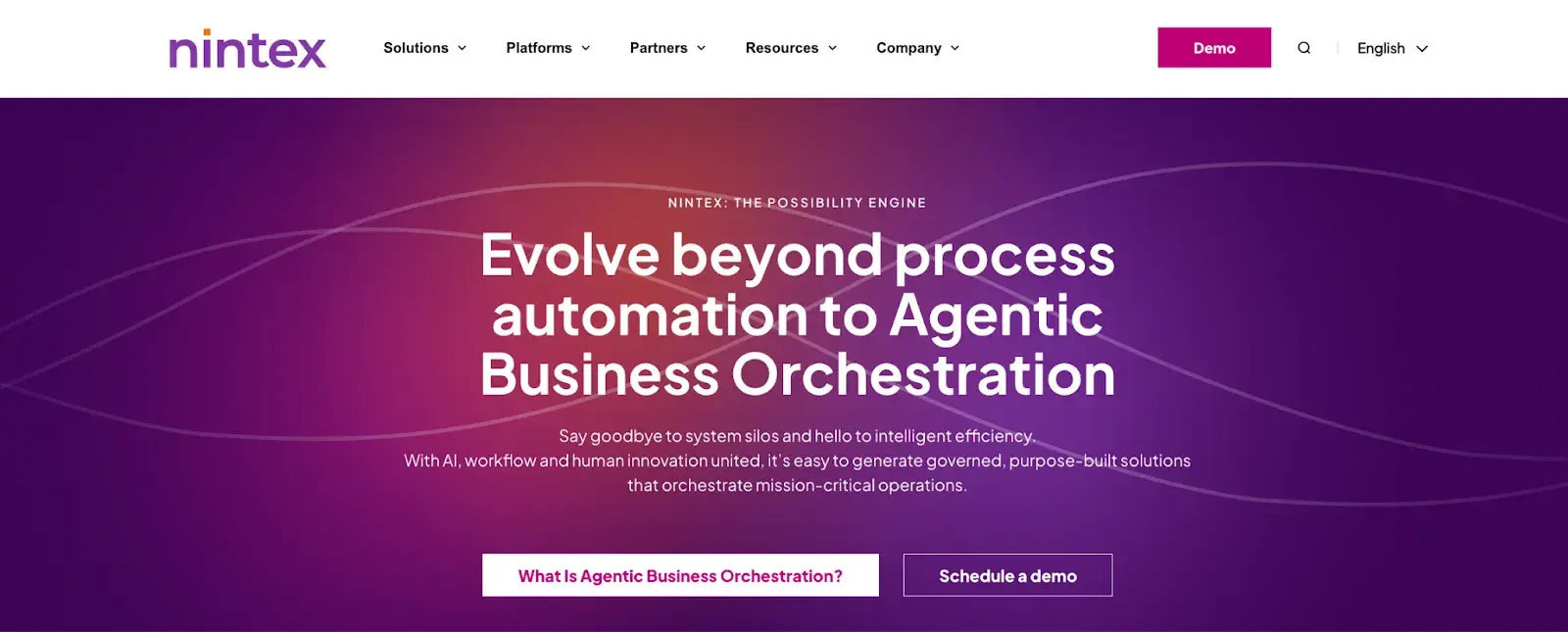
Nintex homepage
With deep roots in the Microsoft ecosystem, Nintex is a natural fit for IT teams already working within that stack. Its drag-and-drop builder makes workflow automation accessible without coding, and its RPA capabilities extend those workflows into more complex, repetitive tasks without manual intervention.
Key features of Nintex
Drag-and-drop workflow builder
Design and automate IT workflows visually without writing code. Your team can build, modify, and test processes independently, keeping workflow updates fast and accessible.
RPA integration
Combine workflow automation with robotic process automation to handle repetitive IT tasks. Reduces manual effort in processes involving structured, rule-based actions across systems.
Process analytics
Get real-time visibility into how your automated workflows are performing. Your team can identify where processes are slowing down and make targeted improvements based on actual usage data.
Microsoft 365 and SharePoint integration
Nintex connects directly with Microsoft 365 and SharePoint. Teams already working within the Microsoft ecosystem will find the integration familiar and straightforward to configure.
Pros of Nintex
- No-code builder is approachable for IT teams
- Excellent integration with Microsoft 365
- Covers both simple and complex workflow automation
Cons of Nintex
- Pricing can be high for smaller organizations
- Less flexible outside the Microsoft ecosystem
Consider These Before Choosing an IT Process Automation Tool (+ Evaluation Checklist)
The IT process automation platform you choose will shape how your team builds, manages, and scales workflows every day. The right fit reduces manual work and gives your IT team room to focus on what actually matters. The wrong one adds overhead instead of removing it.
Here's what to weigh before you decide.
Ease of use
Your IT team shouldn't need a developer every time a workflow needs updating. Look for platforms that let business users and IT professionals build, modify, and test processes on their own through visual builders or plain-language inputs. The less you depend on specialist support for day-to-day changes, the faster your operations move.
Customization and flexibility
No two IT environments are the same, and your automation platform should reflect that. You need the ability to configure workflows, adjust process logic by department or function, and adapt as your needs evolve. If every customization requires a developer, that's a bottleneck worth weighing early.
AI adds real value when it does more than generate reports. The right platform can auto-route tasks, flag exceptions, apply business rules, and recommend next steps, helping your team make faster and more consistent decisions. Look for tools that actively assist the process rather than sit on the sidelines.
Integration with existing systems
IT processes rarely live in isolation. Your platform needs to connect cleanly with your existing tools, whether that's your ITSM system, Microsoft 365, HR software, or ERP. Smooth integration means data flows without manual re-entry, and your workflows don't create new silos.
Audit trails and compliance
Regulatory and internal compliance requirements are only increasing. Your platform should maintain timestamped records, user access controls, and structured documentation throughout the process. A clear audit trail isn't just good practice; it's increasingly a requirement.
Pricing transparency
Usage-based, per-user, or feature-gated pricing models can make costs unpredictable as your team or processes become more complex. Look for platforms where pricing is clear upfront and scales in a way that's easy to plan around. Transparent pricing makes it much easier to calculate ROI and build a business case.
Speed to deploy
A platform that takes months to go live isn't helping you respond to today's operational demands. Cloud-native solutions with pre-built templates and intuitive setup get your IT team automating faster, without lengthy implementation projects.
📌 Quick evaluation checklist to speed up your decision
A polished demo can make almost any platform look capable. These questions help you go a little deeper before you commit.
- Can your team build and modify workflows without IT or developer support?
- How easily can process logic be updated when requirements change?
- Does it integrate with your existing ITSM, Microsoft 365, and other core systems?
- What does the audit trail look like, and does it meet your compliance requirements?
- How is the platform priced, and what's included versus charged separately?
- How long does a typical deployment take from contract to first live workflow?
- What does onboarding and ongoing support actually look like in practice?
P.S. Take this checklist into your vendor conversations. A confident, specific answer is a good sign. Vague or evasive ones tell you just as much.
IT Process Automation Done Right, Minus The Complexity
With FlowForma AI Copilot, you can build a fully automated IT workflow in minutes. Just describe the process, and your team has something live and running before the day is out.
FlowForma helps IT teams move from manual, fragmented processes to structured, automated workflows that your team can own and maintain without developer support. From routing approvals to generating documents and tracking every step, the platform handles the complexity of IT operations without adding complexity for its users.
Built-in AI tools, audit trails, and native Microsoft 365 integration mean you can move quickly without cutting corners on governance. Book a demo to see it in action.