Process Street is a checklist-based workflow tool used for recurring SOPs and task management. Teams typically look for alternatives when workflows become too complex for checklists, pricing scales unpredictably, or compliance and audit requirements demand deeper governance
Process Street helps teams turn static procedures into interactive, repeatable checklists. The software is often used to standardize recurring tasks and walk employees through processes.
As organizations grow, however, workflows become more complex. Approvals span departments, compliance requirements tighten, reporting expectations intensify, and pricing predictability becomes a concern. At this point, many buyers begin comparing Process Street competitors to determine which solutions actually enable long-term workflow management.
In this guide, we review the best Process Street alternatives in 2026, covering software options with pricing transparency, workflow depth, AI features, and scalability.
We’ll also explore why FlowForma is often the preferred choice for mid-sized to enterprise organizations that need end-to-end process automation with compliance support and predictable costs.
10 Process Street Competitors
If you need department-level workflows, Pipefy and Kissflow are often considered. For IT-led, system-driven automation, teams typically evaluate ProcessMaker, Appian or Nintex.
FlowForma, however, is an excellent choice for organizations that need complete business process automation with governance and pricing predictability.
Here are 10 alternatives to Process Street, ranked in no particular order:
|
Tool
|
Best For
|
Pricing Transparency
|
AI Features
|
|
Scribe
|
Process documentation and SOPs
|
High (per user pricing)
|
AI-generated documentation
|
|
Cflow
|
SMB approval workflows
|
High (transparent plans)
|
Basic AI automation
|
|
Comidor
|
BPM with case and rule management
|
Low (quote-based)
|
AI analytics modules
|
|
Pipefy
|
Ops teams standardizing internal request workflows
|
Medium (per-user tiers)
|
Basic AI for routing and data capture
|
|
Appian
|
Developer-led enterprise applications
|
Low (enterprise licensing)
|
AI decisioning and RPA
|
|
FlowForma
|
End-to-end process automation for highly regulated mid-sized to enterprise organizations
|
High (process-based pricing, no hidden costs)
|
Native AI Copilot, AI agents, AI summarization,
|
|
ProcessMaker
|
IT-led orchestration of system-heavy processes
|
Low (quote-based)
|
AI document processing
|
|
Nintex
|
Enterprise-wide automation programs
|
Low (add-on driven)
|
AI add-ons, analytics
|
|
Asana
|
Task and project tracking
|
High (per user pricing)
|
AI summaries and prioritization
|
A side-by-side comparison of 10 Process Street alternatives
🔎 How We Compiled This List
We built this list by reviewing vendor documentation, G2 comparison pages, and repeated themes in user reviews. Then we mapped each tool to practical enterprise workflows.
We did not rank by brand popularity. We ranked by what matters when moving past checklist-style workflows:
-
Support for risk work: intake, scoring, reviews, approvals, evidence capture
-
Governance depth: permissions, audit logs, admin oversight
-
Scale without cost surprises as adoption grows
-
Integration fit with common enterprise stacks like ITSM, ERP, GRC, and Microsoft 365
|
Process Street Alternatives: Detailed Analysis
Let us analyze the 10 Process Street alternatives in detail:
Known for offering comprehensive workflow management, FlowForma is an AI-powered, no-code BPA platform. It covers workflow automation, forms, approvals, document generation, reporting, and analytics in a single system.
FlowForma’s demo video
FlowForma runs natively on Microsoft 365, with all process data stored in SharePoint. As such, IT teams have complete confidence around security, access control, and verification, while business users can create and manage workflows independently.
FlowForma’s Key Features
Features like AI-powered workflow creation, Microsoft nativity, in-built compliance, form, and document management make FlowForma a good Process Street alternative. Read on to know more:
1. AI-powered automation
FlowForma’s AI suite is designed to reduce build time and manual effort across the entire process lifecycle, from initial design to execution and review.
AI Copilot
AI Copilot enables users to create workflows using natural language or by uploading diagrams and documents. The Copilot automatically generates steps, questions, routing logic, and forms, reducing build time for both simple and complex processes.
Try the AI Copilot playground to see how processes can be created within seconds.
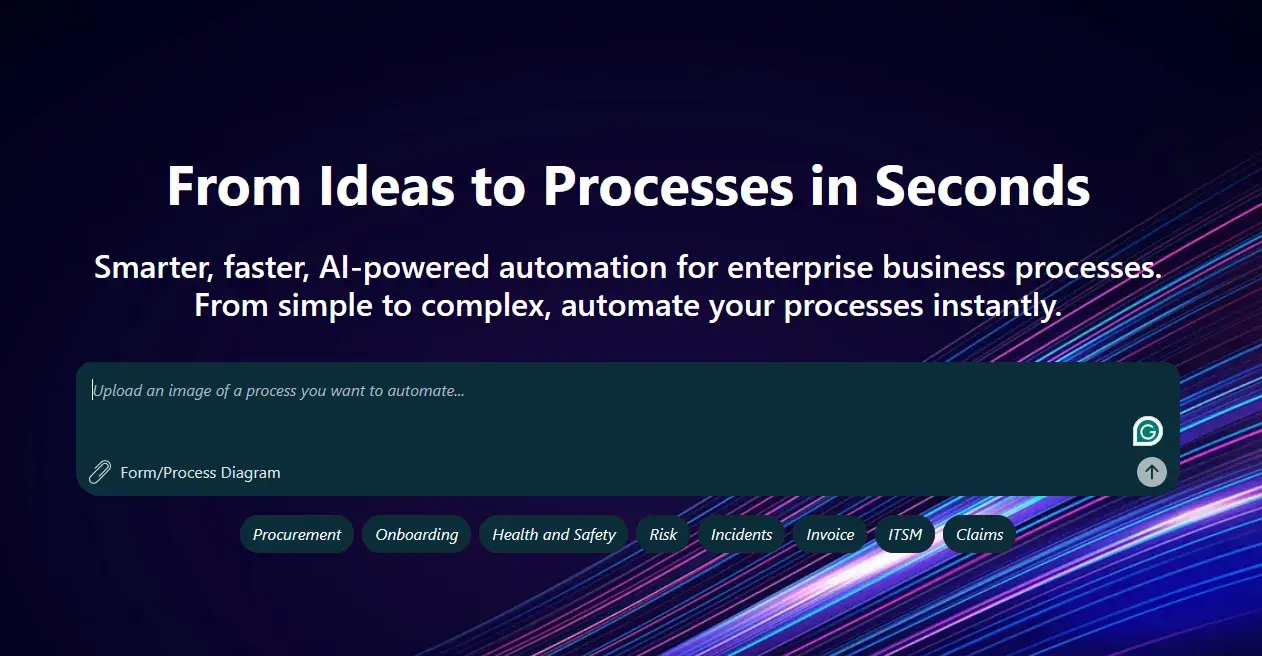
FlowForma’s AI Playground
Summarization
The AI-powered summarization provides real-time, context-aware summaries of workflow progress. Users can quickly review completed steps, key decisions, and outstanding actions without manually navigating each stage.
Discovery Agent
Analyzes existing documentation such as SOPs, policies, or process notes to identify automation opportunities. Teams use it to surface repeatable processes that are suitable for digitization.
FlowForma’s Discovery Agent
Smart Assistants
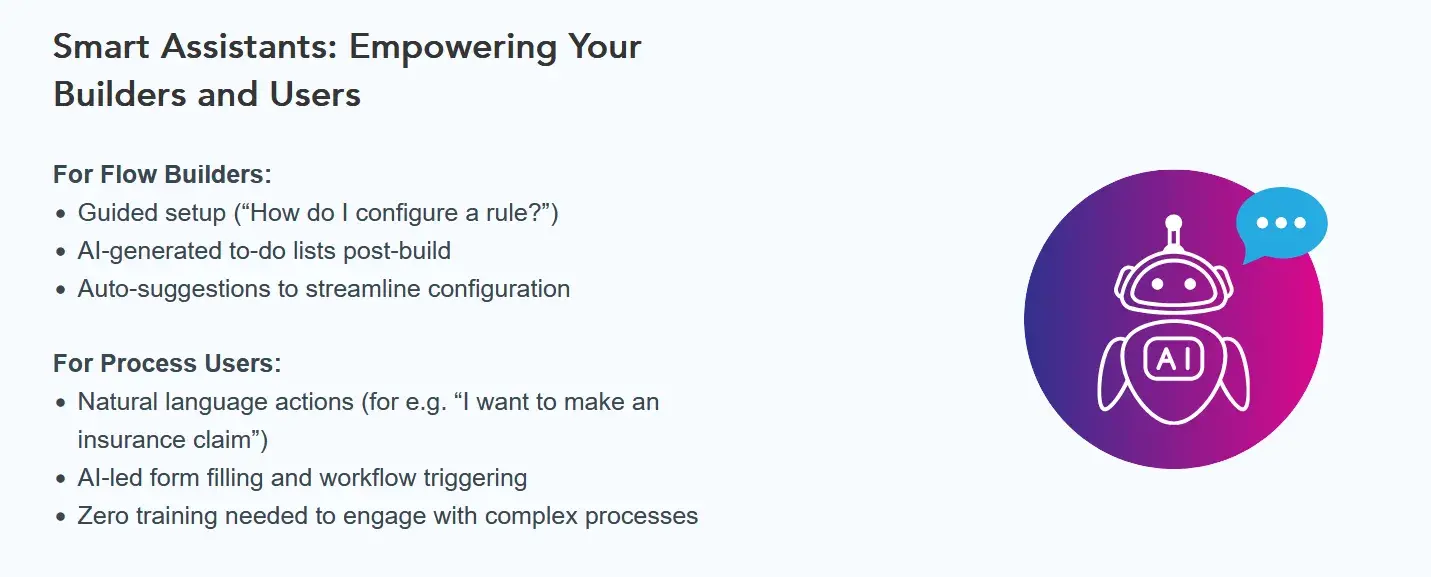
FlowForma’s Smart Assistants Features
Smart Assistants support both workflow builders and end users. Builders receive configuration guidance during setup, while end users get contextual assistance when completing forms or tasks within a process.
AI Agents
AI Agents can be embedded at specific workflow steps to perform targeted actions such as data extraction, validation, or decision support, using prompt-driven logic tied directly to process context.
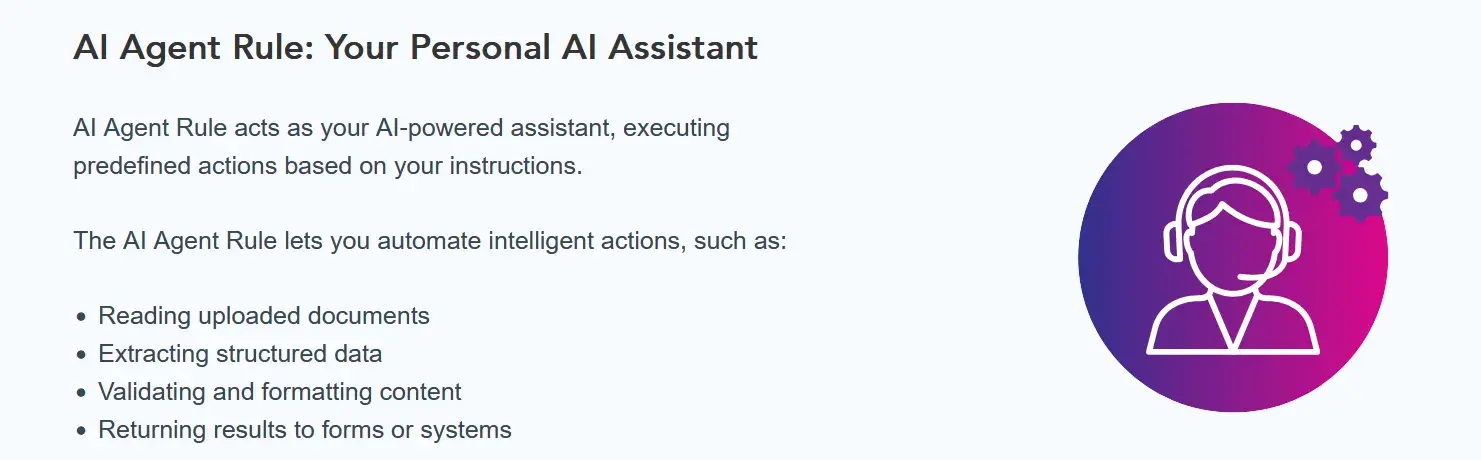
FlowForma’s AI Agent
2. End-to-end workflow engine with approvals and routing
FlowForma includes a full workflow engine that supports sequential and parallel steps, role-based approvals, and conditional routing. Workflows can span multiple teams and external participants, with clear ownership, escalation paths, and handoffs at each stage.
3. Custom forms with validation and conditional logic
The platform provides configurable forms with field-level validation, dependencies, and conditional visibility. Data capture adapts dynamically based on user input, reducing errors and consistently enforcing process rules.
4. Automated document generation from live process data
FlowForma generates documents such as reports, contracts, letters, or certificates using data captured during workflow execution. Generated documents remain synchronized with process data, eliminating the need for manual copying or formatting.
5. Full audit trails and reporting
The tool records every workflow action, including submissions, approvals, edits, and decisions, creating a complete, time-stamped audit trail.
Searchable logs support regulatory reviews and internal controls aligned with standards such as HIPAA, ISO 27001, and enterprise governance requirements.
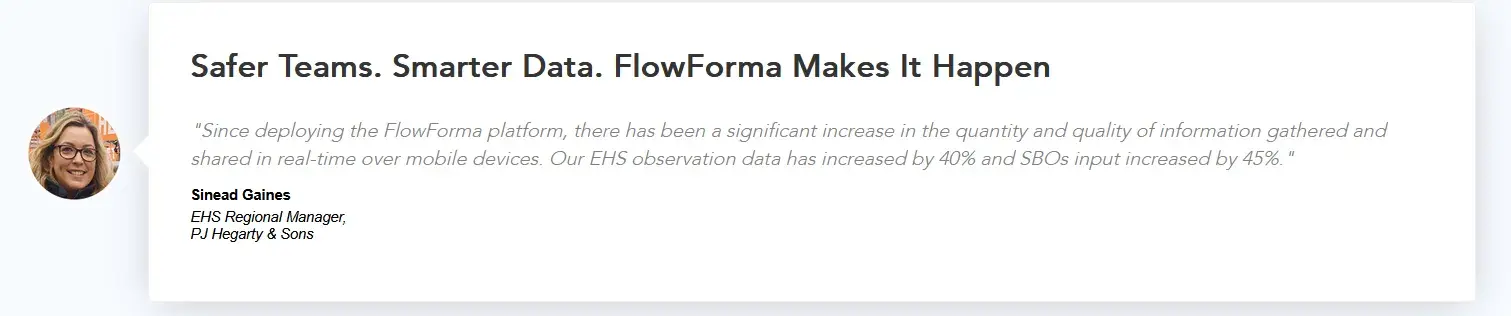
User review for FlowForma
AI-powered analytics analyze this audit data to surface trends, exceptions, and bottlenecks across workflows, helping compliance and risk teams identify patterns and monitor adherence over time.
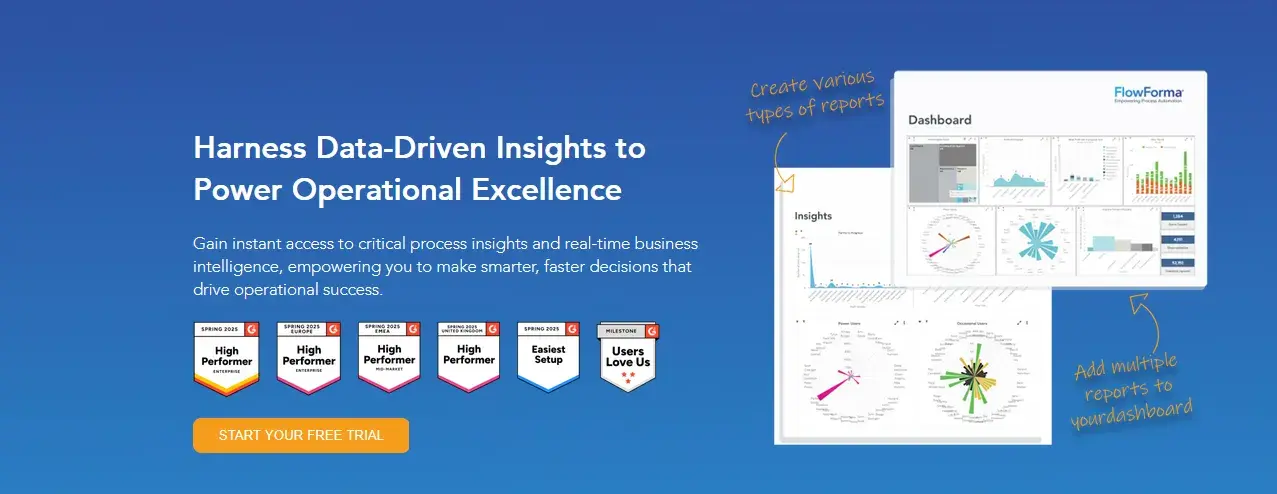
FlowForma’s AI-powered analytics
6. Native Microsoft 365 integration and enterprise governance
FlowForma operates as a no-code layer on top of Microsoft 365, with all workflow data stored in the customer’s SharePoint tenancy.
An organization that benefited from this structure was Grant Thornton.
|
‘‘As with any new software there’s a mindset change for people, but it helps that they can see tangible benefits straight away. The more processes I’ve automated, the more the business sees the benefits and the more they want to use it.
FlowForma Process Automation is completely different to other SharePoint apps; much more business intuitive. I designed a five-step Mobile Request form and completed it in a day.”
-William McCann, IT Manager, Grant Thornton
|
User review for FlowForma
IT and Risk teams used FlowForma to replace fragmented paper-based workflows with governed digital processes built directly on SharePoint. IT retained oversight while business users independently created workflows, including job appraisals, client acceptances, and GDPR data access requests.
FlowForma’s Pros
- Transparent, process-based pricing
- Strong security and in-built compliance controls
- Business-led automation with IT governance
- Form and document generation feature
- 10x faster automation than low-code or manual tools
FlowForma’s Cons
- Requires a Microsoft 365 environment
FlowForma Pricing
FlowForma uses tiered, process-based pricing, with unlimited workflows covered under a single license. There are no hidden fees, and teams can scale automation without unexpected costs.
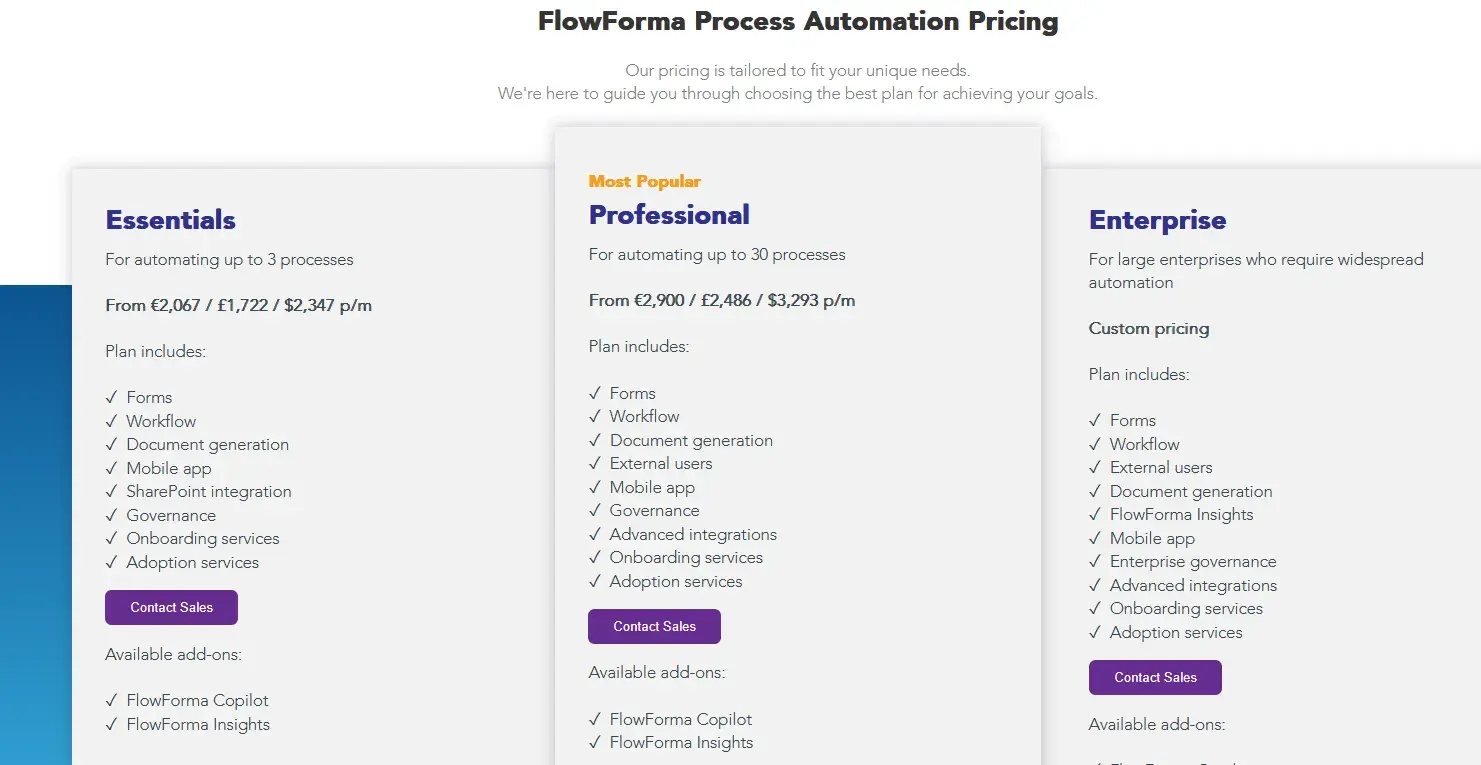
FlowForma’s process-based pricing model
2. Pipefy
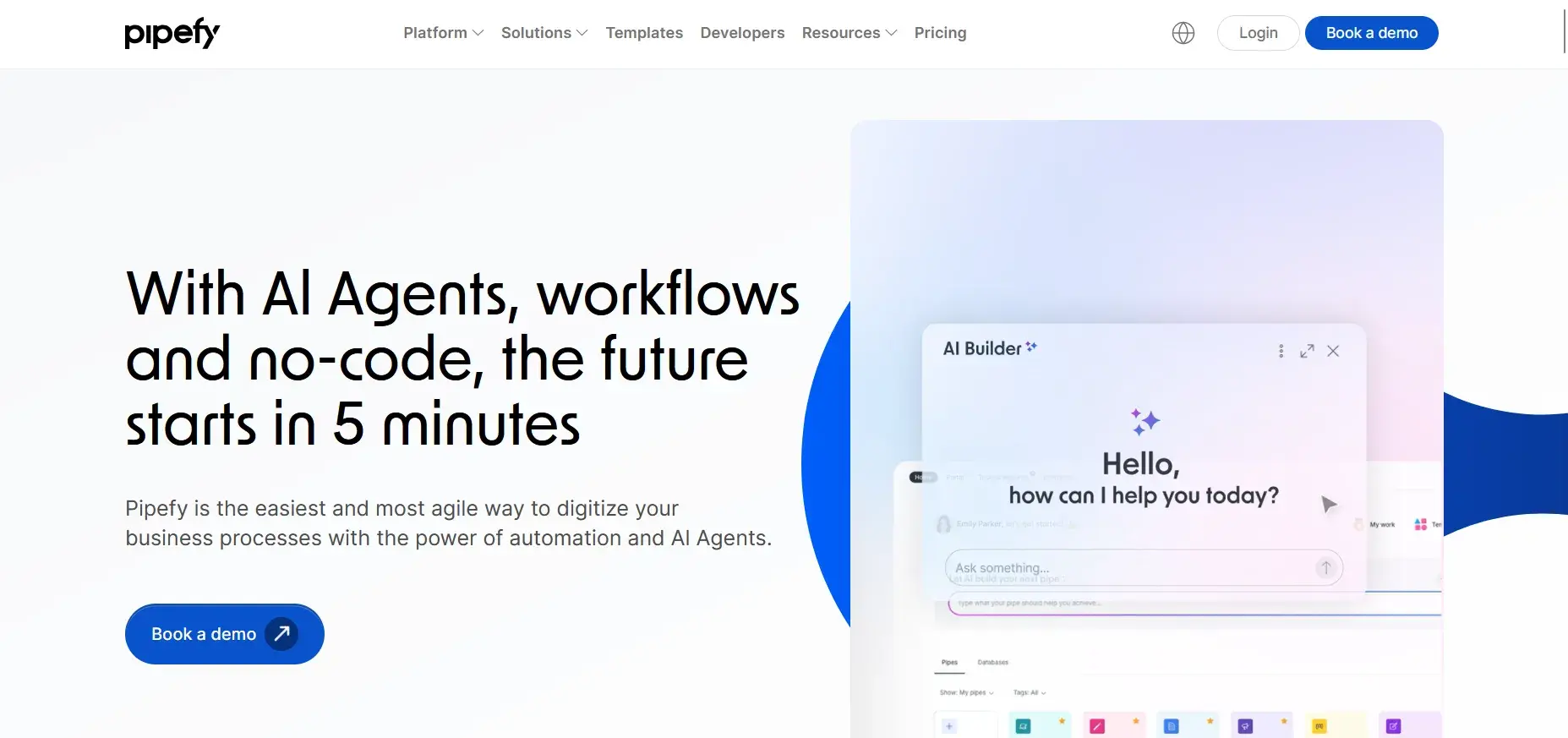
Pipefy homepage
For operations teams looking to manage structured workflows such as finance requests, HR approvals, and service intake, Pipefy is a good tool. It uses visual pipelines to track tasks as they move through predefined stages.
The platform works well for teams that want to track tasks and manage approvals without heavy configuration. However, governance, reporting depth, and pricing transparency become concerns as usage grows.
Pipefy’s Key Features
- Visual workflow pipelines
- Form-based intake
- Approval automation
- SLA tracking
- Role-based access
Pipefy’s Pros
- Easy onboarding
- Clear user interface
- Good for ops teams
- Cloud-based platform
- Template-driven setup
Pipefy’s Cons
- Costs increase per user
- Limited enterprise governance
3. ProcessMaker
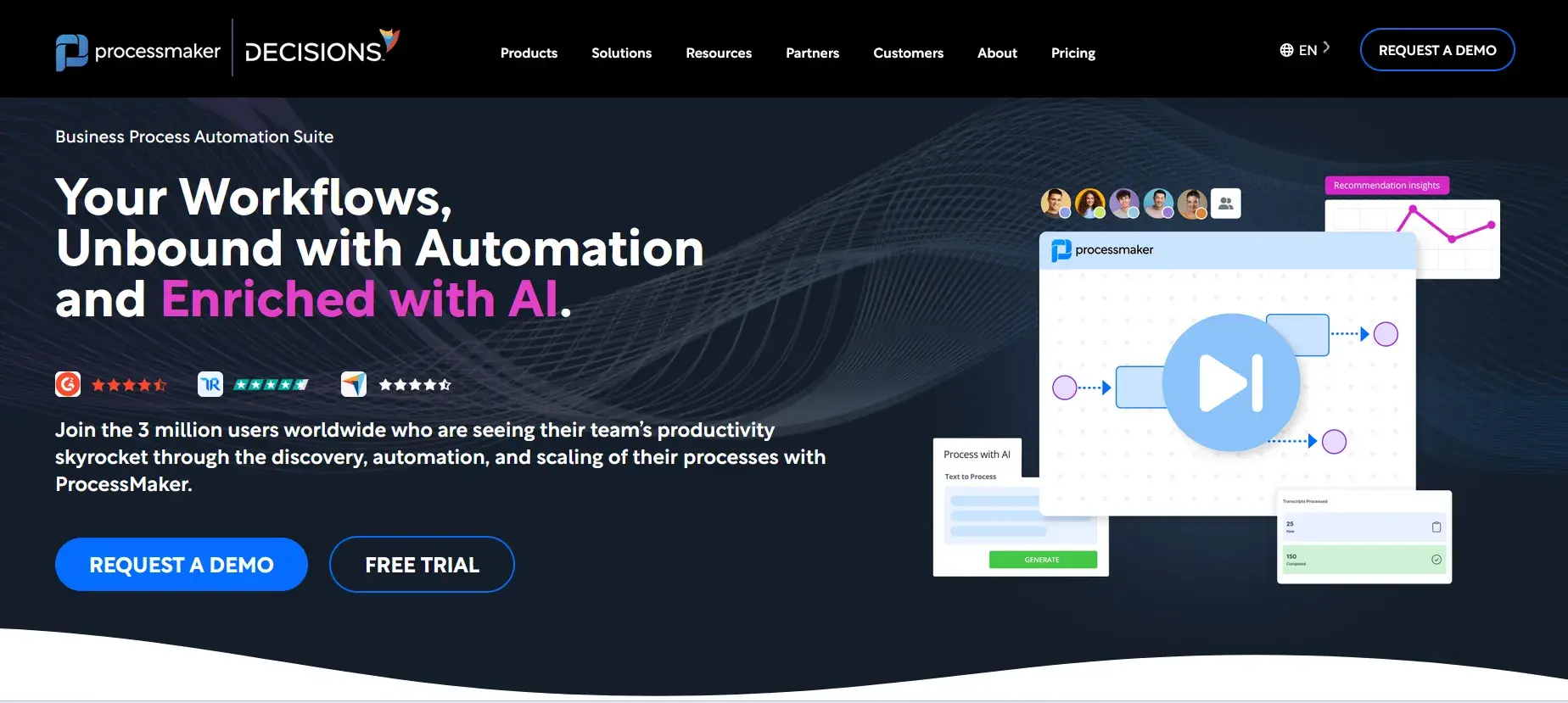
ProcessMaker’s Homepage
IT-led BPM initiatives benefit from ProcessMaker. It supports complex workflows, integrations, and backend orchestration across systems.
However, it requires technical expertise and longer implementation cycles. Pricing is often opaque, making it harder to forecast long-term costs.
ProcessMaker’s Key Features
- BPMN modeling
- Workflow orchestration
- API access
- Document automation
- Role-based permissions
ProcessMaker’s Pros
- Handles complex processes
- Strong integration capabilities
- Suitable for IT teams
- Mature BPM toolset
- Flexible deployment
ProcessMaker’s Cons
- Steep learning curve
- Quote-based pricing
4. Kissflow
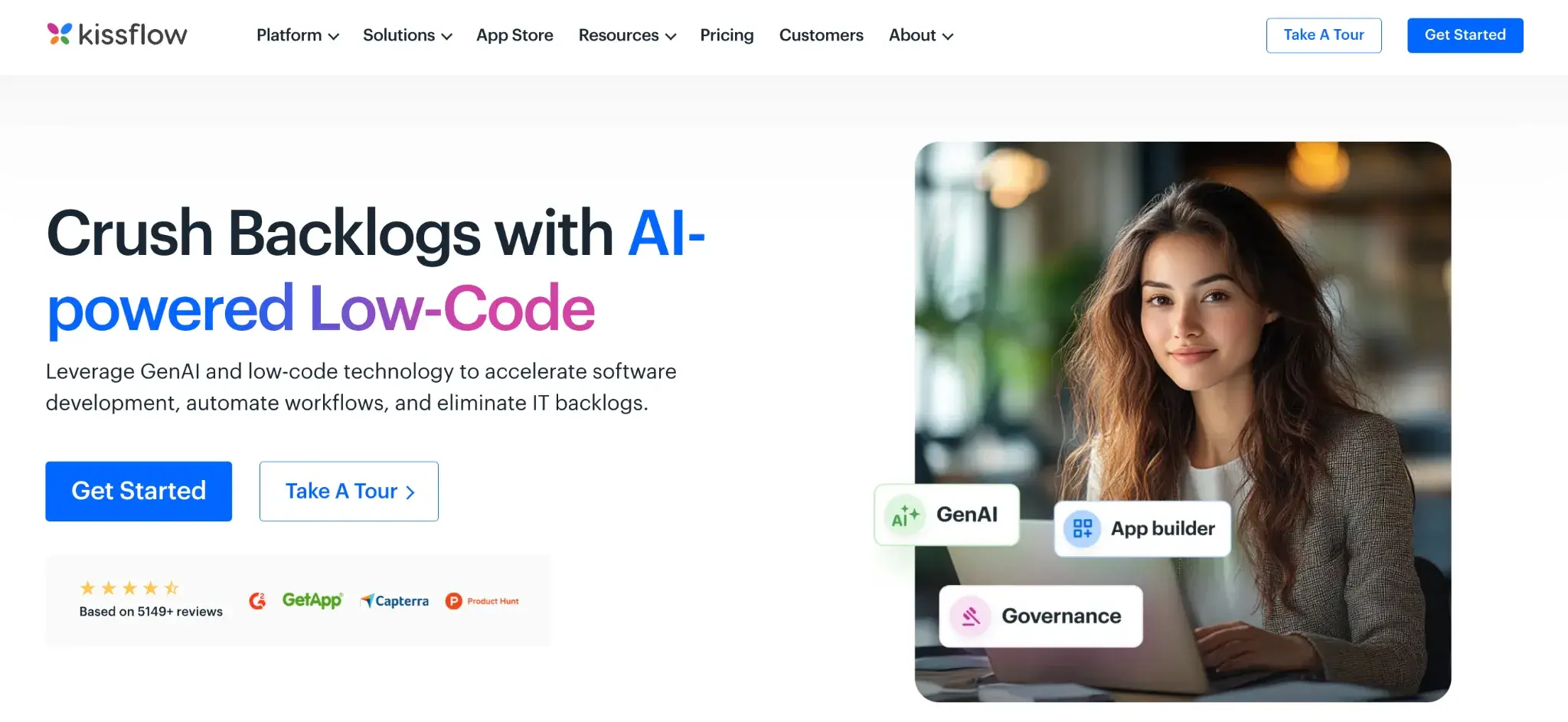
Kissflow homepage
A business-friendly workflow platform, Kissflow is commonly used to automate departmental processes such as onboarding, approvals, and internal requests.
The platform emphasizes ease of use but can feel limited when workflows become complex or require detailed reporting.
Kissflow’s Key Features
- Drag-and-drop workflow builder
- Prebuilt templates
- Conditional logic
- Role-based approvals
- Workflow reporting
Kissflow’s Pros
- Intuitive interface
- Quick setup
- Good template library
- Minimal training required
- Supports basic automation
Kissflow’s Cons
- Limited scalability
- Advanced features locked behind higher pricing tiers
5. Nintex
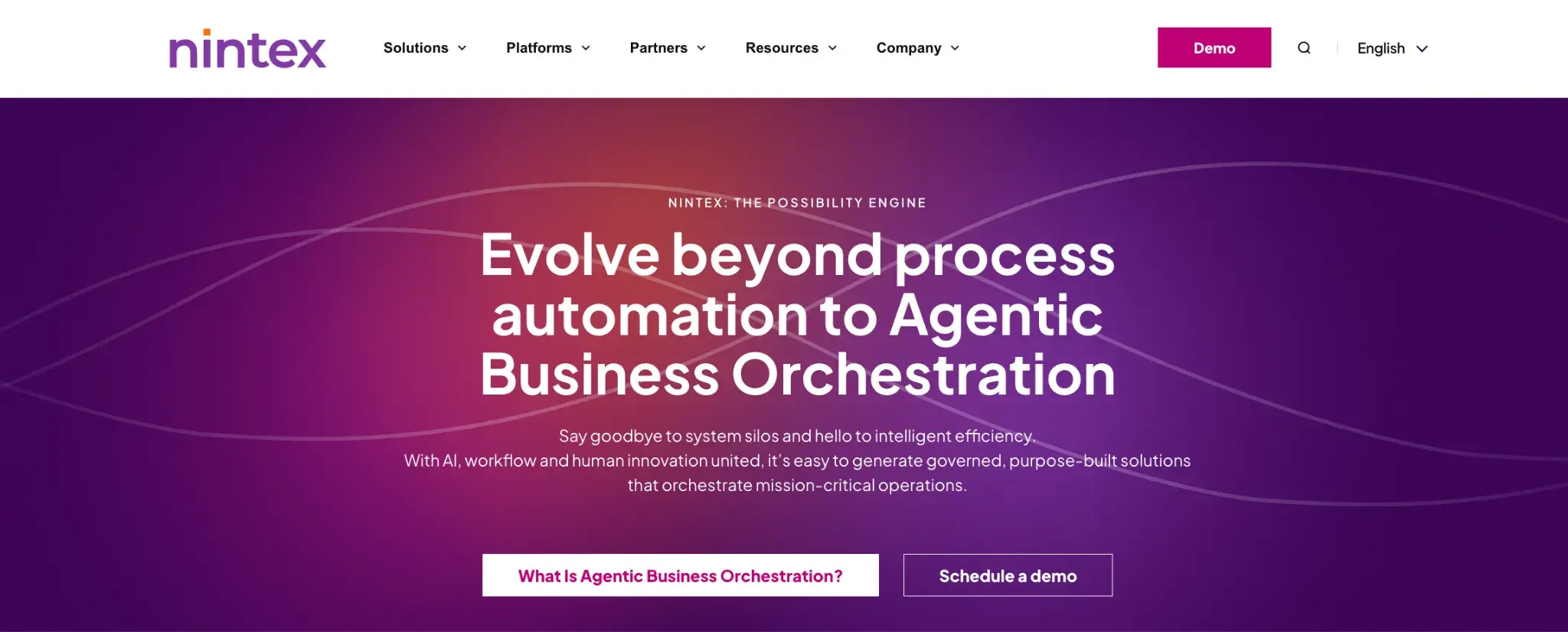
Nintex homepage
Nintex is an enterprise automation suite covering workflows, RPA, and process discovery. It is often selected by large organizations with established automation teams.
However, licensing is complex and often requires add-ons, making it expensive for long-term use.
Nintex’s Key Features
- Workflow automation
- RPA
- Process mapping
- Analytics
- Integrations
Nintex’s Pros
- Broad automation coverage
- Enterprise-grade capabilities
- Mature vendor ecosystem
- Suitable for complex environments
Nintex’s Cons
- High total cost
- Complex licensing
6. Asana
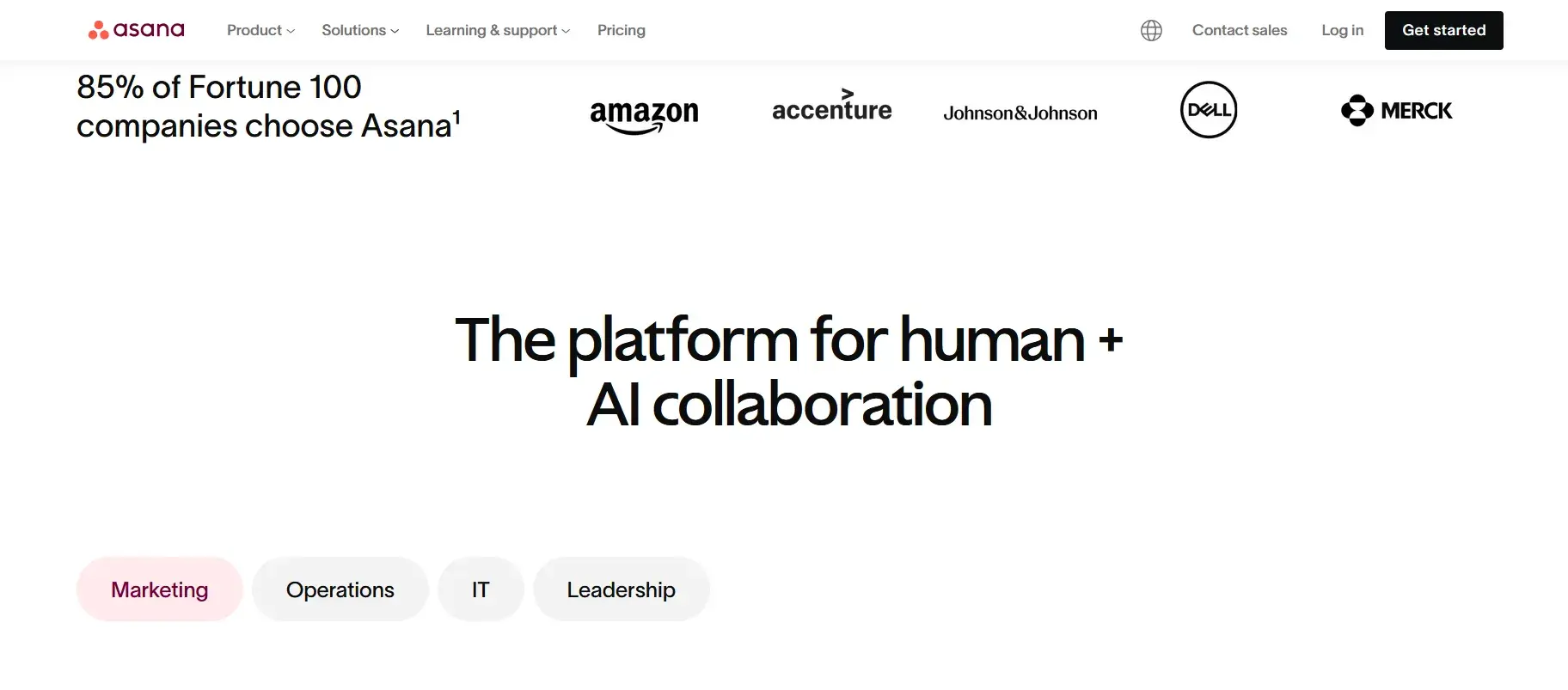
Asana Homepage
Asana is a task and project management tool not a full workflow automation platform. It is often compared with Process Street due to its popularity.
Asana’s Key Features
- Task management
- Time tracking
- Project timelines
- Reporting dashboards
- Integrations
Asana’s Pros
- Transparent per-user pricing
- Good for teams tracking tasks
- Easy collaboration
- Supports project management
Asana’s Cons
- No true process automation
- Limited AI features
7. Appian
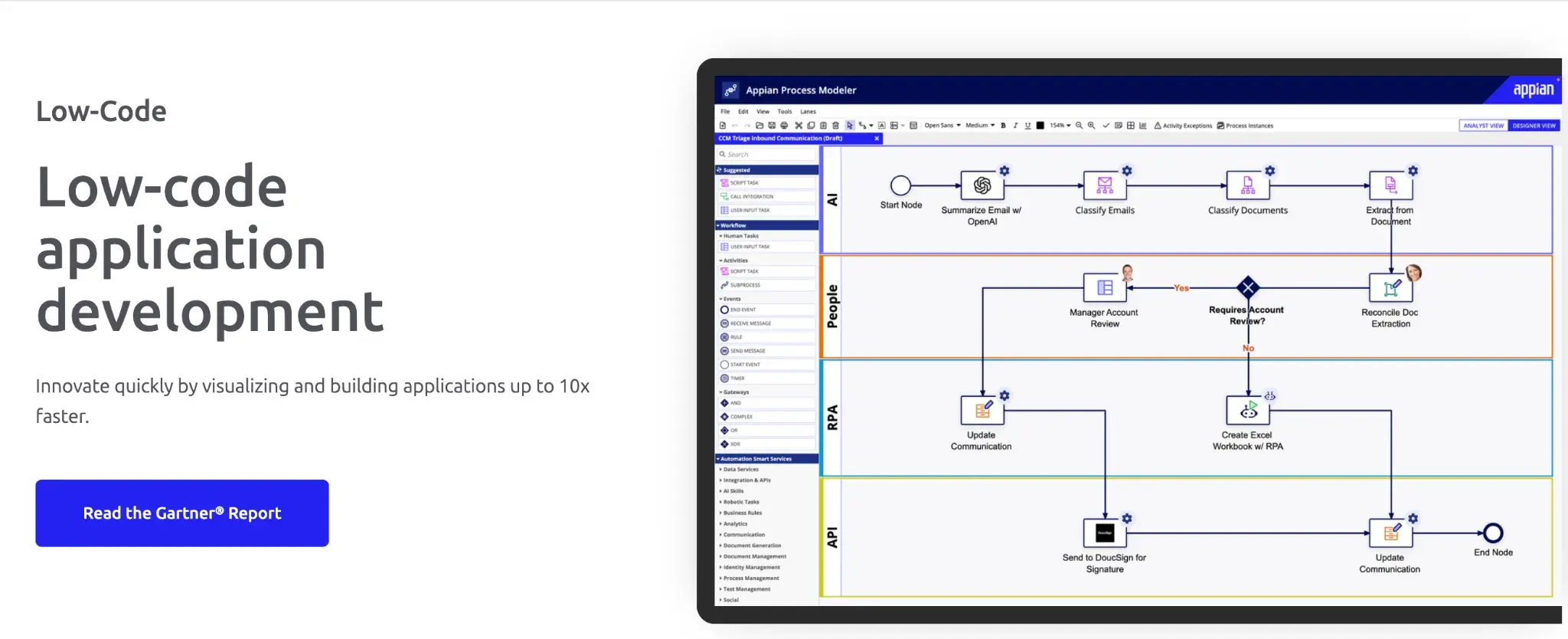
Appian’s low-code development platform
A low-code platform for building custom enterprise applications, Appian is versatile but typically developer-led.
Appian’s Key Features
- Low-code app development
- Workflow automation
- Case management
- AI decisioning
- RPA integration
Appian’s Pros
- Highly customizable
- Enterprise scalability
- Good security
- Advanced automation
- Suitable for complex use cases
Appian’s Cons
- High cost
- Long implementation timelines
8. Scribe
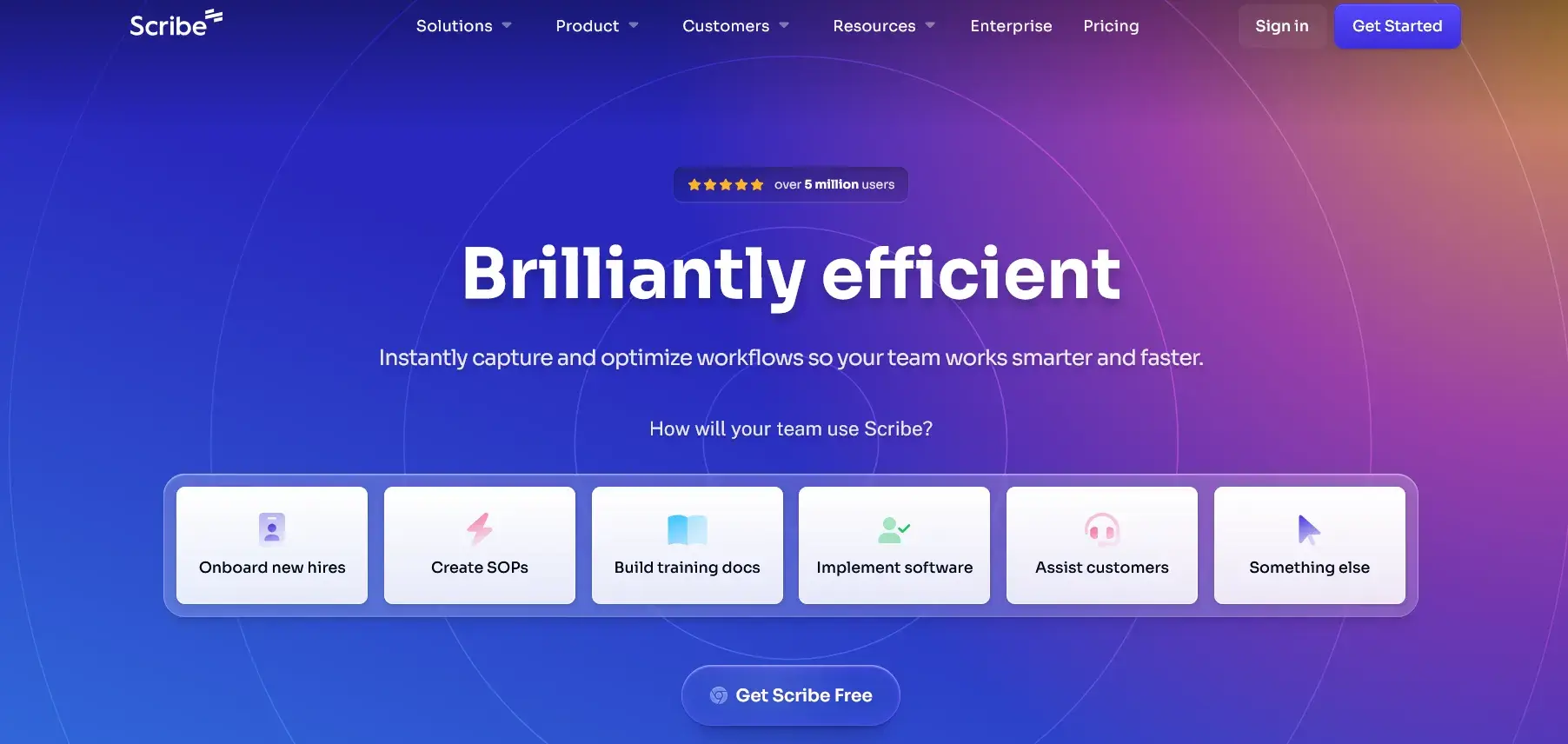
Scribe’s homepage
Scribe focuses on documentation and is often used alongside automation tools, not as a substitute for them.
Scribe’s Key Features
- SOP generation
- Screen capture
- Documentation templates
- Knowledge sharing
- Browser extensions
Scribe’s Pros
- Fast documentation
- Easy adoption
- Transparent pricing
- Useful for training
- Simple UI
Scribe’s Cons
9. Cflow
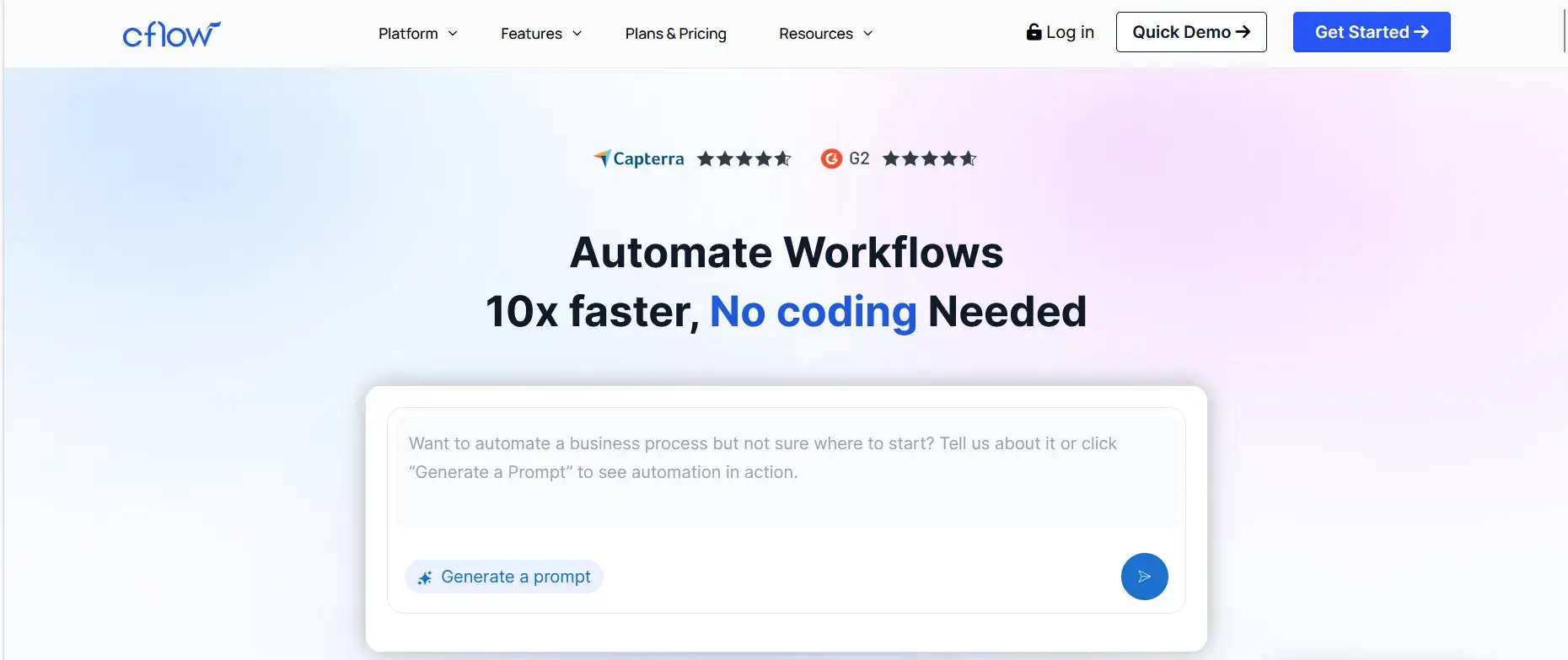
Cflow homepage
Cflow is designed for SMBs looking to automate basic approval workflows.
Cflow’s Key Features
- Workflow automation
- Approval routing
- Form builder
- Notifications
- Basic reporting
Cflow’s Pros
- Affordable pricing
- Easy setup
- Simple workflows
- Quick deployment
- Cloud-based
Cflow’s Cons
- Limited enterprise features
- Weak reporting depth
10. Comidor
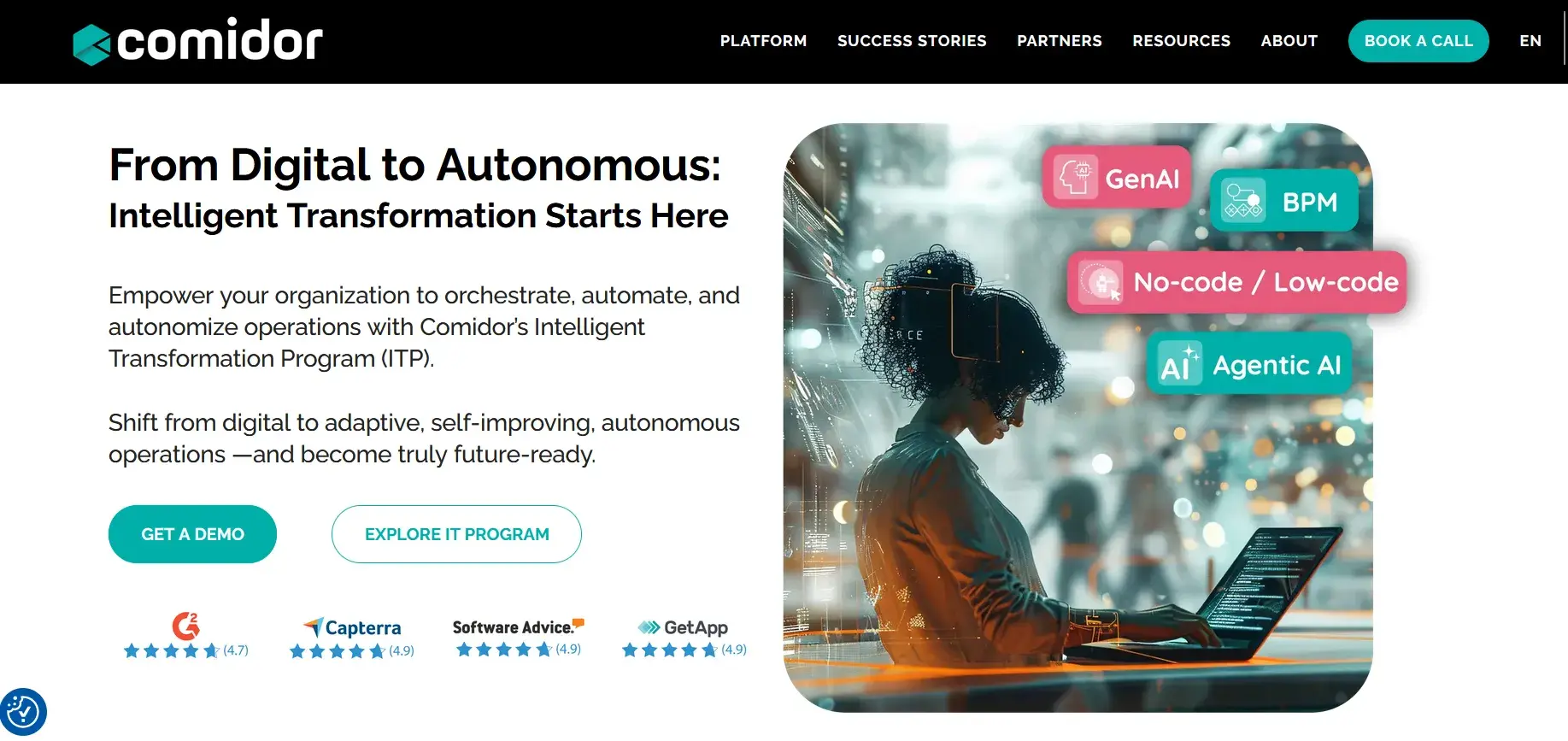
Comidor homepage
Alt: Screenshot of Comidor’s Homepage
Comidor is a low-code platform that combines BPM, case management, and rule engines.
Comidor’s Key Features
- BPMN modeling
- Case management
- Business rules
- Analytics
- Integrations
Comidor’s Pros
- Modeling capabilities
- Flexible configuration
- Enterprise use cases
- Multi-department support
- Advanced logic handling
Comidor’s Cons
- Complex setup
- Opaque pricing
Why Look for Process Street Alternatives?
Process Street is a good starting point for teams that need to document procedures and enforce consistency in recurring tasks. However, as businesses grow, they often outgrow their checklist-first design. Here’s why:
Lack of predictable pricing
Process Street uses user-based pricing with three tiers. Features such as single sign-on (SSO), advanced security controls, expanded API access, and deeper reporting are often available only with higher-tier or enterprise plans.

G2 Review for Process Street
2. Checklist-first design limits execution

Capterra review of Process Street
Process Street is primarily designed around task lists and step-by-step instructions. Conditional logic exists, but workflows can struggle when they require:
- Branching approvals across teams
- Document generation tied to workflow data
- Centralized reporting across multiple processes
- Scalable automation without relying on other tools
As workflows become interconnected, teams often depend on integrations or manual workarounds to keep processes moving.
3. Usability and reporting friction

Capterra review of Process Street
Users also report practical challenges, including limited customization and awkward mobile performance. Audit logs are available, but reviewing them during real compliance or verification checks can be time-consuming.
Customer testimonials for FlowForma
Process Street remains useful for teams focused on checklists and task tracking. However, organizations managing complex workflows, approvals, documents, and compliance often outgrow it.
FlowForma stands out for its depth of execution, transparent pricing, and AI-powered workflow creation. It supports long-term automation without increasing complexity or cost.
Here is a side-by-side comparison between the two tools to help you make a choice:
|
Category
|
Process Street
|
FlowForma
|
|
Primary Focus
|
Checklist-driven workflows and SOP enforcement
|
End-to-end process execution with governance and compliance
|
|
Best Fit For
|
Teams managing repeatable tasks and procedures
|
Mid-sized to enterprise organizations running regulated, cross-department processes
|
|
Workflow Depth
|
Task lists with conditional logic
|
Full workflow engine with approvals, routing, escalation, and parallel steps
|
|
Compliance Readiness
|
Basic audit logs that are difficult to search at scale
|
Time-stamped, searchable audit trails aligned with HIPAA, ISO 27001, and internal controls
|
|
Audit & Reporting
|
Limited dashboards and manual exports
|
FlowForma Insights with AI-powered analytics for bottlenecks, exceptions, and trends
|
|
IT Governance
|
Limited native governance; controls gated by higher tiers
|
Native Microsoft 365 deployment with IT-defined guardrails and oversight
|
|
Pricing Model
|
User-based pricing
|
Process-based pricing with unlimited workflows
|
|
AI Capabilities
|
AI focused on checklist creation and assistance
|
AI embedded across design, execution, analytics, and decision points
|
|
Forms & Data Capture
|
Basic form inputs
|
Advanced forms with validation and conditional logic
|
|
Document Generation
|
Not native
|
Automated document generation from live process data
|
Table showing a side-by-side comparison between FlowForma and Process Street
For teams looking to manage processes effectively, FlowForma offers a clear path forward. Book a demo today to see the tool in action.