If your Nintex renewal is too expensive, start with which Nintex product you run. Nintex Workflow for Office 365 stopped running in 2026, so those teams must move anyway. Everyone else should price the switch first, then renew, renegotiate, or replace depending on when it pays back. On Microsoft 365, FlowForma Process Automation offers published, per-process pricing as the alternative.
Your renewal manager at Nintex gets in touch at least 60 days before the term ends, which leaves a short window to check what the quote still buys and what switching would cost your team. A cheaper tool can be the right fix. Sometimes renegotiating saves more than any migration would, and the break-even sum on your own quote is what tells the two apart.
|
#
|
Platform
|
Where it runs
|
Best for
|
Pricing model (as of November 2026)
|
|
1
|
FlowForma Process Automation
|
Your own Microsoft 365 tenant, on SharePoint Online
|
Microsoft 365 organizations replacing Nintex forms and approvals
|
Per process; Essentials from $2,347 · £1,722 per month, billed annually, for up to 3 processes
|
|
2
|
Microsoft Power Automate
|
Microsoft cloud, connected to SharePoint, Teams and Outlook
|
Teams whose flows already run there
|
Per-user and per-bot plans; some capability included in Microsoft 365 licenses
|
|
3
|
Crow Canyon NITRO Studio
|
SharePoint Online, Teams and SharePoint Server on-premises
|
SharePoint estates staying on-premises
|
Annual subscription by user band; prices published
|
|
4
|
Kissflow
|
Kissflow’s cloud, with data in a region you choose
|
Business teams that want a quick start outside Microsoft 365
|
Fixed annual agreement; custom quote
|
|
5
|
Pipefy
|
Pipefy’s cloud
|
Request intake and shared-service pipelines
|
Free Starter plan; paid plans billed per user, through sales
|
|
6
|
Appian
|
Appian Cloud or self-managed
|
Large organizations with developer teams
|
Per user, per month, per app; estimate through sales
|
|
7
|
Decisions
|
Cloud, hybrid or on-premises
|
Technical teams that want a deep rules engine
|
Three tiers by use case, deployment and capabilities; custom quote
|
If your workflows live in SharePoint Online and will stay there, start with the first three. If they won't, start with numbers 4 to 7.
Why is your Nintex renewal more expensive, and which Nintex products are affected in 2026?
A renewal grows for two reasons: the quote and the product underneath it. Nintex Workflow for Office 365 lost support on December 31, 2025, so renewing it buys nothing. Nintex for SharePoint 2016, 2019 and Subscription Edition remain supported, but SharePoint Server 2016/2019 left Microsoft support on July 14, 2026.
Which Nintex products are still supported in 2026
|
Nintex product
|
Status as of November 2026
|
What a renewal buys
|
|
Nintex Workflow for Office 365
|
Support ended December 31, 2025; stopped working when Microsoft retired SharePoint Add-ins in SharePoint Online on April 2, 2026
|
Nothing for these workflows; they have to move
|
|
Nintex for SharePoint 2013
|
Not supported
|
Nothing
|
|
Nintex for SharePoint 2016 and 2019
|
Supported; Nintex has announced no end-of-life date
|
Nintex support on a SharePoint Server version Microsoft stopped supporting on July 14, 2026
|
|
Nintex for SharePoint Subscription Edition
|
Supported; no end-of-life date announced
|
Nintex support for your current on-premises estate
|
|
Nintex cloud workflow (Nintex Workflow)
|
Current product
|
Continued service, plus the upgrade path for Nintex Workflow for Office 365
|
The third row is where most of the confusion starts. Nintex’s own supported-versions page lists no end-of-life date for Nintex for SharePoint 2016, 2019, or Subscription Edition, and shows all three as supported (checked November 2026).
What changed is the platform underneath: Microsoft’s extended support for SharePoint Server 2016 and 2019 ended in July, so a renewal there pays for Nintex support on servers Microsoft no longer patches. Our Nintex end of life guide covers the SharePoint 2013 retirement in more detail.
Five lines to check in your renewal quote
Nintex doesn't publish prices; quotes come through its sales team. That makes the quote itself the thing to audit, line by line:
- License scope: What you're licensed for against what actually runs today.
- Workflow or run volume: Whether capacity was sized for a peak you no longer hit.
- Add-on modules: Document generation, forms, or process mapping your teams stopped using.
- Support tier: The level you need now, not the one bought three years ago.
- Product move: Any line that moves you to a different Nintex product, and what it changes.
Cost is also what customers tell us when they explain why they looked elsewhere. The IT Manager of the A14 joint venture between Costain, Skanska, and Balfour Beatty said it plainly: "We looked at Nintex and K2, from our point of view, they were cost prohibitive." He went on to build 24 flows himself on FlowForma Process Automation.
What are the best Nintex alternatives?
The best Nintex alternative depends on where your workflows live. On Microsoft 365, FlowForma Process Automation, Microsoft Power Automate, and Crow Canyon NITRO Studio keep processes in SharePoint. Outside Microsoft 365, buyers compare Kissflow, Pipefy, Appian, and Decisions. Pricing models differ: per process, per user, per app, by user band, or by fixed annual agreement.
We judged each platform on four things a Nintex replacement has to cover: where it runs, how its price grows, who builds the workflows, and how you get existing work across. App builders, integration tools such as Zapier or n8n, and RPA products answer different questions, so they're not here.
1. FlowForma Process Automation
Best for: Microsoft 365 organizations replacing Nintex forms and approvals in SharePoint Online.
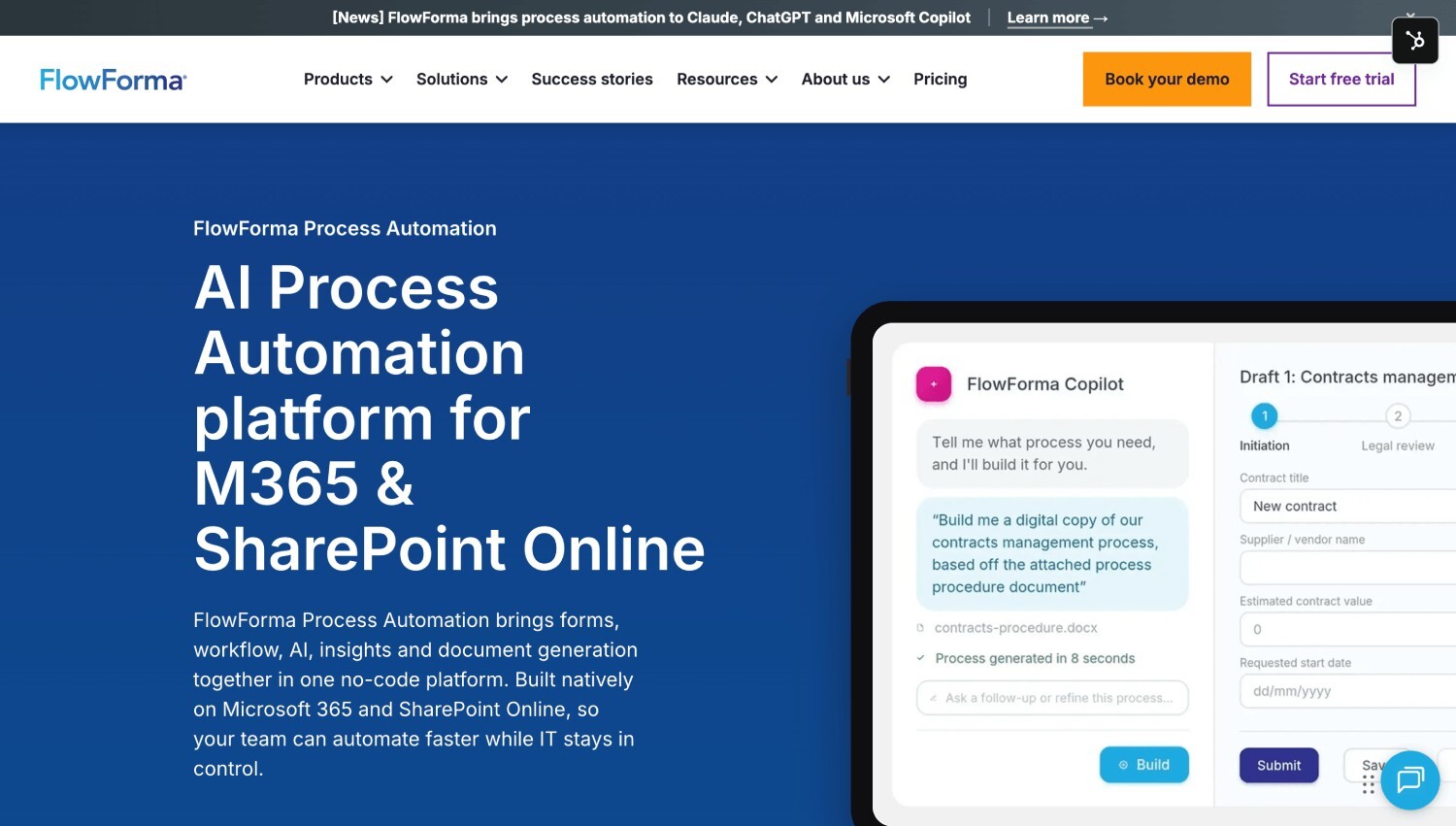
FlowForma Process Automation's homepage
FlowForma Process Automation is an AI-powered, no-code platform for automating business processes, built natively on SharePoint Online and Microsoft 365. It brings together everything a process needs in one place: dynamic forms to capture data, a powerful workflow engine that orchestrates people, systems and AI agents, and real-time reporting and insights. Business teams can build and run smart processes, from simple requests to complex, multi-stage workflows, while IT keeps full control over governance, security and compliance.
For a Nintex estate, that means your forms and approval workflows rebuild inside SharePoint Online and run in your own tenancy. Process data and documents stay in your SharePoint environment, with access managed through Microsoft Entra ID and your existing governance policies.
FlowForma’s Process Automation’s pricing is process-based. A process is one complete business process, start to finish, such as employee onboarding, and its forms, steps, and runs are covered by the plan, so a busier quarter doesn’t change the invoice. As of November 2026, Professional covers up to 30 processes from $3,293, or £2,486, per month, billed annually, with FlowForma Copilot and AI Agents included under fair usage limits. Every plan includes forms, document generation, insights, governance, a mobile app, and external users.
It’s built for organizations on Microsoft 365 with SharePoint Online and doesn’t run on SharePoint Server on-premises. See how the Nintex alternative native to Microsoft 365 compares feature by feature, or book your demo and bring one of your Nintex processes with you
2. Microsoft Power Automate
Best for: Teams whose flows already run in Power Automate and work as they are.
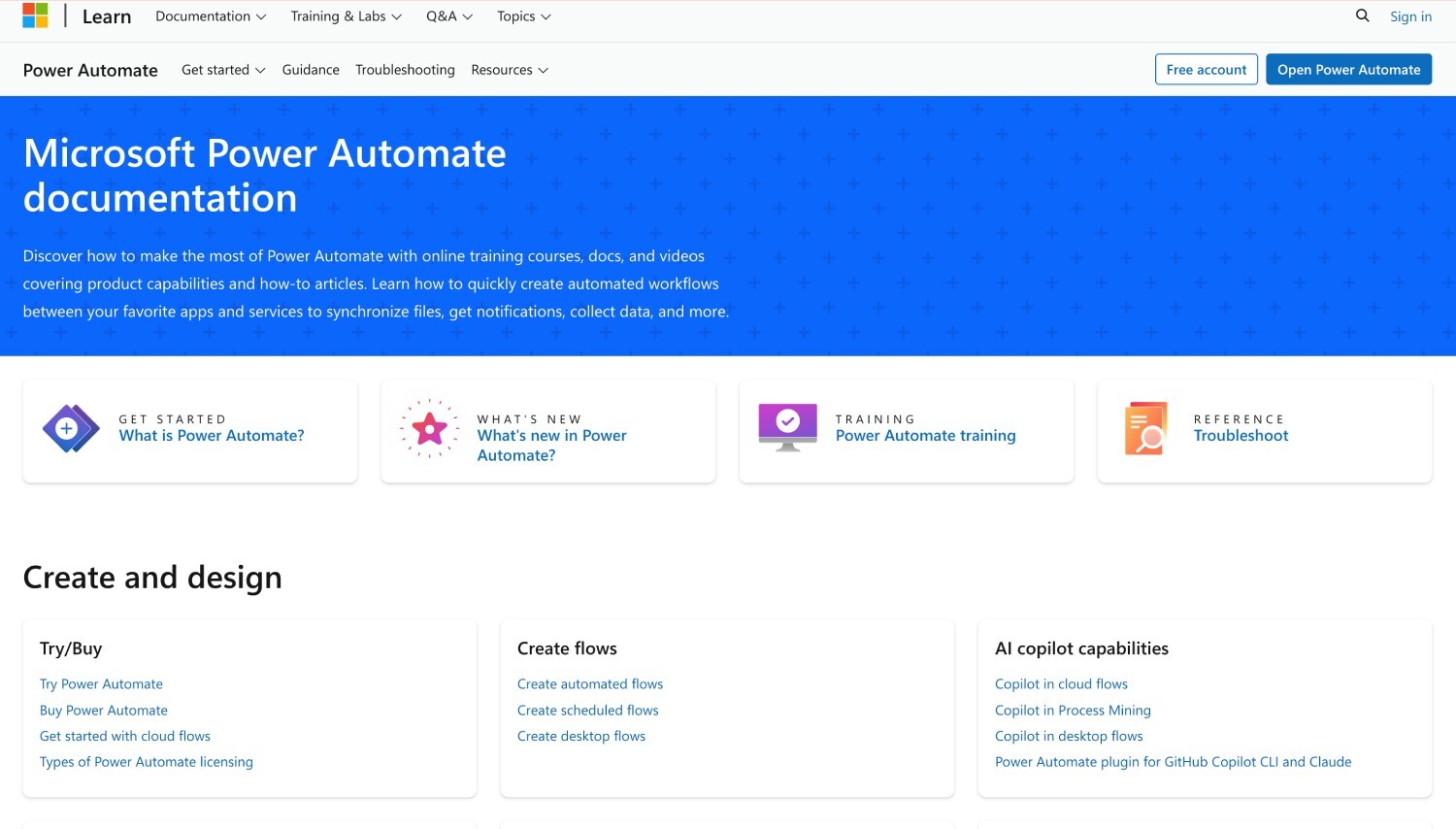
Microsoft Power Automate's homepage
Power Automate is Microsoft’s workflow service, connected to SharePoint, Teams, and Outlook, and it’s the route Microsoft itself points to for retired SharePoint 2013 workflows. If your Nintex estate is mostly notifications and straightforward approvals, many of those flows will rebuild there without much friction.
Microsoft prices premium Power Automate per user or per bot, and some capability already comes with Microsoft 365 licenses (checked November 2026).
The gap shows up with forms. A custom SharePoint form is built in Power Apps, a separate product from the flow, so a Nintex form plus its workflow becomes two builds to own. The two can also work together: FlowForma Process Automation can run the business process while Power Automate runs the integrations. Our FlowForma vs Power Automate comparison covers where each fits and how the two run together.
3. Crow Canyon NITRO Studio
Best for: SharePoint estates that will stay on-premises.
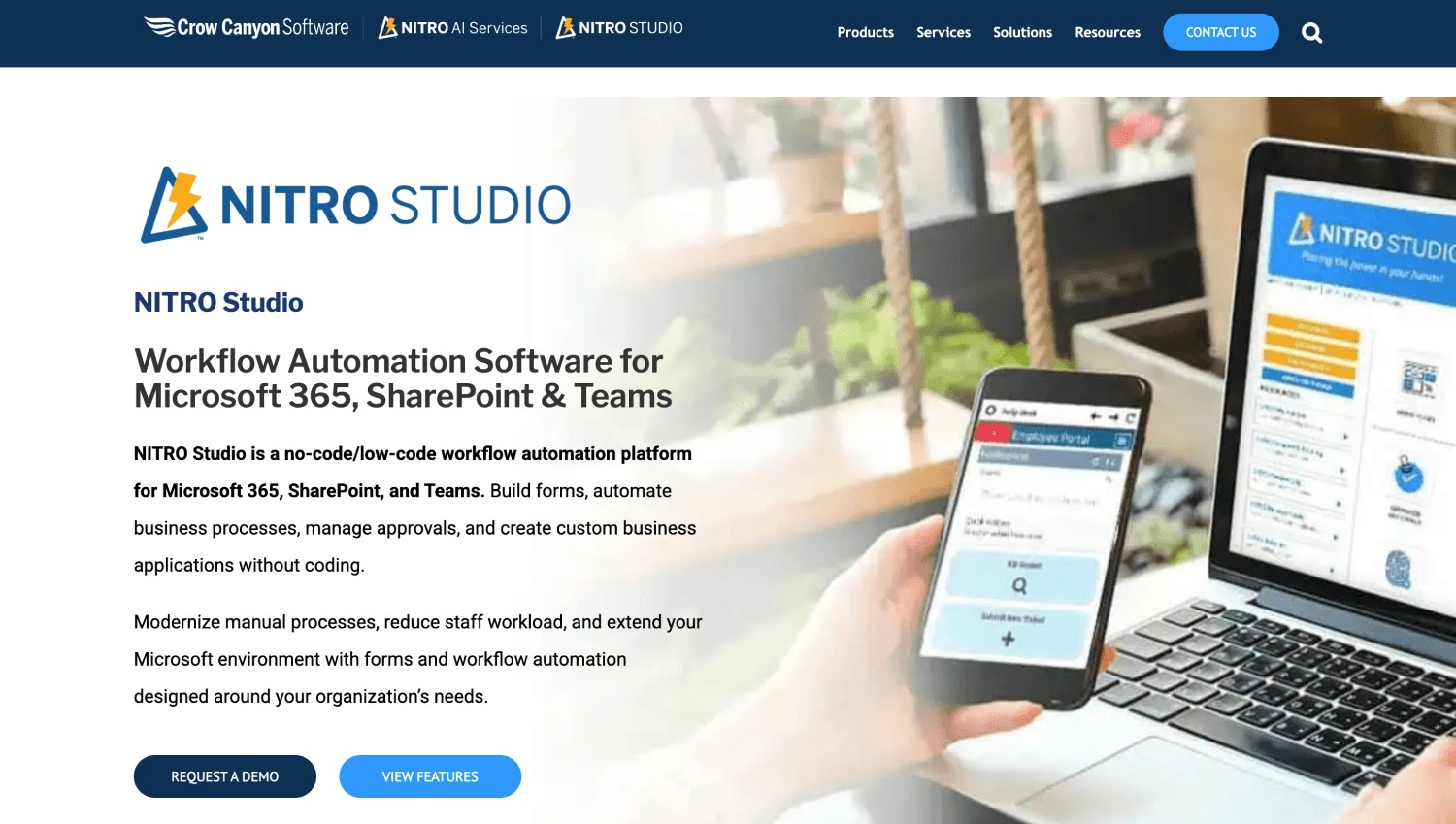
Crow Canyon NITRO Studio's homepage
NITRO Studio brings no-code and low-code forms and workflows to Microsoft 365, Teams, and SharePoint, and Crow Canyon supports it on SharePoint Online and on SharePoint Server SE, 2019 and 2016.
That on-premises reach is its clearest advantage if your servers aren’t going anywhere. Crow Canyon also offers a dedicated cloud in your own Azure tenancy and an air-gapped option for high-security sites (checked November 2026).
Crow Canyon sells NITRO Studio as an annual subscription priced by user band, counting the users in your Microsoft 365 tenant or SharePoint farm, and publishes those prices. Sites, forms, and workflows aren’t capped, so cost follows headcount rather than workflow volume. For a team whose Nintex bill grew with usage, that’s the draw.
Everything in it is built around SharePoint. If part of the reason for leaving Nintex is to move processes off SharePoint, it points the other way.
4. Kissflow
Best for: Business teams that want a quick start outside Microsoft 365.
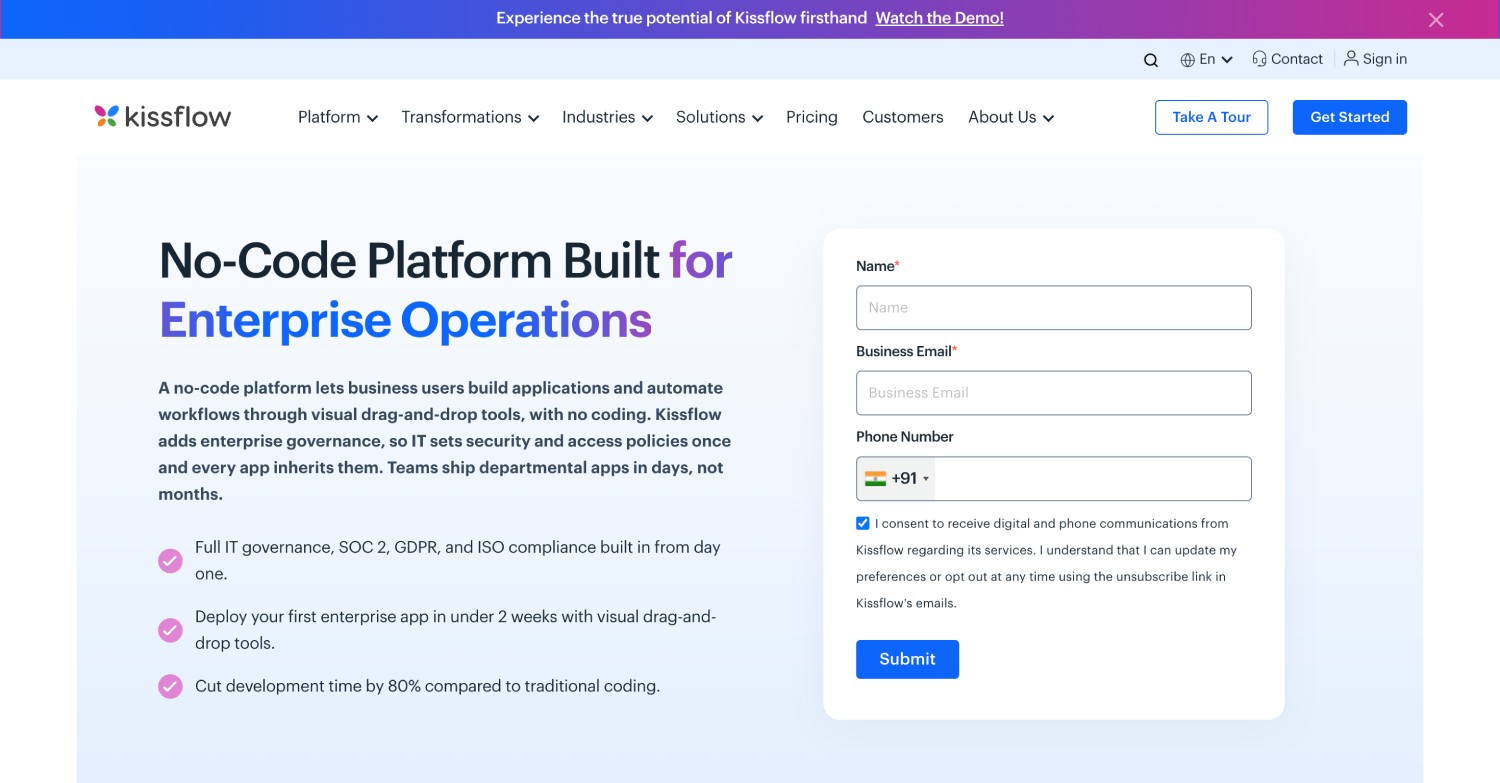
Kissflow's homepage
Kissflow is a no-code and low-code platform for forms, approvals, and business processes, aimed at business teams building their own processes. It's hosted on AWS and Google Cloud, and production data and backups stay in the region you pick: the United States, the European Union, India, or Australia.
That regional choice matters if your UK or EU legal team asks where approval records live. Kissflow sells fixed annual agreements through a custom quote and says it adds no surcharges for AI or API usage (checked November 2026). You’ll model cost with its sales team, not from a price list.
Your data sits in Kissflow’s cloud rather than your Microsoft 365 tenant, which makes this a change of platform as well as a change of tool. If you leave later, Kissflow deletes production data within 30 days and backups within 90, so plan your exports early.
5. Pipefy
Best for: Request intake and shared-service pipelines.
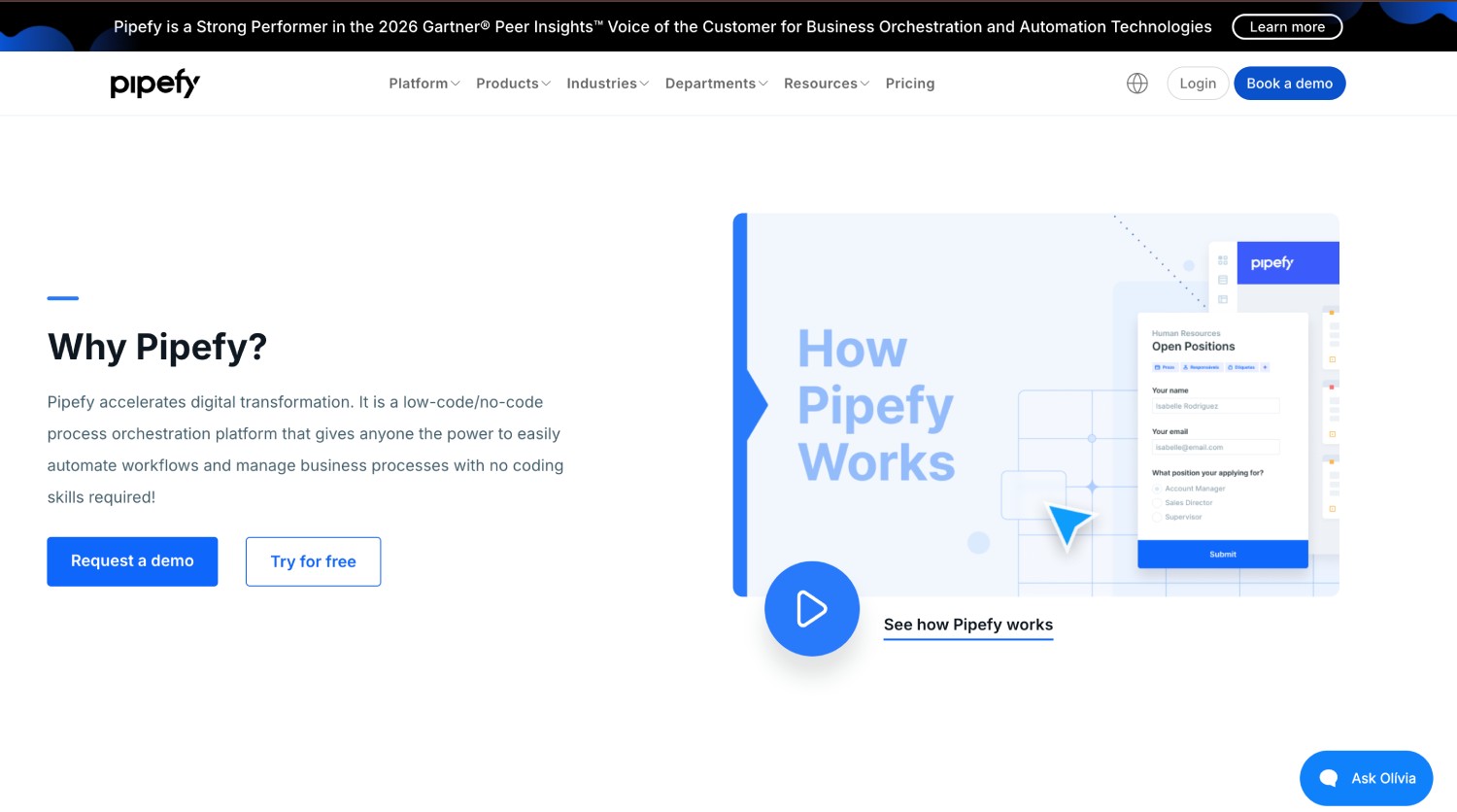
Pipefy's homepage
Pipefy organizes work as pipelines that requests move through, which suits HR, procurement, and IT service desks handling a steady stream of tickets. Public shareable forms let people outside the team submit requests.
The free Starter plan covers up to 5 processes and 10 users with no credit card, a low-risk way to trial one pilot process, and Pipefy AI is included on every plan, Starter too. Business lifts the process cap and adds API access, role-based access, private processes, conditional logic, electronic signature, data recovery, and standard support.
Enterprise adds single sign-on, two-factor authentication, white labeling, and a custom email domain. Both paid plans go through sales (checked November 2026).
Paid plans are billed per user, so cost tracks headcount as adoption grows. If your Nintex approvals reach hundreds of occasional approvers, count each of them as a user and model that number before you compare quotes.
6. Appian
Best for: Large organizations with developer teams building complex case management.

Appian's homepage
Appian is an enterprise low-code platform that runs as Appian Cloud or as a self-managed installation on Kubernetes, supported on Azure Kubernetes Service, Amazon EKS, Red Hat OpenShift, and Google GKE. That keeps it open to organizations that must host the platform themselves.
Appian prices per user, per month, per app, and gives estimates through its sales team (checked November 2026). The entry plan includes one portal per app for people outside your organization, higher plans remove that limit, and every plan carries a monthly cap on AI actions, from 200,000 on Standard to 1 million on Premium.
Per-app pricing makes every new application a new line on the bill, so count the apps your Nintex estate would become before you ask for an estimate. Self-managed hosting adds work of its own: Appian’s documentation aims the Kubernetes installation at platform engineers who know Kubernetes, Helm, and container images.
7. Decisions
Best for: Technical teams that want a deep rules engine or on-premises deployment.
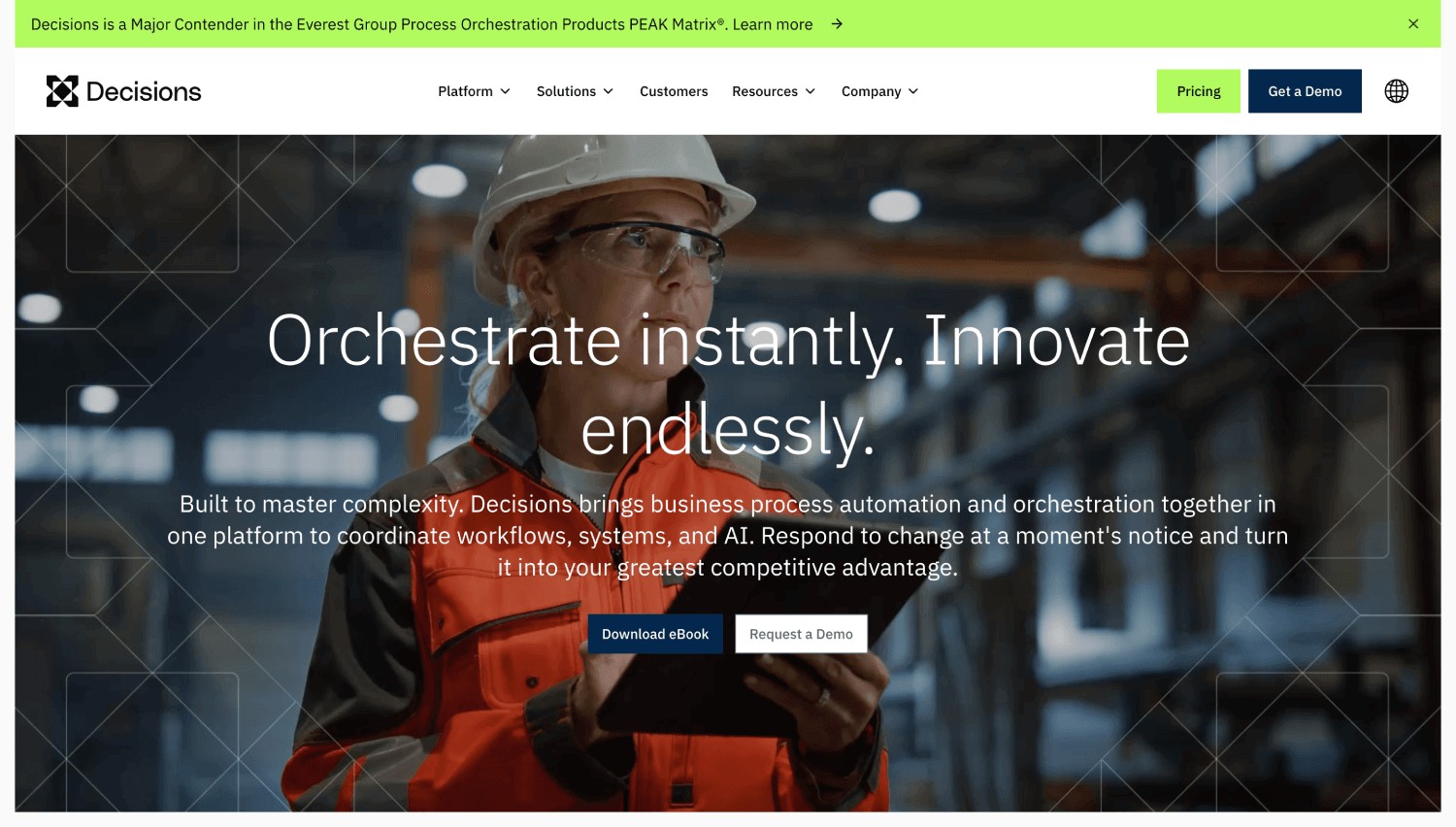
Decisions' homepage
Decisions combines a low-code design studio, a business rules engine, and workflow automation, with an agent builder and orchestration of third-party RPA on top. It runs in the cloud, hybrid, or on-premises, which keeps it on the list for organizations that can't move process data off their own servers.
Decisions sells three tiers, Foundation, Growth, and Enterprise, set by the scope of your use case, your deployment, and the capabilities you need, with no per-user limits. Decisions’ sales team quotes every tier (checked November 2026), and a 14-day trial runs on a cloud instance Decisions sets up for you.
Only one of the three tiers includes on-premises deployment, so the deployment you need can decide your starting tier. Expect a sales conversation before you can model three-year cost. The rules engine pays off when your logic is complex enough to need one.
How much does it cost to switch from Nintex, and when does it pay back?
Switching from Nintex costs one-time effort plus a new subscription. The one-time part covers inventory, rebuilding forms and workflows, integrations, testing, training, and any months of running both platforms. Divide it by the yearly saving to find the break-even year; if that lands beyond your planning horizon, renegotiate instead.
The cost lines in a Nintex migration
|
Cost line
|
How to estimate it
|
Often missed because
|
|
Workflow inventory
|
Hours to list every workflow with its owner, run volume, and connections
|
Retiring unused workflows here is the cheapest saving in the project
|
|
Forms and workflow rebuild
|
Count workflows by complexity, then time a pilot rebuild of each type
|
Estimates made before a pilot are guesses
|
|
Integrations
|
Hours per connection to ERP, SQL, or line-of-business systems, plus any connector licensing
|
Connections built years ago rarely have documentation
|
|
Testing and sign-off
|
Hours per workflow for test cases and approver sign-off
|
Approvers’ time counts as well as IT’s
|
|
Training
|
Builders and approvers, separately
|
Approvers outnumber builders
|
|
Parallel running
|
Months both platforms are paid for, times each monthly cost
|
Renewal dates rarely line up with go-live
|
|
Records and history
|
Effort to export form data and approval history to a read-only archive
|
Audit requests arrive after cutover
|
A worked three-year example
Here's the arithmetic for a hypothetical estate. The inputs are illustrative, not benchmarks, so replace them with numbers from your own pilot.
- 40 Nintex workflows: 25 simple, 10 moderate, and 5 complex.
- Hours: 40 for discovery, 100 for simple rebuilds (4 each), 160 for moderate (16 each), 200 for complex (40 each), 80 for testing, and 40 for training. That's 620 hours.
- At an assumed fully loaded rate of $85 an hour, the one-time cost is $52,700.
Those 40 workflows don't map to 40 processes. One end-to-end process, say a purchase request with its approvals and notifications, can absorb several Nintex workflows, so this estate fits inside FlowForma Process Automation's Professional plan of up to 30 processes.
At the Professional plan’s starting price on the published, process-based pricing page, the new subscription is $39,516 a year.
Break-even years = one-time switching cost ÷ (current annual cost minus new annual cost)
To pay that back inside three years, switching has to save $17,567 a year. So in this example, the switch pays for itself within three years only if the annual Nintex quote is above $57,083. Below that, renegotiating is the better use of your time. The example leaves out parallel running, which pushes the line higher if your go-live lands after the renewal date.
Can Nintex workflows migrate automatically, and how long does it take?
Nintex workflows convert automatically only within Nintex: its upgrade tool moves Nintex Workflow for Office 365 workflows to Nintex's cloud product, leaving unsupported actions as placeholders. Moving to another vendor means rebuilding. On FlowForma Process Automation, FlowForma Copilot recreates uploaded Nintex forms, and specialists rebuild complex workflows.
Nintex's help documentation sets out what the upgrade tool does. Actions the cloud product doesn't support are swapped for a placeholder, so the design survives, and some manual configuration or substituted actions may be needed afterward. That keeps you with the same vendor, which solves an end-of-support problem but not a pricing one.
Outside Nintex, a workflow definition doesn't run as-is; it gets rebuilt. What changes from vendor to vendor is how much of the rebuild is done for you. AI-assisted tools can recreate a simple form from the original, but multi-stage workflows with integrations still need someone who understands the process to rebuild and test them.
Three things set the timeline more than the platform does: the number of complex workflows, the systems they touch, and how quickly approvers can test. An estate of mostly simple forms moves quickly. A dozen heavily integrated workflows take longer, however good the tooling.
FlowForma Process Automation’s Nintex migration package covers Nintex On-Premise, Nintex Workflow for Office 365, and Nintex K2. You upload an existing Nintex form, and FlowForma Copilot reads its fields, logic, and branching to rebuild Nintex forms your team can then edit.
10,000 migration credits pay for our specialists to migrate the complex workflows, and you decide which get that time first. A 2-day training session and a phased go-live follow, and complex enterprise migrations typically complete from 6 weeks.
Beaufort County is a recent example: 20 complex processes migrated in the first month. The county ran Nintex on-premises, and the reasons it gave for leaving were rising bills, workflows that were hard to scale and maintain, and governance issues. After initial training, its own teams used FlowForma Copilot to move processes across, and they now build and improve processes themselves with less reliance on IT.
Should you renew, renegotiate, or replace Nintex?
Whether to renew, renegotiate, or replace Nintex turns on two things: whether your Nintex product still runs with support, and whether switching pays back inside your planning horizon. Product status rules out renewing Nintex Workflow for Office 365. For every other product, your break-even sum and the cause of the increase decide.
- Renew if your workflows run on a supported Nintex product, rely on integrations that would take months to rebuild, and three years of the quote cost less than switching.
- Renegotiate first if the increase comes from workflow volume, modules, or support you no longer use. Shrinking the footprint costs less than a migration.
- Replace if your Nintex Workflow for Office 365 workflows have stopped, or the switching cost pays back inside your planning horizon. On Microsoft 365, FlowForma Process Automation runs inside your own SharePoint Online tenancy.
FlowForma Process Automation is the wrong replacement if you need workflows on SharePoint Server on-premises, want RPA, or have fewer than 30 people.
Start before the renewal clock runs out
Timing changes your options more than most teams expect. Under Nintex's renewal policy, your renewal manager makes contact at least 60 days before expiry, and Nintex recommends renewing at least 30 days ahead.
If your migration won’t finish before the term ends, renewing on time avoids a reinstatement fee and the risk of starting over on a new subscription. Perpetual licenses keep working after support lapses, but without Nintex support, updates, or development environments.
When staying with Nintex is the cheaper call
For example, take a team on Nintex for SharePoint Subscription Edition with a dozen workflows wired into an ERP system and generating contracts. Their quote rose, but rebuilding those integrations would cost more than three years of the gap between the Nintex quote and a new subscription.
Renewing is the right call for them, and the renewal is the moment to cut unused modules, resize capacity to actual runs, and get any multi-year price commitments in writing.
How do you move off Nintex without disrupting live approvals?
Moving off Nintex without disrupting live approvals comes down to the handover. Approvals already in flight finish on Nintex, while new requests start on the new platform from a fixed cutover date for each workflow, so no approval moves mid-flight. Seven steps, from inventory to retirement, keep that handover controlled.
- Inventory every workflow and tag it migrate, consolidate or retire.
- Map the renewal date, the 90-day reinstatement window and your go-live target on one timeline.
- Export workflow definitions, form data and approval history while you still have access.
- Pilot one real approval and agree pass criteria in advance: correct routing, completion rate, and admin effort.
- Rebuild in waves: simple forms first, standard approvals second, heavily integrated workflows last.
- Cut over each workflow on its set date and switch off its Nintex trigger, so new requests can only start on the new platform.
- Retire the Nintex workflow once the audit trail on the new platform shows the first cycle completed cleanly.
The trigger switch-off in step six is the one teams forget. A purchase approval sitting with a director on leave doesn’t care which platform you’ve standardized on, and if the Nintex trigger still fires, the same request can start on both. Our Nintex migration guide covers the pre-migration audit in more detail.
Morley College London replaced both InfoPath and Nintex with FlowForma. Will Johnson, Head of Information Services, put the result this way: “We needed to move beyond legacy systems like InfoPath and Nintex. With FlowForma, we didn’t just replace, we improved.”
Closing Thoughts
The Nintex renewal question comes down to your own estate. If your Nintex Workflow for Office 365 workflows have already stopped, the only decision left is which replacement fits. If you're on a supported Nintex product, run the break-even sum on your real quote before you sign anything. And if the numbers say switch, test the move on one real form first.
Start a free trial of FlowForma Process Automation, 30 days with no credit card required.