Replacing a workflow tool rarely starts with a clear reason. WorkflowGen works for developer-led teams that need structured, technical control over their processes. As ownership shifts toward business users or compliance and governance requirements grow, the platform can become harder to maintain without ongoing IT involvement.
Some teams hit friction around usability, others around scalability, and some simply need a tool their operations team can own without writing code.
At that point, the search becomes less about features and more about fit.
In this guide, we evaluate 9 tools, including FlowForma, and how they fare as WorkflowGen alternatives. The analysis draws on common buyer requirements and recurring .
Quick Overview: 9 WorkflowGen Alternatives
Here is a quick side-by-side comparison of the 9 tools:
|
Tool
|
Best for
|
Key features
|
|
Creatio
|
Organizations wanting CRM and process automation on a single platform
|
Unified CRM, BPMN process designer, no-code Studio
|
|
Pipefy
|
Operations teams managing high-volume, repeatable workflows
|
Pipe-based workflow builder, form intake, native automations
|
|
FlowForma
|
Mid-sized to enterprise teams in regulated industries running on Microsoft 365
|
Built-in audit trails, document generation, Microsoft 365-native workflows
|
|
Appian
|
Large enterprises needing a unified platform for compliance-driven processes
|
Low-code app development, AI document processing, enterprise integration fabric
|
|
Quickbase
|
Operations teams managing data-heavy workflows who want business-user-owned applications
|
Custom app builder, role-based access, built-in reporting
|
|
ProcessMaker
|
IT-led teams in banking, government, and healthcare need structured approval workflows
|
BPMN-based designer, document processing, role-based task routing
|
|
Nintex
|
Enterprises on Microsoft and SharePoint needing process mapping, automation, and RPA
|
Process mapping, low-code automation, RPA for legacy systems
|
|
Kissflow
|
Small to mid-sized teams wanting workflows, cases, and projects without IT dependency
|
Low-code builder, case management, project tracking
|
|
Zoho Creator
|
Teams in the Zoho ecosystem needing custom, data-driven apps
|
Drag-and-drop app builder, Deluge scripting, Zoho-native integrations
|
How We Compiled This List
WorkflowGen alternatives tend to look similar on paper. Most offer forms, approvals, and some level of automation, but the experience of actually building and scaling processes on each platform can vary widely.
To keep this list useful, the focus remained on how these tools perform in real-world use rather than on how they are marketed. Reviews helped surface recurring friction points around usability, scalability, and support. Analyst reports added broader context around where each platform fits in the market.
Five consistent evaluation lenses were applied:
- How quickly can you build and launch workflows
- How well the platform handles complexity as processes grow
- Level of control over rules, integrations, and approvals
- Experience for non-technical versus technical users
- Reliability, support, and long-term usability
Each tool here solves a slightly different problem. The goal is to help you match the right platform to your process maturity, not just where you are today, but where your complexity is likely to grow.
9 WorkflowGen Competitors: Detailed Analysis
Here are the features, pros, and cons of each tool:
1. ProcessMaker
Best for: IT-led teams in banking, government, and healthcare that need structured, BPMN-based approval workflows.
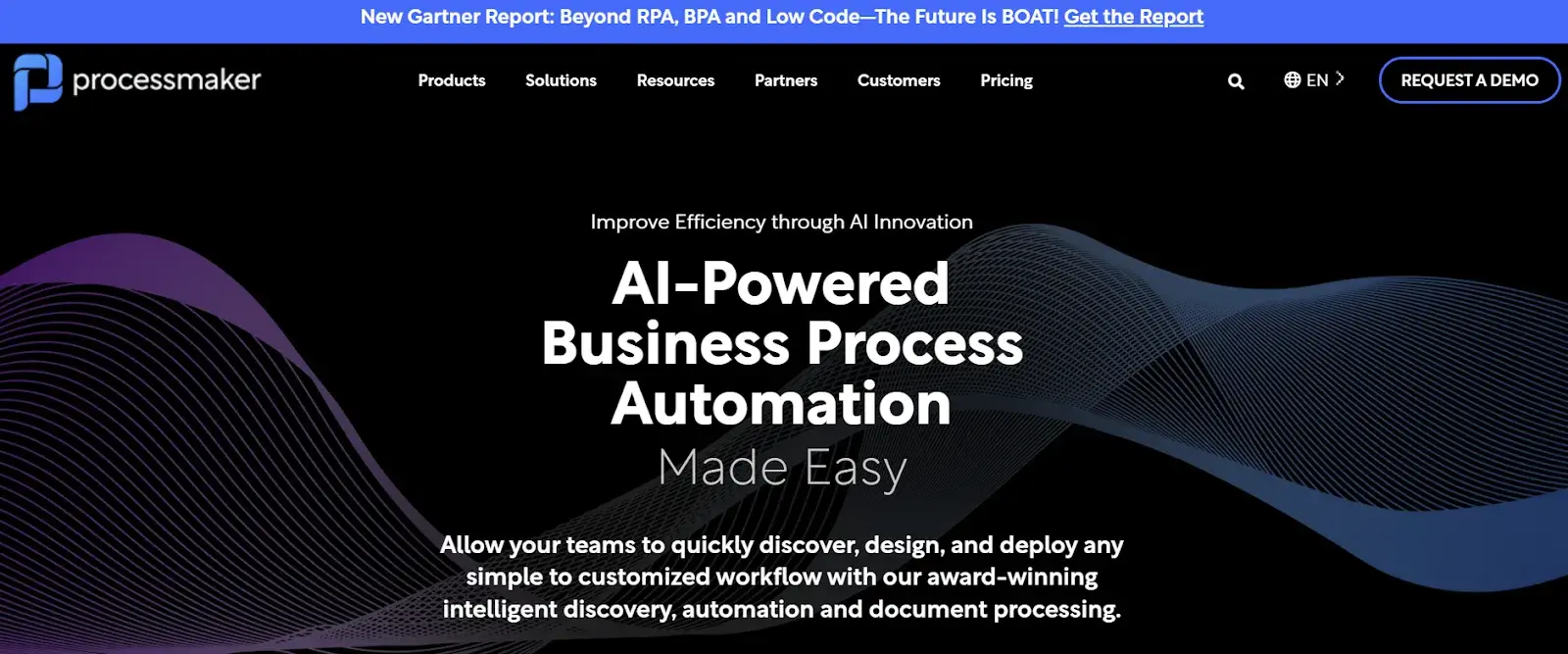
ProcessMaker’s homepage
If your team runs complex, multi-step approval workflows, ProcessMaker is worth a close look. It's a business process management platform that combines low-code workflow design with solid document handling and decision automation. Teams in banking, government, and healthcare tend to lean on it for structured, compliance-heavy processes.
Key features of ProcessMaker
Visual process designer
ProcessMaker uses a drag-and-drop BPMN-based editor that lets you model workflows the way your team actually thinks about them. You can map out decision branches, parallel tasks, and escalation paths without getting into code.
Intelligent document processing
The platform includes document capture and data extraction capabilities, so you can automate the intake of forms, contracts, and applications without manual entry. This is especially useful for document-heavy industries such as lending and insurance.
Role-based task management
You can assign tasks based on roles, groups, or dynamic conditions, so the right person always receives the right step. Escalation rules and notifications are built in to keep processes moving without manual follow-up.
API and connector library
ProcessMaker connects to external systems through a library of pre-built connectors and a REST API. Whether you're pulling data from a CRM or pushing approvals into an ERP, integration is a first-class concern.
Pros of ProcessMaker
- Strong BPMN support for complex workflow modeling
- Good document handling and data capture features
- Flexible role-based task assignment and routing
- Active open-source community version available
Cons of ProcessMaker
- Steeper learning curve for non-technical users
- Interface and speed can feel dated and slow compared to newer platforms
- Advanced features require higher-tier plans
2. FlowForma
Best for: Mid-sized to enterprise teams in regulated industries running on Microsoft 365.
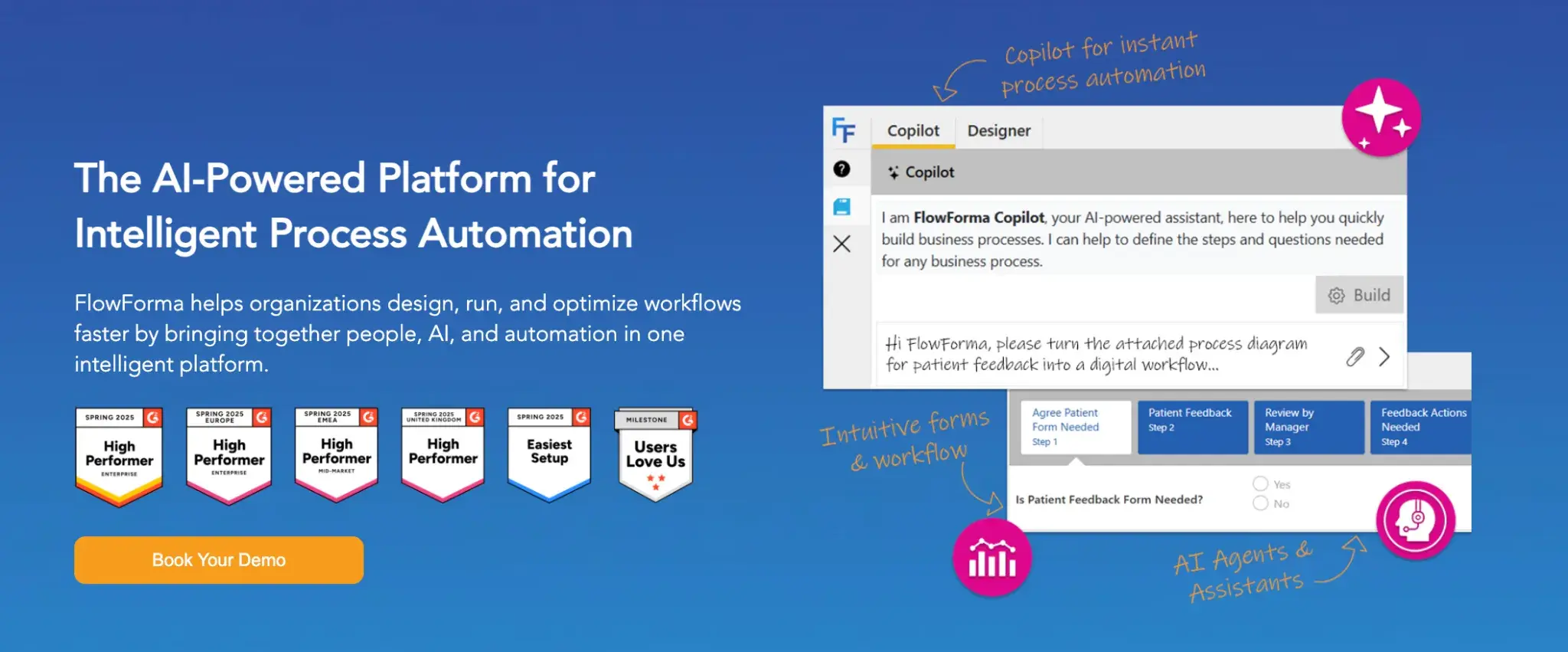
FlowForma’s no-code process automation homepage
Built natively on Microsoft 365, FlowForma lets you design, automate, and manage workflows without writing a single line of code. Teams in regulated industries such as healthcare, construction, and financial services rely on it for built-in compliance without the IT overhead.
Key features of FlowForma
No-code process builder
You can design and deploy workflows using a drag-and-drop interface, while IT retains oversight. Forms, approvals, and routing logic can all be configured visually, making them directly accessible to operations and process teams.
Microsoft 365 integration
FlowForma sits natively inside Microsoft 365, so your workflows connect seamlessly with SharePoint, Teams, and the rest of your Microsoft stack. There's no need to manage a separate platform or sync data manually.
Built-in compliance and audit trails
Every workflow step is tracked and logged automatically, giving you a full audit trail out of the box. This is especially useful in industries where regulatory compliance and document traceability are non-negotiable.
AI-powered process creation
FlowForma's AI capabilities let you generate workflows faster by describing your process in plain language. It significantly reduces setup time, particularly when migrating from legacy tools or documenting existing processes.
Pros of FlowForma
- Native Microsoft 365 integration reduces setup friction
- Strong compliance features for regulated industries
- No-code builder accessible to non-technical users
- AI accelerates workflow creation and migration
Cons of FlowForma
- Limited flexibility outside the Microsoft ecosystem
- Advanced workflows can take time to configure while you get familiar with the platform
- Fewer third-party integrations than broader platforms
3. Nintex
Best for: Enterprises on Microsoft and SharePoint needing process mapping, automation, and RPA in one platform.
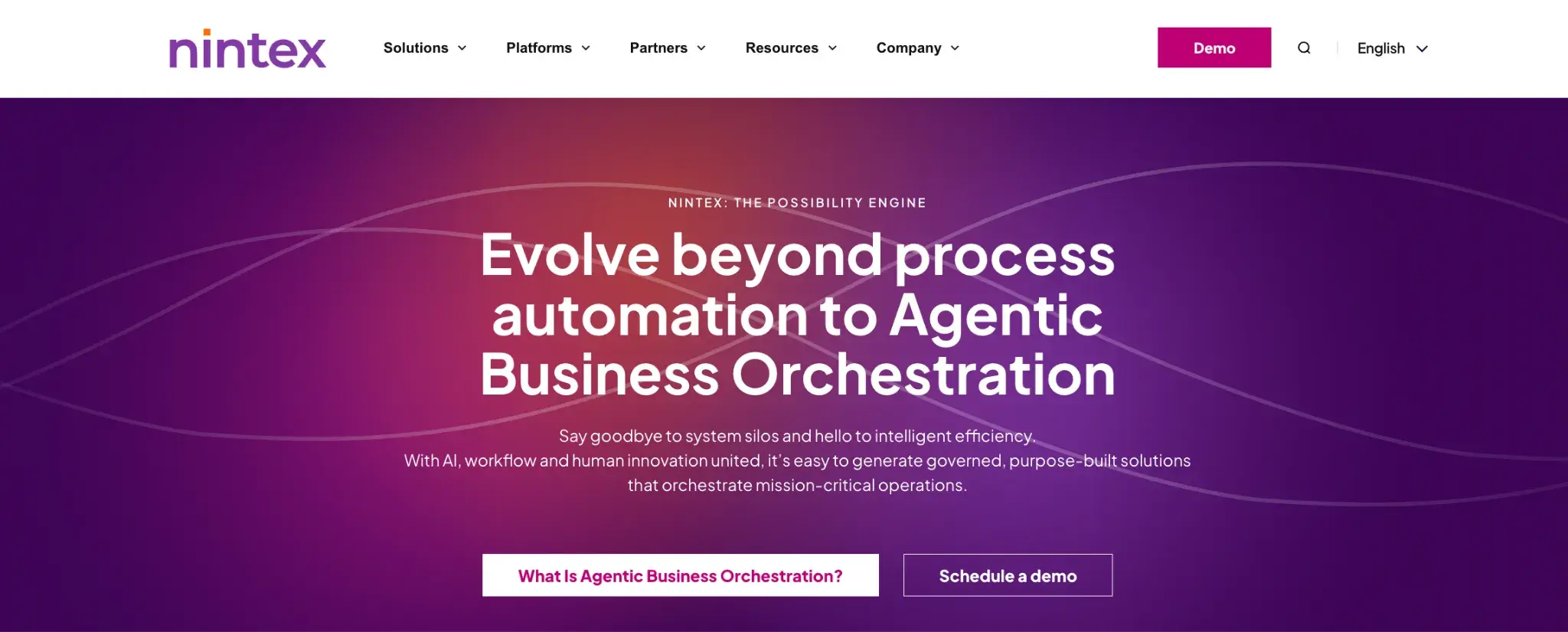
Nintex homepage
Nintex has been in the workflow automation space for a long time, and it shows. The platform covers the full process lifecycle, from mapping and automation to managing and optimizing. It's a strong choice for enterprise teams that need to scale automation across departments while keeping governance in check.
Key features of Nintex
Process mapping and documentation
Before you automate, Nintex helps you map and document your processes visually. Teams can capture how work actually flows, identify bottlenecks, and build a shared understanding before moving to automation.
Low-code workflow automation
Nintex Workflow lets you build automations using a drag-and-drop designer. You can set up conditional logic, approval chains, and notifications without writing code, and it integrates well with platforms like SharePoint and Salesforce.
Robotic process automation (RPA)
For tasks involving repetitive actions in desktop applications or legacy systems, Nintex includes RPA capabilities. You can automate rule-based tasks at the UI level without needing API access to the underlying system.
Forms and mobile access
Nintex Forms lets you create dynamic, responsive forms that connect directly to your workflows. Field teams and remote workers can submit and act on tasks from mobile devices, keeping processes running outside the office.
Pros of Nintex
- Covers mapping, automation, and RPA in one platform with process intelligence
- Deep SharePoint and Microsoft 365 integration
- Good enterprise governance and admin controls
- Strong forms and mobile capabilities with pre-built templates
Cons of Nintex
- Pricing and licensing costs can be high for smaller teams
- Product complexity grows quickly at scale
- Some features require separate module purchases
4. Pipefy
Best for: Operations teams managing high-volume, repeatable workflows like procurement or onboarding.
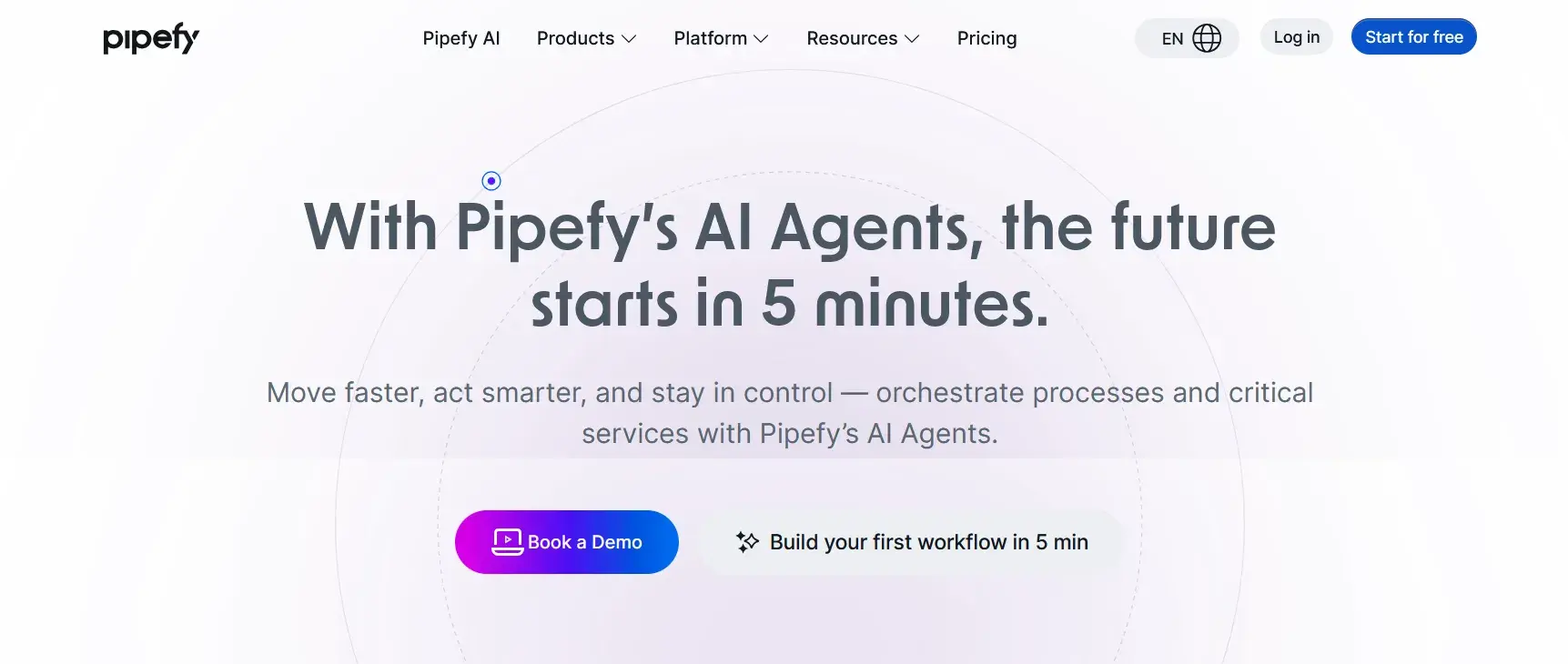
Pipefy’s homepage
Pipefy brings a visual, operations-first approach to workflow management. You build processes as "pipes" with defined stages, forms, and automations layered on top, making them a natural fit for teams handling recurring workflows such as procurement, onboarding, or service requests.
Key features of Pipefy
Pipe-based workflow builder
Every process in Pipefy is structured as a pipe with defined phases that move cards through each stage. It's a visual, Kanban-style approach that gives teams a clear view of where every request or task stands at any point.
Automated form intake
You can create branded, shareable forms that feed directly into a workflow. When someone submits a form, a new card is automatically created and routed, reducing manual handoffs from the very first step.
Native process automations
Pipefy's automation rules let you trigger actions based on card movement, field values, or deadlines. You can send notifications, update fields, assign tasks, or move cards automatically without involving a developer.
Integration with external tools
Pipefy connects to tools like Slack, Salesforce, Google Workspace, and others through native integrations and Zapier. You can also use the API to build custom connections with your existing stack.
Pros of Pipefy
- Intuitive Kanban-style process visualization
- Easy form intake that feeds directly into workflows
- Quick to set up for operational teams
- Solid integration options and process visibility for common business tools
Cons of Pipefy
- Less suited for technically complex or BPMN-style workflows
- Reporting capabilities are somewhat limited
- Advanced automations require higher-tier plans
5. Kissflow
Best for: Small to mid-sized teams wanting workflows, cases, and projects in one place without IT dependency.
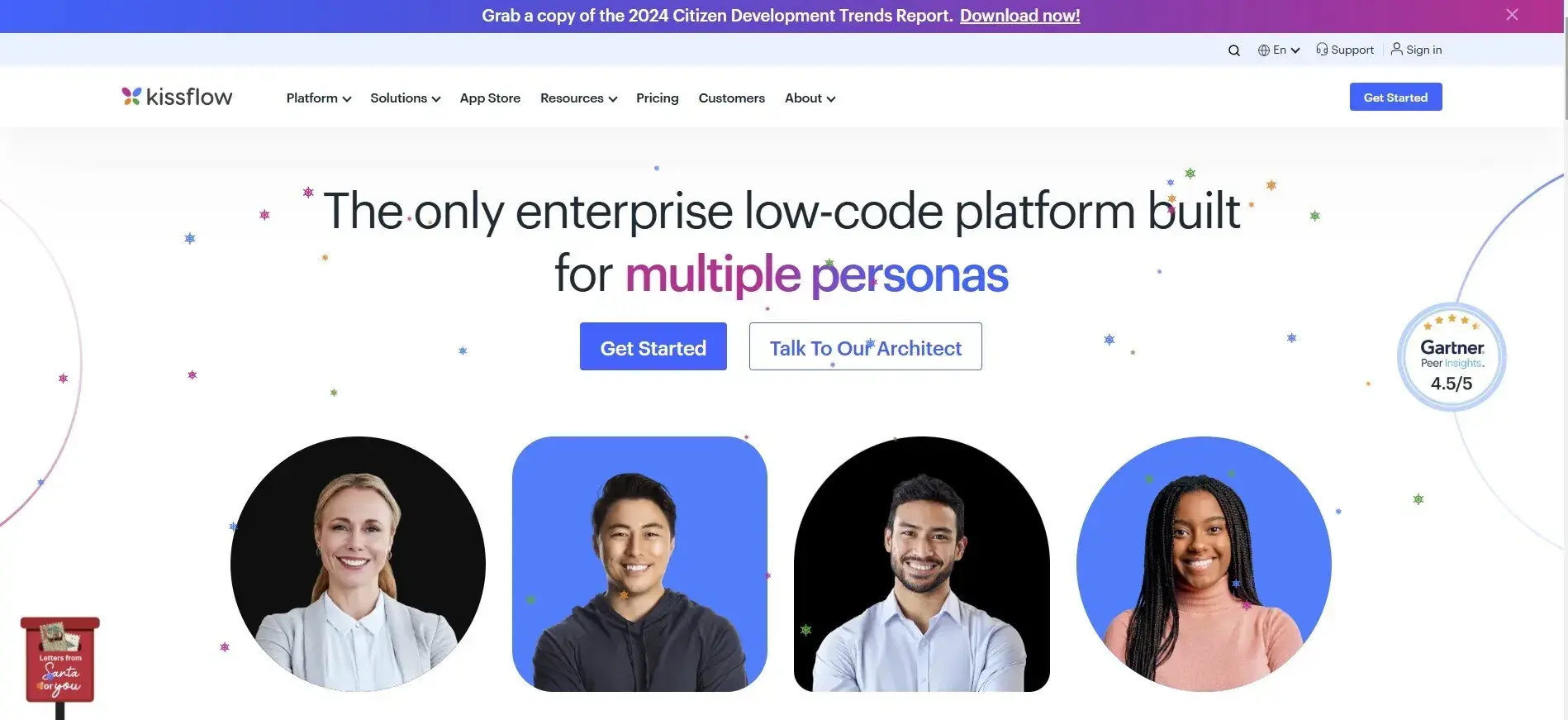
Kissflow's homepage
With process automation, project management, and case management under one roof, Kissflow is designed for business users who want to build and run workflows without leaning on IT. Teams looking to move fast without heavy configuration will find it approachable from day one.
Key features of Kissflow
Low-code workflow builder
You can create structured workflows using a built-in visual editor with conditional steps, approvals, and SLA tracking. The interface is clean enough that non-technical team members can own the setup themselves.
Case management
Kissflow handles unstructured work through its case management module, which is useful when processes don't follow a fixed path. You can manage exceptions, collaborate on open items, and track resolution without forcing everything into a rigid flow.
Project and task tracking
Beyond process automation, Kissflow includes project boards and task lists, so teams can manage ad hoc work alongside their structured processes. It reduces the need for a separate project management tool for many teams.
Analytics and reporting
Built-in dashboards give you visibility into process performance, bottlenecks, and team productivity. You can track metrics like cycle time and approval delays without setting up external reporting tools.
Pros of Kissflow
- Combines processes, cases, and projects in one platform
- Business-user-friendly by standardizing workflows with minimal IT dependency
- Clean, intuitive UI with low onboarding friction
- Reasonable pricing for small to mid-size teams
Cons of Kissflow
- Deep customization options are somewhat limited
- Integration library is narrower than enterprise platforms
- Complex workflows can be harder to manage at scale
6. Zoho Creator
Best for: Teams in the Zoho ecosystem needing custom, data-driven apps without a full development team.
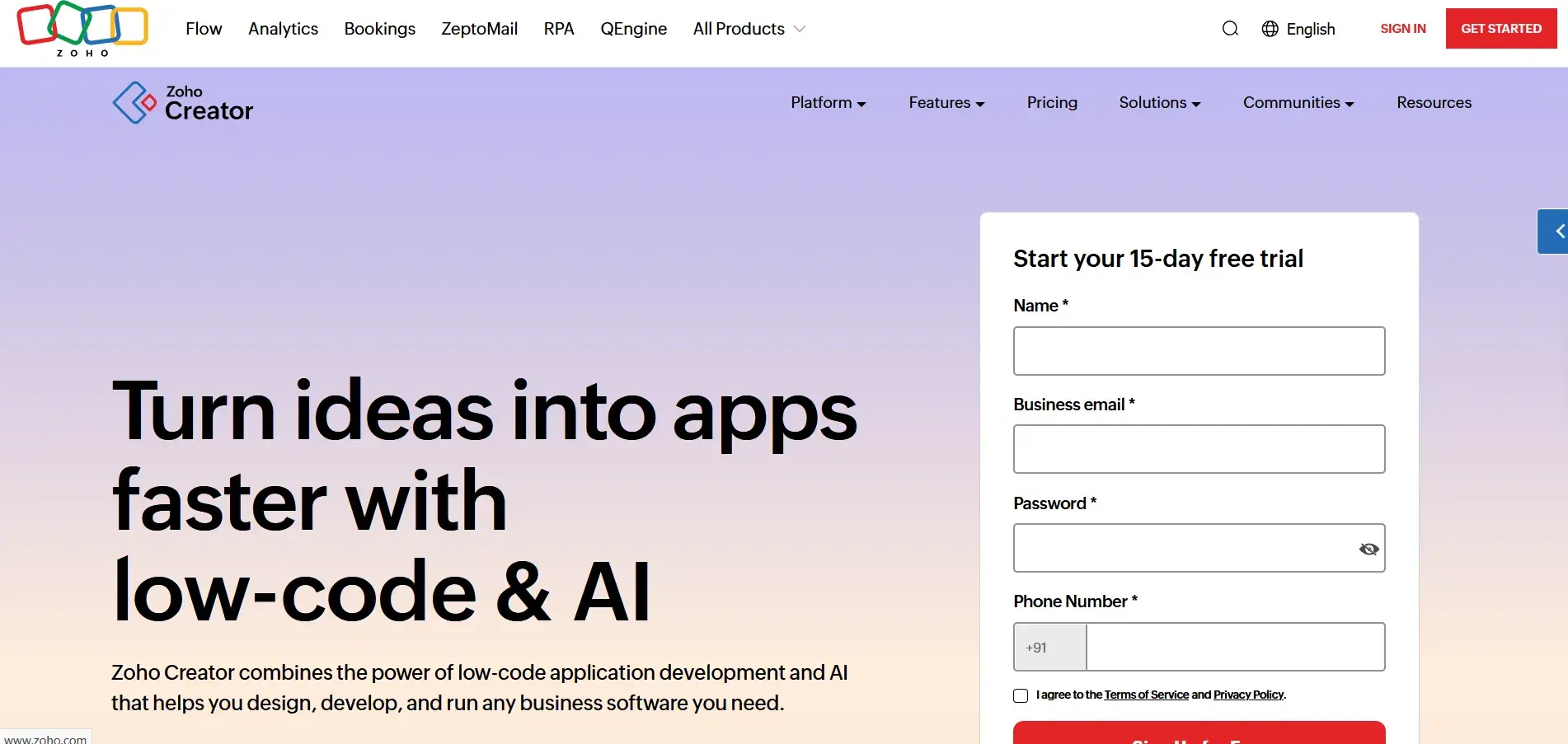
Zoho Creator Page
Zoho Creator is a low-code application development platform that goes well beyond simple workflow automation. You can build full custom business applications with databases, workflows, and user interfaces, all from a visual builder. It's a good fit for teams that need tailored solutions but don't have the resources for custom software development.
Key features of Zoho Creator
Drag-and-drop app builder
You can design multi-page applications with custom forms, views, and logic using a visual interface. The builder supports relational data, conditional fields, and dynamic layouts, giving you real flexibility without writing backend code.
Workflow and approval automation
Zoho Creator includes workflow rules that trigger actions based on form submissions, field changes, or scheduled events. Approval flows, notifications, and field updates can all be automated within the same platform where your data lives.
Custom scripts with Deluge
For teams that want to go beyond point-and-click, Zoho Creator supports Deluge, Zoho's proprietary scripting language. You can write logic for complex conditions, data transformations, and integrations with external systems.
Zoho ecosystem integration
Zoho Creator connects natively with the full Zoho suite, including CRM, Books, People, and Desk. If your team already uses Zoho products, it's easy to build connected workflows across business functions.
Pros of Zoho Creator
- Powerful app-building capabilities beyond basic workflow
- Tight integration with the broader Zoho ecosystem
- Flexible scripting for users who need more control
- Competitive pricing relative to its feature depth
Cons of Zoho Creator
- Deluge scripting has a learning curve for non-developers
- Slow customer support
- Less suited for pure BPM or process-centric use cases
7. Appian
Best for: Large enterprises needing a unified platform for complex, compliance-driven processes at scale.
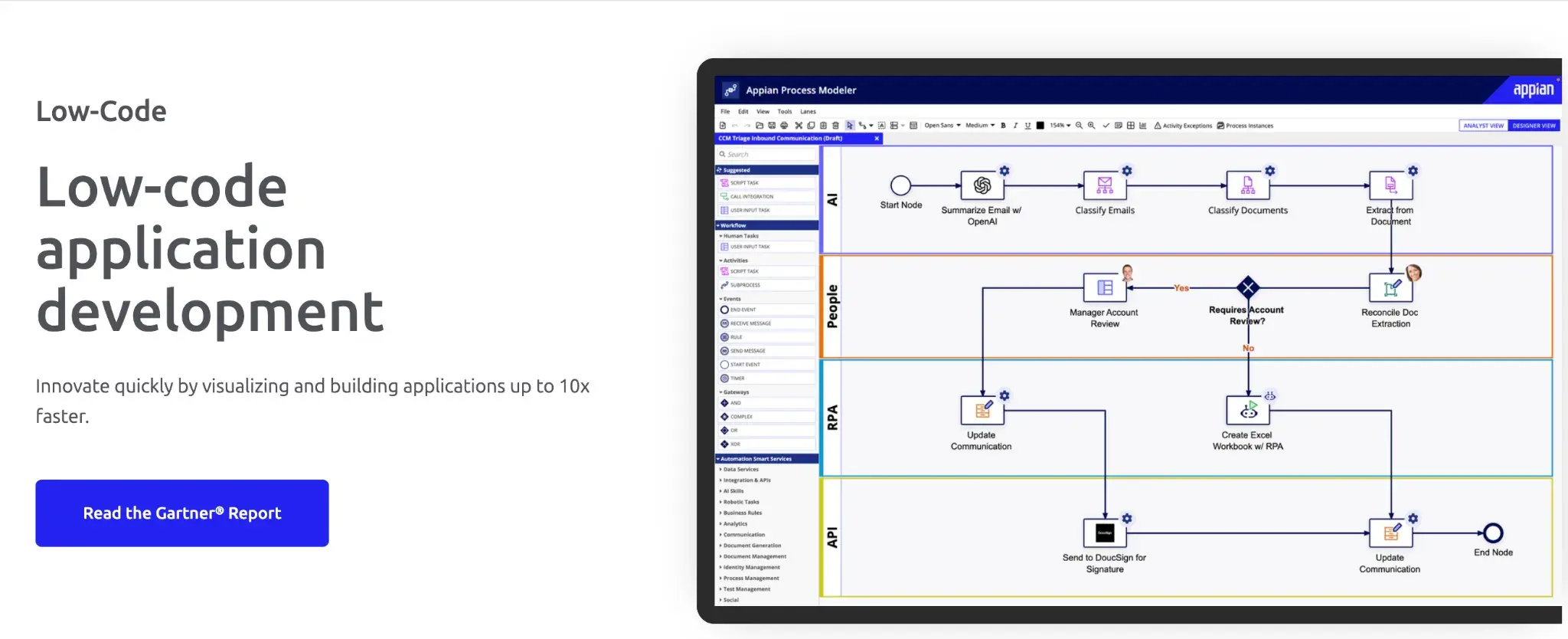
Appian’s low-code development platform
When your processes span multiple departments, systems, and compliance requirements, a basic workflow tool often falls short. Appian brings low-code application development, process automation, AI, and RPA into one enterprise-grade environment built to handle that complexity.
Key features of Appian
Low-code application development
Appian lets you build process-driven applications using a visual designer, covering everything from the interface to the backend logic. You can create sophisticated, multi-role applications without a large development team.
Process automation and orchestration
The platform handles long-running, multi-step processes, supporting human tasks, system integrations, and decision logic. You can orchestrate work across people, systems, and automated services from a single workflow layer.
AI and intelligent document processing
Appian integrates AI capabilities, including document extraction, classification, and model-based decisioning. Teams can reduce manual data entry and speed up document-heavy processes like loan origination or claims handling.
Enterprise integration fabric
Appian connects to virtually any system through its integration layer, including REST and SOAP APIs, databases, and enterprise platforms like SAP and Salesforce. This matters for large organizations with complex, heterogeneous tech stacks.
Pros of Appian
- Comprehensive platform covering apps, workflows, and AI
- Strong governance and compliance capabilities
- Handles complex, long-running enterprise processes well
- Broad integration support for enterprise systems
Cons of Appian
- High cost relative to simpler automation tools
- Significant learning curve for new users and admins
- Can be overkill for small teams with straightforward needs
8. Quickbase
Best for: Operations teams managing data-heavy workflows who want business-user-owned applications.
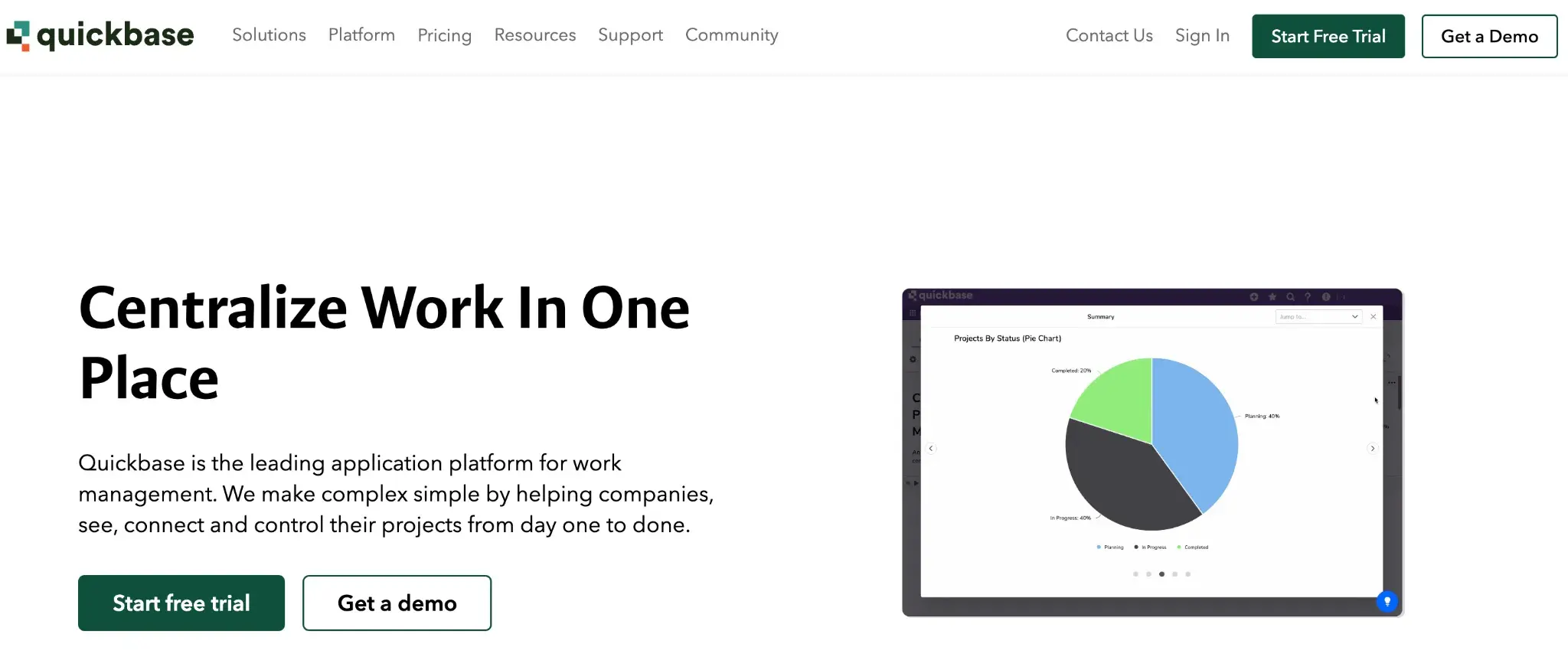
Quickbase’s homepage
Quickbase is a low-code platform that gives operations teams the tools to build their own workflow applications without relying on IT. You can create custom databases, forms, and automations that reflect exactly how your team works. It's a practical choice for teams managing complex, data-driven operational processes.
Key features of Quickbase
Custom app and table builder
You can build relational data structures and connect them to forms, views, and workflows, all through a visual interface. The table-based approach makes it well-suited for teams that live in spreadsheets but need something more structured.
Workflow automations and pipelines
Quickbase includes automation tools that trigger actions based on record changes, field values, or schedules. Pipelines extend this by connecting Quickbase to external apps like Salesforce, Google Sheets, and more.
Role-based access and permissions
You can control exactly who sees and edits what at a granular level. With role-based access controls, Quickbase keeps sensitive data protected while still giving each team member the right level of visibility.
Reporting and dashboards
Built-in reporting lets you create charts, summaries, and dashboards directly from your Quickbase data. Teams can monitor KPIs and operational metrics without pulling data into a separate BI tool.
Pros of Quickbase
- Flexible data modeling for complex operational workflows
- Strong role-based access and permission controls
- Good reporting without needing external tools
- Large marketplace of pre-built app templates
Cons of Quickbase
- Pricing can be high for smaller teams
- Platform has a learning curve for new users
- External integrations depend heavily on the Pipelines add-on
9. Creatio
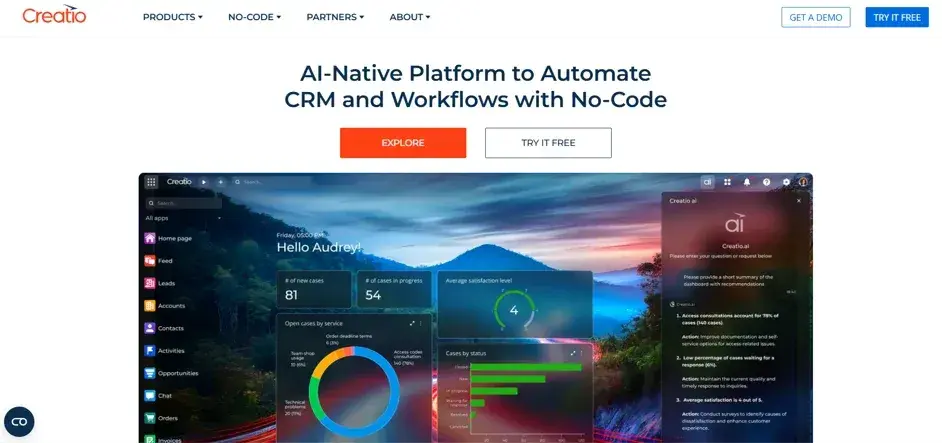
Creatio’s homepage
What makes Creatio stand out is how it brings CRM, BPM, and no-code development onto a single platform. You can automate customer-facing and operational workflows in the same environment where your team manages relationships and pipelines, keeping your front office and back office in sync.
Key features of Creatio
No-code process designer
Creatio's Studio product lets you design and deploy automated workflows visually, using a BPMN-based canvas. Business users can own process changes without waiting for developer resources.
CRM and sales automation
Creatio includes a full-featured CRM with pipeline management, contact tracking, and activity logging. Teams can automate sales and service workflows directly within the same platform they use for customer management.
Case and service management
The platform supports structured case handling with routing rules, SLA tracking, and escalation logic. Service and operations teams can manage exceptions and support requests within the same workflow environment.
Freedom platform for custom development
Creatio's underlying platform lets developers extend and customize the product using standard web technologies. This gives technical teams the flexibility to build tailored solutions when out-of-the-box features fall short.
Pros of Creatio
- Unified CRM and BPM reduces tool fragmentation
- Strong no-code process design for business users
- BPMN support for modeling complex workflows
- Flexible customization options and quick deployment for technical teams
Cons of Creatio
- CRM features may be unnecessary for pure process automation
- Initial setup and configuration can be time-intensive
- Pricing structure can be complex for smaller teams
WorkflowGen is a capable platform for teams that need developer-driven workflow automation with strong technical flexibility. As process ownership shifts toward business teams, or as compliance and governance requirements grow, some organizations start looking for tools that offer more control without the technical overhead.
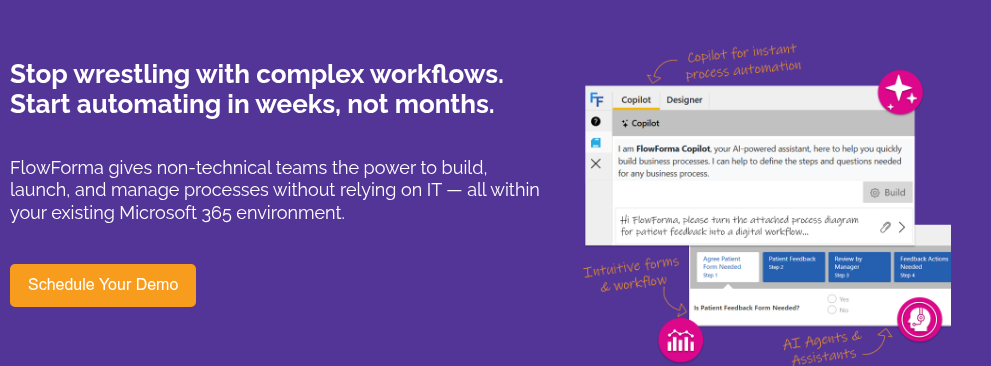
FlowForma is often chosen when organizations need to move faster, empower non-technical users, and maintain full traceability across every process. It's a strong fit for mid-sized to enterprise teams in regulated industries such as healthcare, construction, and financial services, where audit trails, structured approvals, and alignment with Microsoft 365 are priorities. Key features include:
- No-code workflow builder for rapid deployment
- Built-in forms, approvals, and document generation in one flow
- Automatic audit trails for compliance and tracking
- External user access for customers, suppliers, or partners
- Native Microsoft 365 integration for data and security alignment
- AI Copilot to help generate and refine workflows faster
If your team needs stronger governance, faster rollout, and less reliance on IT, FlowForma is worth a closer look. Request a demo to see how it fits your processes.