If you're here, you're probably looking for a student enrollment management system because:
- Spreadsheets and manual follow-ups are slowing your team down
- Application volumes have outgrown your current setup
- Students are struggling to navigate your admissions process
- Compliance and audit requirements are harder to manage manually
Most institutions start looking for a dedicated system when the admin burden becomes too difficult to ignore. Disconnected tools lead to missed follow-ups, inconsistent data and a poor experience for applicants.
The market now offers a wide range of platforms built for this challenge. Some are purpose-built for education, while others offer flexible workflow automation that can be configured around your admissions process.
The tools in this guide cover the most widely evaluated options for institutions looking for a structured, scalable approach to student enrollment management.
Quick Overview Of 10 Student Enrollment Management Software Platforms
If you're reviewing your options, start here. The table below gives an overview of 10 popular student enrollment management platforms.
|
Platform
|
Best for
|
|
Agentforce Education
|
End-to-end enrollment management combining CRM data with student engagement and lifecycle tracking
|
|
Element451
|
AI-powered admissions CRM for higher education teams focused on personalised student outreach
|
|
FlowForma
|
Structured, audit-ready enrollment workflows inside Microsoft 365
|
|
Blackbaud EMS
|
Dedicated admissions pipeline management for independent and private schools
|
|
Nintex
|
Microsoft 365-based enrollment automation without a full platform overhaul
|
|
ProcessMaker
|
Fast-to-deploy enrolment workflow automation for mid-size institutions
|
|
Ellucian Student
|
Full student lifecycle management built specifically for colleges and universities
|
|
SchoolMint
|
Application and lottery management for K-12 and multi-site school networks
|
|
Classe365
|
All-in-one school management covering admissions through to student records
|
|
Bonita
|
Complex, configurable enrollment workflows for institutions with developer resource
|
Side-by-side overview of 10 student enrollment management software platforms
📌 How we prepared our list
Our list covers 10 student enrollment management platforms, including our own tool, FlowForma. We evaluated each platform using patterns from reviews and validated capabilities against a student enrollment-focused framework, which included:
- End-to-end management of application and enrollment workflows
- Automated communications and applicant status notifications
- Configurable forms and document collection for admissions processing
- Clear task ownership with visibility across the full enrollment lifecycle
- Reporting for admissions leaders and institutional decision-makers
- Integration with Microsoft 365, student information systems and finance tools
- Support for compliance tracking, GDPR readiness and audit trails
- Scalability across multiple programmes, campuses and intake cycles
- Transparency in pricing plans and structure
- The ability to handle complex, multi-department enrollment requirements
To provide a balanced view of day-to-day usability, we combined vendor claims with real user feedback from review platforms.
Detailed Breakdown of the 10 Student Enrollment Management Software Tools
Let’s now kick off the detailed review.
1. ProcessMaker
ProcessMaker’s Homepage
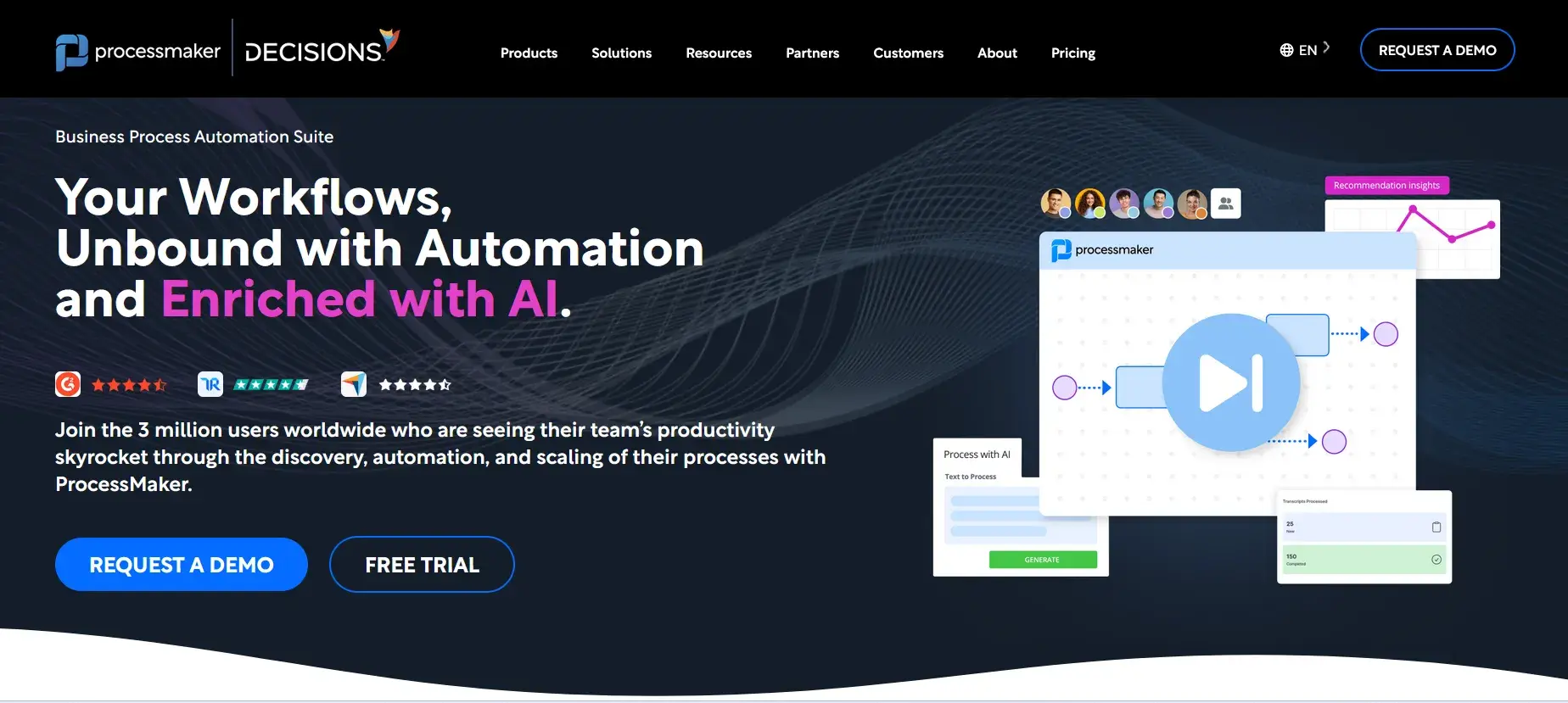
Built for teams that need structured, repeatable workflows, ProcessMaker is a low-code BPM platform that handles complex approval chains and multi-step processes. You can automate student application reviews, document collection and enrollment sign-offs without writing code. It suits institutions that need auditable, compliance-ready workflows at scale.
Key features of ProcessMaker
Drag-and-drop workflow builder
Design enrollment workflows visually, mapping each step from application intake to offer letter generation. You can build and adjust processes without relying on a developer.
Form designer
Create digital forms for student data collection, consent capture and document submission. Forms connect directly to your workflows, so data flows through each stage automatically.
Role-based access control
Assign permissions across admissions staff, department heads and compliance teams. Each person sees only what they need to act on, keeping sensitive student data protected.
Reporting and analytics
Track where applications are in the pipeline, identify bottlenecks and monitor team workload in real time. Built-in dashboards give your admissions team visibility without manual reporting.
Pros of ProcessMaker
- Flexible workflow builder suits complex enrollment processes
- Strong audit trails support compliance requirements
- Active developer community and documentation
Cons of ProcessMaker
- Steeper learning curve for non-technical users
- Performance issues across browsers and complex implementations.
- UI can feel dated compared to newer platforms
FlowForma’s Homepage
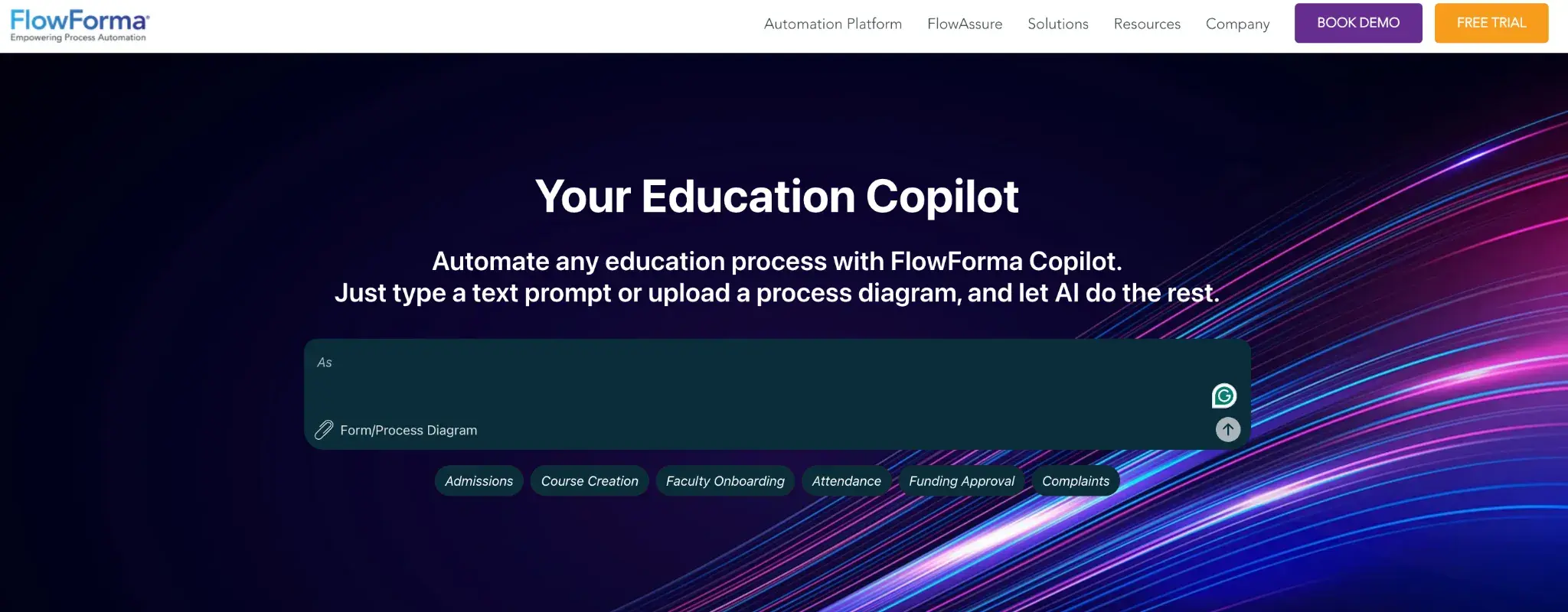
Designed for Microsoft 365 users, FlowForma is a no-code process automation tool that lives inside the tools your team already uses. You can digitise enrollment forms, automate approval workflows and manage compliance tasks directly within SharePoint and Teams. It's a practical choice for institutions that want fast deployment without IT overhead.
Key features of FlowForma
No-code process builder
Build and launch enrollment workflows without writing a single line of code. Your admissions team can create, edit, and update processes independently, reducing reliance on IT.
Microsoft 365 integration
FlowForma works natively within SharePoint, Teams, and Outlook, so staff don't need to switch between systems. Student data and workflow activity sit within your existing Microsoft environment.
Digital forms with conditional logic
Capture student information through smart forms that adapt based on responses. Conditional logic ensures that applicants see only the fields relevant to their course or entry route.
Built-in compliance and audit trails
Every action taken in a workflow is automatically logged, giving you a clear, time-stamped record for regulatory reporting and internal review.
Pros of FlowForma
- Native Microsoft 365 integration reduces onboarding time
- No-code setup accessible to non-technical staff
- Strong compliance and audit trail features
Cons of FlowForma
- Best suited to Microsoft 365 environments
- Learning curve for new users navigating the platform for the first time
3. Blackbaud EMS
Blackbaud’s Homepage
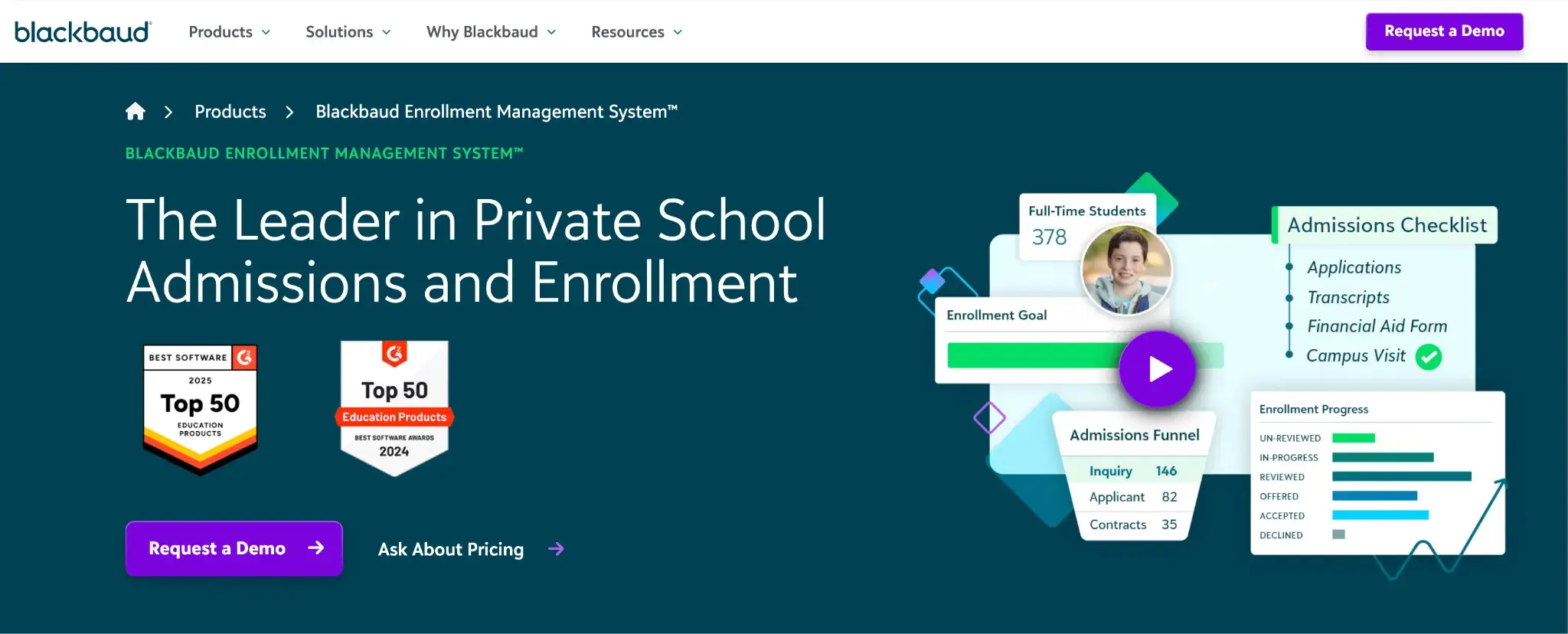
Purpose-built for education, Blackbaud Enrollment Management System (EMS) supports the full admissions journey from first enquiry through to enrollment. It gives your team a centralised place to manage prospective students, track communications and move applications through each stage. Institutions that need a dedicated admissions CRM with education-specific workflows will find it a natural fit.
Key features of Blackbaud EMS
Admissions pipeline management
Manage every prospective student in a single pipeline view, tracking status from initial enquiry to confirmed enrollment. Your team can prioritise follow-ups and spot where applicants are dropping off.
Communication tools
Send targeted emails, letters and messages to prospective students and families at each stage of the process. Automated communication sequences help you stay in touch without manual effort.
Online application portal
Offer students a branded, self-service portal where they can submit applications, upload documents and check their status. Reduces admin queries and keeps applicants informed throughout.
Reporting and enrollment insights
Access enrollment trends, conversion rates and pipeline health through built-in reports. Helps your leadership team make informed decisions on recruitment targets and outreach strategies.
Pros of Blackbaud EMS
- Built specifically for education admissions workflows
- Strong communication and outreach tools
- Centralised student data across the full enrollment journey
Cons of Blackbaud EMS
- Primarily suited to independent and private schools
- Implementation and licensing costs can be high
- Not user-friendly for non-technical users
4. Bonita BPM
Bonita Homepage
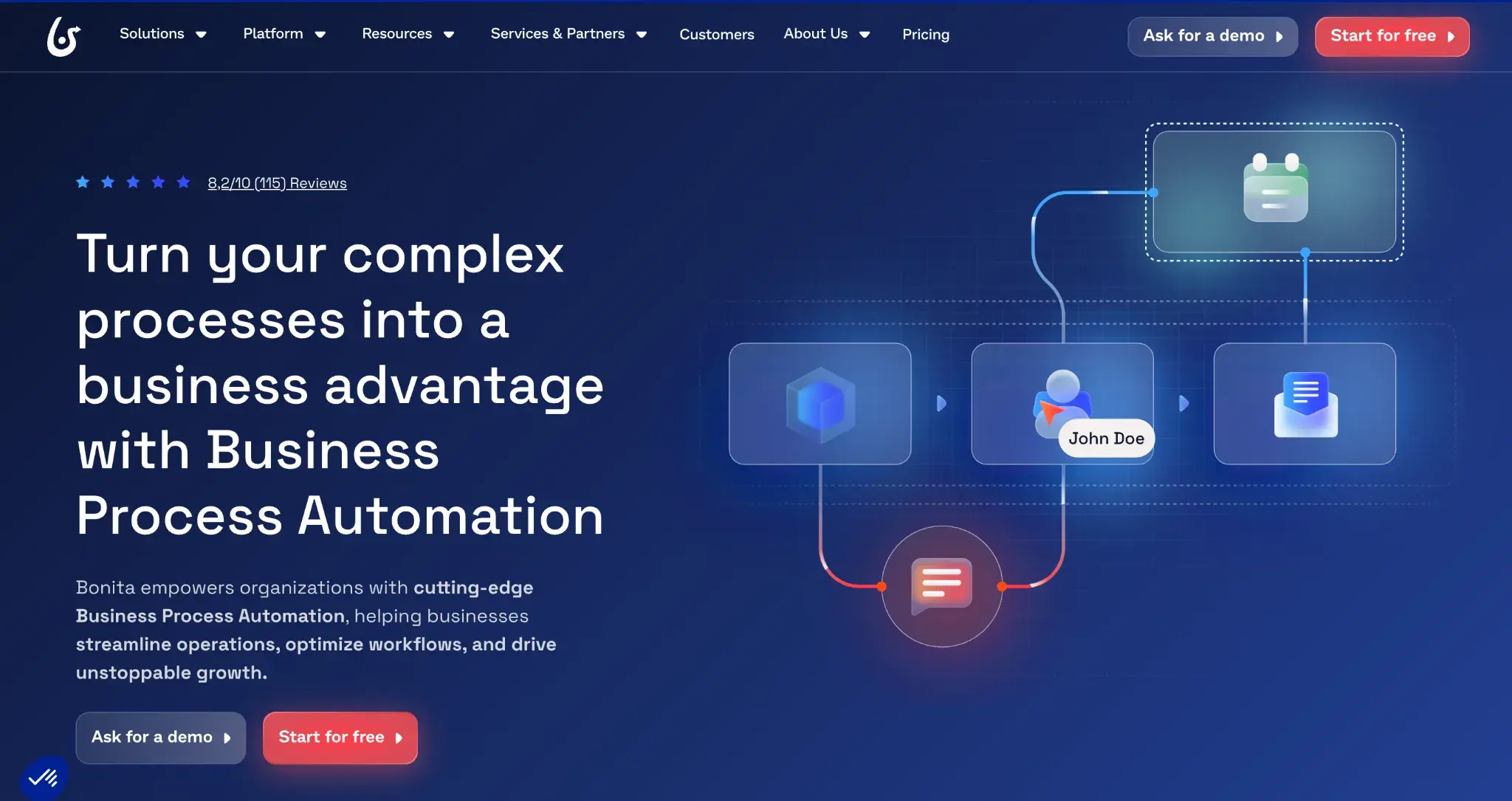
Bonita is an open-source BPM platform that gives technical teams full control over how workflows are built, deployed and maintained. You can model enrollment processes in detail, connecting to existing student information systems and databases. It's a strong option for institutions with in-house development resource that want flexibility without vendor lock-in.
Key features of Bonitasoft BPM
Process modelling with BPMN 2.0
Design enrollment workflows using industry-standard BPMN notation, making it straightforward to map complex multi-department processes. Technical and non-technical staff can review and validate process flows together.
System integration capabilities
Connect Bonitasoft to your student information system, document management tools and third-party platforms via APIs and connectors. Keeps data consistent across your institution's systems without manual re-entry.
Custom UI builder
Build tailored task interfaces for admissions staff, applicants and department reviewers. Each user group sees a view designed around their role in the enrollment process.
Open-source flexibility
As an open-source platform, Bonitasoft can be self-hosted and customised to meet your institution's specific requirements. You're not tied to a single vendor's roadmap or pricing model.
Pros of Bonitasoft BPM
- Intuitive and simple platform
- Strong integration capabilities with existing systems
- BPMN 2.0 support aids process standardisation
Cons of Bonitasoft BPM
- Requires developer resource to get the most from it
- Community edition has limited enterprise support
- Steeper setup process compared to no-code alternatives
5. Element451
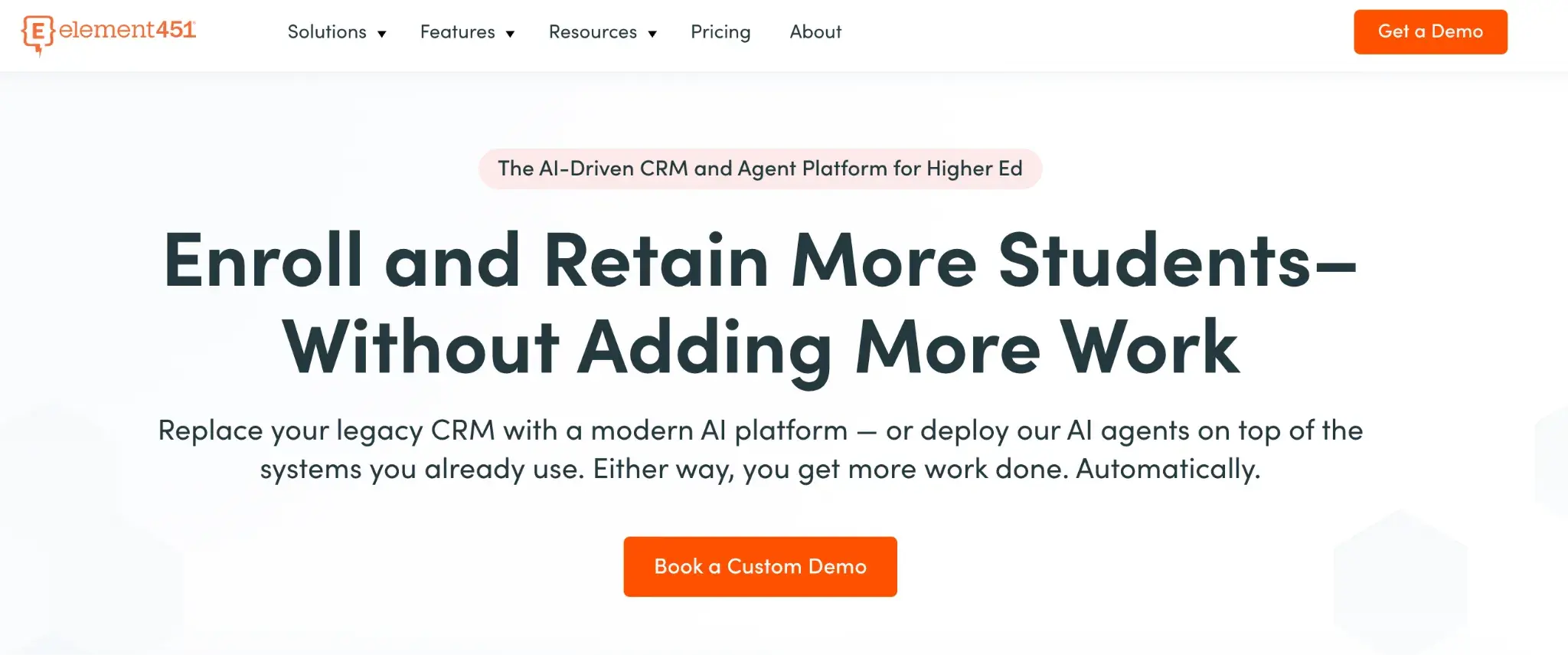
Element451 Homepage
A modern admissions CRM built for higher education, Element451 combines enrollment management with AI-powered engagement tools. You can personalise outreach, automate follow-ups and track every prospective student's journey from first touch to registration. It suits colleges and universities looking to improve conversion rates and give applicants a better experience.
Key features of Element451
AI-powered student engagement
Use built-in AI tools to personalise communications based on each student's behaviour and interests. Automated nudges and follow-ups keep prospective students engaged without adding to your team's workload.
Application management
Manage the full application process in one place, from submission and review through to offer and acceptance. Your admissions team gets a clear view of every applicant's status at each stage.
Segmentation and campaign tools
Create targeted outreach campaigns based on student profiles, programme interest or application stage. Helps you send the right message to the right person at the right time.
Analytics and enrollment forecasting
Access real-time dashboards covering pipeline volume, engagement rates and predicted enrollment outcomes. Gives your leadership team the data they need to adjust strategy throughout the cycle.
We’ve compiled the pros and cons below based on our experience with our platform.
Pros of Element451
- AI tools support personalised, scalable student outreach
- Purpose-built for higher education enrollment
- Strong analytics and forecasting capabilities
Cons of Element451
- Primarily focused on higher education institutions
- Pricing may not suit smaller institutions
- Some features require additional configuration to activate
6. Classe365
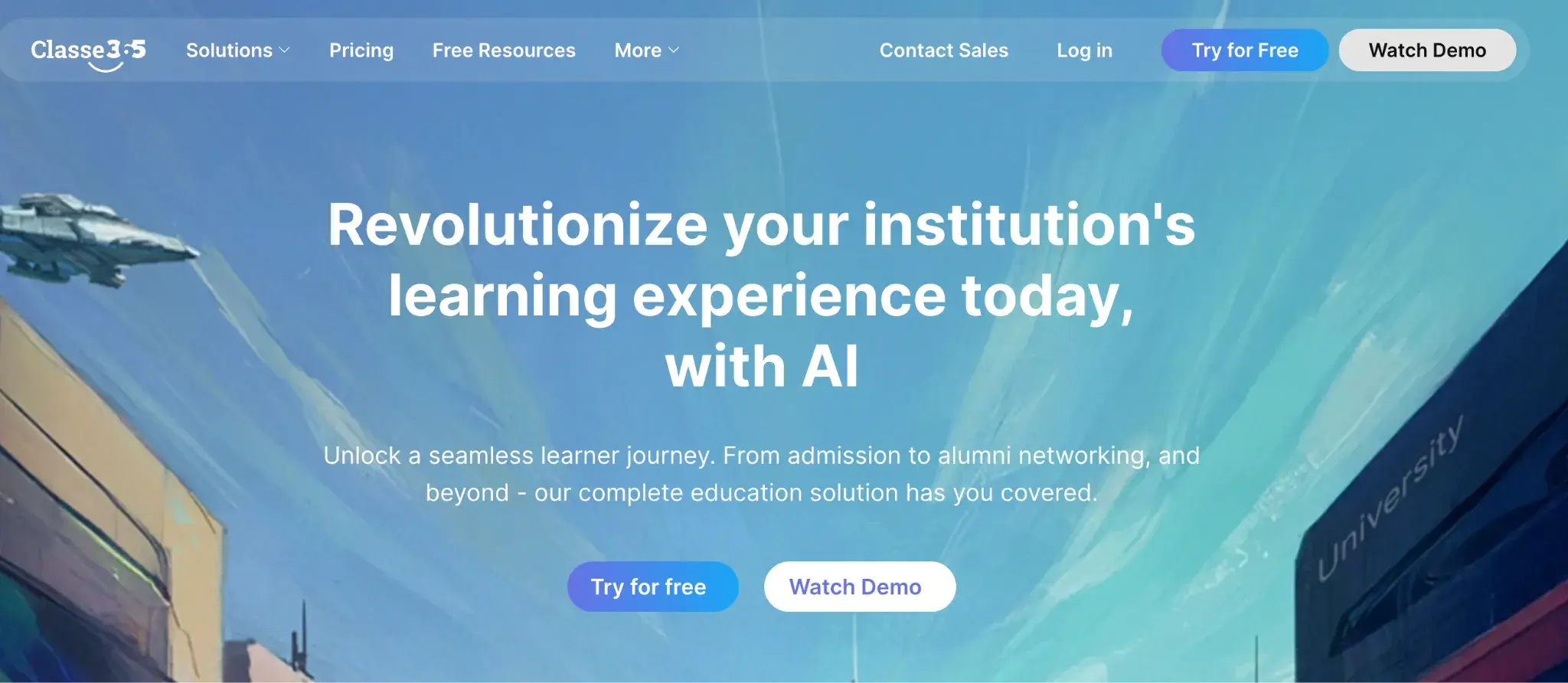
Classe365 Homepage
Classe365 is an all-in-one school management platform that brings admissions, student information and learning management into a single system. You can manage applications, track enrollment and handle everything from fee collection to timetabling without switching between tools. It's particularly well-suited to smaller and mid-sized independent schools that want to consolidate their admin.
Key features of Classe365
Integrated admissions module
Handle enquiries, applications and document collection within the same system your school uses day-to-day. Reduces duplication and keeps student records consistent from first contact onwards.
Student information system
Maintain a central record for each student covering personal details, academic history and enrollment status. All staff work from the same up-to-date information, reducing errors and miscommunication.
Fee and payment management
Collect enrollment fees, send invoices and manage payment plans directly through the platform. Families can pay online, which reduces the administrative burden on your finance team.
Parent and student portal
Give applicants and current students a self-service portal to track applications, access documents and communicate with the school. Keeps families informed and reduces incoming queries.
Pros of Classe365
- All-in-one platform reduces need for multiple systems
- Covers admissions through to ongoing student management
- Accessible pricing for smaller institutions
Cons of Classe365
- Feature depth may not meet large institution requirements
- Platforms takes time to load
- Reporting tools are less advanced than specialist platforms
7. SchoolMint

SchoolMint Homepage
SchoolMint is a student enrollment and school choice platform designed for K-12 and charter school networks. You can manage applications, run lotteries, collect enrollment packets and onboard new students through a single digital workflow. For school networks handling high application volumes across multiple sites, it offers a structured and scalable approach.
Key features of SchoolMint
Online application and lottery management
Accept applications digitally and run compliant, transparent lottery processes for oversubscribed programmes. Your team can manage the full selection process without manual paperwork.
Enrollment packet collection
Send families digital enrollment packets and collect completed forms, signatures and documents online. Replaces paper-based processes with a trackable, auditable digital workflow.
Multi-site management
Manage applications and enrollments across multiple schools or campuses from a single platform. Useful for academy trusts and networks that need consistent processes at every site.
Family communication tools
Keep families informed throughout the admissions process with automated status updates, reminders and notifications. Reduces inbound queries and improves the applicant experience.
Pros of SchoolMint
- Strong lottery and school choice management features
- Ease of navigation and platform usage
- Digital packet collection reduces paper-based admin
Cons of SchoolMint
- Primarily built for US K-12 context
- Less suitable for higher education or FE institutions
- Lacks responsive customer support
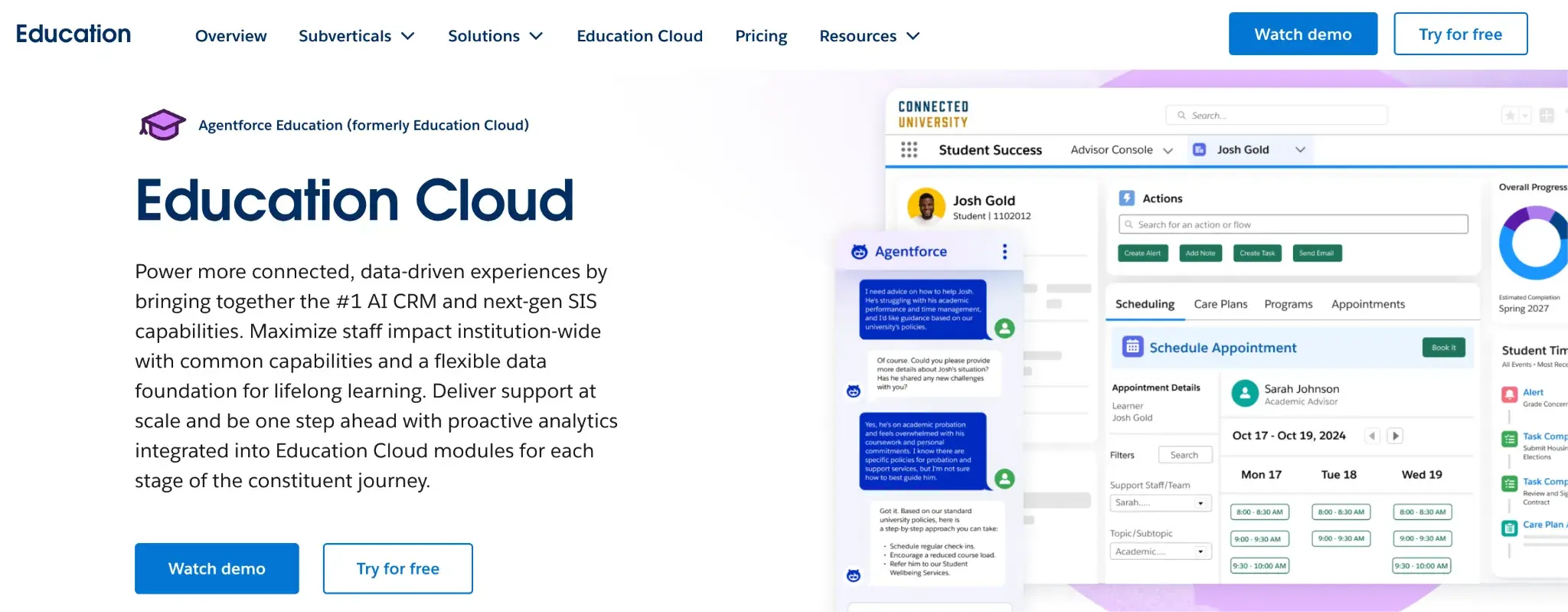
Agentforce Education Homepage
Built on the Salesforce platform, Agentforce Education gives institutions a highly configurable CRM for managing the full student lifecycle from prospective enquiry through to alumni engagement. You can connect admissions, student success and advancement teams on a single platform, giving everyone a shared view of each student. It suits larger institutions that need deep customisation and broad integration capability.
Key features of Agentforce Education
Unified student record
Bring together admissions data, academic history and engagement activity into a single student profile. Every team across your institution works from the same up-to-date record.
Recruitment and admissions management
Track prospective students through each stage of the funnel, automate outreach and manage application review in one place. Helps your recruitment team stay organised across large cohorts.
Automation and workflow tools
Use Salesforce Flow to automate repetitive tasks such as follow-up emails, application status updates and document requests. Reduces manual work for your admissions team throughout the cycle.
Integration ecosystem
Connect Education Cloud to your SIS, finance system, marketing tools and third-party platforms through Salesforce's extensive integration marketplace. Builds a joined-up data environment across your institution.
Pros of Agentforce Education
- Highly configurable to match complex institutional processes
- Extensive integration ecosystem and customisation options
- Scalable across large, multi-department institutions
Cons of Agentforce Education
- High implementation and licensing costs
- Requires specialist Salesforce expertise to configure
- Can be complex for smaller teams to manage with limited control
9. Nintex
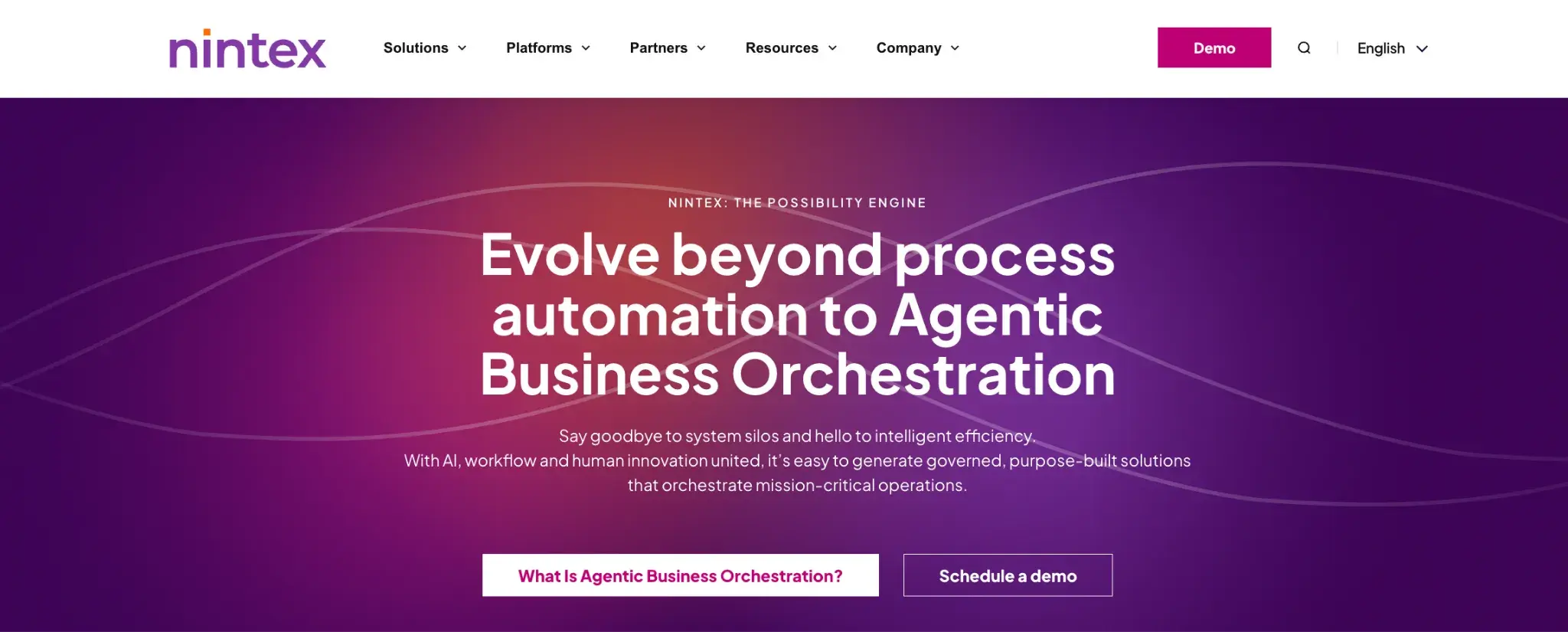
Nintex homepage
Nintex is a process automation and workflow management platform used across a range of industries, including education. You can automate document-heavy enrollment processes, manage approvals and connect workflows to your existing systems without building from scratch. Teams already using Microsoft 365 or Salesforce will find integration straightforward.
Key features of Nintex
Workflow automation
Automate multi-step enrollment processes including application routing, offer approvals and document verification. Reduces manual handoffs between teams and keeps processes moving efficiently.
Document generation
Automatically generate offer letters, enrollment agreements and compliance documents from pre-built templates. Pulls data from your existing records, so documents are accurate and consistent.
Forms and data capture
Build digital forms for student data collection that feed directly into your workflows. Conditional logic ensures applicants complete only the fields relevant to their application.
Process mapping and analytics
Map your existing enrollment processes to identify inefficiencies before automating them. Built-in analytics help you track workflow performance and spot where improvements are needed.
Pros of Nintex
- Strong document generation capabilities with highly configurable workflows
- Good integration with Microsoft 365 and Salesforce
- Suitable for complex, multi-step approval workflows
Cons of Nintex
- Pricing is higher than many comparable platforms
- Some features are split across different product tiers
- Non-technical users may need training to get started
10. Ellucian Student
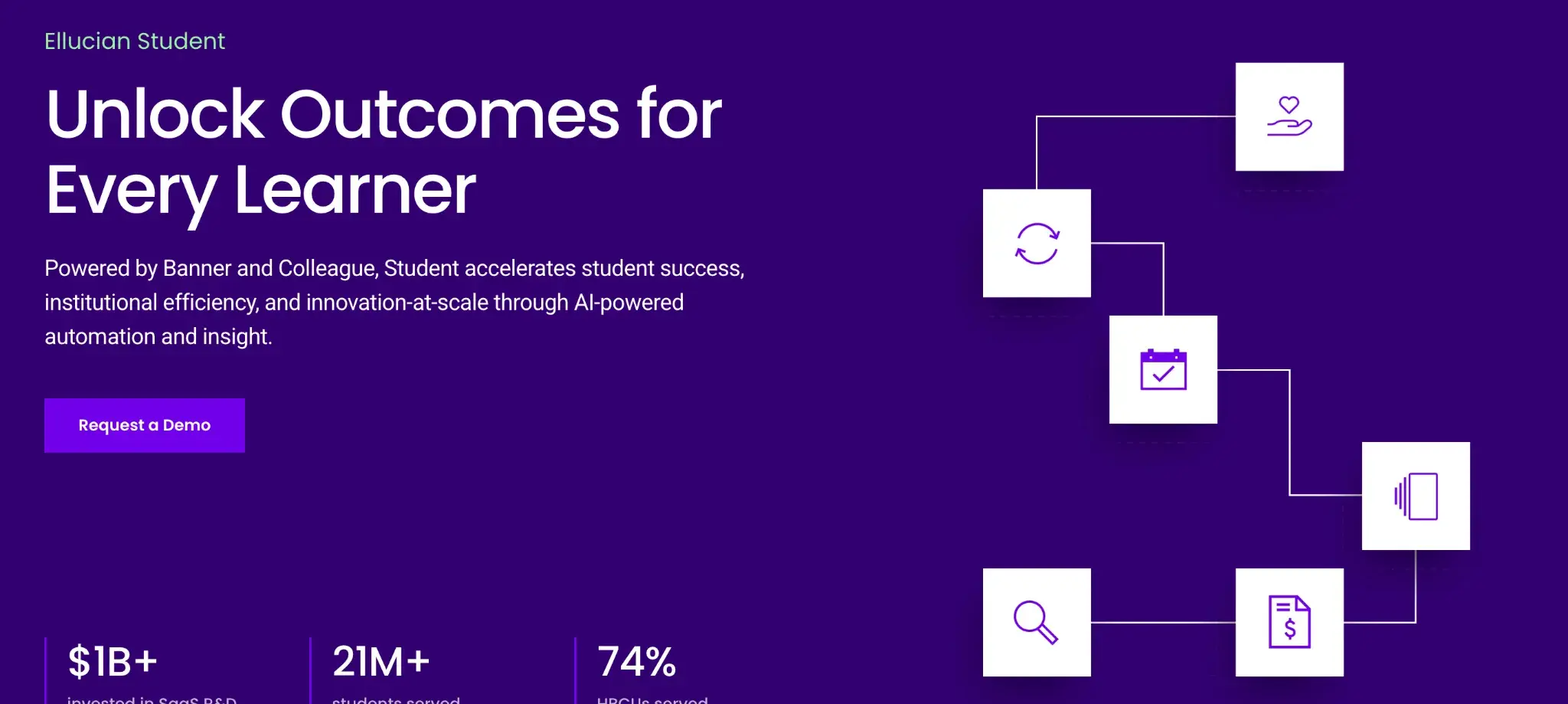
Ellucian homepage
Ellucian is a long-established higher education technology provider, and Ellucian Student is its core platform for managing the full student lifecycle. You can handle admissions, registration, academic records and compliance reporting within a system built specifically for colleges and universities. Institutions already using Ellucian's broader Banner or Colleague systems will find it integrates naturally into their existing setup.
Key features of Ellucian Student
Admissions and application management
Manage the end-to-end application process from enquiry capture through to enrollment confirmation. Your admissions team can track each applicant's progress and manage decisions within a single system.
Student records management
Maintain comprehensive academic and personal records for every student, with full version history and audit capability. Supports compliance with HESA reporting and other UK regulatory requirements.
Registration and scheduling
Allow students to register for programmes and modules online, with built-in validation against course requirements. Reduces manual processing for your registry team during peak enrollment periods.
Reporting and compliance tools
Generate regulatory reports and internal analytics using data drawn directly from live student records. Helps your institution meet HESA, OfS and other reporting obligations without manual data extraction.
Pros of Ellucian Student
- Straightforward platform, built specifically for higher education institutions
- Strong compliance and regulatory reporting features
- Integrates well within the broader Ellucian ecosystem
Cons of Ellucian Student
- Implementation is complex and resource-intensive
- Minimal customisation options
- Interface can feel dated compared to newer platforms
Factors To Consider When Choosing A Student Enrollment Management System
Your enrollment process shapes a student's first impression of your institution. The right software makes that experience smooth for applicants and manageable for your team, without creating more admin than it solves. Here's what to consider when weighing up your options.
Evaluate the size and complexity of your institution
Start with what you actually need. Larger institutions need systems built to handle high application volumes, while smaller schools often benefit from simpler, more affordable solutions. Make sure whatever you choose can scale as your programmes and student numbers grow.
Features and functionality
Look for automated workflows, online application processing and built-in communication tools as a baseline. Strong reporting helps your team track recruitment performance and act on it. The software should also make the student journey clearer and more personalised from the first enquiry to enrollment.
Integration capabilities
Your new system needs to work with what you already have, whether that's your SIS, LMS or finance tools. Good integration reduces duplicate data entry and keeps information consistent across your institution.
User experience
A clean, intuitive interface matters for staff and students alike. People need to complete tasks without friction, and mobile accessibility is increasingly essential as more applicants engage on their phones.
Security and compliance
Student data is sensitive, and protecting it is non-negotiable. Make sure the system meets the relevant standards for your region, whether that's GDPR, FERPA, or your own data governance requirements.
Support and training
Look for a vendor that offers reliable support, regular updates and accessible training resources. The easier it is for your team to get up to speed, the sooner you'll see results.
Cost and value
Look beyond the headline price. Factor in implementation, training and ongoing maintenance when assessing the total cost of ownership. Think about the return too: time saved, fewer errors and better enrollment outcomes all add up.
Conclusion
Finding the right enrollment management system takes time, but it starts with the right questions. What's slowing your team down? Where are students dropping off? Which processes are still running on spreadsheets and emails?
Use this article as a starting point for those conversations. The best vendor demos aren't about slides; they're about showing you how the platform handles your specific workflows. Push for that, and you'll find the right fit faster.
Manage Student Enrollment Processes Seamlessly With Flowforma
FlowForma gives your admissions and enrollment teams a structured way to manage processes through digital workflows and forms. You can build and run processes like application reviews, document collection and approval sign-offs within a single environment, with full visibility into every step.
Because FlowForma integrates natively with Microsoft 365, your student data and documents stay within the systems your institution already uses. That means consistent records, fewer manual handoffs and less time spent chasing information across platforms.
With clearer processes and greater visibility, your team can manage day-to-day enrollment tasks with less admin overhead and more confidence in how work moves across your institution.
Give your admissions team the tools they deserve. See what our customers say about us.
To see FlowForma in action, start your 7-day free trial with FlowForma or book a personalised demo with us.



![Education Workflow Automation: A Complete Guide [2026]](https://www.flowforma.com/hubfs/Education-workflow-automation.webp)




.png)