Automation platforms are often introduced to address the inefficiencies of manual processes, yet selecting the right solution is not always straightforward.
Many organizations comparing workflow automation tools find themselves evaluating Nintex and Microsoft Power Automate because both support low-code development and integrate with commonly used enterprise systems.
Initial comparisons tend to focus on features, but real-world performance depends on how each platform handles increasing process complexity over time. Variations in workflow design, usability, integration depth, and pricing structures often influence long-term success more than individual capabilities.
The sections below explore both platforms in detail, combining practical use cases with user feedback to assess their performance across different environments.
In certain scenarios, organizations also consider alternatives such as our platform, FlowForma, when they require a more unified approach to building and managing processes without relying heavily on technical resources.
Quick Overview: How Nintex and Power Automate Compare to FlowForma
Before we go into details and analyze the three platforms, here’s a quick overview of how they fare against each other when it comes to features such as ease of use, integrations, workflow automation, and AI nativity.
|
Feature
|
Nintex
|
Microsoft Power Automate
|
FlowForma
|
|
Workflow Approach
|
Structured, process-centric automation focused on mapping repeatable business workflows end-to-end
|
Event-driven automation triggered by actions across apps and services
|
End-to-end process automation designed around complete business processes rather than isolated tasks
|
|
Ease of Use
|
Moderate learning curve; suited for teams with some process design familiarity
|
Easy for basic automations; complexity increases with advanced flows
|
Designed for business users with minimal technical dependency; no-code interface
|
|
Document Generation
|
Strong document generation capabilities, often used in contract and approval-heavy workflows
|
Limited native capabilities; typically requires connectors or third-party tools
|
Built-in document generation tightly integrated with workflows
|
|
Integration
|
Broad integrations across enterprise systems including ERP, CRM, and content platforms
|
Strongest within Microsoft ecosystem (Teams, SharePoint, Outlook, Dynamics) with extensive connectors
|
Strong Microsoft 365 integration plus support for external systems via APIs and connectors
|
|
Scalability
|
Handles complex, large-scale workflows with multiple dependencies
|
Can become fragmented as the number of flows and connectors grows
|
Designed to scale structured processes without increasing architectural complexity
|
|
Pricing Complexity
|
Can increase with usage, users, and advanced features
|
Pricing scales with usage, connectors, and automation runs
|
Transparent, process-based pricing with clearer cost predictability
|
|
Built-in Compliance
|
Strong governance features including audit trails, approvals, and compliance-oriented workflow controls
|
Compliance depends on Microsoft ecosystem tools; governance requires configuration across services
|
Built-in compliance support with audit trails, approvals, and governance aligned to structured processes
|
|
AI Capabilities
|
AI-assisted features available through integrations and add-ons for process insights and optimization
|
Increasing AI integration via Microsoft Copilot and AI Builder for automation suggestions and document processing
|
AI-assisted process guidance and automation support embedded into workflows
|
|
Best For
|
Organizations with complex, compliance-heavy workflows requiring structured control
|
Teams already invested in Microsoft ecosystems needing task automation and quick integrations
|
Mid-sized to enterprise teams looking to digitize end-to-end business processes
|
|
Ideal Use Cases
|
Regulatory workflows, contract management, approval chains, and enterprise process orchestration
|
Email automation, notifications, simple approvals, cross-app triggers, and lightweight workflows
|
Multi-step workflows such as onboarding, case management, procurement, and service delivery processes
|
What is Nintex?
Nintex is typically used when organizations need to formalize existing processes that are inconsistently followed across teams. Instead of starting from scratch, organizations often introduce Nintex to bring structure to workflows currently handled through email threads, spreadsheets, or informal coordination.
In practice, teams use the tool to define how work should move from one stage to another, especially when approvals, documentation, and accountability need to be clearly tracked. A procurement request, for example, can be designed as a controlled workflow in which each step is assigned and reviewed before proceeding.
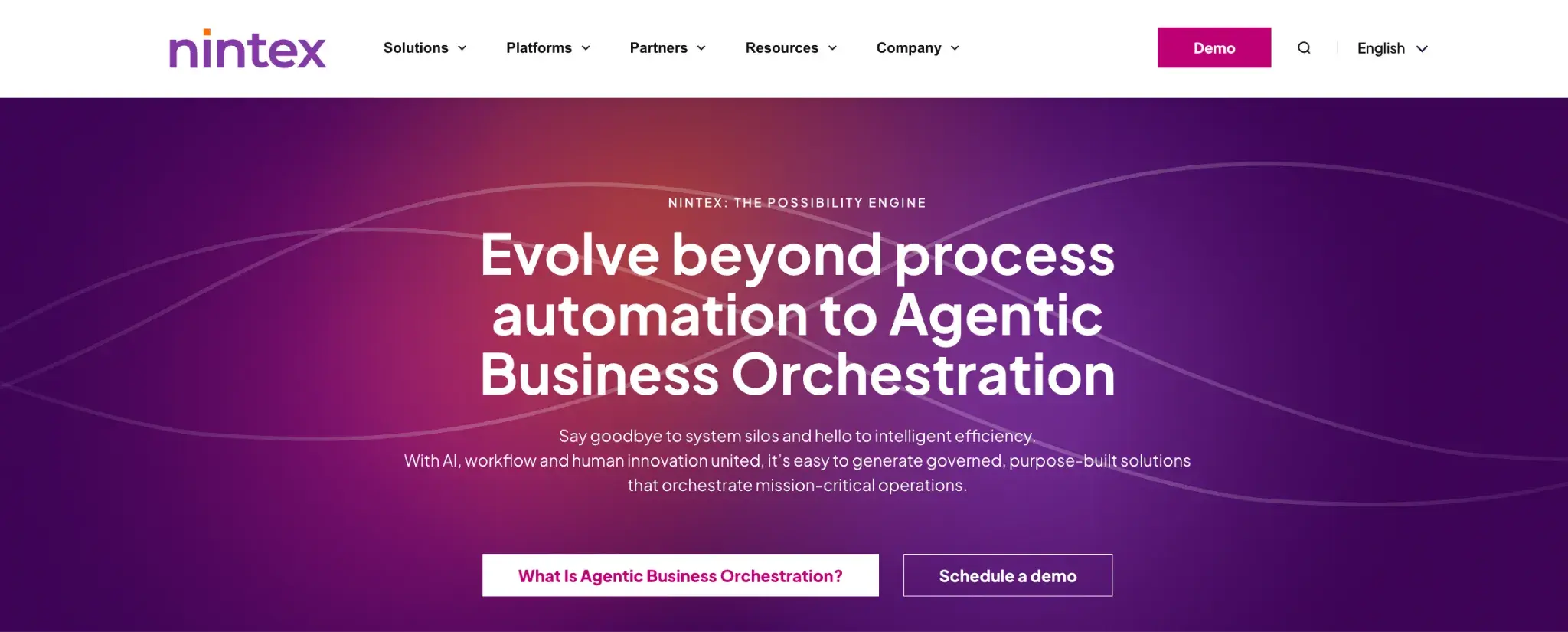
Nintex homepage
The platform’s strength lies in mapping entire processes so that each action is connected to the next.
Once workflows are defined, they are expected to behave in predictable ways, with limited variation across teams or departments, which makes it easier to enforce standards, but it also means workflows need to be designed thoughtfully upfront.
Key Features of Nintex
Visual workflow designer
Nintex provides a visual interface for mapping workflows step by step. You can define actions, decisions, and task routing within the workflow, which makes it easier to understand dependencies and potential bottlenecks. The interface supports collaboration between business and technical teams during workflow design.
Document generation
The platform enables automatic document creation from data collected via forms or workflows. Contracts, compliance reports, and other business documents can be produced without manual intervention, improving turnaround times and ensuring adherence to standardized templates.
Process automation with conditional logic
Workflows can include rules that control task routing, approvals, and exceptions. Conditional logic allows a single workflow to handle different process needs, so you don't have to create separate workflows for each situation.
Integration capabilities
Nintex integrates with enterprise systems, including CRM, ERP, and content management platforms. The integration enables workflows to automatically retrieve and update data across systems, reducing manual data entry and ensuring information stays synchronized.
Workflow tracking and audit trails
Every step in a workflow is recorded, providing transparency into progress and decisions. Audit trails support compliance requirements and make it easier to review past actions for reporting or regulatory purposes.
Built-in eSignatures and document routing
The platform includes native eSignature capabilities and automated document routing to the appropriate stakeholders. As such, it streamlines approval processes by keeping signature collection and document tracking within a single system.
Nintex Pros
Nintex is valued for its ability to organize complex processes clearly.
Some of the key pros include:
- Clear visualization of workflows that improves understanding for all stakeholders
- Automated document handling that reduces manual work and errors
- Flexibility to design workflows that adapt to varying business rules
- Reliable integration with enterprise systems for smoother process execution
- Enhanced accountability and control compared to ad-hoc, email-based workflows
- Strong RPA capabilities for automating everyday tasks such as data entry
These features make Nintex particularly appealing in organizations that require structured processes with clear oversight.
Some Nintex Cons
Nintex cons include:
- Implementation can be time-intensive, particularly for organizations moving from manual processes
- Non-technical users may need training to design and manage workflows effectively
- Performance, particularly on the mobile interface, may be affected as workflows become highly complex or interconnected
- Costs can increase with expanded usage and added features
- Ongoing maintenance effort grows as workflows evolve over time
These issues tend to appear in larger deployments or when organizations scale automation across multiple teams.
What is Nintex’s Best Use Case?
Nintex is best suited for organizations that need multi-step workflows with approval oversight and document management. It is particularly useful in sectors such as finance, healthcare, legal services, and manufacturing, where accountability, compliance, and consistent execution are important.
What is Microsoft Power Automate?
Organizations often adopt Microsoft Power Automate to automate tasks without introducing a separate process management layer. It is closely tied to the Microsoft ecosystem (SharePoint, Teams, etc.) and is commonly used to connect applications and automate actions triggered by events across them.
In real-world use, Power Automate is frequently used in scenarios where a change in one system needs to trigger an action in another. For example, when a file is added to SharePoint, a notification may be sent via Teams, and when a form is submitted, data may be written to a database and routed for approval.

Power Automate homepage
The platform is not inherently process-centric. Instead, it focuses on linking systems and automating discrete actions. Over time, organizations may build multiple flows that collectively support a broader process, but these flows are typically managed individually rather than as a single unified process model.
Key Features of Microsoft Power Automate
1. Trigger-based automation
Power Automate is built around triggers that start workflows when a specific event occurs, such as a new email or file upload, which works well for real-time actions.
These triggers can originate from Microsoft applications or third-party services connected through available integrations. This approach makes it effective for automating routine tasks that depend on real-time events.
However, longer processes often end up split across multiple flows, which can make tracking harder.
2. Extensive connector ecosystem
Power Automate connects Microsoft tools with external apps through a large connector library. It simplifies data movement, though advanced integrations often require premium connectors or additional setup.
3. AI builder capabilities
Power Automate includes AI features that allow workflows to process unstructured data, such as extracting information from invoices or categorizing incoming requests. Although it is useful for reducing manual entry, accuracy depends on how well models are trained and maintained.
4. Robotic process automation
The platform supports desktop automation through RPA, allowing users to automate repetitive tasks performed on legacy systems or applications without APIs.
It is useful for bridging gaps between modern cloud tools and older software environments.
5. Deep Microsoft integration
Native integration with Microsoft 365 tools such as Microsoft Outlook, Microsoft SharePoint, Microsoft Teams, and Microsoft Dynamics 365 makes adoption easier for existing users.
Workflows can trigger directly from emails, documents, chat messages, or CRM updates, which allows automation to fit into tools employees already use daily.
Microsoft Power Automate Pros
Pros include:
- Strong integration with Microsoft applications simplifies automation within existing workflows
- Large connector library enables connections across multiple platforms
- Useful for automating repetitive administrative tasks, without the need for extensive coding
- Accessible interface for users who are new to automation
- Easy setup for basic processes allows quick implementation
These advantages make Power Automate appealing for teams seeking quick automation without extensive configuration.
Microsoft Power Automate Cons
Cons include:
- Complex workflows can become difficult to manage and debug
- Handling multiple dependent flows can lead to fragmentation
- Performance may degrade with large or long-running workflows
- Premium connectors and advanced features increase costs
- Limited visibility into end-to-end processes in more complex setups
These issues tend to emerge when organizations attempt to scale beyond simple automation use cases.
What is Power Automate’s Best Use Case?
Microsoft Power Automate is best suited for organizations that rely heavily on Microsoft 365 and want to automate tasks across applications without introducing additional platforms. It works well for teams that need to connect systems, automate notifications, and streamline routine operations.
It is particularly useful for scenarios such as email automation, data synchronization between applications, simple approval processes, and lightweight integrations across cloud services.
Key Differences Between Nintex and Microsoft Power Automate
The differences between Nintex and Microsoft Power Automate become more apparent once automation moves beyond simple use cases. The distinction is less about features and more about how each platform approaches process design and long-term manageability.
Workflow design
Nintex is built around the idea of a defined process that moves from start to finish within a single workflow. Each step is part of a broader structure, with clear sequencing, ownership, and outcomes. The approach works well when processes need to be standardized across teams, such as procurement approvals or compliance reviews.
Power Automate approaches automation differently, with each flow tied to a trigger and performing a set of actions in response. While this makes it fast to deploy, it often results in multiple flows supporting different parts of the same process. Over time, this can make it harder to understand how the full process operates without tracing each flow individually.
Complexity handling
Nintex is designed to handle processes that involve multiple stakeholders, layered approvals, and conditional paths within a single workflow.
Power Automate can support similar outcomes, but usually by connecting multiple flows or adding layers of logic within each one. As complexity increases, maintaining these connections becomes more challenging. Troubleshooting issues often requires identifying which flow in the chain failed, rather than reviewing a single process.
Integration strategy
Power Automate’s strongest advantage lies in its integration with Microsoft tools such as Microsoft SharePoint, Microsoft Teams, and Microsoft Dynamics 365. Workflows can interact directly with these systems, which reduces setup time for organizations already using Microsoft 365.
Nintex takes a broader approach by supporting integrations with a wider range of enterprise systems, making it more suitable for organizations that operate in mixed environments.
User experience
Nintex requires users to think in terms of process design. Building workflows involves understanding how steps connect and how data moves through the process. Although this can take time to learn, it results in more structured workflows once implemented.
Power Automate is easier to approach initially. Users can create simple automations quickly, especially when working within familiar Microsoft tools. The challenge appears when workflows grow in size or become interconnected. At that point, maintaining clarity across multiple flows requires additional effort and discipline.
Pricing considerations
Nintex follows a subscription-based pricing model, but costs are not flat or user-based in a simple way. Pricing typically depends on factors such as the number of workflows, automation volume, and access to advanced capabilities like document generation or process mapping.
Microsoft Power Automate uses a licensing model that is tied to users, flows, and usage. Organizations can choose between per-user plans or per-flow plans depending on how automation is deployed.
Comparison Table: Nintex vs Microsoft Power Automate
Here is a quick side-by-side comparison of Nintex vs. Power Automate:
|
Aspect
|
Nintex
|
Microsoft Power Automate
|
|
Automation Approach
|
End-to-end structured workflows
|
Event-driven workflows
|
|
Workflow Complexity
|
Handles multi-step processes within a single workflow
|
Requires linking multiple flows for complex processes
|
|
Integration Scope
|
Enterprise-wide integrations across systems
|
Strong focus on Microsoft ecosystem
|
|
Document Handling
|
Built-in document generation and management
|
Requires additional configuration or tools
|
|
Governance
|
Strong audit trails and compliance support
|
Limited native governance features
|
|
Ease of Use
|
Moderate learning curve for workflow design
|
Easier for basic automation, harder for advanced scenarios
|
|
Scalability
|
Designed for complex organizational processes
|
Scales well for simple tasks but becomes fragmented at scale
|
|
Maintenance
|
Centralized workflow management
|
Multiple flows can increase maintenance effort
|
|
Pricing
|
Quote-based, scales with process complexity and usage
|
Modular pricing, scales with users, flows, and add-ons
|
Why Organizations Look for Alternatives
Despite the capabilities of both platforms, organizations often evaluate alternatives due to practical challenges that arise during scaling.
Common reasons include:
- Increasing complexity that makes workflows difficult to maintain
- Dependence on IT teams for building and updating automation
- Fragmented workflows that reduce visibility across processes
- Rising licensing and operational costs as usage expands
- Limited ability to standardize processes across departments
These challenges often become more visible after initial automation projects succeed and organizations attempt to expand usage across multiple teams.
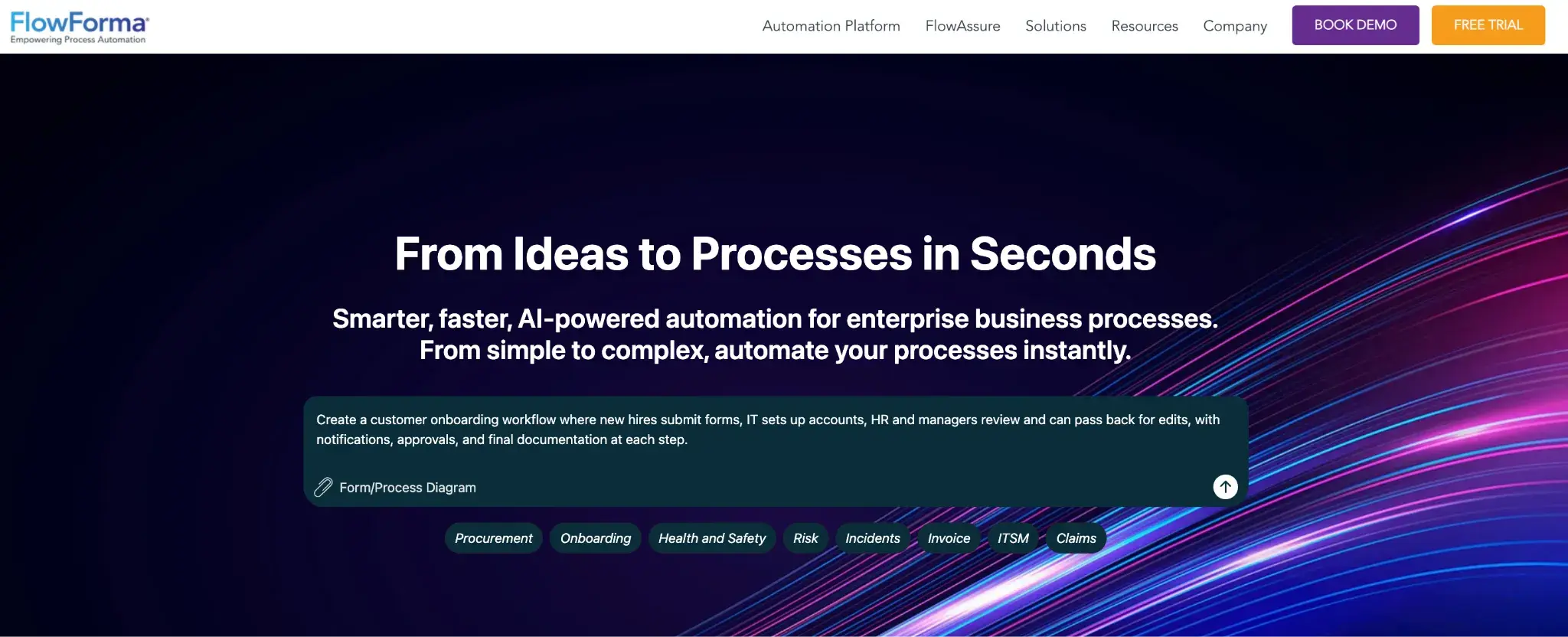
FlowForma's homepage
FlowForma is often considered by organizations seeking a unified, no-code approach to process automation. It focuses on enabling business users to build and manage workflows without relying heavily on developers.
Unlike tools that require multiple components to handle forms, documents, workflows, and reporting, FlowForma combines these capabilities into a single platform.
Besides, its process-based pricing makes it highly suitable for organizations scaling their business processes.
No-code workflow builder
FlowForma allows business users to design workflows without writing code, but the real advantage lies in how quickly processes can be iterated. Teams can adjust approval steps, add conditions, or update routing logic as requirements change without waiting on development cycles.
Integrated forms and workflow engine
Forms and workflows are tightly connected within the same environment, which means data collected at the start of a process flows through each step without requiring separate integrations.
For instance, in an incident reporting workflow, information submitted through a form is immediately available for review, escalation, and reporting. There is no need to move data between systems, which reduces errors and duplication.
Document generation
FlowForma offers in-built document creation. Documents are generated using structured data captured during the process, ensuring consistency across outputs.
In real scenarios, this is often used for generating approval summaries, compliance reports, or customer-facing documents. Since documents are tied to workflow data, teams avoid manual formatting and reduce the risk of inconsistencies between records and outputs.
Built-in reporting and analytics
The platform provides visibility into how workflows are performing while they are active, not just after completion. Teams can track where requests are delayed, which steps take the most time, and how workloads are distributed.
Audit trails and compliance support
Every action within a workflow is recorded, including who completed a task, when it was completed, and what decisions were made, creating a complete history of the process without requiring additional tracking systems.
In-built compliance and audit trails become particularly relevant in regulated environments where accountability is critical, and adherence to norms such as GDPR, HIPAA, and DORA is essential.
Extensive AI suite
FlowForma embeds AI across both workflow design and execution. AI Copilot allows users to create workflows using natural language prompts. Instead of building logic step by step, users can describe the process, and the system generates a starting workflow structure that can be refined.
AI agents operate within workflows to assist with decision-making and task handling, and AI summarization helps users quickly understand process status without reviewing detailed logs.
Organizations often choose FlowForma for several practical reasons:
- Faster deployment compared to building multiple applications in separate tools
- Reduced reliance on developers for process creation and updates, while still giving IT necessary oversight
- Consistent user experience across workflows, which improves adoption
- Seamless integration capabilities and native Microsoft integration
- Centralized visibility into processes rather than fragmented flows
- Ability to manage complex processes within a single platform
- Advanced configurations may require structured onboarding
- Best suited for Microsoft environments
FlowForma is best suited for multi-step business processes that require approvals, data capture, and coordination across teams, particularly in enterprise environments.
It fits well in regulated industries (like finance or healthcare) where auditability and process consistency are essential.
The platform supports citizen developers building workflows while maintaining IT oversight, which helps balance speed with control. It is also effective for organizations looking to scale process automation without dealing with unpredictable cost increases or fragmented workflows.
Choosing between Nintex, Microsoft Power Automate, and FlowForma depends on how your processes are structured, how much control you need, and how you expect automation to scale over time.
Here’s a quick overview to help you make your decision:
- Nintex: Best for organizations that need structured, approval-heavy workflows with strong governance and documentation. Common in finance, legal, and compliance use cases, such as contract management. Requires upfront planning and structured onboarding for advanced configurations.
- Microsoft Power Automate: Suited for task-level automation within the Microsoft ecosystem. Works well for notifications, data syncing, and simple approvals across tools like Microsoft Teams and Microsoft SharePoint. Can become fragmented as processes scale.
- FlowForma: Ideal for managing end-to-end business processes in one workflow. Fits regulated industries, supports citizen developers with IT oversight, and scales without fragmented automation or unpredictable pricing.
For organizations seeking an easy-to-use, agile, and scalable workflow solution, FlowForma stands out as the superior choice for enterprises and mid-level companies. By addressing the limitations of both Nintex and Power Automate, FlowForma allows businesses to focus on delivering value, accelerating business processes, and driving growth.
We provide migration support every step of your journey no matter whether you are migrating away from Nintex or Power Automate. Hear from Morley College on their own Nintex migration journey.
How Morley College London migrated from Nintex
Book a demo today to see the tool in action.
FAQs
1. Can Nintex and Power Automate be used together?
Yes, some organizations use Nintex alongside Microsoft Power Automate for different purposes. Power Automate handles quick, event-driven tasks within Microsoft 365, while Nintex manages structured workflows. The setup can work, but it often increases complexity and requires clear governance to avoid overlapping automation.
Power Automate supports desktop-based automation through RPA, which allows interaction with legacy systems via the user interface. Nintex offers similar capabilities through its RPA solutions. FlowForma typically integrates through APIs, so legacy system handling may require additional connectors or middleware.
3. Which platform is easier to maintain over time?
Maintenance depends on how workflows are structured. Nintex centralizes processes, making them easier to track but requiring careful updates. Power Automate can become harder to manage as flows multiply. FlowForma simplifies maintenance by keeping entire processes within a single workflow, reducing the need to manage multiple disconnected automations.