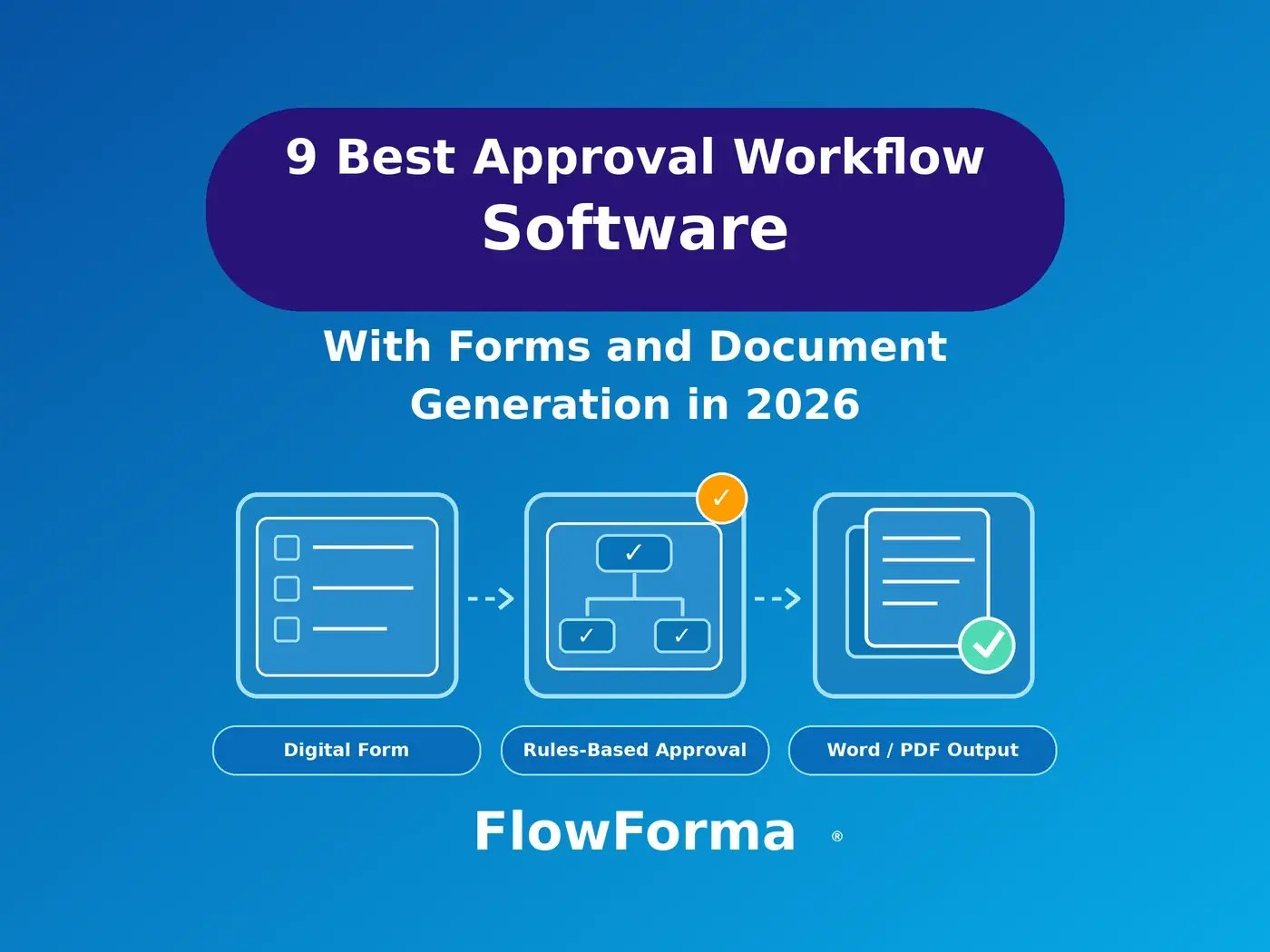
A purchase request arrives as an email attachment. The manager approves it by replying "OK," finance asks for the supplier quote nobody attached, and two weeks later someone retypes the approved figures into a Word purchase order. Most tools handle the form and the routing well. They differ on the document.
Approval workflow software with forms and document generation captures a request in a form, routes it through rules-based approvals, and fills a Word or PDF template with the approved data. For Microsoft 365 organizations, FlowForma Process Automation does all three in one no-code platform. The other eight tools below each fit a narrower need.
The same tools are the enterprise software to replace paper forms and email approvals: the request becomes a digital form, and every approval is routed, tracked, and recorded instead of buried in an inbox.
The 9 Best Approval Workflow Tools With Forms and Document Generation
All nine tools combine forms with approvals and produce documents differently. FlowForma Process Automation leads for Microsoft 365 multi-stage approvals, and Power Automate and Nintex suit existing users. Kissflow, Cflow and Zoho Creator suit process apps outside Microsoft 365. Formstack, Jotform and PandaDoc suit form-first or document-first teams.
|
Software
|
Best for
|
How it generates documents
|
Pricing model (as of October 2026)
|
|
FlowForma Process Automation
|
Microsoft 365 organizations with multi-stage approvals ending in a document
|
In the workflow
|
Per process, from $2,347 per month, billed annually (Essentials, up to 3 processes)
|
|
Microsoft Power Automate
|
Simple flows already built in Power Automate
|
Through a connector
|
Per-user and per-bot plans from Microsoft, with a 30-day trial
|
|
Nintex
|
Organizations already running Nintex Automation Cloud
|
In the workflow
|
Pricing on request
|
|
Kissflow
|
No-code process apps for teams outside Microsoft 365
|
In the workflow
|
Pricing on request
|
|
Formstack
|
Form to document to signature, including Salesforce teams
|
On a higher plan (Suite)
|
Suite (with documents) from $250 per month, paid annually
|
|
Jotform
|
Public-facing forms with simple approvals
|
From submissions (PDF Editor)
|
Free Starter plan; paid plans from $34 per month, billed annually
|
|
Zoho Creator
|
Custom business apps in the Zoho ecosystem
|
From records (PDF export)
|
From $8 per user per month, billed annually
|
|
PandaDoc
|
Sales quotes and proposals that need internal sign-off
|
Starts from the document
|
Business plan (with approvals) $49 per seat per month, billed annually
|
|
Cflow
|
Mid-size teams that want published no-code approval pricing
|
In the workflow
|
From $11 per user per month, billed annually, minimum 10 users
|
1. FlowForma Process Automation
Best for: Microsoft 365 organizations whose multi-stage approvals end in a generated document.
FlowForma Process Automation keeps the form, the approval route and the document in one no-code platform that runs natively in Microsoft 365 and SharePoint Online. You build the purchase order or offer letter template in Word with a no-code add-in, map form fields into it, and a document rule fills it when the process reaches that step.
The output can be converted to PDF, sent for another sign-off, or filed in a SharePoint library, and your data stays in your own SharePoint tenancy. Forms and Word and PDF document generation come with every plan. Pricing is per process, as of October 2026: Essentials covers up to three processes and Professional up to 30.
It connects to SAP, Oracle, DocuSign, and other systems through REST APIs, with advanced integrations starting on Professional. FlowForma holds ISO/IEC 27001:2022 certification.
Routing goes further than a straight chain. Approval steps run in sequence, in a parallel group where everyone must approve, or only when a condition is met, and the approver can be set at runtime, such as the requester's manager.
Reject and pass back are separate actions, so a missing attachment sends the form back instead of killing it. Nipro Europe, which standardized approvals across 26 sites, each approval now sends 10 emails "triggered automatically per approval, down from as many as 40 generated by hand."
Limitation: Built for organizations on Microsoft 365 with SharePoint Online; teams outside Microsoft 365 that need procurement or contract approvals should look at FlowForma Contract.
2. Microsoft Power Automate
Best for: Teams whose approval flows are simple and already built in Power Automate.
If your approvals already run in Power Automate, its strength is obvious: it sits inside the Microsoft stack your people use every day. Documents come from the Word Online (Business) connector, and Microsoft prices the product per user and per bot, with a 30-day trial.
The "Populate a Microsoft Word template" action fills content controls in a Word file stored in OneDrive for Business or SharePoint Online, and a separate action converts the result to PDF. Someone on your team designs the template, wires the controls to flow data, and maintains both as the process changes.
Limitation: According to Microsoft's connector documentation, as of October 2026, the template action can't be used when a multi-factor authentication conditional access policy is enabled.
For medium to complex processes, FlowForma Process Automation can replace it. Elsewhere, it runs the business process and Power Automate runs the integrations. For the wider field, see our list of workflow automation software for Microsoft 365 and SharePoint.
3. Nintex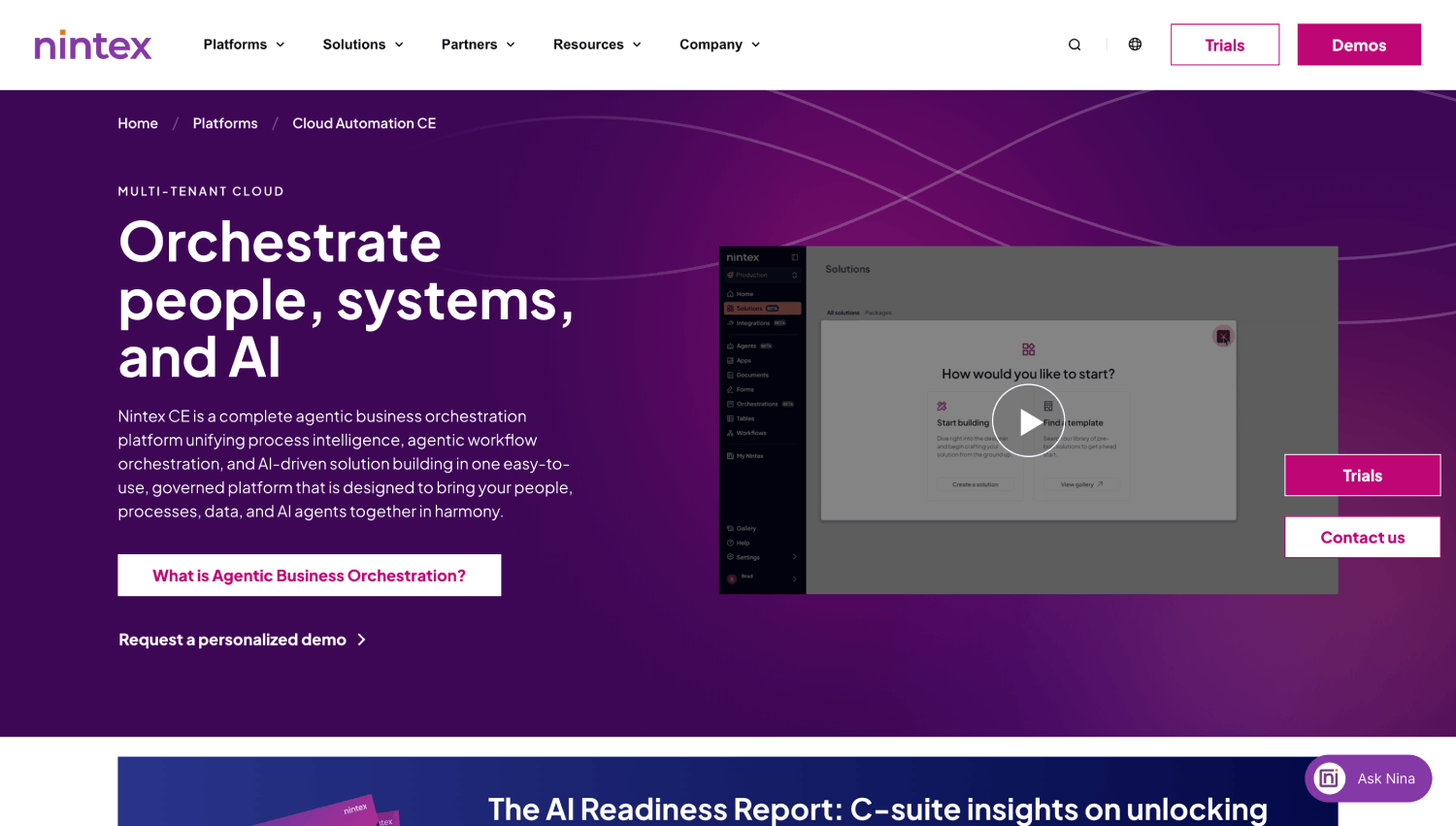
Best for: Organizations already running Nintex Automation Cloud.
Nintex sells a process automation platform that includes digital forms and document generation. In Nintex Automation Cloud, the 'Generate document' action fills Word, Excel, or PowerPoint templates tagged with the Nintex Document Tagger.
It can combine several templates into a single PDF or output separate files, and a condition can include a template only when it applies. For Excel and PowerPoint templates, a merge type combines content into one generated file.
Nintex doesn't publish prices, and its pricing page routes buyers to sales, as of October 2026. Teams on the older Nintex for Office 365 face a move regardless of this list. Nintex ended support on December 31, 2025. Microsoft began retiring the SharePoint add-in model on April 2, 2026.
Limitation: A single combined PDF takes up to 50 templates per action, with 5MB as the maximum recommended output, and separate PDFs take up to 5 templates per action.
4. Kissflow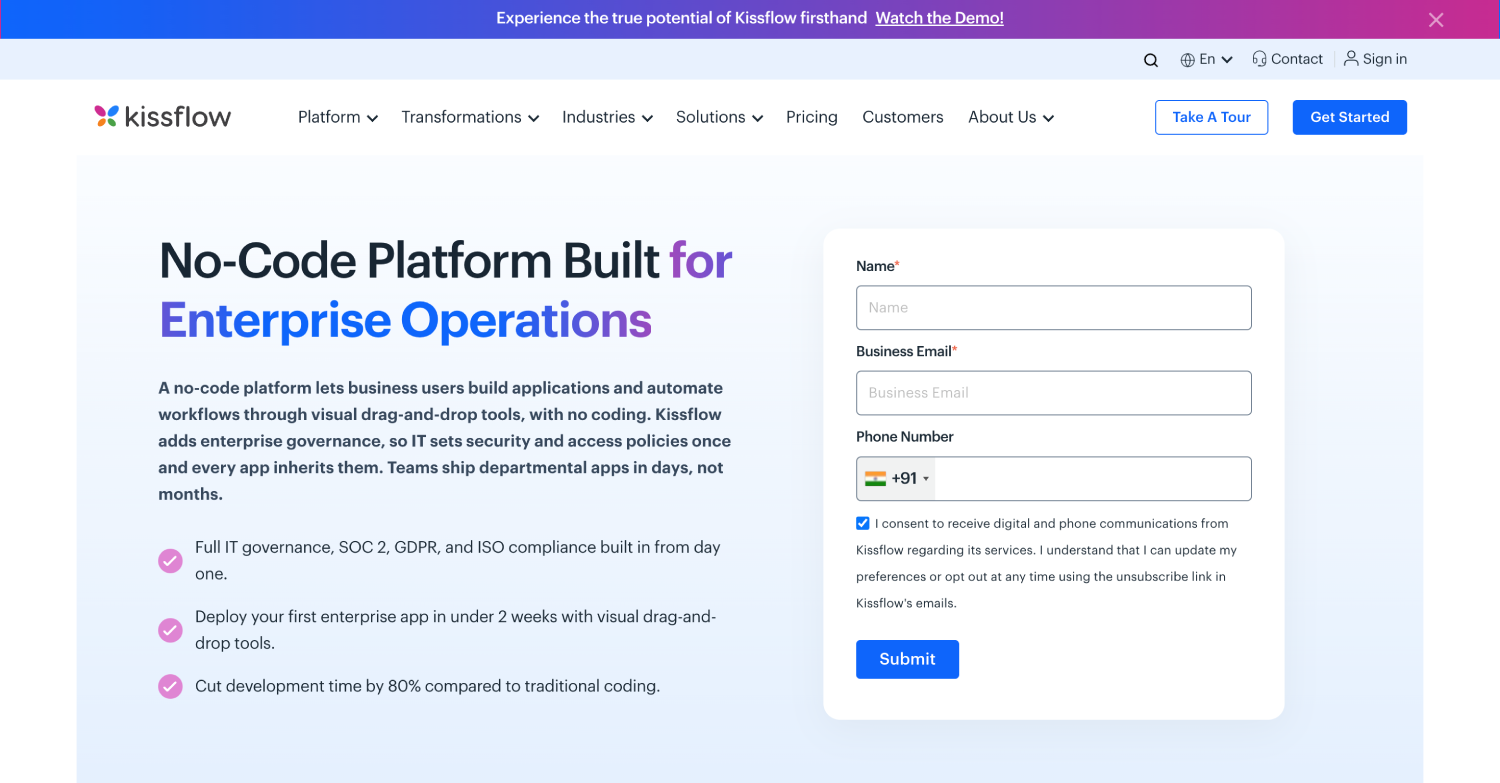
Best for: No-code process apps for teams that don't run on Microsoft 365.
Kissflow positions itself as a low-code, no-code platform, and it doesn't ask you to run Microsoft 365. You attach a document template to a process form, and Kissflow's AI can draft the first version, such as an offer letter. Only a Process Admin or Process Developer can create the templates.
A 'Generate PDF' step in the integrations then creates the PDF, and a Kissflow Email connector can send it as an attachment. A newer source type in the Generate a PDF document action builds PDFs straight from process items. Document templates are available on both its Basic and Enterprise plans, and pricing is by quote, as of October 2026.
Limitation: Public forms, which let someone without a Kissflow account start a workflow, are limited to the Enterprise plan. That matters once suppliers or applicants need to submit requests themselves.
5. Formstack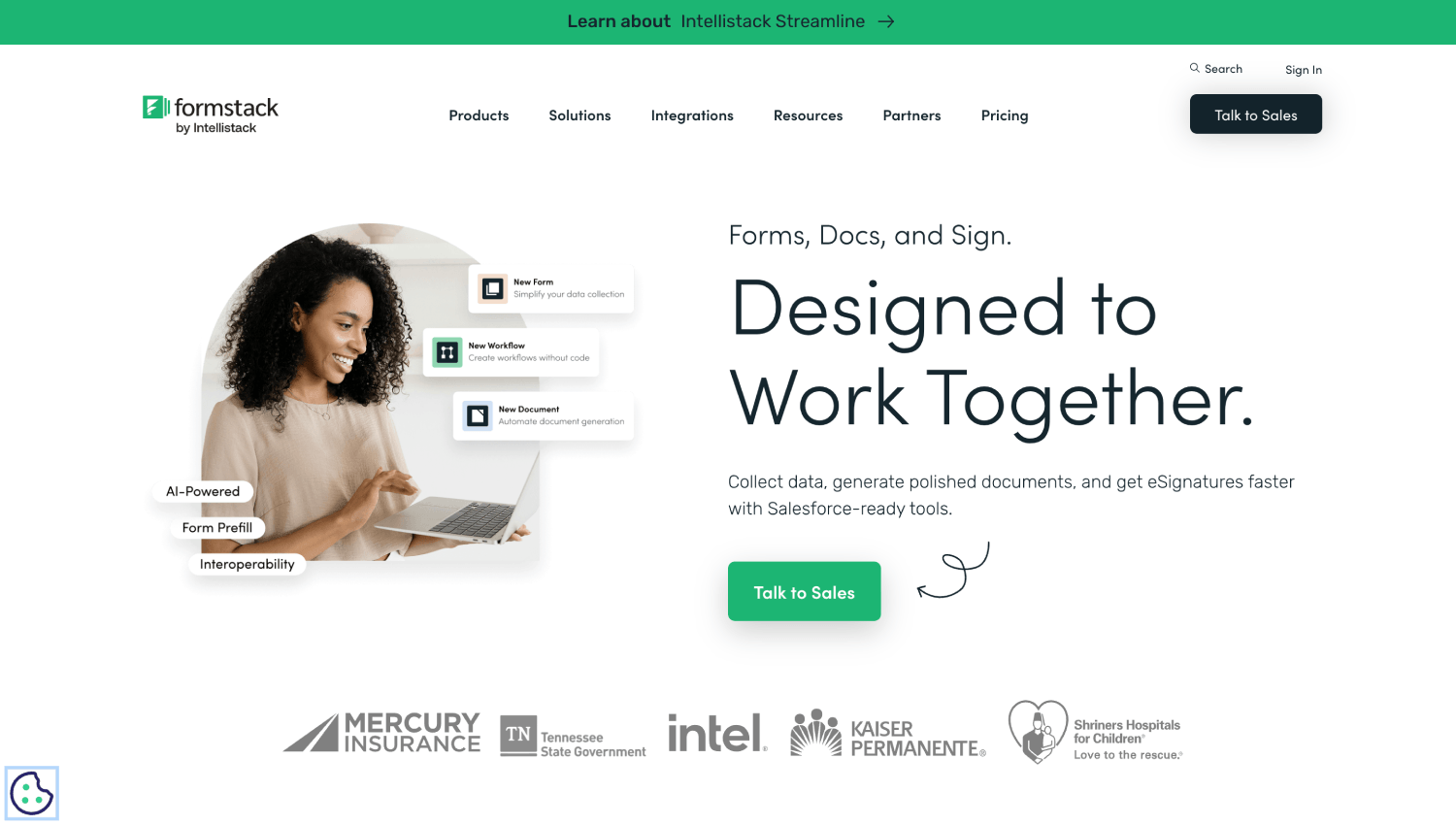
Best for: Form-to-document-to-signature workflows, including teams that live in Salesforce.
Formstack sells Forms, Documents, and Sign as separate products. The Suite plan bundles all three, and Formstack lists routing submissions for approval among its plan capabilities. Salesforce teams can buy Salesforce-native forms and documents at custom pricing, with documents generated from Salesforce data. Sign carries no per-envelope fees.
As of October 2026, Formstack's pricing page lists Suite with 3 builder users, 100 forms, 5,000 submissions per form, 250 document deliveries per month and 10GB of storage. The Forms plan includes 1 builder user, 25 forms and 1,000 submissions per form, and it doesn't include document generation.
Limitation: The 250 monthly document deliveries on Suite set a ceiling, and the 14-day free trial covers the Forms product only, so you can't test document generation on the trial.
6. Jotform
Best for: Public-facing forms with simple approvals and a single form owner.
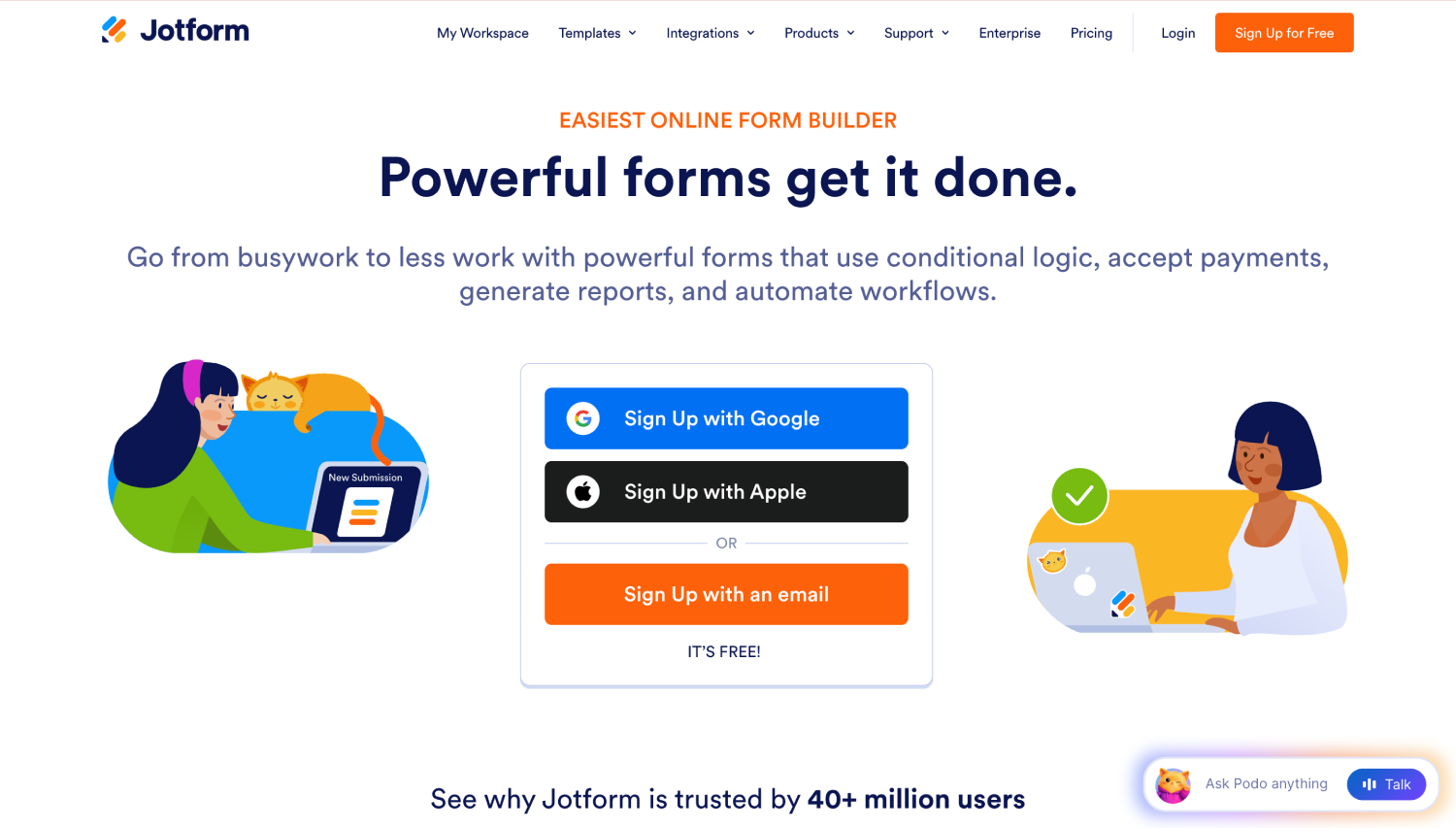
Jotform's pricing page says over 35 million users trust it, as of October 2026. Its Workflows builder handles approvals, including a purchase order approval template, and group approvals send a request to several approvers at once. A Send PDF action converts submissions into PDFs when the workflow reaches that step, and the PDF Editor turns form submissions into formatted PDFs.
The Starter plan is free and includes every standard feature except HIPAA compliance, so you can test the builder before paying. Bronze, Silver, and Gold raise the form and submission limits, and nonprofits and schools get a discount.
Limitation: Bronze, Silver, and Gold are single-user plans. Enterprise is Jotform's only multi-user plan, and there's no trial for paid plans, so a team of builders goes straight to an Enterprise conversation.
7. Zoho Creator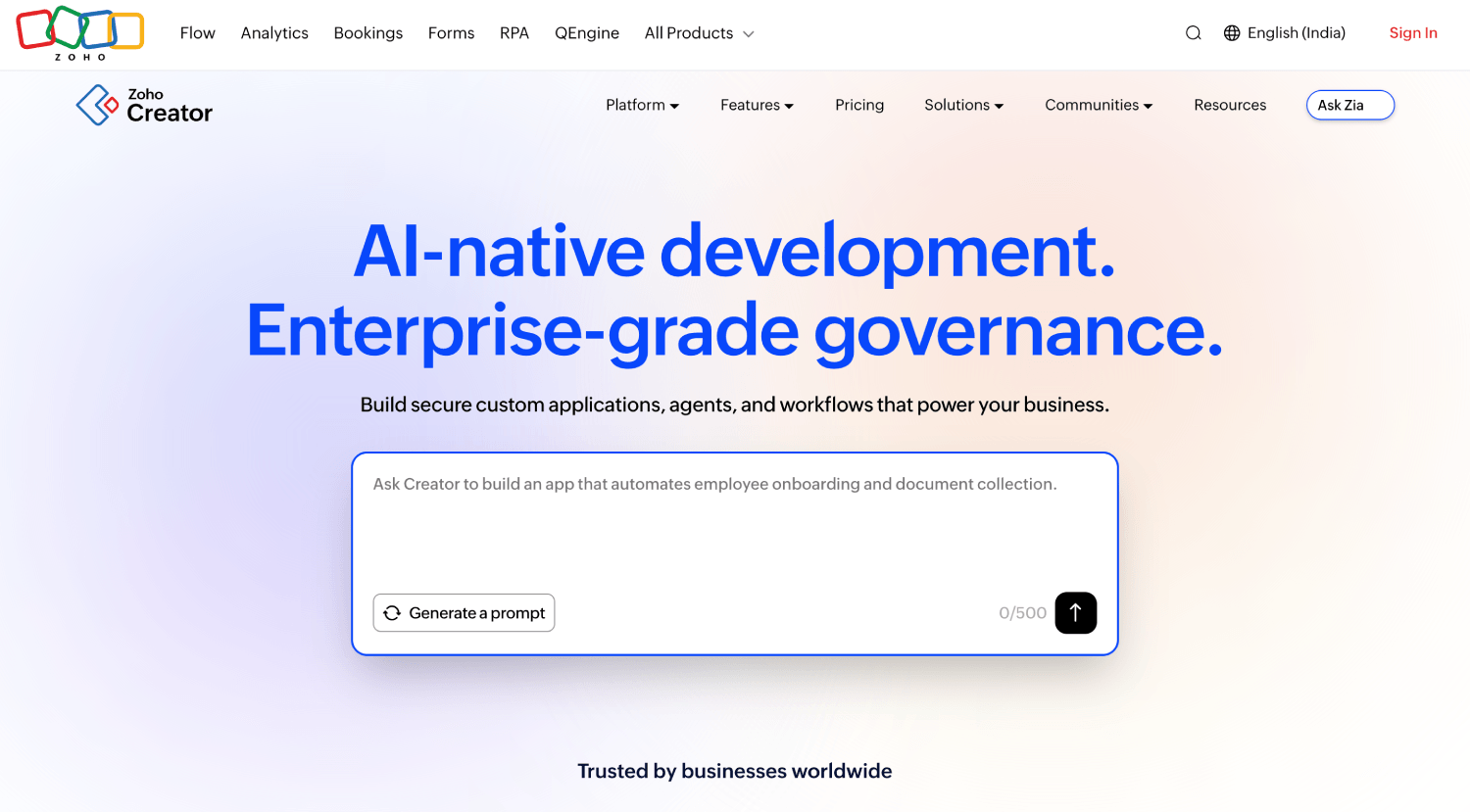
Best for: Custom business apps for teams already in the Zoho ecosystem.
Zoho Creator is an app builder that Zoho describes as an AI-powered low-code platform, and it integrates with all Zoho apps. Built-in approvals let decision-makers approve or reject a record submitted through a form.
Record templates, designed in a drag-and-drop editor, turn a record into a printable layout or an exported PDF, and email notifications can attach the template inline or as a PDF. A record template must be configured before a record can be exported as a PDF.
Zoho prices Creator per user, with Standard, Professional, and Enterprise plans, as of October 2026. Integration Flow, powered by Zoho Flow, is available only on Enterprise, and Zoho offers a 15-day free trial of all premium features.
Limitation: Logic beyond the visual builder is written in Deluge, Zoho's own scripting language, so someone on the team needs to learn it.
8. PandaDoc
Best for: Sales quotes, proposals, and agreements that need internal sign-off before they go to a customer.
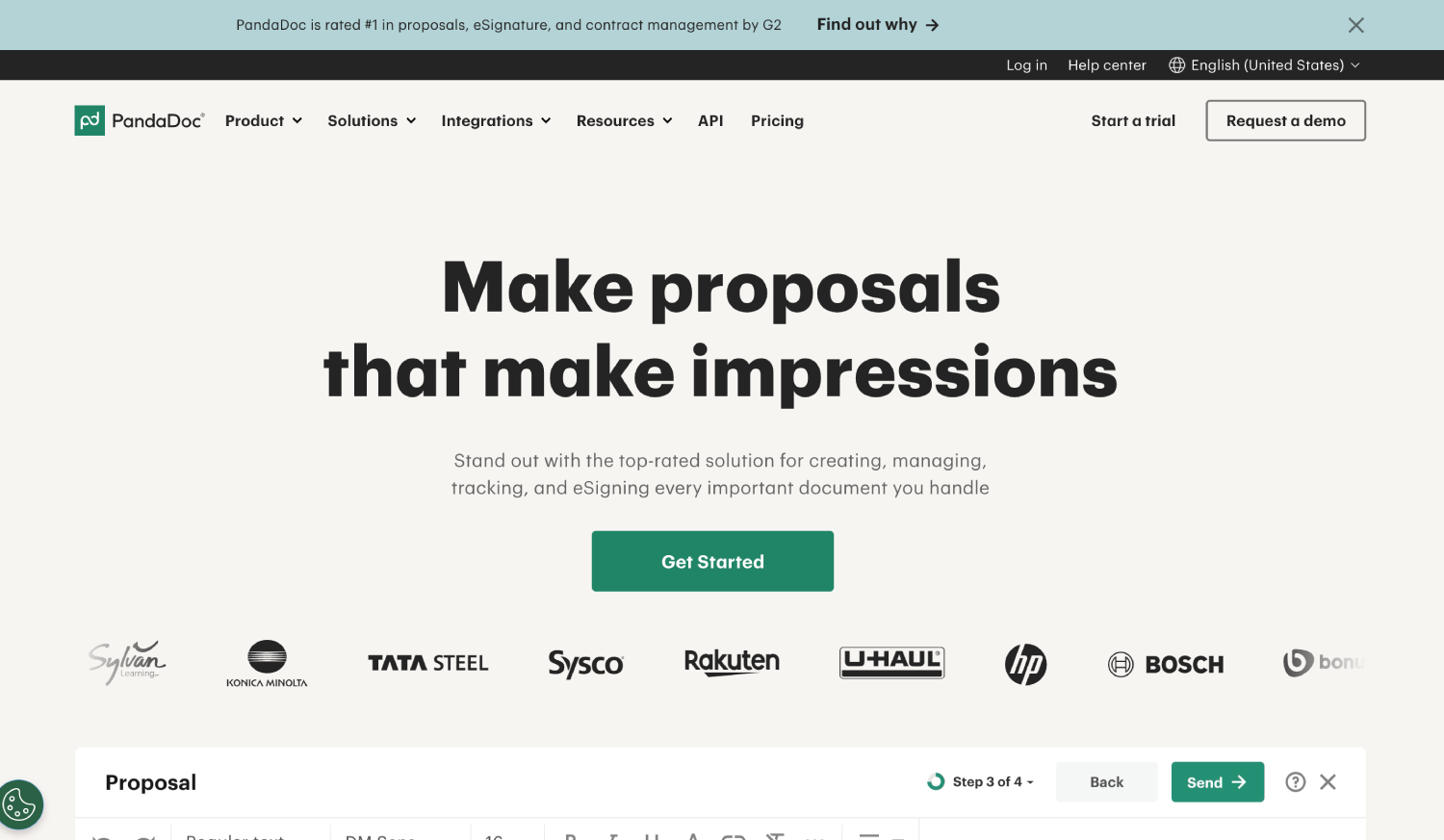
PandaDoc starts from the document rather than the request. Its editor, templates, and eSignature cover the life of a customer-facing agreement.
The Business plan adds approval workflows, custom branding and a content library, and its web forms are optional and need usage credits. Free and Starter cap templates at 5 and Business lifts the cap, Starter adds Microsoft Word editing, and Business adds CRM integrations and deal rooms. Every plan includes an audit trail.
PandaDoc bills per seat, as of October 2026: Business costs $49 per month, billed annually, Starter costs $19, and a free plan allows 5 documents a month. Enterprise is priced per seat or per document, and a 14-day trial needs no credit card.
Limitation: Approval workflows start on the Business plan, so Free and Starter teams can't route a document for internal sign-off.
9. Cflow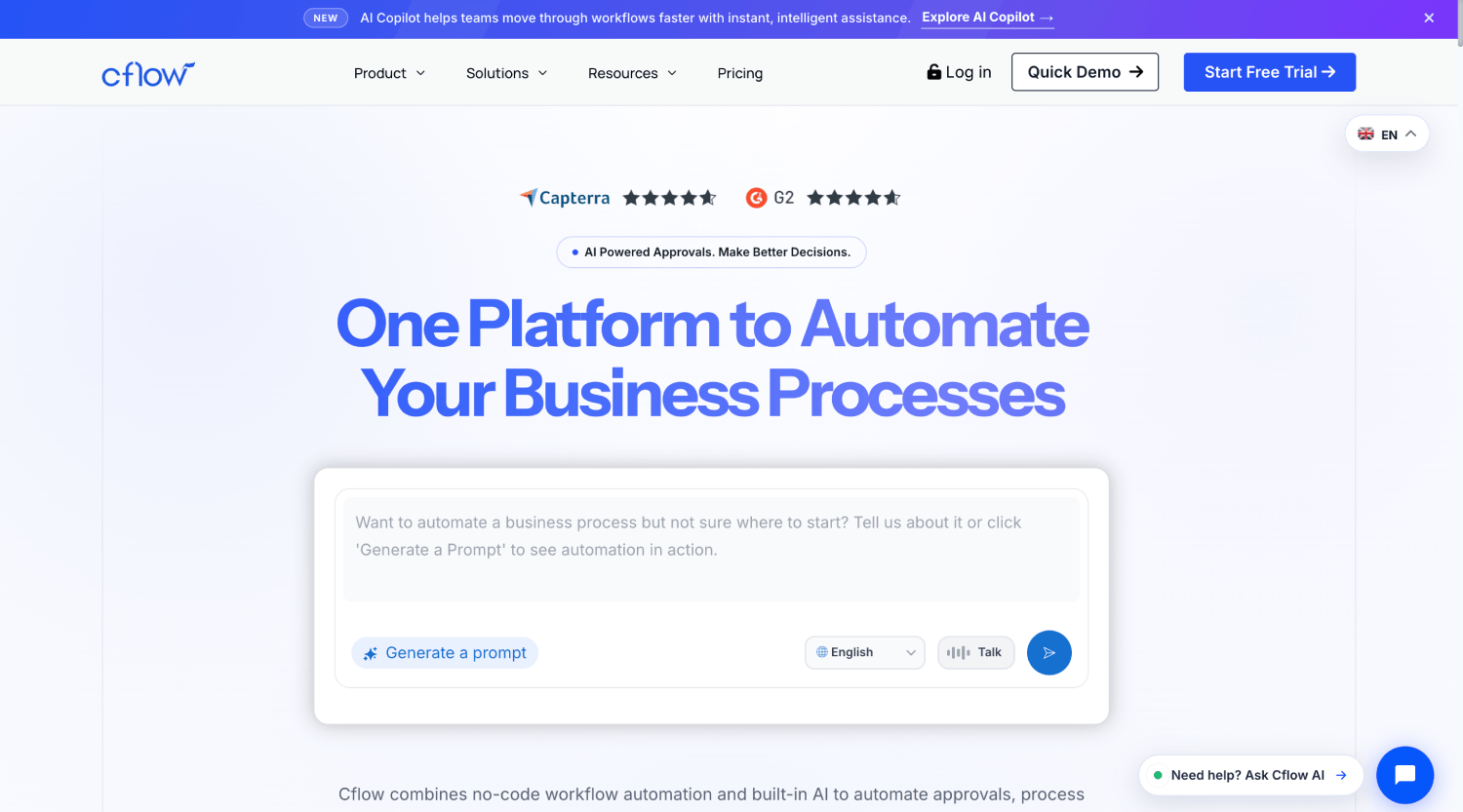
Best for: Mid-size teams that want no-code approvals with published per-user pricing.
Cflow combines a visual form builder, a visual workflow builder, and a rules engine. Approved requests can be printed as PDF or Word, and a Document Designer handles layout. Public form approval, Cflow Sign e-signatures, OCR and email data extraction are paid add-ons, and the plan comparison lists advanced email reminders and email-driven workflows. A 14-day trial needs no credit card.
As of October 2026, Cflow publishes three tiers. Joy, for small teams, costs $11 per user per month, billed annually, with a 10-user minimum and up to 20 workflows. Bliss, for growing teams, costs $16 with a 20-user minimum and up to 50 workflows. Zen, for enterprises, has a 100-user minimum and unlimited workflows, with custom pricing.
Limitation: Workflow caps apply per plan, and each tier sets a minimum user count: 10 on Joy, 20 on Bliss, and 100 on Zen.
Which Approval Workflow Tools Generate Documents Inside the Workflow?
FlowForma Process Automation fills Word templates inside the process and converts them to PDF. Nintex, Kissflow, and Cflow generate documents from templates inside the workflow. Formstack adds documents in its Suite plan. Power Automate fills Word templates through a connector. Jotform and Zoho Creator turn submissions into PDFs. PandaDoc starts from the document.
The question that decides long-term cost is where the template lives and who maintains it. When the template, the rule that fills it, and the approval sit in one process definition, a change to the purchase order layout is a business task. When the template sits behind a connector in a flow, every change goes through whoever owns that flow.
|
Software
|
How the document is produced
|
Where it lives
|
|
FlowForma Process Automation
|
Word template mapped with a no-code add-in, filled by a document rule, converted to PDF
|
In the process, filed to SharePoint
|
|
Microsoft Power Automate
|
"Populate a Microsoft Word template" action, then a PDF conversion action
|
In a flow your team builds
|
|
Nintex
|
Generate document action with tagged templates, output as one PDF or separate files
|
In a Nintex Automation Cloud workflow
|
|
Kissflow
|
Document template plus a Generate PDF integration step
|
In the process and its integration
|
|
Formstack
|
Formstack Documents
|
Suite plan and above
|
|
Jotform
|
PDF Editor layouts built from submissions
|
In the form account
|
|
Zoho Creator
|
Record templates exported as PDF
|
In the app's report settings
|
|
PandaDoc
|
Documents built in PandaDoc's editor and templates
|
In PandaDoc
|
|
Cflow
|
Requests printed as PDF or Word; Document Designer
|
In the workflow
|
For high-volume runs, our automated document generation can also create one document per row of a repeating table, which helps when a single approval produces several supplier letters.
How Does a Purchase Approval Move From Form to Generated PDF?
An employee submits a $12,000 purchase request. Rules route it to their manager, then add finance because it exceeds $10,000. If finance finds a missing quote, the form passes back for correction. Once approved, the data fills a Word purchase order template, converts to PDF, and files in SharePoint.
Here's how that request runs on our platform. It's an illustrative build, assembled from features in our product documentation, and every step below is standard configuration rather than custom code.
How approval routing rules work
The form captures the requester, department, supplier, amount, and the quote attachment. A Person or group question names the requester's manager, and a Step ‘assign to’ rule sends the first approval step to whoever that answer holds.
A Hide/show step rule keeps the finance approval hidden unless the amount is above $10,000, so a $900 request never reaches finance. For an IT purchase, put IT and finance in a parallel group, and the form only moves on when both have approved.
Every pattern in our approval workflow automation is built from these steps and business rules, with no separate approvals tool to license or maintain.
What happens when an approver rejects or asks for changes
The platform treats ending a request and fixing it as different actions. Finance spots that the quote is missing and passes the form back to the first step. The requester sees it in editable mode, attaches the quote, and resubmits.
One detail catches people out: the ‘Pass back’ rule doesn't send an email by itself, so add a ‘Send email’ rule to tell the requester. If finance rejects outright, the form ends at that step, keeps the data already entered and shows a Rejected status.
An approver going on leave can name a substitute for a date range, and every action lands in an audit trail recorded out-of-the-box for every process.
How the purchase order PDF is generated and filed
Once the last approval lands, a Generate document rule fills the purchase order with the approved fields. A Convert Word to PDF rule produces the PDF, the file saves to the purchasing library in SharePoint, and a ‘Send email’ rule delivers it to the supplier.
Nobody retypes the amount. That's the same shape of process Downer NZ runs as its most used flow, an automated purchase order "with over 4,500 purchase order requests digitized."
Bring your own purchase request to a demo and we'll build its routing and PO template live.
How Do You Replace Paper Forms and Email Approvals?
Replace them with a digital intake form, rules-based routing, and an audit trail in one process. The form captures clean data at the source, rules send each request to the right approver by department or amount, reminders and escalations chase late approvals, and every decision is recorded with who approved it and when.
In FlowForma Process Automation, approvers can act from Microsoft Teams, Outlook, or the mobile app, which also works offline, and external users join through FlowForma Engage without a license. Start with one paper form your team still scans or emails, rebuild it as a process, and retire the paper version once the first approvals run cleanly.
Which Approval Workflow Software is Best for Each Use Case?
Match the tool to where the request starts and where the document ends up. Microsoft 365 teams running purchase, HR, contract, or compliance approvals fit FlowForma Process Automation. Public intake fits Jotform or Formstack. Sales quotes fit PandaDoc. Simple Power Automate flows can stay put.
If the document already exists and needs filing and retention more than a request form, a document management system such as DocuWare is a different category.
|
Use case
|
Best fit
|
Why
|
|
Purchase approvals in Microsoft 365
|
FlowForma Process Automation
|
Value-based routing and the PO template live in one process
|
|
HR offer letters and onboarding documents
|
FlowForma Process Automation on Microsoft 365; Kissflow outside it
|
Both fill templates from process data
|
|
Regulated approvals that need an audit history
|
FlowForma Process Automation
|
Audit trail on every process; e-signatures through FlowForma Compliance
|
|
Customer quotes and proposals
|
PandaDoc
|
Built around documents sent to customers
|
|
Public applications and registrations
|
Jotform or Formstack
|
Both start from the form, not the process
|
|
Documents driven by Salesforce data
|
Formstack
|
Salesforce-native forms and documents
|
|
Simple flows already in Power Automate
|
Microsoft Power Automate
|
Nothing to migrate
|
|
Custom apps on Zoho
|
Zoho Creator
|
Shares data with other Zoho apps
|
Purchasing teams sometimes need a dedicated buying tool as well, a different decision covered in our guide on procurement automation software.
Three rules settle most shortlists:
- If you run Microsoft 365 with SharePoint Online and your approvals end in a governed Word or PDF document, choose FlowForma Process Automation, because forms, routing and templates sit in one no-code platform in your tenancy.
- If your flows are simple and already built in Power Automate, stay there, because its Word connector covers basic template filling.
- If requests start outside your organization, choose Jotform or Formstack; for sales quotes, PandaDoc, because they start from the form or the document.
How Much Does Approval Workflow Software Cost in 2026?
As of October 2026, approval software is priced per process, per user, per plan with builder limits, or by quote. FlowForma Process Automation is priced per process, from $2,347 per month, billed annually, for up to three processes. Jotform, Formstack, PandaDoc, Cflow, and Zoho Creator publish prices. Nintex and Kissflow quote on request.
The model matters more than the headline number. Per-user pricing scales with headcount, and Cflow adds user minimums of 10 and 20. Per-plan pricing caps builders: Jotform's paid plans hold one user, and Formstack's Suite holds three. Document generation is often where the next tier hides. Formstack keeps it for Suite, and PandaDoc keeps approvals for Business.
Our pricing is published, and we price per process. As of October 2026, Professional covers up to 30 processes from $3,293 per month, billed annually, and includes FlowForma Copilot and AI Agents, which are an add-on on Essentials. External users, governance, and onboarding services come with every plan.
A hypothetical ROI calculation
Take a hypothetical team handling 500 approval requests a month. If automation saves 15 minutes of administrative time per request and that time costs $30 an hour, the gross saving is $3,750 a month, before software, implementation and maintenance costs.
Run the same sum on your own volumes. As digital transformation consultant Suzy Pinsent put it: "Don't let the initial investment be a blocker to transformation, once you digitalize 3 noteworthy processes with FlowForma Process Automation, you've already got your ROI."
How Do You Choose and Test Approval Workflow Software Before Buying?
Map one real process and test it end-to-end before you sign. With a purchase request, check that conditional fields appear, the right approver gets it, rejection returns it, reminders fire, approved data produces an accurate PDF, and the decision history exports.
Pick the process that hurts most, list every approver and threshold, and write down the document it should produce. That one page tells you more than a feature grid. Then run the request through each shortlisted tool:
- Fill the form with an amount above and below your threshold, and confirm the conditional fields and finance step appear only when they should.
- Submit as a requester whose manager is someone other than the default, and confirm the request reaches that manager.
- Reject once and request changes once, and confirm the second path returns an editable form.
- Leave a step untouched past its deadline, and confirm the reminder or reassignment fires.
- Approve the request, open the generated PDF, and compare every field with the form.
- Export the decision history and read it as your auditor would.
FlowForma Process Automation comes with a 30-day free trial, no credit card required, and a free proof of concept against your own requirements.
Where does FlowForma Process Automation fit, and where doesn't it?
FlowForma Process Automation fits Microsoft 365 organizations with approval-heavy, multi-level processes that end in a document and need IT governance. It doesn't fit teams outside Microsoft 365, anyone needing SharePoint Server on-premises, organizations under 30 people, or buyers looking for screen-level bots.
FlowForma Process Automation is an AI-powered, no-code platform built natively on SharePoint Online and Microsoft 365 that combines dynamic forms, a workflow engine for multi-stage approvals, and Word and PDF document generation on every plan, priced per process.
If your approvals live in Microsoft 365 and still end in retyping, approval workflow software with forms and document generation should remove that step first. Start with the request your team chases most, and book your demo with us to see it in action.