Enterprise process automation without a big developer team works when business teams build and change processes and IT governs releases. Of the four platforms compared here, FlowForma Process Automation is the no-code option, native to Microsoft 365. Appian and Pega are low-code platforms that rely on trained builders, and Camunda runs automated steps through code-based job workers.
If your IT team is small, the deciding question is who can change a live process. In FlowForma Process Automation, a process owner can build the form, the rules, and the document template with no code, and IT decides what reaches production. Appian and Pega still need trained builders for application work, and Camunda still needs engineers for any custom service task. That split, more than a longer feature list, is what makes enterprise process automation possible without a big developer team.
Your organization has thousands of employees, and your IT team is small enough to fit around one table. The backlog holds a purchase approval that lives in email, an onboarding checklist in a spreadsheet nobody owns, and a contract sign-off that stalls every time a director goes on leave. All four platforms can run complex, multi-stage processes like these, so what decides your budget is who builds and changes them after go-live.
We compared the four on what matters to an enterprise without a large development team, using their own pricing pages, documentation, and trust centers, checked in October 2026, and one purchase approval traced through each.
|
Platform
|
Build approach
|
Developer dependency
|
Best for
|
Main trade-off
|
Ideal organization
|
|
FlowForma Process Automation
|
No-code forms, workflow and rules on Microsoft 365
|
Low: technical help mainly for advanced integrations
|
Approval-heavy, regulated processes owned by business teams
|
Needs Microsoft 365 with SharePoint Online
|
Microsoft 365 enterprise with a lean IT team
|
|
Appian
|
Low-code application development
|
High for custom apps, lower in Case Management Studio
|
Custom enterprise applications on unified data
|
Custom builds need trained Appian developers
|
Enterprise with an application development team
|
|
Pega
|
Low-code case management with AI decisioning
|
High: trained Pega builders
|
Customer-facing case management at volume
|
Production apps need builders trained through Pega Academy
|
Large enterprise with high case volumes
|
|
Camunda
|
BPMN orchestration engine
|
High: automated steps need connectors or coded job workers
|
System-to-system orchestration
|
Production use needs an Enterprise license and worker code
|
Organization with an engineering or platform team
|
What does Enterprise Process Automation without a Big Developer Team require?
It requires a platform where business teams build and change processes without code, while IT controls identity, releases, and audit. For enterprise business teams, that means complex multi-stage workflows, integrations with core systems, and governance that holds up at scale, so a lean technical team reviews changes instead of writing them.
Four tests separate a no-code process automation platform for enterprise business teams from a departmental form tool:
- It handles multi-level, conditional approvals.
- It integrates with ERP and identity systems.
- It promotes changes through test and production environments.
- It records every action for audit.
The sections below measure Appian, Pega, Camunda, and FlowForma Process Automation against those tests.
That ranking matters more than any feature list, because it tells you who you'll be hiring in year two. If what you actually need is app-to-app data syncing, an integration platform will serve you better than any of these four.
AI drafting hasn't changed the ranking. All four vendors now help you get to a first version faster: Appian includes AI Copilot for Developers on its Standard tier and adds AI Copilot for Business Users on Advanced and Premium, Pega has Blueprint, and Camunda markets its SaaS as a full agentic process orchestration platform. A faster first draft doesn’t change who maintains the process.
The cost shows up in the change request six months later, when finance raises the approval threshold or a new regulation adds a sign-off. Ask who makes that change on each platform, and how long it waits in a queue.
Visual configuration: FlowForma Process Automation
FlowForma Process Automation is an AI-powered, no-code platform for automating business processes, built natively on SharePoint Online and Microsoft 365. It brings together everything a process needs in one place: dynamic forms to capture data, a powerful workflow engine that orchestrates people, systems and AI agents, and real-time reporting and insights. Business teams can build and run smart processes, from simple requests to complex, multi-stage workflows, while IT keeps full control over governance, security and compliance. A process owner can describe a process, or upload a diagram or an existing form, and FlowForma Copilot builds a working draft of the steps, questions, and rules.
Process owners can also start from the AI assistant they already use. Through FlowForma’s MCP server, Claude, ChatGPT, and Microsoft Copilot can map a process with them, ask the questions a business analyst would, and send it to FlowForma Process Automation, ready to run. The same conversation can review a live process and suggest improvements, or add an approval route or form field on request. Permissions, approvals, and governance stay in FlowForma Process Automation.
Either way, the process owner refines the draft in the visual designer. AI Agent Rules can then read an uploaded invoice or quote, extract the fields, and validate them before a person approves. Every AI output can be reviewed before deployment, and the AI features can be switched off if your policy requires it.
Low-code application development: Appian and Pega
Appian is candid about who its tools are for. Its low-code product page describes low-code platforms as geared toward professional developers and says custom applications in Appian require previous development expertise.
It runs certifications from Associate Developer to Lead Developer, and developers can extend apps in Java or Python through web services. There's a fair counterpoint: Appian's Case Management Studio, included on its Advanced and Premium tiers, lets citizen developers launch case work from prebuilt modules in a no-code interface.
Pega builds around case management and AI decisioning. Pega Blueprint drafts an application from a description of the work, and Pega Academy certifies the builders who take it to production. Both platforms reward an in-house team that knows them well.
Developer-led orchestration: Camunda
Camunda gives analysts a BPMN and DMN modeler, a form builder, and a task list for human steps. The automation itself is different. When a process reaches a service task, Camunda creates a job, and a job worker built on a Zeebe client picks it up, does the work, and reports back.
Camunda's job worker documentation says worker code must be idempotent, because a job can be delivered more than once. Connectors configured from templates cover common calls, but custom connectors are written with Camunda's Connector SDK. That model suits organizations whose engineers already write and run services. Without them, every automated step outside a template connector needs someone to write and operate code.
What can Enterprise Business Teams own, and What still needs IT or Developers?
Enterprise business teams can own forms, approval routing, notifications, and document templates when the platform is no-code and IT controls promotion to production. Custom APIs, complex integrations, and infrastructure still need technical skills: job workers on Camunda, advanced integrations on FlowForma Process Automation.
|
Activity
|
FlowForma Process Automation
|
Appian
|
Pega
|
Camunda
|
|
Process design
|
Process owner
|
Appian developer; business user in Case Management Studio
|
Pega builder, with Blueprint drafts
|
Business analyst models BPMN
|
|
Forms and approval rules
|
Process owner
|
Appian developer
|
Pega builder
|
Analyst or developer
|
|
Integrations
|
IT administrator (REST API, databases)
|
Developer
|
Developer
|
Developer (job workers, Connector SDK)
|
|
Production deployment
|
IT administrator promotes from sandbox
|
Developer or IT, through Appian's CI/CD
|
Developer or IT
|
Developer or platform team
|
|
Upgrades and infrastructure
|
FlowForma ships updates; your IT runs the Microsoft 365 tenant
|
Appian (Appian Cloud) or your IT (self-managed)
|
Pega secures Pega Cloud; you own app configuration and user access
|
Camunda (SaaS) or your platform team (Self-Managed)
|
Activities business users handle
On FlowForma Process Automation, the person who owns the process builds it in a sandbox, tests it in a separate UAT environment, and asks IT to promote it. IT stays the gatekeeper of production.
That split is what lets a lean IT team say “Yes” to more processes: the team reviews and releases; it doesn't build every form. FlowForma's governance page shows how sandbox, test, and production environments hand a process from its builder to IT.
It holds up in practice. At the A14 Integrated Delivery Team, a joint venture of Costain, Skanska, and Balfour Beatty, the IT Manager built 24 flows himself after evaluating Nintex, K2, and Power Apps, as the A14 case study describes.
Scale doesn't change the pattern. At Downer New Zealand, more than 200 users in the Transport & Infrastructure team build their own flows. At Aon in Ireland, a colleague from a non-IT background built one of the more advanced processes with zero lines of code.
Activities that still need technical skills
Most requests after go-live are small: a new approver, a revised threshold, an extra field on the form, or a supplier who needs to submit documents. Those are the changes that pile up in an IT backlog, and they're the ones a no-code platform moves to the process owner.
On FlowForma Process Automation, a process owner can make those changes in the designer or ask for them in Claude, ChatGPT, or Microsoft Copilot.
Every FlowForma Process Automation plan includes external users, so suppliers can take part in a process and a vendor onboarding form doesn’t become a separate project.
No-code has a boundary, and it sits at integration. Connecting a process to an ERP through REST APIs or a database is an IT task on FlowForma Process Automation, and those advanced integrations come with the Professional and Enterprise plans.
On Camunda, the boundary sits much earlier: any automated step that isn't covered by a template connector needs code. On Appian, it sits wherever you leave Case Management Studio's modules and build a custom application.
How do Appian, Pega, Camunda, and FlowForma Process Automation handle the same purchase approval?
In FlowForma Process Automation, a process owner builds the form, the $10,000 finance rule, the purchase order template, and the audit trail without code, and IT promotes it. Appian and Pega build it as a low-code application or case type. Camunda models it in BPMN, with job workers or connectors for documents.
The process
A typical enterprise purchase approval has six steps:
- An employee submits a request with the amount, cost center, and supplier quote.
- Their manager approves or rejects it.
- If the amount exceeds $10,000, finance approves it as well.
- The system generates a purchase order PDF from a template.
- The approved order is sent to the ERP.
- Every decision is recorded with who approved it and when.
Platform by platform
1. FlowForma Process Automation
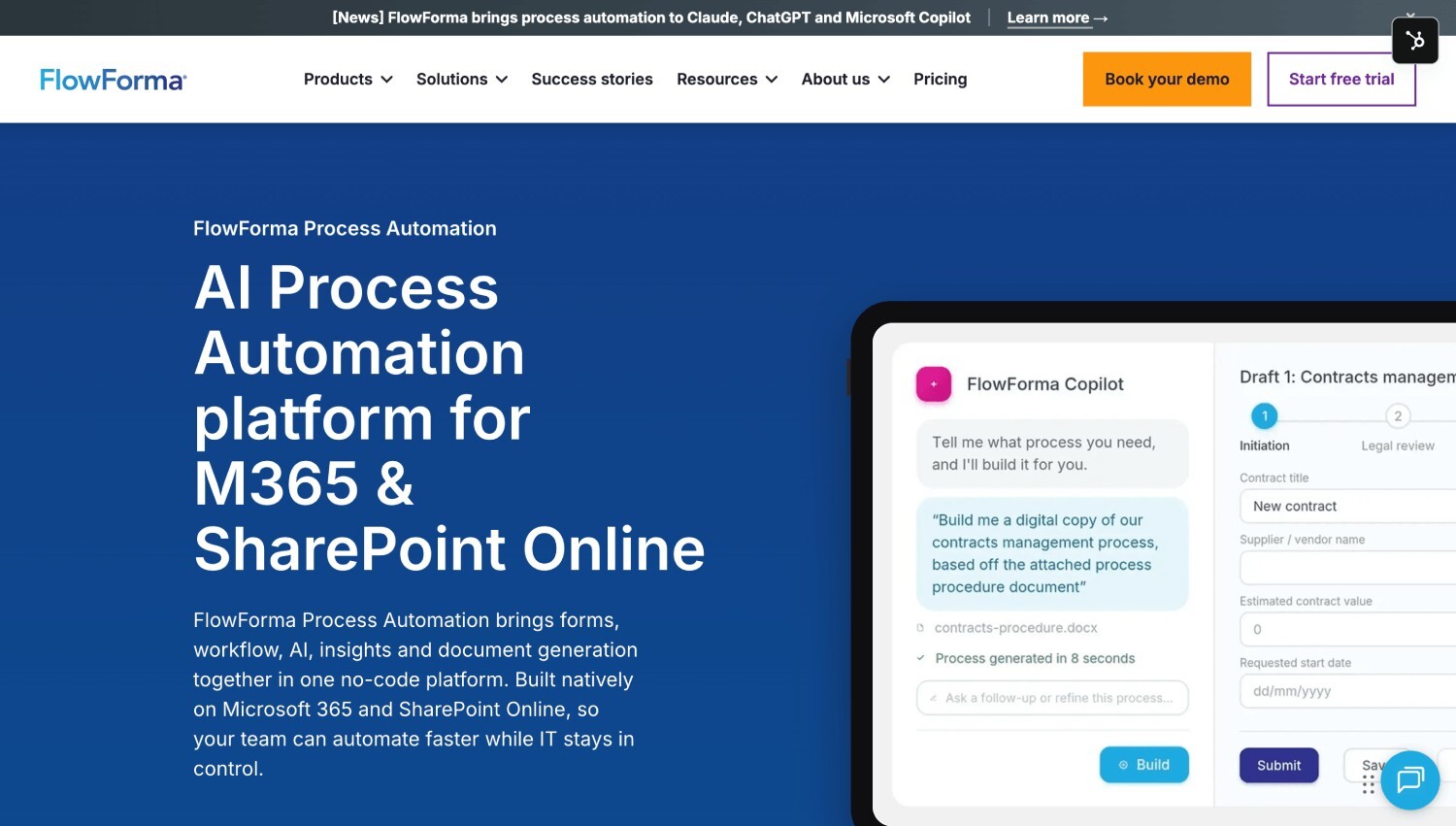
FlowForma Process Automation's Homepage
This matches the Purchase Request process we define on our pricing page: submission, required information, approvals triggered by value or department, and progression through finance and procurement.
The process owner builds the form and adds a rule that routes requests above $10,000 to finance. Our workflow and rules engine handles the routing, escalations, and notifications, validates data at each step, and records every action in the audit trail. The purchase order comes from a Word or PDF template, and document generation is included on every plan.
Downer NZ runs this kind of process at scale: its most-used flow has digitalized more than 4,500 purchase order requests, as our Downer NZ case study shows.
2. Appian
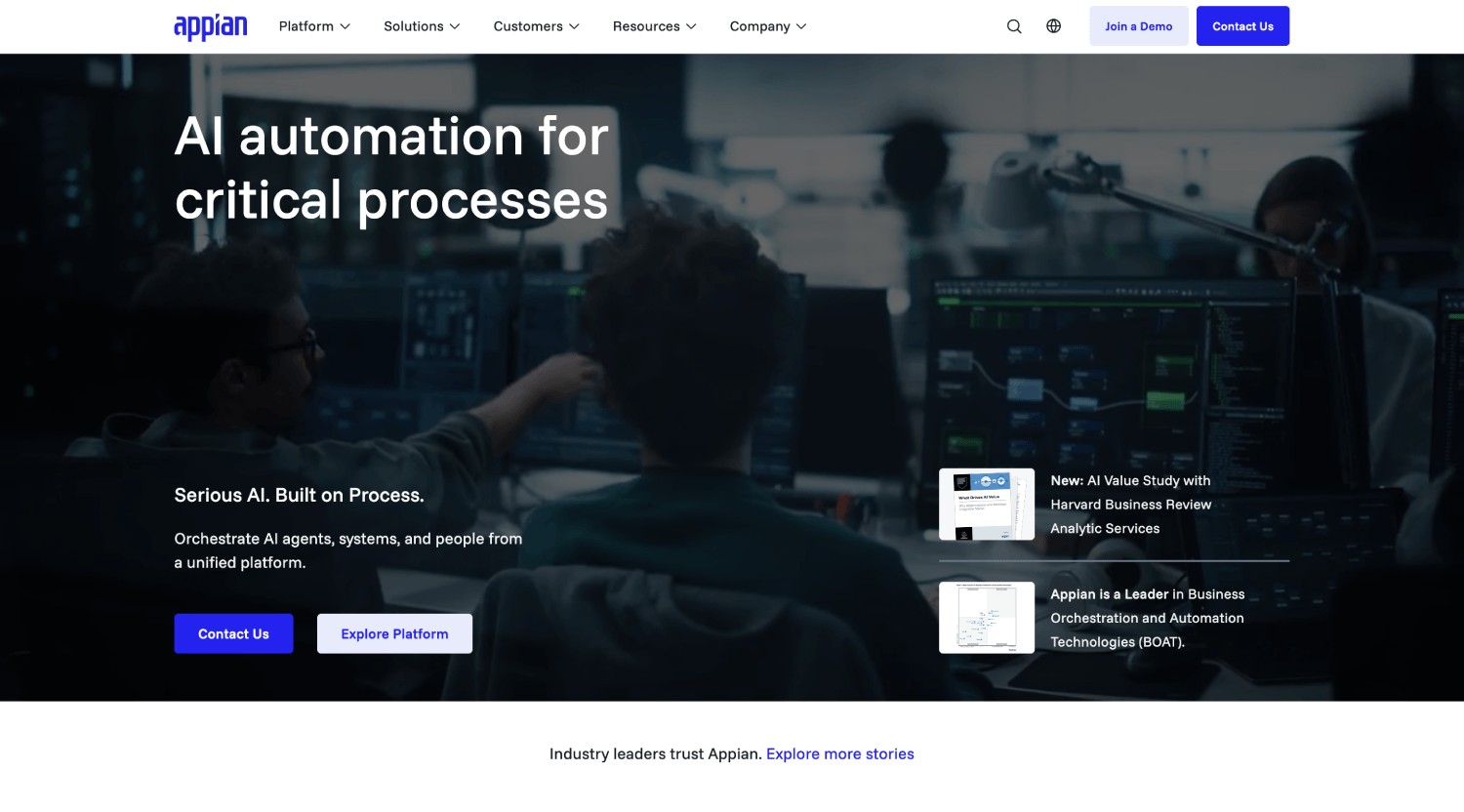
Appian's Homepage
An Appian developer builds the request form, process model, and record type as a low-code application, using Appian’s data fabric to pull supplier and budget data into one view.
The same developer adds the $10,000 approval rule, generates the purchase order, and builds the ERP integration, because Appian says custom applications require previous development expertise. Releases move through Appian’s native CI/CD.
If the request fits Case Management Studio’s prebuilt modules on the Advanced or Premium tier, a citizen developer can launch the case work instead. Ask Appian to show where the approval history is recorded.
3. Pega
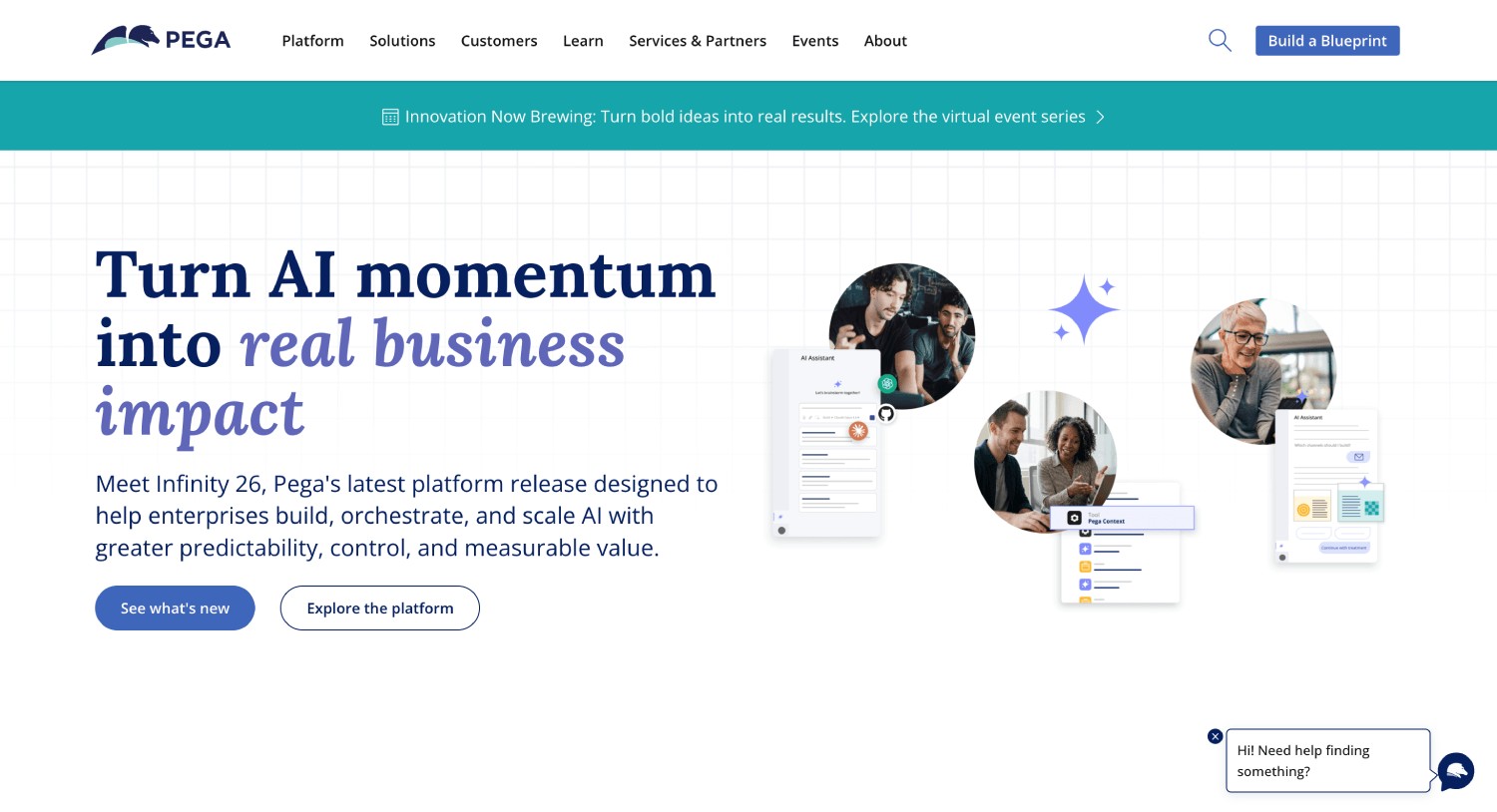
Pega's Homepage
The request becomes a case type with stages for intake, manager review, and finance review. Blueprint can draft that design from a plain description, and a builder trained through Pega Academy turns it into a production application.
That builder adds the decision rule for amounts over $10,000, document generation for the purchase order, and the ERP integration. Ask Pega to show the audit history for a single request.
4. Camunda
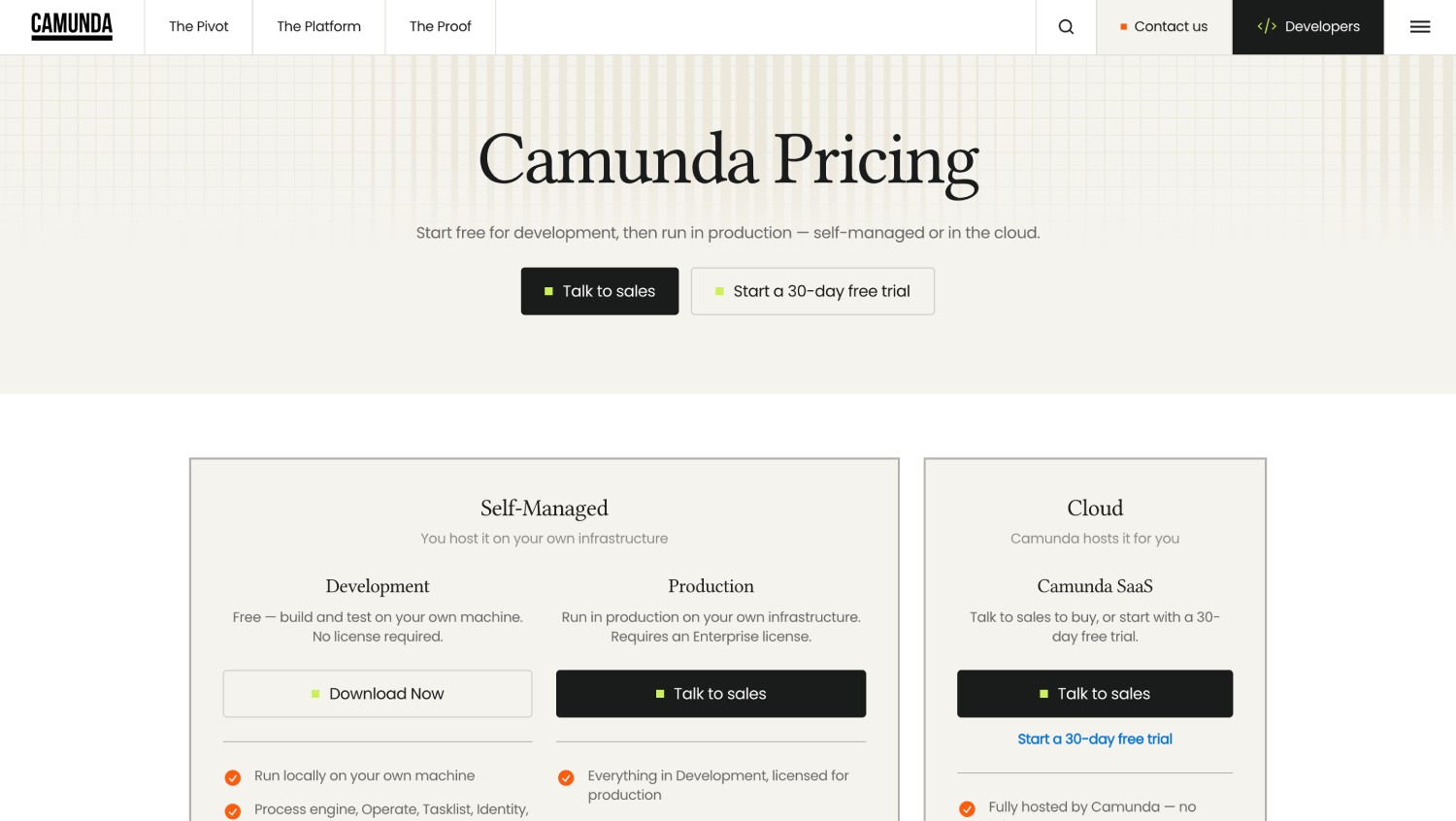
Camunda's Homepage
An analyst models the flow in BPMN, with user tasks for each approval and an exclusive gateway on the $10,000 threshold. Managers and finance approve in Camunda’s Tasklist, using forms built in its form builder.
The PDF and the ERP call are service tasks, so each needs a connector or a job worker that a developer writes, deploys, and monitors.
Where Technical help comes in
On FlowForma Process Automation, technical help enters at step 5, the ERP connection. On Appian and Pega, it enters at step 1, because the application itself is a development project. On Camunda, it enters at steps 4 and 5, and stays for as long as the workers run.
Approval chains rarely stay at two levels. Utah's DHHS (Department of Health and Human Services), with over 6,000 staff across 150 offices, runs contracts through 6 levels of approval on FlowForma Process Automation. Sarah Klenk, SharePoint Administrator at Utah DHHS, put the result plainly: “Our contracts used to take months to get signed, now they’re approved within 1 to 5 days.”
Book your demo and bring the approval chain your team runs today.
What do Appian, Pega, Camunda, and FlowForma Process Automation cost in 2026?
FlowForma Process Automation publishes per-process prices, billed annually. Appian prices per user, per month, per app on quote, and Camunda licenses production use after free development and a 30-day trial. Pega shares pricing on request. For enterprises without a large IT bench, developer and partner hours often outweigh the license.
Published pricing and licensing
|
Platform
|
Published pricing metric
|
Published starting price
|
Free trial or edition
|
Deployment
|
Cost lines to confirm
|
|
FlowForma Process Automation
|
Per process: Essentials up to 3, Professional up to 30, Enterprise based on your process estate
|
Essentials from $2,347 per month, billed annually; Professional from $3,293 per month, billed annually
|
30-day free trial; free proof-of-concept
|
Microsoft 365 and SharePoint Online
|
Copilot and AI Agents are an add-on on Essentials; Advisory Services, Premium Support, Consultancy Days
|
|
Appian
|
Per user, per month, per app (Standard, Advanced, Premium)
|
Pricing on request
|
Free Community Edition
|
Appian Cloud, self-managed, hybrid cloud or on-premises
|
AI Action limits by tier; Autoscale needs additional licensing
|
|
Pega
|
Not published
|
Pricing on request
|
Platform trial
|
Pega Cloud
|
Pricing metric, edition, and term (confirm with Pega)
|
|
Camunda
|
Enterprise license for production
|
Pricing on request
|
30-day SaaS trial; free Self-Managed for development
|
Camunda SaaS or Self-Managed
|
Hosting and operating your own workers
|
All figures are from each vendor’s own site, as of October 2026. Our published per-process pricing shows the full plan comparison: Essentials starts from $28,164 a year, billed annually. Copilot and AI Agents are included from Professional upward, along with advanced integrations.
Costs that grow as you scale
Each pricing metric grows with a different part of your business, so check which one tracks your growth. On FlowForma Process Automation, cost follows the number of processes: up to 3 on Essentials, up to 30 on Professional, and Enterprise is based on your process estate, with fair usage limits on AI.
On Appian, it follows users and apps, and AI features draw on monthly AI Action limits of 200,000 on Standard, 500,000 on Advanced, and 1 million on Premium, as of October 2026.
Pega doesn’t publish its pricing metric, so ask which unit your quote scales with. On Camunda Self-Managed, the license is only part of it; you also host and run the cluster and every worker.
Partner services, premium support tiers, and extra environments sit on top of all four, and they're the lines most often missing from a first quote.
How to model three-year cost of ownership
License is the line everyone negotiates and the one that matters least when developer time is scarce. Model these lines for each vendor:
- Subscription for three years at your expected scale (processes, users and apps, or the unit in your Pega quote);
- Implementation, including any partner or vendor services;
- Developer or consultant hours to build and change processes;
- Integrations to ERP, HR, and finance systems;
- Infrastructure, if you self-manage;
- Training, certification, and support tiers.
Then use one formula:
Three-year cost = Subscription × 3 + Implementation + (Annual Build and Change Hours × Hourly Rate × 3) + Infrastructure + Add-ons.
The middle term is where the four platforms diverge most. A platform where process owners make their own changes moves those hours off your developers' timesheets.
Can a no-code platform meet enterprise security and governance requirements?
Yes, when controls are documented. FlowForma Process Automation uses Microsoft Entra ID, keeps process data in your own Microsoft 365 tenancy, and holds ISO/IEC 27001:2022. Appian and Pega publish SOC 2 and FedRAMP coverage for their clouds, and Camunda offers SaaS or self-managed with SSO. Check each control yourself.
Identity, permissions, and audit
FlowForma Process Automation uses your Microsoft identity: users sign in through Microsoft Entra ID, and access follows your SharePoint permissions and role-based controls.
Every action lands in the audit trail. For regulated work, the compliance features with eSignatures and flow snapshots let an external auditor see how a process ran at a specific point in time. At Utah DHHS, 0 queries were raised at the organization's last audit after contracts moved onto the platform.
Camunda lists SSO and LDAP or Active Directory support on its pricing page. Pega Cloud runs under a shared responsibility model: Pega secures the platform, and you own application configuration, data classification, and user access.
Deployment and data residency
This is where the architectures differ most. FlowForma Process Automation runs on SharePoint Online, so process data and documents stay inside your own Microsoft 365 tenancy, and data residency is set by that tenant. FlowForma Copilot runs on Microsoft's
OpenAI service, and your prompts and documents aren't used to train AI models without your permission. Our certifications are ISO/IEC 27001:2022 and Cyber Essentials, listed on our security page.
As of October 2026, Appian lists SOC 1, SOC 2, SOC 3, FedRAMP, and HIPAA coverage for Appian Cloud and offers self-managed, hybrid cloud, and on-premises deployment.
Pega’s trust center lists SOC 2 Type 2, ISO 27001, and FedRAMP among the Pega Cloud certifications.
Camunda hosts SaaS Console and Modeler in the EU, with clusters in other regions, or you run it yourself (checked October 2026).
When should you choose FlowForma Process Automation instead of Appian, Pega, or Camunda?
Choose by who will own changes after go-live. FlowForma Process Automation fits approval-heavy processes on Microsoft 365 that business teams own under IT governance, while Appian, Pega, and Camunda fit organizations with trained builders or engineers on hand. The three rules below apply that test, and a proof of concept confirms it.
The wider evaluation criteria are in our guide to enterprise workflow automation. The rules we’d give any IT leader are shorter:
- If your processes are approval-heavy, run in Microsoft 365, and your IT team is lean, choose FlowForma Process Automation, because business teams build without code while IT controls what reaches production, on per-process pricing.
- If you're building custom applications or high-volume customer case management, choose Appian or Pega, because both center on low-code development and case management, and budget for trained builders.
- If engineers own system-to-system orchestration, choose Camunda, because its custom service tasks run through job workers they write.
Where FlowForma Process Automation fits and where it does not
FlowForma Process Automation is an AI-powered, no-code platform built natively on SharePoint Online and Microsoft 365, where business teams build complex, multi-stage workflows, IT controls what reaches production, and pricing is per process.
It fits when three things are true:
- Your organization runs on Microsoft 365 and plans to stay there.
- Your processes are human-centric and approval-heavy, crossing departments with rules about value, role, and exceptions.
- You want the people who know those processes to maintain them.
The published proof follows that pattern. Utah DHHS reports an “87% improvement in contract management, reducing processing time from two months to one week.” Downer NZ saved more than 3,350 development hours across 23 automated processes, by the team's own count.
It doesn't fit everyone. It's built for organizations on Microsoft 365 with SharePoint Online and doesn't run on SharePoint Server on-premises. It isn't RPA, so screen-scraping legacy desktop apps belongs elsewhere. It's also a poor fit for organizations with fewer than 30 people.
And teams outside Microsoft 365 that need procurement or contract workflows should look at FlowForma Contract, which doesn't need Microsoft 365.
What to ask each vendor to demonstrate
A proof of concept settles what a demo can't. Hold every vendor to the same eight tests, run on your own process:
- A business user builds the workflow without vendor developers.
- The $10,000 conditional approval routes correctly.
- A document is generated from your template.
- One existing system is connected.
- Access permissions are enforced by role.
- A failed step is recovered without losing data.
- A live process is changed safely, with running requests untouched.
- Audit records are exported for your auditor.
Note who does the work in tests 1 and 7, because their hours are the middle term in the three-year cost formula.
Choosing your platform
If you're a Microsoft 365 enterprise with a small technical team and a queue of approvals, enterprise process automation without a big developer team is a realistic plan, and FlowForma Process Automation is built for it.
Whichever way you go, pick the platform that matches the team you already have.
Bring your own purchase approval and see it worked through live, with IT governance in place. Book your demo, or start a free trial for 30 days, no credit card required. The trial starts with a short setup meeting, then you get one-to-one access to process experts.