The best Decisions alternatives in 2026 are FlowForma Process Automation, Microsoft Power Automate, Nintex, Appian, Pega, Camunda, Bizagi, and Kissflow. If you’re a Microsoft 365 organization and want business teams to build complex, governed workflows in SharePoint Online, choose FlowForma Process Automation. If you need on-premises hosting, look at Appian, Pega, Camunda, or Nintex Automation K2, and if business rules are the core of your processes, Camunda and Pega come closest to Decisions.
This guide covers Decisions, the business process automation and rules platform at decisions.com, which merged with ProcessMaker in 2025. It does not cover the Decisions meetings app for Microsoft Teams.
In this article I’ll cover what Decisions does well, why teams start looking elsewhere, and how each of the eight decisions.com alternatives compares with it in practice. The last section brings everything together into one set of questions to help you build your shortlist.
What is Decisions?
Decisions (decisions.com) calls itself “a business process automation and orchestration platform.” In practice, that means one environment for workflows, systems, business rules, people, and AI.
Its four modules cover agentic orchestration, an enterprise rules engine, process automation, and process intelligence. You can run it in the cloud, in a hybrid setup, or on-premises.
Its customers tend to be in complex, regulated sectors, such as insurance, financial services, higher education, healthcare, manufacturing, and the public sector.
Decisions and ProcessMaker
Decisions and ProcessMaker announced their merger on November 10, 2025. Together, they have more than 700 customers, with backing from Aldrich Capital Partners.
Since June 9, 2026, both have traded under the Decisions brand. If you’re an existing customer, you stay on the product you already use.
How much does Decisions cost?
Decisions’ Foundation / Mid-Market plan starts at $4,000 per month, billed annually, and includes 1,000 cases a month. Growth and Enterprise plans are quoted. Our guide to Decisions pricing goes into more detail.
Why do teams look for Decisions alternatives?
Looking at alternatives doesn’t mean Decisions has let you down. More often, something around it has changed, whether that’s the vendor, the team, or the rest of your technology. Here are the five reasons that come up most.
1. The vendor has changed
ProcessMaker and Decisions merged in November 2025, then moved to a single brand in June 2026. That’s a lot of change in a short time.
None of that’s a problem in itself. But a merger is a natural moment to check the market, especially if your renewal is coming up.
2. It’s built with technical teams in mind
One customer quoted on the Decisions website calls the platform “very approachable for any .NET developer.” If your developers own automation, that’s good news.
If you want the finance manager or HR lead to change their own process, it’s less so. G2’s Appian vs Decisions comparison points the same way, with Decisions scoring 7.9 for Ease of Use against 8.7 for Appian.
3. There’s a learning curve
A Gartner Peer Insights reviewer put it well in June 2026, noting that “new users may require time to become familiar with advanced features and governance practices.”
That review was positive overall, which says a lot. The platform delivers, but your team will need time to get there.
4. Your organization is standardizing on Microsoft 365
If your people already spend their day in SharePoint Online, Teams, and Outlook, a separate process platform adds friction. That’s one more login for users, and one more data store and vendor for IT to secure.
Many teams would rather keep everything in the tenancy they already manage.
5. The entry point is a big commitment
At $4,000 per month, billed annually, the Foundation / Mid-Market plan makes sense for a large process estate. If you’re automating three or four processes to start with, you may want somewhere smaller to begin.
Decisions competitors compared
|
Tool
|
Best for
|
Deployment
|
No-code level
|
Microsoft 365 fit
|
Pricing model (as published)
|
Free trial
|
|
FlowForma Process Automation
|
Microsoft 365 organizations
|
SharePoint Online, in your Microsoft 365 tenancy
|
No-code
|
Native
|
By process count, billed annually
|
30 days
|
|
Microsoft Power Automate
|
Task and integration flows
|
Microsoft cloud
|
Low-code
|
Native Microsoft product
|
Per user or per bot, paid yearly
|
30 days
|
|
Nintex
|
Existing Nintex estates, document automation
|
Cloud, or on-premises with Nintex Automation K2
|
Low-code
|
Via SharePoint Online app and connectors
|
Consumption-based or user-based, not published
|
30 days
|
|
Appian
|
Enterprise low-code apps, case management
|
Appian Cloud or self-managed
|
Low-code
|
Via connectors
|
Tiered, by quote
|
Free Community Edition
|
|
Pega
|
Large-scale case management, AI decisioning
|
Pega Cloud, client-managed cloud, or on-premises
|
Low-code
|
Via connectors
|
Per case, Enterprise by quote
|
Yes
|
|
Camunda
|
Developer-led BPMN and DMN orchestration
|
Camunda SaaS or Self-Managed
|
Developer-led
|
Via connectors
|
Free for development, production by quote
|
30 days (SaaS)
|
|
Bizagi
|
Model-driven BPM
|
Vendor cloud
|
Low-code
|
Via connectors
|
Consumption-based
|
Free Modeler
|
|
Kissflow
|
Quick no-code start outside Microsoft 365
|
Vendor cloud
|
No-code
|
Via integrations
|
From $2,500 per month, Enterprise custom
|
Not stated
|
Prices checked October 21, 2026.
Deployment and Microsoft 365 fit are the two columns that shape most shortlists. Processes that must stay inside your Microsoft 365 tenancy point to FlowForma Process Automation. Processes that must run on your own servers point to Appian, Pega, Camunda, or Nintex Automation K2.
The 8 best Decisions alternatives
I’ve ordered these by how well they suit Microsoft 365 organizations moving away from Decisions. Each section explains how the tool works, where it’s strong, where it’s less suited, and how it compares with Decisions.
1. FlowForma Process Automation for Microsoft 365 organizations
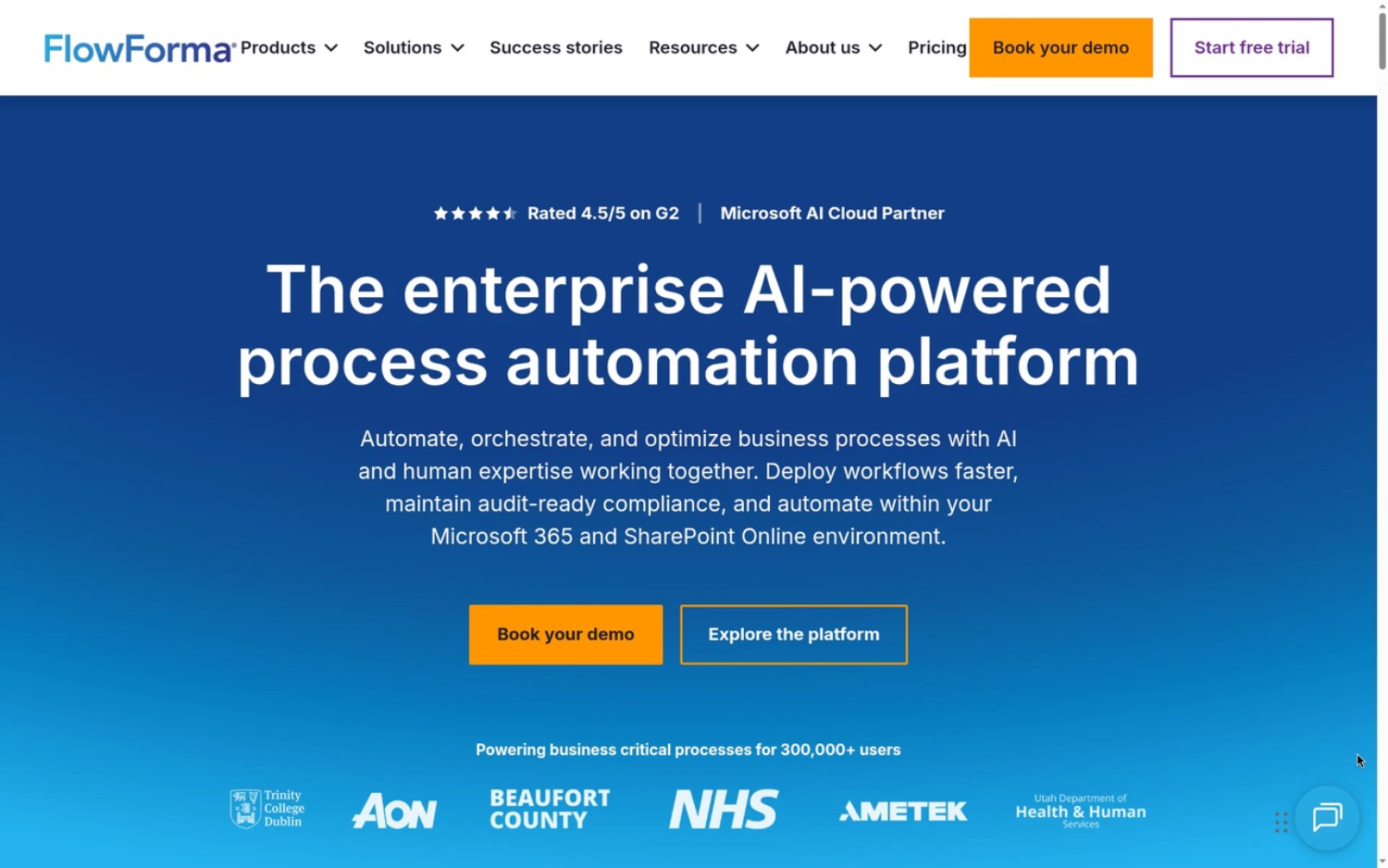
FlowForma Process Automation's Homepage
FlowForma homepage first fold: “The enterprise AI-powered process automation platform,” with Book your demo and Explore the platform buttons above customer logos on a blue gradient.
FlowForma Process Automation is the best Decisions alternative for Microsoft 365 organizations that want business teams to build and own complex, governed workflows.
FlowForma Process Automation is an AI-powered, no-code process automation platform that helps business teams build, run, and govern complex workflows natively in Microsoft 365 and SharePoint Online.
The biggest change from Decisions is who does the building. Say you have a purchase approval that goes to a line manager under $5,000, to finance above that, and to the CFO above $50,000. In FlowForma, the procurement lead can set up those thresholds and change them later, without code. IT still decides what goes live.
Compared with Decisions, FlowForma covers less ground on centrally managed rules, and it won’t run on your own servers. In exchange, everything stays in the Microsoft 365 environment your people already use, and the teams who own each process can maintain it themselves.
Key features
Published customer results
- At Aon, Product Manager Robbie Molloy says, “We can now build a fully functional flow in less than a day, which is much preferable to a six month project.”
- Downer New Zealand has 23 processes automated and over 3,350 development hours saved.
- Dresser Natural Gas Solutions now builds each new flow in 2 days, where the first took 30.
- Eurofound is 75% quicker to build new workflows.
- Utah DHHS saw an 87% improvement in contract management, reducing processing time from two months to one week.
- At Nipro Europe Group Companies, Global Procurement Research Manager Dennis Mingeroet says, “The no code setup means the process owners are heavily involved.”
“Once you digitalize 3 noteworthy processes with FlowForma Process Automation, you've already got your ROI.” Suzy Pinsent, Digital Transformation Consultant, PBCB
Pros
- Process owners can build and change their own workflows, so updates don’t sit in a developer queue.
- Forms, workflow, document generation, AI, and reporting all come in one platform.
- Your processes and data stay in the Microsoft 365 tenancy IT already secures.
Cons
- It runs on SharePoint Online only. If you need on-premises or hybrid hosting, you’ll need to look elsewhere.
- On the Essentials plan, FlowForma Copilot and AI Agents are add-ons. FlowForma AI is included on Professional and Enterprise, with fair usage limits.
Best for midsize and enterprise Microsoft 365 organizations that want business teams to own complex processes in SharePoint Online.
Pricing as published. Essentials starts from $2,347 per month, billed annually, for up to 3 processes. Professional starts from $3,293 per month, billed annually, for up to 30 processes. Enterprise pricing is based on your process estate. See published pricing.
Want to see how FlowForma Process Automation would run your processes inside Microsoft 365? You can try it free for 30 days, with no credit card required. The trial starts with a short setup meeting, and then you get 1-2-1 access to process experts.
Start free trial | Book your demo
2. Microsoft Power Automate for task and integration flows in Microsoft 365
Microsoft Power Automate's Homepage
Power Automate homepage first fold: “Power Automate,” with the line “Move faster, work smarter, and scale confidently,” Try for free and Take a guided tour buttons, and a blue and purple ribbon graphic.
If most of what you’re automating is moving data between apps and triggering simple tasks, Microsoft Power Automate is the natural choice.
Microsoft Power Automate is Microsoft’s own automation service. Cloud flows start from an event, a schedule, or a button press, then run a series of actions across Microsoft 365 and hundreds of other apps through connectors. Desktop flows handle RPA, repeating clicks and keystrokes in Windows applications that don’t have an API.
Where it’s strongest is the everyday glue work that many Decisions customers also run. Copying form responses into a SharePoint list, alerting a Teams channel when a record changes, or sending a simple approval request to a manager are all quick to set up. Because Microsoft builds it, sign-in, security, and administration work the same way as the rest of Microsoft 365, and IT can manage flows through the Power Platform admin tools.
It’s less suited to long, multi-stage processes with rich forms, document generation, and detailed audit trails. Those usually mean combining Power Automate with Power Apps for the forms and Microsoft Dataverse for the data, which adds design and maintenance work.
Compared with Decisions, Power Automate offers far less in the way of a central rules engine, and it only runs in Microsoft’s cloud, so it won’t replace an on-premises Decisions deployment. FlowForma Process Automation is an alternative to Power Automate for simple, medium, and complex processes, and it can also work alongside it. FlowForma runs the business process, and Power Automate runs the integrations.
Key features
- Cloud flows triggered by events, schedules, or buttons.
- Desktop flows for attended and unattended RPA.
- Standard, premium, and custom connectors.
- Process mining and Microsoft Copilot for creating flows from plain language.
Pros
- Sign-in and admin sit with the rest of Microsoft 365.
- The connector library covers most mainstream business systems.
- You get cloud flows and RPA from one service.
Cons
- It runs only in Microsoft’s cloud, so it won’t replace an on-premises Decisions setup.
- Processes with rich forms and structured data usually need Power Apps and Dataverse too.
Best for IT teams and power users automating tasks, notifications, and integrations.
Pricing as published. Power Automate Premium is $15 per user/month, paid yearly. Power Automate Process is $150 per bot/month, paid yearly, and Hosted Process is $215 per bot/month, paid yearly. A 30-day free trial is available.
For a closer look, read FlowForma vs Power Automate.
3. Nintex for existing Nintex estates and document automation
Nintex's Homepage
Nintex homepage first fold: “One connected platform, orchestrated from idea to action,” with Meet the unified Nintex platform and Schedule a demo buttons above a photo of colleagues working on laptops, on a purple background.
If you’ve built years of workflows in Nintex and rely on generated documents, staying with Nintex will cause the least disruption.
Nintex is a family of automation products. Nintex Automation CE runs in the cloud and covers workflow, forms, document generation, eSignature, and RPA, while Nintex Automation K2 handles self-hosted deployments. Nintex Process Manager adds process mapping, so teams can document a process before they automate it.
Its biggest strength is documents. A sales or HR process can collect data in a form, route it for approval, generate a contract or letter from a template, and send it for signature, all within the Nintex family. Organizations that already have a large Nintex estate also benefit from familiarity, because their teams know the designers and their workflows don’t need rebuilding.
There’s one date that matters if you’re on Microsoft 365. Nintex Workflow for Office 365 reached end of support on December 31, 2025, and the add-in stopped running on April 2, 2026. Customers who relied on it now need to move, either to another Nintex product or to a different platform.
Compared with Decisions, Nintex is stronger on document generation and signatures, and both can run on-premises. Decisions goes deeper on business rules and orchestration, so rule-heavy processes may need more design work in Nintex.
Key features
- Cloud workflow and forms.
- Document generation and eSignature.
- RPA and process mapping.
- On-premises deployment with Nintex Automation K2.
Pros
- Workflow, documents, and signatures come from one product family.
- You can choose cloud or on-premises.
- If your team already knows Nintex, much of that knowledge carries over.
Cons
- If you’re still on Nintex Workflow for Office 365, you now have to move to another product.
- With Nintex Automation K2, your team runs and maintains the servers.
Customers who move from Nintex to FlowForma tell us they want processes that are easier to design and maintain inside Microsoft 365. Will Johnson, Head of Information Services at Morley College London, summed it up. “We needed to move beyond legacy systems like InfoPath and Nintex. With FlowForma, we didn’t just replace, we improved.” If you’re moving off Nintex, FlowForma offers a fully supported migration, with FlowForma Copilot-assisted migration and 10,000 migration credits.
Best for teams with a large Nintex estate or document-heavy processes.
Pricing as published. Nintex doesn’t publish pricing on its website. It offers consumption-based licensing, billed by workflow instance, and user-based licensing. Our guide to Nintex pricing has more detail. A 30-day free trial is available, with no credit card required.
For other options, see our guide to Nintex alternatives.
4. Appian for enterprise low-code apps and case management
Appian's Homepage
Appian homepage first fold: “AI automation for critical processes,” with the tagline “Serious AI. Built on Process.” and Contact Us and Explore Platform buttons on a dark navy background.
Appian is built for large enterprises whose developers need to deliver case management applications across complex operations.
Appian is a low-code platform that brings applications, workflow, and data together. Its data fabric connects data from different systems into one model without moving it, so an app can show a customer’s record from several databases on one screen. On top of that sit case management, RPA, document processing, and Process HQ, Appian’s process mining and analytics layer. Agent Studio lets teams build AI agents that work inside Appian processes.
Appian is at its best with long-running case work, such as handling claims, investigations, or service requests that pass through many hands over weeks. Case Management Studio gives teams ready-made modules for this kind of work, and G2 reviewers rate Appian’s ease of use at 8.7 on the Appian vs Decisions comparison.
It’s less suited to organizations without developers. Builds are usually led by trained Appian developers, and self-managed deployments run on Kubernetes, so you’ll need platform skills in-house. Which capabilities you get also depends on your tier, so check this when you compare quotes.
Compared with Decisions, Appian leans further toward building full applications around data, while Decisions puts its rules engine at the center. Both support self-managed hosting, and both suit regulated industries with complex processes.
Key features
- Low-code app and process design.
- Case management for long-running work.
- A data fabric for connecting data sources.
- Process HQ for process mining and analytics.
Pros
- It handles enterprise case management well, from intake to resolution.
- You can use Appian Cloud or run it yourself.
- The data fabric reduces the need to move data between systems.
Cons
- All three tiers are priced by quote, so you’ll need a sales conversation before you can budget.
- Self-managed deployments need Kubernetes skills in-house.
Best for enterprises with development capacity building case-based applications.
Pricing as published. Standard, Advanced, and Premium tiers, by quote. A free Community Edition is available for personal development.
For other options, see our guide to Appian alternatives.
5. Pega for large-scale case management and AI decisioning
Pega's Homepage
Pega homepage first fold: “Reimagine how work runs. Without breaking what works.” with two illustrated robots, Build a Blueprint and Explore the platform buttons, and customer logos below.
For enterprises handling very high case volumes, Pega’s decisioning is the closest thing on this list to what Decisions does with rules.
Pega Platform combines case management, workflow, and AI decisioning. Work is modeled as cases with stages and steps, and Pega’s decisioning engine recommends the next best action for each one. Pega GenAI Blueprint can turn a plain-language description of an app into a starting design, and Pega Process Mining helps teams find where processes slow down.
A typical example is a bank or insurer deciding, case by case, which offer, check, or next step to apply. Pega’s AI recommends the action, and the case moves on. Pega’s customer engagement products, such as Pega Customer Decision Hub, use the same decisioning for real-time marketing and service.
Pega is less suited to departmental projects or small teams. Its depth comes with a learning curve, and builds are usually led by trained Pega developers. If you choose client-managed cloud over Pega Cloud, your own team runs the deployment.
Compared with Decisions, Pega is the closest match for organizations whose processes depend on complex decision logic, and it’s designed for the very largest programs. Both are built for regulated, high-volume work. Pega’s per-case pricing is published for its lower editions, which makes early budgeting easier than with many enterprise platforms.
Key features
- Case management for long-running work.
- AI decisioning for real-time next-best actions.
- Pega GenAI Blueprint for designing apps from a description.
- Pega Cloud or a client-managed cloud.
Pros
- It’s proven in some of the largest enterprise deployments around.
- Its decisioning goes further than most platforms here.
- Hosting is flexible, from Pega Cloud to client-managed cloud.
Cons
- With client-managed cloud, your own team runs the deployment.
- Enterprise Edition, which includes the full AI and automation range, is priced by quote.
Best for large enterprises with high case volumes and complex decision logic.
Pricing as published. Low-Code Factory Edition is $0.45 per case, Standard Edition is $0.80 per case, and Enterprise Edition is priced by quote. A free trial is available.
For other options, see our guide to Pega alternatives.
6. Camunda for developer-led BPMN and DMN orchestration
Camunda's Homepage
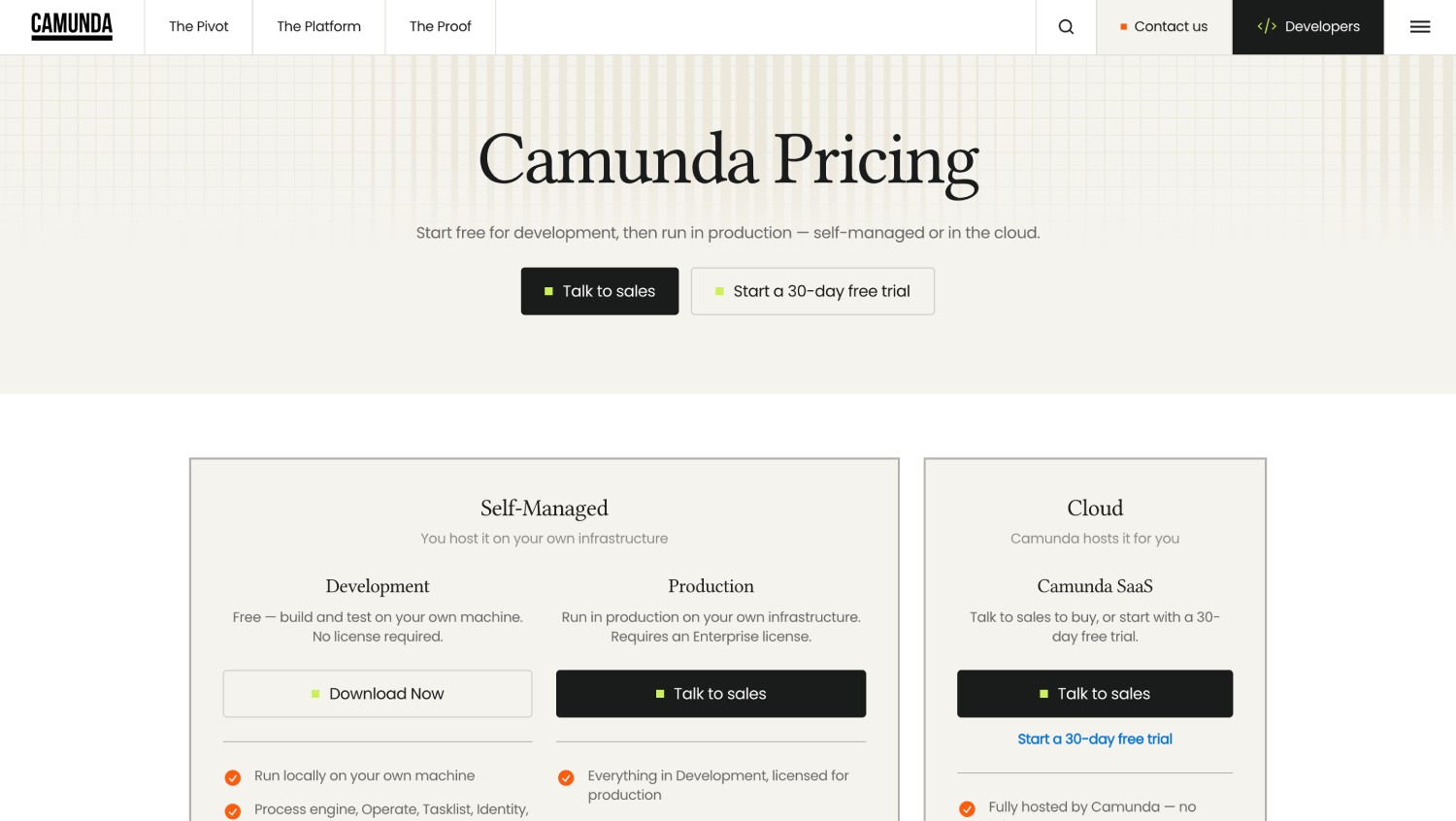
Camunda homepage first fold: “Turn AI agents into outcomes,” with a Get a demo button, customer logos, and stats including 12/15 leading global banks and 93% reduction in cycle time.
If your developers like the Decisions rules engine, Camunda’s DMN decision tables will feel the most familiar.
Camunda is a process orchestration platform built on open standards. Developers model processes in BPMN and decisions in DMN, then run them on Zeebe, Camunda’s process engine. Operate lets teams monitor and fix running processes, Tasklist handles the steps people complete, and Optimize reports on performance. Camunda can also run AI agents inside BPMN processes, alongside rules and human tasks.
DMN is handy when the same rules need to make sense to both developers and analysts. A credit-limit table, for instance, can live in one place and be used by several processes. Camunda is especially strong when a process spans many systems and services, such as an order that moves through billing, inventory, and shipping.
It’s less suited to business teams who want to build on their own. Camunda is designed for developers, so process owners usually depend on IT for changes. Running Camunda Self-Managed in production also needs a paid license, and your team operates the infrastructure.
Compared with Decisions, Camunda is the closest match to its rules engine, for teams with developers to maintain it. Decisions offers more visual, all-in-one tooling, while Camunda gives developers more control and keeps models in a standard notation they can move between tools.
Key features
- BPMN process modeling and execution.
- DMN decision tables.
- Operate, Tasklist, and Optimize for running and improving processes.
- Connectors for systems, APIs, and AI services.
Pros
- It’s built on open standards, so your models aren’t locked to one vendor’s notation.
- You can run it as SaaS, in your own cloud, or on-premises.
- It suits orchestration across lots of services and systems.
Cons
- Running Camunda Self-Managed in production needs a paid license.
- Business teams usually rely on developers to make changes.
Best for engineering teams orchestrating processes across systems and services.
Pricing as published. Self-Managed is free for development and licensed for production. Camunda SaaS is priced through sales, with a 30-day free trial.
7. Bizagi for model-driven BPM

Bizagi's Homepage
Bizagi homepage first fold: “Business Orchestration for AI Impact,” with a woman beside labels for AI Workers, Automation, AI Assistant, and AI Agents; CTAs “Learn more” and “Watch a demo.”
If you like to map a process from end to end before you automate it, Bizagi gives you a clear path from diagram to running process.
Bizagi is a model-driven BPM platform. Teams map processes in Bizagi Modeler, a free desktop tool for BPMN modeling, documentation, and simulation. They then configure data, forms, rules, and integrations in Bizagi Studio, and run the finished processes in Bizagi Automation, its cloud service. Bizagi’s AI assistant, Ask Ada, and its AI agents help teams query data and handle tasks within processes.
Bizagi suits organizations with process improvement teams that already work in BPMN. The model they draw becomes the basis for the automated process, so less is lost between design and delivery. It’s well established in financial services, manufacturing, healthcare, and government.
It’s less suited to teams that want business users building processes from scratch, because configuring Studio takes some technical skill. Pricing follows consumption, so you’ll need good usage estimates to forecast costs, and automation runs in Bizagi’s cloud, outside your Microsoft 365 tenancy.
Compared with Decisions, Bizagi starts with the process map, while Decisions starts with the rules. Both handle long-running processes across people and systems, but Bizagi’s free Modeler makes it easier to start small and map before committing. If your team already has BPMN models of its processes, Bizagi lets you reuse them, which can shorten the move away from Decisions.
Key features
- Bizagi Modeler for BPMN process mapping and simulation.
- Studio for building process applications.
- Bizagi Automation for running processes in the cloud.
- Consumption-based subscriptions.
Pros
- The free Modeler lets you map processes before you spend anything.
- Your process models carry straight through into automation.
- You pay for what you use.
Cons
- Because costs follow usage, you’ll need good usage estimates to forecast them.
- Automation runs in Bizagi’s cloud, outside your Microsoft 365 tenancy.
Best for process improvement teams that start from BPMN models.
Pricing as published. Consumption-based subscription, by quote. Bizagi Modeler is free.
For other options, see our guide to Bizagi alternatives.
8. Kissflow for a quick no-code start outside Microsoft 365
Kissflow's Homepage
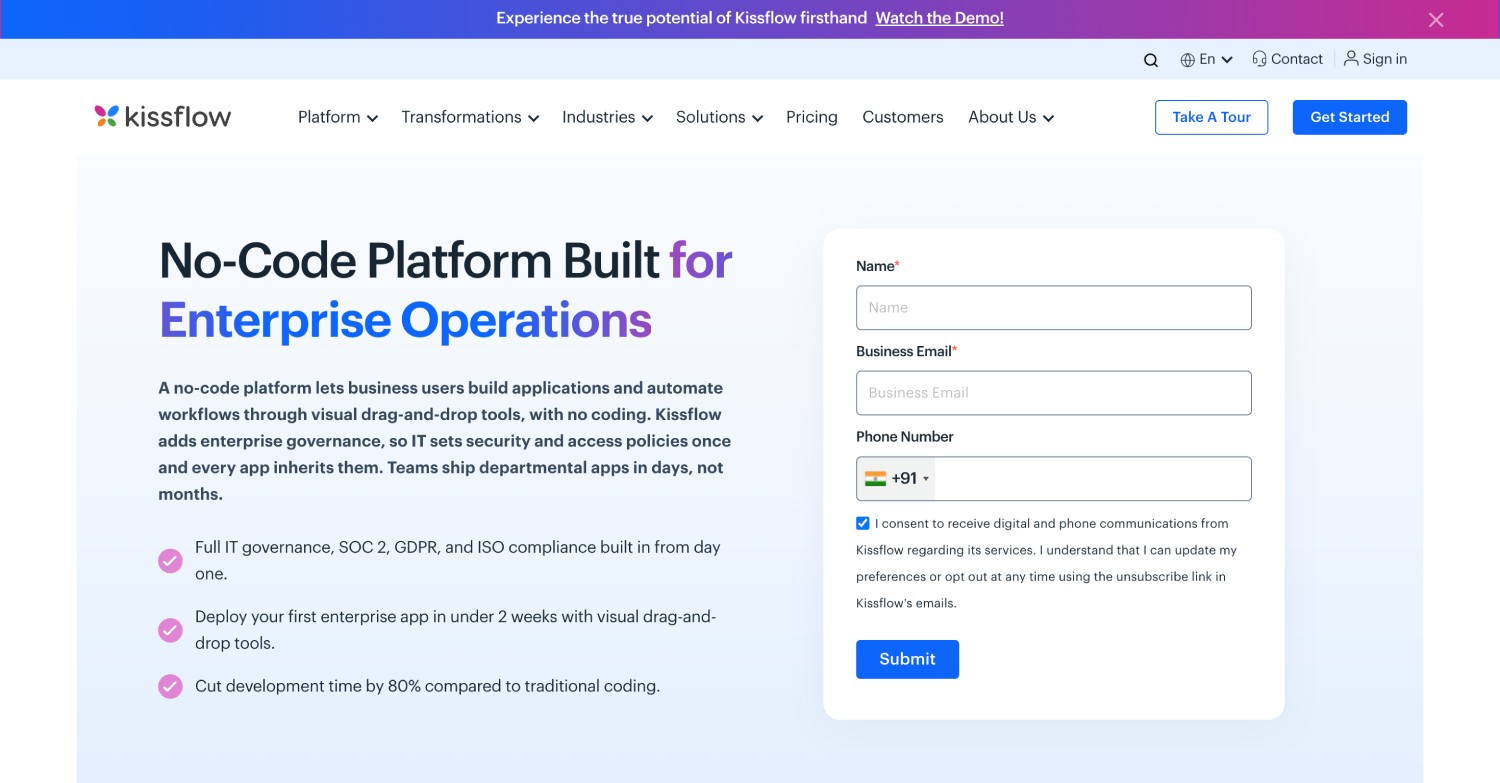
Kissflow homepage first fold: “Build enterprise apps for the AI era,” with abstract hands and the “Set Up a Demo” button above customer logos.
If you’re outside Microsoft 365 and just want simple approvals running quickly, Kissflow is easy to start with.
Kissflow is a cloud platform for workflows, forms, and simple apps. Business teams build approvals and request processes with a visual process builder, while boards track work that doesn’t follow a fixed path. Kissflow AI includes an AI Process Builder and AI App Builder that create a starting point from a plain-language prompt.
Kissflow suits teams that want common processes such as purchase requests, leave approvals, or onboarding checklists running quickly, without waiting for developers. It connects to Microsoft 365 apps, including Teams, Outlook, SharePoint, OneDrive, and Excel, through prebuilt connectors.
It’s less suited to processes that need deep rules logic or strict data residency inside Microsoft 365. Your process data sits in Kissflow’s cloud, and advanced governance and Kissflow's AI Copilot are on the Enterprise plan.
Compared with Decisions, Kissflow gives up rules-engine depth in exchange for a much faster start. It’s a better match for straightforward approvals than for the complex, regulated processes Decisions is designed for. If most of your Decisions processes are simple approvals and your developers are stretched, Kissflow can get them running quickly. Processes that rely on shared rules or on-premises data are better served by Camunda, Pega, or Appian.
Key features
- A visual workflow builder.
- Forms and request processes.
- Boards for tracking cases and projects.
- AI Process Builder and AI App Builder.
Pros
- It’s quick to set up.
- Business users can build without help from developers.
- Plans are priced by platform, not by process.
Cons
- Your data sits in Kissflow’s cloud, outside your Microsoft 365 tenancy.
- Enterprise plans, with advanced governance and custom integrations, are custom-priced.
Best for teams outside Microsoft 365 that want to start quickly with simple workflows.
Pricing as published. The Basic plan starts at $2,500 per month, and Enterprise plans are custom-priced.
For other options, see our guide to Kissflow alternatives.
Also consider Flowable for open-source BPMN, CMMN, and DMN, Pipefy for request workflows, and InRule as a standalone rules engine.
When Decisions is still the right choice
Switching isn’t always the answer. If any of these describe you, Decisions may still be your best option.
- You rely on deep, centrally governed business rules that many processes share.
- You need on-premises or hybrid hosting for security or regulatory reasons.
- Your .NET developers want a platform they can extend in their own language.
Its support also gets strong reviews. Decisions scores 9.5 for Quality of Support on G2’s Appian vs Decisions comparison, and the company says it ranked #1 in Stewardship in the 2026 Gartner Critical Capabilities for Decision Intelligence Platforms report.
If that sounds like your situation, renewing may be better than switching.
How to choose the right Decisions alternative
Every tool above can automate a process, so the differences come down to how your organization works. These seven questions cover what matters when you replace Decisions. For each one, I’ve explained why it matters, what to ask vendors, and which tools suit each answer.
1. Who will build and own the processes?
This usually decides everything else. A platform designed for developers will frustrate an HR team that wants to change its own approval steps, and a no-code tool may feel limiting to engineers orchestrating dozens of systems.
Ask each vendor to have one of your process owners, not their own consultant, build a simple process in a live session. If business teams will build and maintain processes, look at FlowForma Process Automation, Power Automate, Nintex, or Kissflow. If developers will own them, Camunda, Appian, and Pega are a better match.
2. Where must processes and data live?
Decisions gives you cloud, hybrid, and on-premises options, so check whether you actually need all three. Security, data residency, and regulatory rules usually settle it.
If processes need to stay inside your Microsoft 365 tenancy, choose a platform that’s native to Microsoft 365, such as FlowForma Process Automation or Power Automate. Kissflow and Bizagi run in the vendor’s cloud. Appian, Pega, Camunda, and Nintex Automation K2 can all run on your own servers. FlowForma Process Automation runs on SharePoint Online only.
3. How deep is your rules logic?
It’s worth counting your rules before you choose. Most processes need routing, approvals, and validations, which FlowForma Process Automation, Power Automate, Nintex, and Kissflow all handle well.
If you have hundreds of decision rules, governed centrally and shared across processes, you need a dedicated decision layer. Camunda DMN and Pega decisioning are the closest matches to Decisions here. Ask vendors to show how a rule change is tested, approved, and rolled out.
4. How will it work with the rest of your technology?
Decisions orchestrates work across many systems, so list every system your current processes touch. Then ask each vendor which have prebuilt connectors and which need custom work.
FlowForma Process Automation connects to SharePoint Online, Teams, Outlook, SAP, DocuSign, Oracle, and REST APIs, and works alongside Power Automate for wider integration. Advanced integrations, such as REST APIs and databases, come with the Professional and Enterprise plans. Power Automate and Camunda have the broadest connector libraries, while Appian’s data fabric connects data without moving it.
5. How will you govern it?
Once more people can build processes, governance becomes essential. You’ll want audit trails, version control, roles and permissions, and IT approval before anything goes live.
Ask each shortlisted vendor to show you these in a demo, not just describe them. FlowForma Process Automation includes governance and full audit trails as standard, and Power Automate is governed through Microsoft’s Power Platform admin tools.
6. What will it cost over three years?
Pricing models differ a lot. FlowForma prices by process count, Power Automate per user or per bot, Pega per case, and Bizagi by consumption. Appian, and Camunda in production, are priced by quote.
That makes like-for-like comparison hard, so give each vendor your real process list and ask for a three-year cost. Include implementation, training, and the internal time needed to maintain processes, because those vary as much as license fees.
7. How will you migrate?
List your current Decisions or ProcessMaker processes and rank them by value and complexity. Then rebuild your top three in a trial before you commit, using real data and real users.
FlowForma Process Automation, Power Automate, Nintex, and Camunda SaaS all offer 30-day trials, which is plenty of time to test real processes. A trial will also show you how long rebuilding takes, which helps you plan the rest of the move.
Try FlowForma Process Automation
Want to see how FlowForma Process Automation would run your processes inside Microsoft 365? You can try it free for 30 days, with no credit card required. The trial starts with a short setup meeting, and then you get 1-2-1 access to process experts.
Start free trial | Book your demo