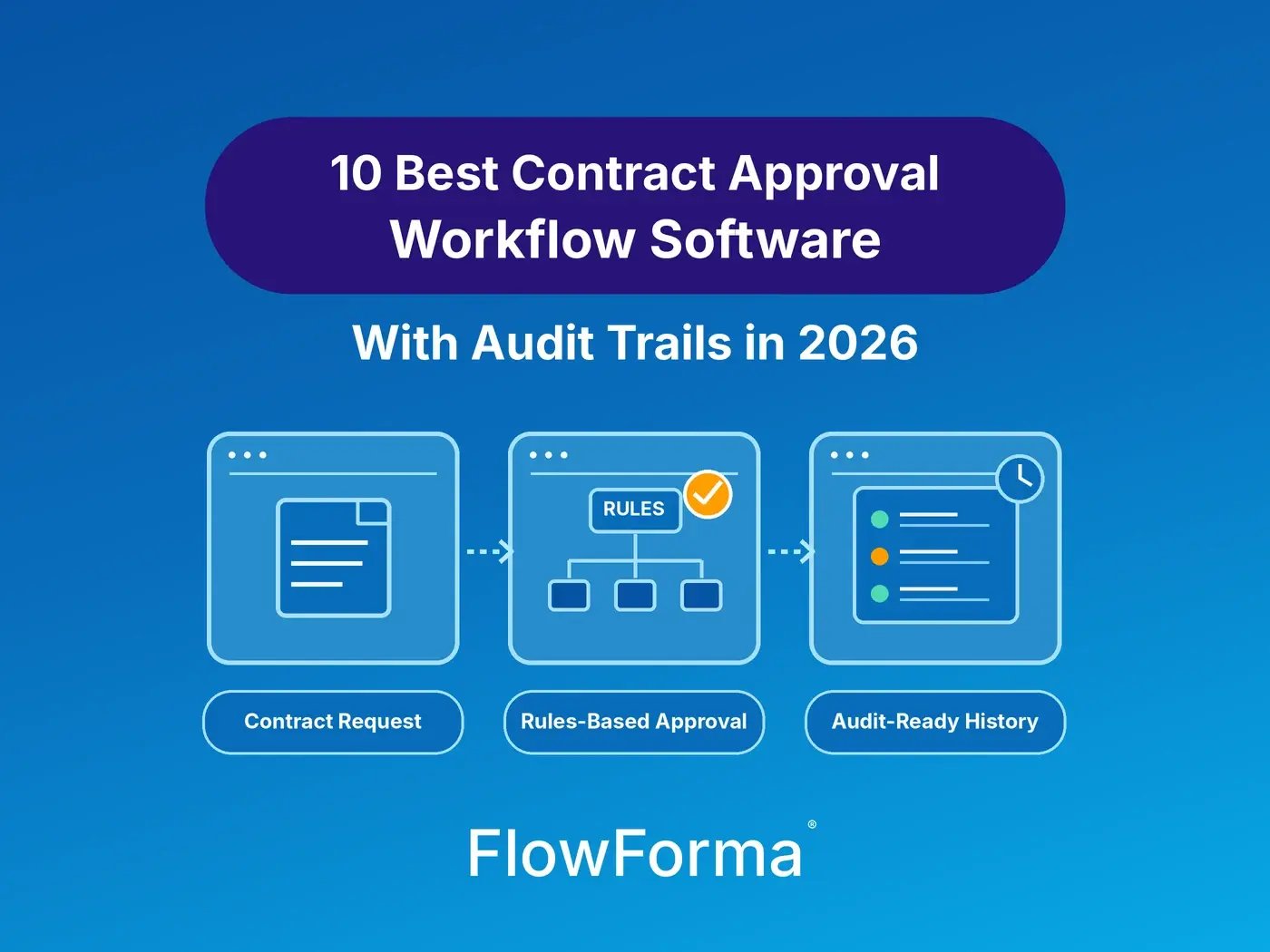
Contract approval workflow software earns its keep late in the week, when an auditor asks who approved the $75,000 facilities contract, when, and on which version. Without it, your team spends Friday rebuilding the answer from forwarded emails, a spreadsheet tracker, and a signed PDF that proves nothing about the approvals before it. The right software turns that request into a two-minute export.
Contract approval workflow software routes each contract to the right approvers by rule and records who approved, rejected, or changed it, when, and why. Leading options in 2026 include FlowForma Contract, Ironclad, Agiloft, Docusign CLM, and CobbleStone. Choose by how far approvals reach: legal review only, or the full path from purchase request to signature.
The 10 best contract approval workflow software tools in 2026
|
Tool
|
Best for
|
Approval routing
|
Audit trail
|
Pricing model (as of November 2026)
|
|
FlowForma Contract
|
Purchase requests, contract approvals, and tenders in one system
|
Rules by value, category, and delegation of authority; multi-level, parallel, and cross-department
|
Every approval, rule decision, and agent action on record
|
Pricing on request
|
|
Ironclad
|
Legal teams with many negotiated contracts
|
No-code Workflow Designer with conditional logic
|
Activity Feed per workflow; exportable Audit Log in a paid add-on
|
Tailored quote
|
|
Agiloft
|
Enterprises with varied, complex approval policies
|
No-code workflows and approvals
|
Not published (checked November 2026)
|
Pricing on request
|
|
Docusign CLM
|
Organizations standardized on Docusign eSignature
|
Routing, review, and approval with tasks
|
Who did what and when, across versions
|
Pricing on request
|
|
PandaDoc
|
Sales teams sending proposals and agreements
|
Conditional approvals set in templates
|
Approval status in the document audit trail, CSV export
|
Published per-seat plans
|
|
CobbleStone Contract Insight
|
Regulated buyers routing by rule with ERP and CRM data
|
Automated approval routing
|
Automated audit trails
|
Pricing on request
|
|
Juro
|
Scaling companies where legal owns templates
|
Conditional approvals on contract values
|
Immutable timeline of views and approvals
|
Pricing on request
|
|
SpotDraft
|
In-house legal teams
|
Conditional, ad hoc, and sequential approvals
|
Activity Log with user, date, and time
|
Pricing on request
|
|
ContractSafe
|
Smaller teams that want published pricing
|
Automatic routing with reminders
|
Signing audit trail; approvals and comments kept on the record
|
Published plan prices
|
|
Conga CLM
|
Revenue teams working in Salesforce or Dynamics
|
Single-stage to multi-step, with delegation and approval groups
|
Every action, approval, and signature
|
Pricing on request
|
Each entry below covers where the tool runs, who it suits, how it prices, and one limitation you should test before you sign.
How we chose
We kept tools that route contracts for approval by rule and keep a record of each decision, and dropped tools that only collect signatures. Together, the ten cover the three places approvals usually start: a purchase request, a CRM deal, or legal review.
Every capability comes from the vendor's own site, help center, or documentation, checked in November 2026. Pricing appears as a model only, because list prices change and vary by market.
1. FlowForma Contract
Best for: Organizations that want purchase requests, contract approvals, and tenders in one system.
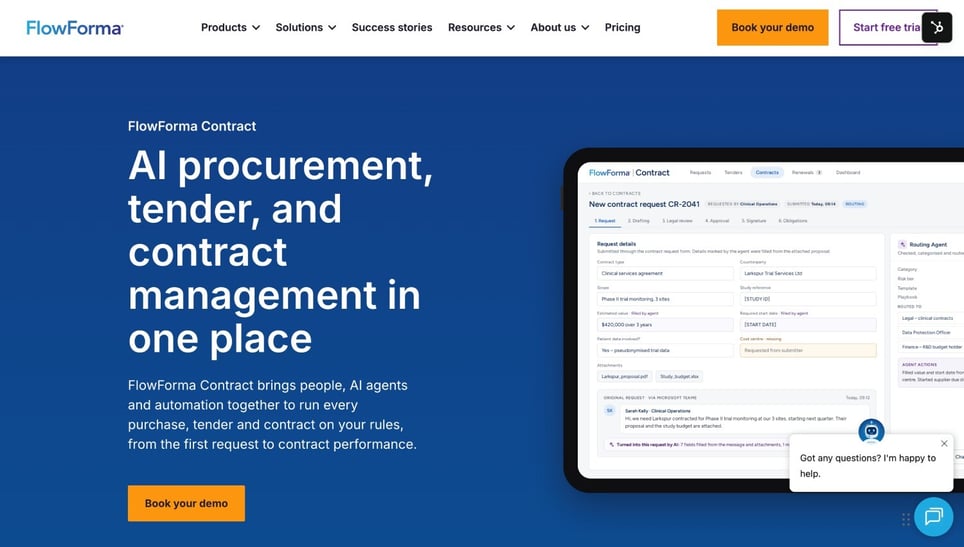
FlowForma Contract's Homepage
FlowForma Contract is an AI-native product that brings people, AI agents and automation together to run contracts, procurement and tender management processes. It fits the way you already work and makes it better, with AI agents working inside your rules at every step and every decision on record.
Approvals start at the first purchase request. A routing agent sends each request to the right budget holder and buyer based on value, category, and your delegation of authority. An approvals agent then applies your policy rules, approves low-risk items automatically, and logs every decision for audit.
Multi-level, parallel, and cross-department approvals sit in the same workflow as e-signature. Routine contracts are reviewed against your legal playbook, so only risky clauses reach legal. The product covers contracts, procurement, and buyer-side tender evaluation, and it integrates with any system that has an API connector, most often ERP and finance systems. Pricing is on request (as of November 2026).
Vestergaard built its 10-step contract workflow with FlowForma. Sergio Ferraz, its Head of Internal Audit and Compliance, put the value this way: "transparency, completeness, and accountability have been the main benefits."
Limitation: The tender module is for organizations running tenders. Suppliers writing bid responses need a bid-writing tool.
2. Ironclad
Best for: Legal teams handling a high volume of negotiated contracts.
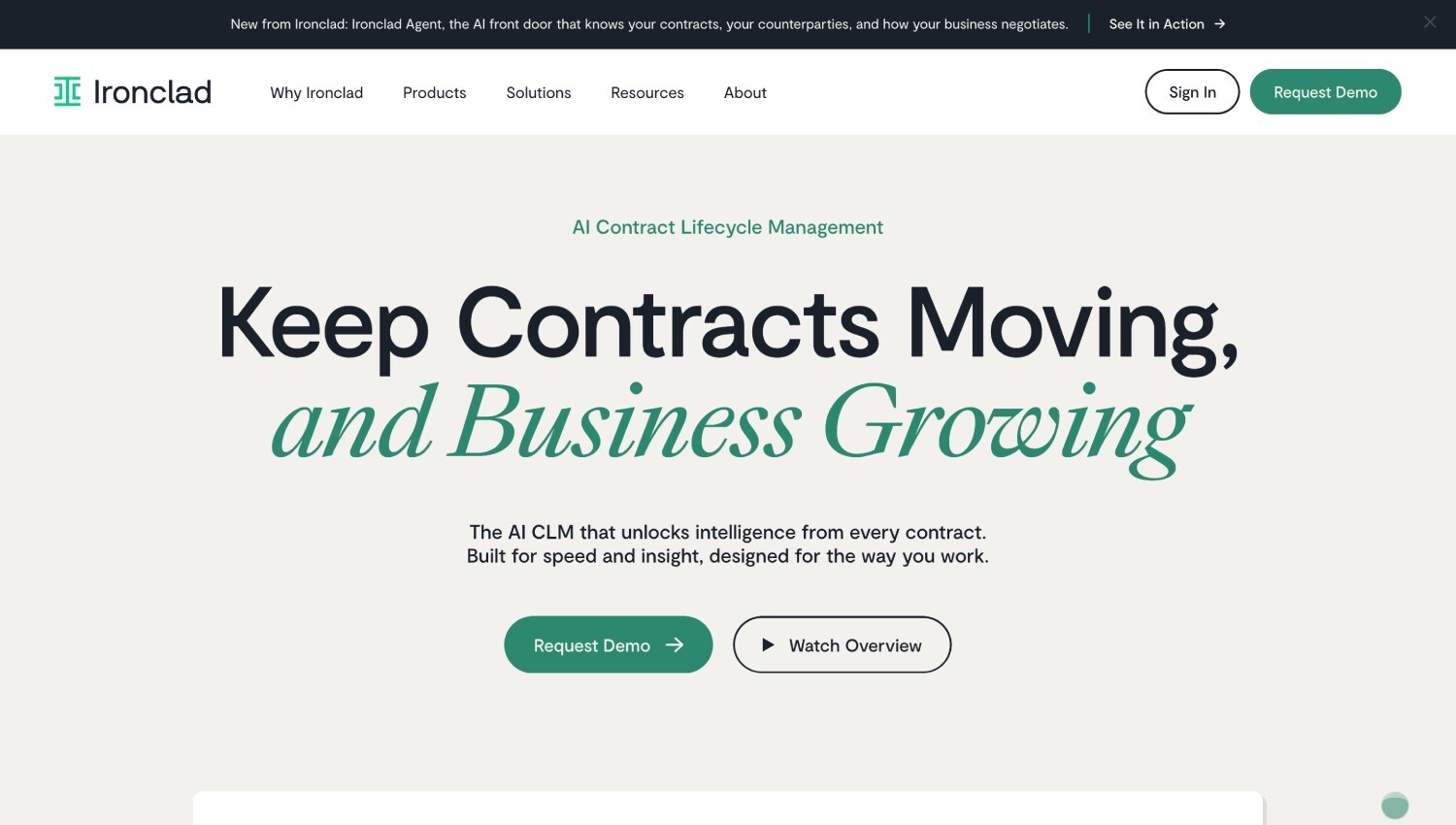
Ironclad's Homepage
Ironclad is a cloud CLM built around a no-code Workflow Designer that uses conditional logic to route approvals, set approvers, and add conditional clauses. Requesters can launch workflows from Salesforce, Coupa, or Word, and sales teams can complete Ironclad approvals inside Salesforce.
One setting to check: Ironclad’s “Reset approval when” option decides whether pausing a workflow re-triggers its approvals, so confirm how yours is set. Every action on a workflow lands in its Activity Feed, and edits made at the archive step are tracked there too. Pricing is a tailored quote based on your products, users, and workflows (as of November 2026).
Limitation: The filterable, exportable Audit Log, which downloads as CSV, is part of the paid Security & Data Pro add-on, and events aren't backfilled from before you switch it on. Budget for it if auditors will want exports rather than screenshots.
3. Agiloft
Best for: Enterprises whose approval policies vary by contract type, region, and business unit.
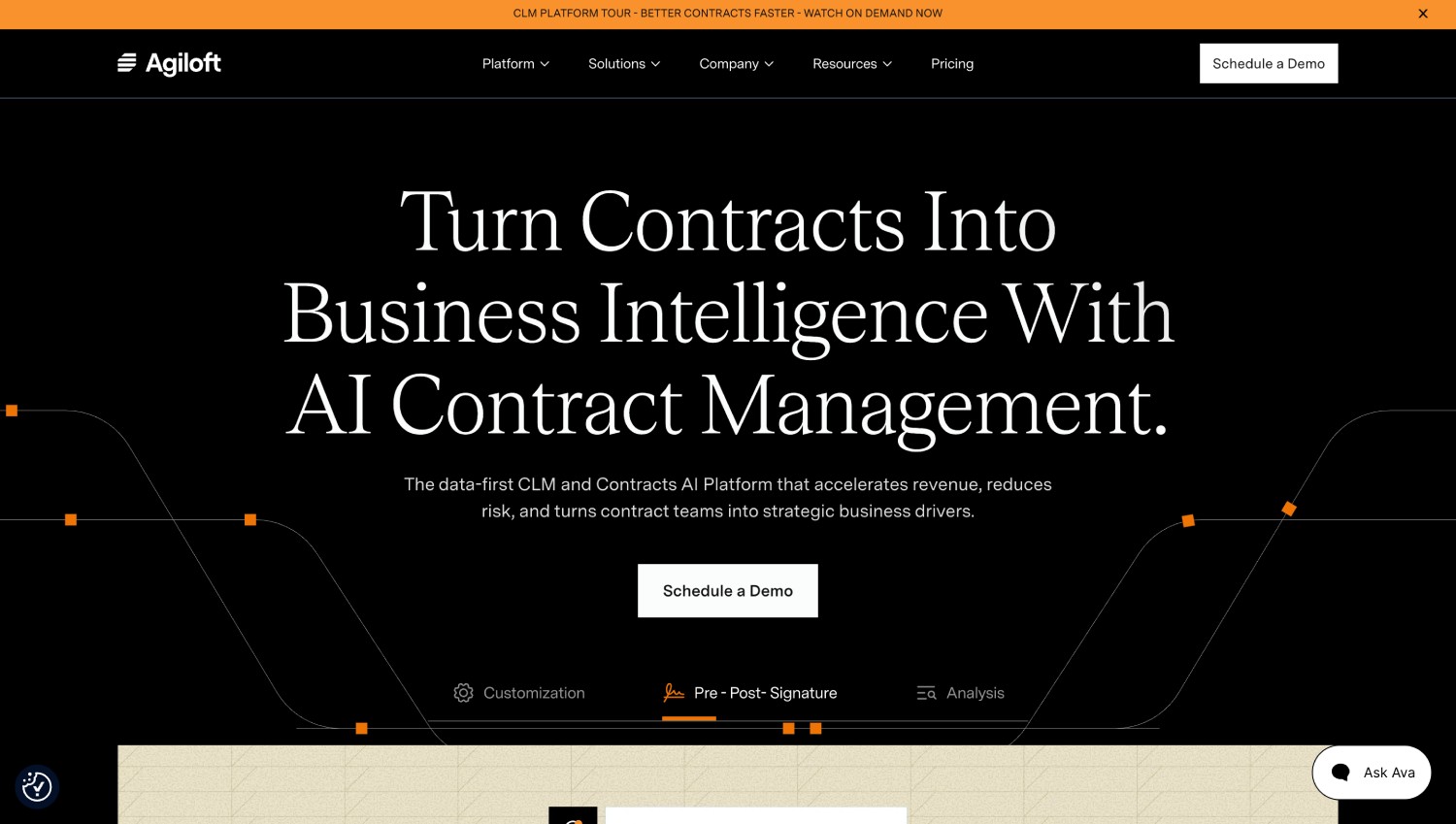
Agiloft's Homepage
Agiloft describes its CLM as one governed system from request to renewal, with workflows, approvals, data models, and automations configured without code. Requests start with an intake step that captures contract needs, stakeholders, and requirements in the same governed workflow.
Approval routing sends agreements to the right stakeholders, signing runs through e-signature integrations, and point-and-click connectors reach more than 1,000 existing systems.
Its Astra AI compares contracts against your organization's standard language, and its security page lists SOC 1, SOC 2, ISO 27001, and ISO 27701 certification. Agiloft prices by quote (as of November 2026).
Limitation: Agiloft's documentation says backend setup requires some technical expertise, and its published sample rollout runs 14 weeks from workshop to go-live. Its product pages don't describe the approval audit trail, so ask to see an approval history export in the demo.
4. Docusign CLM
Best for: Organizations already standardized on Docusign eSignature.
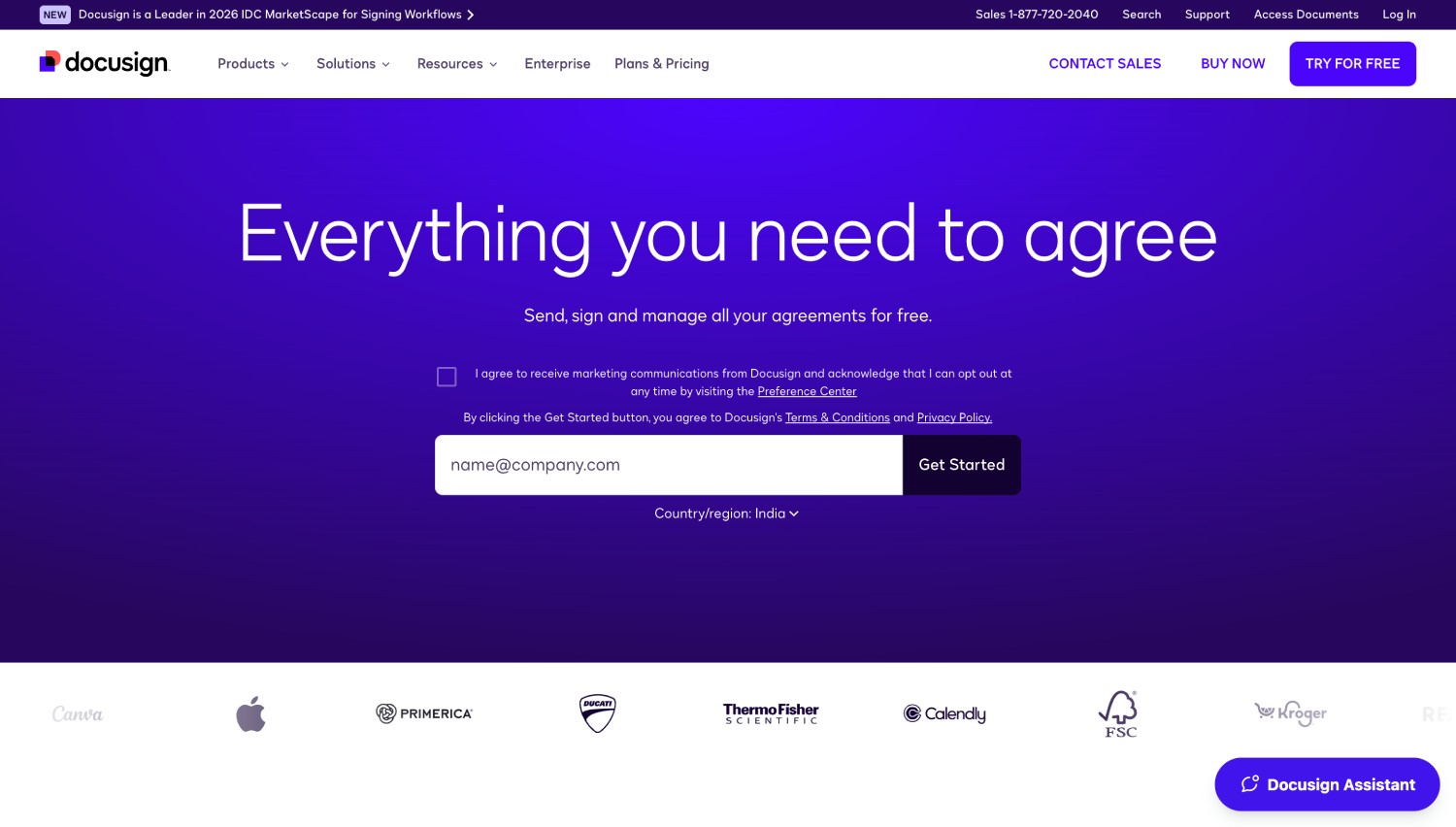
Docusign CLM's Homepage
Docusign CLM extends Docusign's signing product into contract creation, routing, review, and storage. New agreements can be auto-populated with data from systems like Salesforce. Reviewers get comments and tasks that notify them by email and Slack, and AI-assisted negotiation speeds up review cycles. Changes are tracked across versions, and the system keeps an audit trail of who did what and when.
Executed contracts are stored, labeled, and organized in one repository. If your signed agreements already live in Docusign, keeping approvals there removes one handoff. When the auditor asks for both, the approval history and the signature certificate come from the same vendor. CLM plans are sold through Docusign’s sales team, with no published prices (as of November 2026).
Limitation: Docusign describes its CLM audit trail as who did what and when. Before you sign, check that an export also shows rejection reasons and the version each approver acted on.
5. PandaDoc
Best for: Sales teams sending proposals, quotes, and agreements from a CRM.
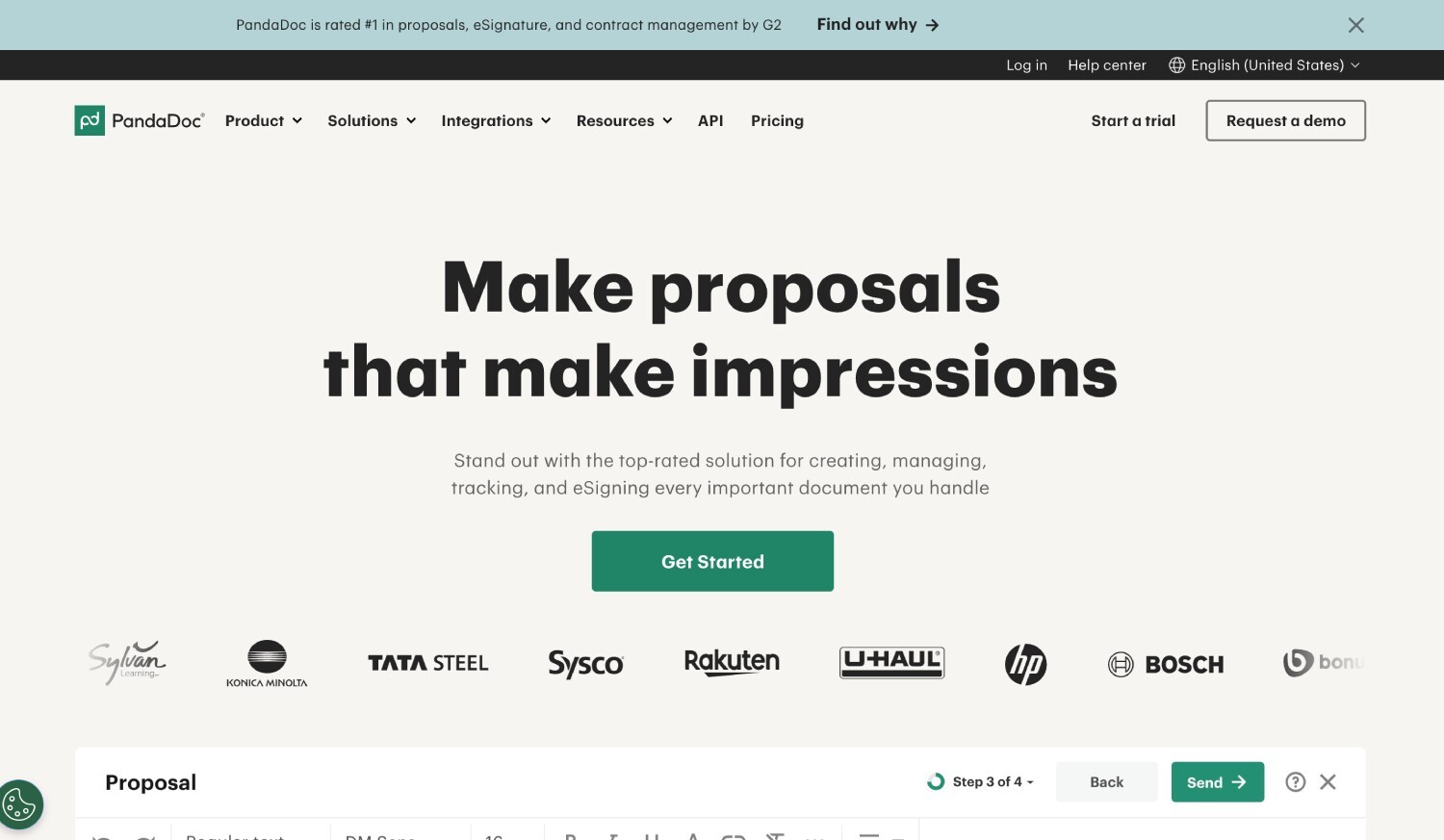
PandaDoc's Homepage
PandaDoc is a document and proposal platform with approval workflows built in. It sets them at the template level, so every document created from a template inherits the same rules. Conditional approvals trigger on document value, total discount, or line-item discount, so approvers only see documents that need them.
The document audit trail records approval status, including approvals bypassed automatically and approvals made by an admin on behalf of the original approver, and it exports as CSV.
Content locking and user permissions limit who can edit approved sections, which keeps a discount from changing after finance has seen it. Approval workflows come with the Business and Enterprise plans. Plans are published and priced per seat, with an Enterprise option priced per seat or per document (as of November 2026).
Limitation: PandaDoc’s built-in approval conditions read document value and discount fields, and quote variables need the paid CPQ add-on on the Enterprise plan. If you route by contract type or clause risk, test whether those conditions can express your rules.
6. CobbleStone Contract Insight
Best for: Regulated buyers who want rule-based routing tied to ERP and CRM data.
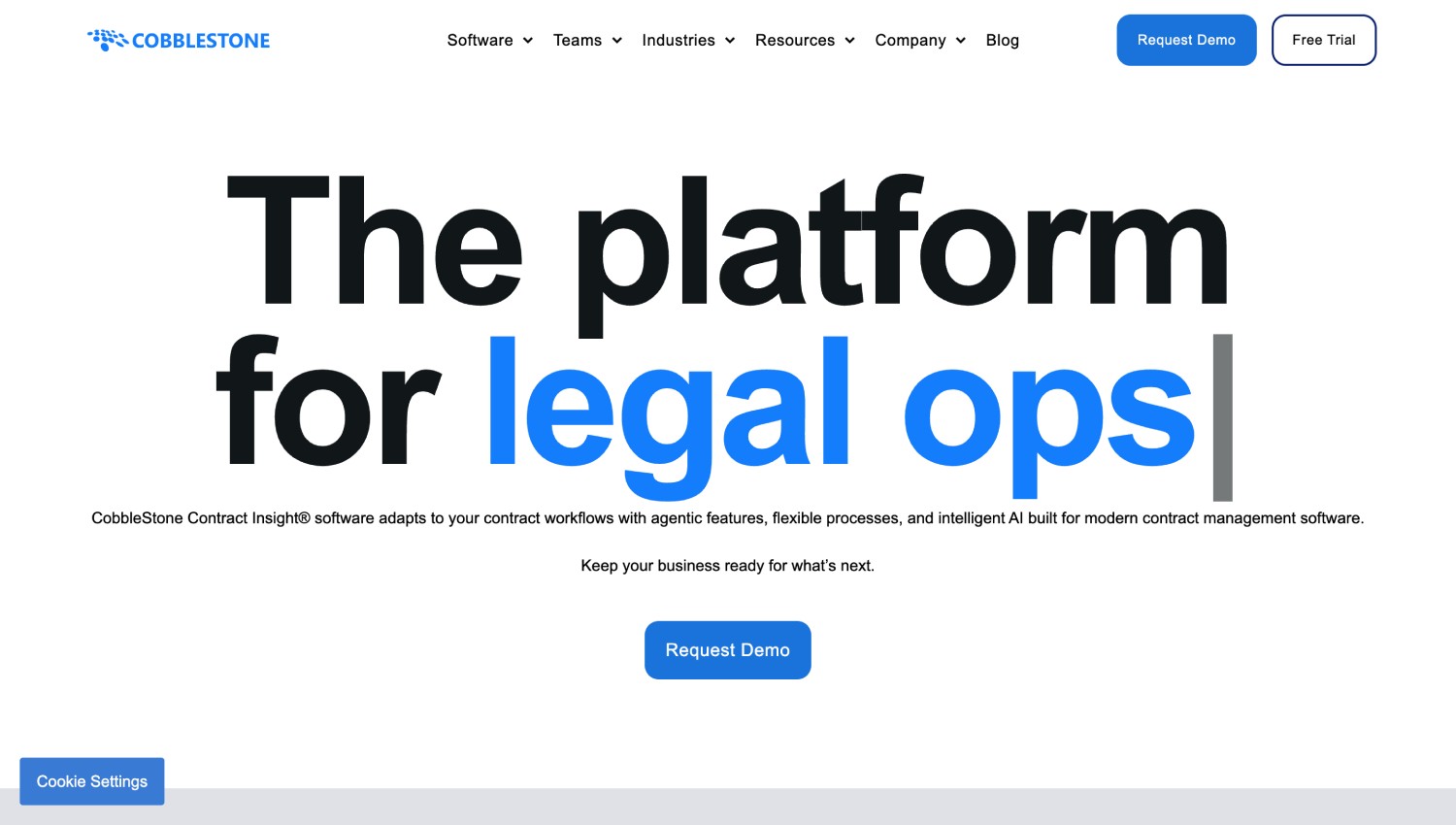
CobbleStone Contract Insight's Homepage
CobbleStone pairs compliance guardrails, regulatory-ready workflows, and policy enforcement with automated approval routing and automated audit trails. Workflow agents handle routing steps, and the platform adds e-signature integration, ERP and CRM connectivity, risk system synchronization, financial and purchase order management, and key date alerts on a calendar dashboard.
CobbleStone also covers sourcing, vendor selection, and purchase order creation for procurement teams. That purchase order link matters if your approvals have to reconcile against spend, and smart alerts with automated notifications keep key dates from slipping between approval and renewal. If your auditors review spend and contracts together, ask to see both in the same demo. CobbleStone provides custom quotes (as of November 2026).
Limitation: Contract Insight comes in three editions with different deployment options: Express is SaaS only, WorkGroup is deployed on-premise, and Enterprise offers both. CobbleStone’s comparison chart marks some features as add-ons, so confirm that approval routing and audit trails sit in the edition you’d buy.
7. Juro
Best for: Scaling companies where legal owns the templates and business teams run standard contracts.
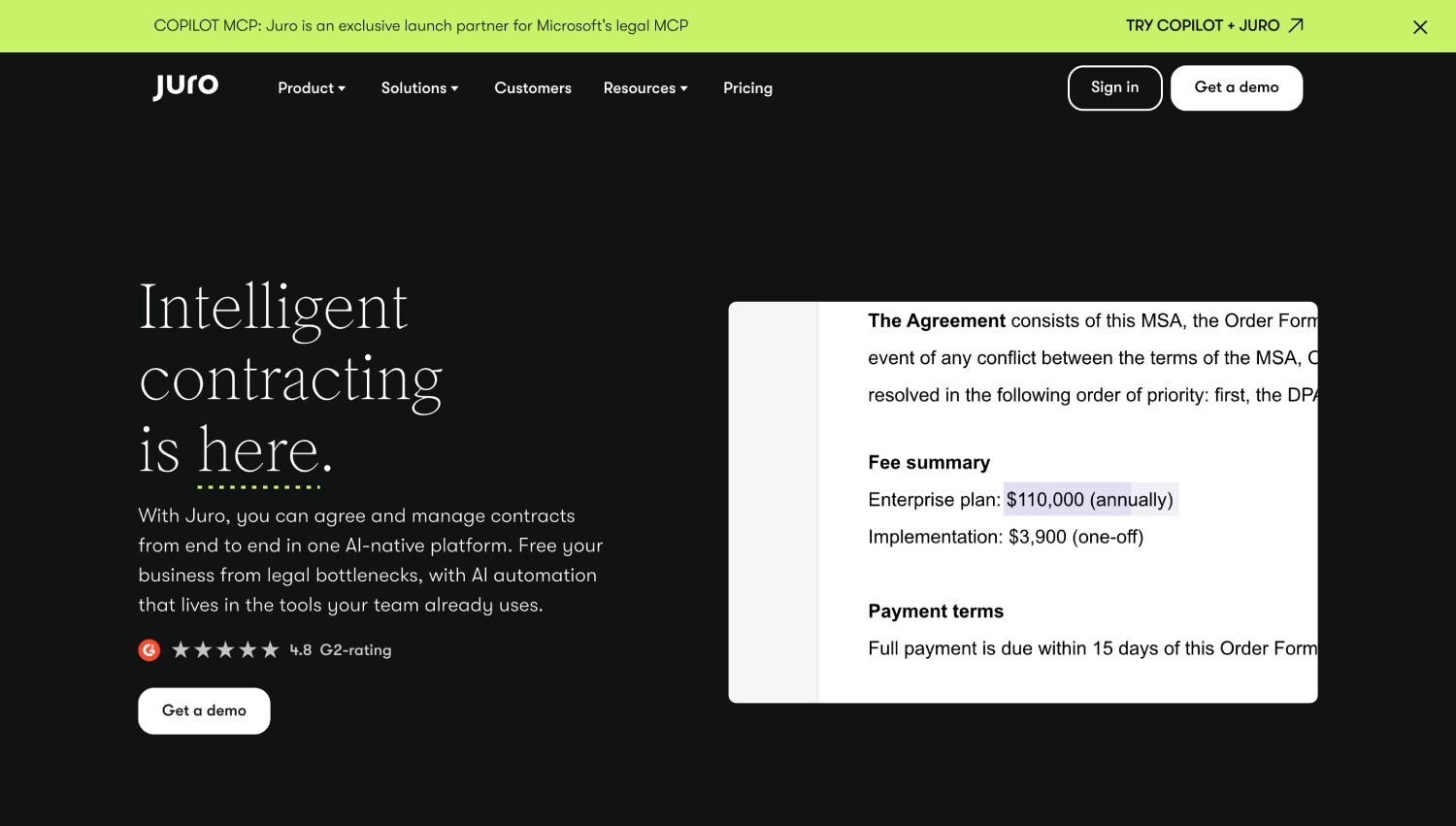
Juro's Homepage
Juro is a browser-based contract platform. Its no-code workflows set conditional approvals based on values in the contract, so the right people see the right agreements. Approvers can act on any device, contract edits resend automatically, and internal comments and suggestions stay with the draft.
A visual timeline records views and approval actions as a secure, immutable record, and Juro says every contract carries a tamper-proof audit trail covering edits, approvals, and signatures.
Legal keeps control of templates while sales, procurement, and finance colleagues use them on their own. Signing is native and built into every plan, so the approval timeline and the signature sit in one record. Pricing isn’t published, and Juro quotes in USD, GBP, or EUR (as of November 2026).
Limitation: Juro’s own pricing page ties its return on investment to volume, pointing to teams that sign around 10 or more contracts a month. Below that level, a simpler repository with approval workflows may cover what you need.
8. SpotDraft
Best for: In-house legal teams that want approvals set at the contract and clause level.
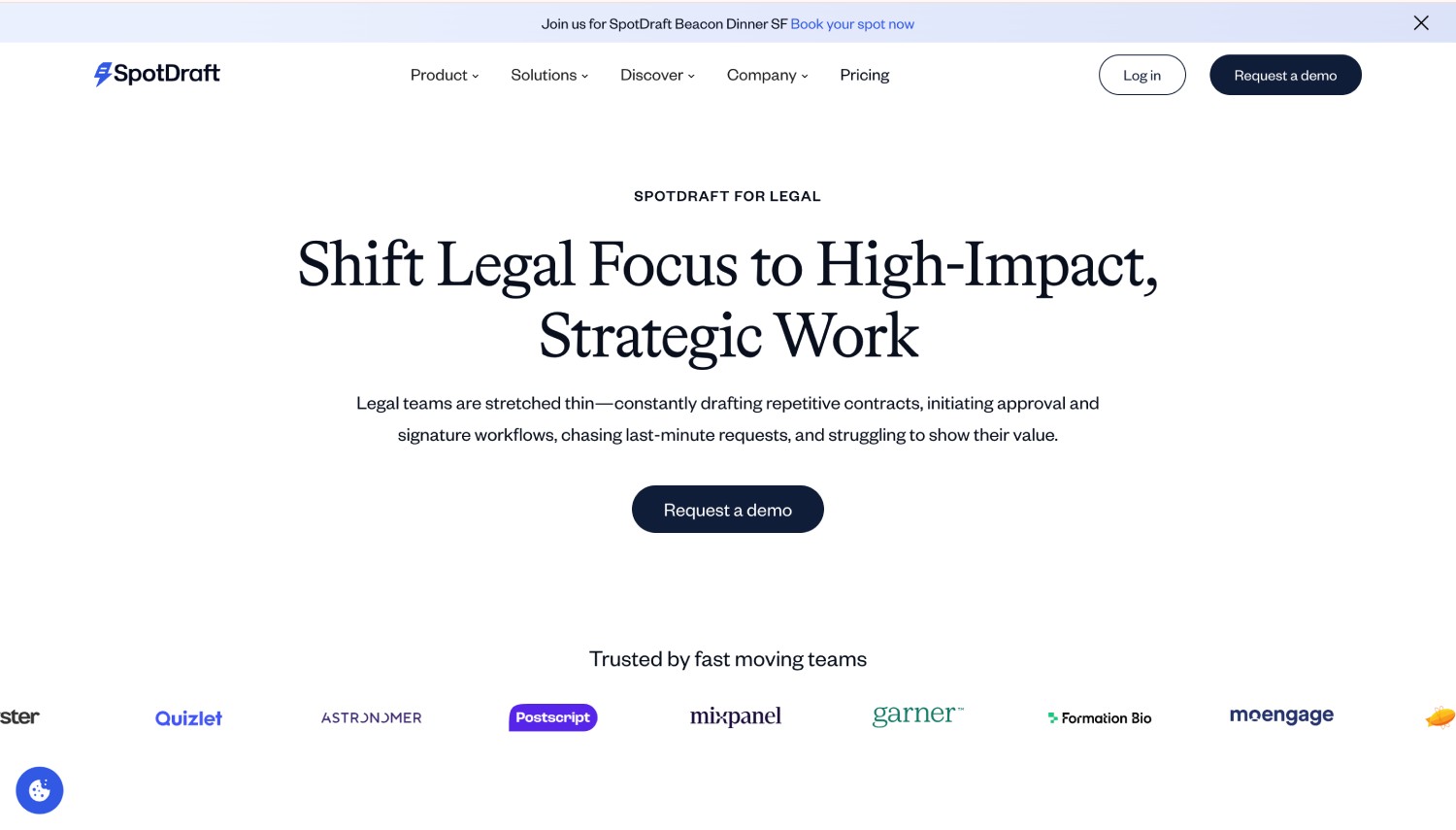
SpotDraft's Homepage
SpotDraft is a CLM built for in-house legal. Its Workflow Manager supports conditional, ad hoc, and sequential approvals, plus approvals on specific clauses and sections. Clause-level approval is useful when only the liability or data protection section needs a specialist's sign-off, because the rest of the contract doesn't wait for them.
Its Activity Log gives each contract a chronological record of edits, uploads, approvals, and messages, with the user, date, and time on every entry. The log can be filtered by activity type, and SpotDraft lists contract-level and workspace audit trails in its Elevate package. SpotDraft shares pricing on request (as of November 2026).
Limitation: Admins can allow users to skip conditional, ad hoc, or sequential approvals. That's practical for exceptions, but test that every skip is logged with a reason before you switch it on.
9. ContractSafe
Best for: Smaller teams that want simple routing and published pricing.
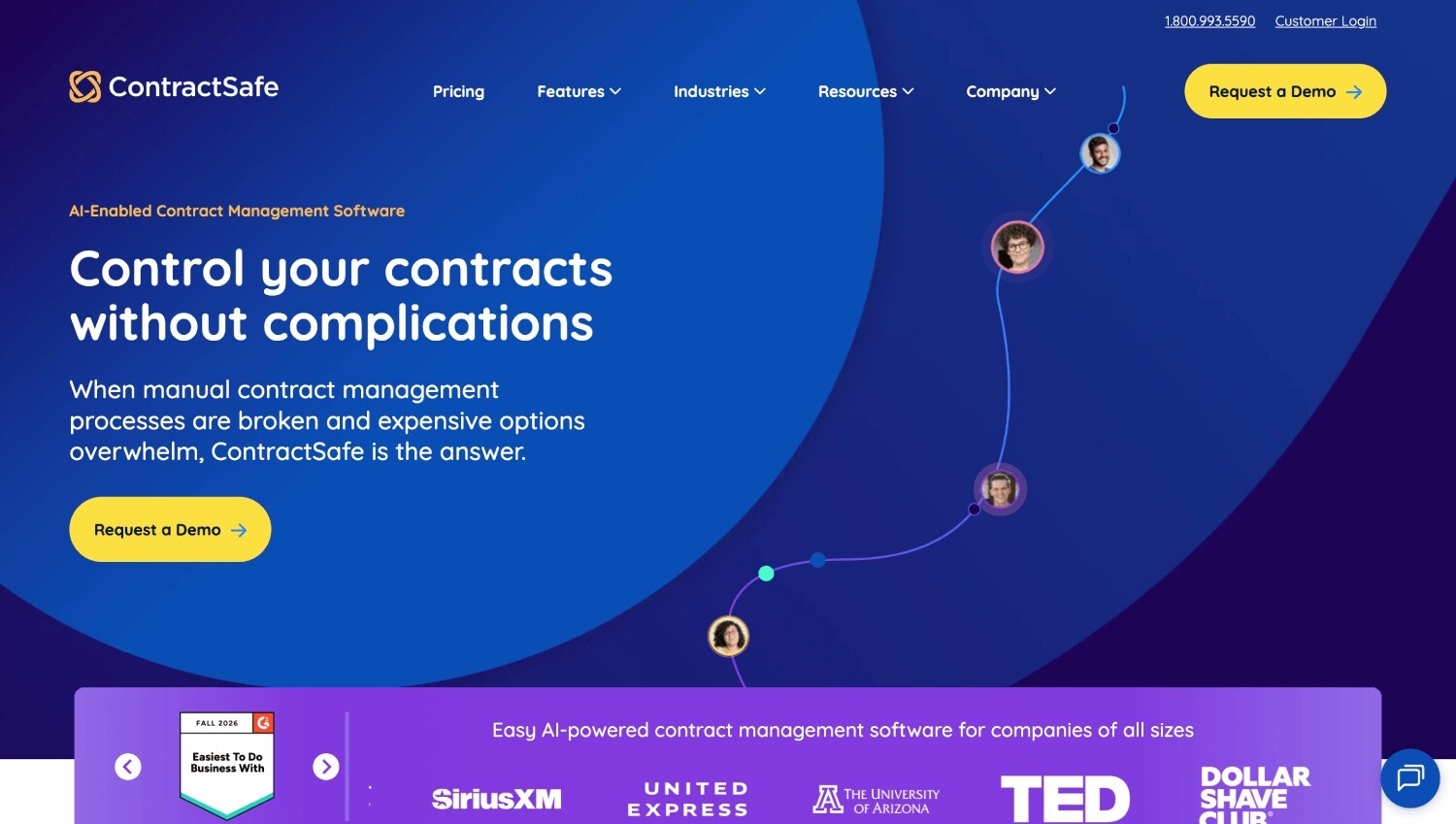
ContractSafe's Homepage
ContractSafe is a contract repository with approval workflows and eSign built in. It gets contracts to the right approvers automatically, sends built-in reminders, and keeps every approval, comment, and rejection reason attached to the contract record.
Once approvals finish, contracts go to signature without re-uploading, and the built-in audit trail shows who signed and when. ContractSafe says eSign carries no cap on documents sent or signatures collected.
Your team can still mark up contracts in Microsoft Word with tracked changes, and ContractSafe says it completes annual SOC 2 Type 2 and ISO 27001 audits. Plan prices are published, and every plan includes users at no extra charge (as of November 2026).
For a small legal or operations team, that turns budgeting into a single email rather than a procurement exercise of its own.
Limitation: The audit trail ContractSafe describes covers signing. Confirm in a trial that approval events export alongside signature events.
10. Conga CLM
Best for: Revenue teams that run contracts from Salesforce or Microsoft Dynamics.
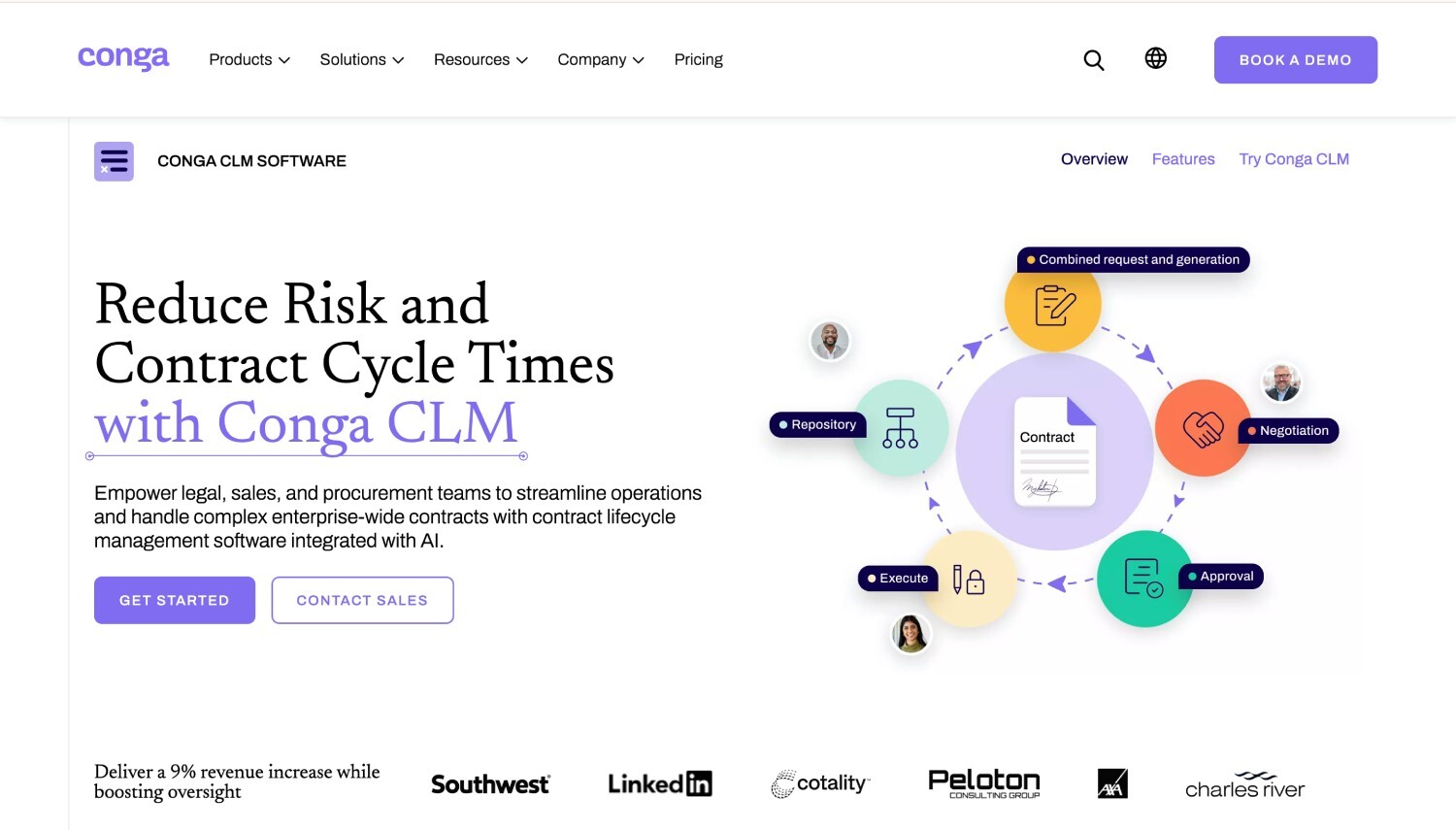
Conga CLM's Homepage
Conga CLM tracks approvals and signatures in real time and handles everything from single-stage approvals to complex multi-step processes, with ad hoc approvers, delegation, and approval groups to keep contracts moving when someone's away.
It keeps an audit trail of every action, approval, and signature, and signing runs through Conga Sign or a third-party provider. It connects to Office, Dynamics, Salesforce, and other CRM, ERP, and procure-to-pay systems. Pricing is through Conga’s sales team (as of November 2026).
Delegation and approval groups are the features to test here, because they decide whether an approver's vacation shows up in the record or in a backlog.
Limitation: In Conga’s Salesforce edition, approvals run on a separate Conga Approvals package installed alongside the CLM package, and Conga’s documentation has you install the packages in order in a sandbox first. Plan for a Salesforce admin to own those packages and their upgrades.
What is contract approval software, and how does it work?
Contract approval software routes a contract to the right reviewers by rule and records each decision. It runs in six steps: submission, automated routing, departmental review, approval or rejection, e-signature, and audit record storage. E-signature tools record the signing step only, while CLM software adds drafting, storage, obligations, and renewals around the approvals.
The distinction matters most when an auditor asks about a contract that went wrong. A signature certificate shows the VP signed on Thursday. It can't show that finance rejected the first version on Monday for a missing budget code, or that legal changed the indemnification cap on Wednesday. If your evidence lives in an e-signature tool alone, that history is in someone's inbox.
General workflow tools can route a contract too. What a contract auditor looks for is each decision tied to a contract version and, where it matters, a clause, so check that link whichever kind of tool you choose.
If your main problem is replacing contract spreadsheets rather than proving approvals, our guide to AI contract management software covers that shortlist.
What should a contract approval audit trail record?
A contract approval audit trail is a time-ordered record of every action on a contract. It should capture 8 fields: contract ID, actor, action, timestamp, document version, decision, comment, and previous and new values. Rejections and resubmissions stay in the record, so auditors see the full path, not only the final approval.
Here’s what that looks like for an annual facilities maintenance contract routed Procurement, then Finance, then Legal.
|
Step
|
Time
|
Actor
|
Action
|
Version
|
Comment or change
|
|
1
|
Mon 9:02
|
Requester, Procurement
|
Submitted
|
v1
|
Annual facilities maintenance, $75,000
|
|
2
|
Mon 14:40
|
Approver, Finance
|
Rejected
|
v1
|
Budget code missing
|
|
3
|
Tue 10:15
|
Requester, Procurement
|
Edited
|
v2
|
Budget code: blank to FM-220
|
|
4
|
Tue 10:16
|
Requester, Procurement
|
Resubmitted
|
v2
|
None
|
|
5
|
Tue 16:05
|
Approver, Finance
|
Approved
|
v2
|
Within budget
|
|
6
|
Wed 11:30
|
Approver, Legal
|
Edited and approved
|
v3
|
Indemnification cap aligned to playbook
|
|
7
|
Thu 15:20
|
Supplier and VP Procurement
|
Signed
|
v3
|
Executed copy stored
|
Three things make this log useful. Step 2 survives step 5, so nobody can later claim finance approved the first submission. Step 3 records the old and new value, which is how you prove what changed between rejection and approval. And every row names a version, so the signed copy at step 7 traces back to the exact text each approver saw.
Step 6 is where most configurations get tested. Legal changed v2 into v3 after finance had approved. Because the change touched liability rather than price, the rules didn't send v3 back to finance.
If it had touched the contract value, a good rule would have. Decide in advance which changes reset approval, and write that decision into the rules.
In FlowForma Contract, every step from purchase request to signature is logged for audit, so this record builds as the contract moves. At a step like 6, the legal review agent highlights clauses that differ from your standard positions and routes them to the right reviewer. The contract approval agents on the product page show each step.
The published proof comes from contract approvals run for Utah’s Department of Health and Human Services (DHHS). At Utah’s DHHS, contracts pass through 6 levels of approval, and the internal audit office requires records of who approved each step and when.
Sarah Klenk, SharePoint Administrator at Utah DHHS, described the last audit. “The last time we were audited, there were no queries at all, because we could show exactly who approved what and when, with all the data and metadata we captured.” The full story is in our Utah DHHS contract approval case study.
Which approval features matter most for audit readiness?
Audit readiness depends on six controls: conditional routing by value and risk, sequential and parallel approval paths, delegation with both names recorded, a rule that blocks self-approval, required rejection reasons, and logs nobody can edit. Each control turns a written approval policy into evidence an auditor can check without interviewing your team.
Start with routing, because it decides who sees what. A simple three-band policy looks like this:
- Under $10,000: the department manager approves.
- $10,000 to $50,000: Finance approves as well.
- Over $50,000, or any nonstandard clause: Legal approves too.
Every exception to those bands needs a recorded justification. An exception without one is the first thing an auditor will pull. In FlowForma Contract, bands like these become rules for procurement approval routing, with each purchase sorted by type, value, and risk.
Sequential approval sends a contract to one approver after another. Parallel approval sends it to several at once, which shortens the wait when legal and finance review different things. Multi-level approval stacks reviewers by authority, so a $250,000 contract climbs higher than a $25,000 one. Most teams need all three, applied by contract type.
The last three controls protect the record itself:
- Delegation should log both the original and the replacement approver.
- Self-approval should be blocked by a rule.
- Rejection reasons should be mandatory, because "rejected" with no reason tells an auditor nothing.
If you're a public company, Sarbanes-Oxley control testing draws on these records, and software supports compliance with that testing only when the controls are configured and the logs can't be altered.
How do you test a vendor's audit trail before you buy?
Test the audit trail in a trial before you sign. Submit one contract, reject it at finance, edit a clause, resubmit it, and export the history. The test passes only if the export shows every action, every identity, the original timestamps, and each document version, with the earlier rejection still visible.
Run it as five steps, with one contract and two colleagues playing approvers:
- Submit a test contract above your finance threshold, so the routing rules have to fire.
- Reject it at the finance step with a written reason.
- Edit one clause and one value, then note both changes.
- Resubmit it and approve it at every step through to signature.
- Export the full history as a file your auditor could open without a login.
Pass criteria are strict on purpose. The export must show the rejection, the reason, both edits with old and new values, every approver by name, timestamps that match what you saw on screen, and the version each approver acted on. If any of that is missing, or the export needs a paid add-on you didn't budget for, you've learned it in an afternoon rather than at your first audit.
How do you choose contract approval software?
Choose by where your approvals begin, then by how the vendor prices. Purchase-led approvals need purchase and contract records together, while CRM-led and legal-led approvals need tools built around those systems. Because most vendors quote on request, price the same scope with each one before you compare.
The decision usually comes down to three cases:
- If approvals start with a purchase request and cross finance, procurement, and legal, choose a tool that keeps purchase, contract, and approval records in one system, such as FlowForma Contract, because the audit trail covers the whole decision.
- If most contracts are sales agreements created in Salesforce, choose a CRM-connected tool such as Conga CLM or PandaDoc, because routing can read deal fields directly.
- If legal owns a high volume of negotiated contracts, choose an enterprise CLM such as Ironclad or Agiloft, because clause-level review matters more than purchase linkage.
Pricing models then narrow the field. Only PandaDoc and ContractSafe publish prices among these 10 tools, as of November 2026. The rest quote on request, so ask each vendor to price the same scope: your contract volume, your approval bands, and the audit log export your team needs.
Closing Thoughts
If your approvals begin with a purchase request and run through finance and legal before signature, pick contract approval workflow software that keeps the request, the decisions, and the signed contract in one record. If your contracts start in a CRM or with legal, the shortlist above tells you where to look first.
Whichever tool makes your shortlist, run the five-step test before you commit. With FlowForma Contract, you can start your free trial and put one contract through a rejection and resubmission yourself, or book your demo to walk through the same test on your own approval bands. The trial runs 30 days, needs no credit card, and starts with a short setup meeting.