The best Nintex Forms alternatives for SharePoint Online in 2026 are FlowForma Process Automation, Microsoft Power Apps, Plumsail Forms, Infowise Ultimate Forms, Crow Canyon NITRO Studio, SharePoint Smart Forms, skybow Studio and Forms 365. If a form only collects data, a list form designer replaces it. If it starts an approval, you need a forms and workflow platform.
On April 2, 2026, Microsoft retired SharePoint Add-ins for every SharePoint Online tenant, and any Nintex form built on the Add-in stopped opening. Nobody can submit it anymore. Most of those forms did two jobs: they captured data into a list, and they started something, whether an approval, a generated document, or a message to the next person in line. If your purchase requests, leave forms, or site inspections ran through them, the approval behind each form matters as much as the form itself.
If you’re also replacing Nintex workflows that run without a form, our Nintex alternative guide covers the workflow side.
|
Tool
|
Best for
|
What it replaces
|
Runs on
|
Pricing model (as of November 2026)
|
|
FlowForma Process Automation
|
Approval-heavy forms that business teams own, with IT keeping governance
|
Form, approval routing, and Word or PDF documents in one process, with FlowForma Copilot rebuilding the Nintex form
|
SharePoint Online in Microsoft 365
|
Process-based, published pricing
|
|
Microsoft Power Apps
|
Teams standardized on Power Platform
|
Form; workflow in Power Automate
|
Microsoft 365
|
Per user or per app, published pricing
|
|
Plumsail Forms
|
Designer-for-designer list form replacement
|
Form; workflow in Power Automate
|
SharePoint Online, SharePoint Server 2019 and SE
|
Per tenant (Online), published pricing
|
|
Infowise Ultimate Forms
|
Forms, approvals and documents inside SharePoint
|
Form, approvals, alerts, documents
|
SharePoint Online and on-premises
|
Per user (online), per server (on-premises), published pricing
|
|
Crow Canyon NITRO Studio
|
Forms plus workflow, online or on-premises
|
Form, workflow, approvals
|
Microsoft 365 or SharePoint on-premises
|
Annual subscription by user tier, published pricing
|
|
SharePoint Smart Forms
|
Free data capture into a list
|
Form only
|
SharePoint Online (SPFx web part)
|
Free, open source (MIT)
|
|
skybow Studio
|
Packaged SharePoint apps across online and on-premises
|
Forms, workflows, apps
|
SharePoint Online, SharePoint Server 2019 and SE
|
Per user, pricing on request
|
|
Forms 365
|
List forms plus public web forms
|
Form; workflows through Power Automate, Make or Zapier
|
Microsoft 365
|
Per tenant in user tiers, published pricing
|
Should you stay on Nintex Forms or switch in 2026?
Stay on Nintex Forms only if your forms already run in the Nintex SharePoint Framework (SPFx) app and don’t feed a workflow built in Nintex Workflow for Office 365. Forms built on the SharePoint Add-in stopped opening on April 2, 2026. Each one has to be imported and republished in the SPFx designer, so compare alternatives before spending that effort.
Nintex's own end-of-life notice describes the recovery route: download each form's definition from the hidden NintexFormXML library on the site, import it into the SPFx designer, then publish. Classic and older responsive forms are converted to the new format during import, and New Responsive forms only need republishing. Nintex also ended support for Nintex Workflow for Office 365 on December 31, 2025, so a form that fed a workflow has lost both halves.
Customers who switched from Nintex tell us they wanted faster AI innovation, direct support rather than support routed through partners, and a tool their non-technical staff could use. Will Johnson, Head of Information Services at Morley College London, put it this way: "We needed to move beyond legacy systems like InfoPath and Nintex. With FlowForma, we didn't just replace, we improved."
If your Nintex forms run on SharePoint Server, the April retirement didn't touch them; Microsoft says Add-ins on SharePoint on-premises keep working. SharePoint Server 2016/2019 left Microsoft support on July 14, 2026, though, and Process Automation runs on SharePoint Online only, so moving those forms also means moving the lists.
What are the best Nintex Forms alternatives for SharePoint Online?
Eight tools replace Nintex Forms on SharePoint lists today: FlowForma Process Automation, Microsoft Power Apps, Plumsail Forms, Infowise Ultimate Forms, Crow Canyon NITRO Studio, SharePoint Smart Forms, skybow Studio and Forms 365. Plumsail, Smart Forms, Forms 365 and Power Apps hand approvals to Power Automate or another tool; the other four build the approval in.
How we chose these alternatives
Each tool had to build forms on SharePoint lists in Microsoft 365 today, outside the retired Add-in model, and publish enough documentation to verify where it runs, what it replaces, and how it's priced. We judged fit on form capability, built-in workflow, pricing model, and one limitation, and checked every fact on the vendor's own site, documentation, or help center in November 2026. General web form builders that don't write to SharePoint lists didn't qualify.
1. FlowForma Process Automation
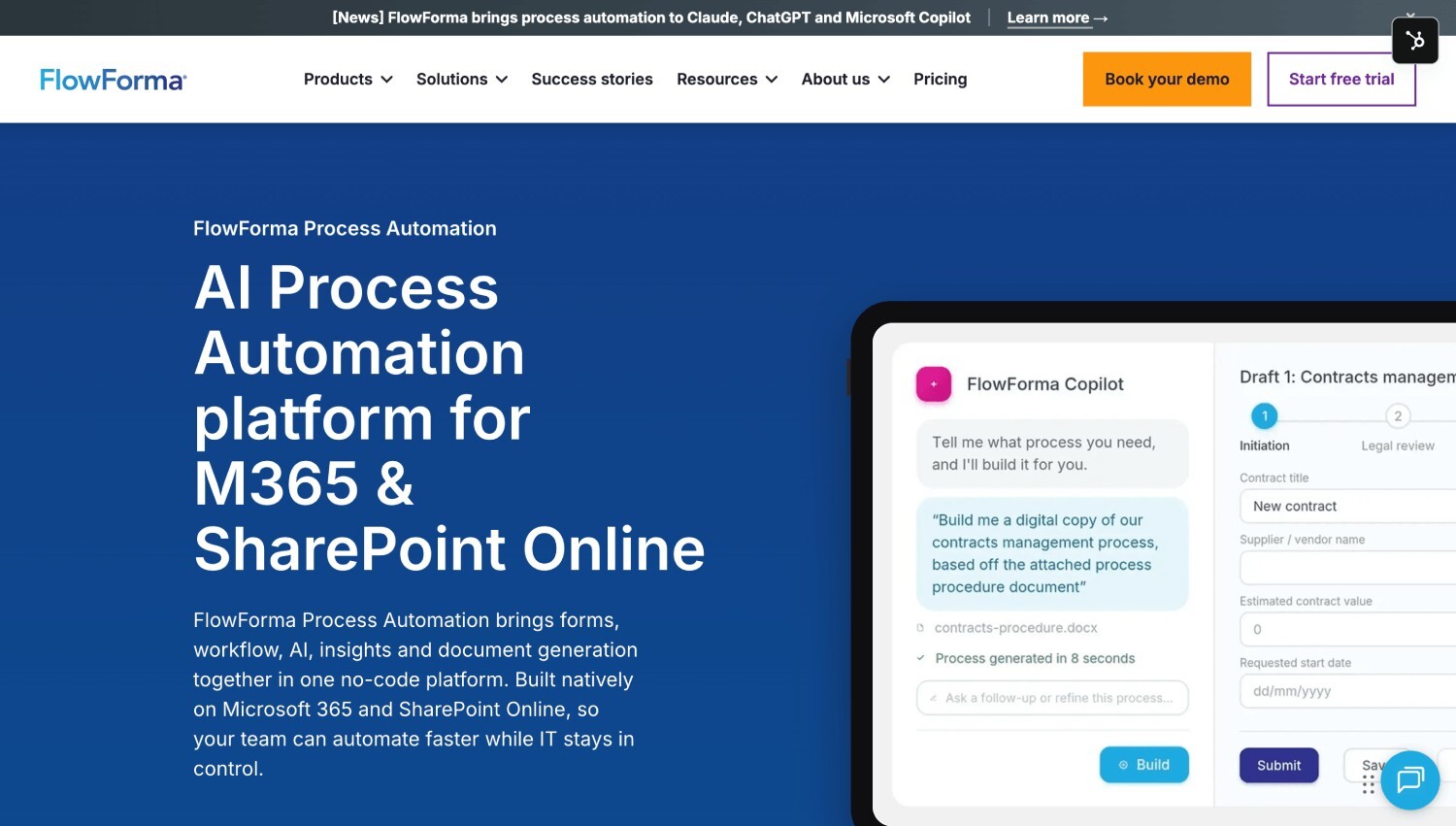
FlowForma Process Automation's Homepage
Best for: Microsoft 365 organizations whose Nintex forms start approval processes, such as purchase requests, onboarding and site inspections.
FlowForma Process Automation, an AI-powered, no-code platform built natively on SharePoint Online and Microsoft 365, replaces Nintex Forms by having FlowForma Copilot rebuild an uploaded Nintex form, then running the approval workflow and document generation behind it.
The form, the workflow, the approvals, and the generated Word or PDF document live in one designer, so the person who owns the process can change all four without handing a ticket to IT. Forms validate data as it's entered, apply conditional logic, look up values, and can pre-populate fields from back-office systems. Business teams build and run everything from simple requests to complex, multi-stage workflows on the same platform, while IT keeps governance.
Your data stays in your own Microsoft 365 tenancy. Pricing is process-based, published on our Process Automation pricing page, with forms, document generation, insights, the mobile app, and external users included in every plan.
Build speed matters most in a migration, because you’re rebuilding dozens of forms at once. Beaufort County, a public sector organization of about 1,000 people, left Nintex on-premises over rising costs, workflows that were hard to scale and maintain, and governance concerns, then migrated 20 complex processes to our platform in its first month. Its own teams now build and improve processes with FlowForma Copilot, with less reliance on IT.
When Bouygues Energies & Services compared the two platforms, it built a process in six hours against 24 in Microsoft Power Apps. See how the form layer works on our form automation page.
Limitation: It's built for organizations on Microsoft 365 with SharePoint Online, and it doesn't run on SharePoint Server.
2. Microsoft Power Apps
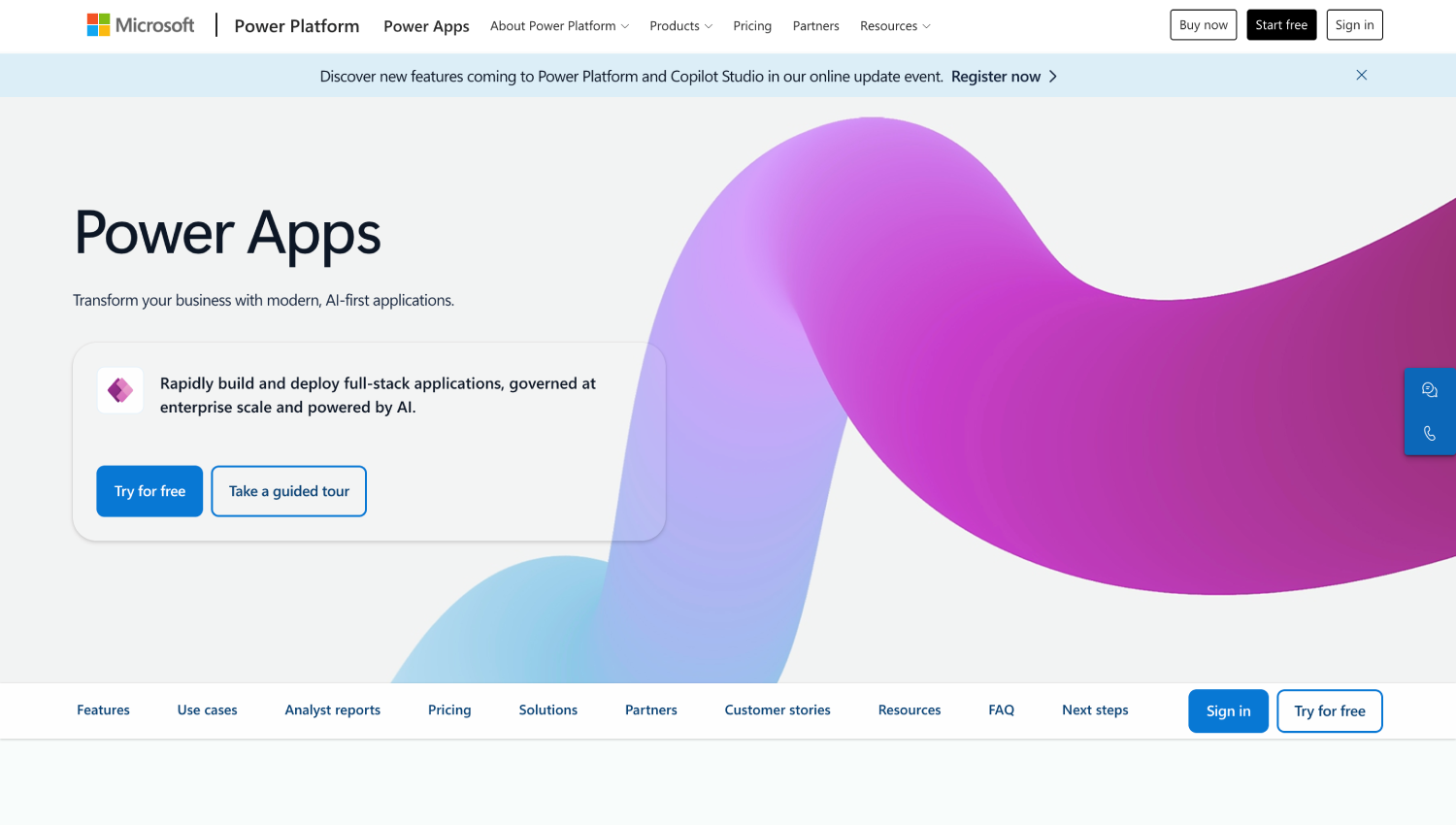
Microsoft Power App's Homepage
Best for: Organizations standardized on Power Platform, with makers who already write Power Fx formulas.
Power Apps replaces a Nintex list form from inside the list itself: Integrate, then Power Apps, then Customize forms opens the form in Power Apps Studio as a canvas app bound to that list. Logic goes into Power Fx formulas, and approvals run as separate Power Automate flows. It's already part of Microsoft 365, so there's no new vendor to onboard, and the form sits in the same environment as the rest of your Power Platform work.
Microsoft licenses Power Apps per user or per app and publishes both prices (checked November 2026). Our FlowForma vs. Power Apps comparison sets the two side-by-side.
Limitation: A customized list form opens only from the list it was built for. It doesn't appear as an app in Power Apps Mobile, so field teams who need a standalone app need a separate canvas app.
3. Plumsail Forms
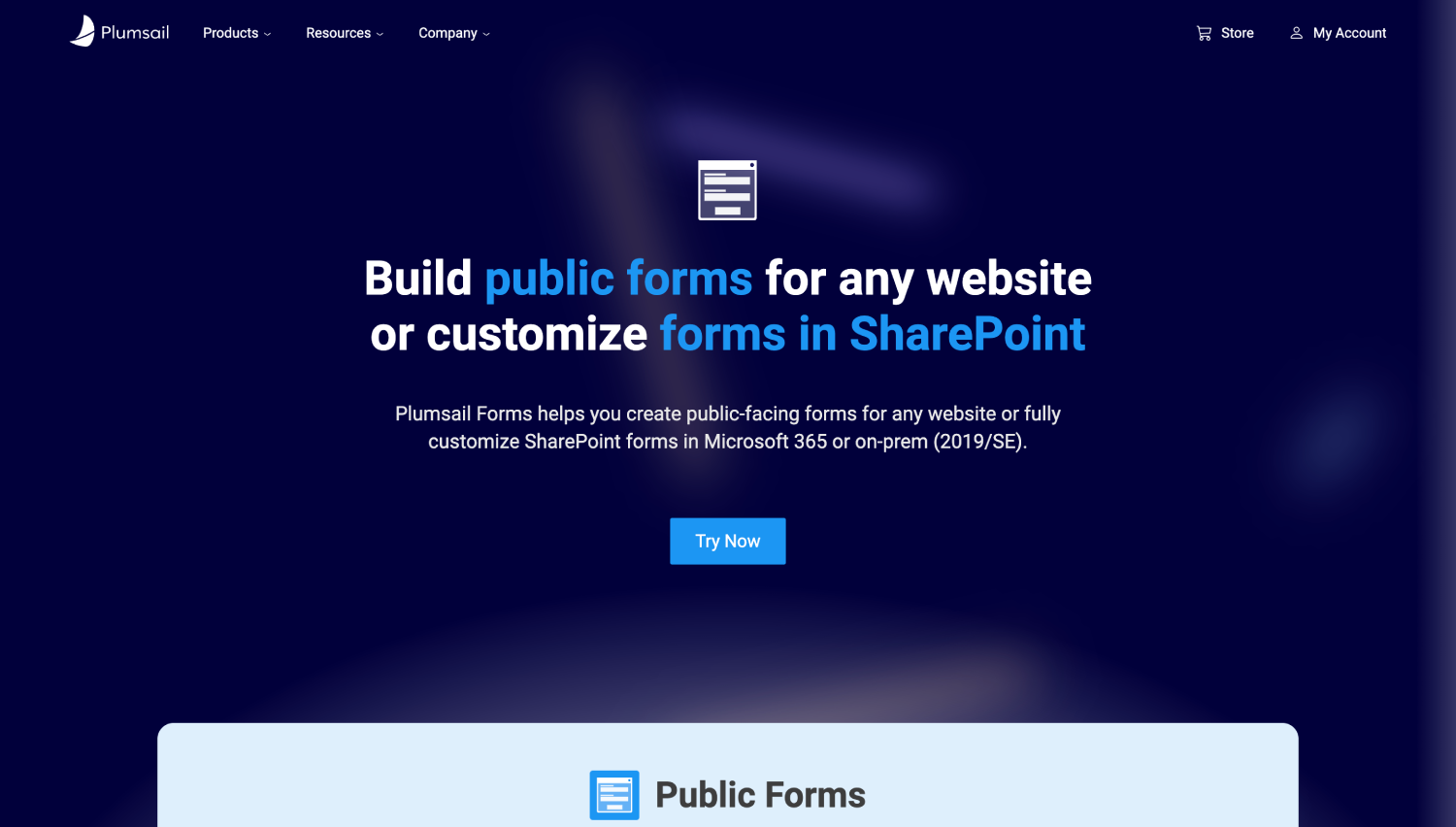
Plumsail Forms's Homepage
Best for: Teams that want the closest designer-for-designer swap for their Nintex list forms.
Plumsail Forms gives you a drag-and-drop designer where list columns go onto a canvas, arranged in layout containers with conditional rules. You build separate New, Edit, and Display forms, and one rule on a Tab, Accordion, or Grid container shows or hides every field inside it, so a 20-field section doesn’t need 20 rules.
Forms are hosted in your own SharePoint tenant, and Plumsail runs in SharePoint Online and on SharePoint Server 2019 and Subscription Edition. Any form can be exported to PDF from its toolbar, and Plumsail’s documentation shows DOCX-to-PDF generation through Plumsail Documents or Word Online.
For the cloud version, one subscription covers the whole tenant, billed annually or monthly, and Plumsail publishes the price (as of November 2026). SharePoint Server is licensed per web front-end server.
Limitation: Plumsail Forms is the form layer. Approvals run in Power Automate, so a form that started a Nintex workflow becomes two products to build and maintain.
4. Infowise Ultimate Forms
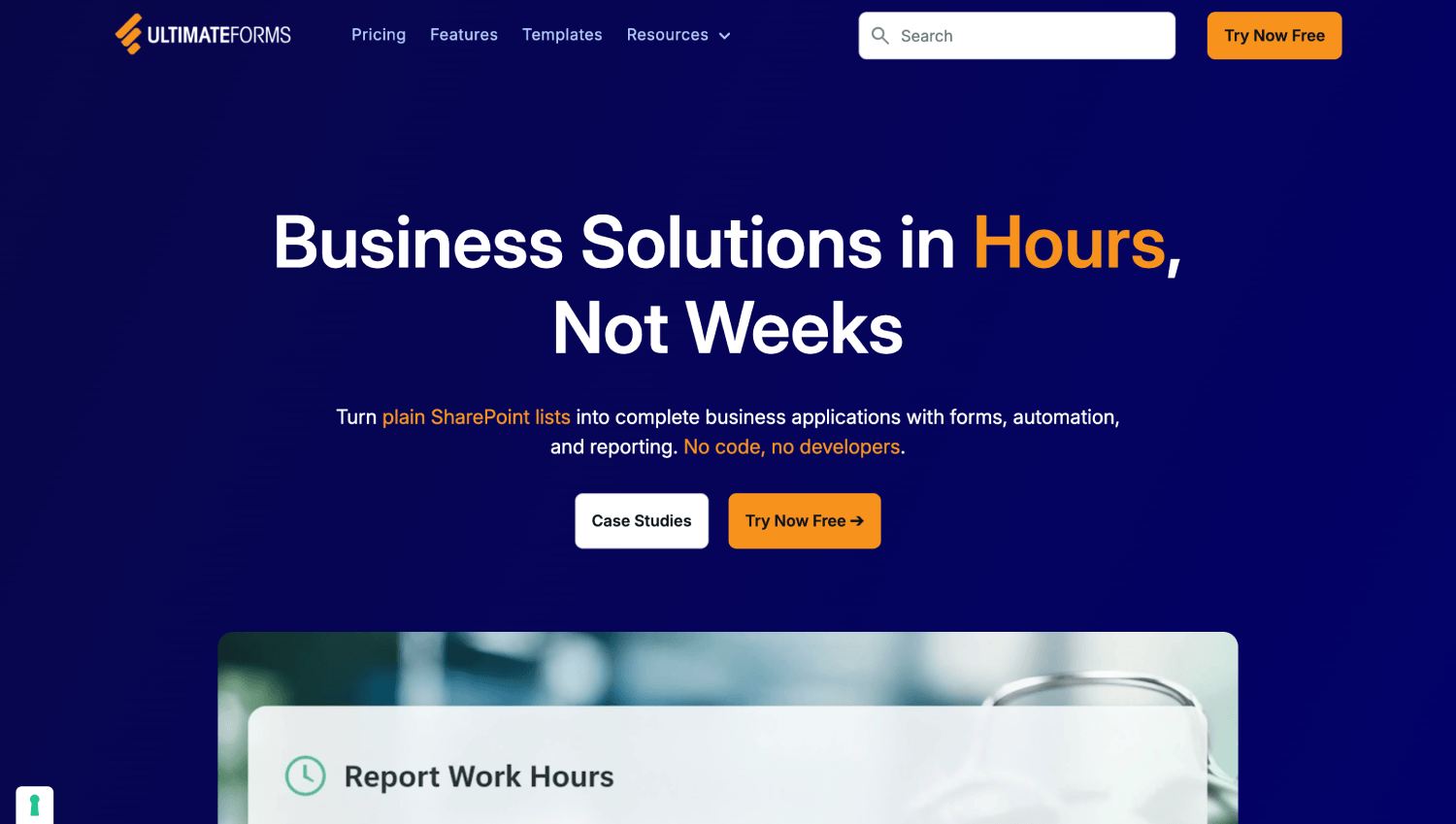
Infowise Ultimate's Homepage
Best for: Organizations that want forms, approvals, and generated documents inside SharePoint, online or on-premises.
Ultimate Forms covers more of the old Nintex footprint than a pure designer. Forms support tabs, conditional visibility, input validation, repeating sections and e-signatures. Approvals, alerts and "Actions" run inside SharePoint without a separate workflow engine, and the Print component turns a Word template with column placeholders into a Word or PDF document. A print action can then email the file, save it to a document library, or attach it to the item. It runs in the cloud and on-premises.
For the cloud version, Infowise licenses by user count, and an on-premises license covers one web front-end server; both prices are published (checked November 2026). People who only submit public forms don’t count as users.
Limitation: Every internal user who opens a form or view built with Ultimate Forms counts toward the license, so budget for everyone who works in those lists, not only the people who build forms.
5. Crow Canyon NITRO Studio
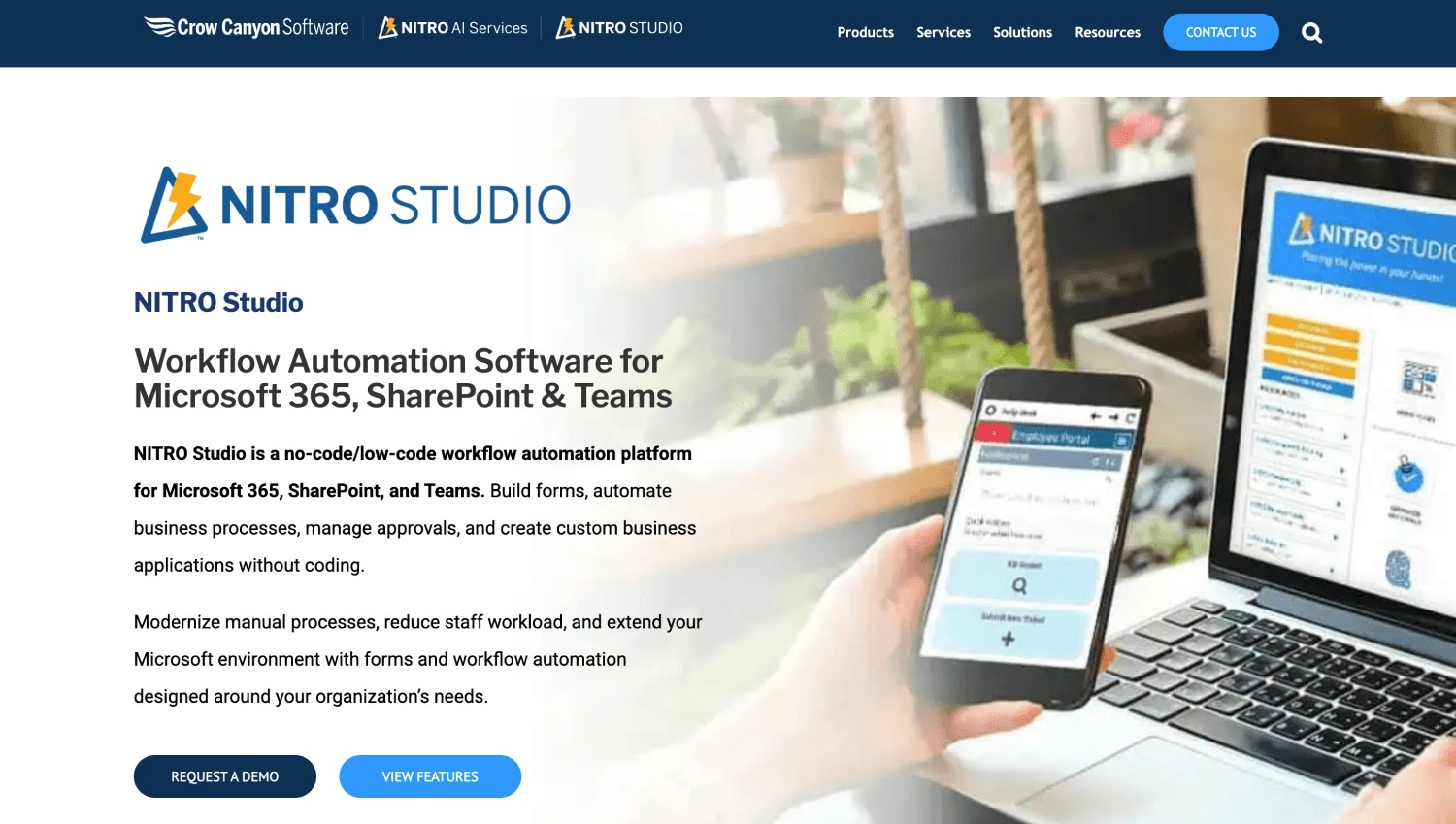
Nitro Studio's Homepage
Best for: Teams replacing Nintex forms and workflows together, including organizations that still run SharePoint on-premises.
NITRO Studio builds forms, workflows, and approvals across Microsoft 365, Microsoft Teams, and SharePoint, and it's fully supported online or on-premises. Crow Canyon states that process data stays in your own tenant or farm.
In the cloud, the NITRO Studio engine is hosted in Crow Canyon’s Azure or in your own GCC or GCC High environment, and on-premises support covers SharePoint 2013, 2016, 2019 and Subscription Edition. For a team with Nintex estates in the cloud and on-premises, one product across both is the main draw.
Crow Canyon publishes NITRO Studio prices as annual subscriptions in user tiers (as of November 2026), and one subscription covers sites, forms, and workflows.
Limitation: A tenant-wide license counts every user in your tenant or farm, not only the people who use NITRO forms, so check whether licensing specific sites fits better before you compare quotes.
6. SharePoint Smart Forms
SharePoint's Homepage
Best for: Teams whose Nintex form only ever collected data into a list.
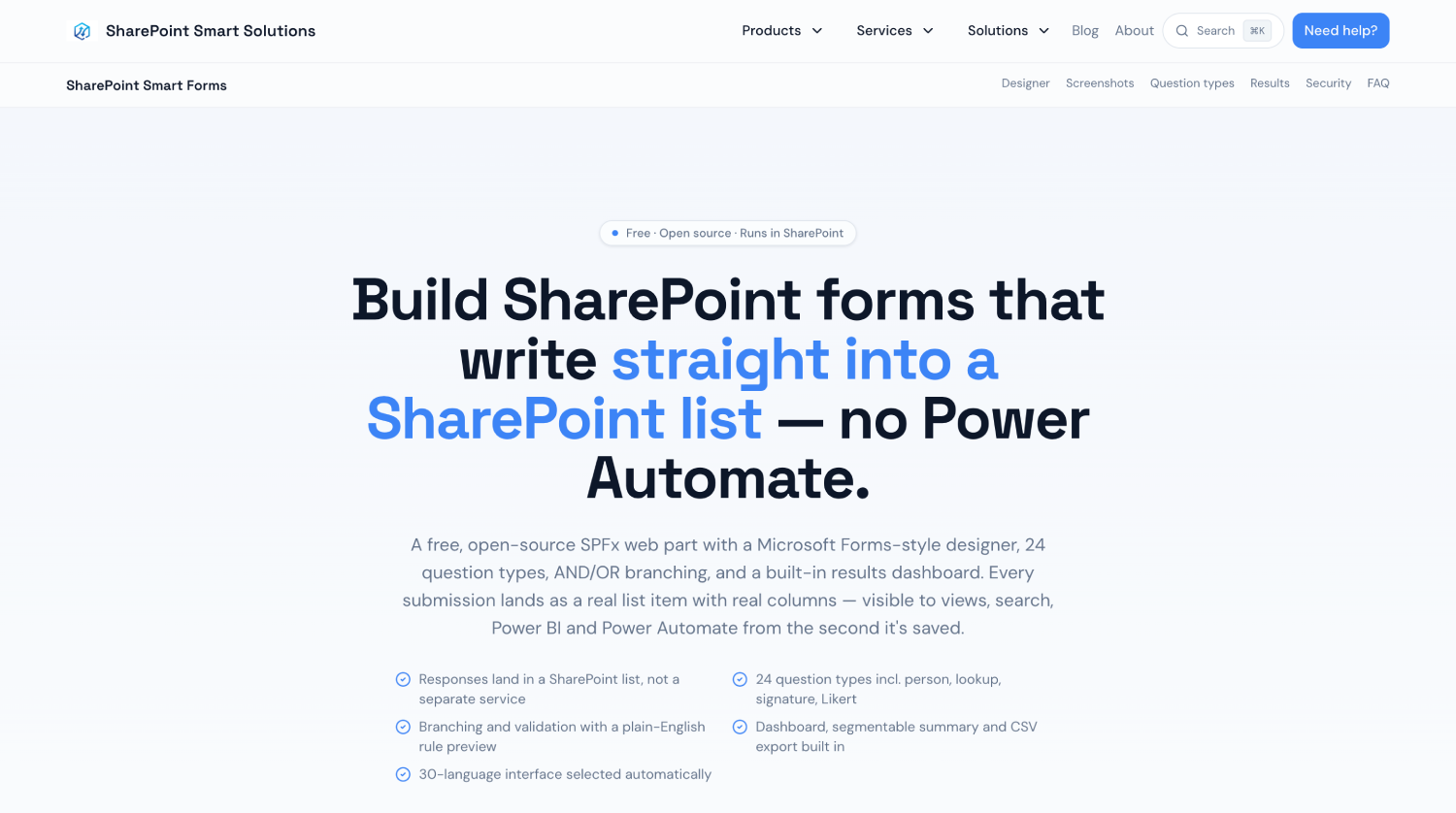
SharePoint Smart Forms is an MIT-licensed SPFx web part with a drag-and-drop designer, 24 question types, and branching on AND/OR conditions. Each submission is written straight into the SharePoint list you choose, so the data lands under the same permissions and retention policies as the rest of the site.
Fields include a person picker that resolves against Entra ID, lookups to other lists, calculated fields, signature capture and Likert grids. It installs as a single .sppkg package.
There’s no license fee: the code is open source on GitHub, so nothing renews. For a request form or checklist that never triggered a workflow, that’s the whole cost.
Limitation: The vendor states plainly that Smart Forms has no approval routing, no document generation and no vendor SLA. A form that starts an approval needs Power Automate or a workflow platform behind it.
7. skybow Studio
skybow's Homepage
Best for: IT teams packaging SharePoint business apps that must deploy to both Microsoft 365 and SharePoint Server.
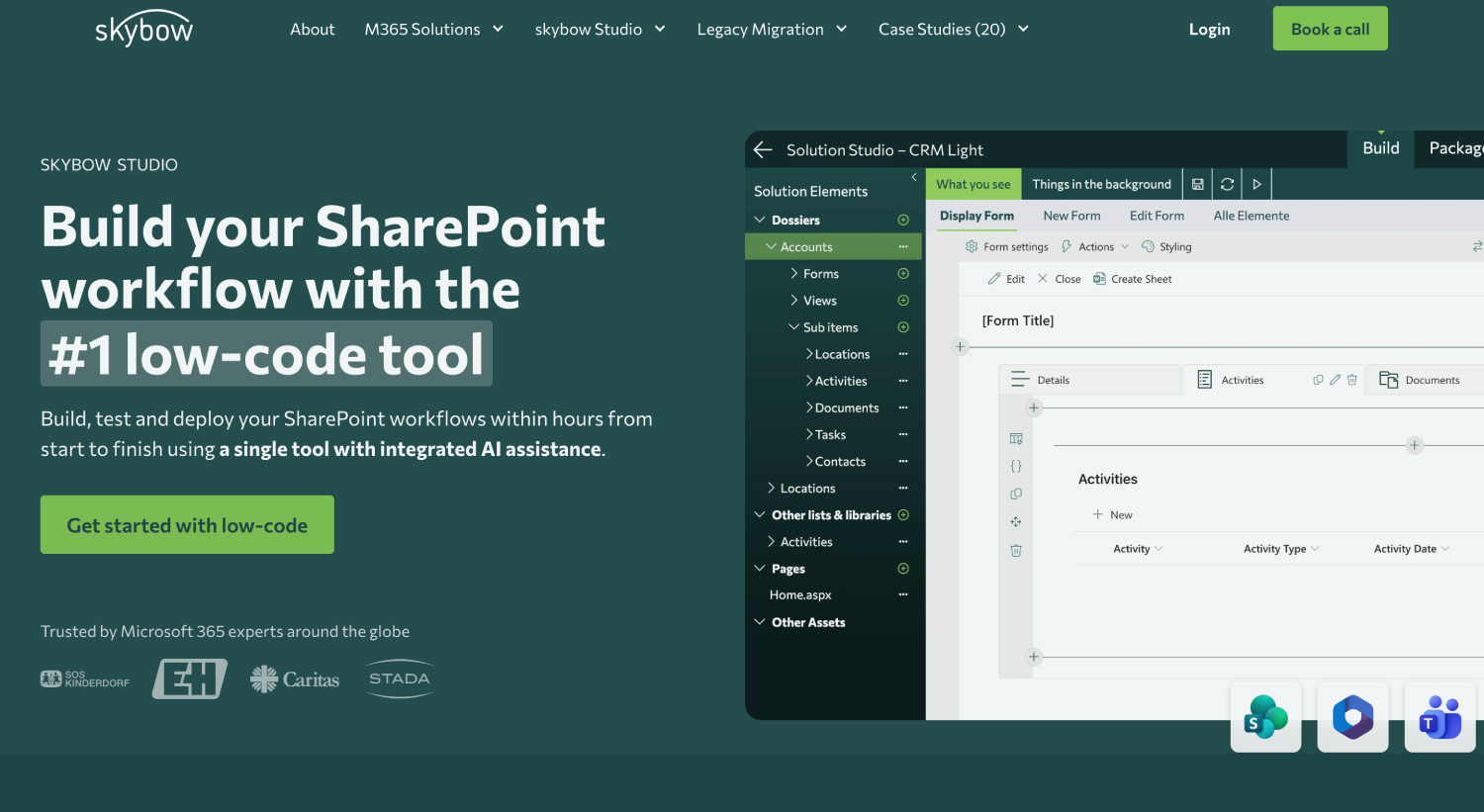
skybow builds forms, workflows, and complete apps in SharePoint, with pre-built approval apps for budget, CAPEX, and purchase orders. Solutions deploy to SharePoint Online or to SharePoint Server 2019 and Subscription Edition. Licensing depends on the number of users, with pricing on request, as of November 2026.
Limitation: Quote-based pricing means you can't compare cost until a project is scoped with the vendor.
8. Forms 365
Forms 365's Homepage
Best for: Teams that need SharePoint list forms plus public web forms for people outside the organization.
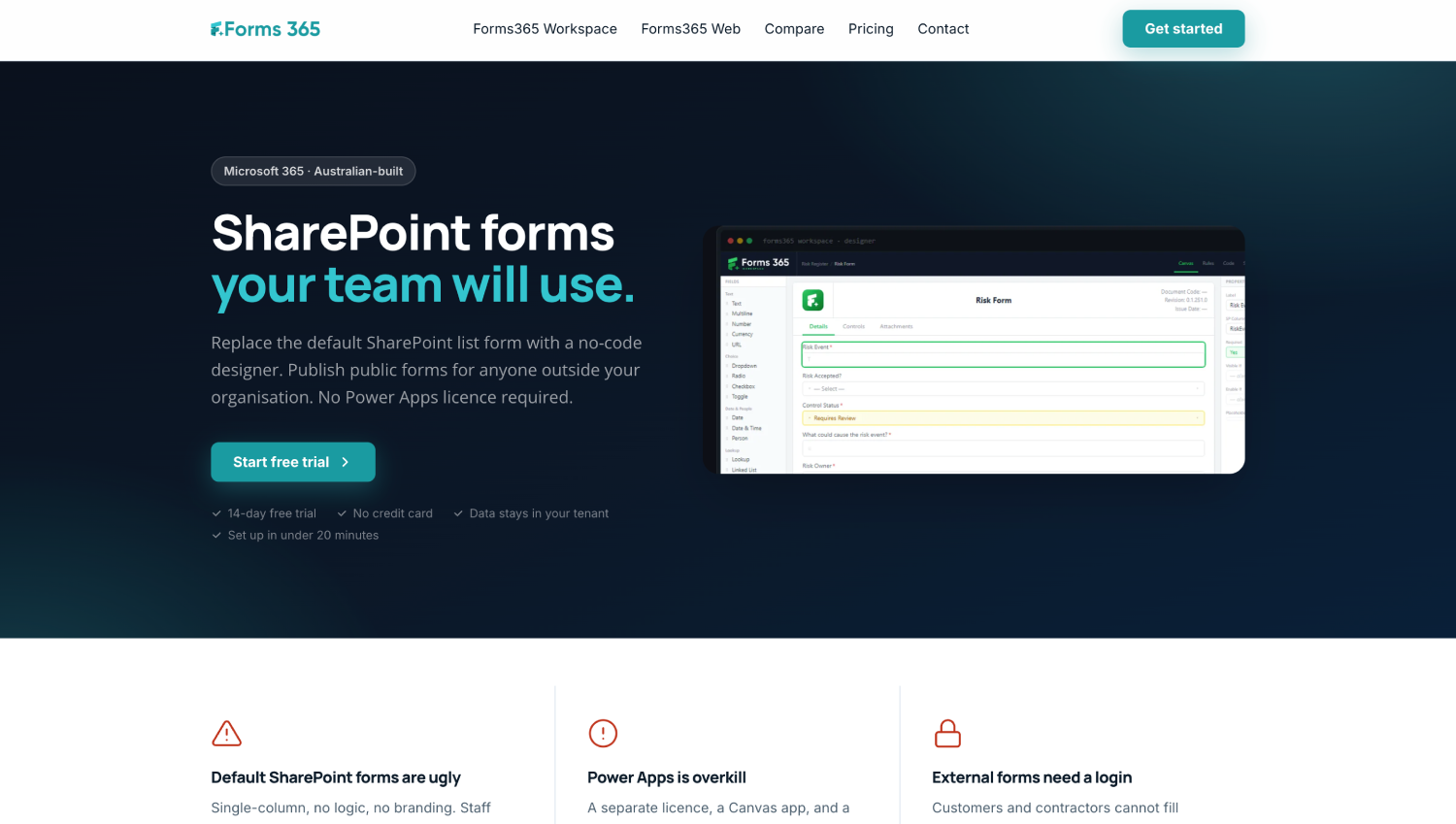
Forms 365 builds SharePoint list forms and public web forms, saving submissions to SharePoint lists inside your Microsoft 365 tenant, with signature capture built in. Workspace is licensed per tenant in user-count tiers, and Forms 365 publishes the prices (as of November 2026); Forms365 Web is priced by monthly response volume.
Limitation: Workflows run through Power Automate, Make, or Zapier, so approvals sit in a second product.
Do you need a form builder or a forms and workflow platform?
A Nintex form solution has four parts: the SharePoint list, the form, the approval logic, and the documents or notifications. A list form designer replaces only the form. If the Nintex form started an approval, you also need Power Automate or a platform such as FlowForma Process Automation that includes workflow.
Take a purchase requisition. The form shows a CAPEX section only when the amount crosses a threshold, routes to the requester's manager, sends rejections back with comments, and keeps a record of who approved what. Here's where each part lands after the move:
|
Nintex component
|
Forms-only designer (Plumsail, Forms 365, Smart Forms)
|
Power Apps with Power Automate
|
Infowise Ultimate Forms
|
FlowForma Process Automation
|
|
SharePoint list
|
Stays where it is
|
Stays where it is
|
Stays where it is, online or on-premises
|
Stays in your Microsoft 365 tenancy
|
|
Form and conditional rules
|
Rebuilt in the designer
|
Rebuilt as a canvas app form in Power Fx
|
Rebuilt in the Ultimate Forms designer
|
Rebuilt in the no-code designer, or by FlowForma Copilot from the Nintex form
|
|
Approval routing and rejection
|
A separate tool, usually Power Automate
|
A Power Automate flow
|
Approvals and Actions inside SharePoint
|
Built into the same process
|
|
Documents and notifications
|
A separate tool or add-on
|
Power Automate actions
|
Alerts, plus Word or PDF from a print template
|
Built in, on every plan
|
NITRO Studio and skybow sit with Infowise: the approval is built into the product rather than handed to Power Automate.
If the form only collects data into a SharePoint list, choose a list form designer such as Plumsail Forms or Forms 365, because only the form changes. If the form starts an approval that business teams must own, choose FlowForma Process Automation, because form, workflow, approvals, and documents run in one no-code platform inside your Microsoft 365 tenancy. If your team builds on Power Platform, choose Power Apps with Power Automate.
The split matters more than it looks on day one. Two products mean two places to change when a policy changes, and the person who owns the form often can't edit the flow. At the A14 Integrated Delivery Team, a joint venture of Costain, Skanska, and Balfour Beatty, the IT
Manager evaluated and rejected Nintex, K2, and Power Apps first, then built 24 flows himself on our platform. For the routing side, our approval workflow automation page shows how multi-step approvals are configured.
Book your demo, and bring one of your Nintex forms to rebuild on the call.
How much do Nintex Forms alternatives cost in 2026?
Nintex Forms alternatives use four pricing models: user-based, tenant-based, process-based, and free open source. As of November 2026, skybow is the only one of these eight alternatives that doesn’t publish prices; it quotes on request. Budget for rebuilding and testing each form as well as the license.
Each model scales with something different, and each vendor decides who counts as a user. Infowise counts anyone who opens a form or view built with Ultimate Forms, a tenant-wide NITRO Studio license counts every user in the tenant or farm, and Forms 365 sets its tenant price in user-count tiers.
Plumsail’s cloud subscription covers the whole tenant, while process-based pricing grows with the number of end-to-end processes you automate. Ask what each vendor counts before you compare quotes.
Our Process Automation plans are priced per process, as of November 2026:
- Essentials: Up to 3 processes, from $2,347, or £1,722, or €2,067 per month, billed annually. FlowForma Copilot and AI Agents are add-ons.
- Professional: Up to 30 processes, from $3,293, or £2,486, or €2,900 per month, billed annually, with FlowForma AI (FlowForma Copilot, AI Agents, Smart Assistants and Summarization) included under fair usage limits.
- Enterprise: Priced on your process estate.
The license is only part of the bill. Rebuilding forms, retesting rules, and retraining approvers costs staff time on every Nintex Forms alternative, which is why build speed and migration help belong in the comparison alongside the price.
Do Nintex Forms alternatives keep data and permissions inside SharePoint Online?
Most SharePoint-native alternatives save submissions as SharePoint list items, so list and item permissions still control access. Check where each tool renders the form and processes data. Hiding a field on a form does not secure it, because anyone with access to the item can read it.
Most Nintex Forms alternatives keep data in your own environment. Plumsail hosts forms in your own tenant. Smart Forms, Forms 365, and NITRO Studio keep submissions in your SharePoint lists, and Power Apps list forms inherit access from the list, so anyone who can't read the list can't open the form.
Our Process Automation platform keeps process data in your own Microsoft 365 tenancy and is certified to ISO/IEC 27001:2022 and Cyber Essentials. Cyber Essentials is a UK government-backed certification for core cyber security controls, and both are independently audited.
Why hiding a field is not a security control
SharePoint Online sets permissions at the site, list, folder, and item level, not per column. Picture a salary approval form that hides the salary field from the requester. The form looks right, but the requester can still open the list view, export to Excel, or query the item, and the salary is there. If a value must stay private, keep it in a separate list with its own permissions, or break inheritance on the item itself.
How do you migrate Nintex Forms to another SharePoint Online form builder?
Plan a rebuild. ShareGate no longer migrates Nintex New Responsive Forms to or from SharePoint Online, and copying the list does not keep the form. Inventory forms, recover definitions from the hidden NintexFormXML library, rebuild rules, reconnect approvals, and test. FlowForma Copilot can rebuild an uploaded Nintex form.
The tooling picture is blunt. ShareGate's documentation, updated August 12, 2026, says republishing a migrated New Responsive form doesn't restore its customizations, and ShareGate states that Nintex forms can't be converted to Power Apps formats. Treat each
Nintex form as a specification for the new one:
- Inventory every form. Record the list it sits on, its format (Classic, old responsive, or New Responsive) and whether it starts a workflow.
- Recover the definition. Export it from the NintexFormXML library so you have the controls and rules on file, even for forms that no longer open. Nintex publishes a script that exports legacy form definitions in bulk.
- Map columns. List every column the form reads or writes, including lookups and calculated values, and confirm the new tool supports each column type.
- Rebuild the form and its rules in the new tool, starting with the forms that start approvals.
- Reconnect approvals and documents, including rejection paths and notifications.
- Test, then cut over list-by-list, keeping the exported definitions until every form is signed off.
On our platform, step 4 starts differently. FlowForma Copilot reads an existing Nintex form and recreates it, simple processes rebuild in minutes, and our migration specialists rebuild the complex ones.
Where the approval logic lives in a workflow that no longer runs, rather than in the form, you can describe the process in Claude, ChatGPT, or Microsoft Copilot instead (available since November 2026). Through our MCP server, the assistant asks the questions a business analyst would, writes the specification, and sends a working flow to our platform, where permissions and approvals stay governed.
Migration packages include 10,000 migration credits, a 2-day training session, and a phased go-live, and complex enterprise migrations typically complete from 6 weeks. Our Nintex migration guide walks through the program in detail.
What to test before switching off Nintex Forms
Run each rebuilt form through new-item creation, editing an existing item, every conditional rule, lookup values, attachments, user permissions, approval triggers, mobile rendering, and error messages. Test with a real approver's account, not an admin's, because admin rights hide permission gaps.
Choosing your replacement
Picking between Nintex Forms alternatives for SharePoint Online comes down to what each form started. Sort your inventory into forms that only collect data and forms that start an approval, then shortlist one tool for each group from the summary table. Replacing the form now and the workflow later means rebuilding the same process twice, so move the approval-starting forms as whole processes.
The quickest test is one of your own forms: start a free trial of FlowForma Process Automation, which runs for 30 days with no credit card, and rebuild one approval-starting form yourself.